How to Insert New Slide in PowerPoint Shortcut


Learn to efficiently insert new slides in PowerPoint using shortcuts, saving time and boosting productivity
Adding a new slide in PowerPoint is a common task, and knowing the shortcut for it can save time and boost efficiency.
Whether you’re creating a professional presentation or a school project, mastering this shortcut is a simple way to improve your workflow.
Follow this step-by-step guide to learn how to insert new slides quickly and effectively using shortcuts.
Steps to Insert a New Slide in PowerPoint Using Shortcuts
Step 1: Open Your PowerPoint Presentation
Launch PowerPoint and open an existing presentation or start a new one.
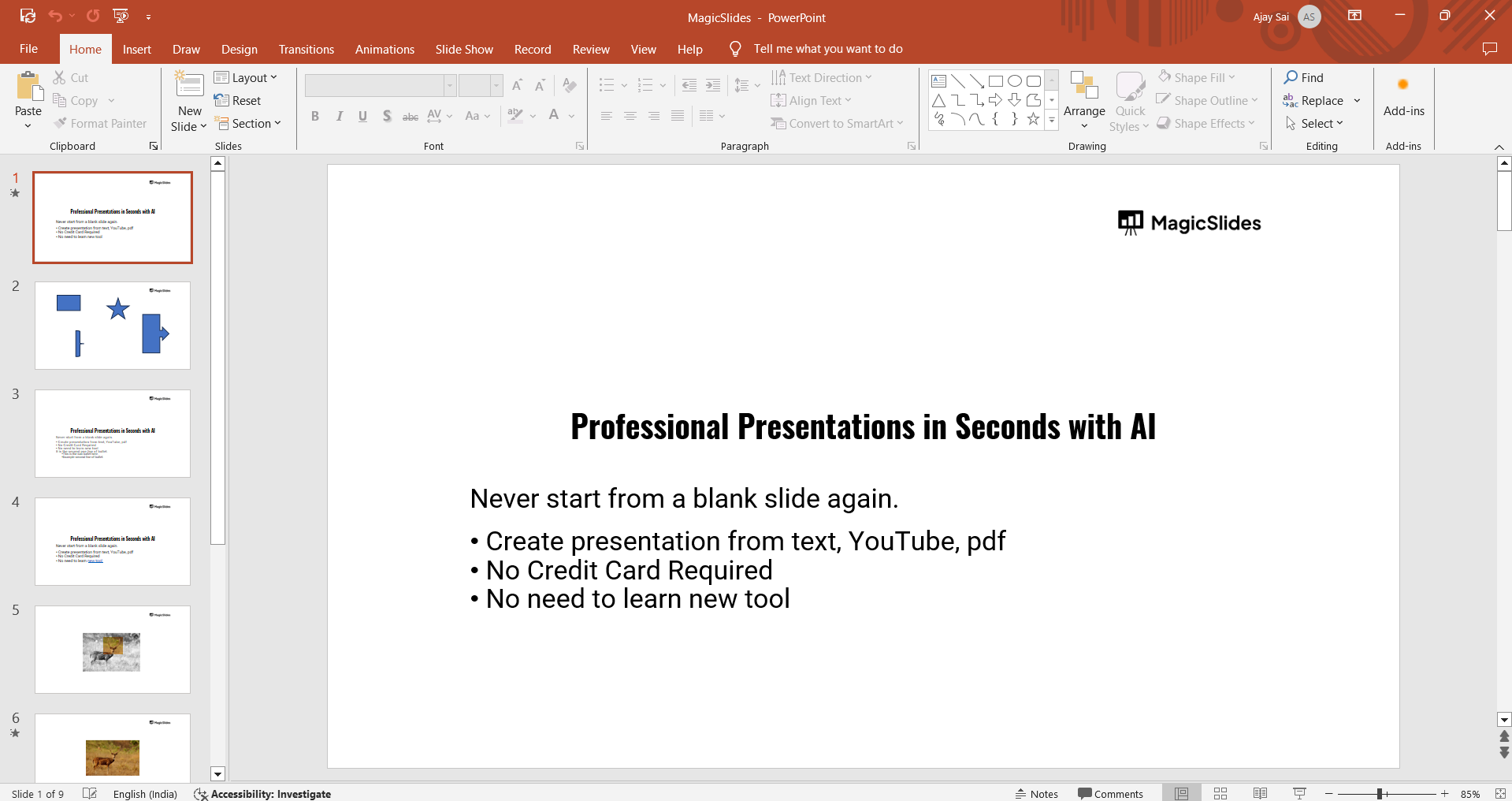
Navigate to the slide where you want to add a new slide.
Step 2: Use the Shortcut for Adding a New Slide
Windows Users: Press Ctrl + M on your keyboard.
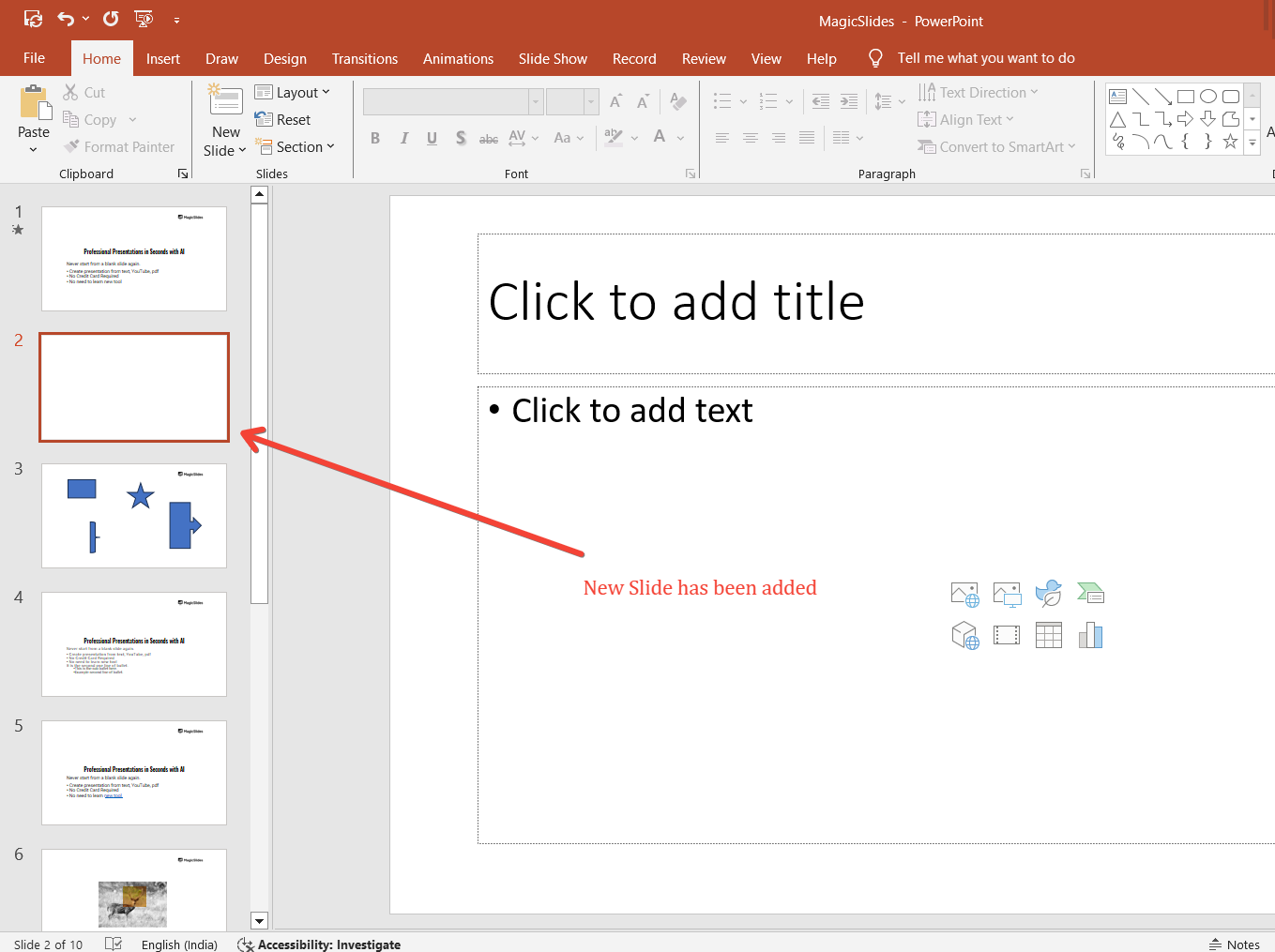
Mac Users: Press Command + Shift + N on your keyboard.
A new slide will immediately appear below the currently selected slide.
Step 3: Customize the New Slide Layout
Right-click on the newly added slide in the left slide panel.
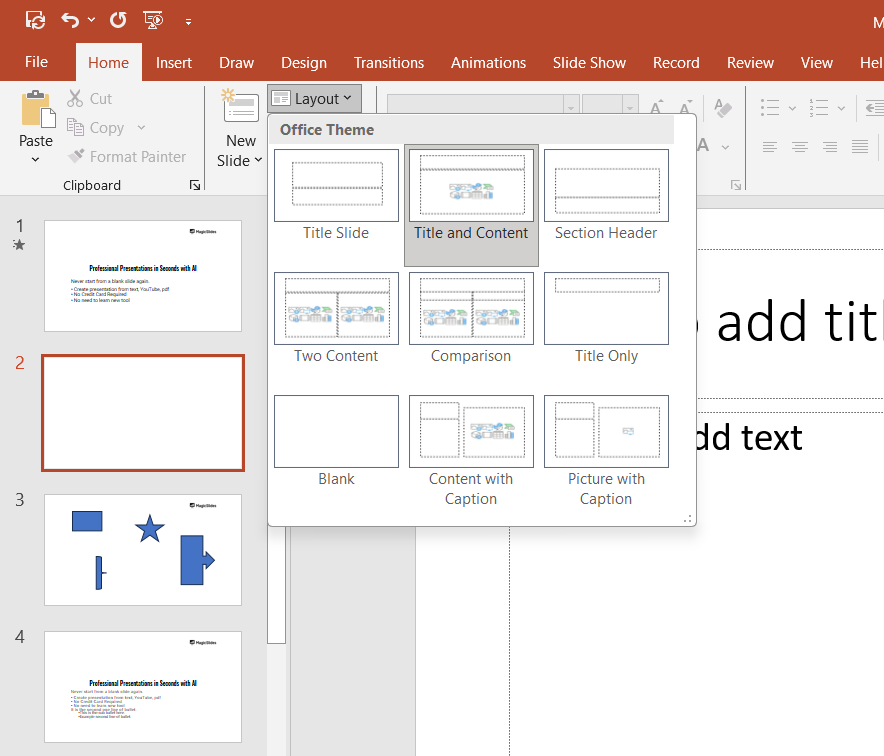
Select Layout from the context menu and choose the desired slide layout, such as Title Slide, Content Slide, or Blank Slide.
Step 4: Repeat as Needed
Use the shortcut as many times as necessary to add additional slides.
Each time you press the shortcut keys, a new slide will be inserted.
Step 5: Save Your Work
Regularly save your presentation by pressing Ctrl + S (Windows) or Command + S (Mac) to avoid losing changes.
Conclusion
Using shortcuts to insert new slides in PowerPoint is a fast and efficient way to streamline your presentation creation process.
Whether on Windows or Mac, mastering these keyboard combinations helps you save time and focus on your content.
Practice these shortcuts to become a PowerPoint pro in no time!
FAQs on Adding New Slides in PowerPoint Using Shortcuts
Can I customize the default slide layout for new slides?
Yes, you can set the default slide layout in PowerPoint by using the Slide Master under the View tab.
Is there a shortcut to duplicate an existing slide?
Yes, select the slide you want to duplicate and press Ctrl + D (Windows) or Command + D (Mac).
Does the shortcut work in older versions of PowerPoint?
Yes, the shortcut (Ctrl + M on Windows and Command + Shift + N on Mac) works in most versions of PowerPoint, including older ones.
Mastering this simple shortcut makes creating presentations quicker and more enjoyable!


