Create Quiz with AI
Create quizzes from any topic, YouTube URL, PDF, or text in less than 10 seconds
character count: 0/ 6000
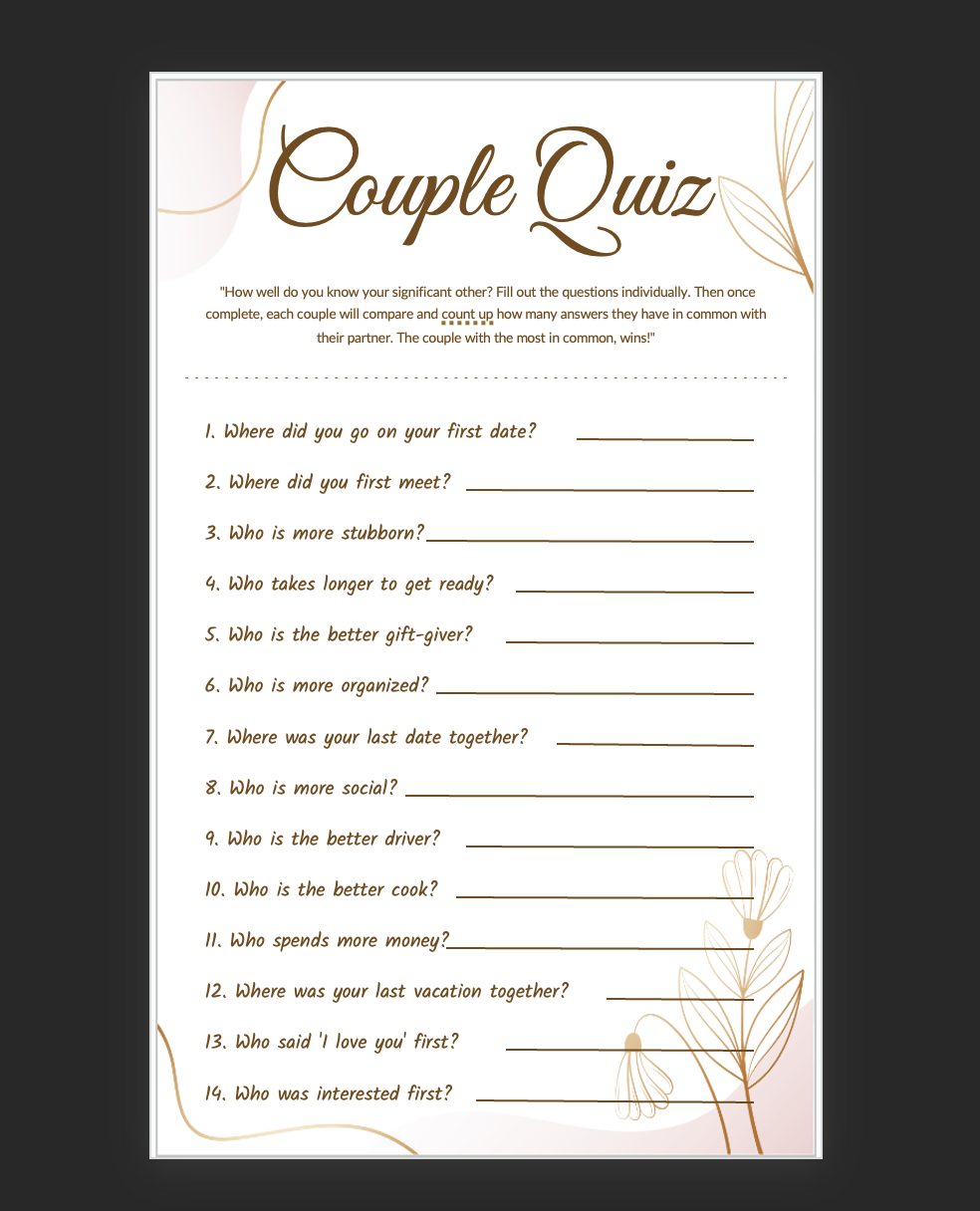
Couple Quiz
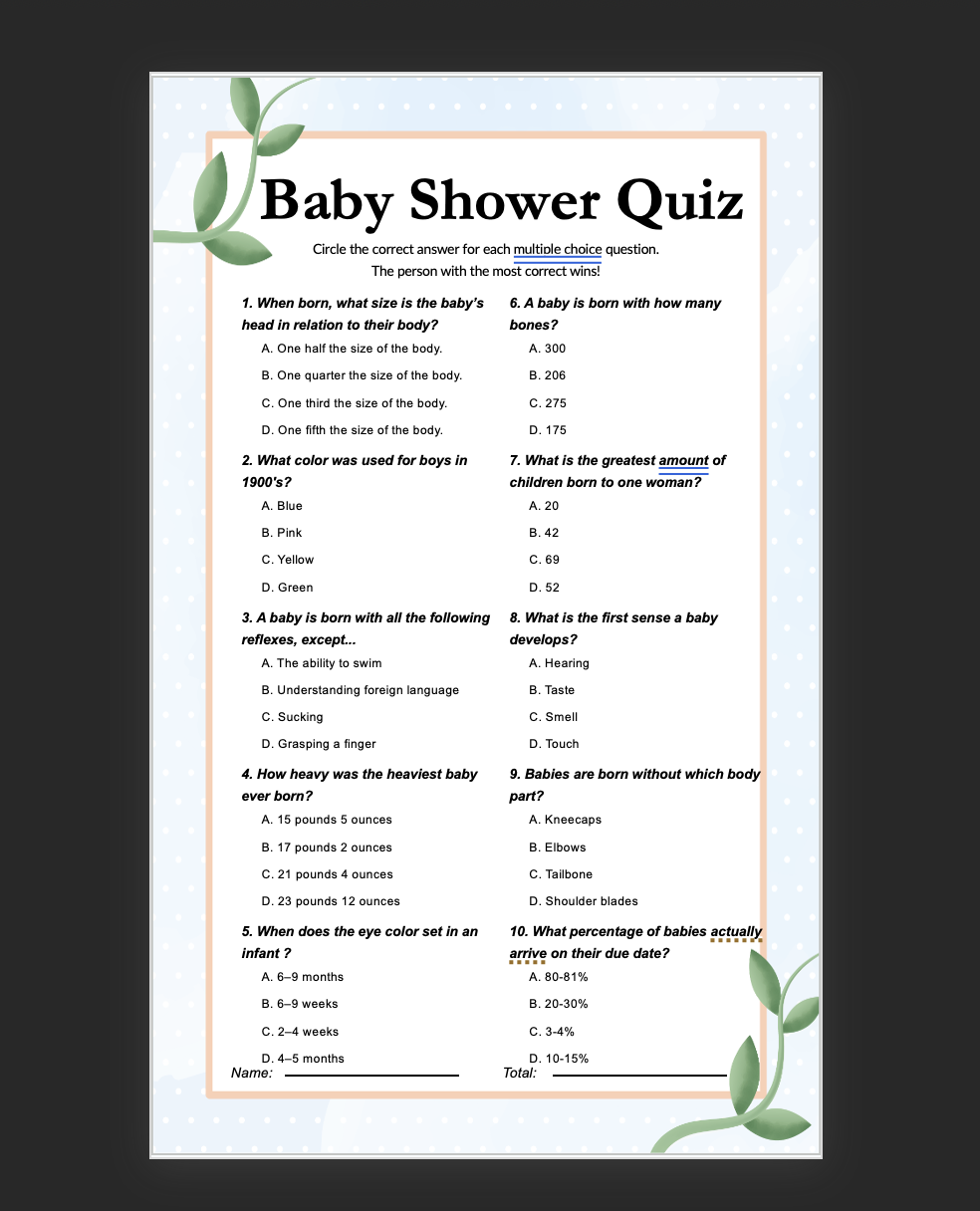
Baby Shower Quiz
How to Create AI-Powered Quizzes
Generate engaging quizzes in 4 simple steps
Enter Topic
Input your subject matter, upload content, or paste text for quiz generation
Choose Format
Select quiz type: multiple choice, true/false, or mixed question formats
AI Generation
Our AI analyzes content and creates relevant, challenging questions automatically
Export & Share
Download, print, or share your interactive quiz with students or audience
Why Choose Our AI Quiz Generator?
Perfect for educators, trainers, and content creators
Smart Question Generation
AI analyzes your content to create relevant, challenging questions that test comprehension.
Multiple Question Types
Create multiple choice, true/false, fill-in-the-blank, and short answer questions.
Instant Results
Generate comprehensive quizzes in seconds, saving hours of manual question writing.
Customizable Content
Edit questions, adjust difficulty levels, and add your own questions to personalize quizzes.
Multiple Export Options
Export as PDF, Word document, or interactive web quiz for various learning platforms.
Always Free
Create unlimited quizzes with no restrictions, watermarks, or hidden costs.
Frequently Asked Questions
Everything you need to know about our AI quiz generator
How does the AI create quiz questions?
Our AI analyzes your input content, identifies key concepts and facts, then generates relevant questions with multiple plausible answer choices to test understanding.
What types of content can I use to generate quizzes?
You can use any text content including articles, textbook chapters, presentations, documents, or even just topic keywords to generate comprehensive quizzes.
Can I customize the generated questions?
Yes! You can edit questions, modify answer choices, adjust difficulty levels, add explanations, and include your own custom questions alongside AI-generated ones.
Is this suitable for educational use?
Absolutely! Our quiz generator is perfect for teachers, trainers, and educators creating assessments, practice tests, study materials, and interactive learning content.
How many questions can I generate?
There are no limits! Generate as many questions as you need. You can create short quizzes or comprehensive exams with dozens of questions.
Can I create interactive online quizzes?
Yes! Export your quizzes in interactive formats that can be shared online, embedded in learning management systems, or used for self-assessment.
Explore Other Design Tools
Discover more powerful tools to enhance your presentations


