What to Put in an “About Me” Presentation for School


Discover key elements to include in your school “About Me” presentation, from hobbies to academic goals.
Creating an “About Me” presentation for school is an excellent way for students to introduce themselves, share their interests, and express their personalities.
Whether it’s for a new class, a student project, or a personal reflection, crafting an engaging and informative presentation can set the stage for a fantastic school year.
Here are some essential tips and ideas on what to include in your “About Me” presentation.
Introduction: Start with Your Basics
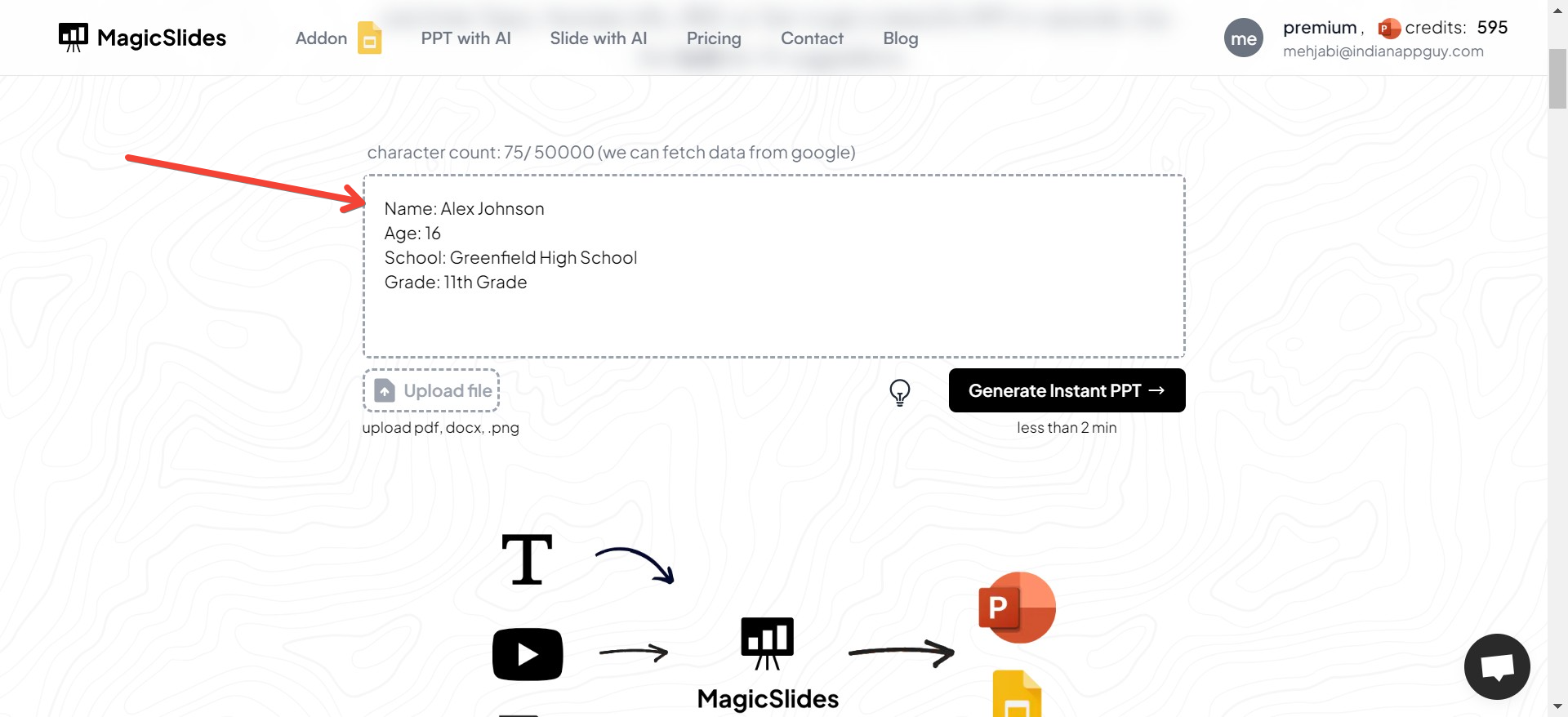
Begin your presentation with the basics—your name, age, and where you’re from. You can also mention your grade and the school you attend. This gives your audience a quick snapshot of who you are.
Example Slide:
- Name: [Your Name]
- Age: [Your Age]
- School: [Your School’s Name]
- Grade: [Your Grade Level]
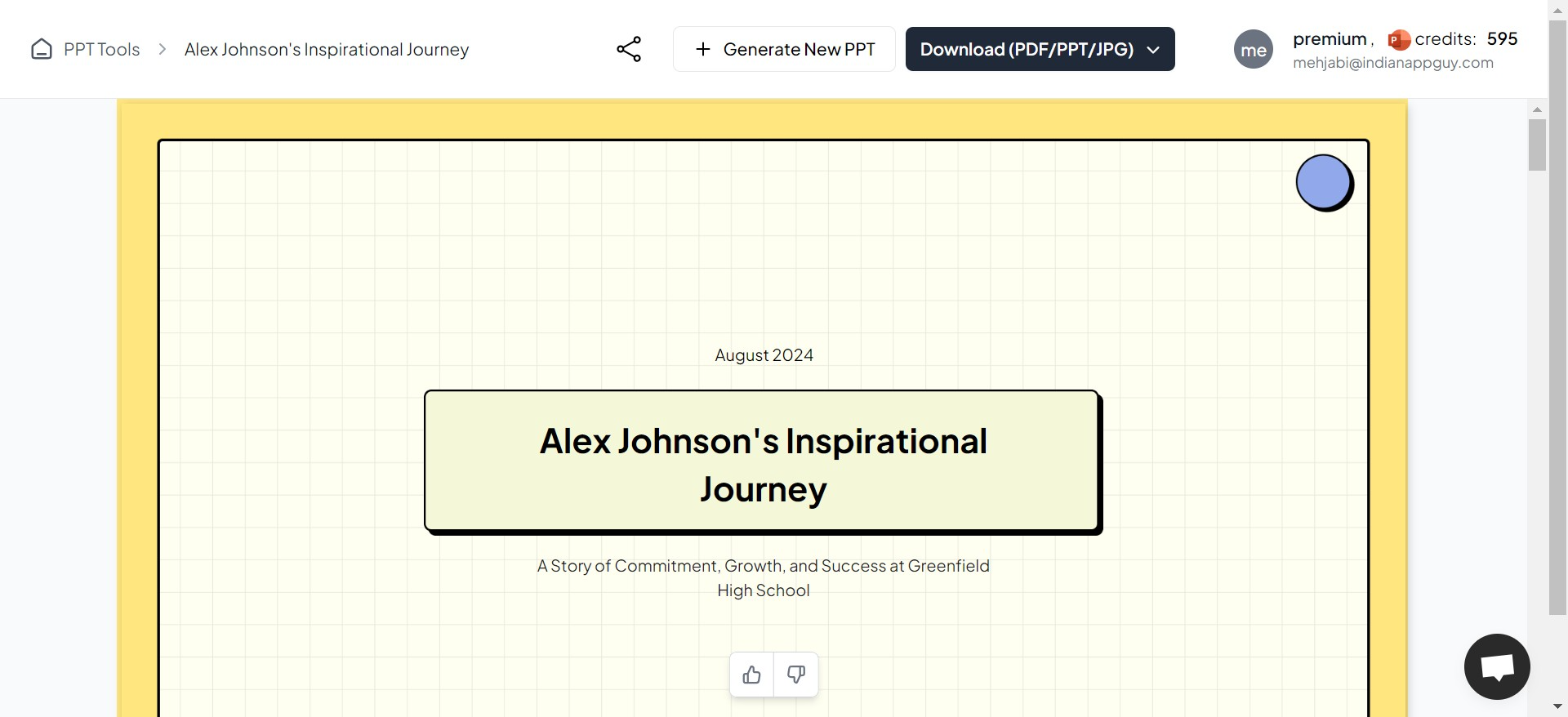
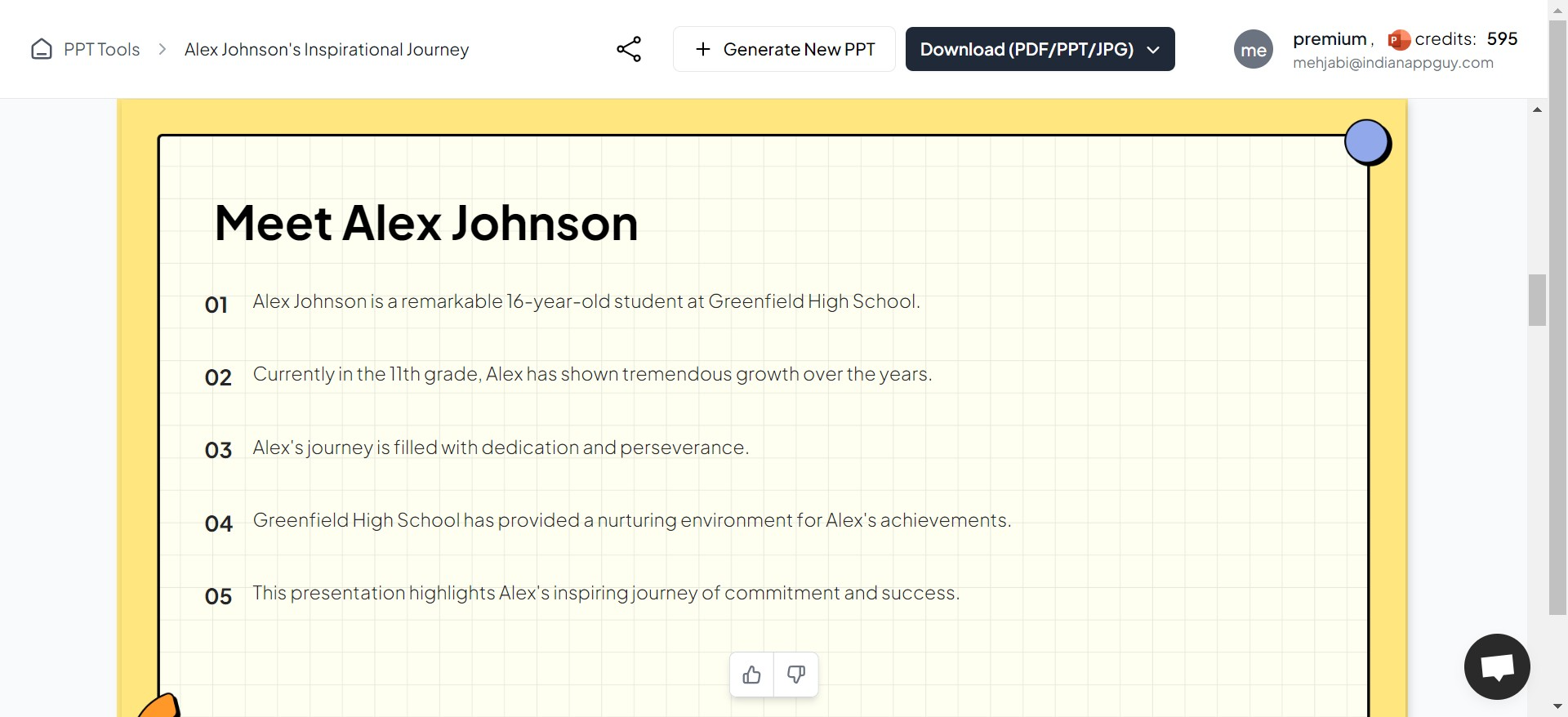
For example, here I gave all my info to this AI Presentation maker – MagicSlides. It gave me this slide:
Family and Background
Sharing details about your family can give others a sense of your background. You might want to talk about your siblings, any pets, or significant traditions your family observes.
This section helps humanize your presentation and can create connections with others who have similar backgrounds or interests.
Example Slide:
- Family Members: Brief details about your parents and siblings
- Pets: Names and types of pets you have
- Traditions: Any family traditions or cultural practices
Hobbies and Interests
This is your chance to shine and show what makes you unique. Discuss your hobbies, interests, and any extracurricular activities you’re involved in. Whether it’s sports, music, gaming, reading, or crafting, let your peers know what you’re passionate about.
Example Slide:
- Hobbies: List your main hobbies
- Sports: Any sports you play or follow
- Creative Pursuits: Any form of art or creativity you engage in (music, drawing, etc.)
Academic Interests and Achievements
Highlight your academic interests and any notable achievements. This can include your favorite subjects, any awards or recognitions you’ve received, and your educational goals. It’s a great way to showcase your dedication to your studies and future aspirations.
Example Slide:
- Favorite Subjects: Your best or favorite subjects at school
- Achievements: Any academic awards or recognitions
- Goals: Educational or career goals you are aiming for
Personal Challenges and Overcoming Them
If you’re comfortable, sharing personal challenges and how you’ve overcome them can be inspiring. This section shows resilience and determination. It can be about academic challenges, personal hurdles, or unique circumstances you’ve faced.
Example Slide:
- Challenges: Brief description of challenges
- Solutions: How you overcame or are managing these challenges
Fun Facts
Add a slide with some fun facts about yourself. These could be quirky habits, unique skills, or just interesting anecdotes. It’s a great way to add some humor and endear yourself to your audience.
Example Slide:
- Skill: An unusual skill or talent you have
- Travel: An interesting place you’ve visited
- Fact: Any other fun or surprising fact about yourself
Conclusion: Looking Forward
End your presentation by looking forward to the school year. You can express what you hope to achieve, how you wish to contribute to the school community, or what you’re most excited about in the coming year.
Example Slide:
- Looking Forward: What you’re excited about this year
- Contribution: How you plan to contribute to the school community
- Expectations: What you hope to achieve or learn
Visuals and Design Tips
- Keep It Visual: Use photos, icons, and infographics to keep your presentation engaging.
- Be Consistent: Use a consistent font and color scheme throughout your presentation.
- Keep Text Minimal: Use bullet points and keep text to a minimum to maintain interest and engagement.
Creating an “About Me” presentation is a wonderful opportunity to tell your story and make a positive impression. Use this platform to express who you are, share your passions, and invite others to see the world from your perspective. Good luck!


