Addon google slides iconPPT with AISlide TemplatesPPT TemplatesPricingBlog
    PPT with AISlide TemplatesPPT TemplatesPricingBlog
    1. Home
    2. Blog
    3. Best Presentation AI Tool in 2025 (with Real Use Cases + Comparisons)

    Best Presentation AI Tool in 2025 (with Real Use Cases + Comparisons)

    Ayan Ahmad Fareedi

    Published By

    Ayan Ahmad Fareedi

    Approved By

    Admin

    Published On

    July 12th, 2025

    Reading Time

    6 min read

    Compare the best presentation AI tools of 2025 with use cases, pricing, features, and honest pros and cons for each option.

    Creating presentations in 2025 looks very different than it did just a few years ago.
    What used to be a time-consuming task involving PowerPoint templates, design tweaks, and bullet point brainstorming is now powered by AI, and it's saving people hours every week. But while the tools have improved dramatically, choosing the best presentation AI tool still depends on your needs.
    Founders want speed. Designers want flexibility. Marketers need brand consistency. And most people? Just want to make a clean, smart-looking deck, fast.
    That’s why AI slide generators are gaining popularity. They turn basic inputs (like text, topics, URLs, or PDFs) into fully designed slides in seconds. But which one should you use? That’s what we’ll break down in this blog, with deep comparisons, real use cases, and practical evaluation criteria.

    What to Look for in a Presentation AI Tool

    Before picking a tool, here’s what actually matters to most users, beyond the hype:

    1. Ease of Use

    Most people aren’t designers. So the Best Presentation AI tools should let you input simple instructions and get usable results without a learning curve. Bonus points if the interface is clean, loads quickly, and doesn’t overwhelm you with a thousand features you won’t need.

    2. Input Flexibility

    Great AI presentation tools now accept:
    • Plain text
    • URLs (like blog posts or YouTube videos)
    • PDFs or docs
    • Meeting notes or transcripts
    • Even voice input (in some cases)
    The more input types supported, the more versatile the tool. MagicSlides, for example, allows you to paste content from almost any format, making it easier for teams that work with multiple sources.

    3. Design Quality & Templates

    Not all AI-generated slides are created equal. Some look generic, others are surprisingly polished. A strong presentation AI tool should offer:
    • Pre-built themes or styles
    • Professional typography
    • Image or icon support
    • Animations (optional but nice)
    This matters because you’re likely using these decks in high-stakes settings, like client calls or investor meetings. You need a balance of automation and polish.

    4. Export & Collaboration Options

    Modern workflows are cross-platform. That means:
    • Google Slides and PowerPoint exports are non-negotiable
    • Tools should support sharing links or collaborative editing
    • Integration with Notion, Slack, or email can be a bonus

    5. Workflow Compatibility

    You shouldn't have to overhaul how you work just to use a new tool. Instead, the Best Presentation AI tools should slide into your process:
    • Can you use it during async team updates?
    • Can you generate slides after a Zoom call using the transcript?
    • Does it support live collaboration across time zones?
    These are the real-world scenarios that determine if a tool will stick.

    Best Presentation AI Tool

    Here’s a breakdown of the top-rated tools for creating presentations using AI. This section not only covers features but includes pros, cons, and real-life examples of where each tool shines.

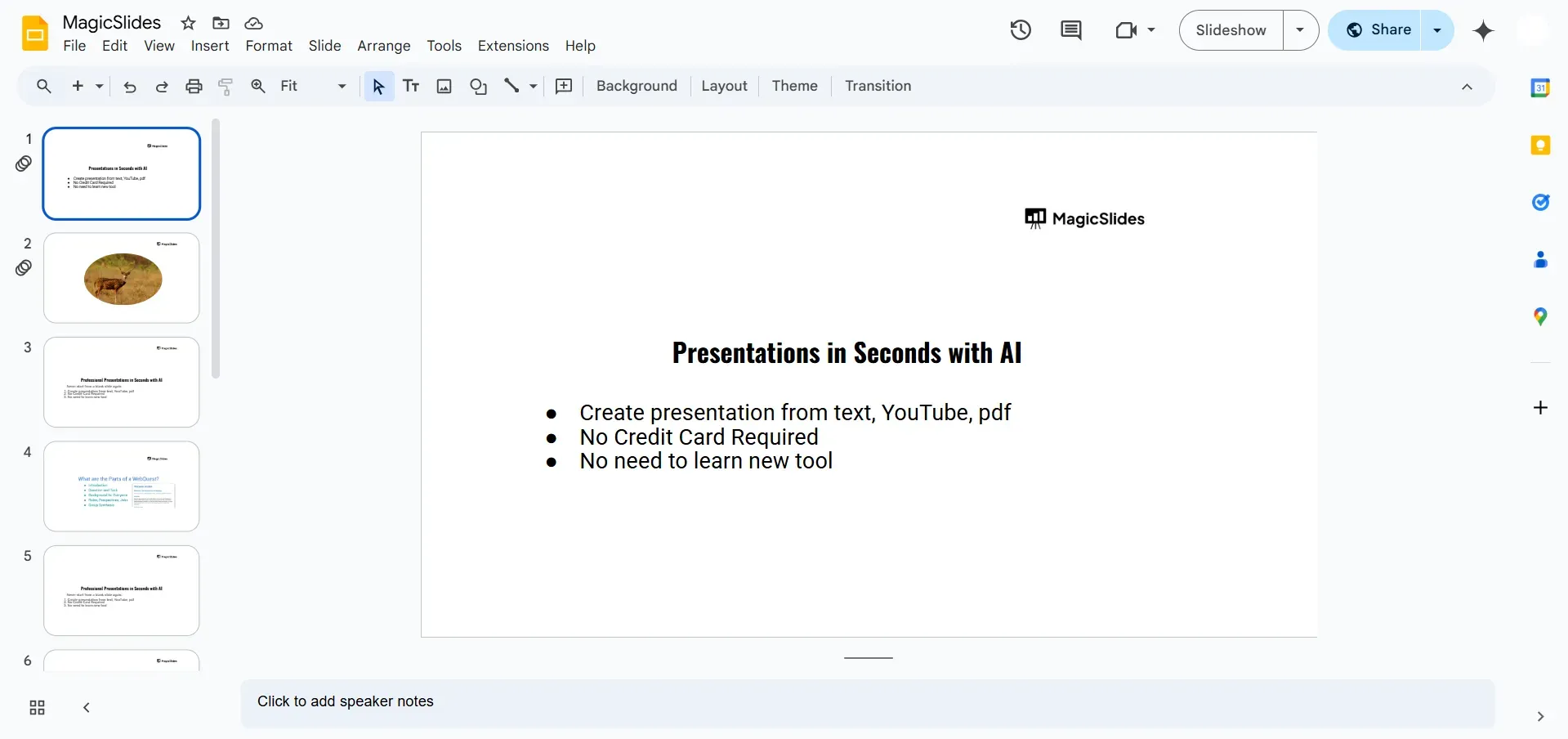
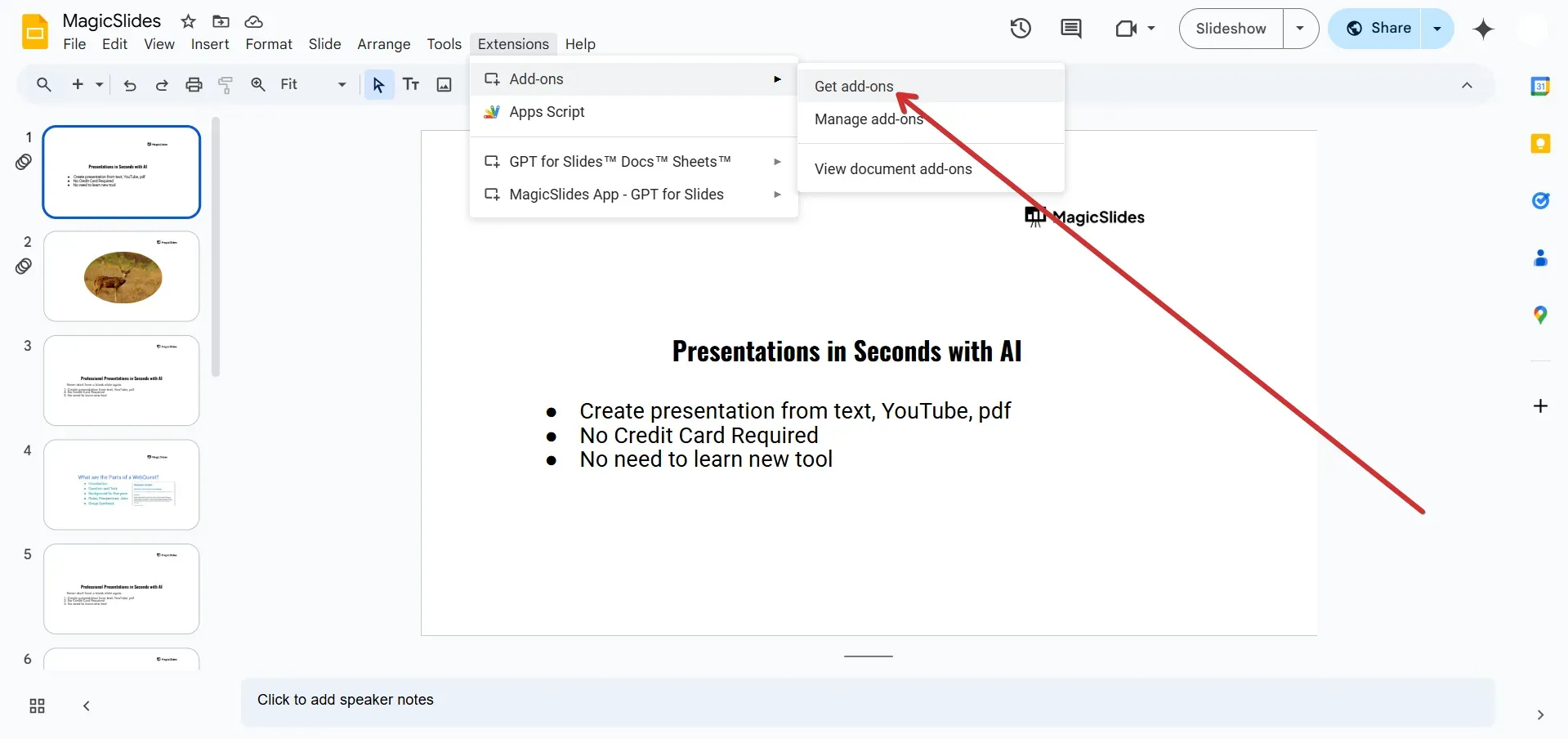
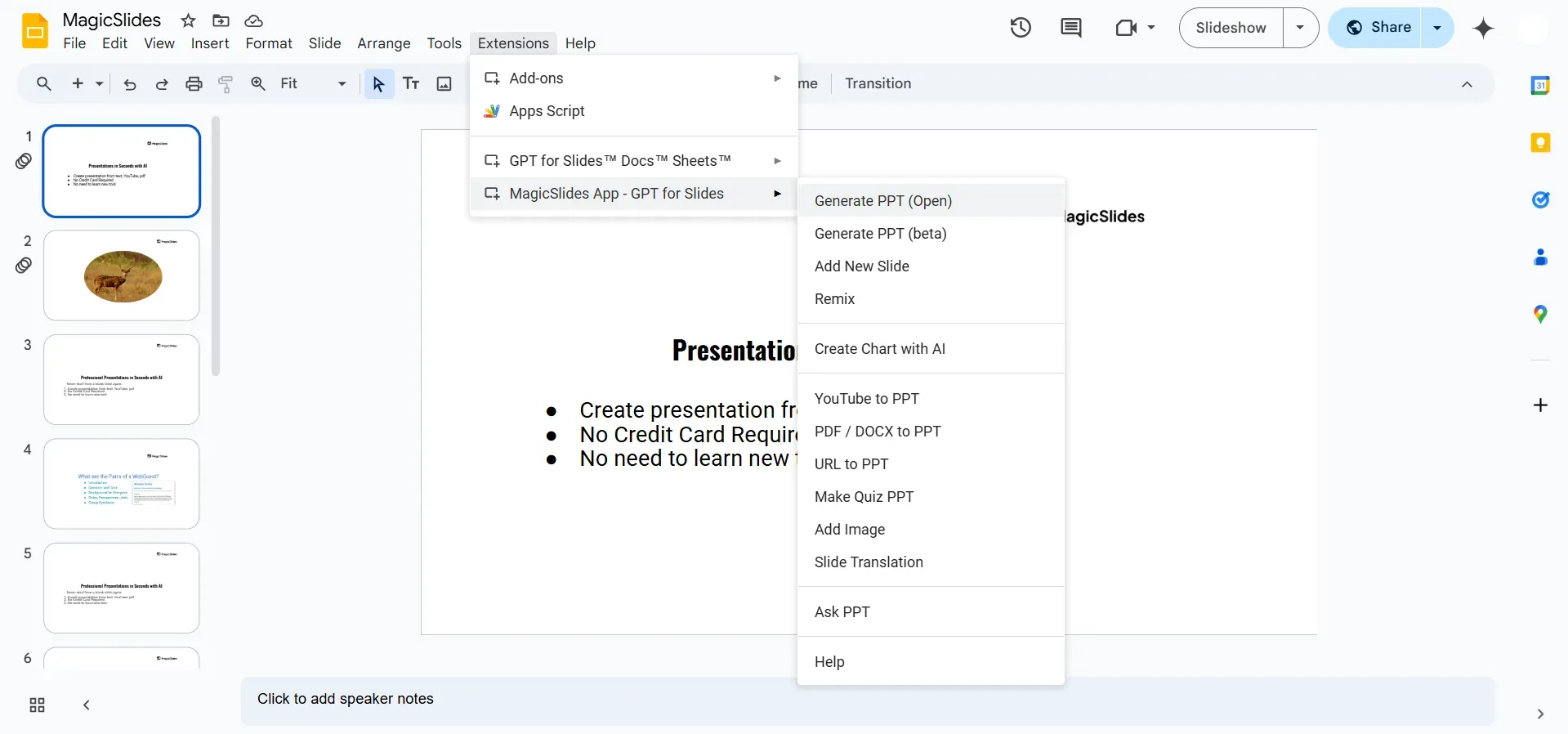
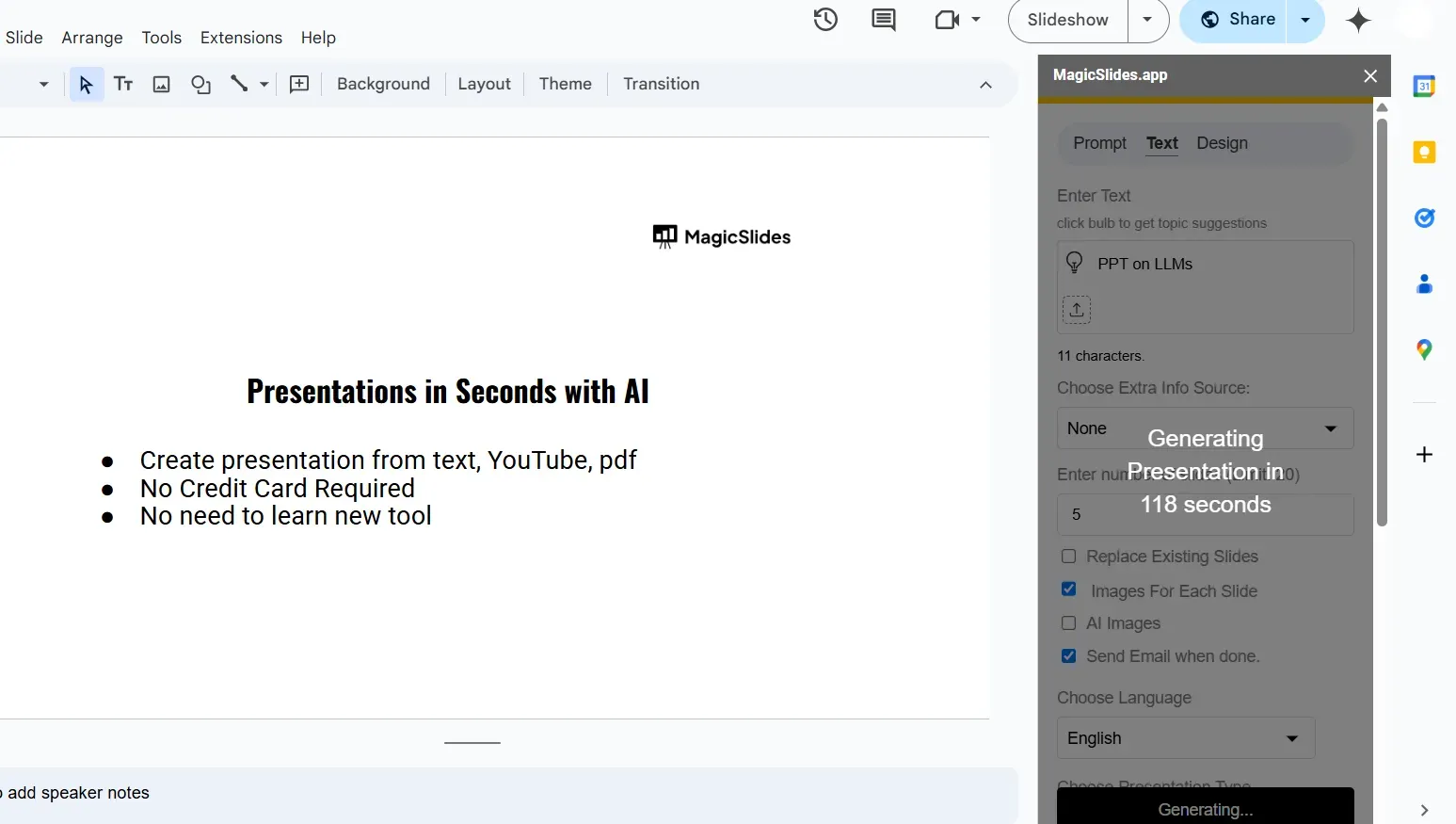
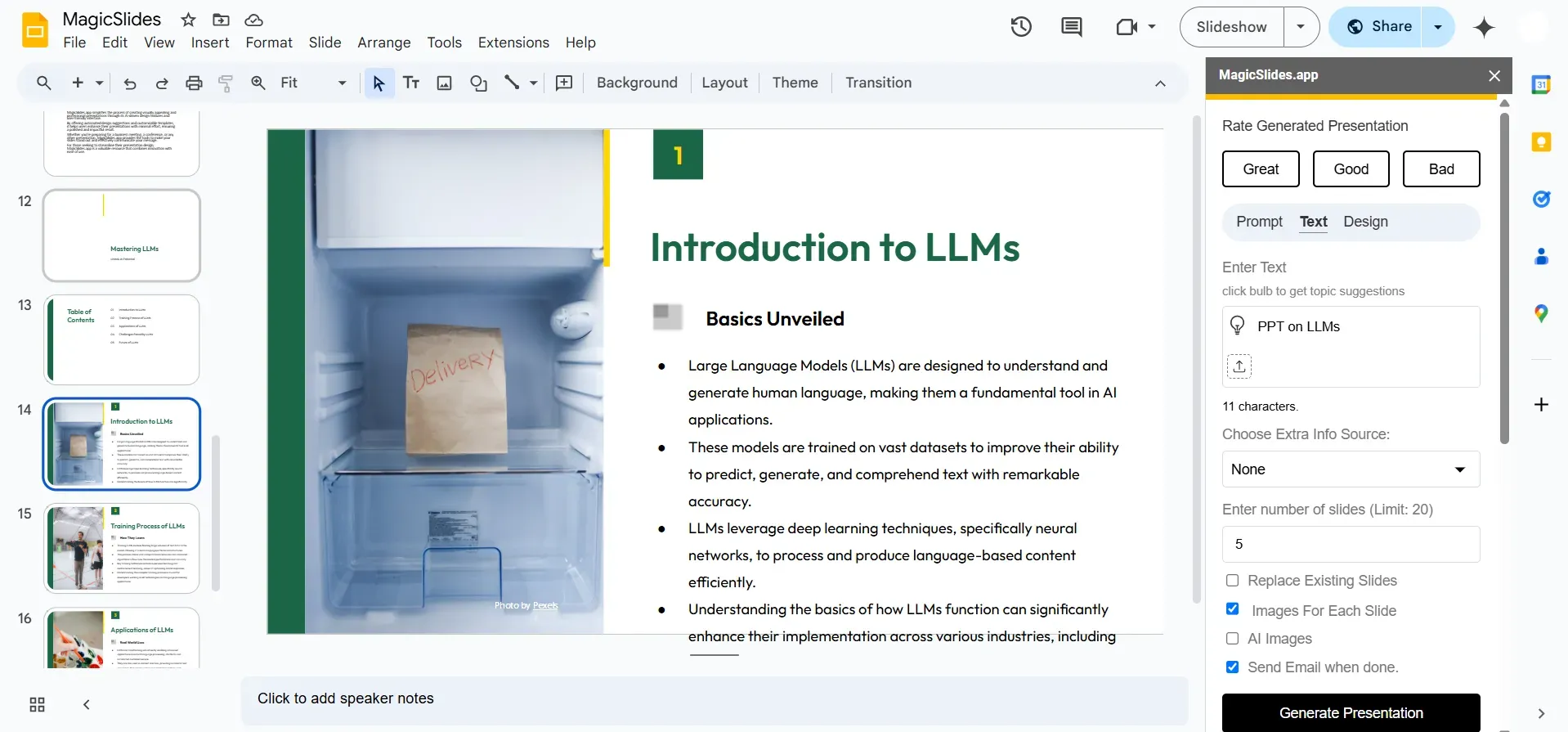
    1. MagicSlides.app

    notion image
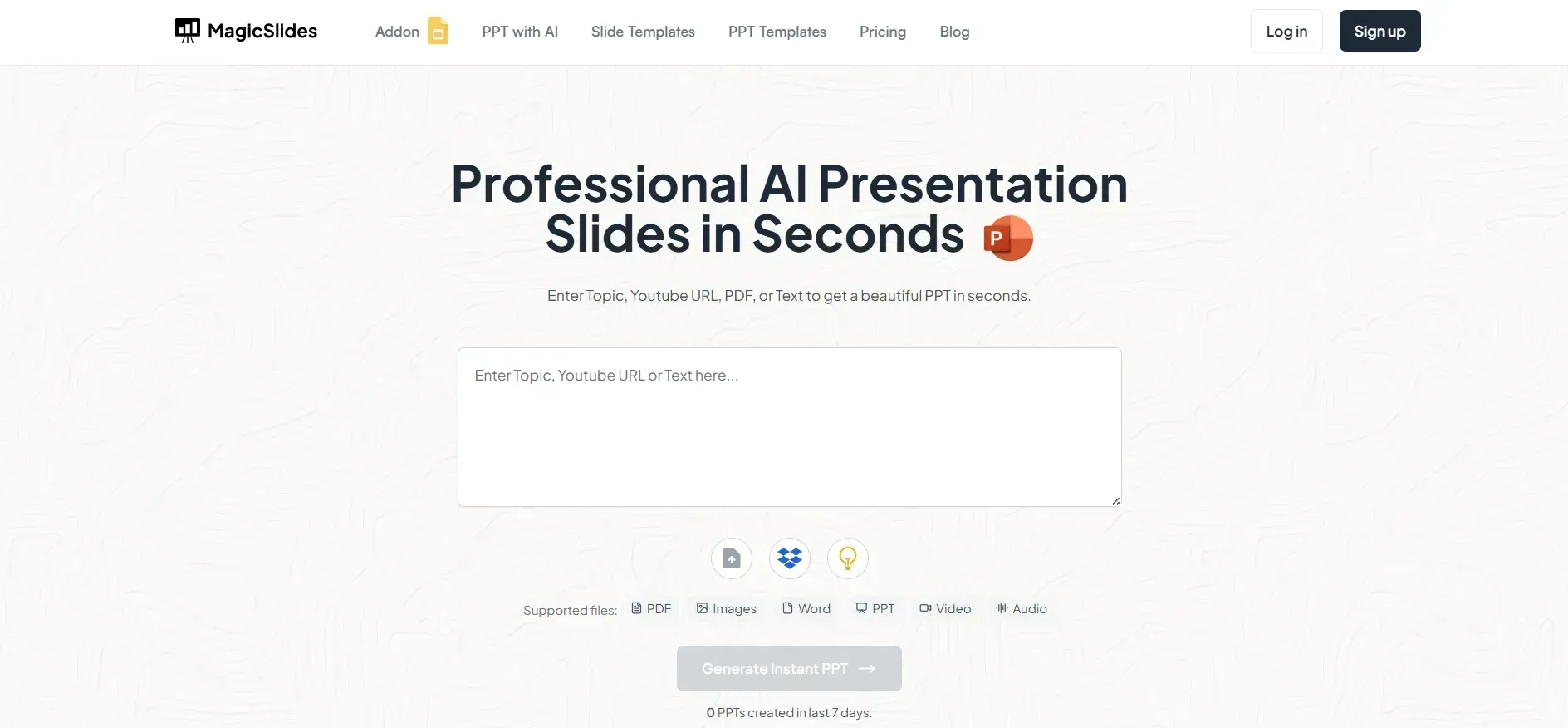
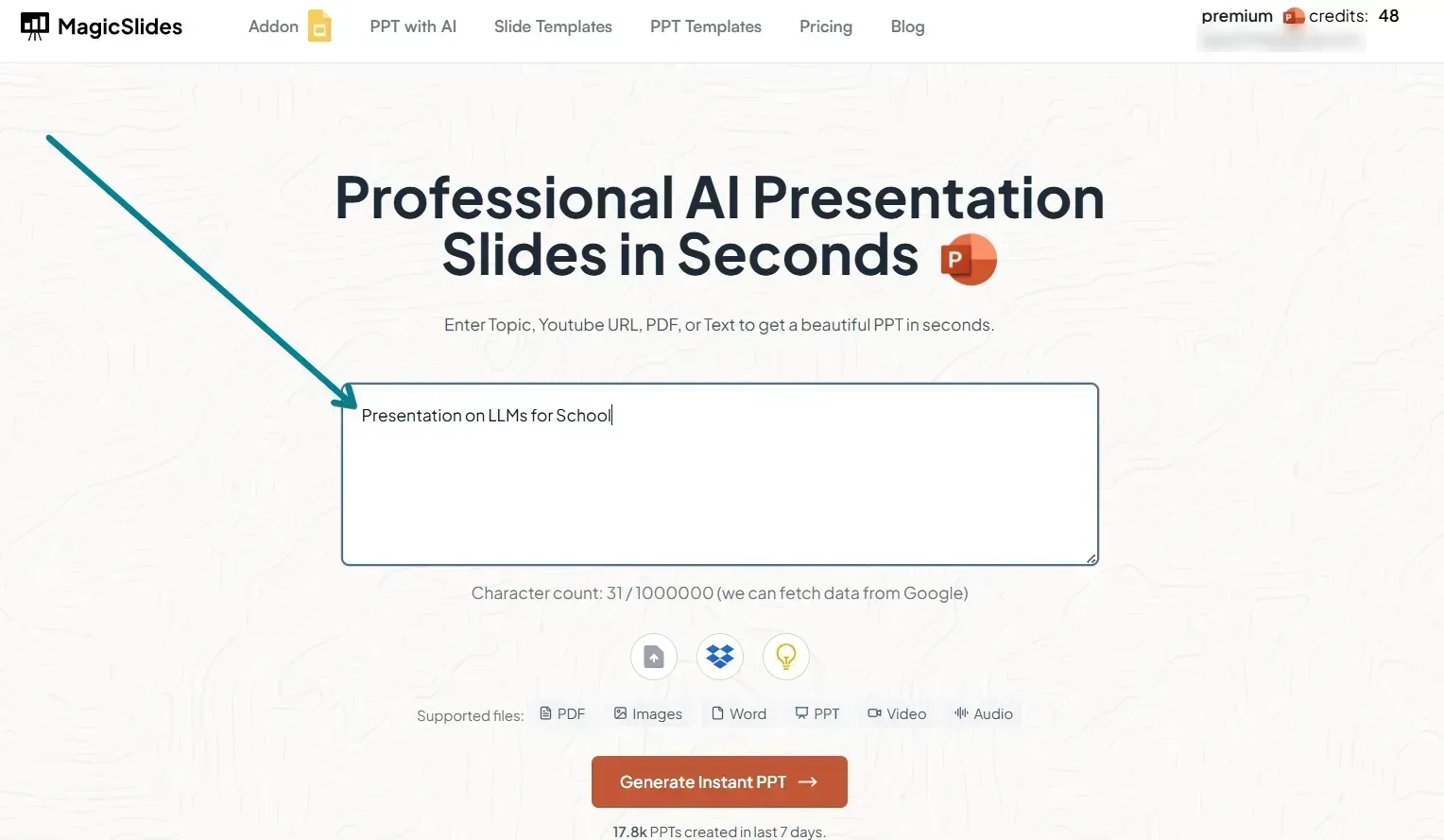
    MagicSlides is a lightweight yet powerful AI slide generator that creates full presentations from any input, text, URLs, PDFs, or meeting notes.
    Best for: Fast internal decks, weekly updates, content repurposing
    Pros:
    • Extremely easy to use
    • Fast output from multiple input types
    • Exports to Google Slides and PPT
    • Smart template suggestions
    • Works well with structured and unstructured content
    Cons:
    • Design customization is somewhat limited (compared to Canva)
    • Not meant for heavily visual storytelling (yet)
    Use it if: You’re a content marketer or ops person turning notes, updates, or blog posts into slides on a weekly basis.

    2. Gamma.app

    notion image
    Gamma blends AI generation with a Notion-style interface. Its layouts are designed for visual storytelling and content-first narratives.
    Best for: Product explainers, founder updates, and team briefs
    Pros:
    • Beautiful layouts out of the box
    • Smooth editing experience
    • Great for narrative decks or docs
    • Focuses on visual readability
    Cons:
    • Not ideal for traditional business decks
    • Limited export options (no native PPT or Slides)
    Use it if: You’re a founder who needs to share updates with investors or teams in a more editorial format.

    3. Tome.app

    notion image
    Tome generates modern decks from simple prompts. Its clean design, storytelling style, and visual focus make it great for startups.
    Best for: Investor decks, team strategy presentations
    Pros:
    • Great visual design
    • Includes built-in image generation via DALL·E
    • Templates that guide you toward a story arc
    Cons:
    • Paid tier needed for most value
    • Some users say it feels more like a website than a presentation
    Use it if: You’re in early-stage pitching mode and need a sleek, concise narrative.

    4. Beautiful.ai

    notion image
    Beautiful.ai is one of the original smart slide designers. Its strength lies in enforcing design consistency, which is key for brands.
    Best for: Design-heavy client decks or corporate presentations
    Pros:
    • Powerful auto-layout engine
    • Brand settings for teams
    • Helps avoid ugly, off-brand slides
    Cons:
    • More complex than others
    • Limited automation for content structuring
    Use it if: You work in an agency or need perfect branding every time.

    5. Canva (AI Presentations)

    notion image
    Canva’s presentation builder now includes AI features like Magic Write, allowing you to generate text-based slides quickly.
    Best for: Marketing decks, education, templates
    Pros:
    • Enormous template library
    • Excellent for visual storytelling
    • Seamless team collaboration
    Cons:
    • True AI generation is still limited
    • Overwhelming for basic needs
    Use it if: You’re already using Canva for social or design and want to extend it to decks.

    6. SlidesAI.io

    notion image
    SlidesAI converts text into Google Slides. It’s Best Presentation AI Tool for fast, no-fuss presentations without fancy visuals.
    Best for: Students, consultants, internal comms
    Pros:
    • Super simple text-to-slide process
    • Works inside Google Slides
    Cons:
    • Slides can look generic
    • No visual storytelling focus
    Use it if: You’re a student or professional who needs to turn a doc into slides, fast.

    Quick Comparison Table

    Tool
    Input Types
    Best For
    Design Flexibility
    Exports To
    MagicSlides
    Text, URL, PDF, Docs
    Internal decks, reports
    Medium
    PPT, Google Slides
    Gamma
    Text, prompts
    Narrative, team updates
    High
    Web-only
    Tome
    Prompts
    Pitches, storytelling
    Medium
    Web-only
    Beautiful.ai
    Manual + Text
    Branded presentations
    High
    PPT, PDF
    Canva
    Text + Visual input
    Design-first slides
    Very High
    Slides, PPT, PDF
    SlidesAI
    Text
    Academic, quick slides
    Low
    Google Slides

    Real-World Use Cases: Best Presentation AI Tool

    Here’s how actual users apply these AI slide makers in their workflows.

    Startup Founder Building a Pitch Deck

    Time is limited, and decks need to evolve weekly. Tools like Tome and MagicSlides allow founders to:
    • Paste their value proposition
    • Auto-generate a 7-slide pitch
    • Export or share via link
    This helps speed up iteration and focus on the narrative.

    Marketer Creating Monthly Client Reports

    Instead of manually copying KPIs into a deck:
    • Marketer pastes performance data into MagicSlides
    • Tool generates a slide for each insight
    • Headers are optimized to reflect clear takeaways
    This saves hours and results in more readable decks for clients.

    Teacher Turning Lesson Plans into Slides

    Educators use tools like SlidesAI or Canva:
    • Paste lesson plan outline
    • Auto-generate slides with topics, exercises, summaries
    Saves time and increases student engagement.

    HR Teams Onboarding New Hires

    HR teams can upload their onboarding checklists into MagicSlides or Beautiful.ai to:
    • Create department-specific decks
    • Include policies, contact info, and workflows
    This improves new hire experience and saves manual work each cycle.


    Final Thoughts: How to Choose the Best Presentation AI Tool

    No single AI presentation maker wins for everyone.
    • Need speed & simplicity? Go with MagicSlides or SlidesAI.
    • Need visual polish? Try Gamma or Canva.
    • Need branded perfection? Choose Beautiful.ai.
    • Need storytelling? Try Tome.
    In 2025, there’s no reason to spend hours building decks from scratch. With tools like MagicSlides.app, you can take a single input, a blog, meeting notes, or PDF, and instantly turn it into a slide-ready narrative.
    Start with your workflow, not the tool. Then find the one that fits, and let AI handle the rest.


    Share on socials

    About the author

    Ayan Ahmad Fareedi profile photo
    Ayan Ahmad Fareedi— writer at MagicSlides

    Ayan Ahmad is our Senior Writer and brings over two years of experience from working with big companies like Amazon and Okaya. He loves writing stories that grab your attention and speak to a wide audience. When he's not working, you can find him watching movies or planning his next trip. Ayan's work is not just about words; it's about making every article special and interesting.

    More from Ayan

    More from the blog

      250+ Good Morning Messages for Her (Romantic, Deep, Cute & Sweet)

      28 January 2026

      50+ History Presentation Topics For 2026

      28 January 2026

      15 Quick Tips To Use ChatGpt At Work

      22 January 2026

      11 Best AI Tools for Business in 2025

      22 January 2026

      How to Create an Infographic That Clearly Communicates Your Message

      20 January 2026

      How to Create a Sales Presentation Template in Google Sheets

      20 January 2026

      How to Make a Pie Chart on Google Slides in Simple Steps

      19 January 2026

      How to Change Slide Size in PowerPoint in 5 Steps

      15 January 2026

      5 Minute Presentation Topics That Make You Stand Out

      14 January 2026

    Table of Contents

    Create Presentations in Seconds

    Transform your ideas into professional presentations with AI. No design skills needed.

    Try MagicSlides Free

    Create Stunning Presentations with AI in Seconds ✨

    Transform any topic, text, YouTube video, PDF or URL into beautiful presentations instantly with MagicSlides AI.

    Try MagicSlides AI Presentation Maker
    MagicSlides AI Presentation

    Footer

    Solutions

    • MagicSlides App
    • Google Slides Add-on
    • MagicSlides in Chrome
    • MagicSlides in Figma
    • MagicSlides in ChatGPT
    • MagicSlides in Telegram
    • MagicSlides in Zapier
    • MagicSlides in Figma Slides

    Tools

    • AI PPT Tools
    • QR Code Generator
    • Design Tools
    • PPT Templates
    • Slide Templates
    • PDF Tools

    Examples

    • AI Presentations
    • PPT by MagicSlides
    • Quizzes
    • Charts
    • Coloring Pages

    Resources

    • Changelog
    • Documentation
    • API Docs

    Top Blogs

    • How to Create Presentation Using ChatGPT
    • 100+ Best Seminar Topics for Students in 2025

    Company

    • Help
    • MCP
    • Blog
    • Pricing
    • Affiliate Program
    • Manage Subscription
    • Privacy Policy
    • Contact Us
    • Terms & Conditions
    • Refund & Cancellation Policy

    We also built

    • SheetAI - GPT For Sheets
    • MagicForm - GPT For Google Forms
    • SecondBrain.fyi
    • BlogBee - Free Blogging Platform

    © 2026 IndianAppGuy Tech Pvt Ltd. All rights reserved.