How to Get More New Google Slides Themes


Ditch default themes! Unlock creativity in Google Slides with thousands of themes on Slidesgo. Here’s how.
Unleash the full potential of your Google Slides presentations with diverse themes beyond the default options. Discover how to access a plethora of new templates on Slidesgo, a platform offering both free and premium designs tailored to various topics.
How to Get More New Google Slides Themes
Step 1: Understanding the Landscape
Begin by recognizing the existence of external sources for Google Slides themes. While Google provides default templates, platforms like Slidesgo specialize in offering a vast array of more intricate and captivating designs. Link: https://slidesgo.com/
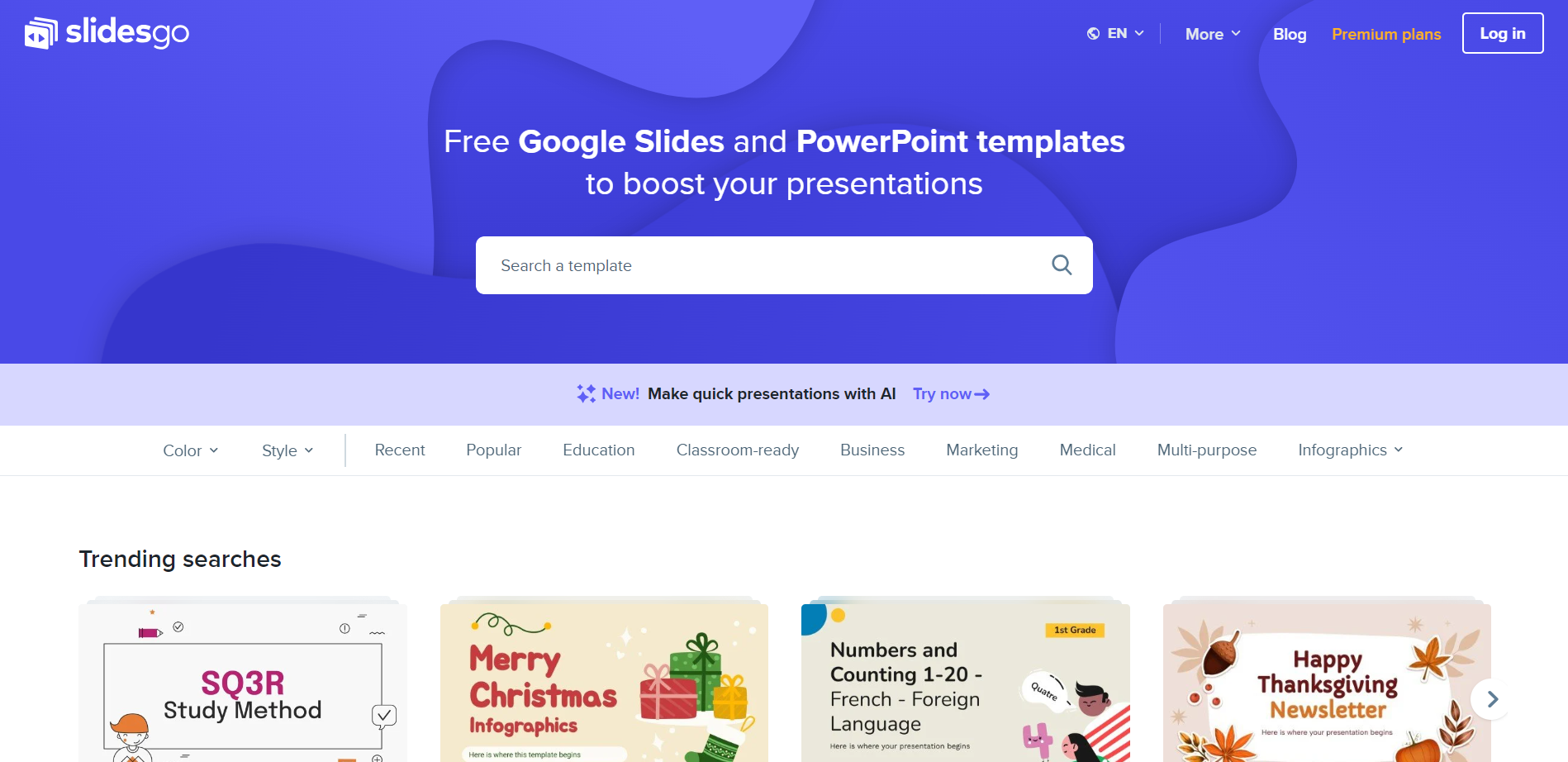
Step 2: Explore Slidesgo's Extensive Collection
Visit Slidesgo's website to access a repository boasting thousands of templates. With both free and premium options, you'll have the flexibility to choose a template that perfectly complements the subject matter of your presentation.
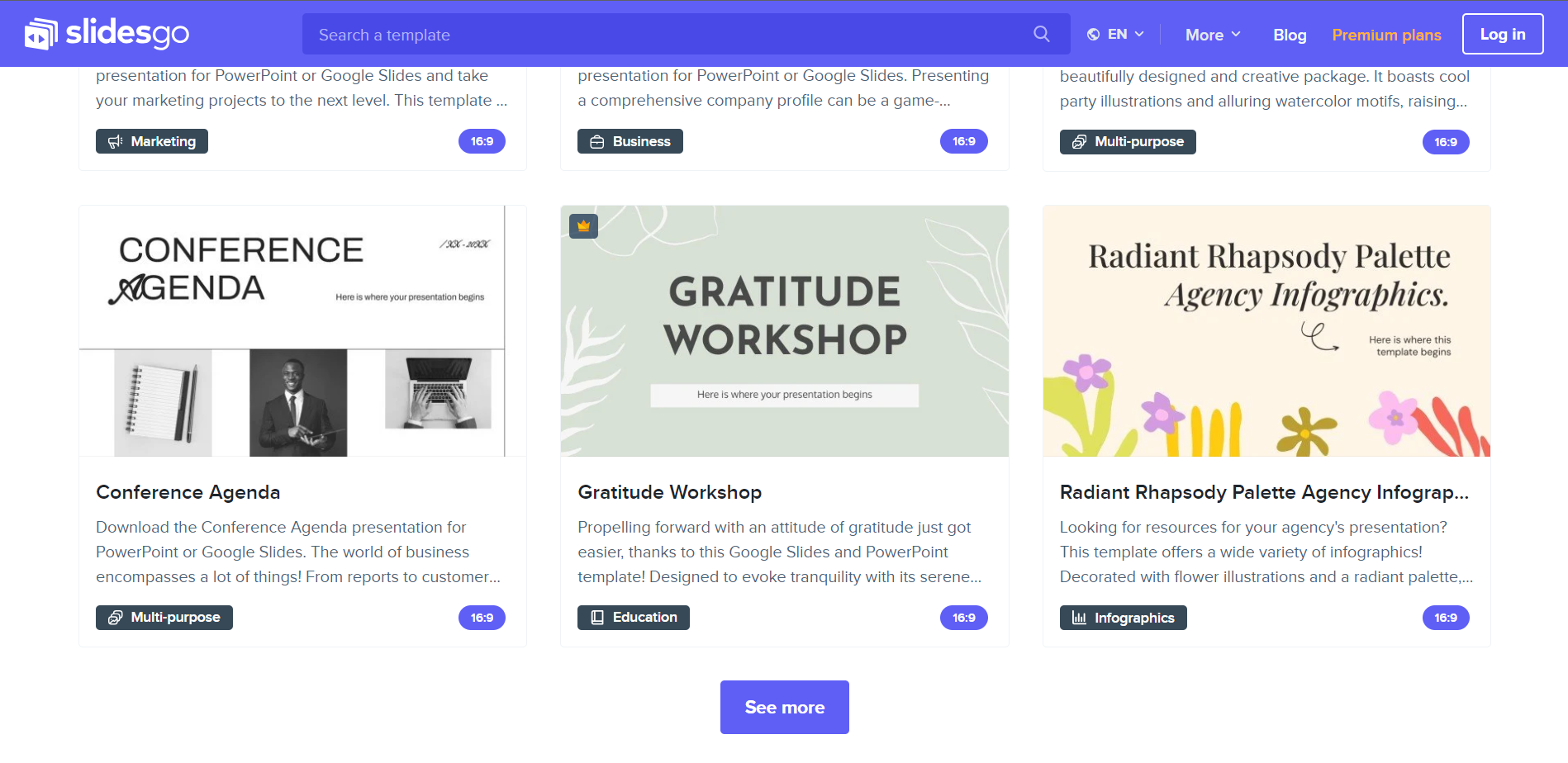
Step 3: Navigate as per your need
The homepage showcases categories at the top, presenting options like the most recent templates, popular choices, and templates tailored for specific themes such as education, business, marketing, medical, and more. There are also templates focused solely on infographics.
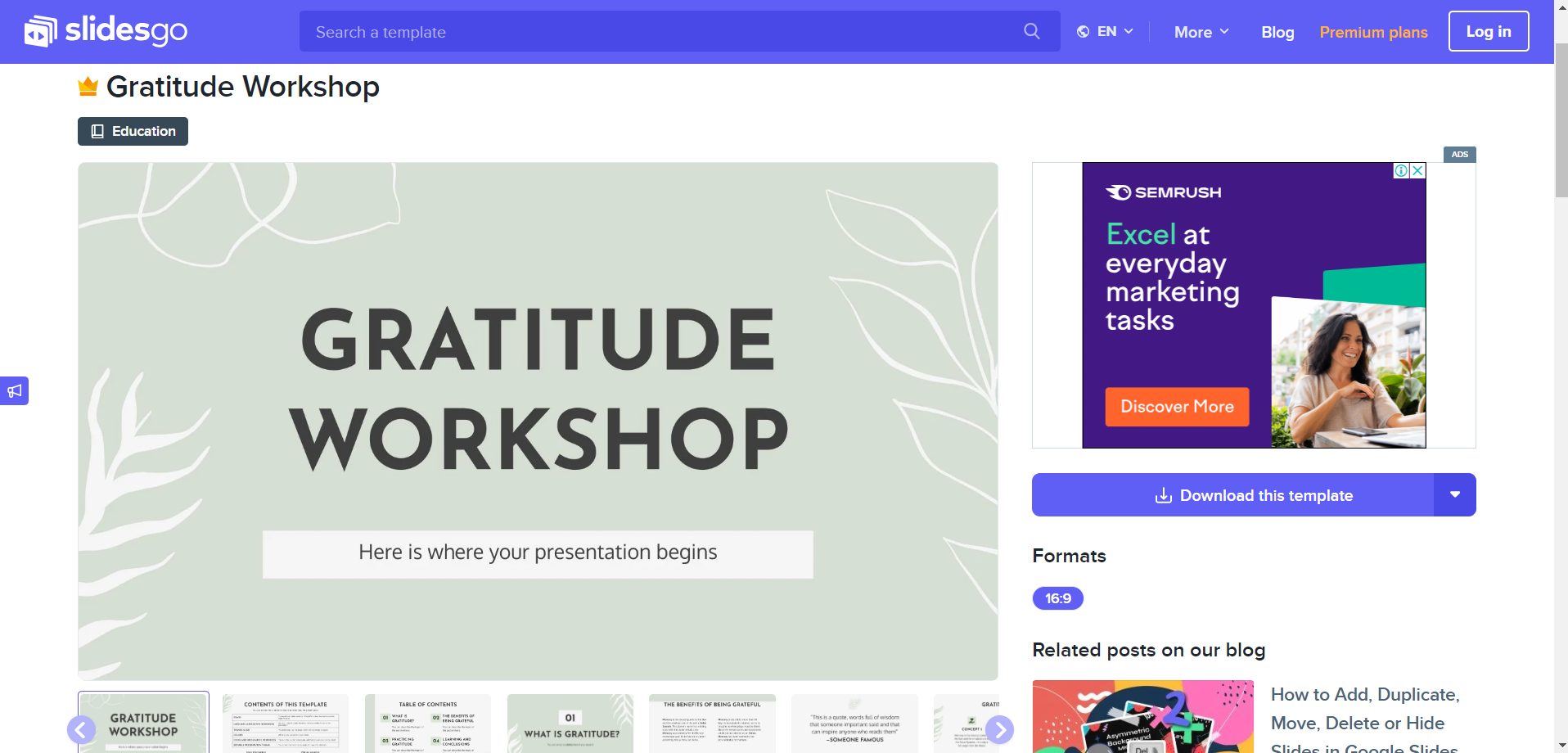
Step 4: Template Search
Locate templates effortlessly by using the available categories. Whether you're seeking classroom-ready designs or multi-purpose themes, Slidesgo simplifies the search process, ensuring you find a template that aligns with your presentation goals.
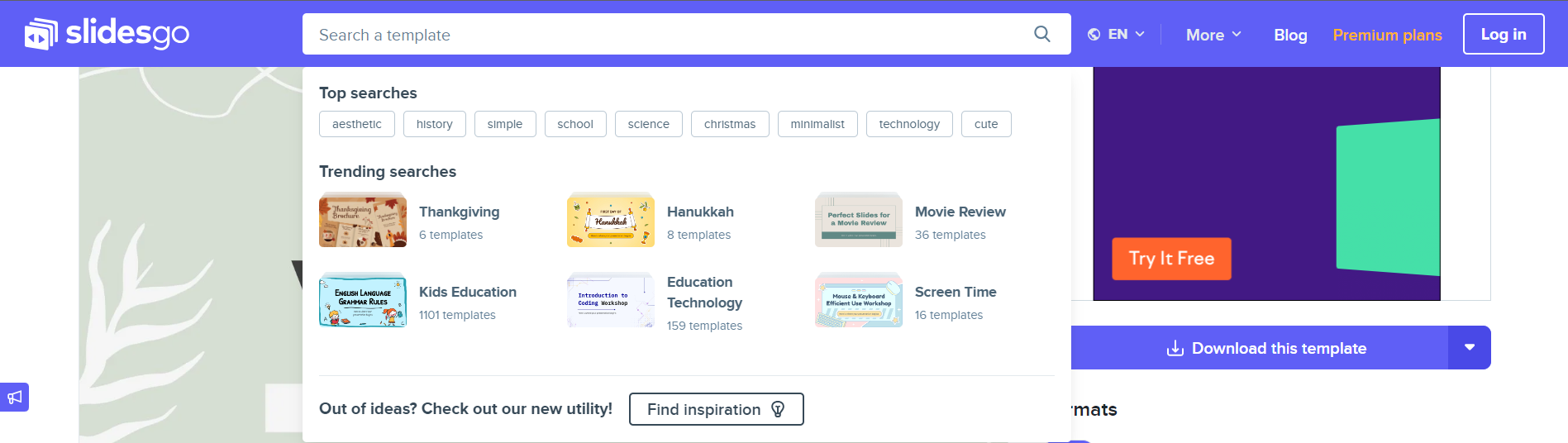
Step 5: Download Templates you like to use on Google Slides
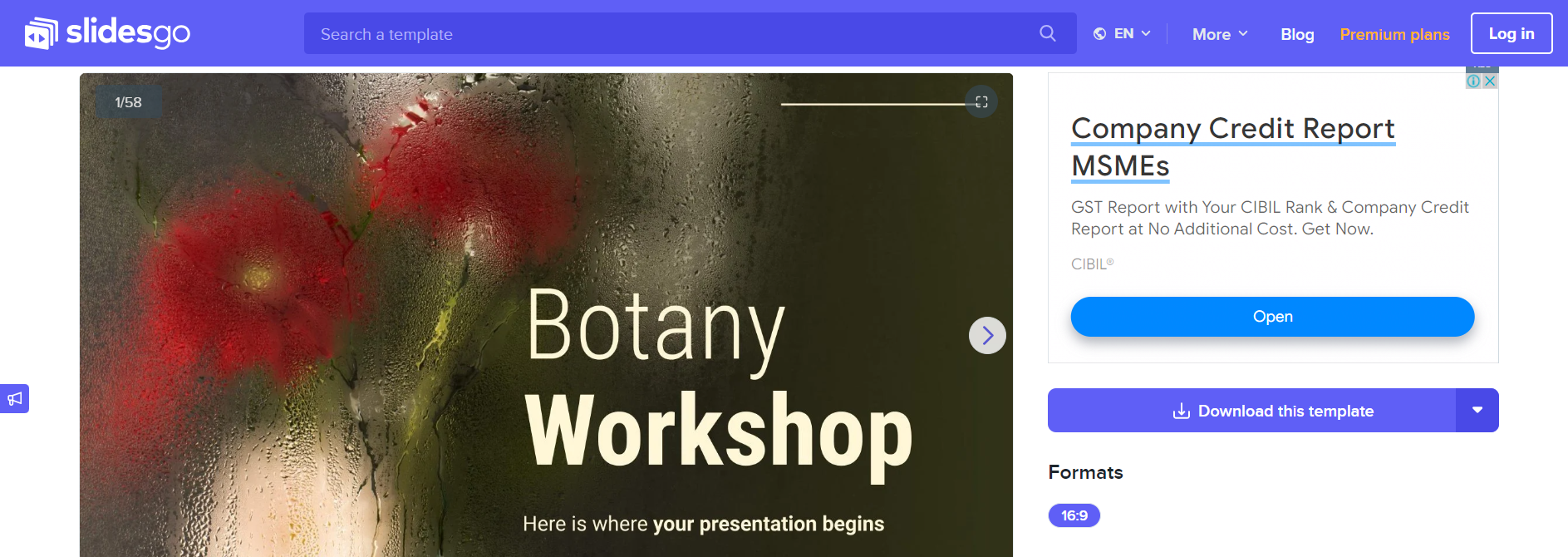
Refine your search further by utilizing filters. Slidesgo allows you to filter templates by color or style, giving you the ability to narrow down options based on your preferences and the visual tone you want to set for your presentation. Click on the download button on the top right corner to save and open in Google Slides and start crafting your prsentations.
Conclusion:
Elevate your Google Slides presentations by exploring the diverse world of themes available on the Internet. With an abundance of options and user-friendly features, this website makes it easy for you to find and implement captivating templates that will undoubtedly enhance the impact of your presentations.
Frequently Asked Questions:
Q: Are templates compatible with all versions of Google Slides?
A: Yes, Slidesgo templates are designed to be compatible with various versions of Google Slides, ensuring seamless integration and ease of use.
Q: Can I customize Slidesgo templates to match my presentation's unique style and content?
A: Templates are highly customizable. You can easily edit text, colors, and images to suit your presentation needs and maintain a cohesive look.


