Scribd PPT Downloader Free: Step-by-Step Guide (Updated 2026)


Learn safe ways to download Scribd PPT for free using working tools, easy steps, and smart alternatives like AI PPT makers.
Scribd is a widely used document-sharing platform where users can access eBooks, PDFs, research papers, and PowerPoint presentations (PPTs). It’s a valuable resource for students, educators, and professionals.
However, downloading PPT files from Scribd for free can be challenging because most documents are locked behind a subscription or upload requirement.
In this guide, you’ll learn safe, practical, and ethical ways to download Scribd PPTs for free in 2026, along with a smarter alternative if downloading doesn’t work.
Step-by-Step Guide to Download Scribd PPT for Free
Step 1. Visit Scribd
Go to scribd.com and search for the PowerPoint file you’re interested in. Use relevant keywords like “Marketing Strategy PPT” or “AI Presentation.”
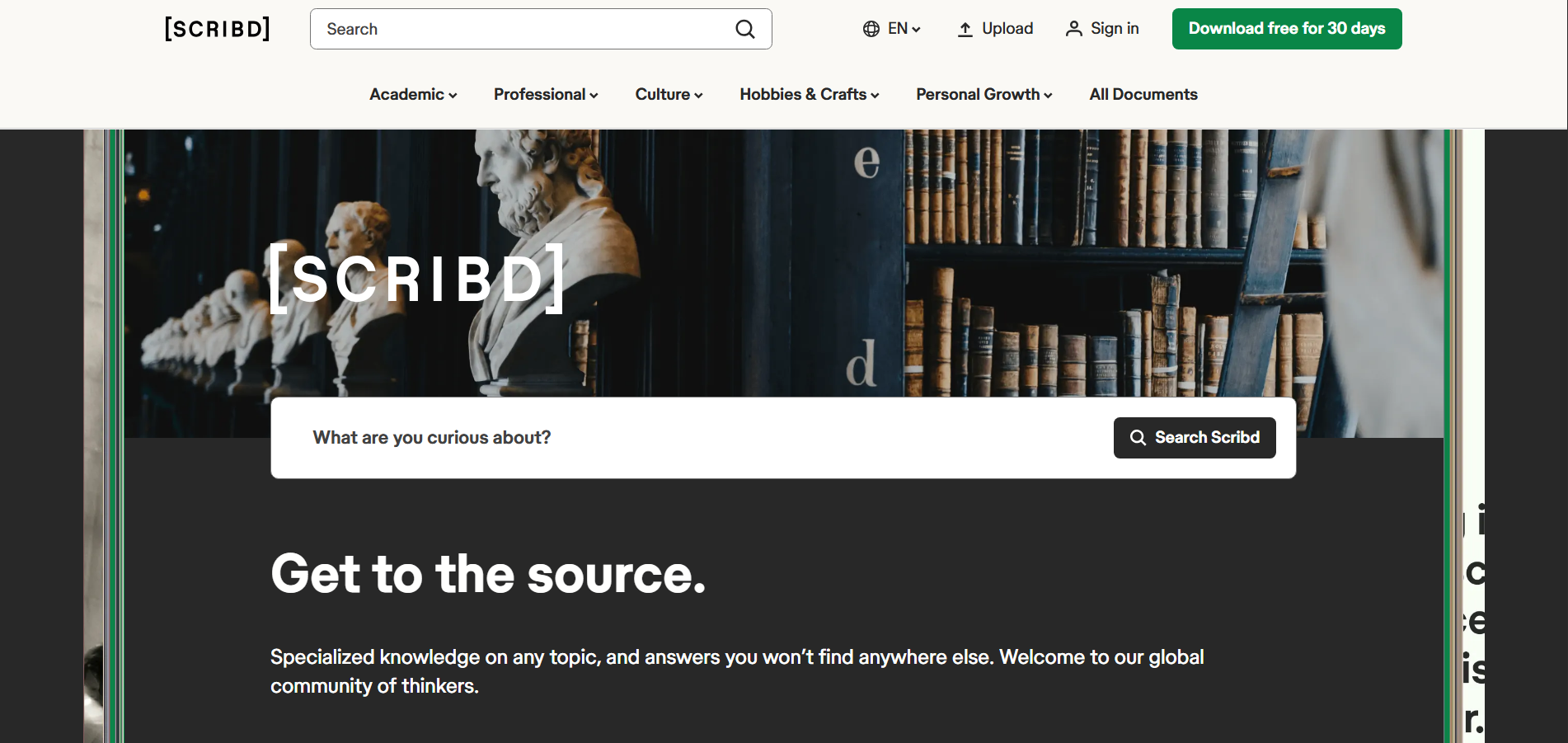
Step 2: Copy the Scribd Document URL
Once you’ve found the desired document, click on it and copy the URL from your browser’s address bar.
Tired of spending hours crafting a presentation? Here’s a smarter solution, MagicSlides.
Whether it’s for work, school, or a pitch deck, building a presentation from scratch can take hours, from researching and organizing content to designing each slide. But what if you could skip all that and have your presentation ready in under a minute? That’s exactly what MagicSlides does for you.
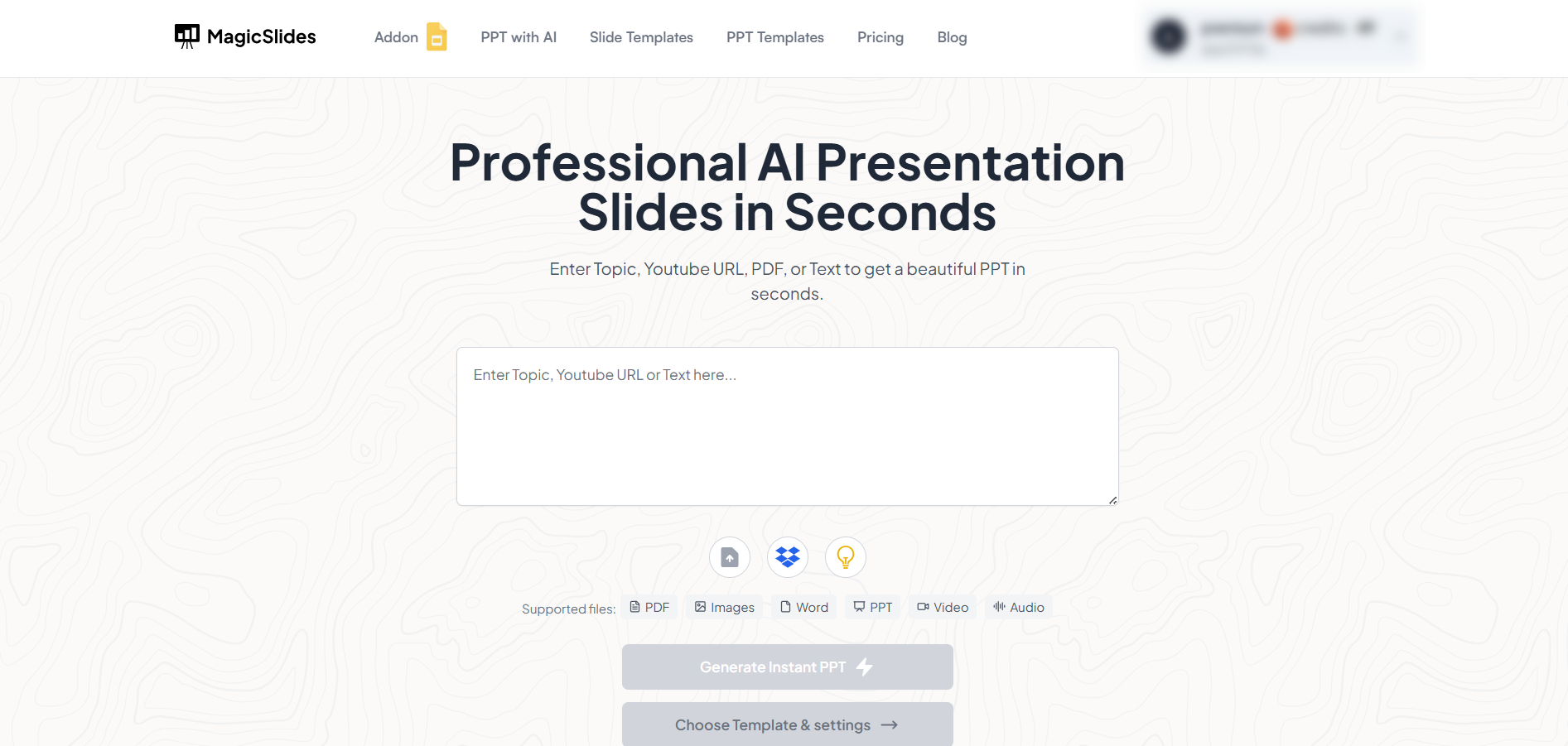
MagicSlides is an AI-powered PPT Maker tool that creates professional, engaging presentations with just one prompt. Simply enter your topic, and the platform will generate a full deck complete with structured content, design elements, and suggested visuals.
Here’s what you’ll love about MagicSlides:
- Instant slide generation with just one prompt – from topic, pdf, docx, video, audio to ppt in seconds
- Smart content Organization with 40+ templates and the option to import any .pptx file customised with AI Chat
- Visually polished designs, no design skills needed
- Multiple formats: Download as PowerPoint, use in Google Slides
- Supports customization, edits, and regeneration
- Converts YouTube videos, URLs, or text into full presentations
- Perfect for business, education, content creation, and more
Want to try it yourself? Click here to start creating your first presentation for free!
Step 3. Use a Scribd Downloader Tool
Visit a Scribd downloader tool such as docdownloader.com or scribddownloader.cc. Paste the copied URL into the download box provided on the site.
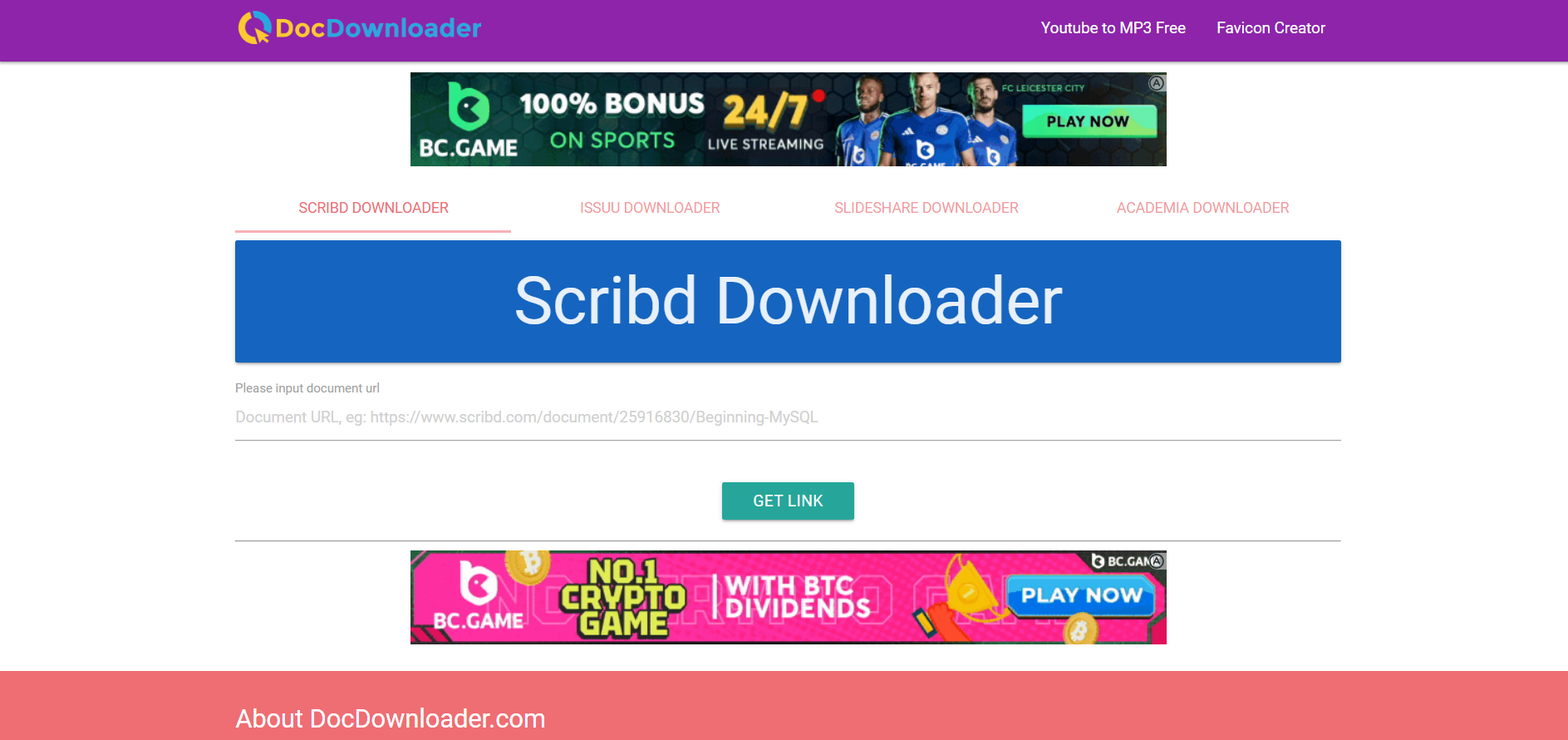
⚠️ Note: Always ensure the downloader tool you use is secure and doesn’t prompt for unnecessary permissions or malicious downloads.
Step 4. Choose “PowerPoint” or “PPT” Format
Select the preferred format (in this case, PowerPoint or PPT). Some tools may convert the document if it’s in PDF or Word format.
Step 5. Click Download
Click the download button, and within seconds, your PPT file should start downloading. Make sure to check your “Downloads” folder.
Step 6. Open the PPT File
After download, open the presentation using PowerPoint or Google Slides to view or edit the content.
Alternative Tool: Use SlideDownloader to Save Scribd PPTs
If the Scribd downloader tools mentioned above don’t work or fail due to restrictions, you can try another online option like SlideDownloader.
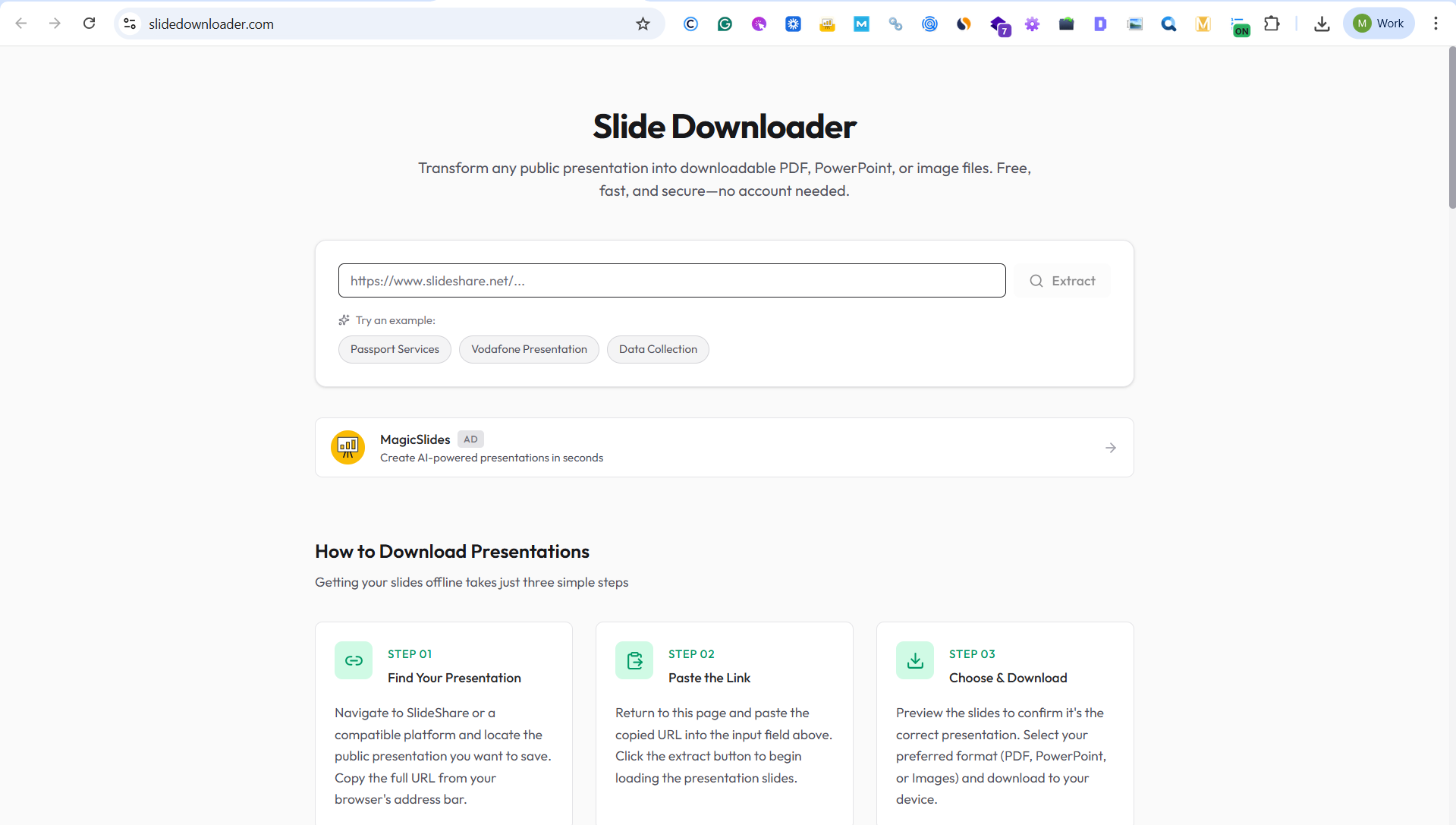
SlideDownloader is a web-based tool that allows users to download slides from publicly accessible presentation links without installing any software.
How to Use SlideDownloader for Scribd PPTs
- Open the Scribd presentation you want to download.
- Copy the full Scribd document URL from your browser.
- Visit slidedownloader.com.
- Paste the Scribd link into the input field.
- Preview the slides if available and choose the download option.
- Download the file in PPT or PDF format (depending on availability).
Important Notes:
- SlideDownloader works best with publicly shared Scribd documents.
- Some Scribd files may remain inaccessible due to privacy or copyright restrictions.
- Do not enter Scribd login credentials or personal information.
When Should You Use SlideDownloader?
- When common Scribd downloader tools fail
- When you want a quick, no-install solution
- When the presentation is for personal or educational reference
If none of the download methods work, recreating the presentation using an AI tool (like MagicSlides, mentioned below) is often faster and more reliable.
Conclusion
Downloading Scribd PPTs for free can be done safely and quickly using online downloader tools. Use these presentations as references for your academic or personal projects while respecting the rights of the original authors.
FAQs are here to help!
Q1. Is it legal to download PPTs from Scribd for free?
If the content is publicly shared and not behind a paywall, it’s usually fine for educational use. Avoid distributing it commercially.
Q2. Can I use these PPTs in my own presentation?
Yes, but give proper credit to the original creator to maintain ethical usage.
Q3. Why does the download fail sometimes?
This could be due to privacy settings of the file, tool restrictions, or Scribd’s own limitations. Try another tool or refresh the page.


