The Essential Guide to Font Size in Presentations: Finding the Perfect Balance


Master the art of font size in presentations to enhance readability and engagement with this essential guide.
Creating a visually appealing and readable presentation involves several critical considerations, one of the most important being the choice of font size. The right font size ensures your content is legible and engaging, whether you're presenting in a large conference hall or during a virtual meeting.
This guide will explore the factors influencing font size decisions, the acceptable minimum font sizes, and tips for enhancing readability and impact.
Understanding the Importance of Font Size in Presentations
Impact on Readability
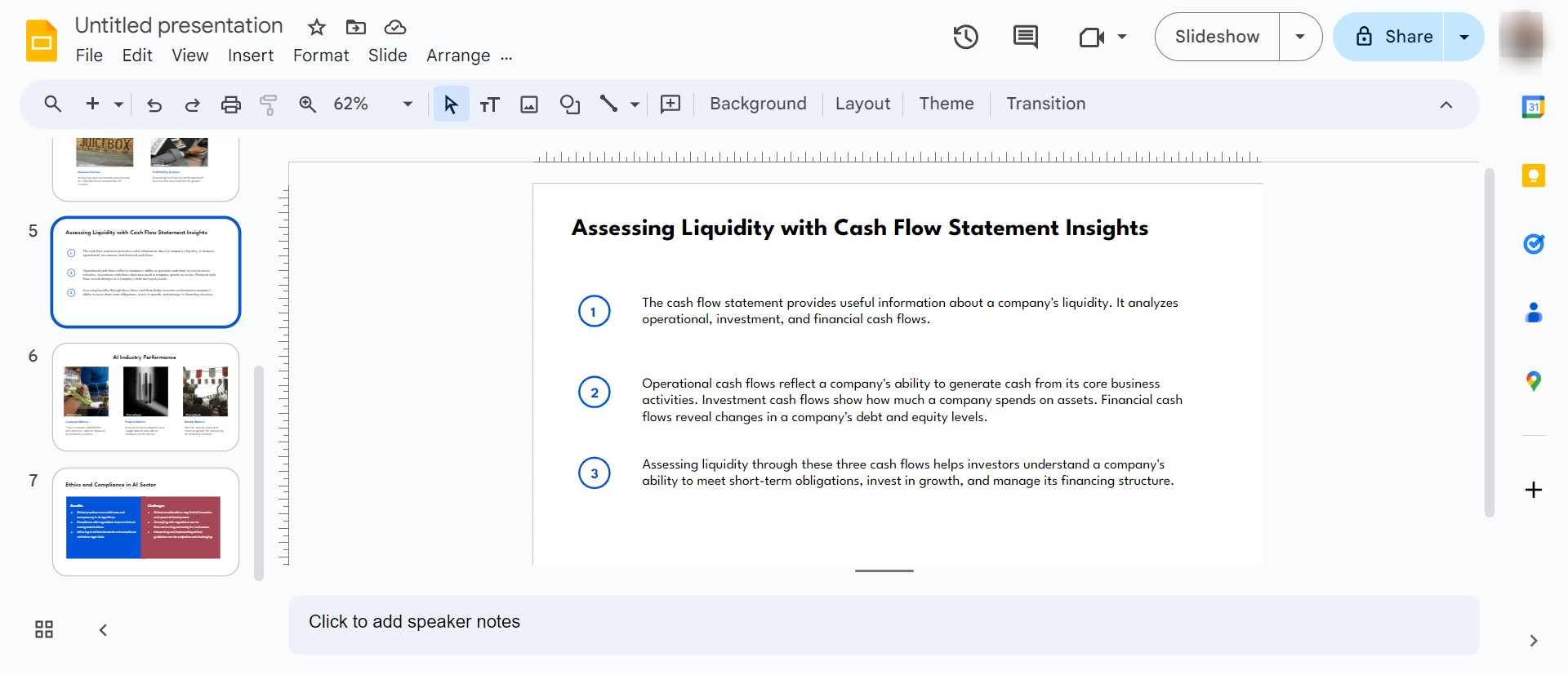
Font size plays a pivotal role in how easily your audience can read and comprehend the information on your slides. Too small, and you risk losing their attention as they strain to read; too large, and your slides can appear cluttered or overly simplistic.
Audience Engagement
A well-chosen font size helps maintain audience engagement. Viewers are more likely to stay focused and interested if they can easily read and understand the text from a distance.
Professional Appearance
Consistent and appropriate font sizes contribute to a professional-looking presentation. It reflects well on the presenter’s attention to detail and understanding of design principles.
Determining the Ideal Font Size
Minimum Font Size: A Rule of Thumb
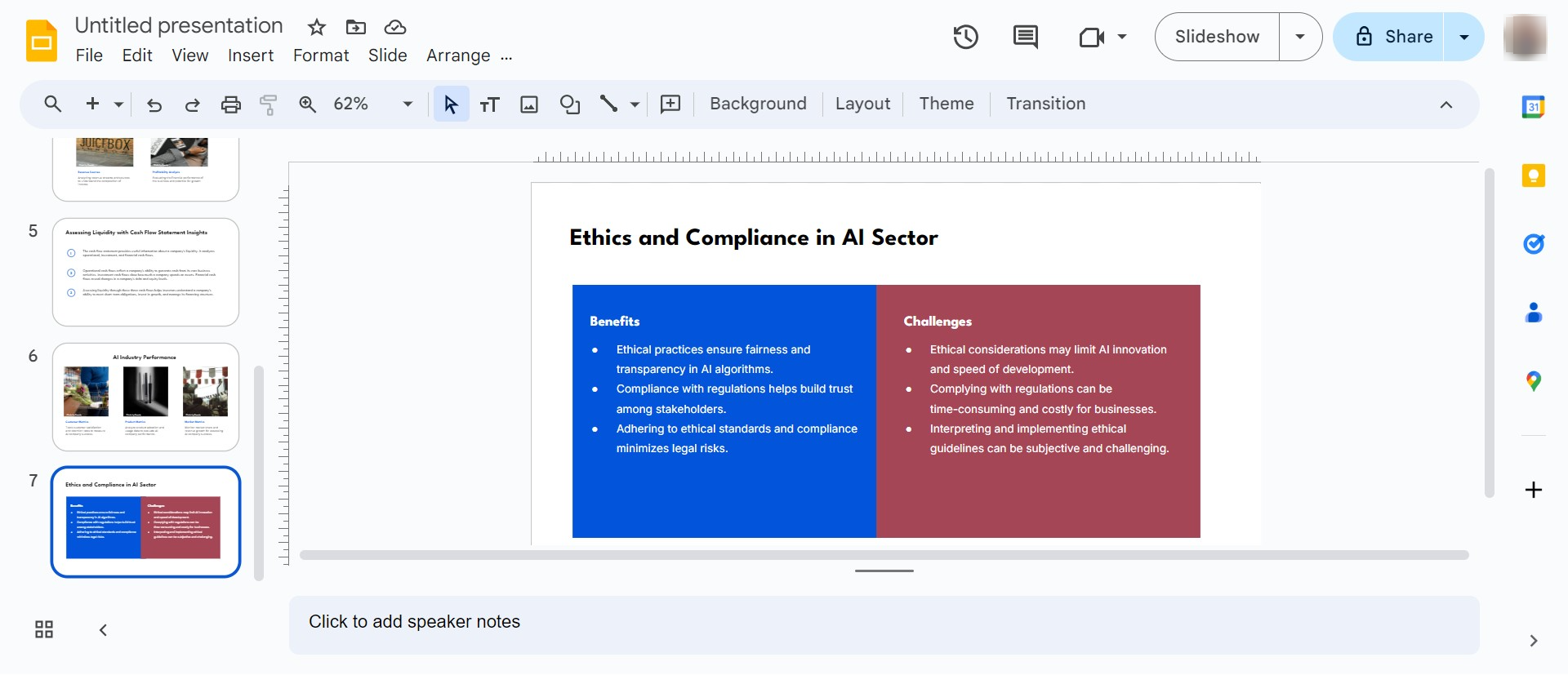
As a general rule, the minimum font size for readability in presentations should be 24 points. This size ensures that your text is legible for most in-person and large-screen virtual presentations. However, this can vary based on several factors discussed below.
Factors Influencing Font Size Choice
- Distance of the Audience: The further away the audience, the larger the font required.
- Room Size and Layout: Larger rooms and unusual layouts may necessitate bigger fonts to accommodate viewing from all angles.
- Screen or Projector Size: The size and quality of the screen or projector also affect how small you can go with your font size.
- Content Density: Slides heavy with text need careful consideration to balance font size and content.
Minimum Font Sizes for Different Settings
Seminars and Workshops
In smaller settings like seminars or workshops, where the audience is closer to the screen, a minimum font size of 20-24 points can be effective.
Conferences and Large Halls
For larger venues such as conferences or lecture halls, consider a minimum font size of 30-34 points to ensure visibility from the back rows.
Virtual Meetings and Webinars
For presentations that will be viewed on individual computer screens, such as webinars or virtual meetings, sticking to a minimum of 24 points is advisable, although larger sizes can be beneficial for clarity.
Font Size Tips for Specific Presentation Elements
Headings and Titles
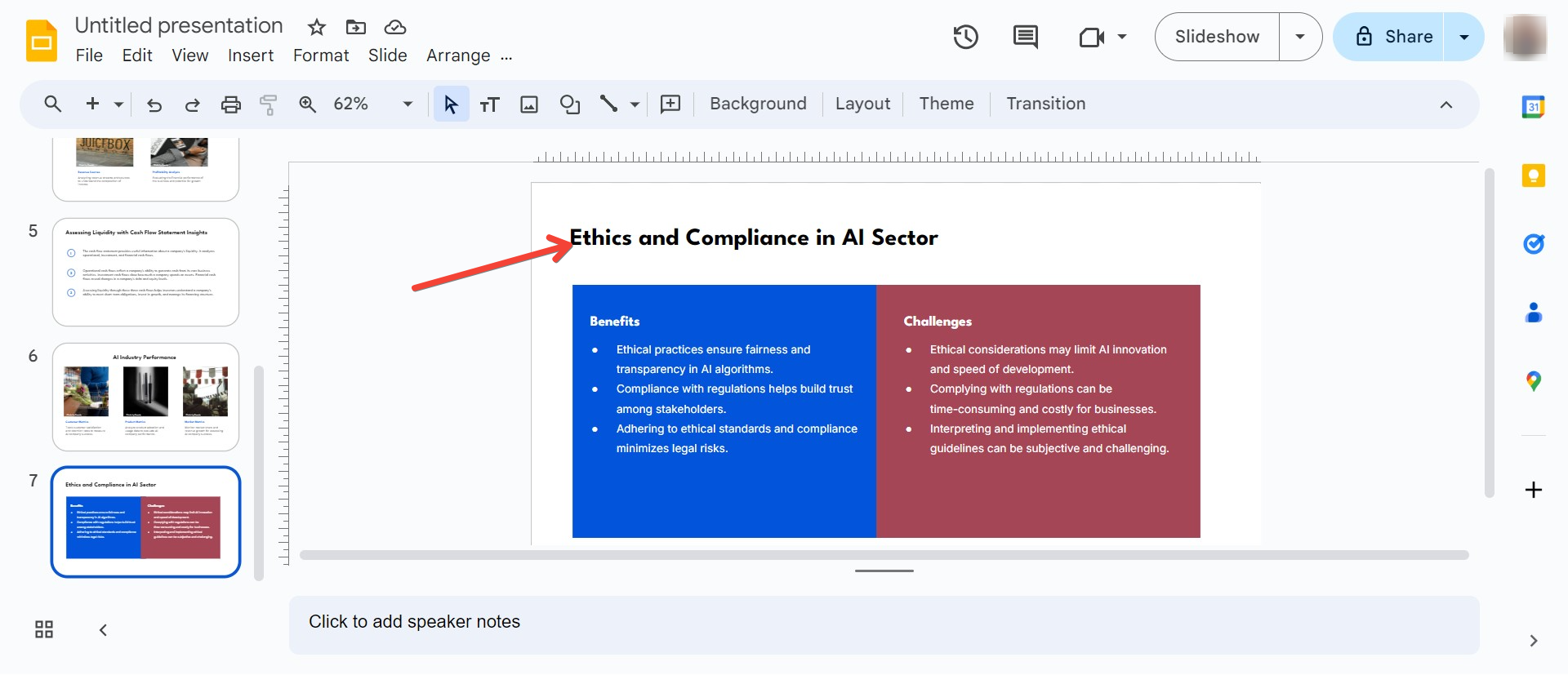
Use a significantly larger font size for headings and titles to differentiate them from body text. A size range of 36-44 points works well for most settings.
Body Text
Stick to the 24-point rule for body text, adjusting upwards if the room size or screen dimensions require it.
Footnotes and References
Smaller text such as footnotes can be in smaller fonts, around 18-20 points, but ensure they are not essential for understanding the slide’s main content.
Enhancing Readability Beyond Font Size
Font Style and Weight
Choose clear, sans-serif fonts for digital presentations to enhance readability. Bold and semi-bold weights can improve visibility without increasing size.
Contrast and Background
High contrast between text and background (e.g., black text on a white background) can make smaller fonts more legible.
Line Spacing and Margins
Proper line spacing (at least 1.2 times the font size) and adequate margins help in making text more readable, even from a distance.
Minimalistic Slide Design
Keep slides uncluttered. Use bullet points and short sentences to communicate key points without overwhelming the audience.
Conclusion
Selecting the right font size for your presentation can greatly influence its effectiveness. Remember, the goal is to make your content accessible and engaging. By considering factors like audience distance, room size, and screen quality, and by adhering to the guidelines provided here, your presentations will not only look professional but also communicate more effectively.


