Presentation for Teachers: Making Engaging Lesson Slides


Learn how to create engaging lesson slides for teachers. Use AI-powered tools like MagicSlides to save time and enhance classroom presentations.
In today’s classrooms, effective lesson delivery goes beyond just speaking to students. Well-structured and engaging lesson slides can make a significant difference in student understanding and retention. Whether teaching in a physical classroom or online, teachers must use clear, visually appealing, and interactive presentations to keep students engaged.
However, creating high-quality lesson slides from scratch can be time-consuming. That’s why many educators turn to AI-powered tools like MagicSlides to automate and enhance their presentations effortlessly.
In this guide, we will explore the best practices for making engaging lesson slides and how MagicSlides can help teachers create professional-quality presentations in minutes.
Why Do Teachers Need Engaging Lesson Slides?
Engaging lesson slides can:
- Improve student focus – Well-designed slides help retain attention longer.
- Enhance comprehension – Clear visuals and structured content make complex concepts easier to understand.
- Encourage interaction – Adding quizzes, visuals, and discussions makes learning more engaging.
- Save time – Instead of writing on a board or explaining repeatedly, structured slides present information clearly.
- Support online and hybrid learning – Digital presentations allow easy sharing with students.
Best Practices for Creating Engaging Lesson Slides
1. Keep Text Minimal and Clear
Avoid text-heavy slides. Use bullet points and concise sentences to convey information effectively. Stick to one main idea per slide.
Example:
Too much text:
"The process of photosynthesis in plants is a biological reaction where sunlight is used to convert water and carbon dioxide into glucose and oxygen."
Better version:
Photosynthesis Process:
- Sunlight + Water + CO₂ → Glucose + O₂
- Occurs in chloroplasts
- Essential for plant growth
2. Use High-Quality Images & Visuals
Students learn better with visual examples. Use charts, diagrams, and real-life pictures instead of plain text.
- Include infographics to explain concepts.
- Use icons and illustrations to make slides more engaging.
- Avoid low-resolution images that look pixelated on screen.
3. Choose Readable Fonts & Colors
Your slide design should enhance readability, not distract.
- Use simple, professional fonts like Arial, Calibri, or Open Sans.
- Stick to 2-3 colors that contrast well (e.g., dark text on a light background).
- Avoid neon or overly bright colors that strain the eyes.
4. Incorporate Interactive Elements
Adding interactive components keeps students actively engaged.
- Include questions or discussion prompts on slides.
- Use polls or quick quizzes to assess understanding.
- Add animations and transitions sparingly to emphasize key points.
5. Use Templates for Consistency
A structured slide deck looks more professional and organized. Templates ensure that all slides follow a consistent format, making the lesson visually appealing and easy to follow.
Instead of designing from scratch, teachers can use pre-designed PowerPoint templates or AI-powered presentation generators like MagicSlides to save time and improve presentation quality.
How to Instantly Create Lesson Slides Using MagicSlides
Creating a professional PowerPoint presentation manually takes time. MagicSlides automates this process using AI, allowing teachers to generate a well-structured, visually appealing, and engaging lesson in just a few clicks.
Step-by-Step Guide to Using MagicSlides
- Visit MagicSlides.app
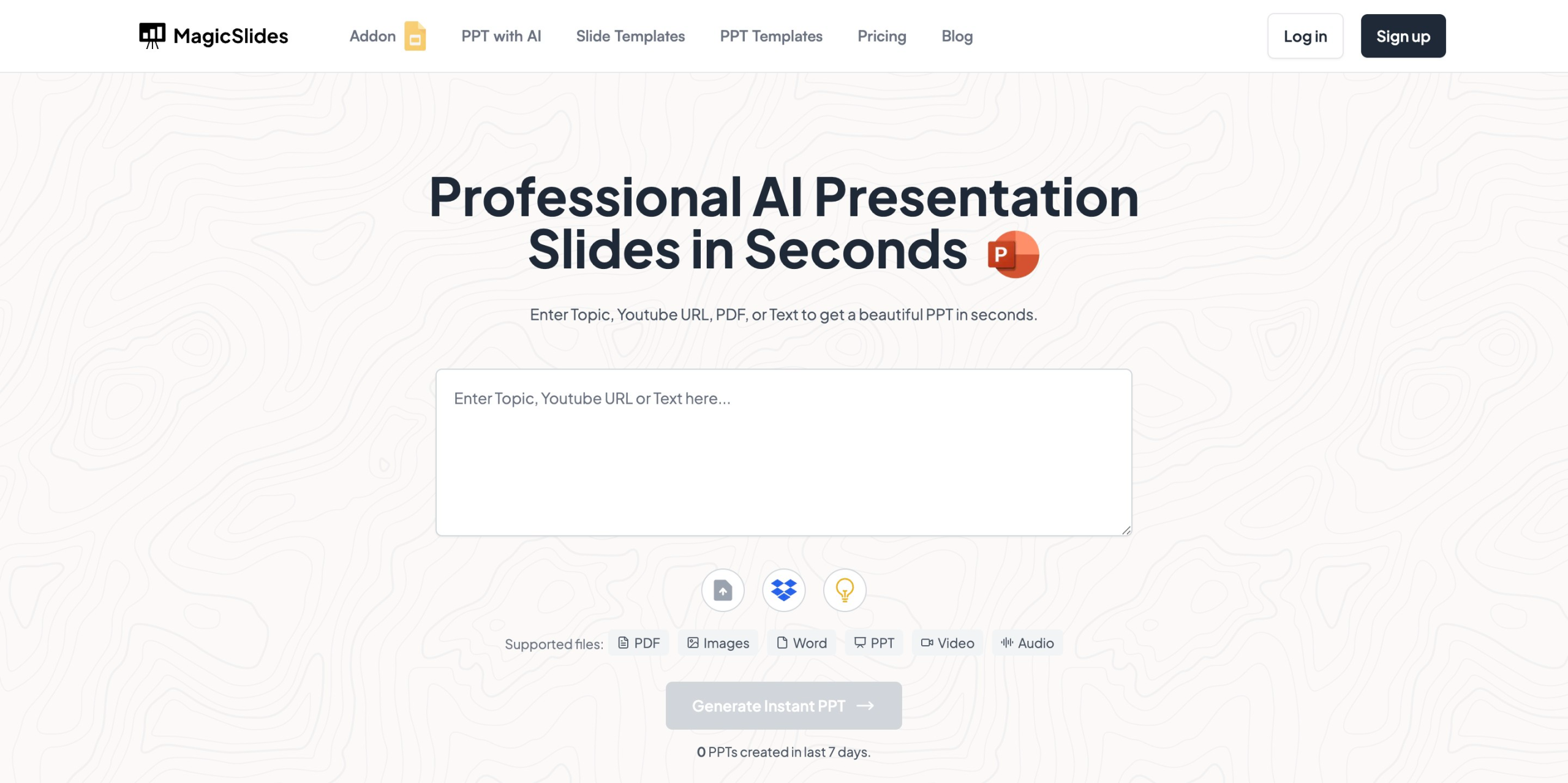
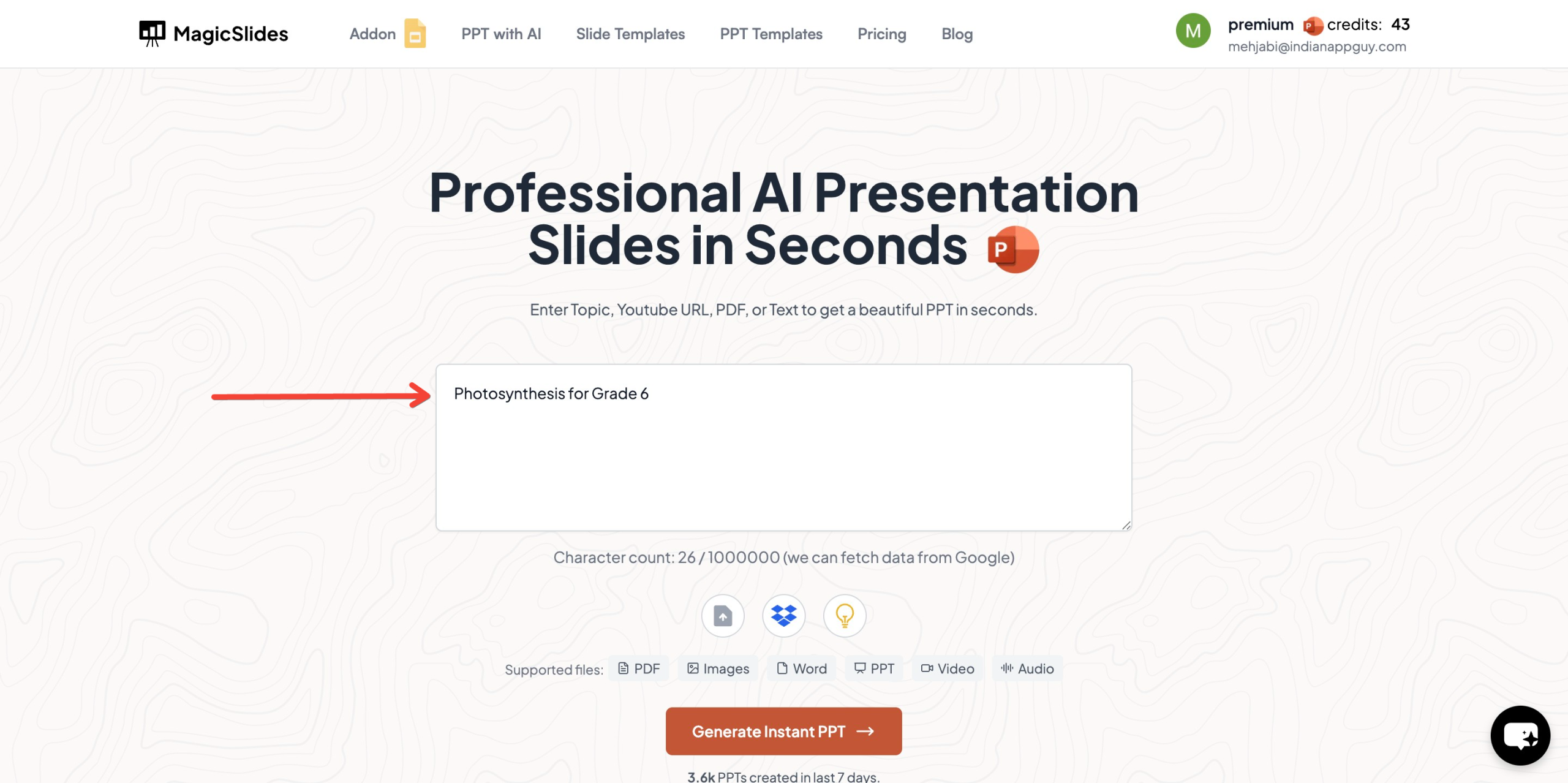
- Enter your topic in the given space (e.g., "Photosynthesis for Grade 6")
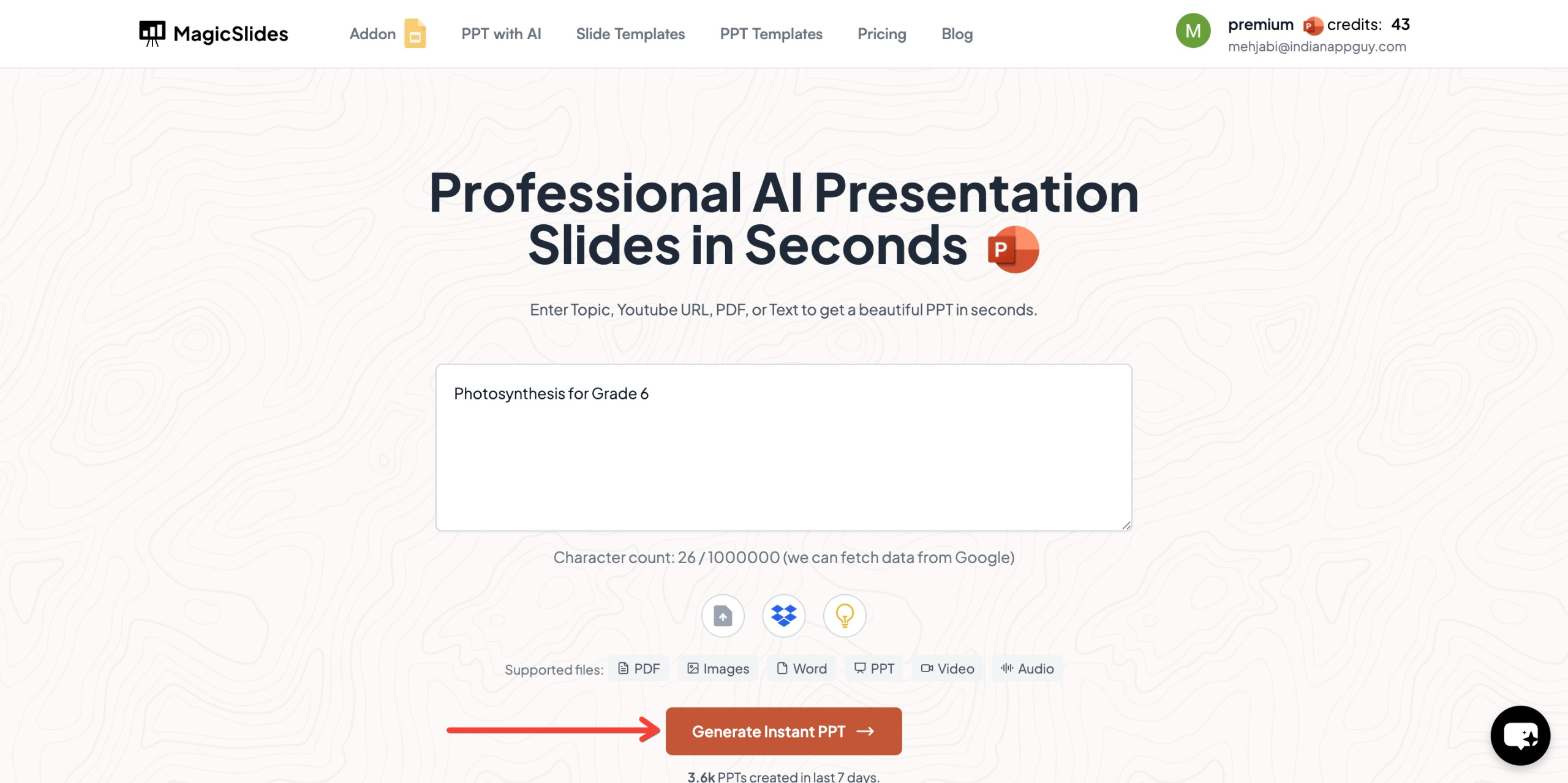
- Click "Generate Instant PPT"
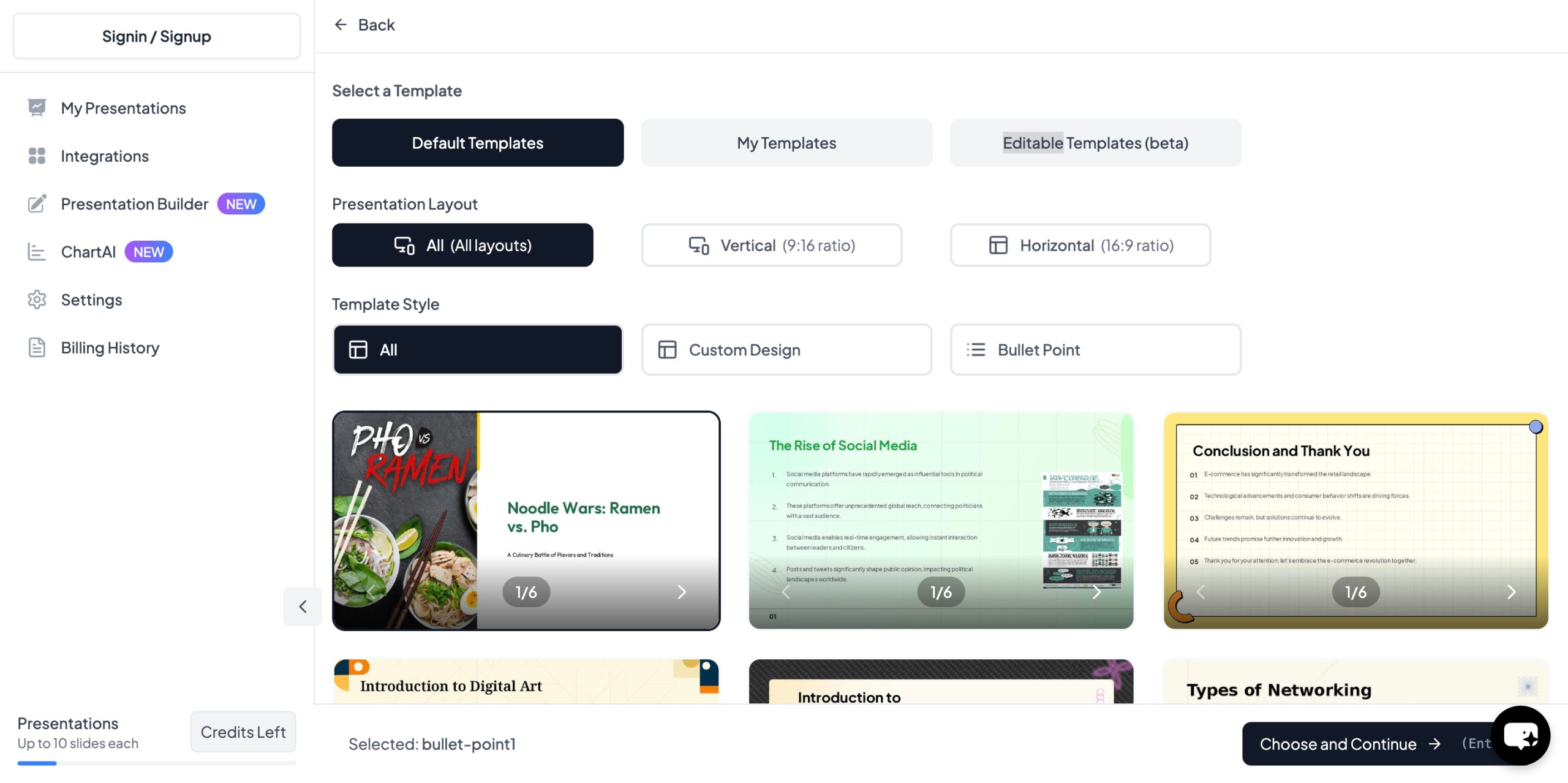
- Choose your template and number of slides as prompted
- Click "Start Generation" and wait for your slides to be created
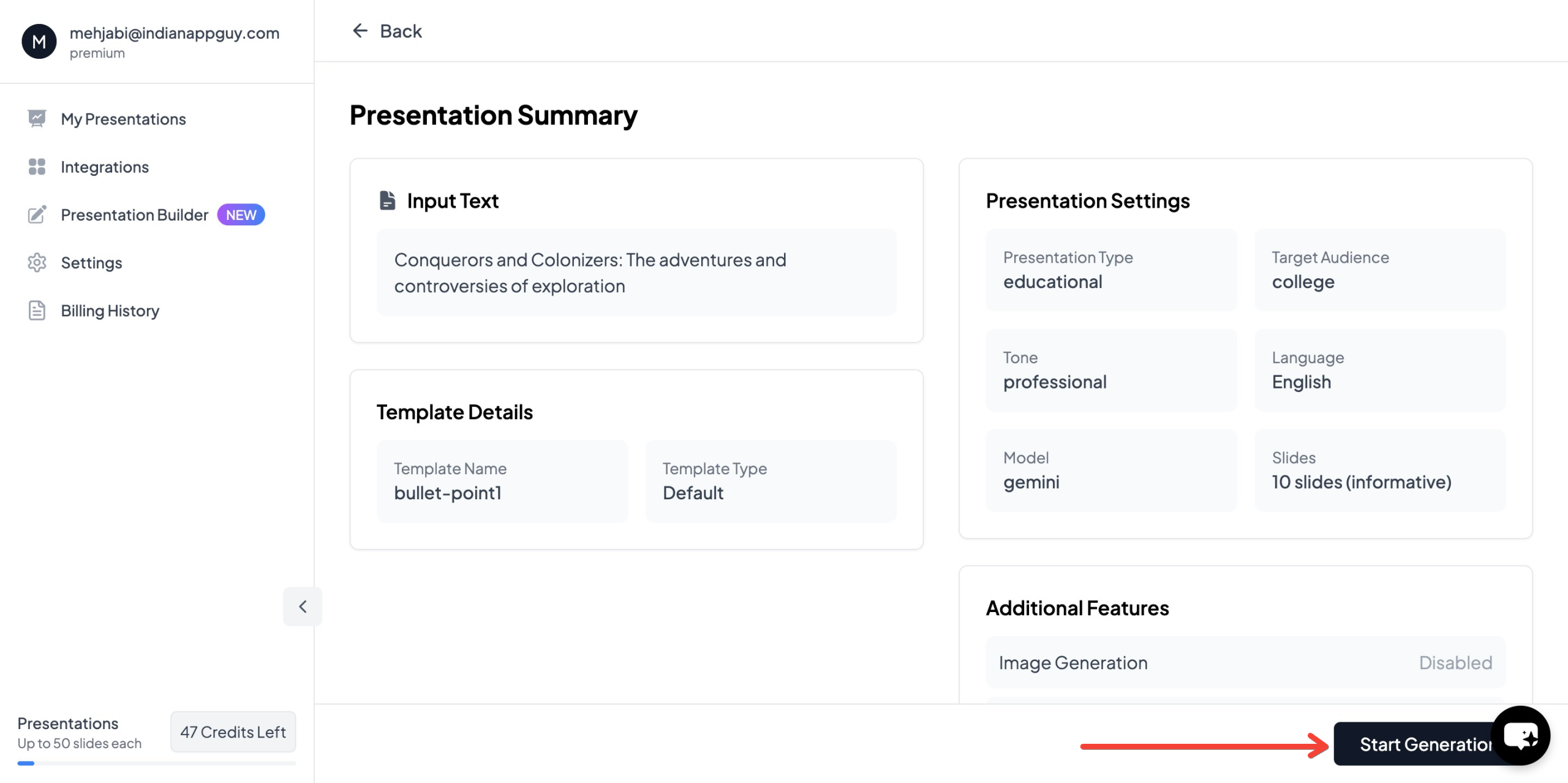
Your presentation will be ready in seconds, complete with AI-generated content and images
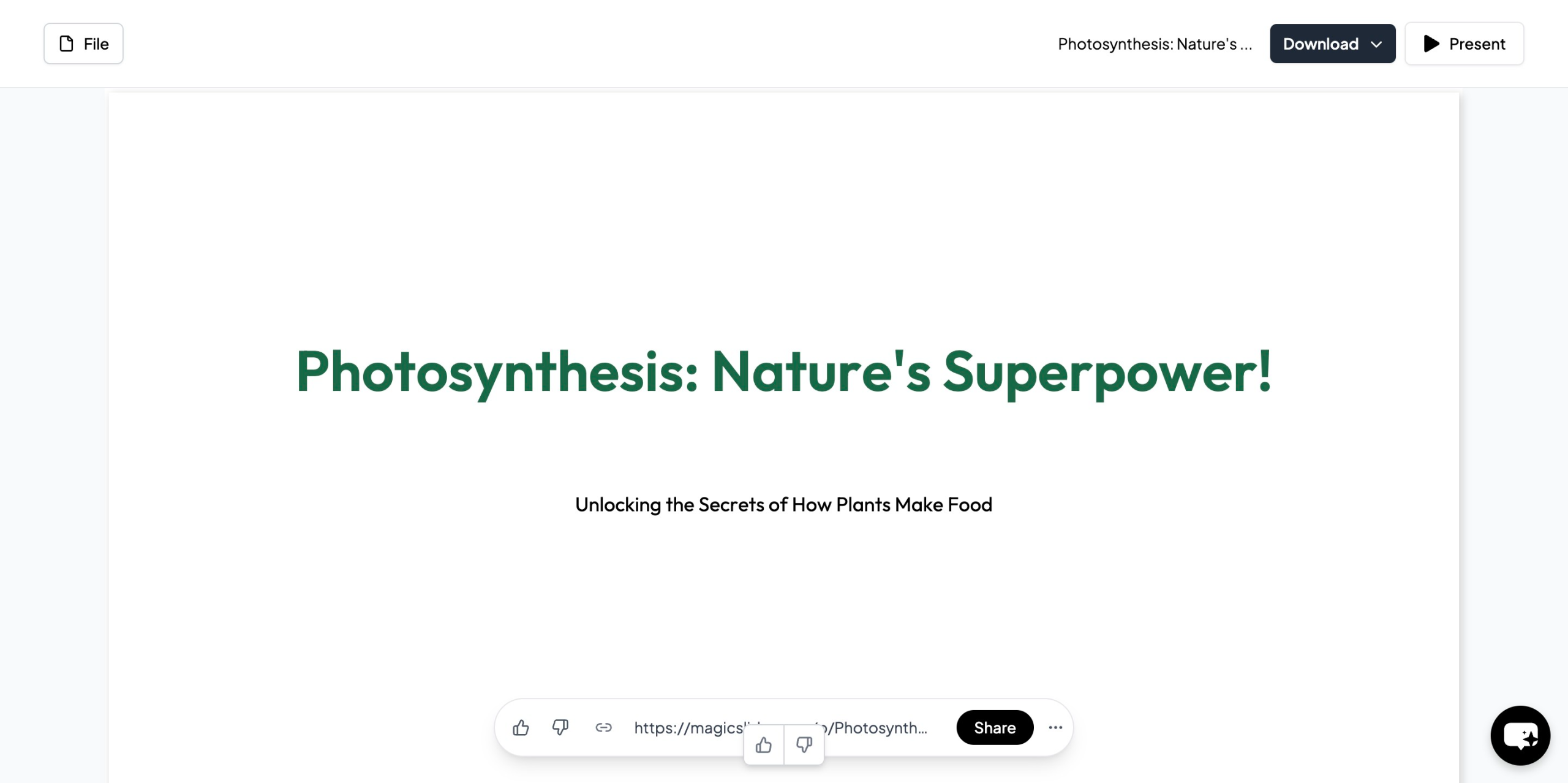
MagicSlides automates slide design, content structuring, and image selection, making it the perfect tool for busy teachers.
Why Use MagicSlides for Teaching?
MagicSlides provides a wide variety of presentation templates for different subjects and teaching styles, helping educators:
- Save time on lesson planning
- Improve student engagement with professional designs
- Create structured and clear slides automatically
- Access Wikipedia and Google data for reliable content
- Generate slides in 100+ languages, making it useful for global educators
Whether you teach science, math, history, or languages, MagicSlides can help you create engaging lesson slides effortlessly.
MagicSlides Pricing Plans
MagicSlides offers flexible pricing plans to fit educators' needs:

Essential Plan – $6.7/month (Billed Annually – $80)
- 10 presentations per month
- YouTube video conversion (up to 16 min)
- PDF conversion (5 pages)
- Up to 10 slides per presentation
- Basic AI features
Pro Plan – $12.4/month (Billed Annually – $149)
- 50 presentations per month
- YouTube video conversion (up to 16 min)
- PDF conversion (5 pages)
- Up to 15 slides per presentation
- AI-generated images
- Google Slides add-on and Figma plugin
Premium Plan – Contact for Pricing
- Unlimited presentations (100,000 characters)
- YouTube video conversion (up to 1 hour)
- PDF conversion (20 pages)
- Up to 50 slides per presentation
- Advanced AI features, including AskPPT and Zapier integration
MagicSlides' AI-powered presentation generator ensures teachers can focus more on teaching while reducing the time spent on lesson planning.
Final Thoughts: Creating Engaging Lesson Slides for Teachers
An effective presentation for teachers should be clear, visually engaging, and interactive. Using PowerPoint templates and AI-powered tools like MagicSlides can help educators save time, improve lesson quality, and keep students engaged.
If you want to create professional, AI-generated lesson slides in minutes, visit MagicSlides.app and start making interactive and engaging classroom presentations today.


