SWOT Analysis: Examples and Templates [2025]


![SWOT Analysis: Examples and Templates [2025]](https://magicslides-app-7c3118.ingress-florina.ewp.live/wp-content/uploads/2026/05/swot-analysis-examples-and-templates-2025-cover-1.jpg)
Explore SWOT analysis examples and templates for 2025. Learn how to create professional, impactful presentations with modern tools and pre-designed layouts.

SWOT analysis is a time-tested tool for identifying strengths, weaknesses, opportunities, and threats in any given scenario. Whether you’re a business professional, a student, or an individual working on personal growth, presenting your SWOT analysis effectively is crucial.
Templates play a key role in ensuring your analysis is not only clear but also visually compelling. In this blog, we’ll look at examples of SWOT analysis and some modern templates to help you create polished and professional presentations.
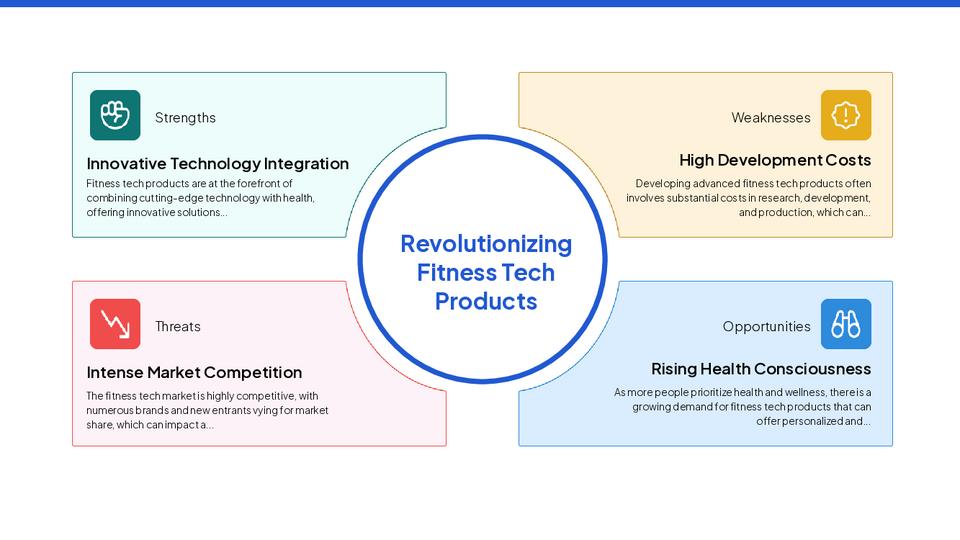
Why Use Templates for Your SWOT Analysis?
Creating a SWOT analysis involves more than just identifying key points—it’s about presenting them in a way that your audience can understand and act on. Templates offer the following benefits:
- Clarity and Organization: Pre-designed layouts structure your ideas neatly, making your analysis more readable.
- Visual Appeal: Professionally designed templates leave a strong impression, whether you’re presenting to your team or external stakeholders.
- Time-Saving: Instead of focusing on formatting, you can spend more time refining the actual content.
- Flexibility: Many tools allow you to customize templates to suit your style or audience.
Examples of SWOT Analysis in Action
1. Small Business Expansion
- Strengths: Loyal customer base, strong brand presence, skilled workforce.
- Weaknesses: Limited financial resources, reliance on seasonal demand.
- Opportunities: Expansion into untapped markets, rising demand for eco-friendly products.
- Threats: New competitors entering the market, economic fluctuations.
This example emphasizes the importance of leveraging strengths to capitalize on opportunities while mitigating threats and addressing internal weaknesses.
2. Personal Career Planning
- Strengths: Strong interpersonal skills, technical expertise, willingness to learn.
- Weaknesses: Lack of leadership experience, procrastination tendencies.
- Opportunities: Networking events, skill-enhancing courses, industry demand for specialized roles.
- Threats: High competition in the job market, rapid technological changes.
A personal SWOT analysis like this can help you set actionable goals and identify areas for growth.
Top Templates for SWOT Analysis
Using templates ensures your SWOT analysis is impactful and well-organized. Here are some popular options to consider:
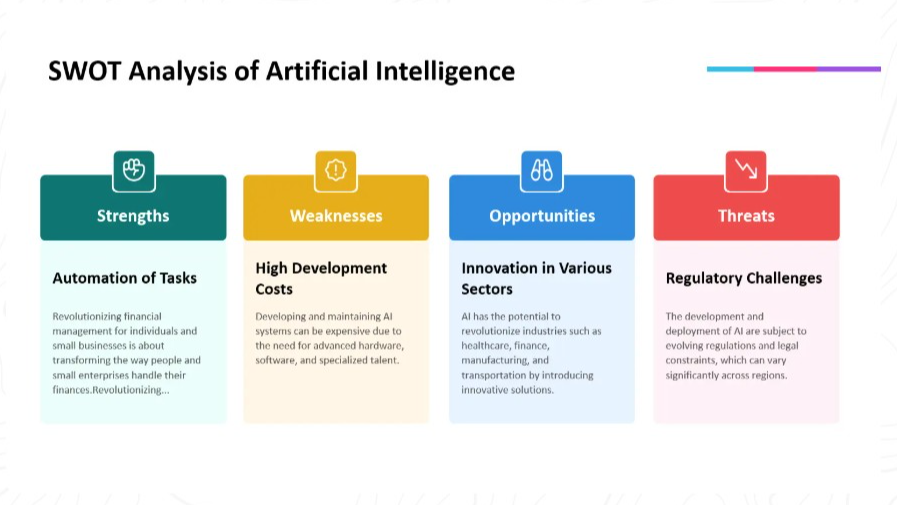
1. Basic Grid Template
- A simple 2×2 layout for clear categorization of strengths, weaknesses, opportunities, and threats.
- Best for quick brainstorming sessions or smaller audiences.
2. Infographic Template
- Includes icons, colors, and dynamic visuals to make your presentation more engaging.
- Ideal for larger audiences or when pitching to clients.
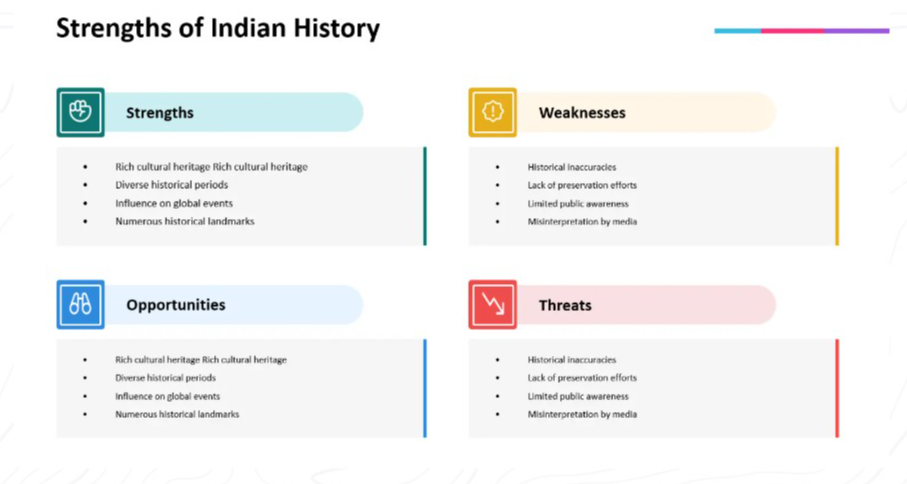
3. Detailed Analysis Template
- Allows space for explanations, data points, and strategies to act on each aspect of the SWOT.
- Perfect for in-depth strategic planning sessions.
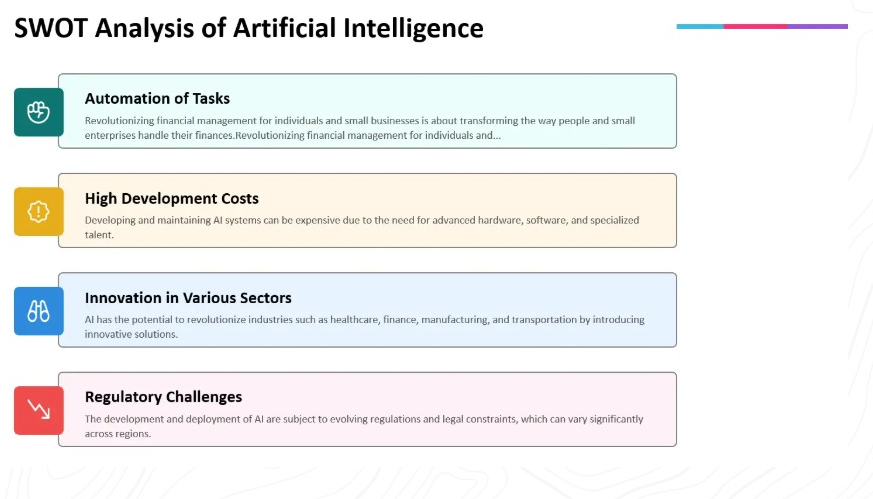
4. Customizable Industry-Specific Templates
- Pre-designed templates tailored to sectors like healthcare, technology, education, and more.
- Saves time and ensures your analysis aligns with industry expectations.
Simplifying the Process
If creating a visually appealing SWOT analysis feels overwhelming, tools like MagicSlides.app can help. With a wide variety of templates and AI-powered slide generation, MagicSlides enables you to create professional SWOT slides quickly and easily. Whether you prefer a minimalist design or something more creative, these templates can fit any purpose.
Final Thoughts
A well-presented SWOT analysis can make all the difference in how your insights are received. Templates streamline the process, ensuring your analysis is organized, professional, and easy to understand. By incorporating thoughtfully designed templates, you can focus on what truly matters—the strategic decisions that will follow.
Tools like MagicSlides.app offer a variety of templates to get you started, but the key is finding the design that best communicates your ideas. With the right template in hand, your SWOT analysis is sure to leave an impact.


