How is a Presentation different from a slide


Understanding the differences between a presentation and a slide is crucial for effective content creation
When working with PowerPoint or any other presentation software, the terms "presentation" and "slide" are often used interchangeably. However, they represent different concepts, each playing a unique role in conveying your message effectively.
Understanding the distinction between a presentation and a slide can help you create more organized and impactful content.
Let’s explore the key differences between a presentation and a slide.
How is a Presentation different from a slide?
Difference #1: Scope
👉 Presentation: A presentation refers to the entire collection of slides that work together to deliver a comprehensive message. It’s like a complete book, where each slide is a chapter contributing to the overall narrative.
A presentation encompasses everything from the title slide to the concluding slide, guiding your audience through the topic in a structured way.
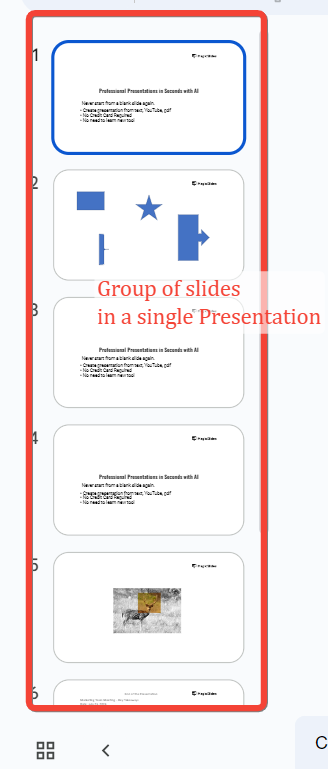
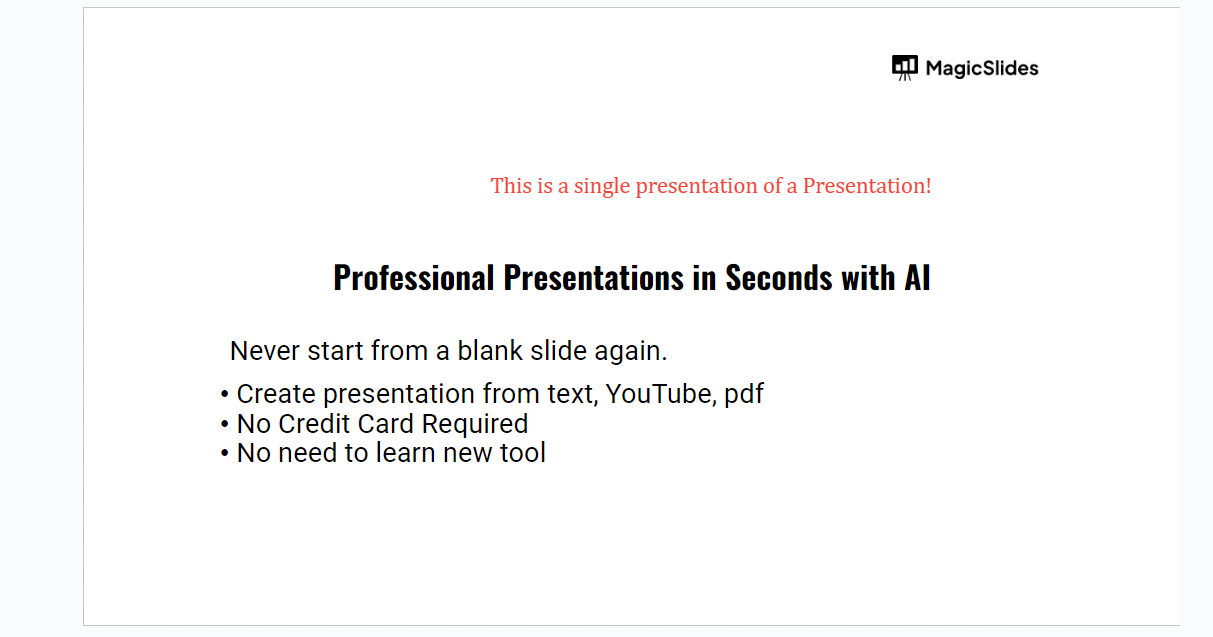
👉 Slide: A slide, on the other hand, is a single page or screen within that broader presentation. Each slide is focused on a specific piece of content, such as a point you’re making, an image you’re showcasing, or data you’re analyzing.
Think of a slide as one chapter or section in the book that is your presentation.
Difference #2: Purpose
👉 Presentation: The purpose of a presentation is to communicate a complete idea, concept, or argument to an audience. It’s the vehicle through which you share your insights, persuade others, or educate your audience.
A well-crafted presentation will have a logical flow, including an introduction, body, and conclusion.
👉 Slide: The purpose of a slide is to support the overall presentation by providing specific details or visual aids that help explain or emphasize a particular point.
While a presentation conveys the big picture, each slide dives into one aspect of that picture, contributing to the overall story.
Difference #3: Content
👉 Presentation: A presentation is made up of multiple slides, each adding to the overall message. The content of a presentation is diverse, incorporating text, images, graphs, videos, and more, all organized in a sequence that makes sense for the audience.

👉 Slide: The content of a slide is more focused. It might include a few bullet points, a chart, a single image, or a quote.
Each slide is designed to be easily digestible and visually appealing, often summarizing or illustrating a single idea or concept.
Difference #4: Structure
👉 Presentation: Structurally, a presentation is organized to guide the audience from start to finish. It often begins with an agenda or overview, follows with the main content, and ends with a conclusion or call to action.
The flow and transitions between slides are carefully planned to ensure a smooth and logical progression. Get access to 50+ presentations without making them from scratch from here
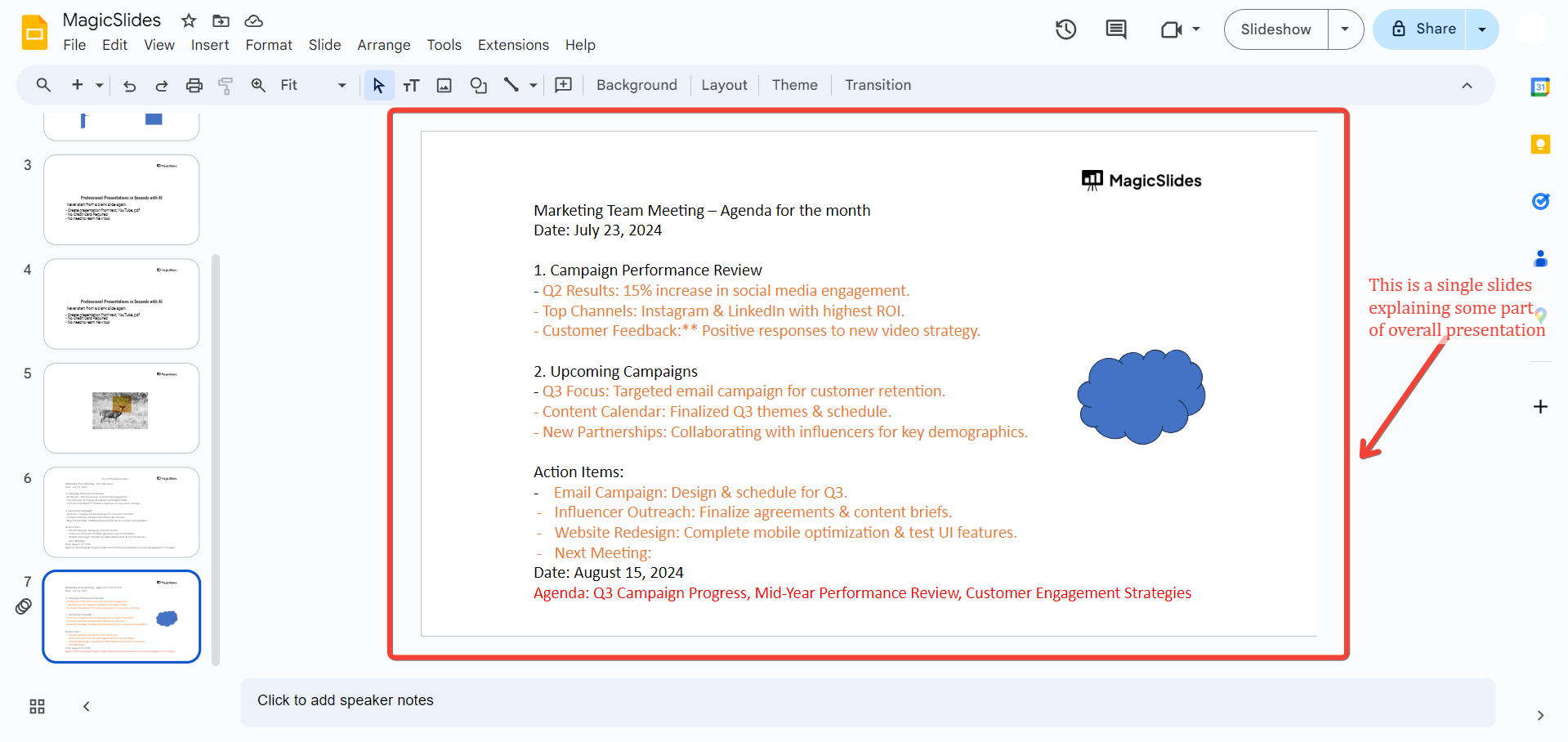
👉 Slide: A slide’s structure is simpler, usually consisting of a title, main content area, and sometimes a footer or additional notes.
Each slide should be clear and uncluttered, making it easy for the audience to follow along with the presentation.
Difference #5: Usage
👉 Presentation: The entire presentation is delivered to an audience, either live or as a digital document. It’s used in meetings, lectures, conferences, and other settings where you need to communicate ideas effectively to a group.
👉 Slide: A slide is used as a building block within the presentation. While a single slide can be informative, it is most effective when viewed in the context of the entire presentation.
The impact of a slide comes from how well it fits into the presentation’s overall message and flow.
Conclusion
In summary, while a presentation is the complete package used to convey a message, each slide is a crucial piece of that package, contributing to the overall effectiveness of the communication. Understanding the difference between a presentation and a slide can help you better organize your content and deliver more compelling presentations.
Tired of maing presentations? what if we tell you you can make presentation with just a prompt, convert YouTube videos to PPTs, convert website content to PPTs? Yes! checkout magicslides.app that does all and enjoy the free credits to make presentations in seconds
FAQs on Slides vs Presentation:
Can a single slide be considered a presentation?
A single slide can technically be presented on its own, but it’s not considered a full presentation. A presentation typically involves multiple slides that work together to convey a complete message or story.
A single slide may present a key idea or visual, but a full presentation includes a structured flow of content, often with an introduction, body, and conclusion.
How many slides should a presentation have?
The number of slides in a presentation can vary depending on the content and context. There’s no strict rule, but a good guideline is to keep your presentation concise while ensuring each slide serves a purpose.
The "10-20-30 rule" by Guy Kawasaki suggests using 10 slides for a 20-minute presentation, with each slide containing no more than 30 words.
However, the exact number will depend on your topic, audience, and the depth of information you need to convey.
Can I reuse slides in different presentations?
Yes, you can reuse slides in different presentations. If a slide is relevant and fits well with the new presentation’s content, it can be a time-saver and ensure consistency in your messaging.
PowerPoint and other presentation software often include features that allow you to import slides from other presentations seamlessly.
Just make sure that the reused slide aligns with the overall theme and flow of your new presentation.


