How to add columns in Google slides


Revamp your Google Slides presentations with this simple guide on adding columns for enhanced visual appeal
Enhance your Google Slides presentations by adding columns for a more organized and visually appealing layout. Whether you're presenting data or creating a professional-looking slide, here's a step-by-step guide to easily incorporate columns into your Google Slides.
How to add columns in Google slides
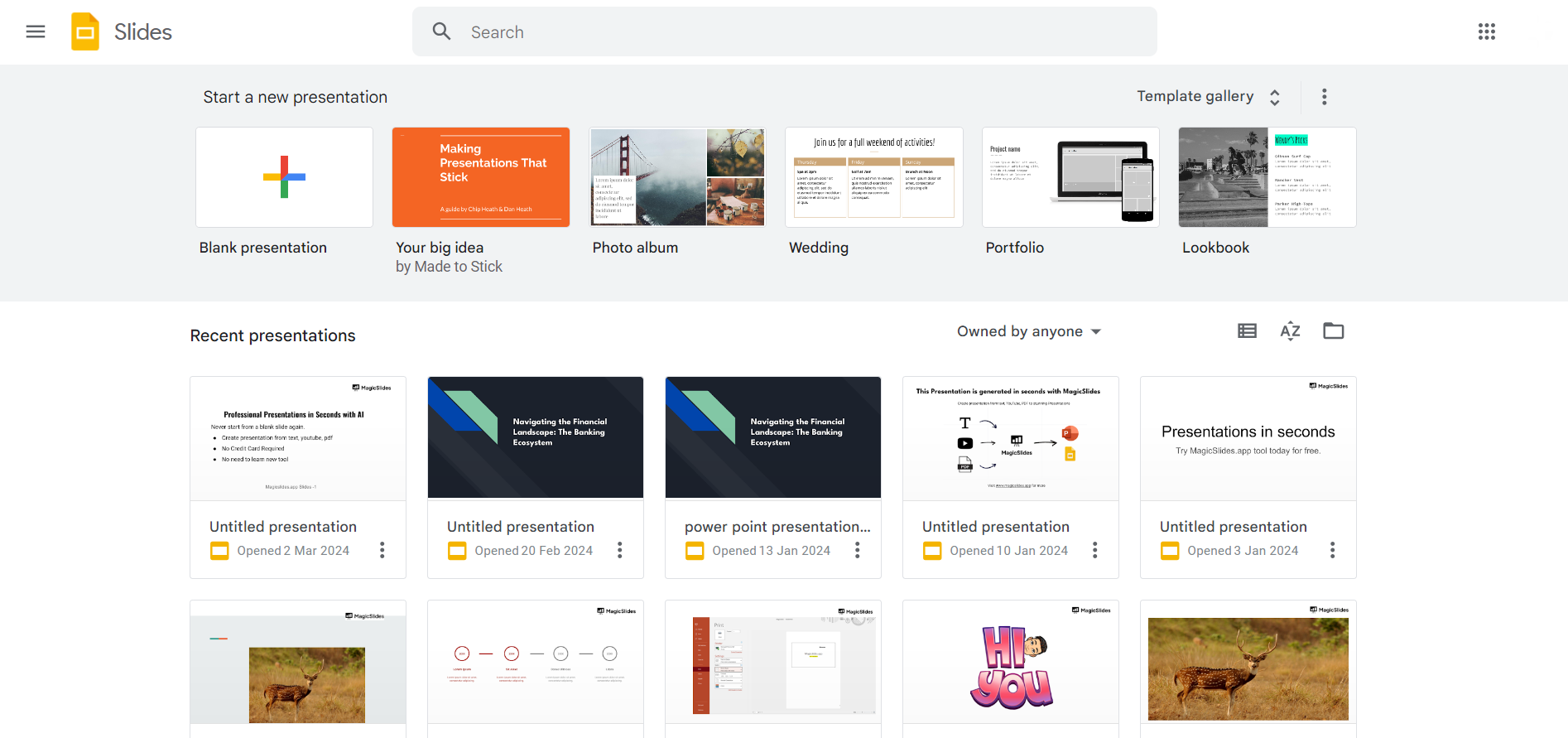
Open Your Google Slides Presentation:
Begin by accessing the presentation where you want to incorporate columns. If you don't have one, create a new presentation in Google Slides.
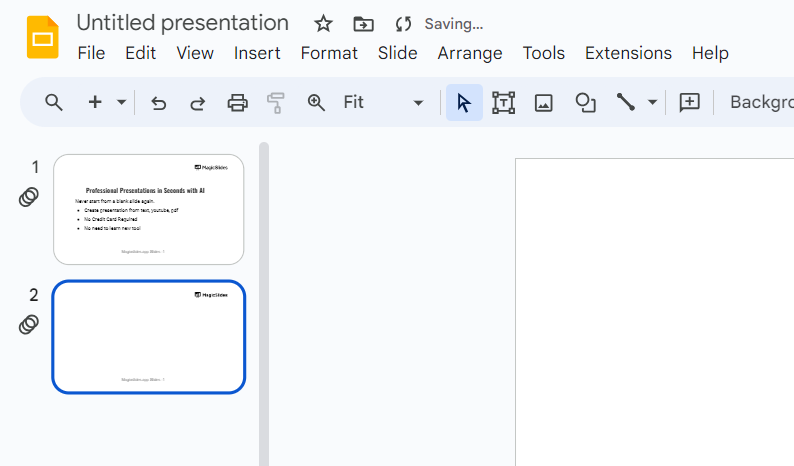
Select the Slide:
Choose the slide where you want to add columns. Click on the slide in the left sidebar to ensure you're working on the correct one.
Access "Format" Options:
In the top menu, click on "Format." A dropdown menu will appear. Or you can directly choose to create a column by hovering over to insert tab → table → choose number of columns as defined below in the picture.
Choose "Columns":
From the "Format" menu, hover over "Columns." A submenu will display various column options: one, two, or three columns.
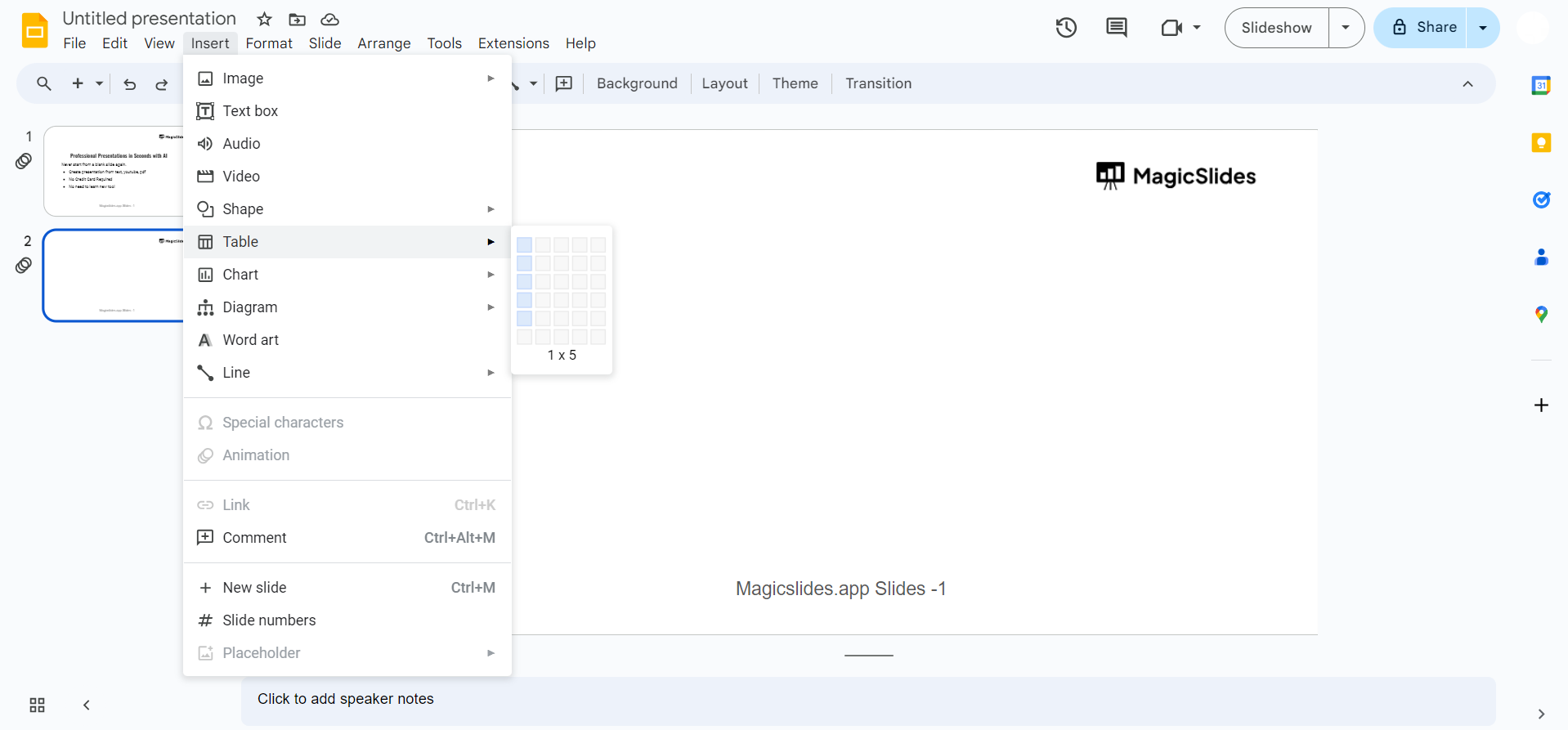
Select the Number of Columns:
Click on the number of columns you want to add to your slide. Choose the option that best suits your content and layout preferences.
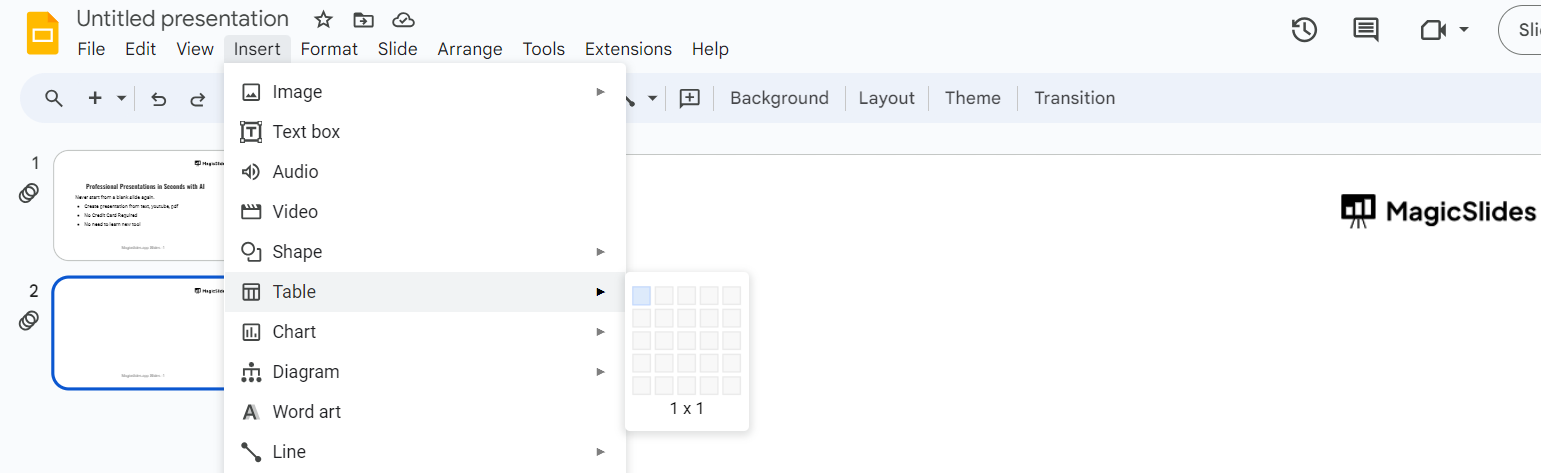
Adjust Column Spacing:
After selecting the number of columns, you can fine-tune the spacing between them. Click on "Format" again, hover over "Columns," and choose "Customize."
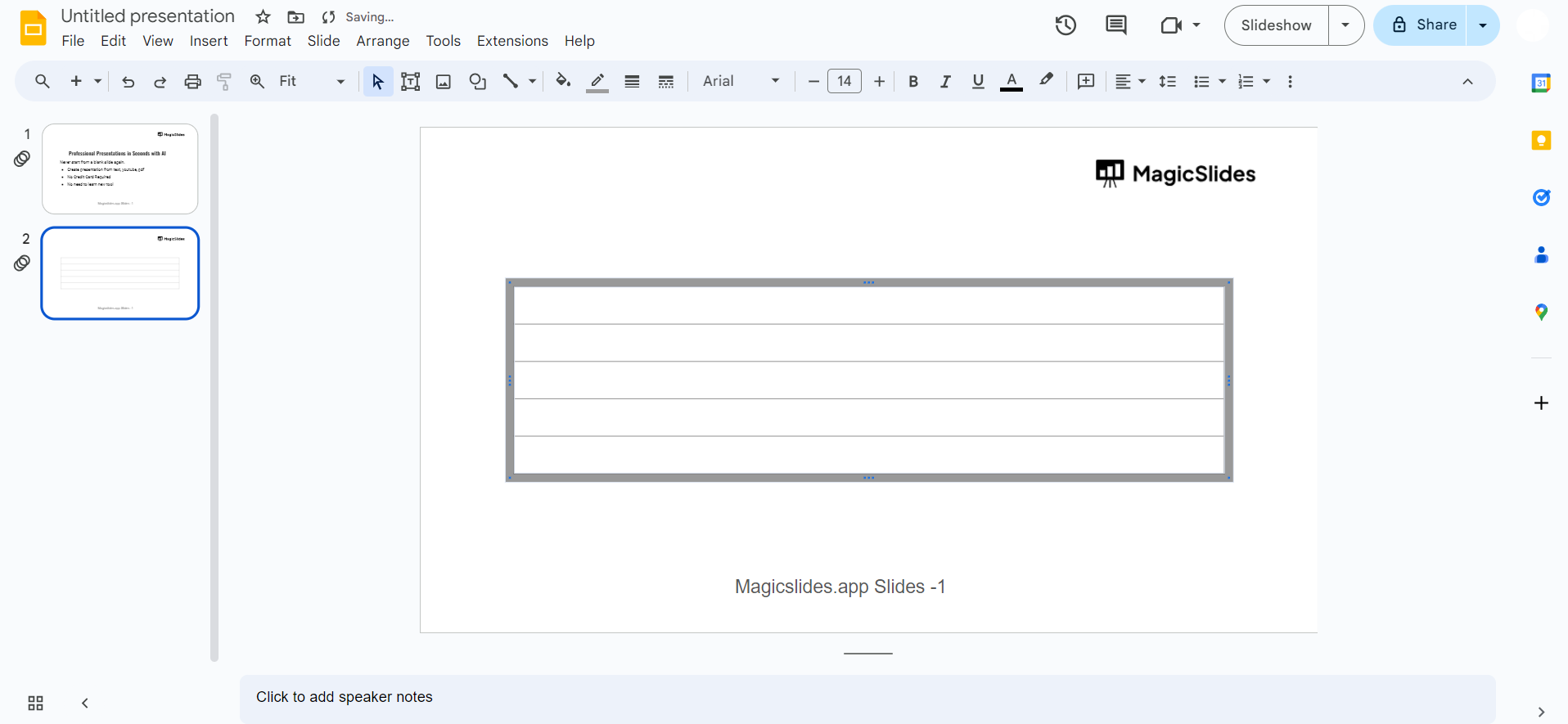
Customize Column Width and Spacing:
In the "Customize Columns" menu, adjust the width of each column and the spacing between them. Preview changes and click "Apply" when satisfied.
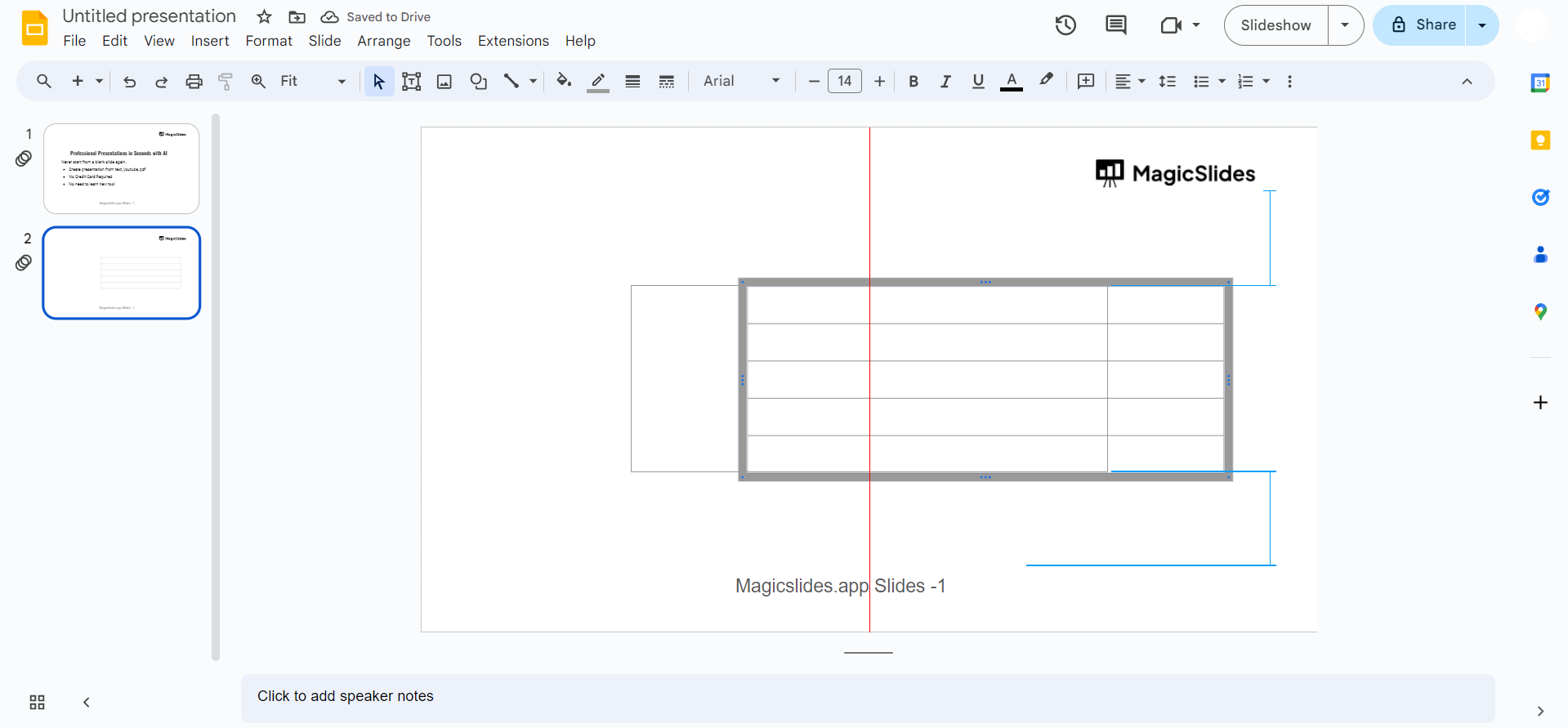
Review and Edit Content:
Examine your slide to ensure that the content adapts well to the column layout. Make any necessary adjustments to text, images, or other elements for optimal presentation.
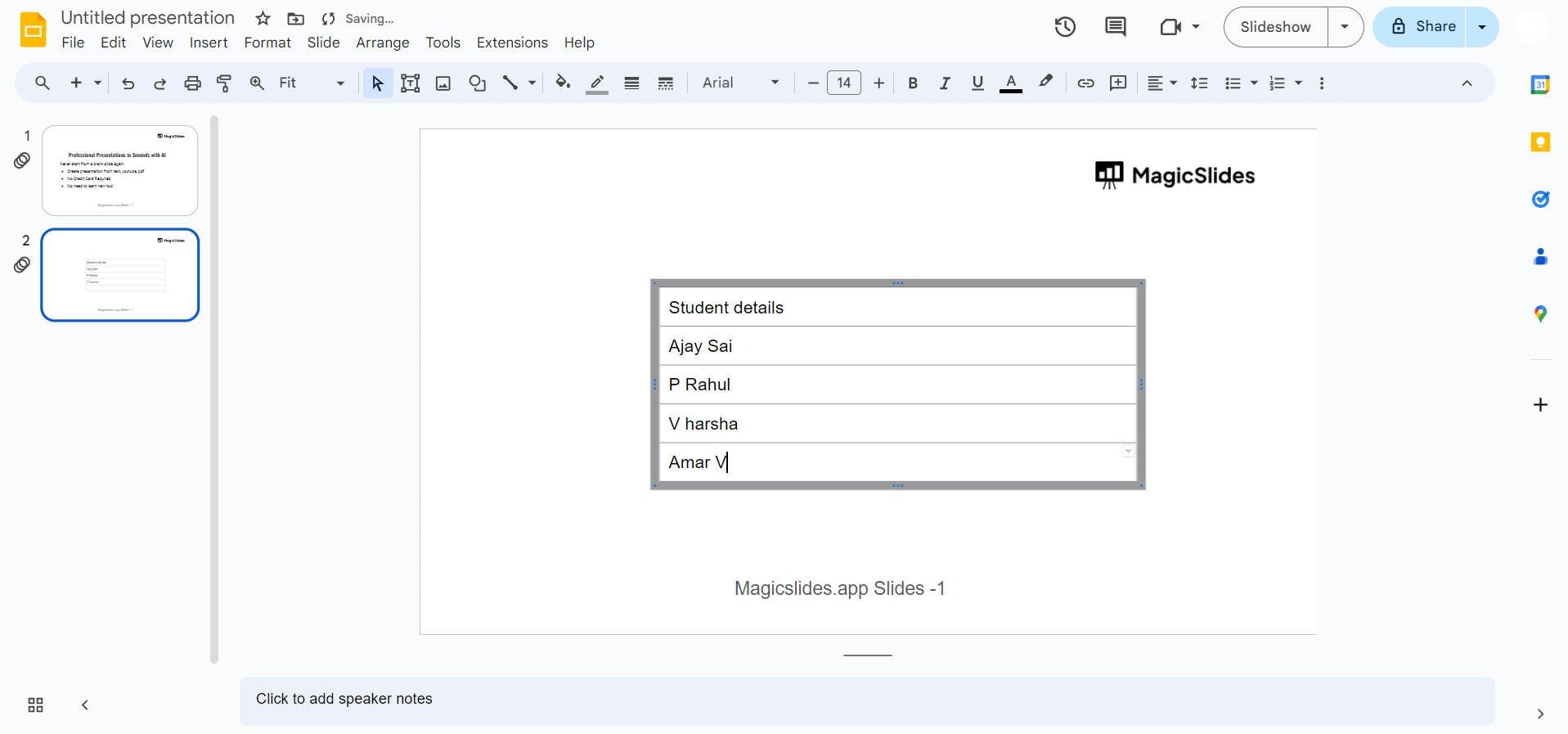
Conclusion:
By following these straightforward steps, you can easily add columns to your Google Slides presentations, providing a more structured and visually appealing design. Whether you're presenting data, creating a newsletter, or designing a professional pitch, columns in Google Slides offer versatility and enhance the overall visual impact of your slides. Incorporate this feature to elevate the aesthetics of your presentations and captivate your audience.
Frequently Asked Questions:
Can I adjust the number of columns after adding them to a slide?
Yes, you can easily change the number of columns by accessing the "Format" menu again.
Will adding columns affect the overall layout of my slide?
Adding columns won't disrupt your existing content; however, adjustments may be needed for optimal alignment.
Can I customize the width and spacing of columns to fit my content?
Absolutely! Google Slides allows you to customize column width and spacing for a tailored layout.
Do columns work with all types of content, such as text and images?
Yes, columns support various content types, enabling you to create visually engaging presentations effortlessly.


