How to Create PowerPoint Presentation Templates Easily


Learn how to create stunning PowerPoint presentation templates effortlessly using pre-designed templates. Save time, enhance professionalism, and ensure consistent design.
Creating visually appealing PowerPoint presentation templates is no longer a task that requires hours of effort or professional design skills. With pre-designed templates readily available online, anyone can create polished presentations in just a few clicks.
This blog post will explore how you can make use of existing resources to design stunning PowerPoint presentations efficiently.
Why Use Pre-Designed PowerPoint Presentation Templates?
Leveraging pre-designed PowerPoint templates saves time and ensures a professional touch in every slide. Here’s why templates are the perfect choice:
- Time Efficiency: Templates eliminate the need to start from scratch, allowing you to focus on content rather than design.
- Professional Aesthetics: Many templates are created by experts, ensuring a polished and cohesive look.
- Consistency Across Slides: Templates provide a uniform layout, font, and color scheme throughout the presentation.
Where to Find PowerPoint Presentation Templates
There are countless platforms offering PowerPoint presentation templates. These platforms cater to diverse needs, whether for business professionals, educators, or students.
One standout tool that simplifies the process is MagicSlides.app, offering a wide array of templates tailored to different purposes.
1. Explore Templates by Categories
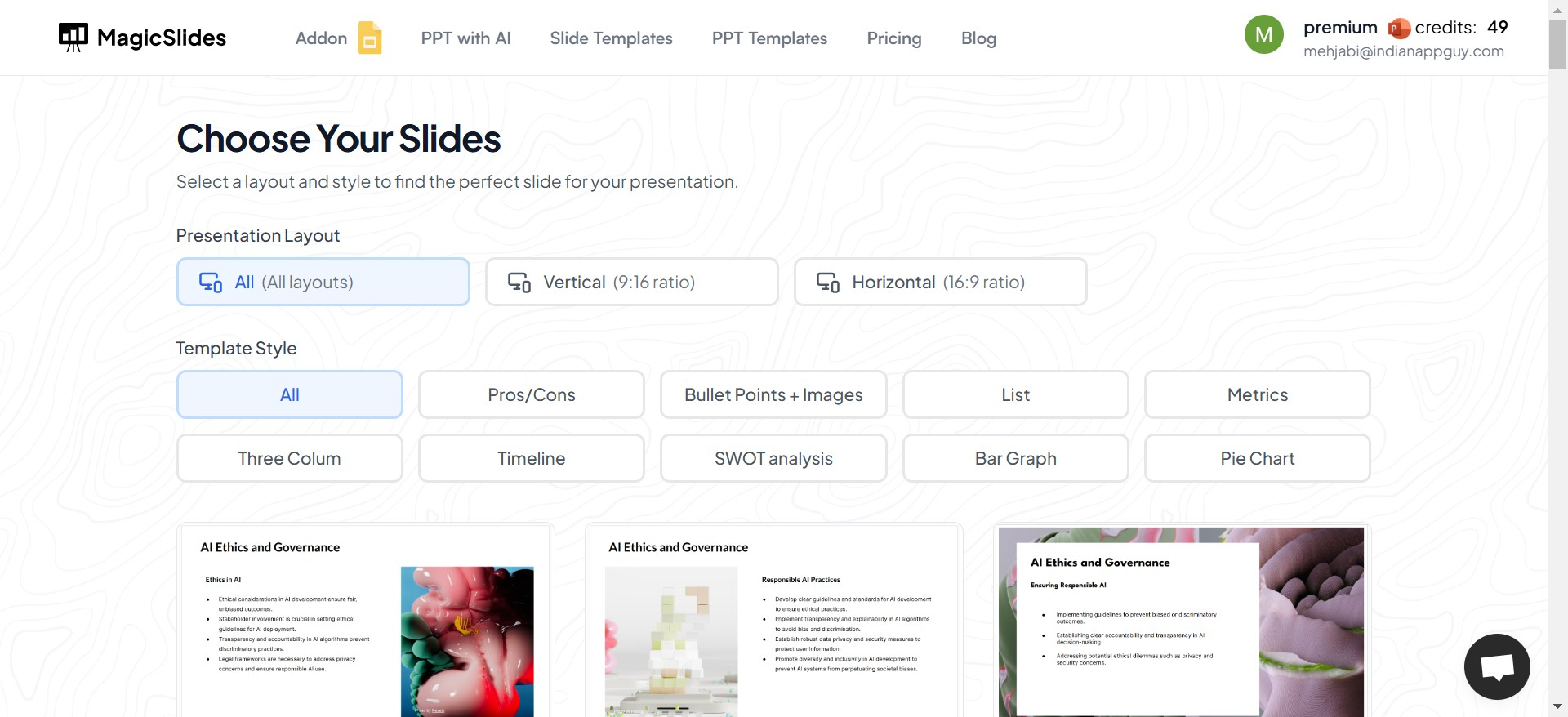
Templates are often categorized based on themes, making it easy to find one that suits your presentation's purpose. Some popular categories include:
- Business Templates: Professional designs for corporate meetings, pitches, and reports.
- Educational Templates: Simplified designs for lectures, training, or school projects.
- Creative Templates: Bold and vibrant designs for innovative or informal topics.
By browsing through these categories, you can quickly identify templates that align with your needs.
2. Pay Attention to Design Elements
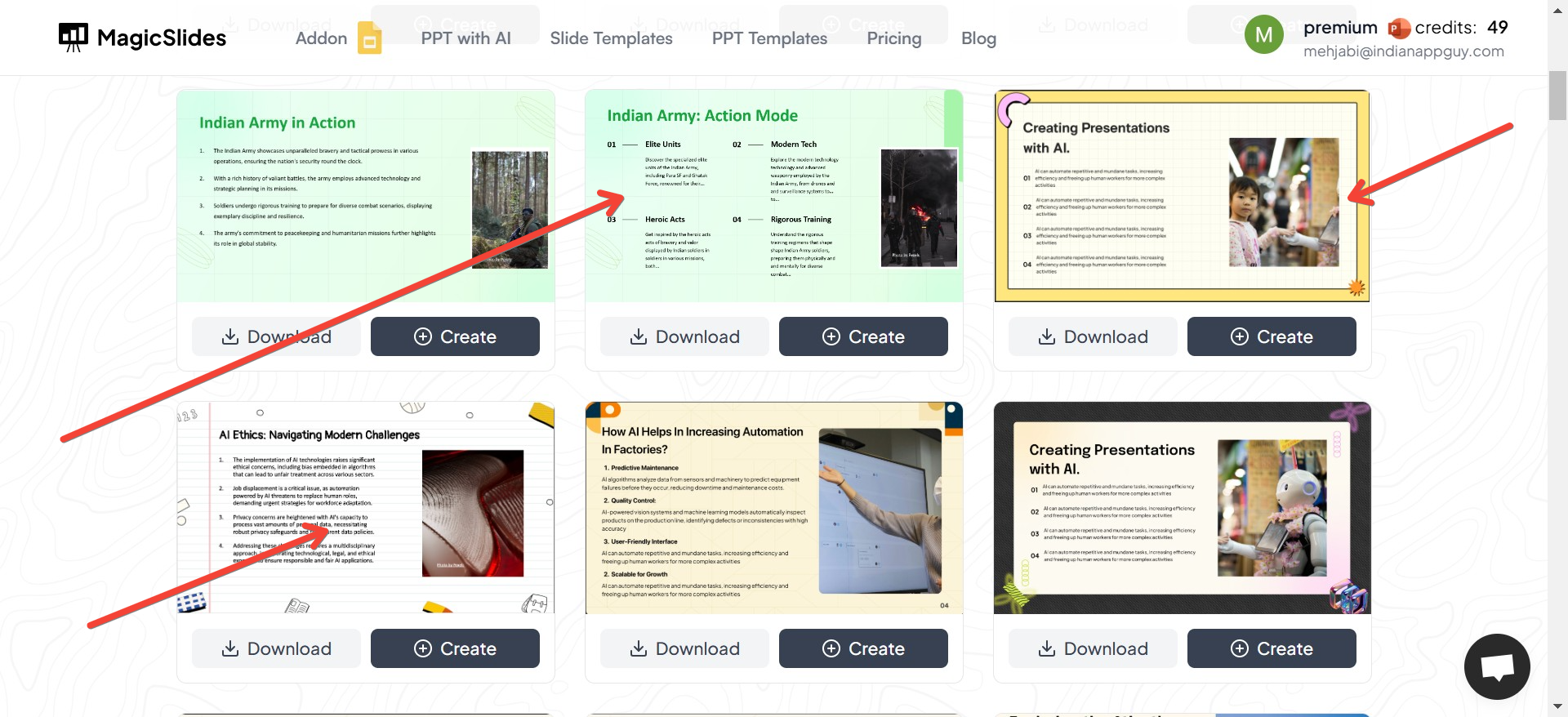
When choosing a template, focus on the following design elements to ensure it meets your requirements:
- Color Scheme: Select templates with a color palette that matches your topic or brand.
- Font Style: Look for templates with clean, readable fonts.
- Layout Variety: Ensure the template includes a mix of layouts for title slides, content slides, and visual-heavy slides.
3. Check Customizability
Even though pre-designed templates save time, you may want to personalize them to better fit your style. Look for templates that are:
- Easily Editable: Ensure you can adjust colors, fonts, and layouts without difficulty.
- Content-Ready: Some templates come with placeholders for text, images, and charts, making it easy to plug in your data.
4. Focus on Visual Appeal
Templates with visually balanced designs can make a significant impact. Look for features like:
- Minimalist Backgrounds: Simple designs help keep the focus on your content.
- Icons and Illustrations: These can help convey your message more effectively.
- Data Visualization Options: Charts and graphs make complex information easier to understand.
Benefits of Using Pre-Designed Templates
If you’ve never worked with pre-designed templates, here’s what you can expect:
- Ease of Use: Templates often come with instructions or placeholders, making them beginner-friendly.
- Versatility: Whether it’s a quarterly business review or a school project, templates are versatile enough to cater to any topic.
- Inspiration: Looking at pre-designed templates can inspire you with new ways to present your information creatively.
How to Maximize the Use of Templates
1. Match the Template to Your Content
Choose templates that align with the tone and purpose of your presentation. For example:
- For a formal business meeting, go with clean and neutral designs.
- For a creative brainstorming session, opt for colorful and vibrant layouts.
2. Adapt the Template to Your Style
Even though templates provide a ready-made design, you can:
- Replace placeholder images with your visuals.
- Adjust colors to match your brand identity.
- Modify text to reflect your messaging.
3. Practice Good Presentation Design Principles
Regardless of the template you use, keep these tips in mind:
- Avoid overcrowding slides with too much text or visuals.
- Use consistent font sizes and styles across slides.
- Highlight key points using bold text or contrasting colors.
Conclusion
Using pre-designed PowerPoint presentation templates is an easy and effective way to create stunning presentations. By choosing the right template, customizing it to suit your needs, and following basic design principles, you can ensure your presentations look polished and professional every time.
Take advantage of the many high-quality templates available online today and let your slides do the talking. With the right resources, creating stunning presentations has never been easier!


