How to Enable a Word Tracker in Google Slides


Learn how to track word count in Google Slides using add-ons, Google Docs, or online tools
Tracking word count or text usage in Google Slides can help you maintain clarity and conciseness in your presentation.
While Google Slides doesn’t have a built-in word tracker, there are ways to monitor and count your text effectively.
This guide will show you how to enable and use a word tracker in Google Slides.
How to Enable a Word Tracker in Google Slides | Steps to Enable a Word Tracker in Google Slides
Step 1: Open Your Google Slides Presentation
Log in to your Google account and access Google Slides. Open an existing presentation or create a new one.
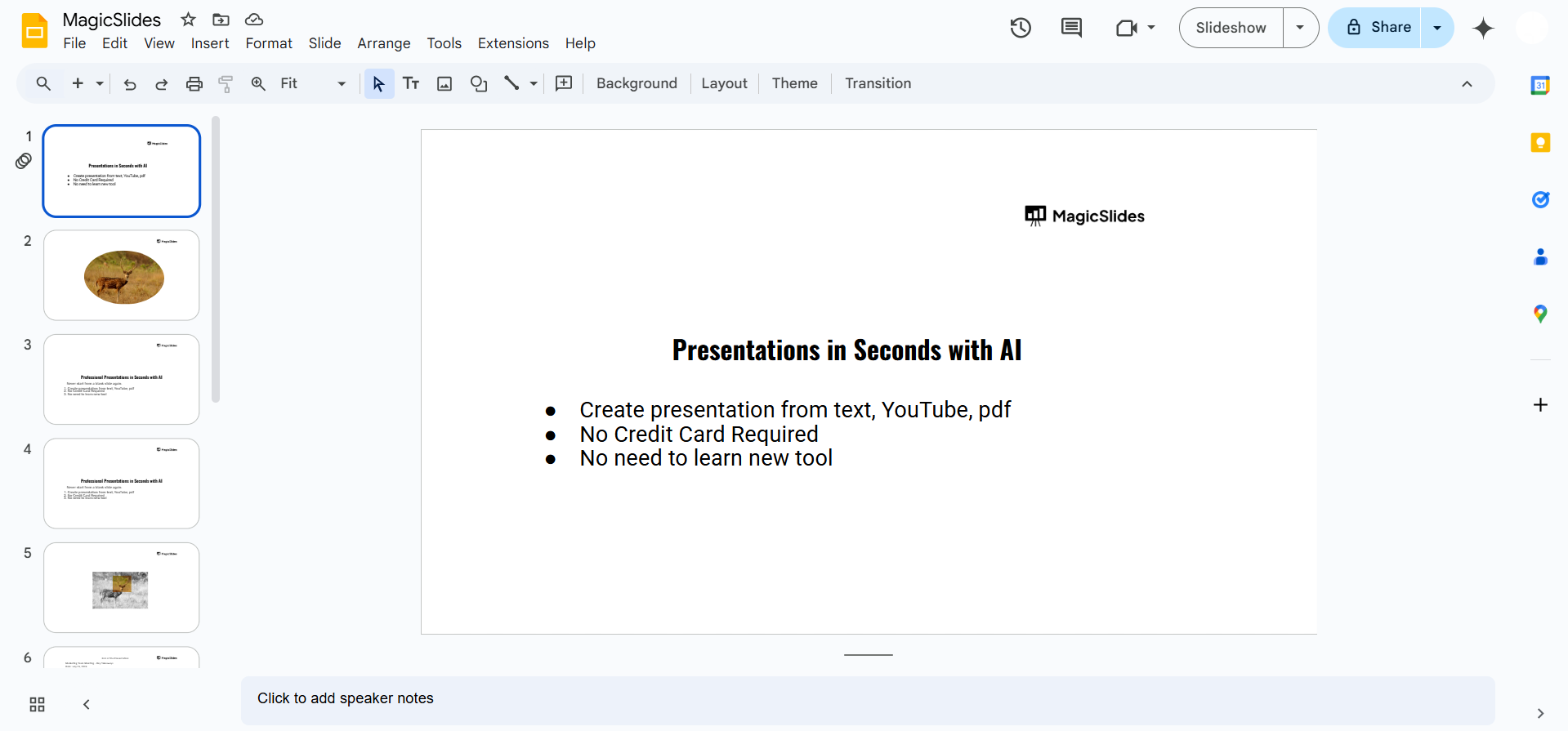
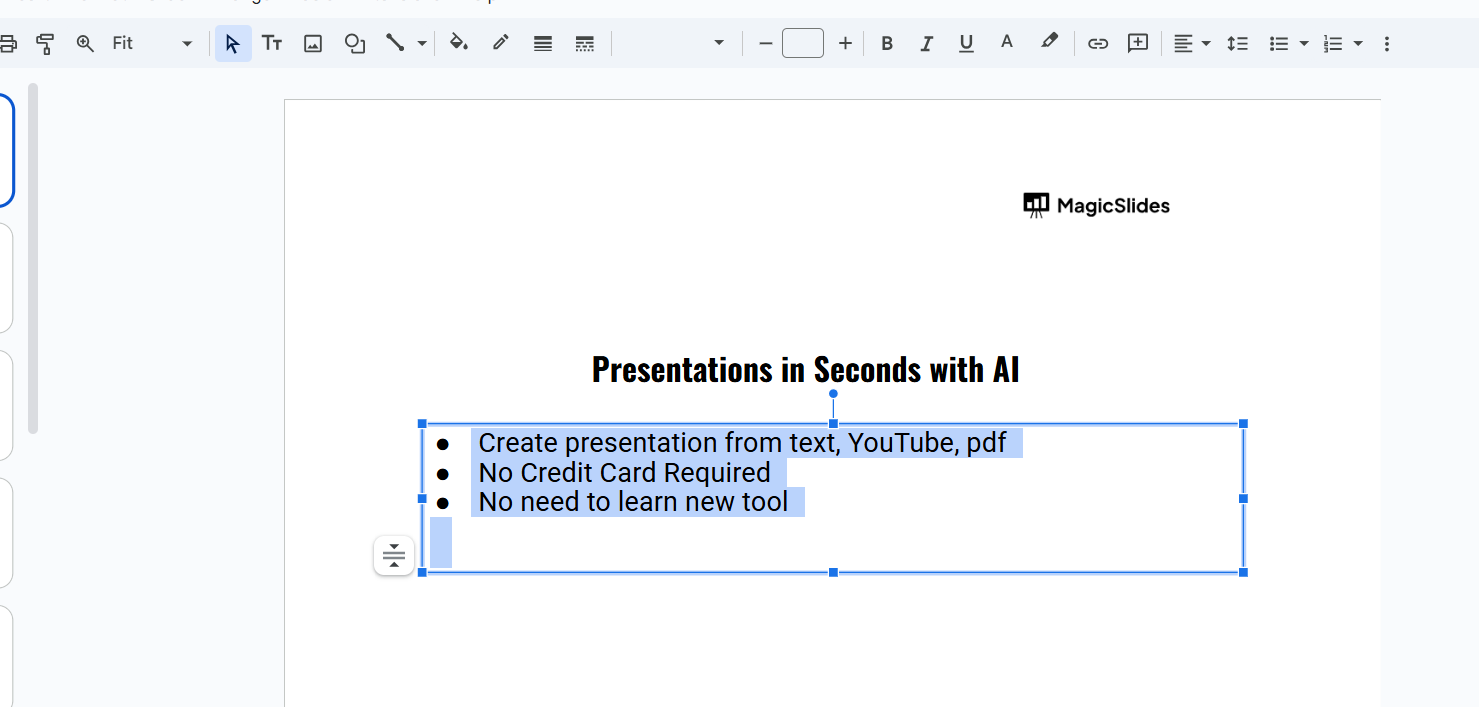
Step 2: Copy the Slide Text to Google Docs
Select the text box or text area in your slide. Copy the text using Ctrl + C (Windows) or Command + C (Mac).
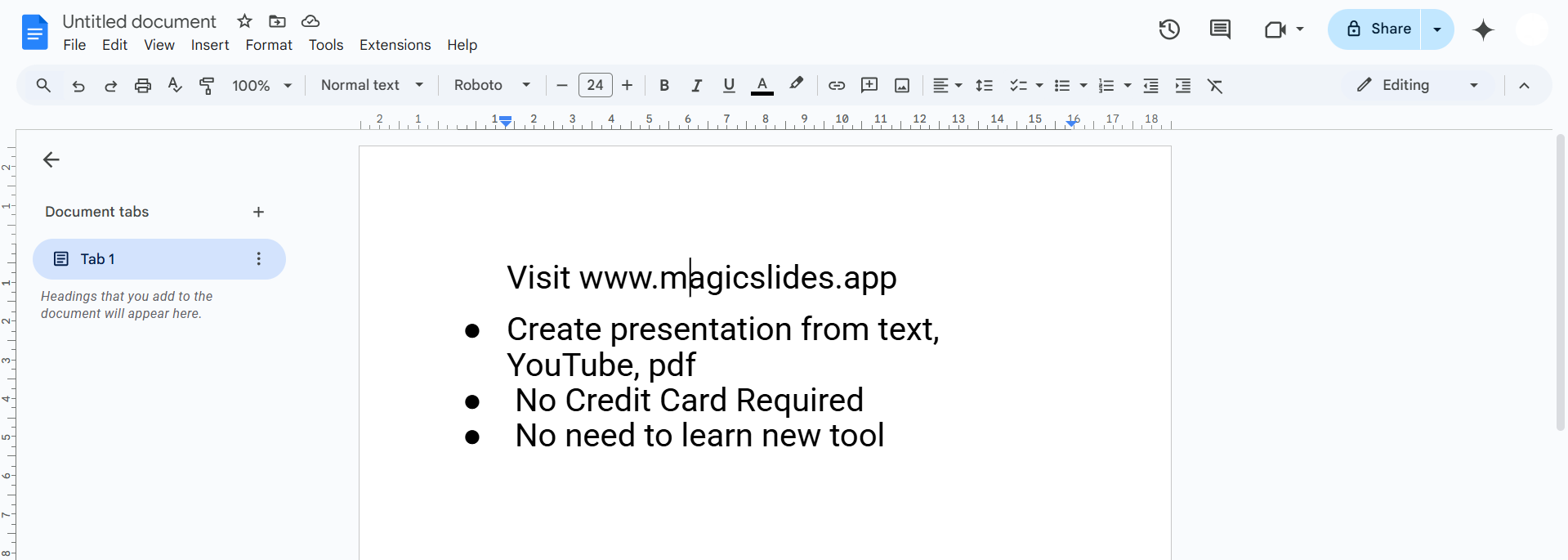
Open a new Google Docs document and paste the text using Ctrl + V (Windows) or Command + V (Mac).
Step 3: Use Google Docs’ Word Count Tool
In Google Docs, click on Tools in the top menu.
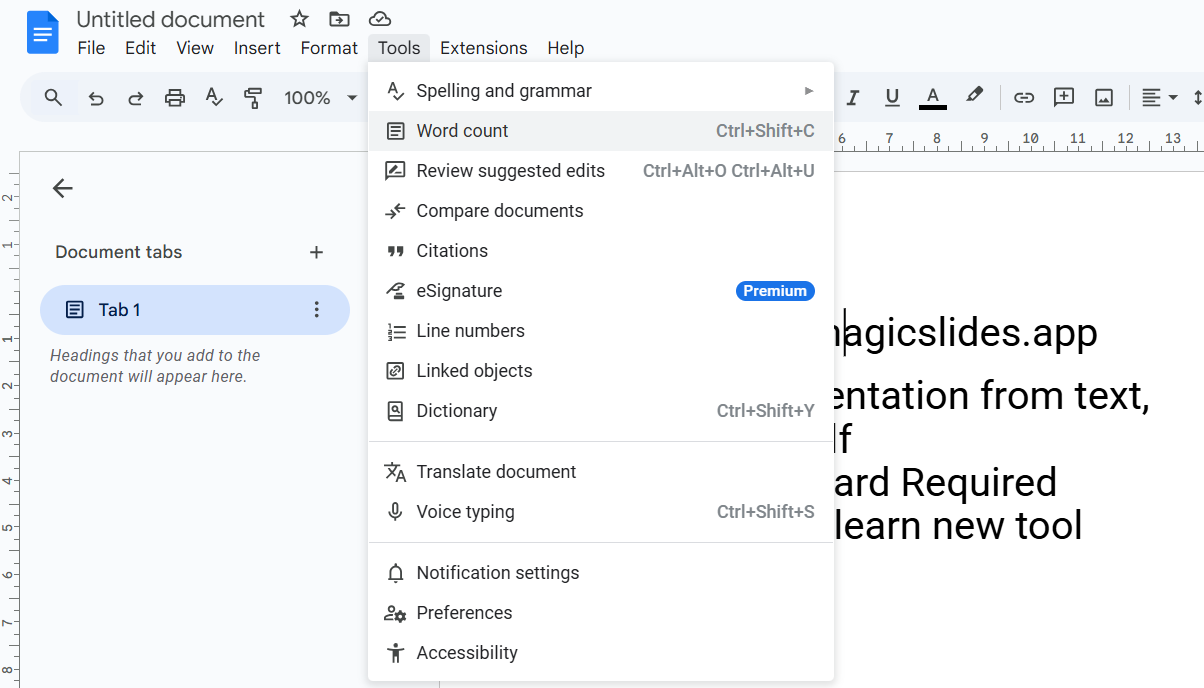
Select Word Count from the dropdown. A window will display the total words, characters, and pages.
Step 4: Regularly Check and Update Text
Periodically check the word count as you edit your presentation. Keep track of text across multiple slides to maintain consistency.
Conclusion
While Google Slides doesn’t have a native word tracker, using tools like Google Docs, online word counters, or add-ons makes it easy to monitor your text.
These methods help you maintain focus and clarity, ensuring your presentation communicates effectively.
FAQs on Enabling a Word Tracker in Google Slides
Can I track word count directly in Google Slides?
No, Google Slides doesn’t have a built-in word tracker, but you can use third-party solutions.
Are there free add-ons for word tracking in Google Slides?
Yes, you can find free add-ons in the Google Workspace Marketplace for tracking word count.
Why is tracking words in Google Slides important?
Tracking words ensures your presentation remains concise, engaging, and easy for your audience to understand.
With these steps and tips, you can easily monitor your word usage and create impactful presentations!


