How to group shapes in PowerPoint


Elevate your PowerPoint designs by mastering the art of grouping shapes effectively.
Grouping shapes in PowerPoint is a powerful technique that allows you to manage multiple objects as a single unit, making it easier to arrange and manipulate complex designs. Whether you're creating diagrams, infographics, or custom graphics, knowing how to group shapes can significantly enhance your presentation's visual impact. In this step-by-step tutorial, we'll explore the process of grouping shapes in PowerPoint, empowering you to take your slide designs to the next level.
How to group shapes in PowerPoint
Step 1: Select the Shapes to Group
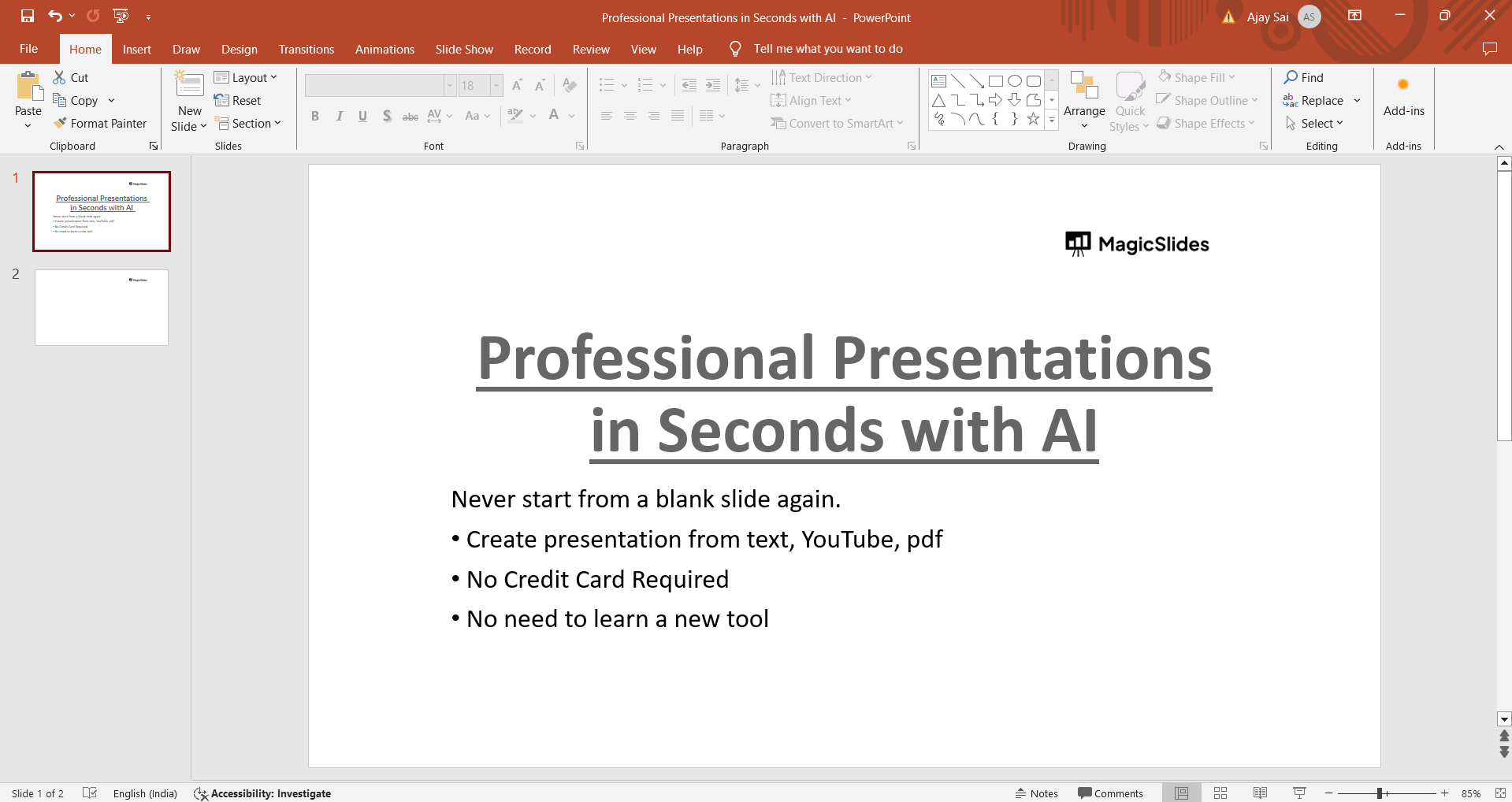
Start by opening your PowerPoint presentation and navigating to the slide containing the shapes you want to group.
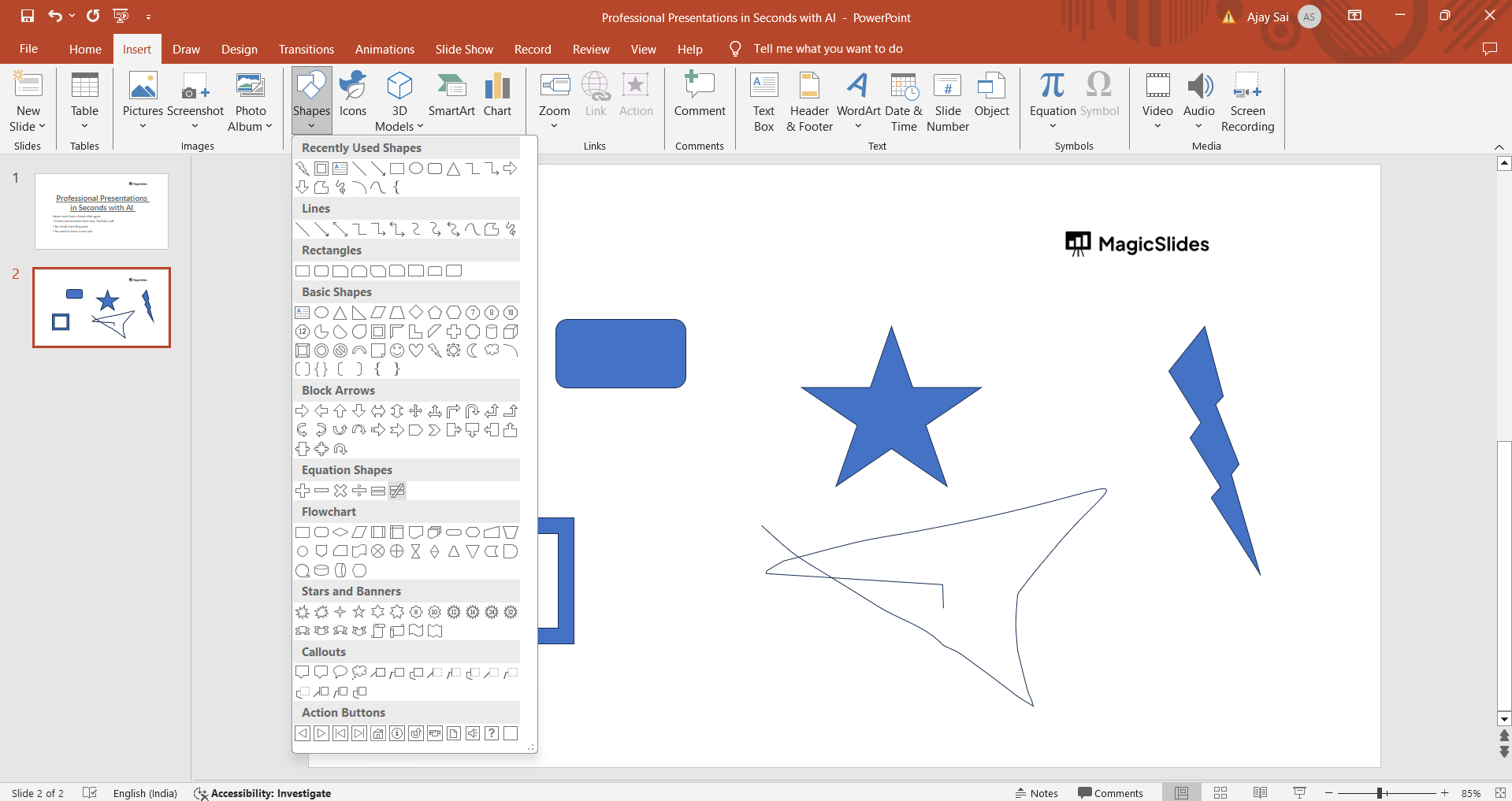
Click and drag to select all the shapes you wish to group together. You can select multiple shapes by holding down the Shift key while clicking on each shape.
Step 2: Access the Grouping Option
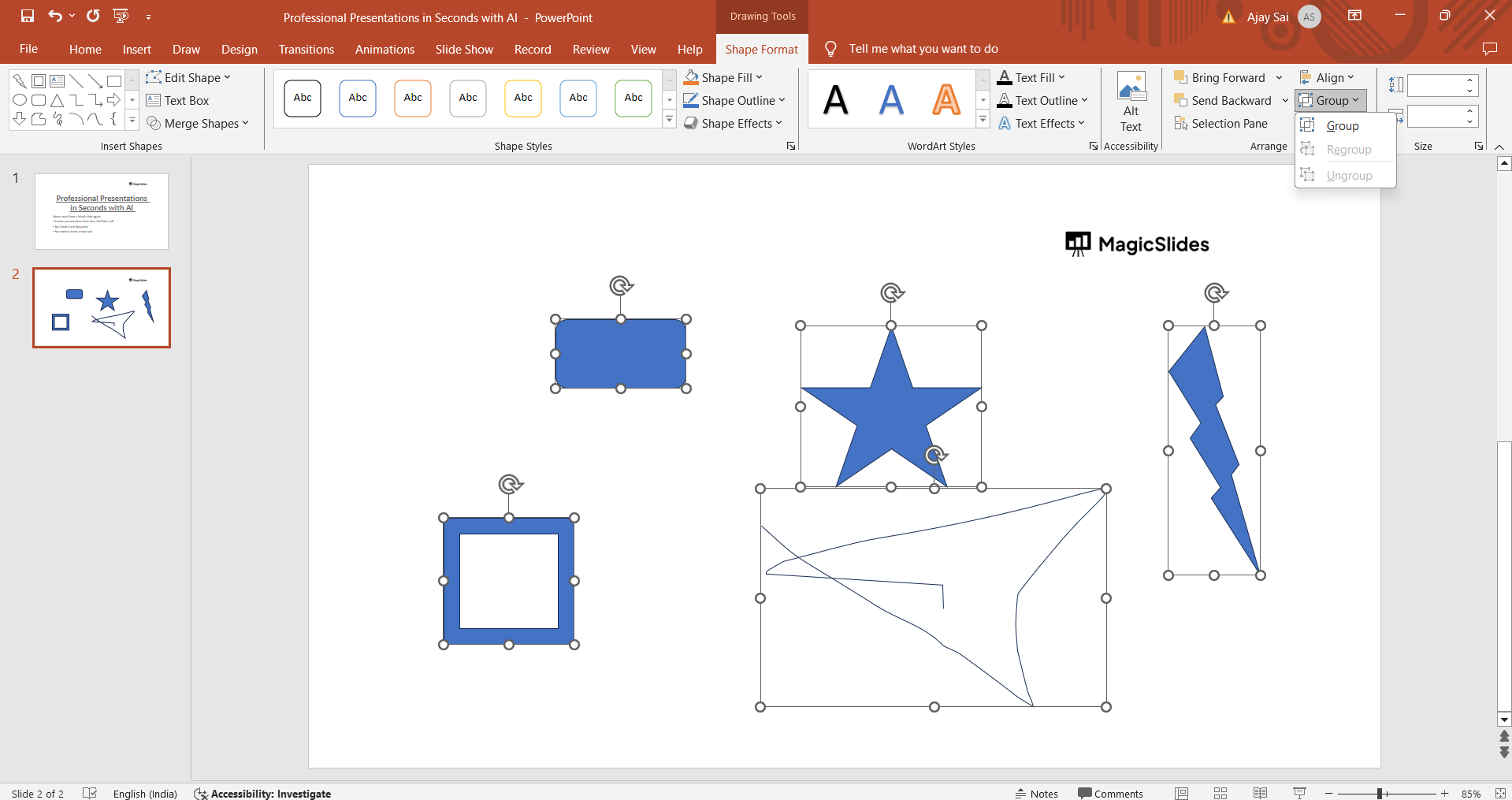
Once the shapes are selected, right-click on any of the selected shapes to open the context menu. From the menu, hover over the "Group" option to reveal additional grouping options: "Group" to group the shapes together or "Ungroup" to break them apart if they are already grouped.
Step 3: Group the Shapes
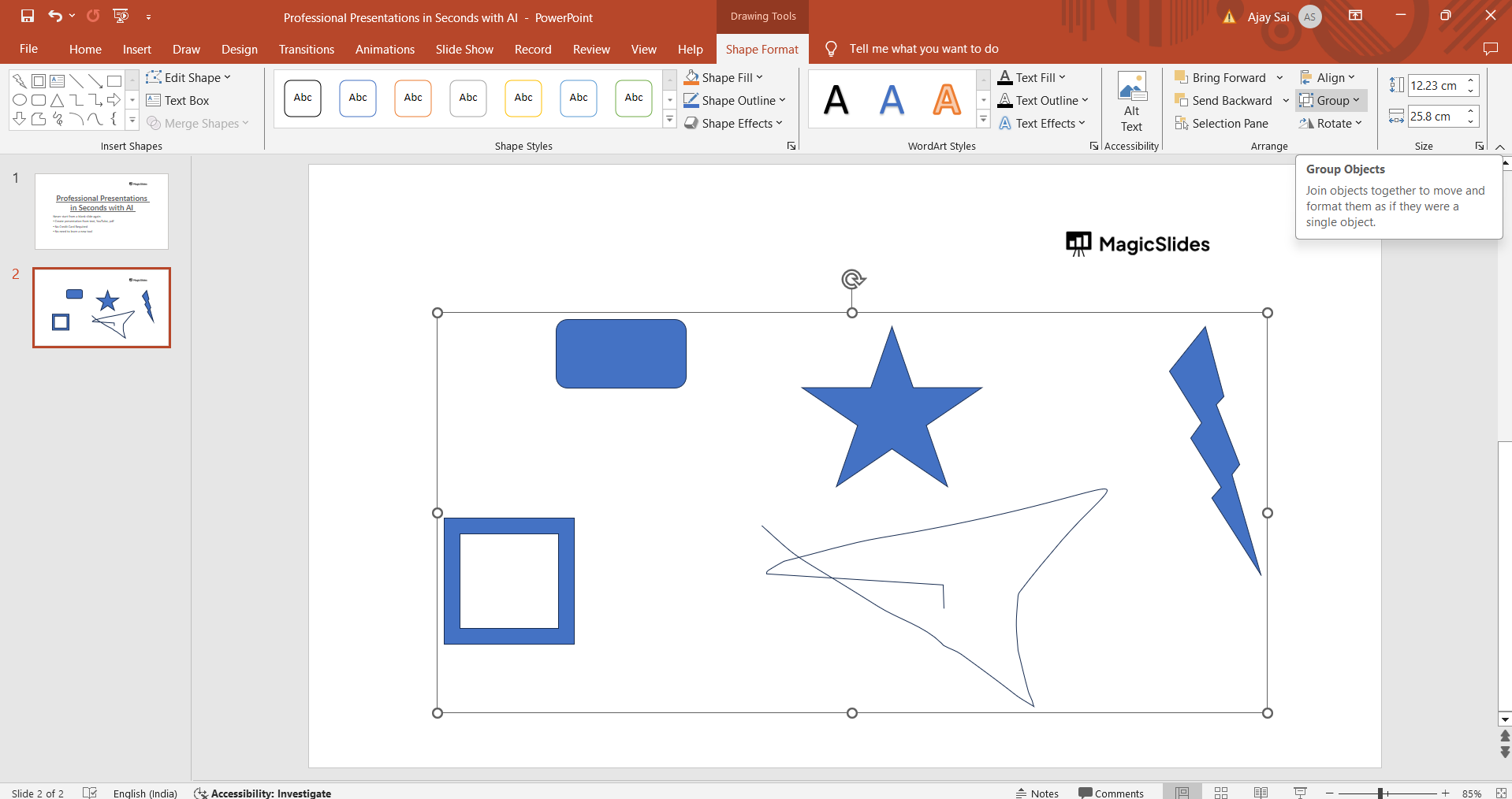
Click on "Group" in the context menu to combine the selected shapes into a single grouped object. Alternatively, you can use the keyboard shortcut Ctrl + G (Cmd + G on Mac) to group the shapes quickly.
Step 4: Manipulate the Grouped Shapes
After grouping, you can move, resize, rotate, or apply formatting to the entire group as a single entity. This simplifies the editing process and ensures that the grouped shapes maintain their relative positions and properties.
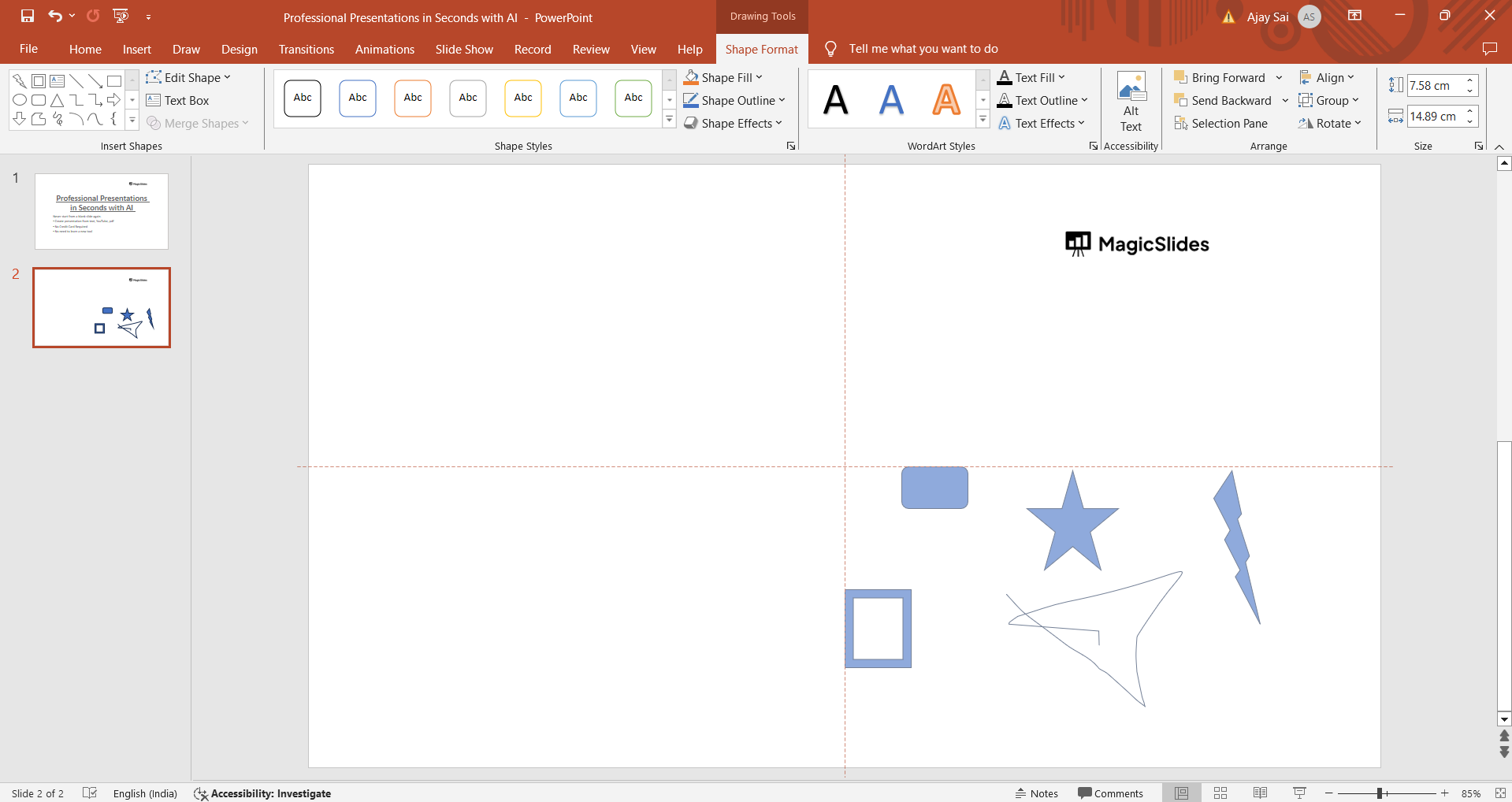
→ Grouping shapes and grouping different objects is quiet similar with minute differences, master grouping any object on PowerPoint with this simple tutorial: https://www.magicslides.app/blog/How-to-group-objects-in-powerpoint
Conclusion:
Grouping shapes in PowerPoint provides a streamlined approach to managing complex designs and layouts within your presentations. By following the straightforward steps outlined in this tutorial, you can effortlessly group shapes together, enabling you to create cohesive and visually appealing slide content. Whether you're organizing elements in diagrams, creating custom graphics, or enhancing the overall design aesthetics, mastering shape grouping in PowerPoint empowers you to create impactful and professional presentations that captivate your audience.
Frequently Asked Questions:
What are the benefits of grouping shapes in PowerPoint?
Grouping shapes allows for easier manipulation, organization, and formatting of complex slide elements as a unified entity.
Can grouped shapes be ungrouped later if needed?
Yes, grouped shapes can be ungrouped at any time, allowing you to edit individual shapes or rearrange them as necessary.
Is there a limit to the number of shapes that can be grouped together?
PowerPoint does not impose a strict limit on the number of shapes that can be grouped, but consider readability and slide complexity.
Can grouped shapes have different formatting within the group?
Yes, each shape within a group can have its own formatting, such as colors, styles, and effects, while remaining part of the grouped object.


