How to Import Questions Into Google Forms From Multiple Sources?


Learn how to import questions into Google Forms from Google Sheets, other forms, or templates. Follow this simple guide to create quizzes faster.
Creating a Google Forms quiz from scratch can be time-consuming, especially if you have a large number of questions.
Fortunately, Google Forms allows you to import questions from other sources, such as Google Sheets or other Form templates, making the process more efficient.
In this guide, we’ll walk you through the step-by-step process of importing questions into Google Forms, helping you streamline the quiz creation process and saving you valuable time.
How to import questions into Google forms
Access Google Forms:
Open your web browser and navigate to Google Forms by visiting forms.google.com or accessing it through Google Drive.
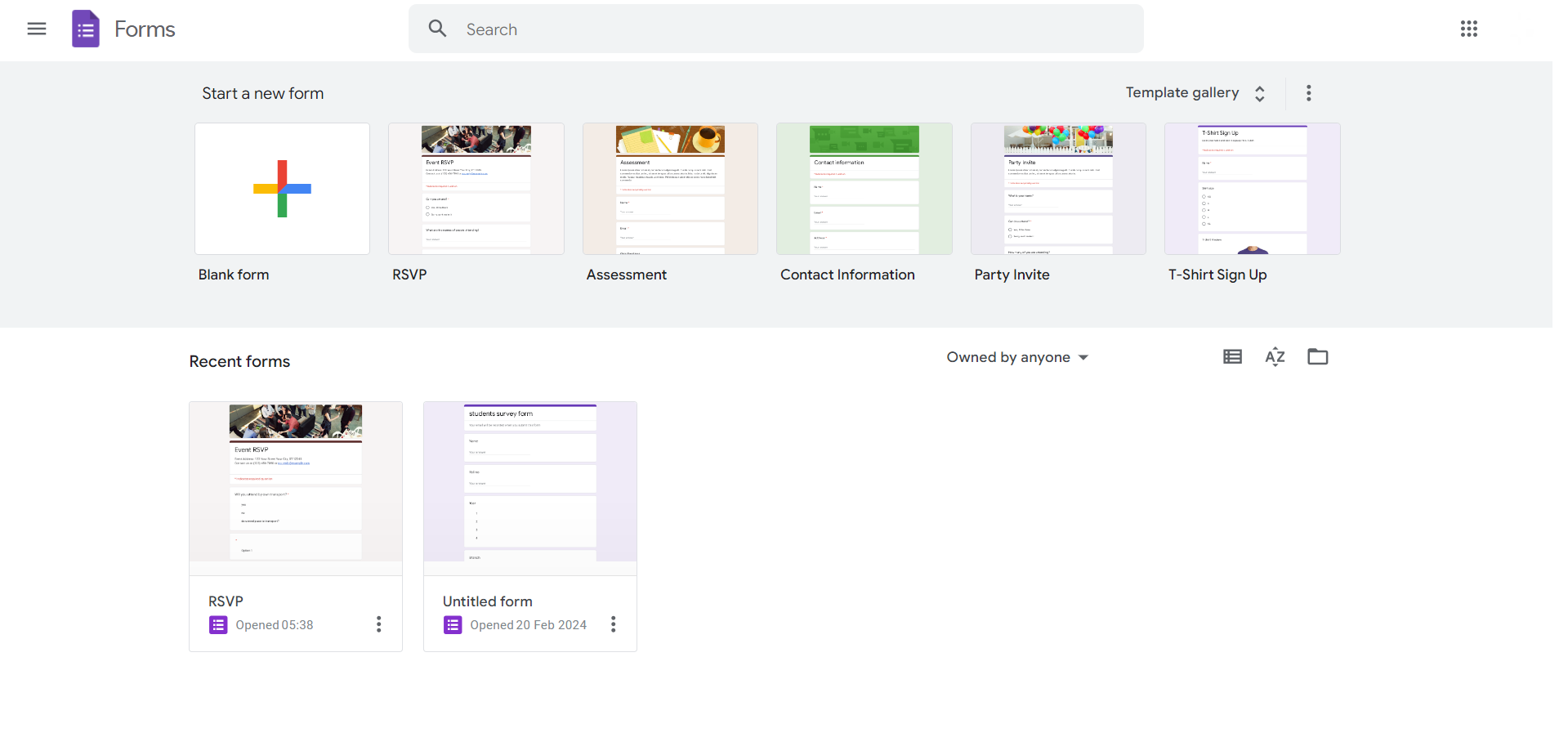
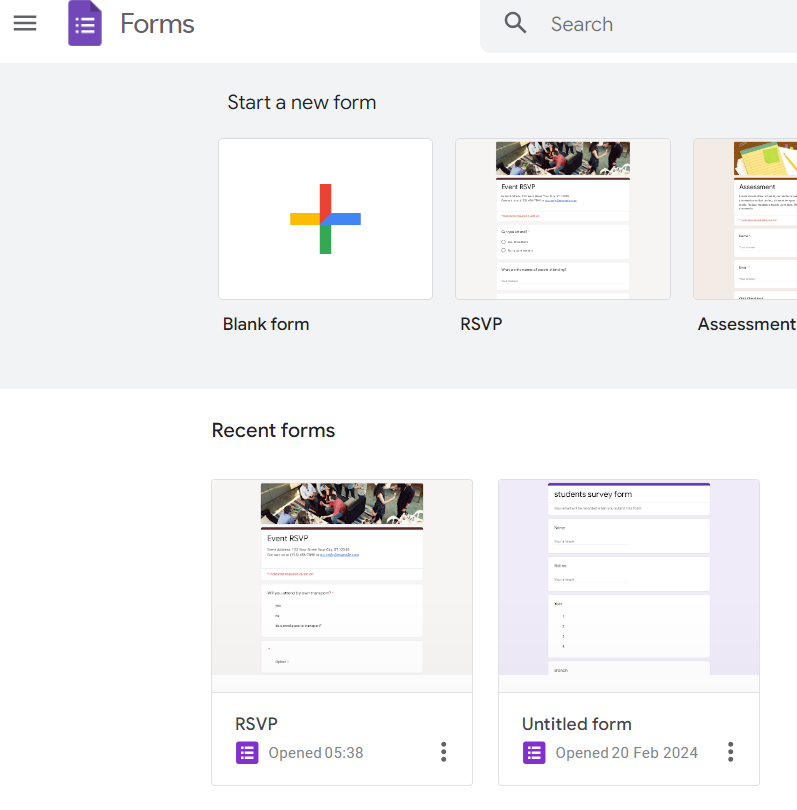
Create a new form:
Click on the “+” icon or the “Blank” template to create a new form.
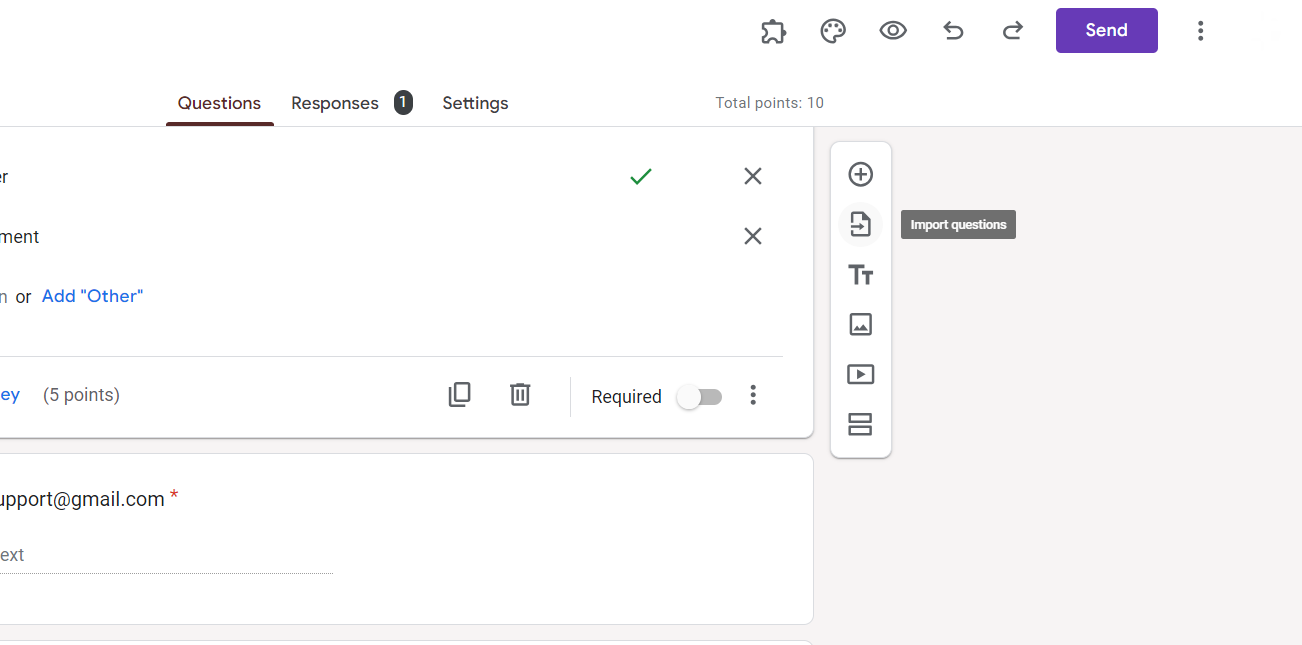
Click on “Import questions”:
Once your new form is open, click on the three dots (more options) in the toolbar. Select “Import questions” from the dropdown menu.
Choose the source of your questions:
You can import questions from Google Sheets, another Google Form, or a plain text file.
Select the appropriate option based on where your questions are located.
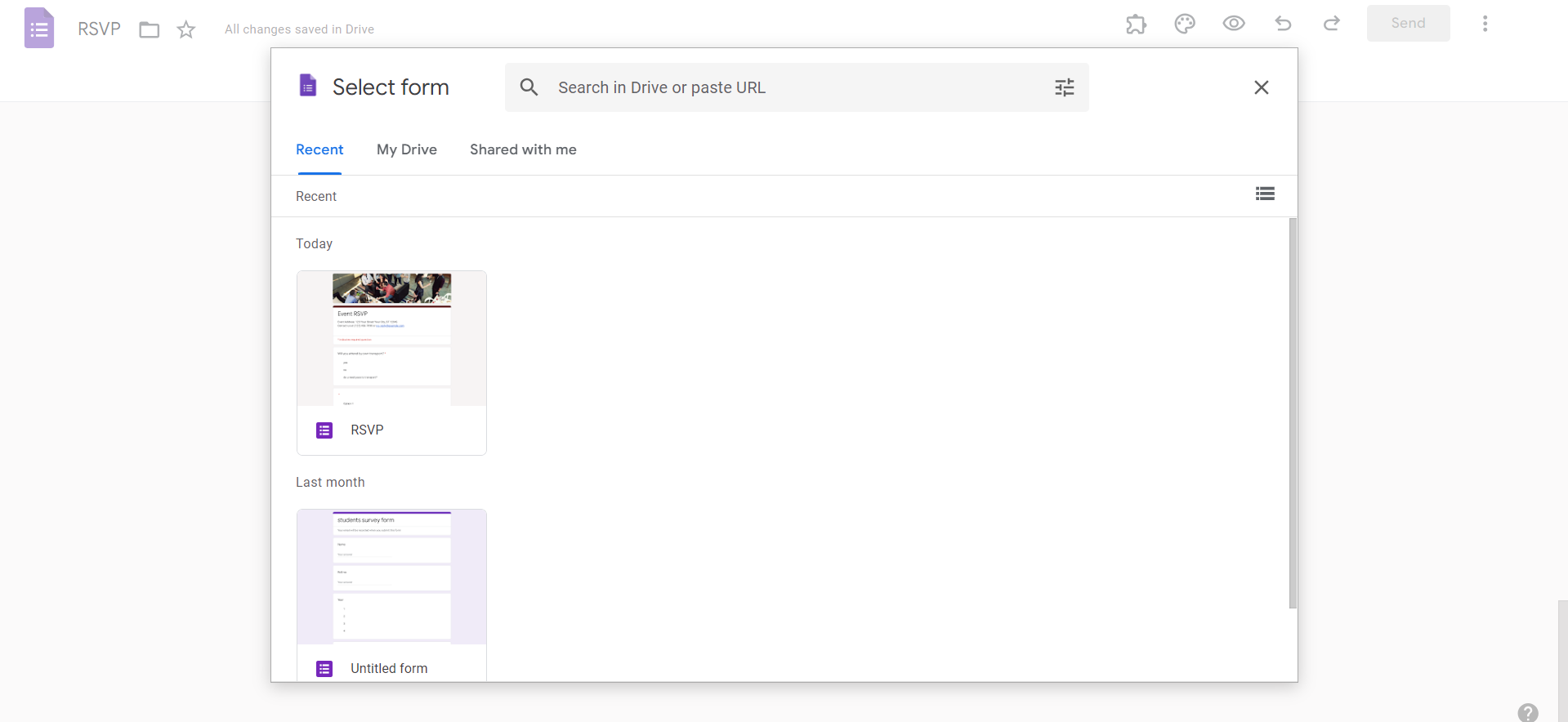
Select the questions to import
If importing from Google Sheets or another Google Form, choose the specific questions you want to import.
If importing from a plain text file, copy and paste the questions into the designated area.
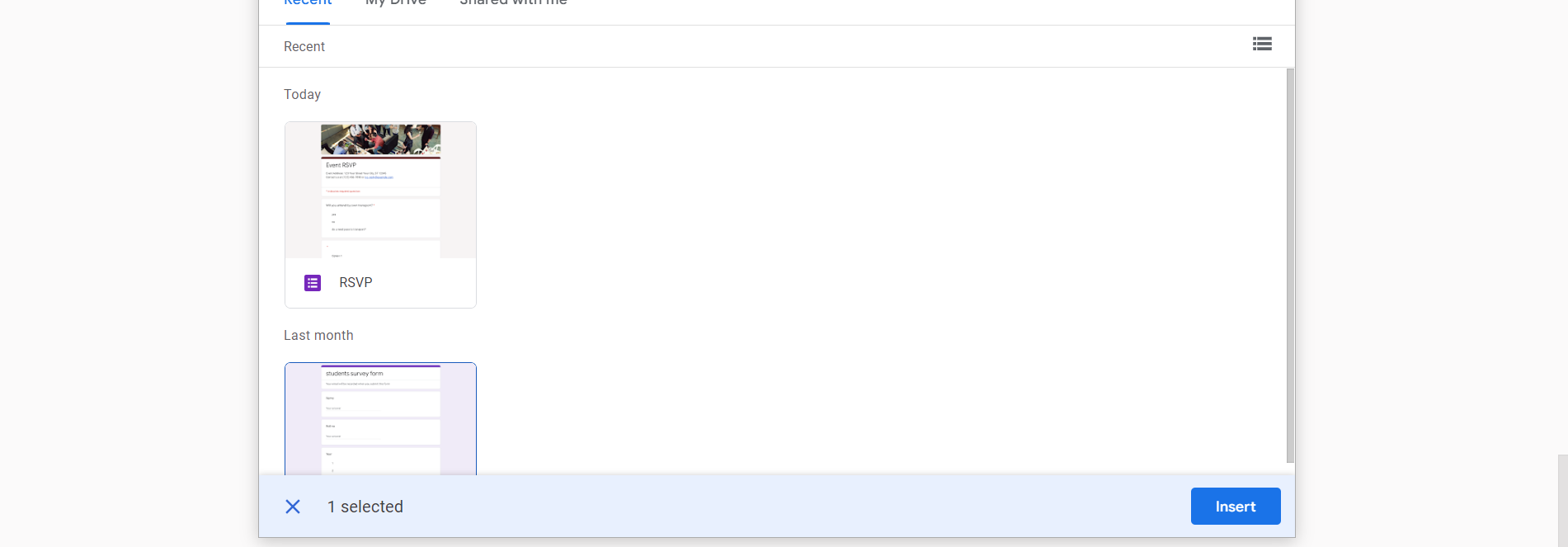
Review and finalize:
Double-check the imported questions to ensure accuracy and formatting. Make any necessary adjustments or corrections before finalizing your quiz.
Easier Alternative: Generate Google Forms Questions with MagicSlides
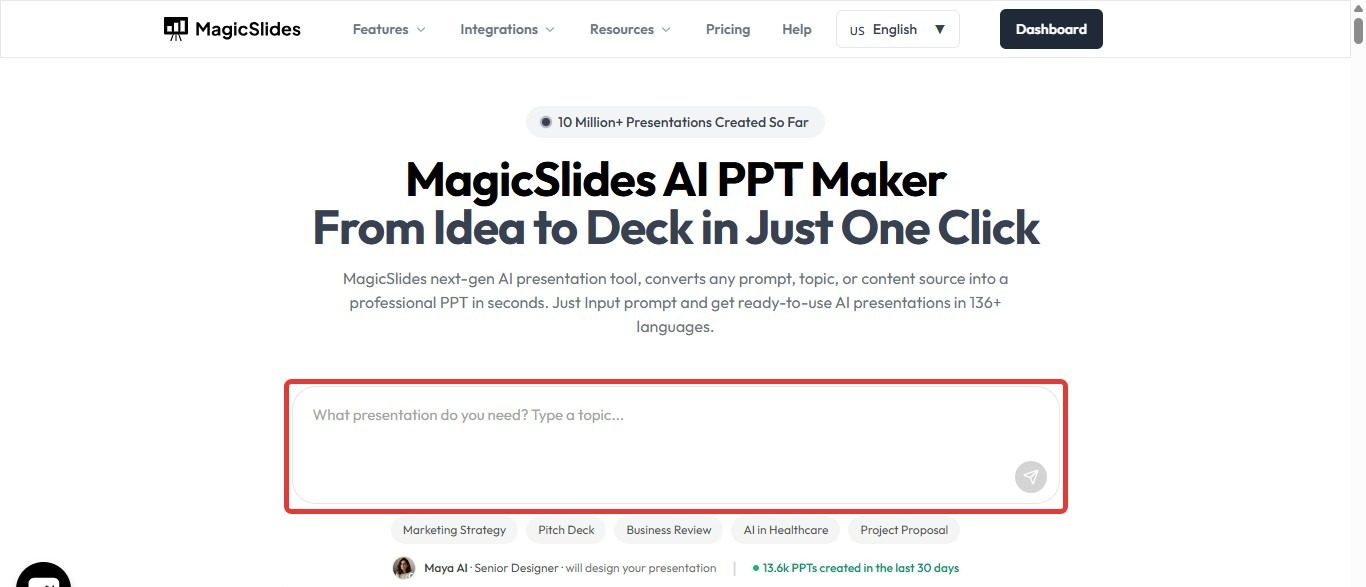
If you’re creating quizzes, assessments, or surveys from existing content, manually importing questions can still take time. Instead, you can use MagicSlides to generate questions automatically from documents, PDFs, YouTube videos, web pages, or text.
Simply upload your content, and MagicSlides AI Presentation Maker can help create structured question sets that you can review and transfer into Google Forms. This is especially useful for teachers, trainers, and professionals who need to build quizzes quickly without manually formatting every question.
By combining MagicSlides with Google Forms, you can significantly reduce the time spent creating assessments while maintaining accuracy and consistency.
Conclusion
By following the step-by-step guide outlined above, you can efficiently import questions from various sources such as Google Sheets or other Google Forms, saving you valuable time and effort.
Whether you’re creating quizzes for educational purposes, employee training, or gathering feedback, importing questions into Google Forms allows you to create engaging and effective assessments with ease.
Frequently Asked Questions:
Can I import questions with different formats, like multiple-choice and short answer?
Yes, Google Forms allows you to import questions of various formats from different sources.
Is there a limit to the number of questions I can import into Google Forms?
Google Forms does not have a specific limit on the number of questions you can import.
Can I edit the imported questions after importing them into Google Forms?
Yes, you can edit imported questions in Google Forms just like any other question.


