How to insert PPT in new PowerPoint


Merge PowerPoint presentations effortlessly with these simple steps for seamless content integration and collaboration
Combining multiple PowerPoint presentations can be a powerful way to streamline your content and create comprehensive slideshows. Whether you're merging presentations for a team project or incorporating slides from different sources, knowing how to insert one PowerPoint into another is a valuable skill. In this step-by-step guide, we'll explore the process of seamlessly inserting a PowerPoint presentation into a new or existing PowerPoint file.
How to insert PPT in new PowerPoint
Step 1: Open Your Target PowerPoint Presentation
Begin by opening the PowerPoint presentation where you want to insert another presentation. This will be your main or target file.
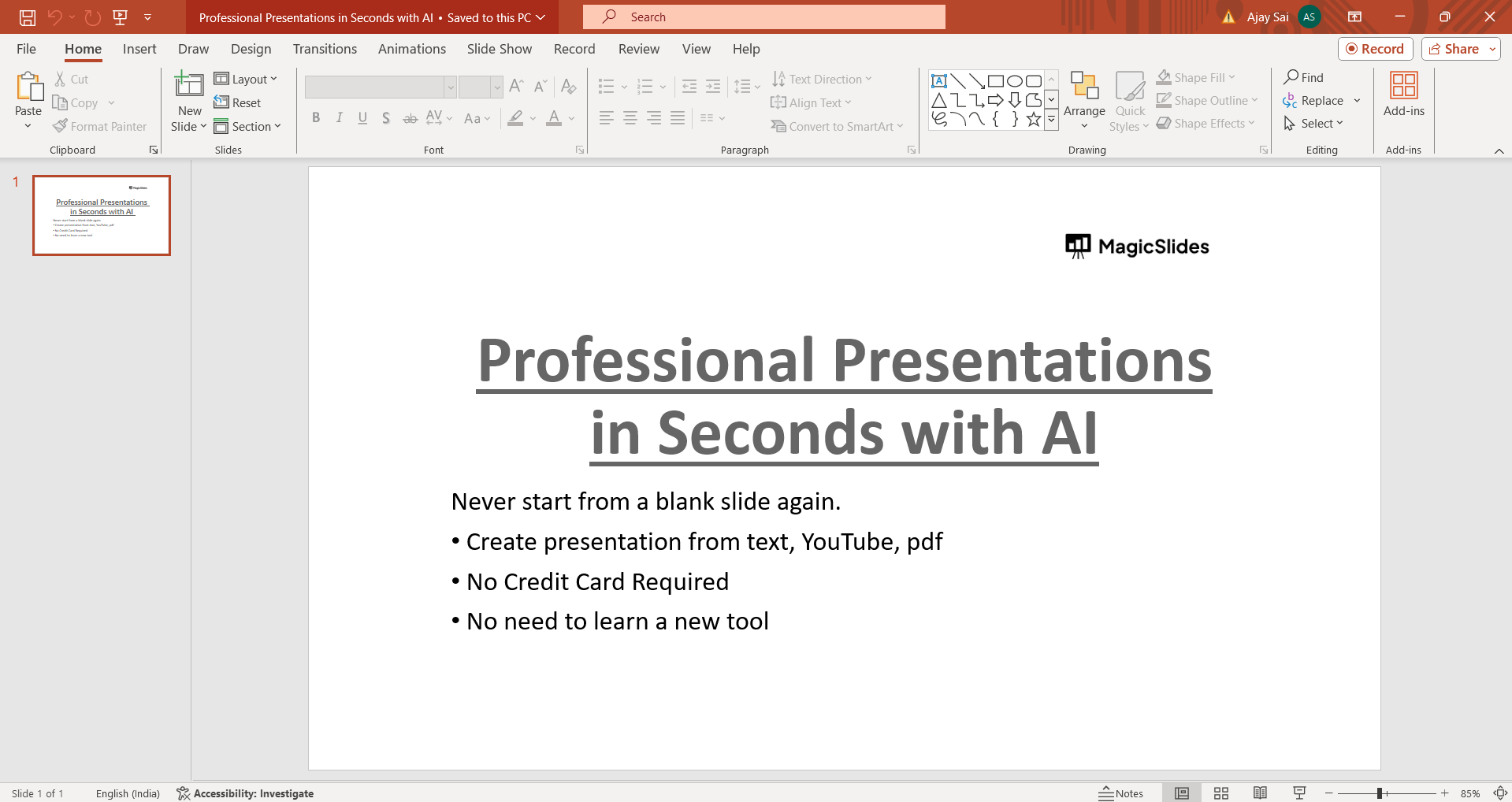
Step 2: Navigate to the Slide Where You Want to Insert the New Presentation
Scroll through your slides or use the slide navigator to locate the specific slide where you want to add the content from another PowerPoint presentation.
Step 3: Insert New Slide
In the ribbon at the top of the PowerPoint window, click on the "Home" tab. Then, click on the "New Slide" dropdown arrow to choose the type of slide you want to insert. You can choose from various layouts such as title slides, content slides, or specific designs based on your needs.
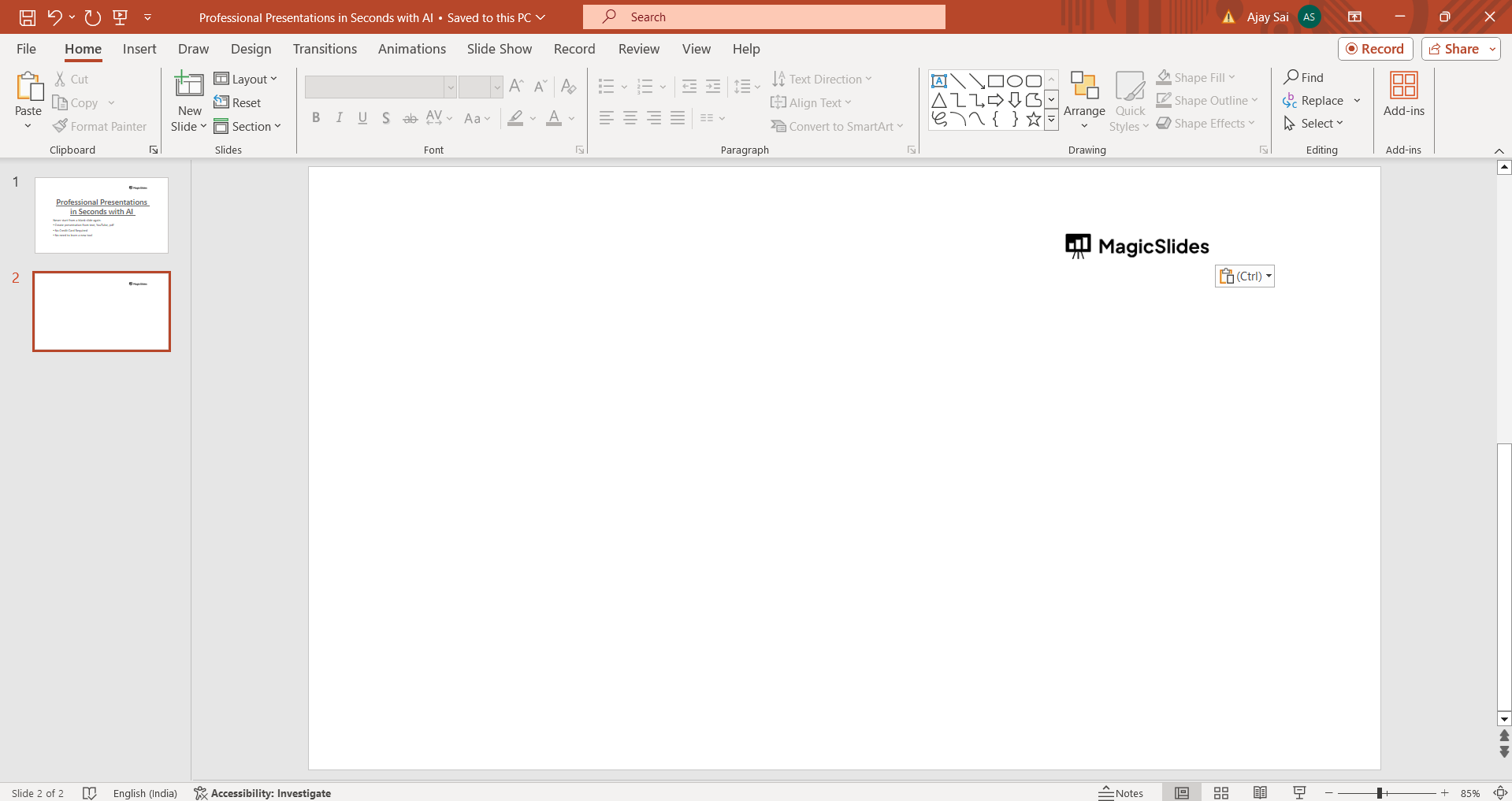
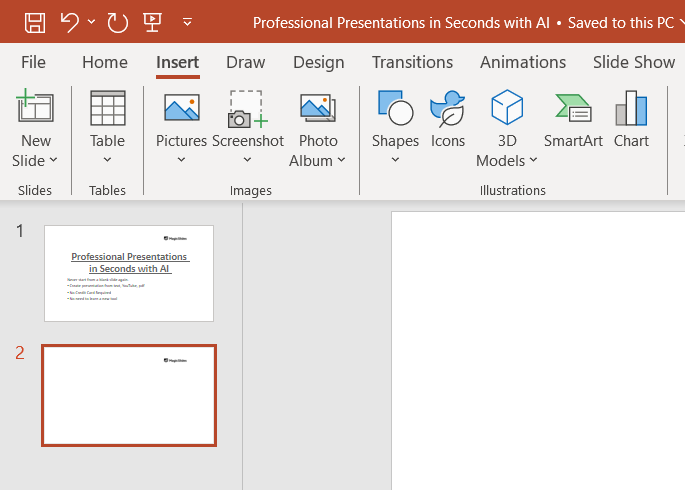
Step 4: Insert the Other PowerPoint Presentation
With the new slide selected, go to the "Insert" tab in the ribbon. Click on the "Object" button in the Text group. In the dropdown menu, choose "Text from File."
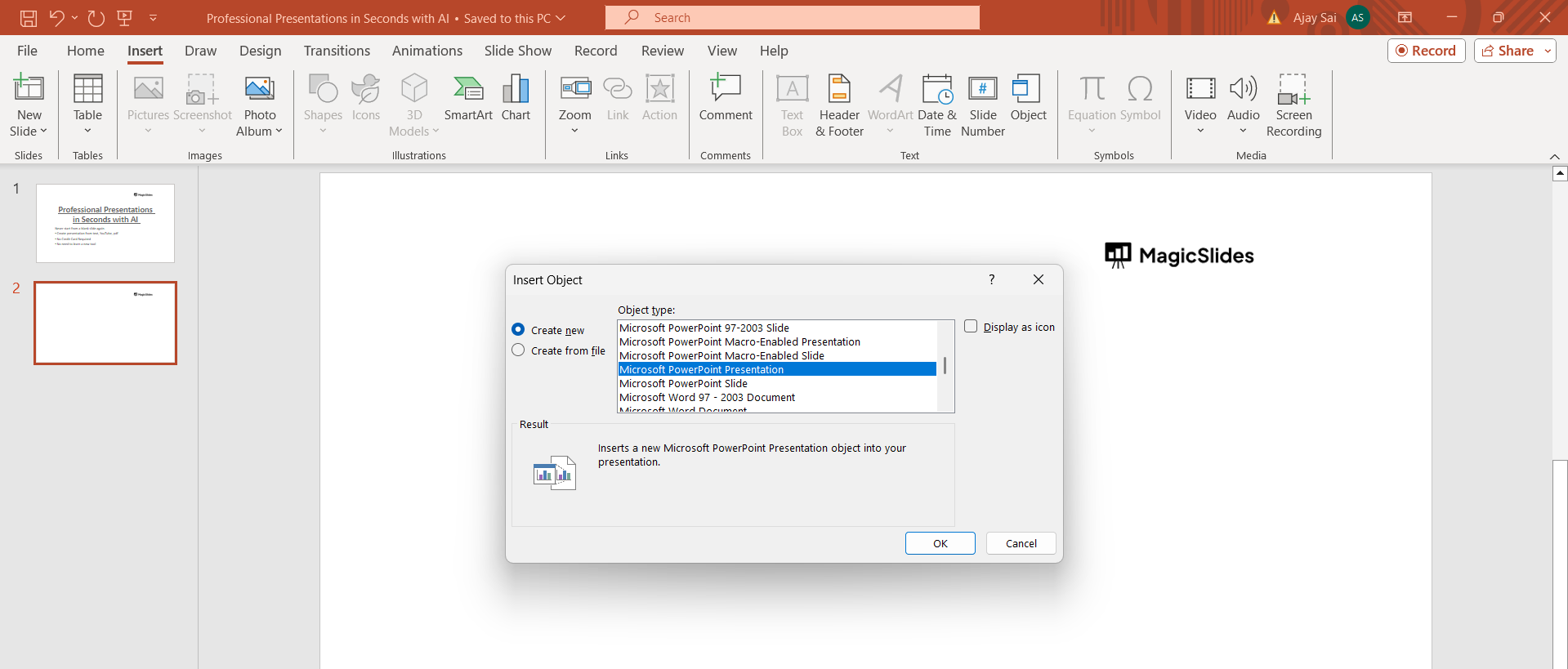
Step 5: Locate and Insert the PowerPoint File
A file explorer window will open. Navigate to the location where your other PowerPoint presentation is saved. Select the file and click "Insert." The slides from the selected presentation will be inserted into your current slide deck.
Step 6: Arrange and Customize
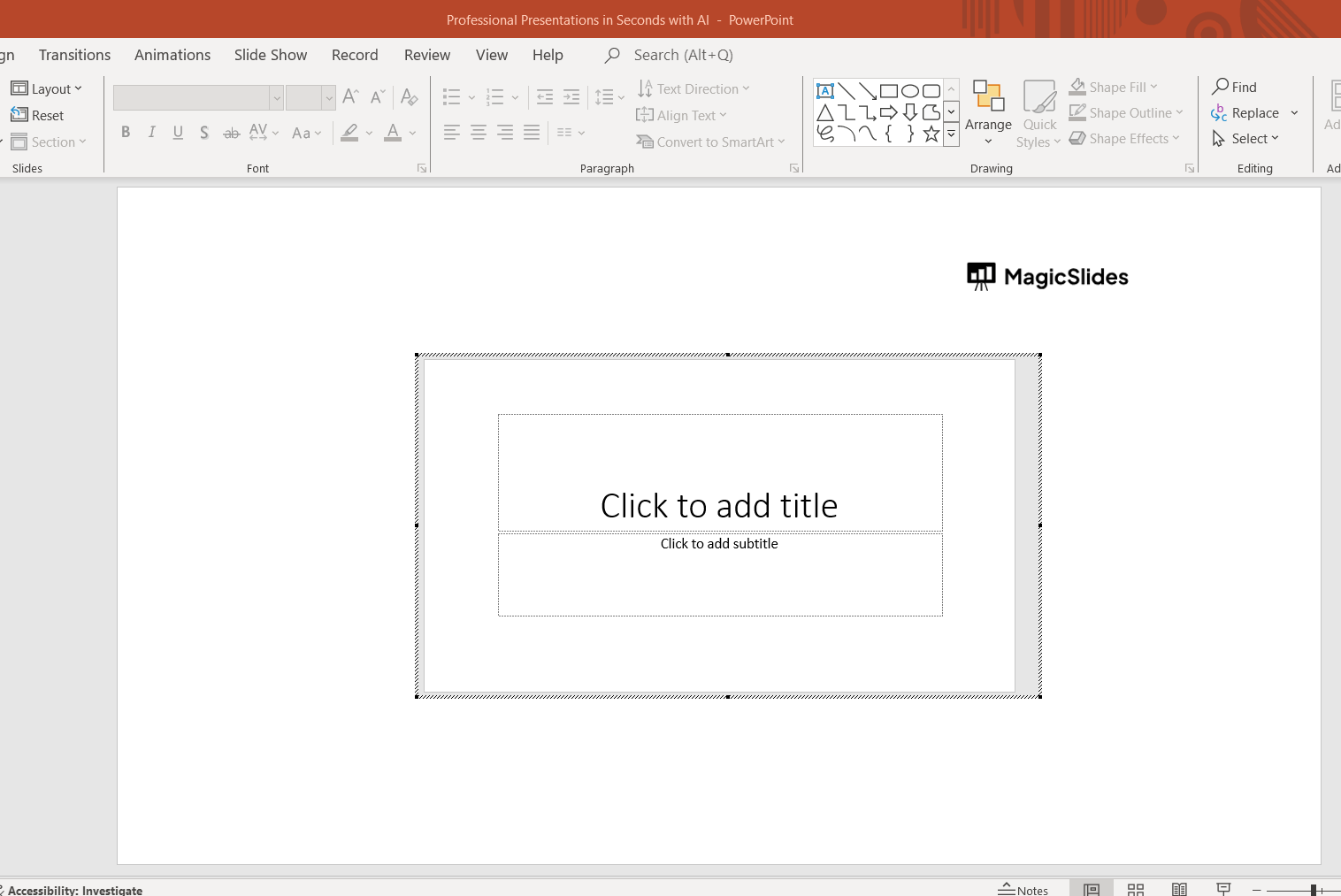
After inserting the slides, you can rearrange them within your presentation as needed. You can also customize the content, formatting, and transitions to ensure consistency and coherence throughout your combined presentation.
Conclusion:
Inserting a PowerPoint presentation into another PowerPoint file can help you create cohesive and comprehensive presentations that combine content from multiple sources. By following these simple steps, you can seamlessly integrate slides from different presentations, whether you're collaborating with colleagues or consolidating information for a single presentation. This process empowers you to create engaging and impactful slideshows that effectively communicate your message to your audience.
Frequently Asked Questions:
Can I merge multiple PowerPoint presentations into one?
Yes, you can combine multiple presentations by inserting one into another using PowerPoint's features.
Will the formatting remain consistent when merging presentations?
Formatting such as fonts, colors, and layouts should remain intact, but minor adjustments may be needed.
Can I rearrange the slides after inserting them into a new presentation?
Absolutely! You can easily rearrange the slides to suit your desired sequence and flow.
Is there a limit to the number of presentations I can merge?
There's no strict limit, but larger presentations may require more careful organization and management.


