How to Make a Flip Chart Presentation: Tips and Techniques


Learn how to create an engaging flip chart presentation with these tips on planning content, visual clarity, interactivity, and effective audience engagement techniques.
A flip chart presentation is an effective and interactive way to communicate ideas, especially for small group settings, workshops, or collaborative brainstorming sessions.
It allows for a hands-on approach that engages participants and fosters active discussion.
Here’s a step-by-step guide on creating a successful flip chart presentation that captures attention and drives engagement.
Check out this presentation here generated from MagicSlides for a more in depth overview of Flip Chart Presentations!
Purpose of a Flip Chart Presentation
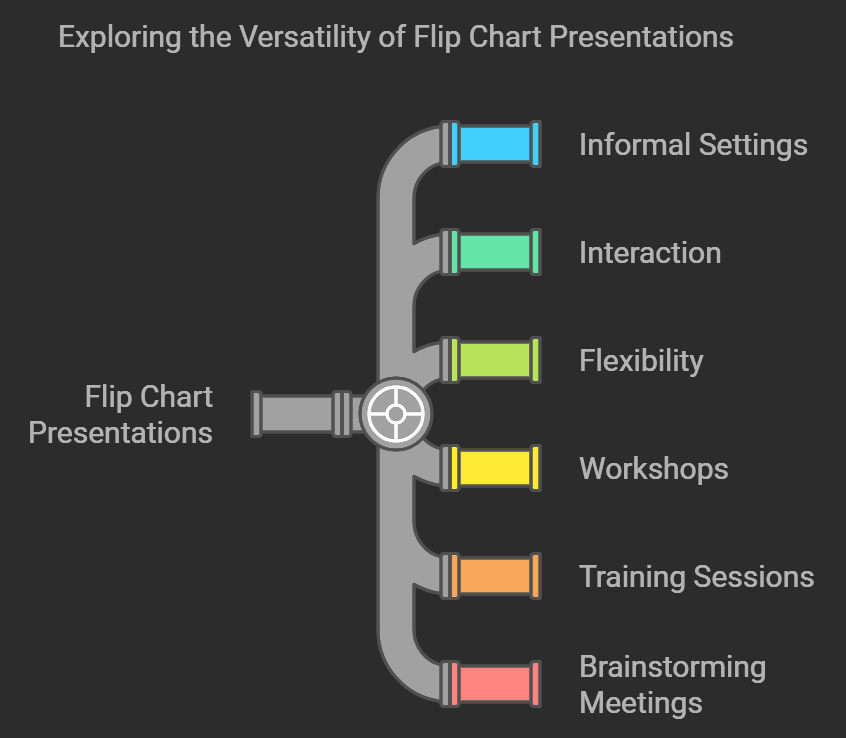
Flip chart presentations are great for informal settings where interaction and flexibility are key.
They work well for workshops, training sessions, and brainstorming meetings, providing a tactile, physical element that digital slides can’t replicate.
By understanding the purpose of your presentation, you can decide what kind of content works best on a flip chart and how to structure it.
Plan Your Content and Structure
Flip charts are limited in space, so concise, well-organized content is essential. Here are some tips to help you plan:
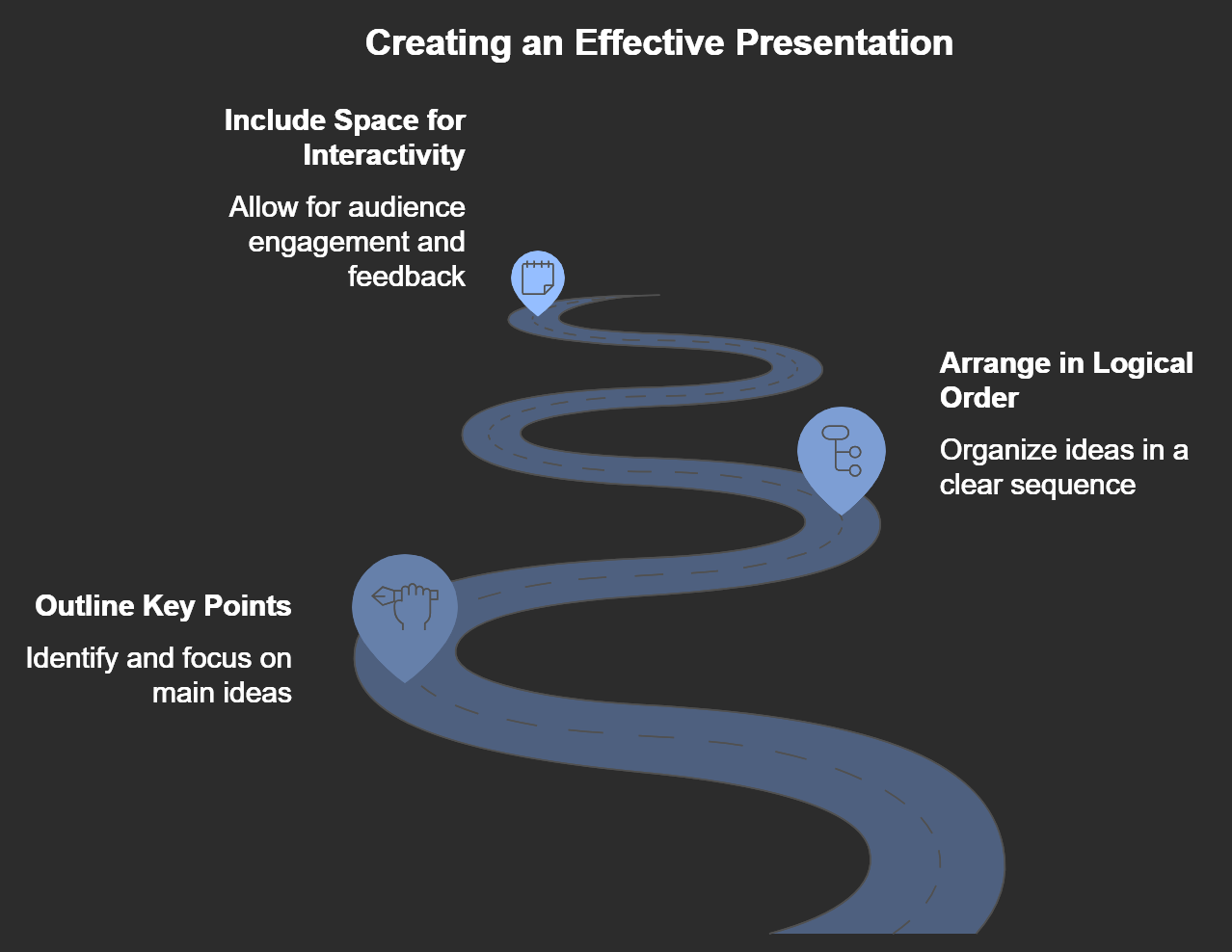
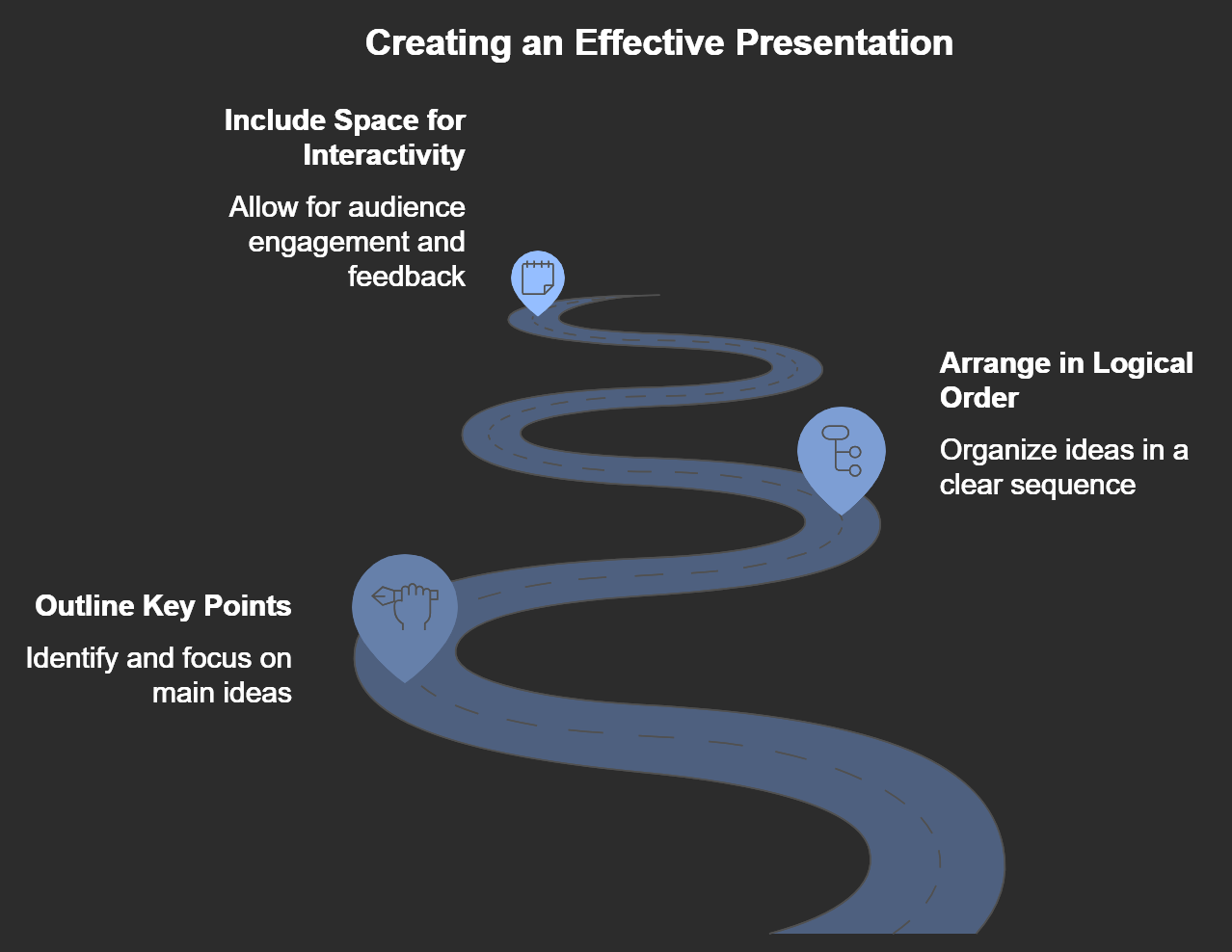
- ◦ Outline Your Key Points: Decide on the main ideas or steps in your presentation. Limit each page to one key point or visual to keep things clear.
- ◦ Arrange in a Logical Order: Make sure the flow of your charts follows a clear structure, such as problem-solution or step-by-step process. This helps participants follow along easily.
- ◦ Include Space for Interactivity: Flip charts are ideal for adding notes, highlighting ideas, or marking responses as you go. Leave some blank space for participant input, questions, or examples.
Create Visually Engaging Charts
With flip charts, visual clarity is key. Use these techniques to create an engaging flip chart presentation:
- ◦ Use Large, Clear Text: Choose a thick marker and write in large, legible letters. Aim for a font size visible from at least 10 feet away.
- ◦ Limit Colors: Use 2-3 colors for consistency. Black or dark blue works well for text, while red or green can highlight key points or sections.
- ◦ Incorporate Simple Visuals: Diagrams, arrows, icons, and simple illustrations can make your points more memorable. Draw with basic shapes to avoid cluttering the page.
- ◦ Highlight Key Points: Underline or box essential points to make them stand out. Use colors sparingly to emphasize ideas without overwhelming the viewer.
Read our blog here to know how you can generate amazing charts in seconds with AI.
Practice and Rehearse
Since a flip chart requires manual transitions, practice flipping through the pages in order.
Rehearse the sequence of your presentation, making sure the content flows naturally from one chart to the next.
Practicing helps you identify any gaps in your presentation and ensures a smoother, more professional delivery.
Engage the Audience with Interactivity
One of the greatest advantages of a flip chart is its flexibility. Make your presentation interactive by:
- ◦ Asking Questions: Invite your audience to respond or give input as you go. This fosters a dialogue and keeps participants engaged.
- ◦ Encouraging Note-Taking: Leave spaces for audience members to write their thoughts or responses directly on the flip chart.
- ◦ Using Charts for Group Brainstorming: During a workshop or brainstorming session, use the flip chart to capture ideas from the group, adding new pages as needed.
End with a Summary Chart
To reinforce your key points, use the final page of your flip chart to summarize the main ideas discussed. This visual summary provides a helpful recap for the audience and creates a sense of closure for your presentation.
Final Thoughts on Creating an Effective Flip Chart Presentation
A flip chart presentation is an engaging, practical way to deliver content in an interactive setting. By planning your content, keeping visuals simple, and incorporating opportunities for audience interaction, you can make your flip chart presentation both memorable and effective.
Whether you’re leading a team workshop or presenting ideas to a small group, a well-prepared flip chart can help you communicate your message in a clear, impactful way.


