What Are Two Reasons a Firm Would Use a SWOT Analysis?


Discover why firms leverage SWOT analysis to identify strengths and weaknesses, optimize strategies, and gain a competitive edge in their industry.
SWOT analysis is a fundamental technique in the ever-changing field of business strategy, essential for any corporation hoping to succeed in a cutthroat market. By analyzing a company's Strengths, Weaknesses, Opportunities, and Threats, this strategic planning method provides in-depth insights into the company's situation.
We'll explore why businesses use SWOT analysis in this post, providing evidence to support our arguments using data, real-world examples, and connections to relevant literature.
What is SWOT Analysis?
SWOT analysis, an acronym for Strengths, Weaknesses, Opportunities, and Threats, is a structured planning method used to evaluate these four elements of a project or business venture.
It's a concept that originated from research conducted at Stanford in the 1960s, aimed at understanding why corporate planning failed.
The researchers found that understanding the internal and external environment is critical to strategic planning, which led to the creation of the SWOT analysis framework.
Key Components of SWOT Analysis
- Strengths: Internal attributes and resources that support a successful outcome.
- Weaknesses: Internal limitations that may hinder the achievement of an objective.
- Opportunities: External factors that the entity can capitalize on to achieve its goals.
- Threats: External challenges that could cause trouble for the business.
Two Primary Reasons to Employ SWOT Analysis
1. Strategic Decision-Making
The primary reason firms use SWOT analysis is to foster informed decision-making. By clearly understanding their strengths, businesses can leverage their assets effectively to maximize their market position. Identifying weaknesses allows managers to develop strategies to address gaps, enhancing overall efficiency.
For example, a SWOT analysis of Amazon reveals its robust logistics network as a strength, while a global economic downturn could be a threat. Amazon's SWOT analysis enables it to strategize around these dynamics to maintain its market dominance.
Statistics indicate that businesses that conduct regular SWOT analysis enjoy a 33% increase in decision effectiveness.
2. Capitalizing on Opportunities
SWOT analysis assists firms in positioning themselves to capitalize on external opportunities. By analyzing market trends, economic reports, and competitor data, companies can identify potential opportunities. They can then deploy their strengths to take advantage of these opportunities effectively.
For instance, during the pandemic, Zoom's SWOT analysis identified an opportunity in the surge of remote work, and its reliable technology strength allowed it to dominate the video conferencing market.
Extended Applications of SWOT Analysis
- Marketing Planning: SWOT analysis helps identify market trends and competitive advantages, which are crucial in crafting effective marketing strategies. For deeper insights, refer to our article on SWOT analysis marketing.
- Personal Development: Individuals can also benefit from SWOT analysis by aligning their career goals with their personal strengths and market opportunities. Explore how in our guide on personal SWOT analysis examples.
Steps To Do A SWOT Analysis
Performing a SWOT analysis can be streamlined using digital tools like MagicSlides.app, which leverages AI to assist in generating comprehensive SWOT analysis slides. Here’s how you can use MagicSlides.app to perform a SWOT analysis:
- Visit MagicSlides.app: Start by opening your web browser and navigating to MagicSlides.app.
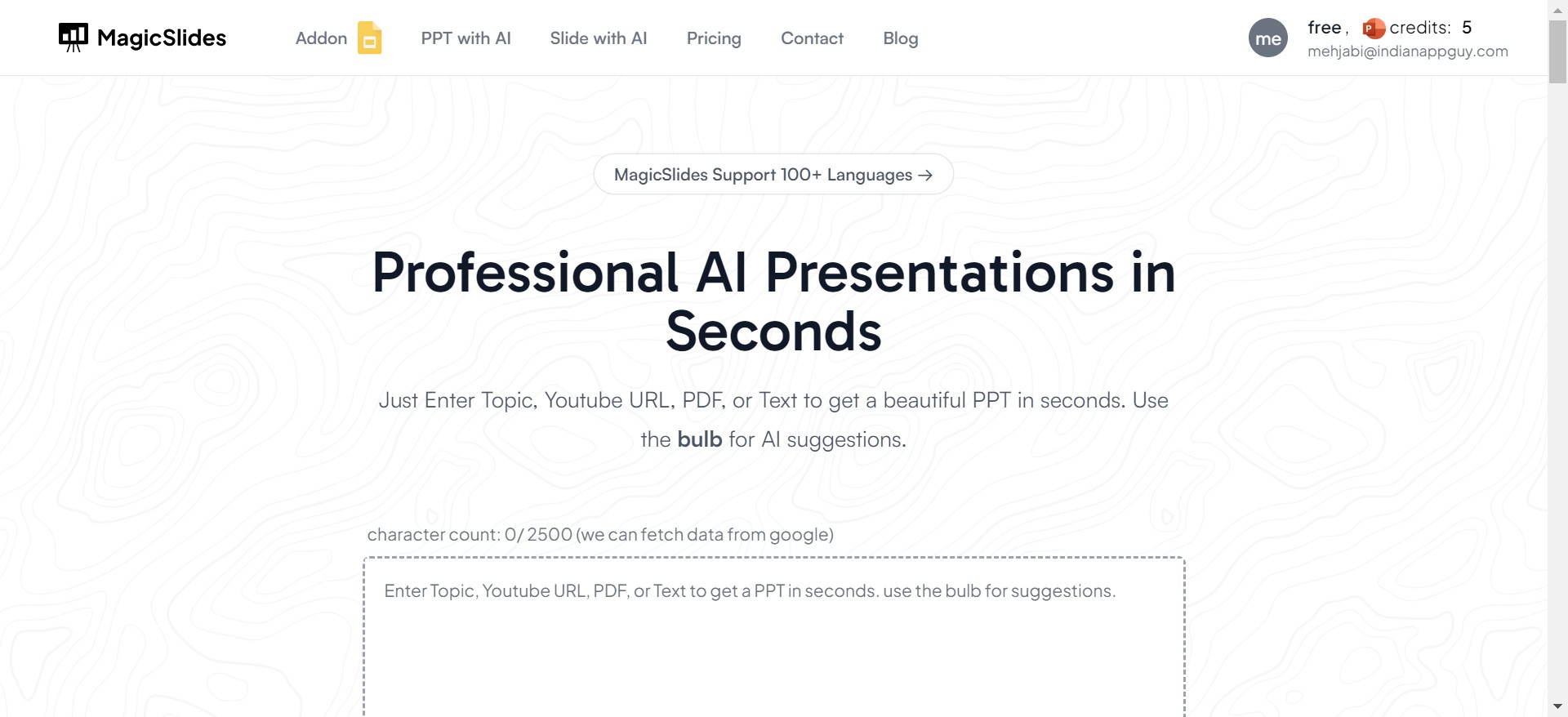
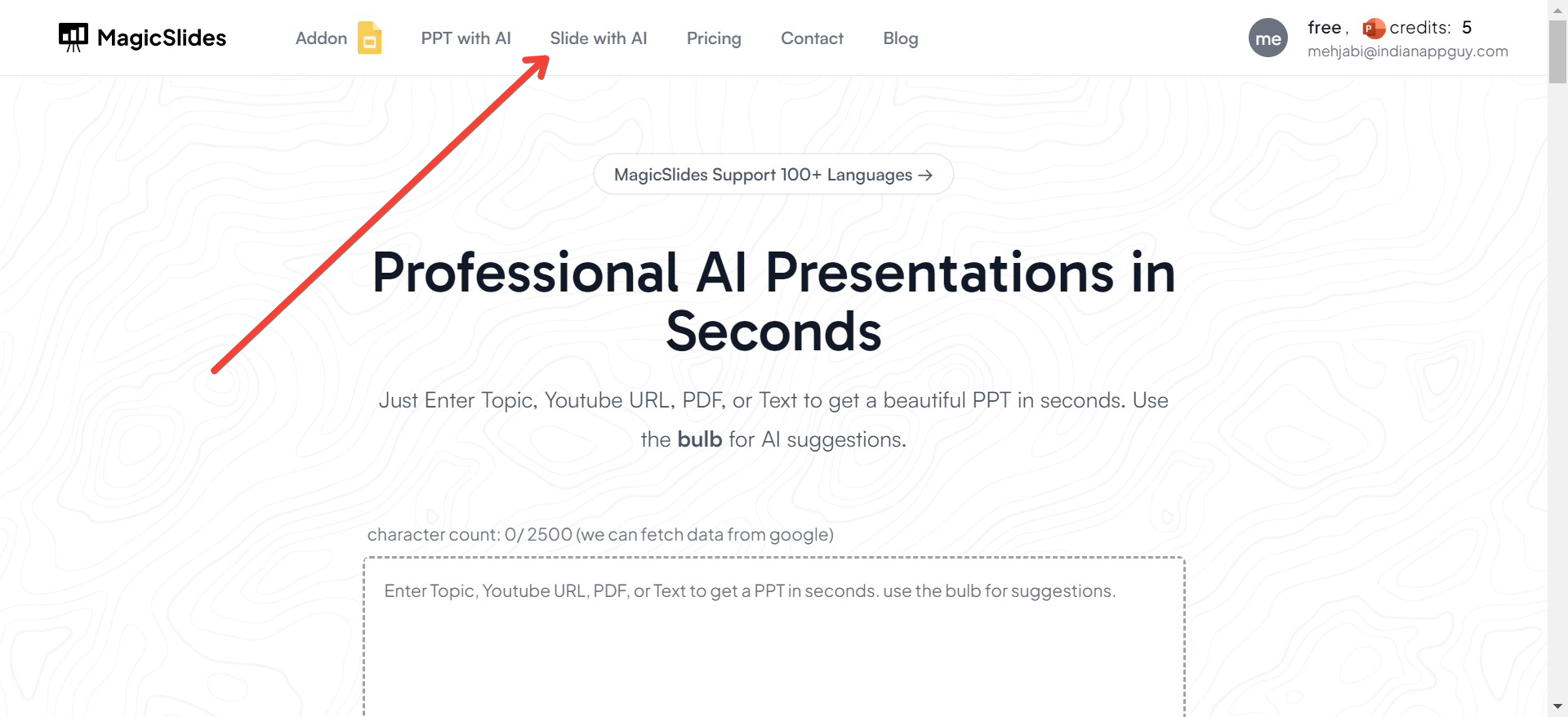
- Click on “Slide with AI”: Once you're on the homepage, look for the option or tab that says “Slide with AI” and click on it.
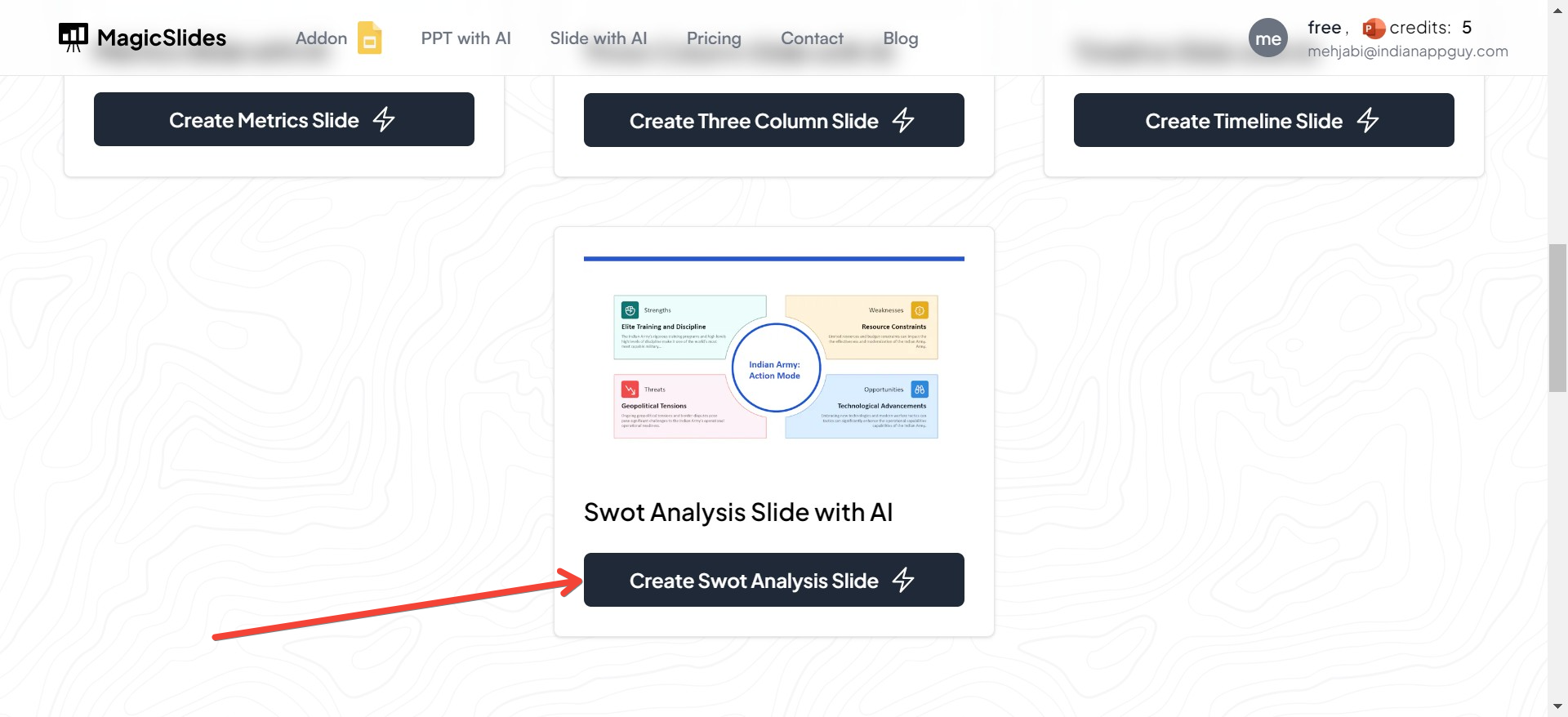
- Select the “SWOT Analysis Slide with AI”: In the “Slide with AI” section, you’ll find various types of slides tailored for different business needs. Click on the “SWOT Analysis Slide with AI” option to specifically focus on creating a slide for your SWOT analysis.
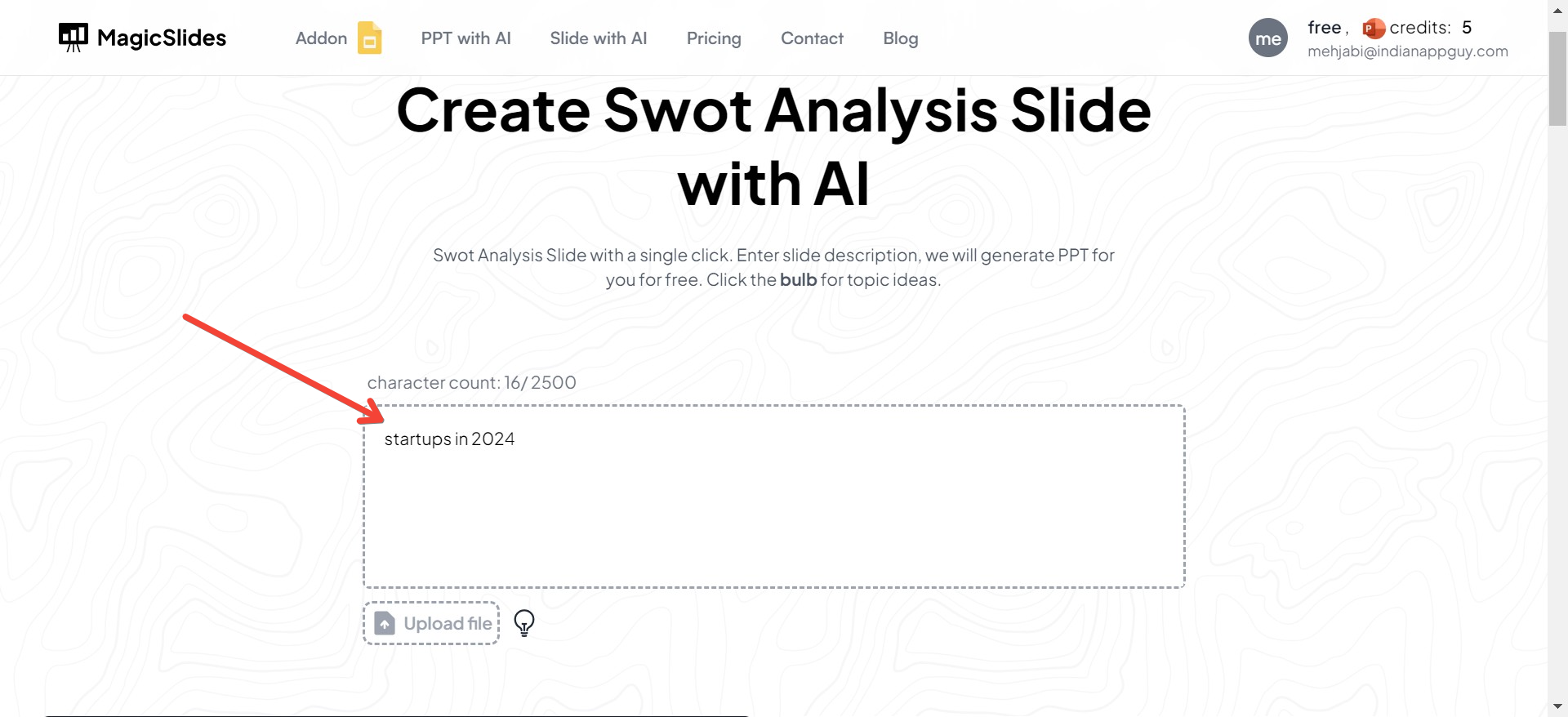
- Enter the Topic: After selecting the SWOT analysis slide option, you'll be prompted to enter the topic or subject of your SWOT analysis. This could be your business name, a specific project, or any venture you're evaluating. Inputting this topic helps the AI tailor the SWOT analysis to your specific needs.
- Choose a template for SWOT Analysis: There are different templates provided on the website for SWOT analysis, choose the one you like.
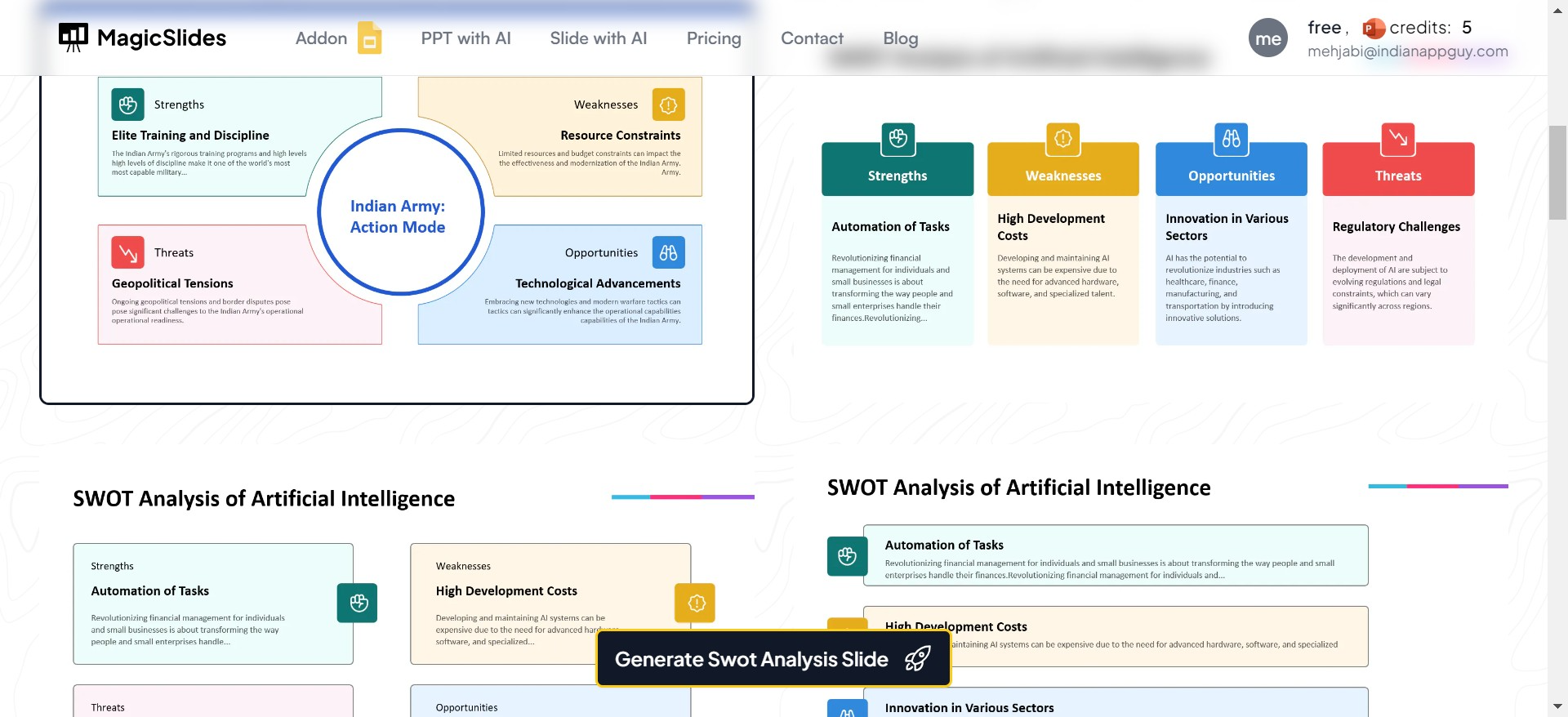
- Click on “Generate”: With the topic entered, and the template chosen click the “Generate” button.
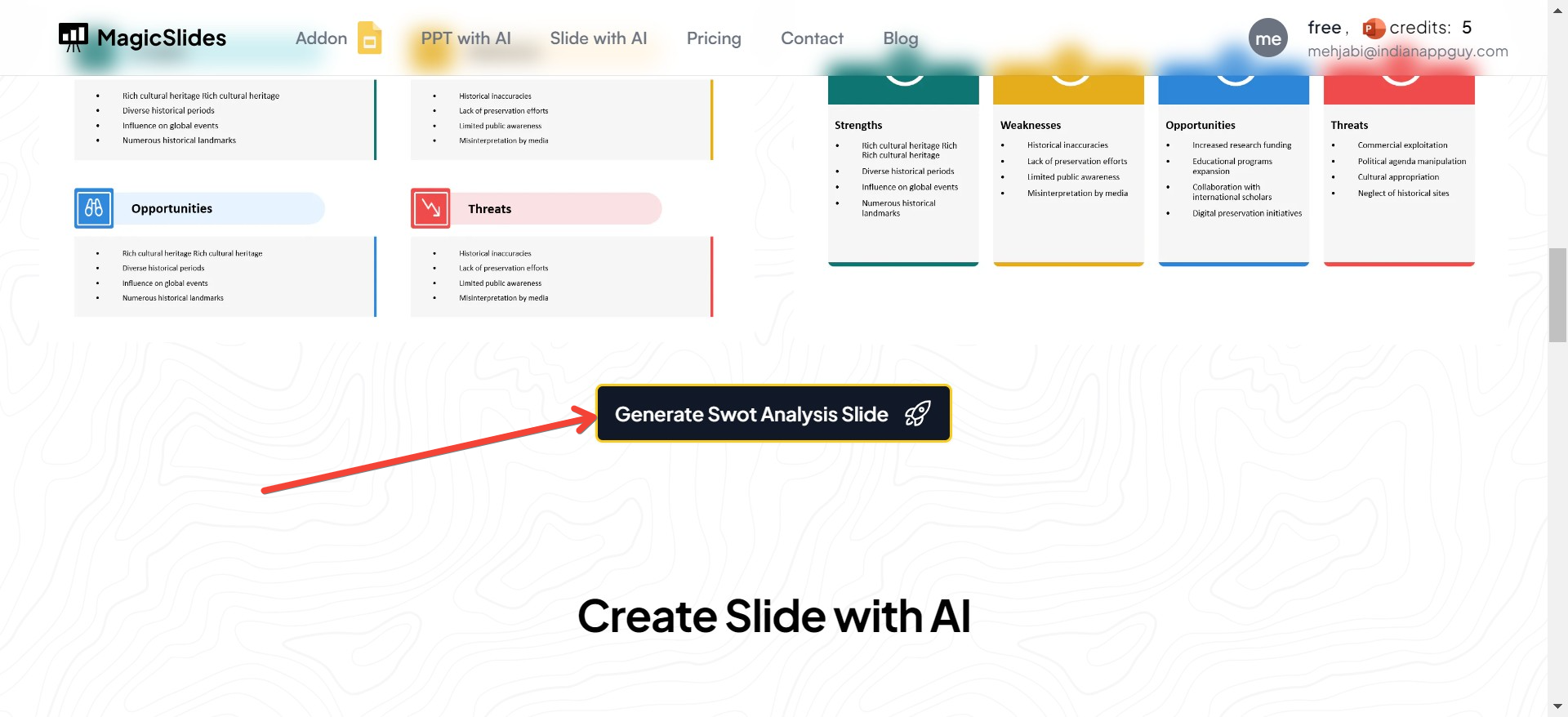
- Your Slide with SWOT Analysis Will Be Generated: After a short processing time, your SWOT analysis slide will be ready. This slide will include organized sections for Strengths, Weaknesses, Opportunities, and Threats related to your entered topic. You can review, edit, and refine the content as needed to better fit your analysis and presentation needs.
How to Conduct a SWOT Analysis
To conduct an effective SWOT analysis, follow these steps:
- Gather a diverse team: Include people from various parts of your organization to get multiple perspectives.
- Identify and list the SWOT elements: Use brainstorming tools or a SWOT analysis template to organize thoughts.
- Prioritize and strategize: Focus on the most critical elements and develop strategies around them.
- Implement and monitor: Apply the strategies and continually reassess your SWOT analysis to adapt to new challenges and opportunities.
Real-World Examples of SWOT Analysis
- Apple SWOT Analysis: Strength in innovation, weakness in high prices, opportunities in AI technology, and threats from market competition.
- Walmart SWOT Analysis: Capitalizes on its extensive distribution network to strengthen its market position against competitors like Amazon.
Conclusion
SWOT analysis remains a vital tool for strategic planning, offering a clear roadmap for leveraging internal strengths and external opportunities while mitigating weaknesses and threats. By incorporating SWOT analysis into regular strategic reviews, companies can maintain a competitive edge and adapt to changing market conditions effectively.
For templates, examples, and a deeper dive into conducting a SWOT analysis, check out our resources on free SWOT analysis template and how to do a SWOT analysis. Engage with these tools to transform theoretical insights into practical strategies that propel your business forward.


