Top 5 Tools to Find Aesthetic Presentation Wallpapers


Discover the top 5 tools for finding aesthetic presentation wallpapers, including Magicslides.app, to create stunning, professional slides effortlessly.
An aesthetically pleasing presentation can capture attention, convey professionalism, and leave a lasting impact. Choosing the right tools to find aesthetic presentation wallpapers is crucial for elevating your slides.
This blog lists the top five tools that provide high-quality wallpapers and templates, helping you create visually stunning presentations effortlessly.
Let’s explore these tools in detail.
1. Magicslides.app – The Best All-in-One Solution
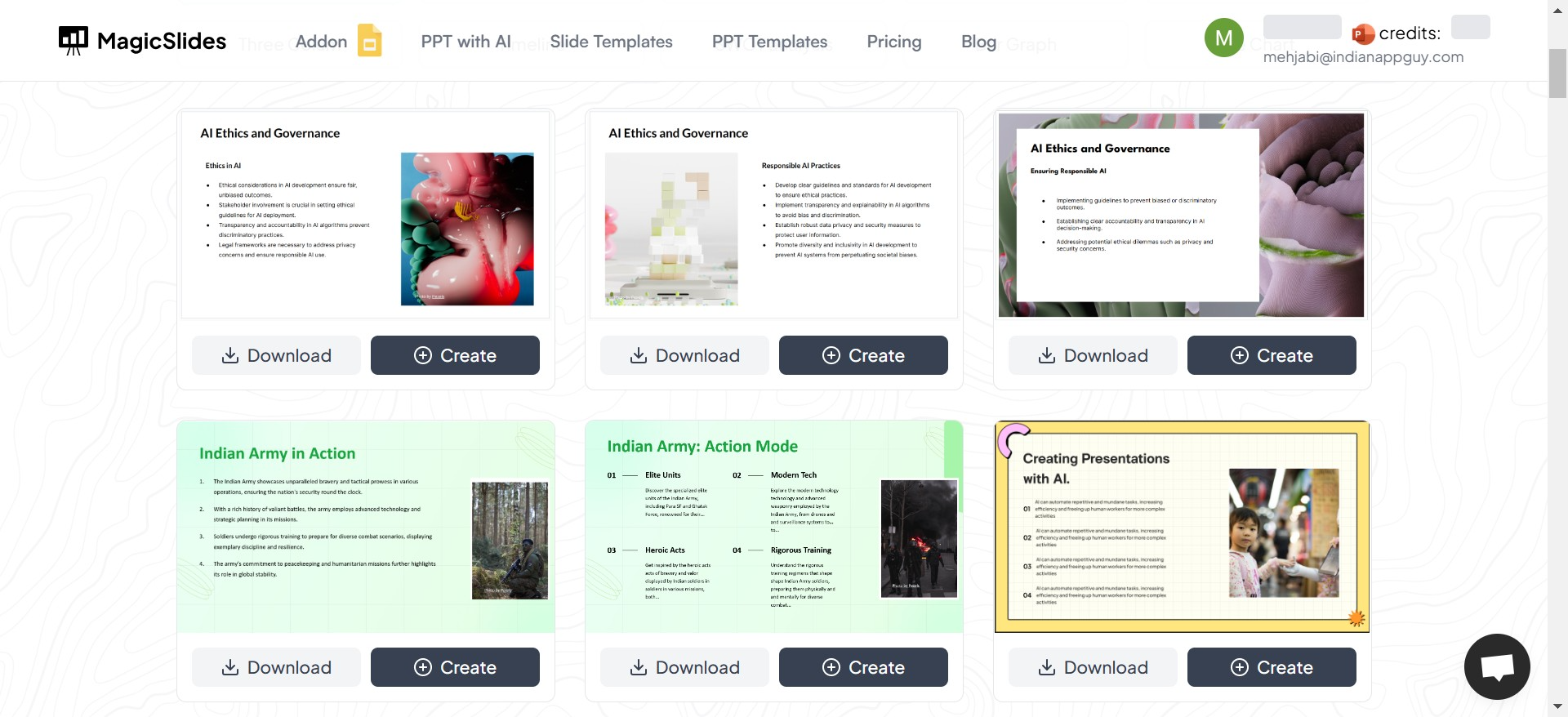
Magicslides.app takes the top spot on our list. This comprehensive platform not only provides beautifully designed wallpapers and templates but also allows users to create entire presentations with ease. Whether you’re a student, professional, or designer, Magicslides.app simplifies the process and ensures an aesthetic finish.
How to Use Magicslides.app:
- Visit Magicslides.app: Open your browser and go to Magicslides.app.
- Explore Slide Templates: Browse the library of pre-designed templates and wallpapers.
- Select Your Workflow: Download a template or create your presentation directly within the platform.
- Click "Create": Start a new project.
- Enter Your Topic: Input the subject or theme of your presentation.
- Click "Generate Instant PPT": Let the tool design your presentation.
- Choose Number of Slides: Select the required number of slides.
- Click "Generate": Wait a few moments as your presentation is crafted.
- Download or Edit: Download the finished slides or make additional edits.
Why Choose Magicslides.app?
- Ease of Use: The intuitive interface is perfect for all users, even beginners.
- Quick Output: Generate professional presentations in minutes.
- Customization: Tailor the number of slides and design to your needs.
2. Canva – For Customizable Designs
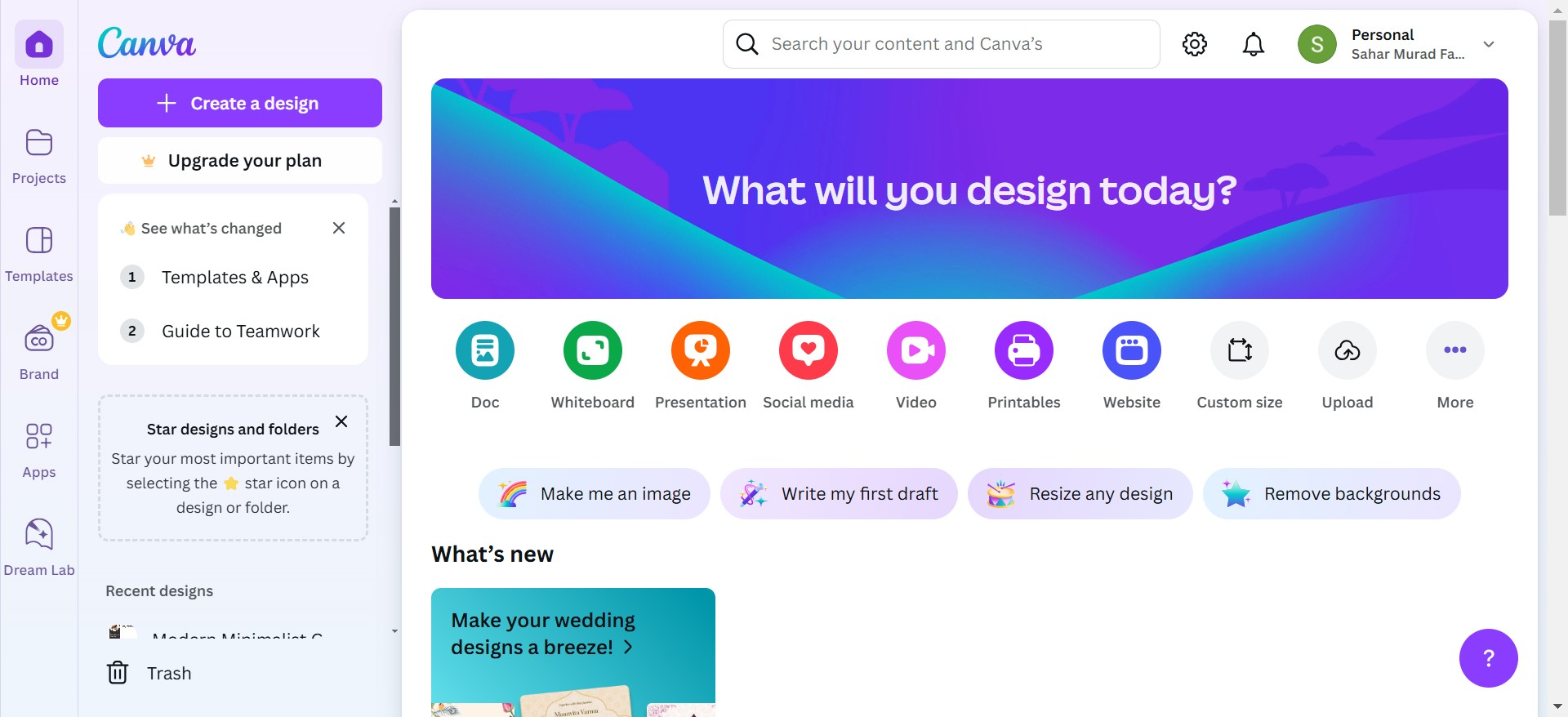
Canva is a popular design tool offering a vast library of customizable presentation templates and wallpapers. Its drag-and-drop interface makes it accessible to beginners and professionals alike. Whether you’re creating a business pitch or a creative slideshow, Canva’s extensive resources have you covered.
| Pros | Cons |
|---|---|
| Vast library of templates and assets. | Free options are limited in customization. |
| User-friendly drag-and-drop interface. | Requires a subscription for premium features. |
| Highly customizable designs. | File exports sometimes lose resolution. |
3. Unsplash – Stunning Free Images
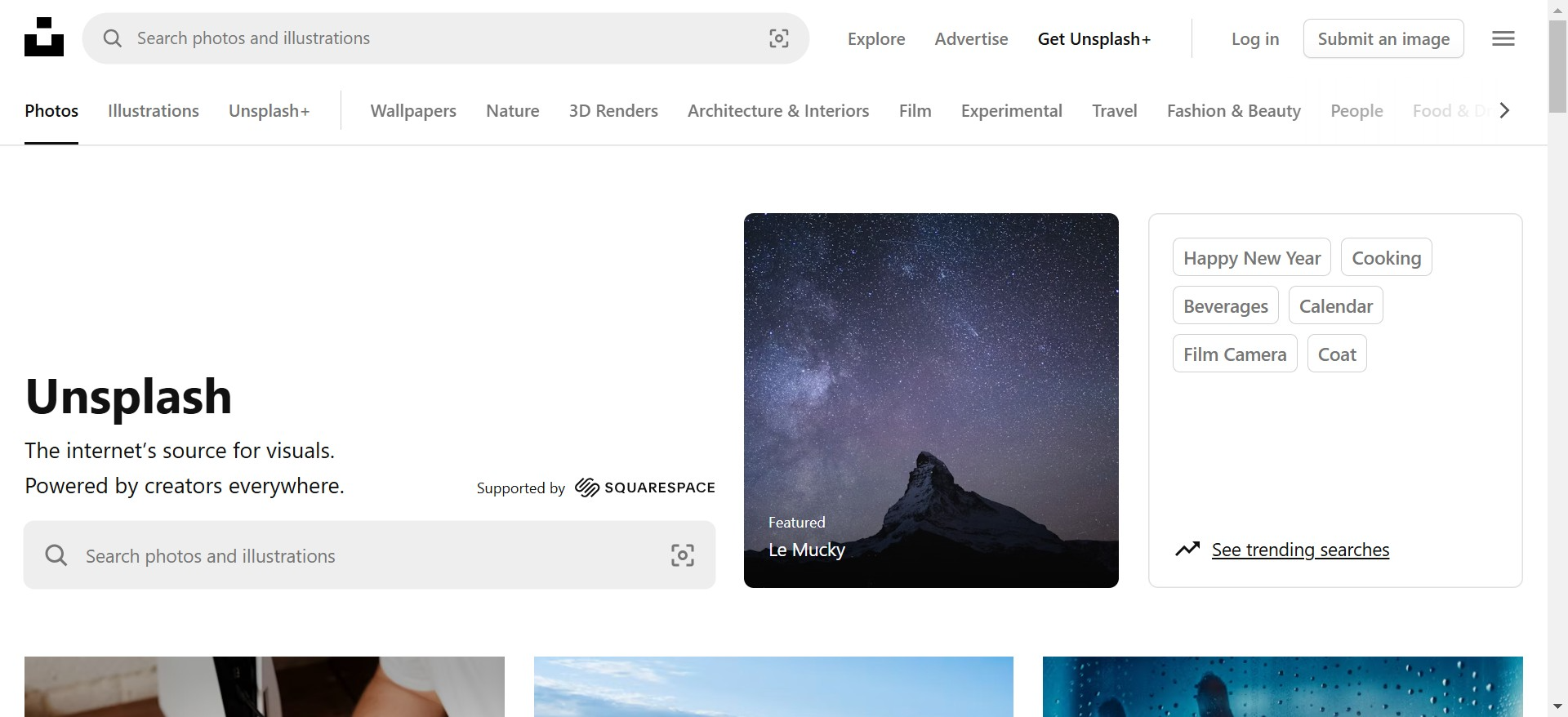
Unsplash is a well-known platform for free, high-resolution images. With its vast collection of photos across numerous categories, it’s ideal for finding high-quality wallpapers to use as slide backgrounds. Perfect for presentations requiring a professional, polished look.
| Pros | Cons |
|---|---|
| Free, high-resolution images. | No direct templates for presentations. |
| Wide range of categories. | Requires manual editing in PowerPoint or other tools. |
| Easy search functionality. | Images might require resizing or cropping. |
4. Slidesgo – Presentation Template Experts
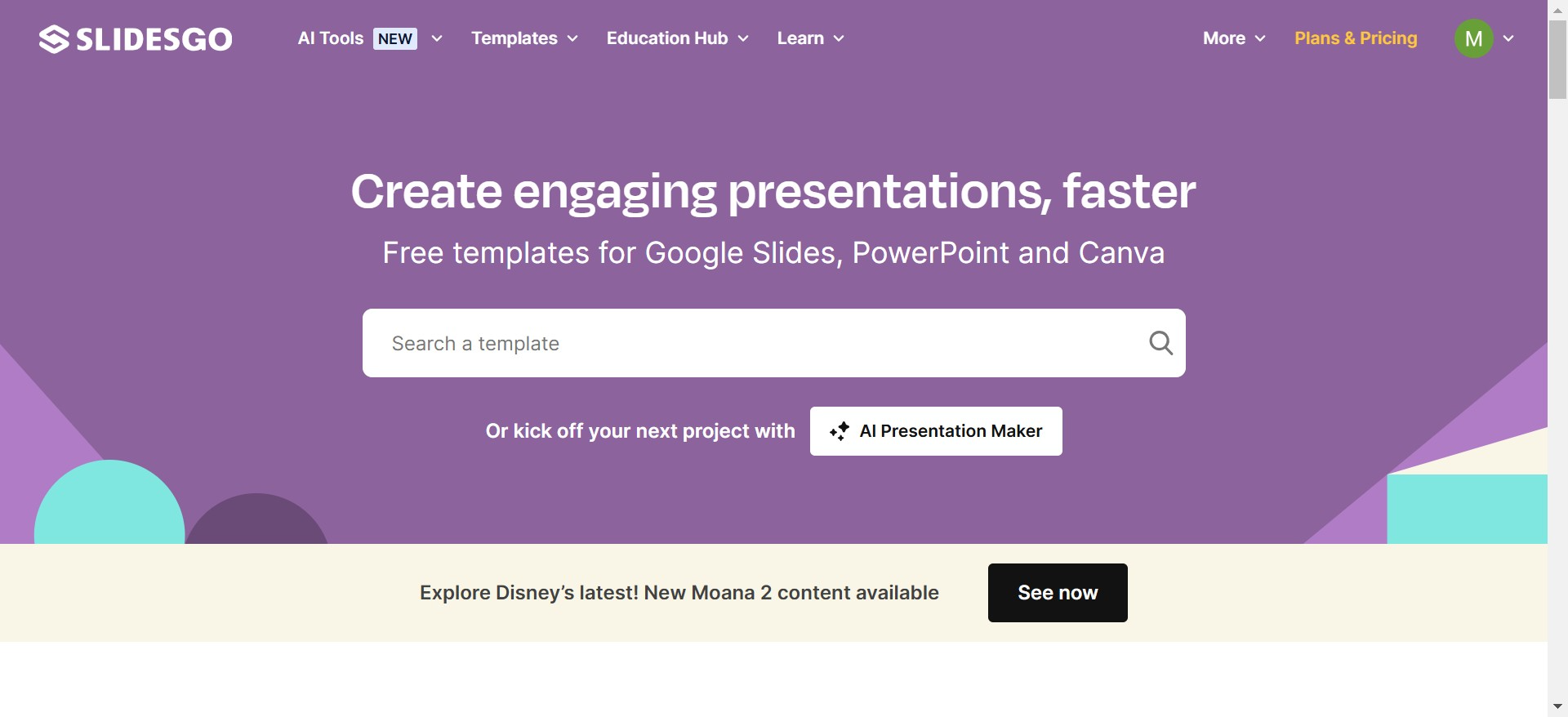
Slidesgo specializes in providing ready-to-use templates for Google Slides and PowerPoint. Their designs cater to various industries and themes, making it easy to find templates suited to your specific needs. It’s an excellent resource for saving time and effort.
| Pros | Cons |
|---|---|
| Templates tailored for specific niches. | Limited unique designs for free users. |
| Compatible with PowerPoint and Google Slides. | Premium plans required for full access. |
| Easy to edit and adapt. | Fewer customization options compared to Canva. |
5. Pinterest – A Hub for Inspiration
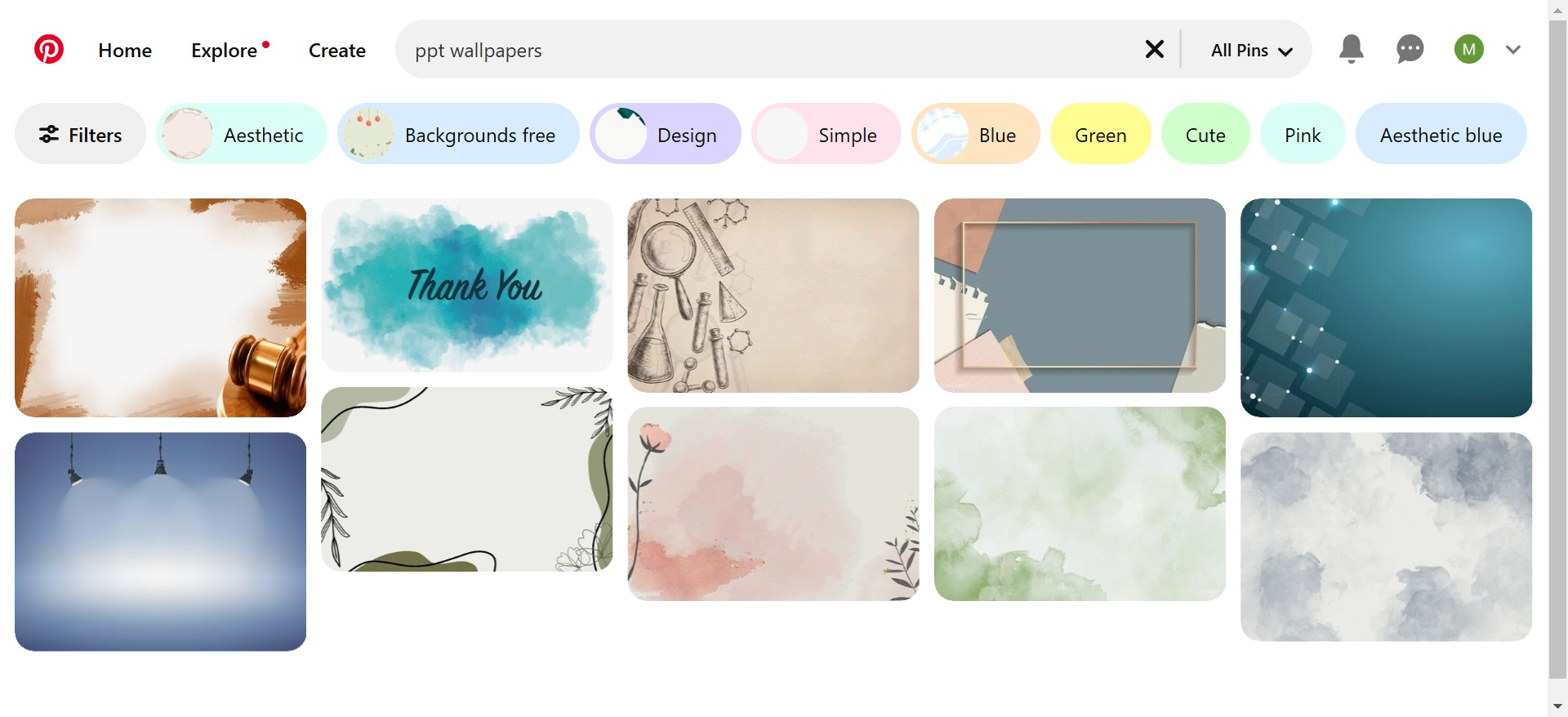
Pinterest is a treasure trove of inspiration for creative projects, including presentations. While it doesn’t offer direct downloads, it provides access to ideas and links to downloadable wallpapers, allowing you to explore new styles and trends for your slides.
| Pros | Cons |
|---|---|
| Endless aesthetic inspiration. | No direct downloads; links redirect to other sites. |
| Great for brainstorming visual styles. | Time-consuming to filter relevant resources. |
| Free to browse and save pins. | Requires additional tools to use saved ideas. |
Conclusion
Choosing the right tool for your presentation can make all the difference. While platforms like Canva, Unsplash, Slidesgo, and Pinterest provide valuable resources, Magicslides.app stands out as the ultimate solution for its simplicity, functionality, and ability to generate entire presentations seamlessly.
If you’re looking to save time and ensure your slides are as beautiful as they are impactful, give Magicslides.app a try today. It’s your one-stop destination for professional, aesthetic presentation wallpapers and beyond.


