How to Check Word Count on PowerPoint


Easily track your PowerPoint word count to keep presentations concise and within time limits
Keeping track of your word count in PowerPoint can help manage presentation length and ensure conciseness.
Unlike Word or Google Docs, PowerPoint doesn’t display word count directly on each slide, but you can still find the total count with a few simple steps.
Here’s a quick guide to checking word count in PowerPoint.
How to Check Word Count on PowerPoint: A Step-by-Step Guide
Step 1: Open Your PowerPoint Presentation
Open the presentation for which you’d like to check the word count.
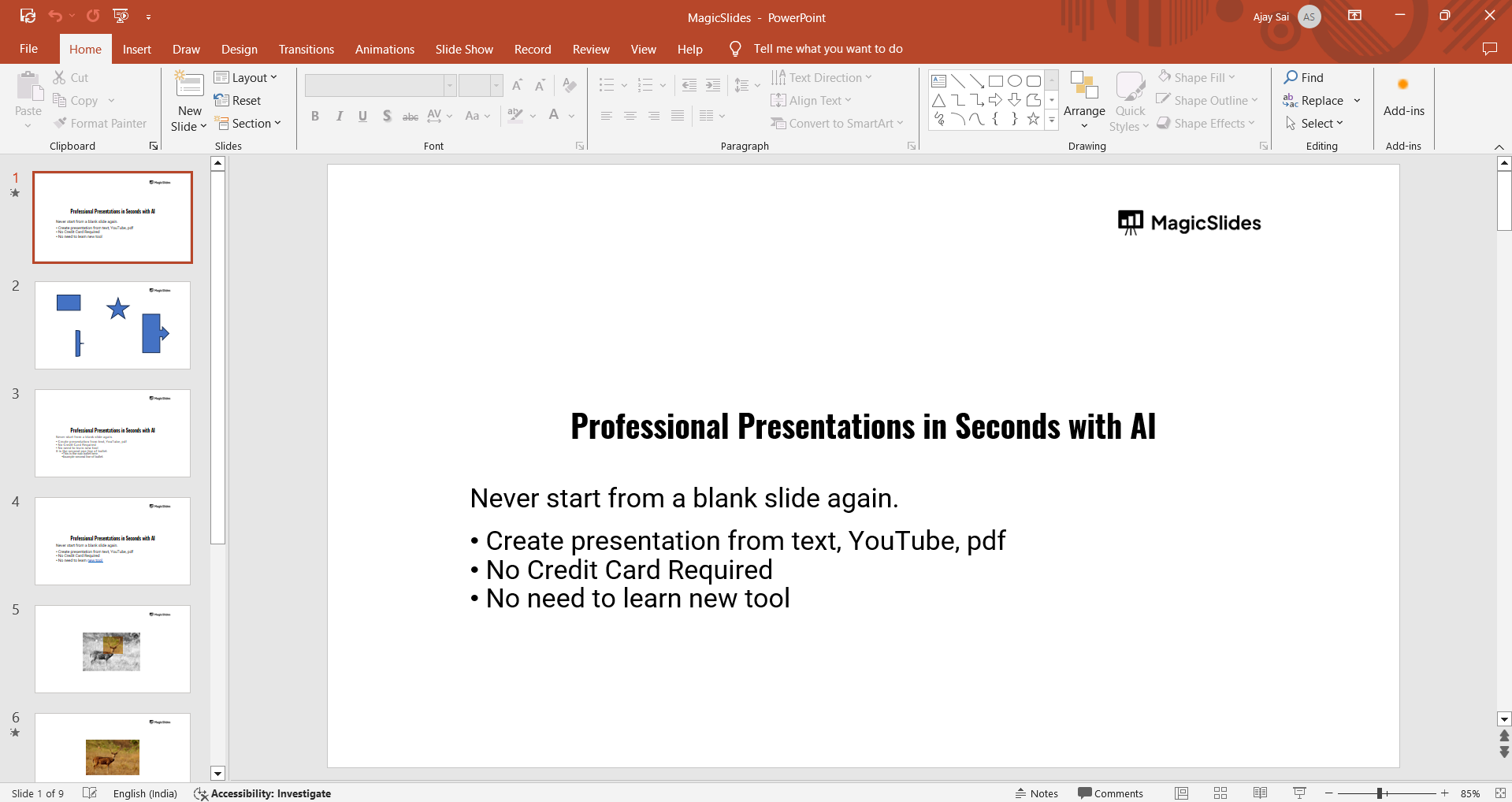
Ensure all slides are complete, as any last-minute text additions will affect the final count.
Step 2: Go to the “File” Tab
In the top left corner of your PowerPoint window, click the “File” tab.
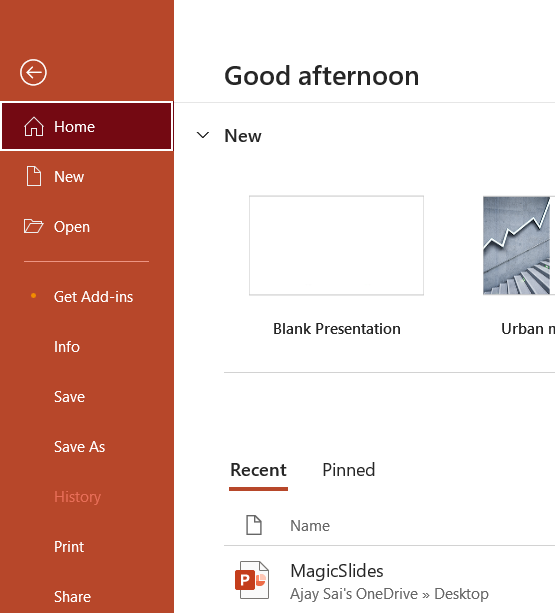
This will open a new menu where you can access various options related to your presentation, including document properties.
Step 3: Select “Info” from the File Menu
Within the “File” tab, click on “Info” to view details about your presentation.
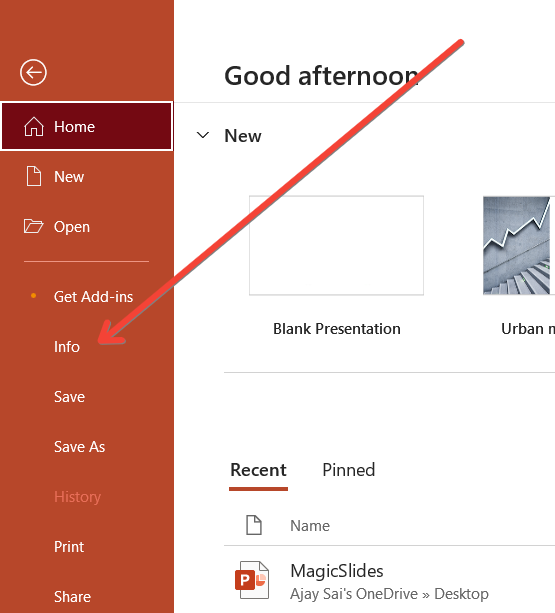
Here, you’ll find several options and statistics about your PowerPoint file.
Step 4: Click on “Show All Properties”
At the bottom of the “Info” panel, look for the “Show All Properties” link.
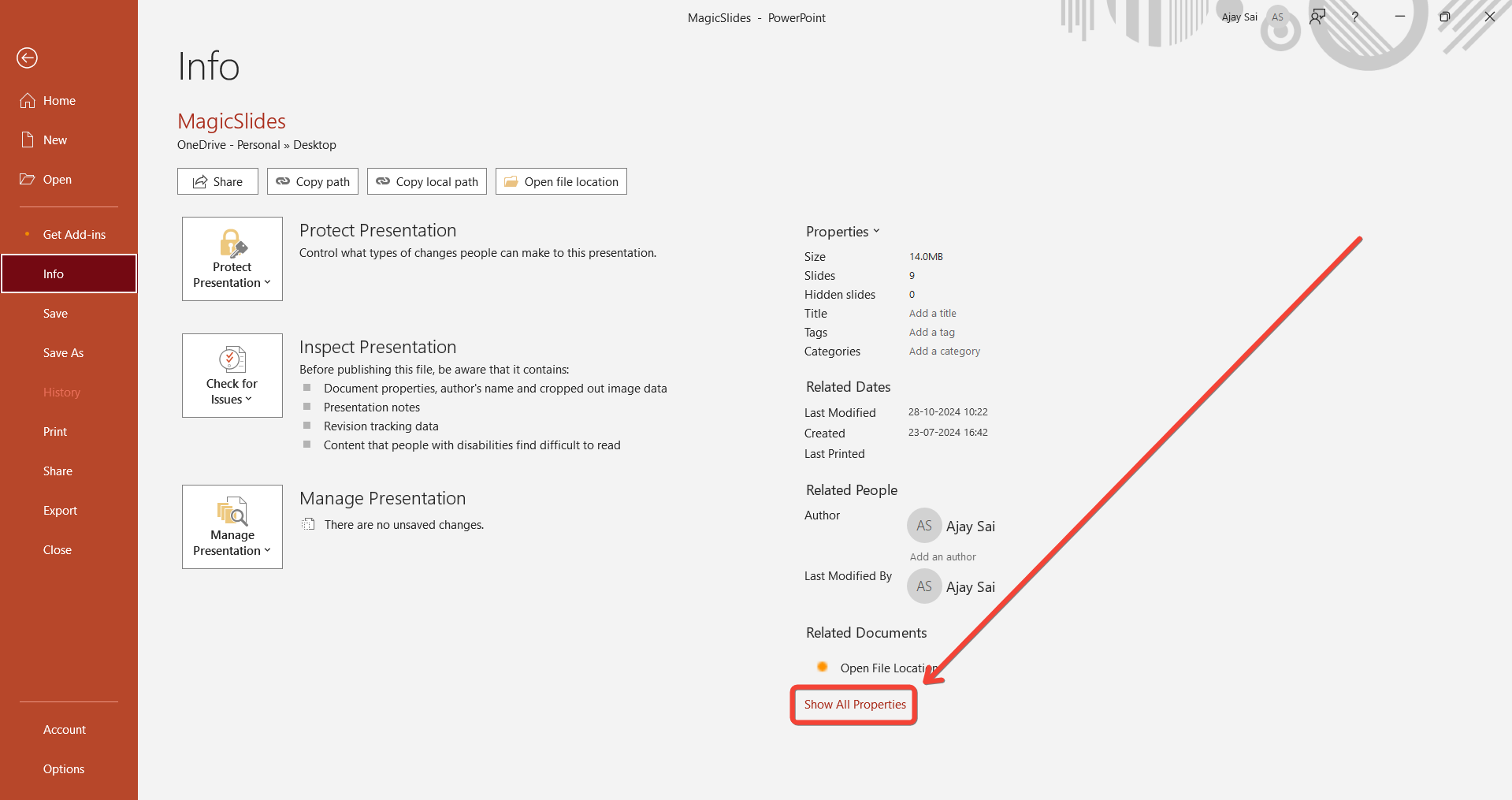
Click on it to expand the list of properties, revealing additional statistics, including the word count.
Step 5: Find the Word Count in Properties
After clicking “Show All Properties,” scroll down to find the word count listed under “Properties.”
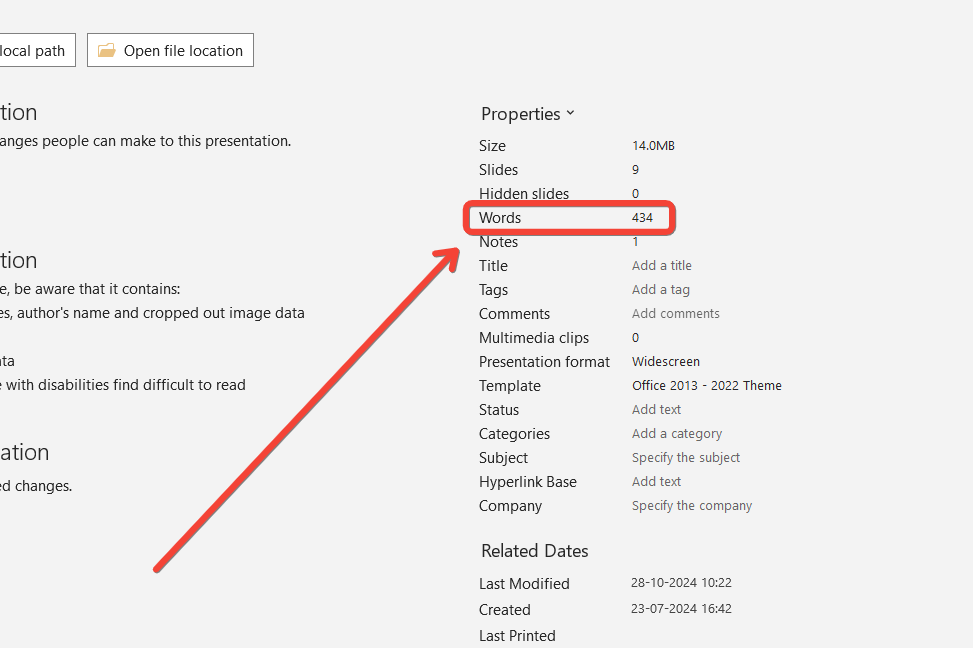
This number reflects the total word count for all text boxes across your presentation.
Now that you know how to check word count in PowerPoint, streamline your content by learning how to use Format Painter in PowerPoint for consistent text formatting.
Conclusion
Checking the word count in PowerPoint is straightforward through the “File” menu, helping you maintain a focused and impactful presentation.
Keeping track of word count can assist in adhering to time limits and ensuring each slide is concise and easy to read.
FAQs are here to help!
Does PowerPoint count words in all text boxes, including notes?
No, the word count displayed includes only text within the slides themselves, not in the Notes section.
Can I count words manually for individual slides?
Yes, you can view and count the text on each slide manually, but the “Properties” word count provides the full count for the entire presentation.
Is there a way to include notes in the word count?
To include notes, you’d need to manually add the text from the Notes pane to another word processing tool, as PowerPoint’s default count excludes it.


