how to highlight in power point


Elevate your PowerPoint presentations with text highlights – Learn the simple steps to make your content pop!
Highlighting text in PowerPoint can draw attention to key points and make your presentation more engaging. In this article, we'll show you how to effectively highlight text in just a few simple steps.
how to highlight in power point?
Step 1: Open Your PowerPoint Presentation
1.1. Launch Microsoft PowerPoint on your computer.
1.2. Open the presentation you want to work on or create a new one.
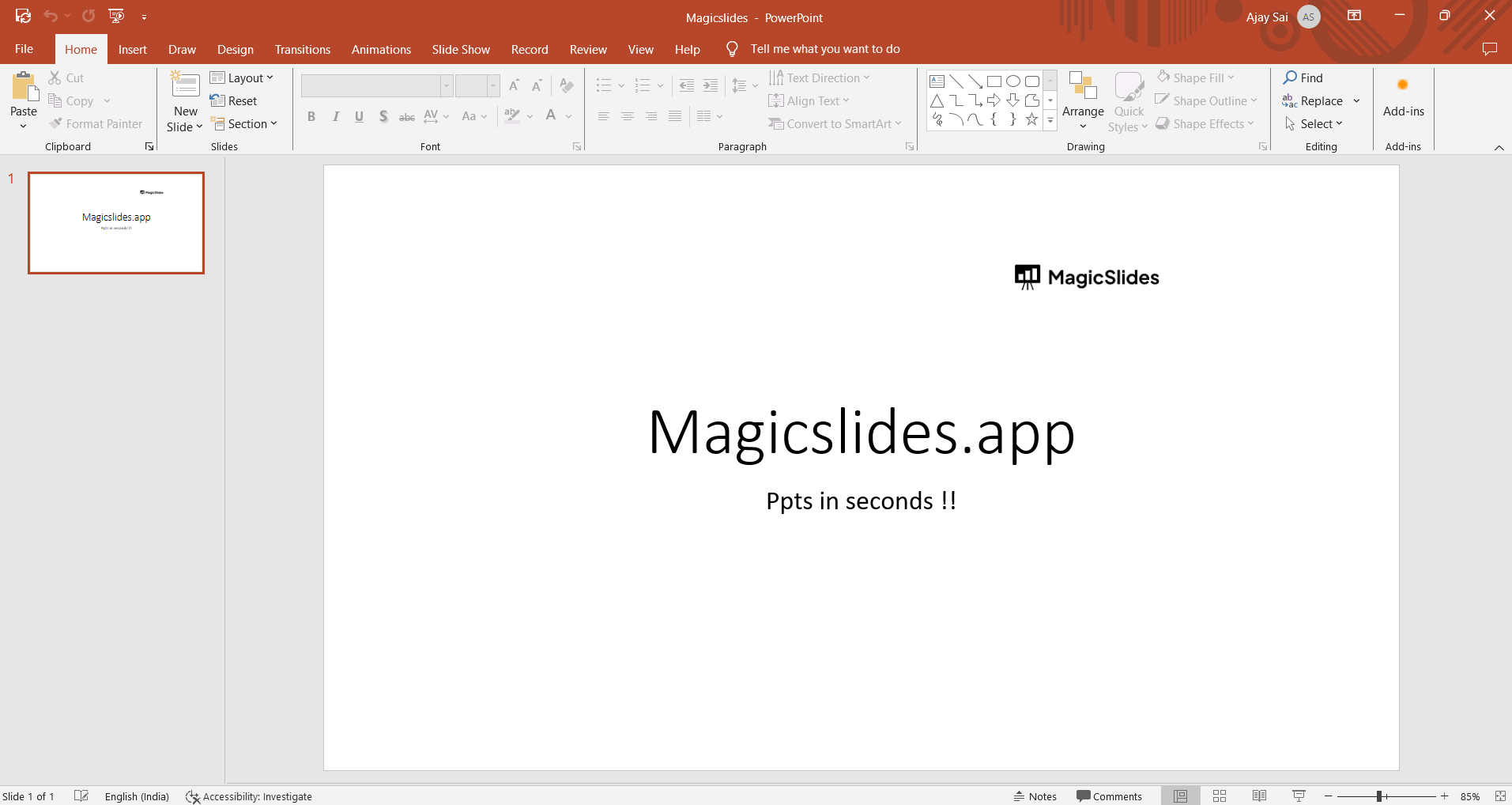
Step 2: Select the Text to Highlight
2.1. Click and drag your cursor to select the text you want to highlight. You can select a single word, a phrase, or an entire paragraph.
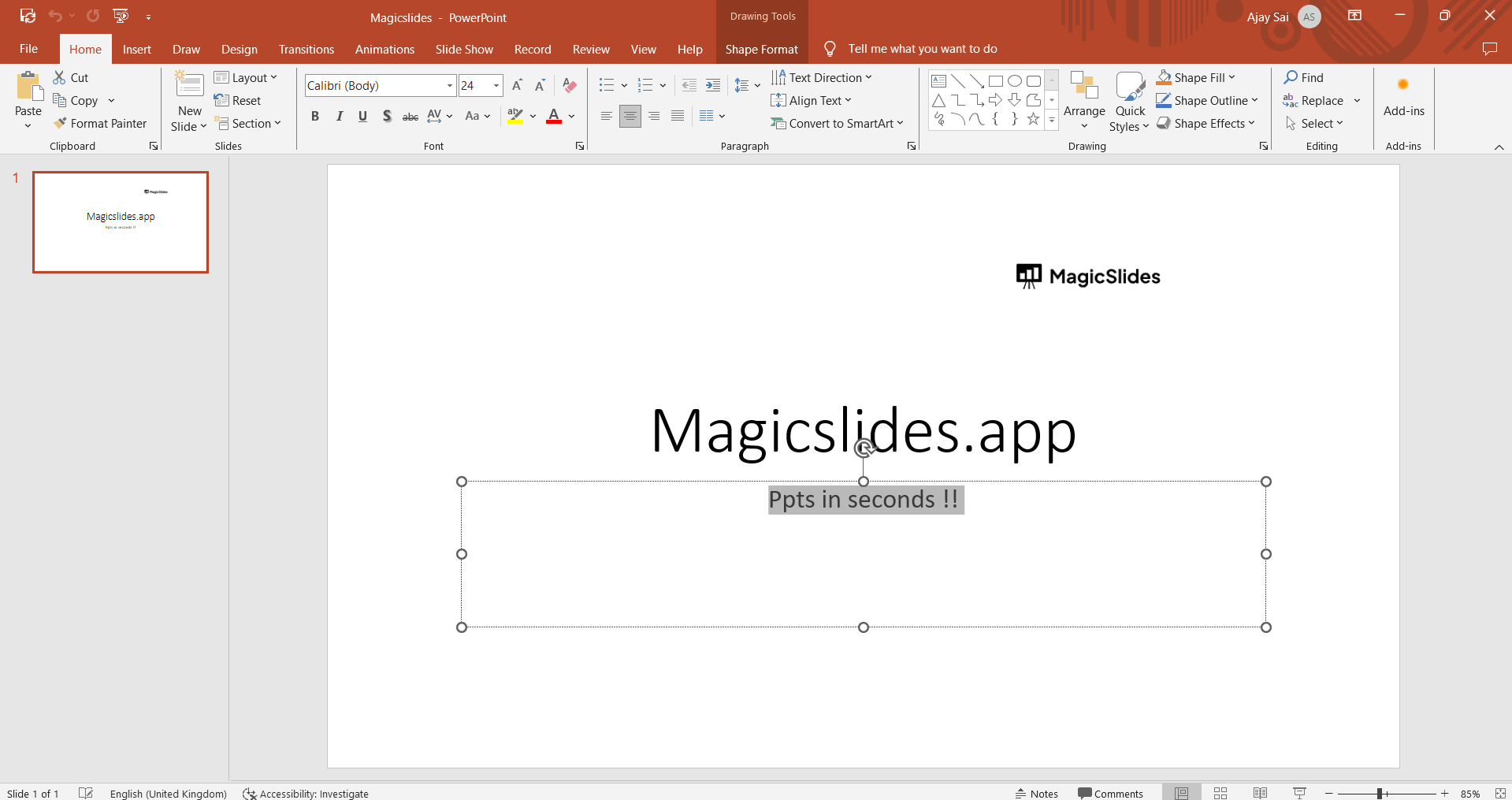
Step 3: Apply the Highlighting Color
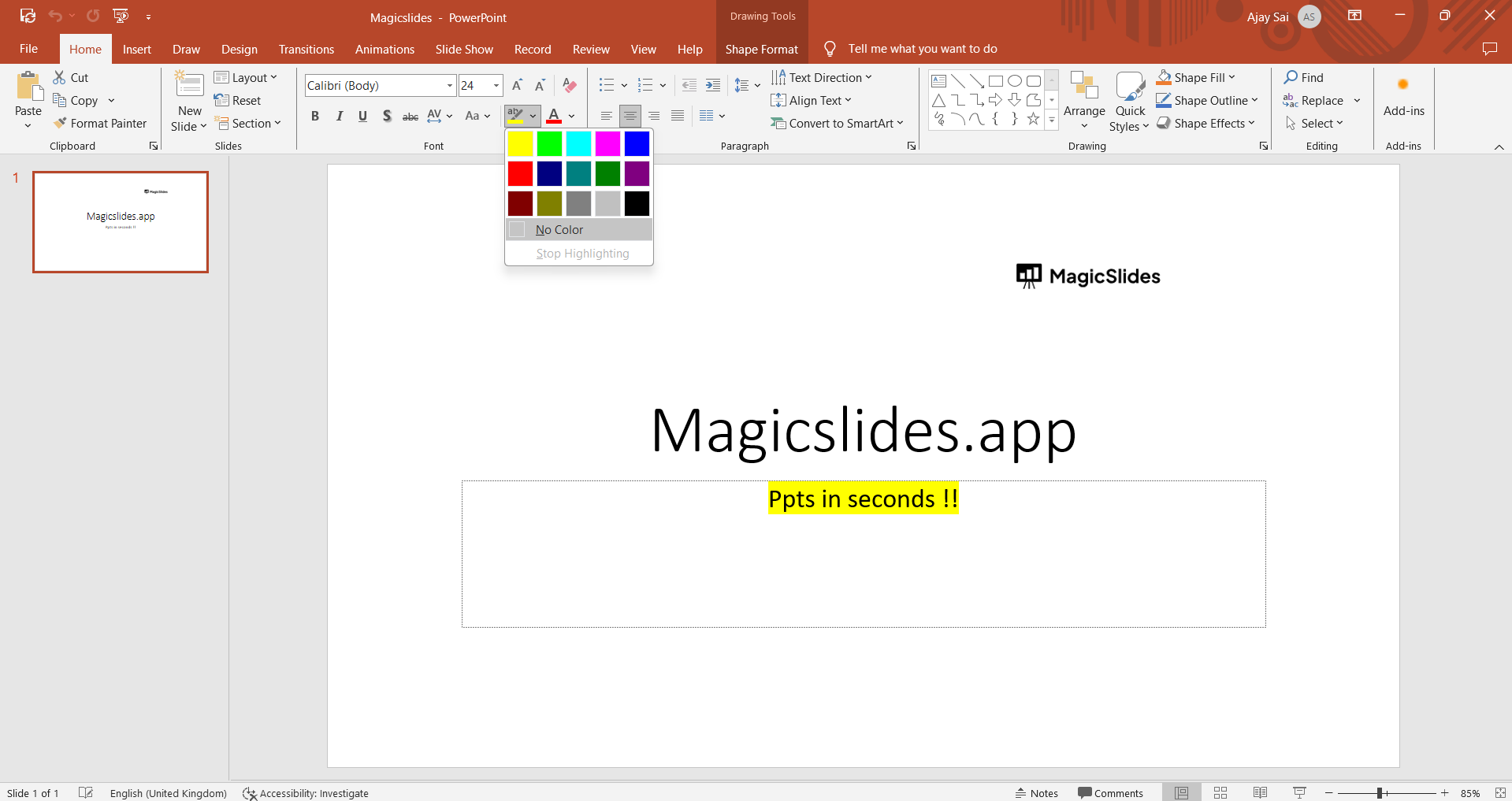
3.1. With the text selected, go to the "Home" tab on the PowerPoint ribbon.
3.2. Locate the "Font Color" icon (usually an A with a colored bar beneath it) and click on it.
3.3. Choose a highlight color from the dropdown menu. Your selected text will now be highlighted in the chosen color.
Step 4: Save and Review
4.1. Save your presentation to keep the changes.
4.2. Review your slide to ensure the highlighted text effectively emphasizes your message.
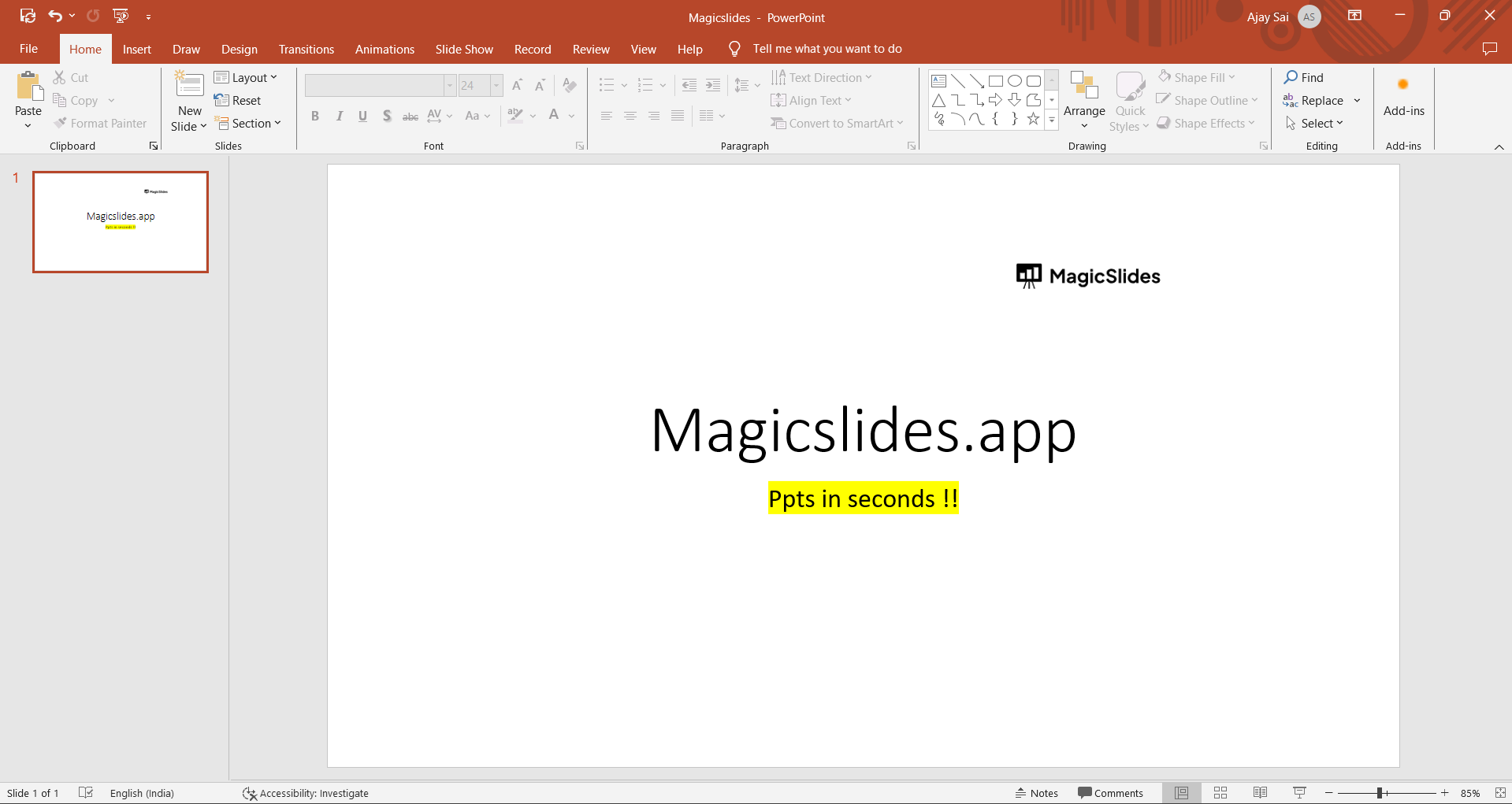
Conclusion:
Adding highlights to your PowerPoint presentation is a simple yet powerful way to make your content more impactful and easily comprehensible. Whether you're pointing out important information, emphasizing key data, or just adding a touch of style to your slides, following these four steps will help you do it with ease.
Enhance your presentations and engage your audience more effectively by incorporating text highlights into your PowerPoint slides.
Add a highlighting elements not just to your Google Slides but to your PowerPoint from this simple and easy technique
Frequently Asked Questions (FAQs):
How can I highlight text in a PowerPoint slide?
To highlight text in PowerPoint, select the text you want to highlight, and then choose a highlighting color from the font color options.
Can I use a specific highlighter tool or feature in PowerPoint for highlighting text?
PowerPoint doesn't have a dedicated highlighter tool, but you can simulate highlighting by changing the font color or using shapes and text boxes with a transparent fill.
Are there different highlighting color options available in PowerPoint?
Yes, you can choose from a variety of highlighting colors by selecting "Font Color" in the toolbar and picking a color that suits your preference.


