How to make Sub Bullet Points in PowerPoint


Sub bullet points in PowerPoint help organize complex information, making presentations clearer and more structured
Creating sub bullet points in PowerPoint helps organize your content in a clear, hierarchical structure.
This feature is useful when presenting complex information, as it allows you to break down main points into more detailed subpoints, keeping your presentation clean and easy to follow.
Here’s a step-by-step guide on how to add sub bullet points in PowerPoint.
How to Make Sub Bullet Points in PowerPoint: A Step-by-Step Guide
Step 1: Open Your Slide and Select the Text Box
Start by opening the slide where you want to add sub bullet points.
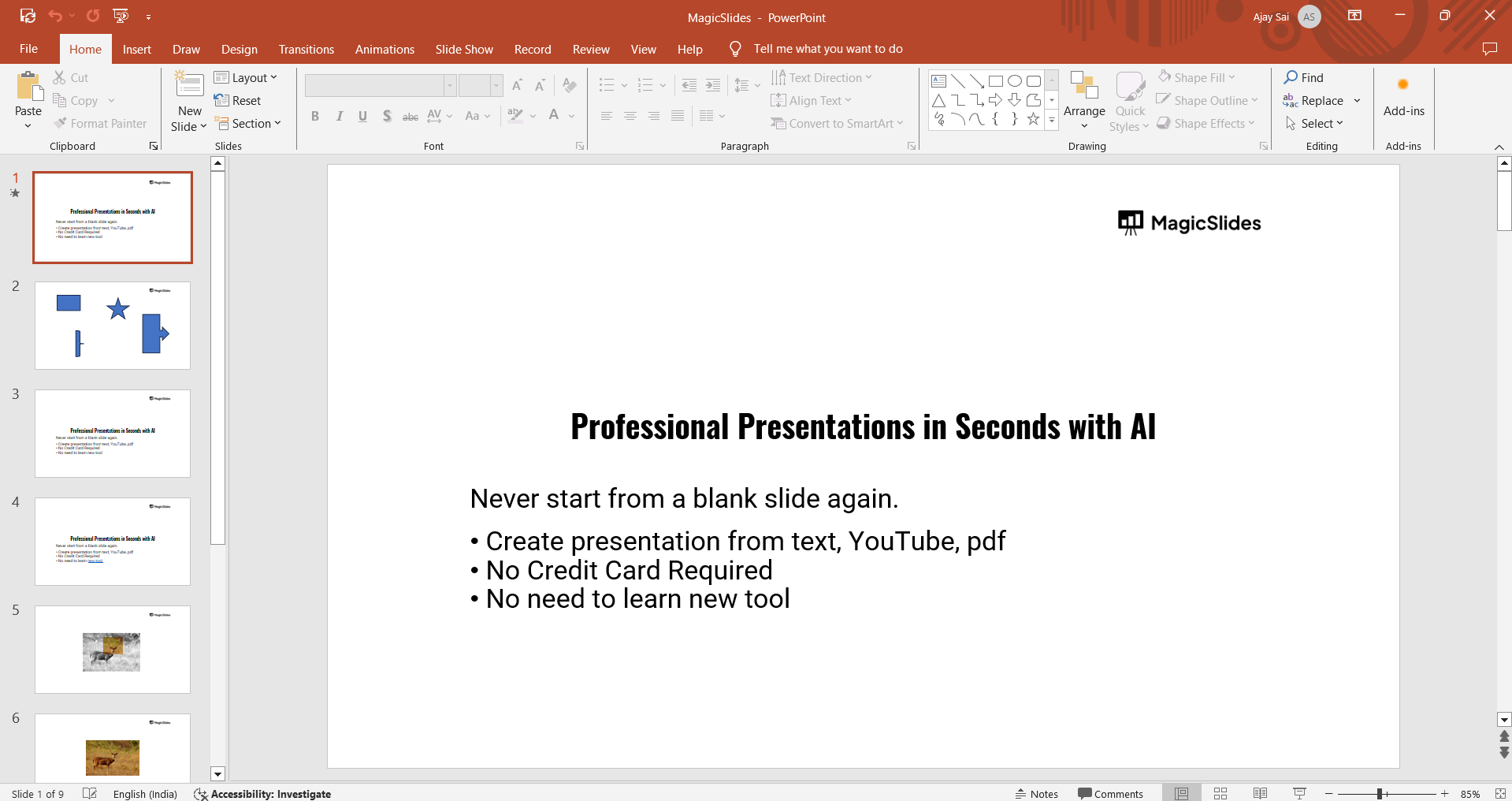
Click on the text box where you’ve created a bulleted list, or create a new list by selecting the "Bullets" option from the "Home" tab.
Step 2: Type the Main Bullet Point
Type out your main point as a regular bullet point.
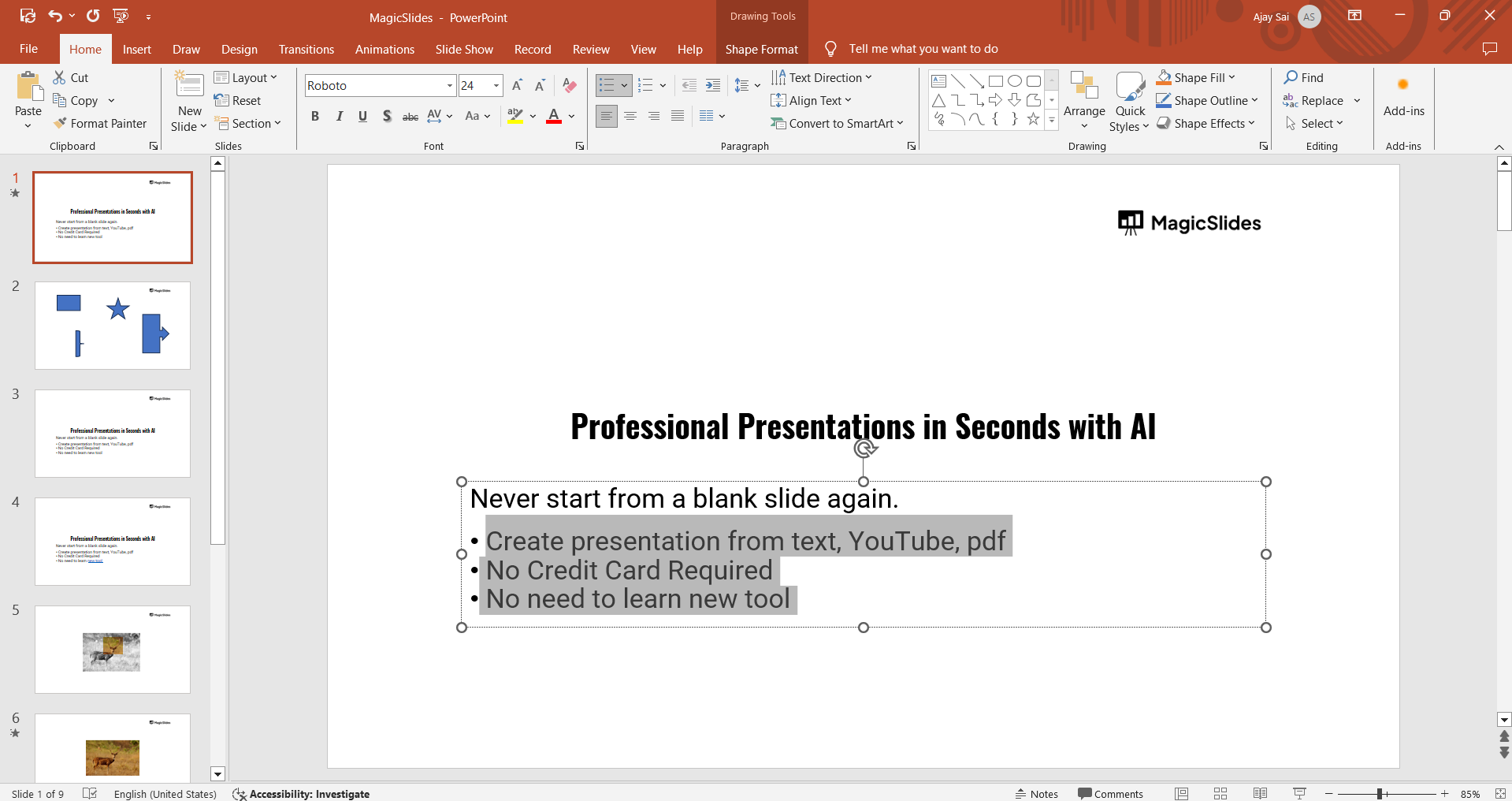
Press "Enter" after finishing the main point, which will automatically add a new bullet at the same level.
Step 3: Indent the Bullet to Create a Sub Bullet Point
To create a sub bullet, place your cursor in front of the new bullet and press the "Tab" key on your keyboard.
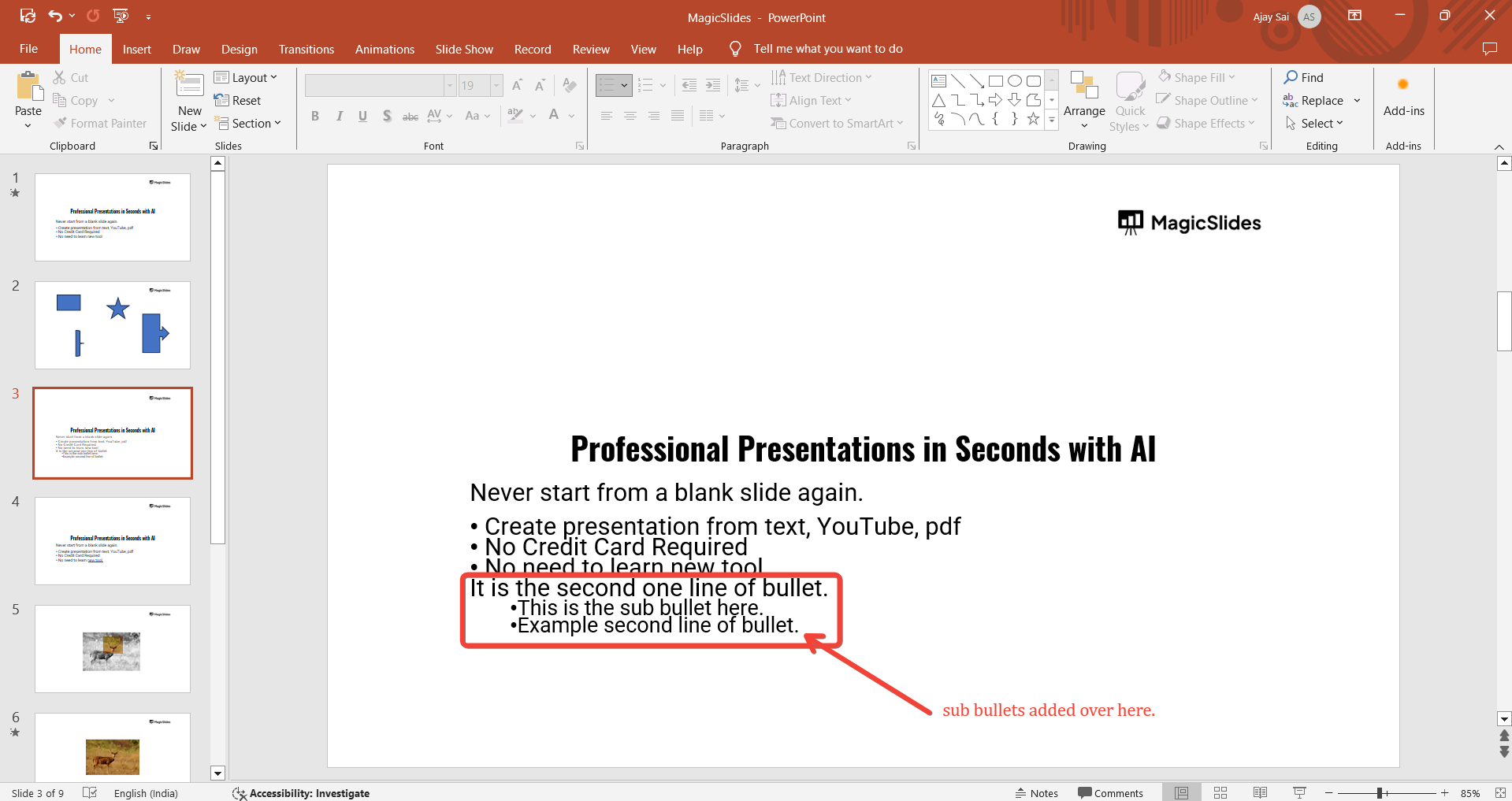
This will indent the bullet, converting it into a sub bullet point. You can now type the content for your sub bullet point.
Step 4: Customize the Bullet Style (Optional)
For more customization, select your bullets and go to the "Home" tab.
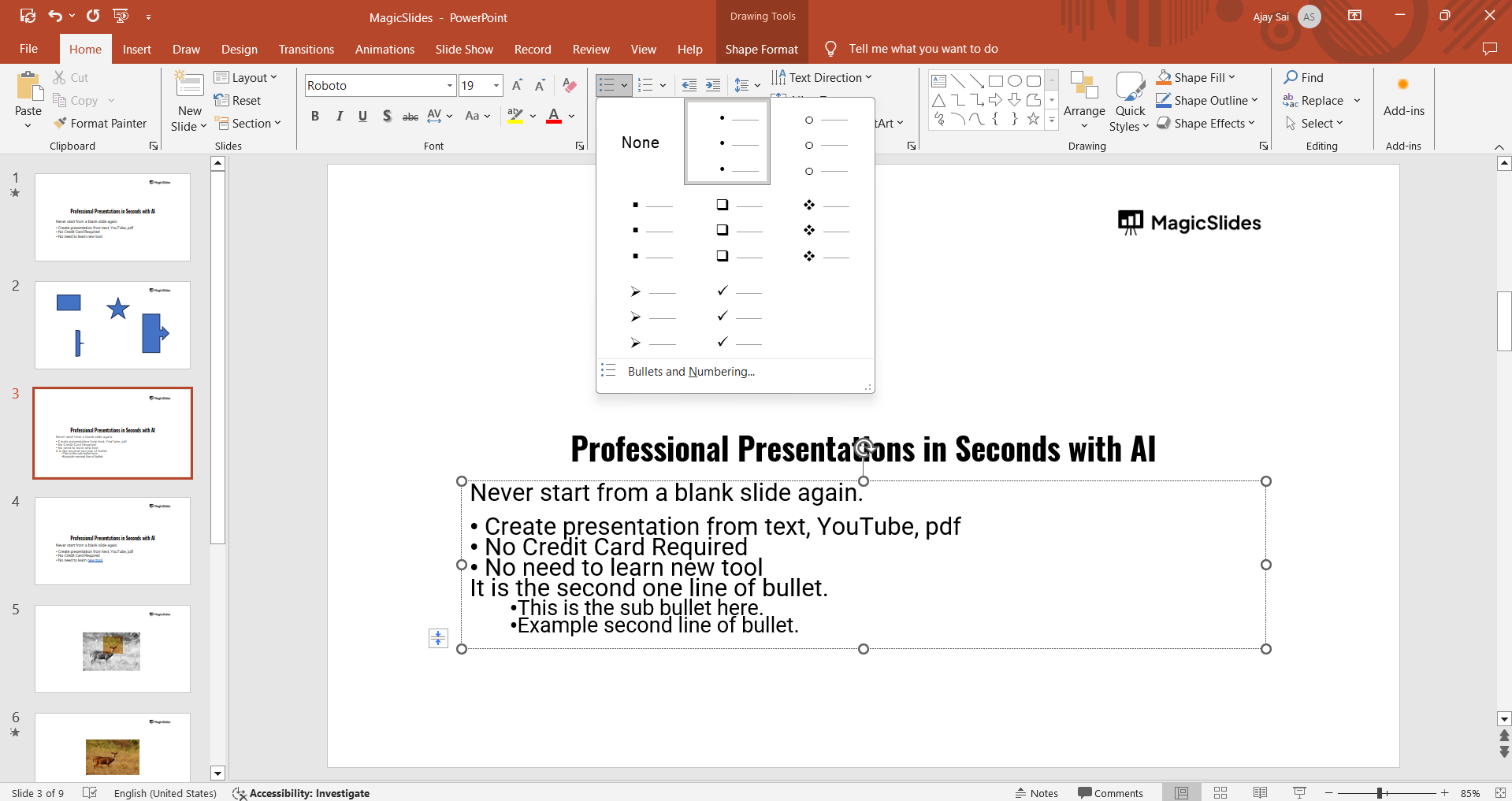
Under the "Bullets" dropdown, you can choose different bullet styles, symbols, or colors to differentiate your sub bullet points from the main ones.
Now that you’ve added sub bullet points in PowerPoint, enhance your slides further by exploring how to use the Slide Master in PowerPoint to maintain consistent formatting.
Conclusion
Using sub bullet points in PowerPoint is a great way to structure your ideas clearly and effectively.
By following these steps, you can create visually organized slides that help your audience follow along with your presentation’s key points and details.
FAQs are here to help!
Can I add more than one level of sub bullet points?
Yes, you can press "Tab" multiple times to create additional sub bullet levels, though it’s best to keep it simple for clarity.
How do I remove a sub bullet and return it to the main level?
To move a sub bullet back to the main level, place your cursor in front of the text and press "Shift + Tab."
Can I change the color or style of sub bullet points separately from main bullets?
Yes, select the sub bullet points and customize their color, size, or style from the "Bullets" options under the "Home" tab.


