what do you need to think about before designing the presentation


Creating a well-structured presentation involves including essential slides that guide and engage your audience effectively.
Designing a presentation involves more than just creating visually appealing slides; it requires thoughtful planning to ensure your message is communicated effectively. Before diving into design, it's crucial to consider the structure and content that will best serve your audience and objectives.
Certain types of slides are essential for a well-rounded presentation, helping to organize your content and guide your audience through your message.
In this blog post, we'll explore the mandatory types of slides to include in a presentation and discuss what to think about before you start designing.
what do you need to think about before designing the presentation
#1: Title Slide
The title slide is the first impression of your presentation and sets the stage for what’s to come. It should include the title of your presentation, your name, and any relevant details like the date or organization.
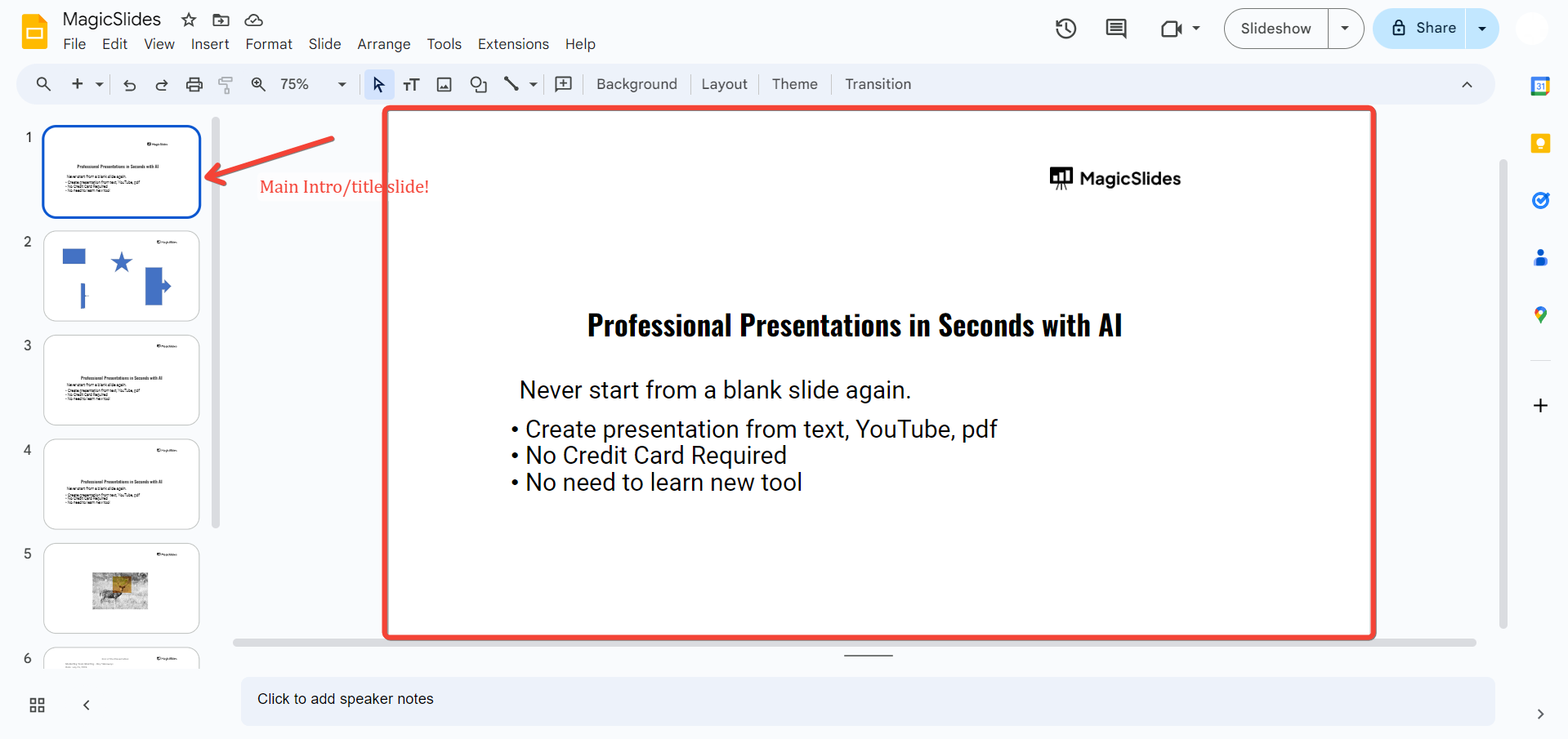
This slide helps establish your topic and provides context for your audience. Think about how to make it visually engaging yet simple, ensuring that it grabs attention without overwhelming your audience.
#2: Agenda or Outline Slide
An agenda or outline slide is crucial for setting expectations and providing a roadmap for your presentation.
It should outline the main sections or topics that will be covered, giving your audience a clear understanding of what to expect.
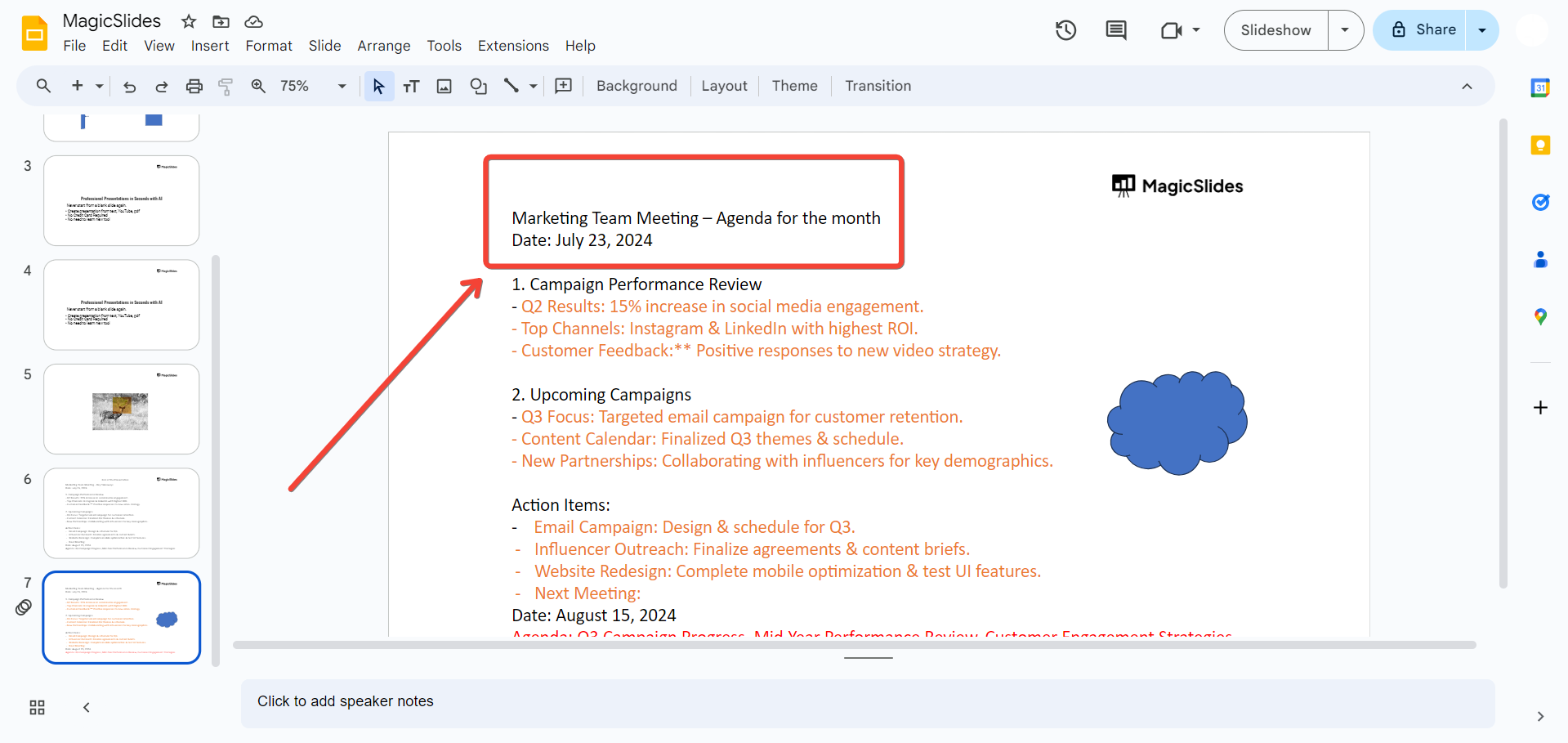
This slide helps in maintaining the flow of the presentation and makes it easier for the audience to follow along. Consider organizing your agenda in a logical sequence that aligns with your overall objective.
#3: Content Slides
Content slides form the core of your presentation and include the main information you want to convey.
These slides should be organized into sections that correspond to the agenda you’ve outlined. Each content slide should focus on a specific point or topic, using clear headings, bullet points, images, and charts to support your message.
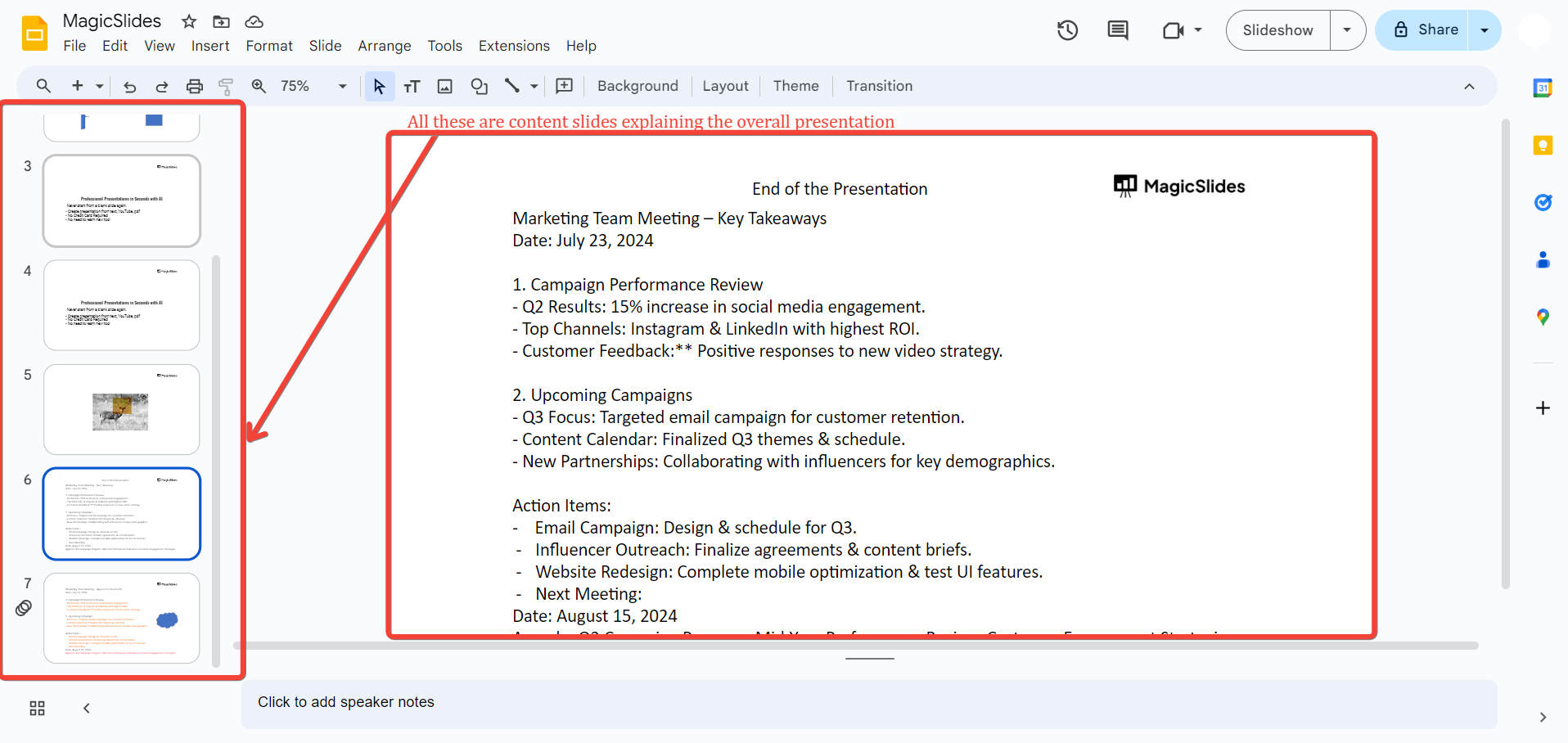
Ensure that your content is concise and relevant, avoiding clutter and focusing on key takeaways.
#4: Visuals and Data Slides
Including slides with visuals and data is essential for enhancing your message and making complex information more accessible.
Use charts, graphs, and images to illustrate key points and provide evidence or examples. Visuals should be relevant and well-designed, supporting your content without distracting from it.
Think about how to present your data in a clear and compelling way, ensuring that it complements your spoken words. Creating presentations is just not enough in order to make audience notice we’ve to highlight them, know how to highlight slides in PowerPoint from here.
#5: Conclusion or Summary Slide
The conclusion or summary slide wraps up your presentation and reinforces your main points.
It should provide a concise recap of the key takeaways and any final thoughts. This slide may also include a call to action or next steps if applicable. A strong conclusion helps leave a lasting impression and ensures that your audience leaves with a clear understanding of your message.
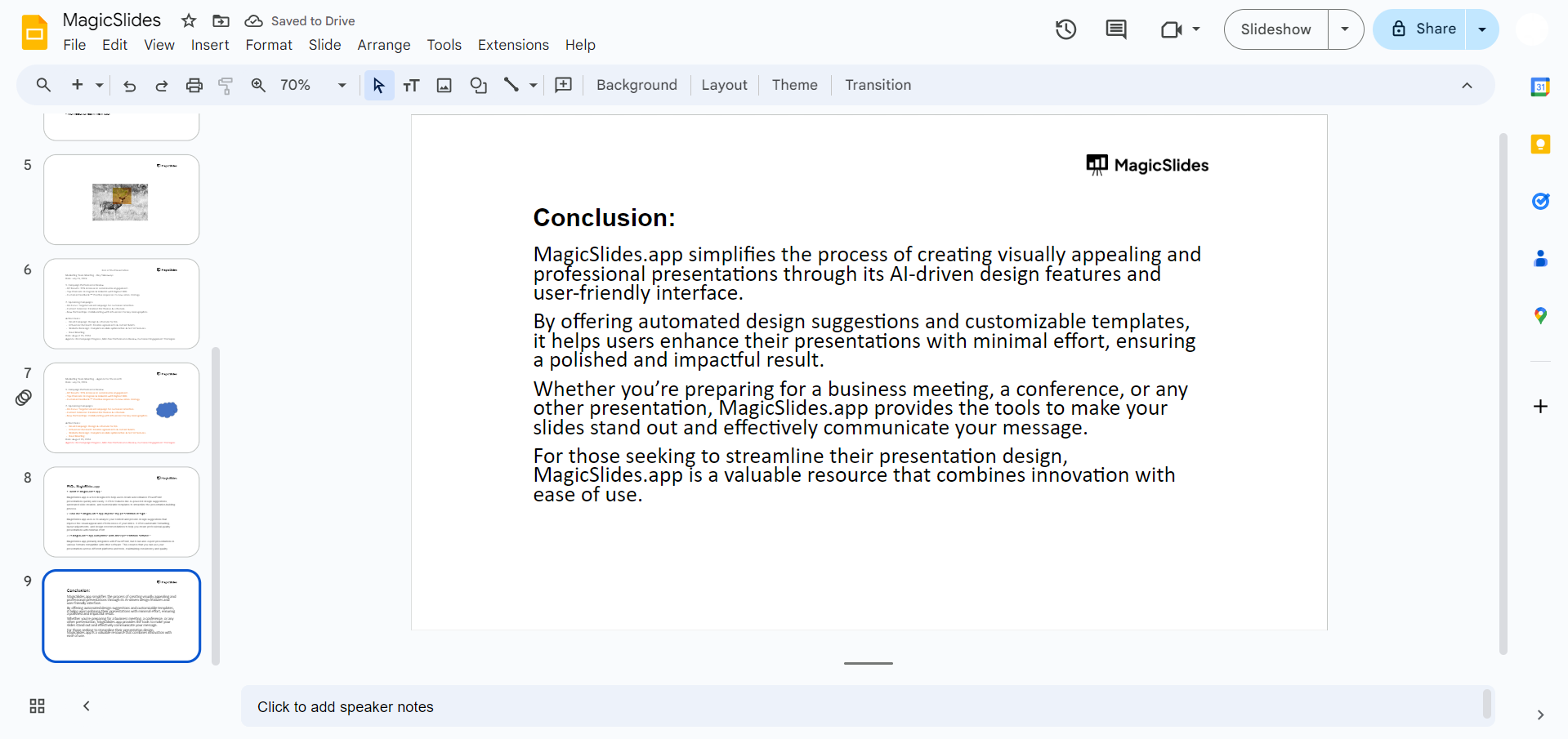
Consider how to summarize effectively and provide a strong closing statement.
#6: Q&A Slide (Optional)
A Q&A slide provides an opportunity for audience interaction and allows for clarification of any points discussed. This slide can be included at the end of your presentation, inviting questions and discussion.
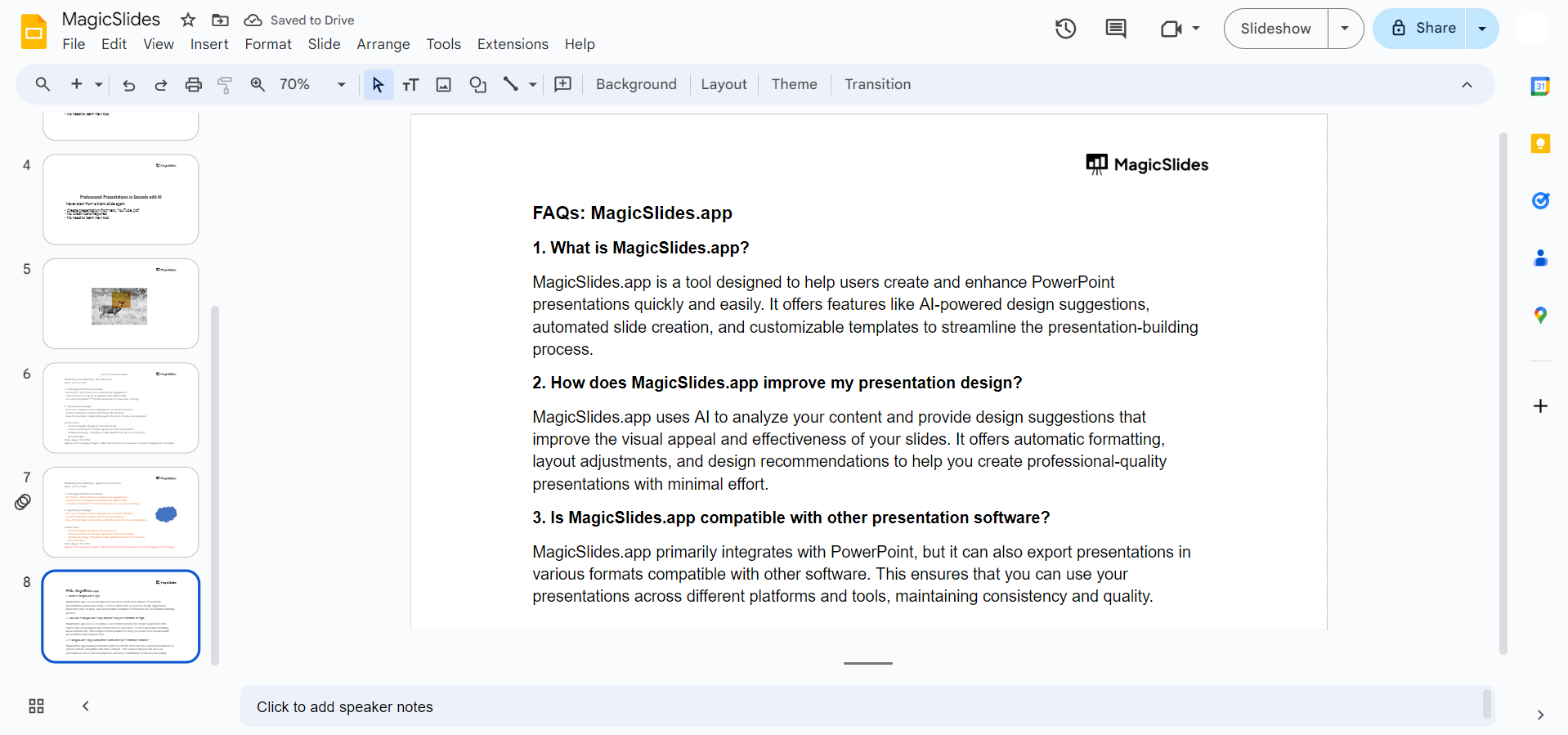
While optional, it can be very useful for engaging with your audience and addressing any concerns or curiosities they might have.
Prepare to handle questions and interactions professionally and confidently.
Conclusion
Designing a presentation involves careful consideration of both content and structure. Including essential slides like the title, agenda, content, visuals, and conclusion ensures that your presentation is organized, engaging, and effective.
By planning these mandatory types of slides and thinking about their purpose before starting your design, you can create a presentation that communicates your message clearly and resonates with your audience.
Tired of maing presentations? what if we tell you you can make presentation with just a prompt, convert YouTube videos to PPTs, convert website content to PPTs? Yes! checkout magicslides.app that does all and enjoy the free credits to make presentations in seconds
FAQs to help design a better Presentation!
What should be included on a title slide?
A title slide should include the presentation title, your name, and any relevant details such as the date or organization.
It’s also helpful to include a subtitle if it provides additional context or clarification about the presentation topic.
Why is an agenda slide important in a presentation?
An agenda slide is important because it outlines the main topics or sections of your presentation, helping to set expectations and provide a roadmap for your audience.
It makes it easier for the audience to follow along and understand the structure of your presentation.
How can I effectively use visuals and data slides?
- To effectively use visuals and data slides, ensure they are clear, relevant, and well-designed.
- Use charts, graphs, and images to support your key points and make complex information more accessible.
- Avoid cluttering the slides with excessive details; instead, focus on presenting data in a way that enhances your message and aids understanding.


