Gemini PPT Maker - AI-Powered Presentations
Use Gemini PPT Maker to turn your content into presentation slides quickly.
13.6k PPTs created in the last 30 days
Create Presentation Slides with Gemini PPT Maker
Simply describe what you need. Magic Slides, powered by Google Gemini, writes, designs, and generates professional presentation slides in real time using Gemini PPT Maker.
Slides
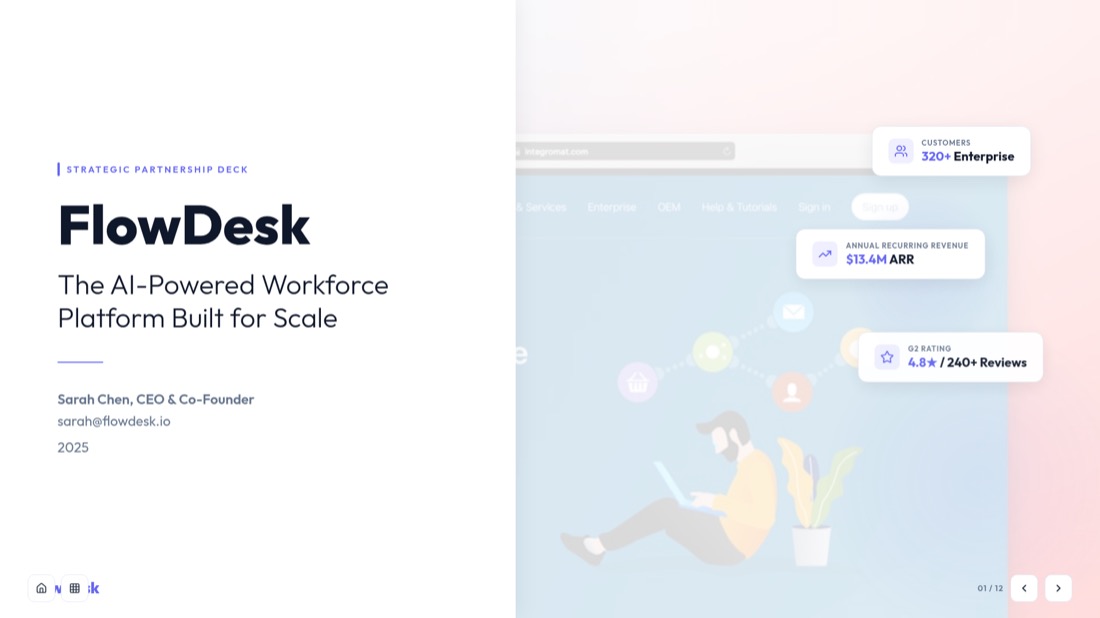
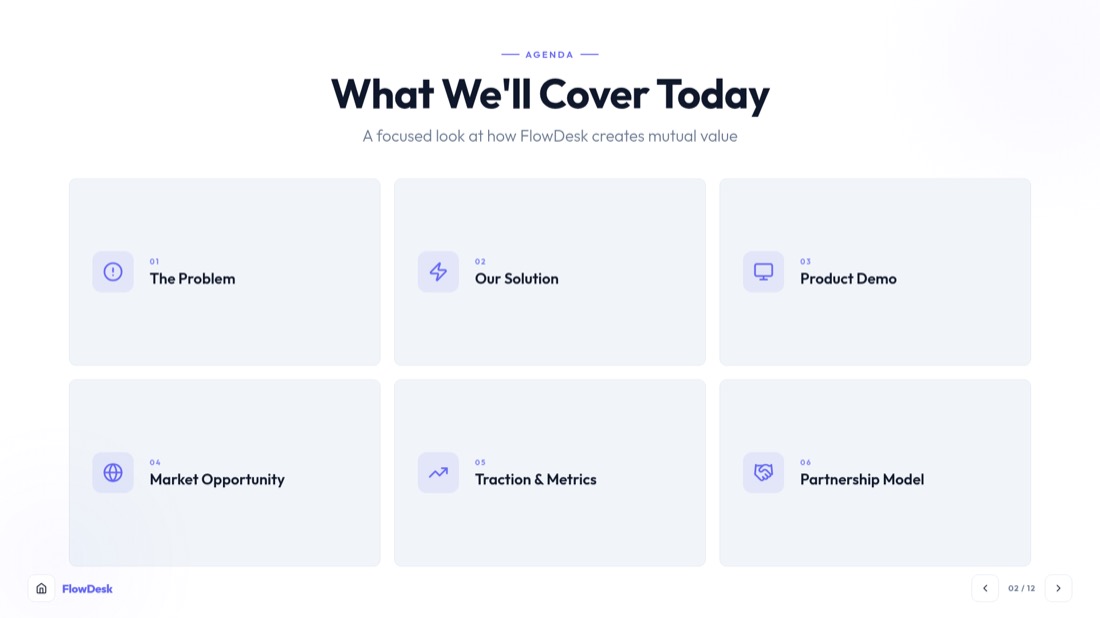

Hi! I can add slides, edit content, or change the design.
Watch the Action of Gemini PPT Maker
Watch Gemini PPT Maker turn your content into polished slides, helping you create impressive presentations faster with Google Gemini AI.
Enter Your Topic
Start with any topic or some text. The Gemini PPT Maker can use all sorts of things like PDF files, videos from YouTube Word documents and articles. This makes it really easy to make a presentation from anything.
Choose a Template and Gemini Settings
Choose a template for your presentation that you like. Then pick the Gemini PPT Maker model to help generate your content. You can also change some settings to make your slides look the way you want them to. This helps you make a presentation that's just right for you.
Generate and Download
The Gemini PPT Maker can make a presentation outline. Slides for you, in just a few seconds. You can look at what changed some things and make it your own. Then you can download your presentation. It is ready to go.
Power Your Presentations with Gemini PPT Maker
Make, edit and customize your own easily. This is made possible by Google Gemini PPT Maker that helps you make professional presentation slides in a few minutes.
Make a deck about the future of renewable energy
Analyzing your topic with Gemini… extracting key themes and structuring 8 slides.
AI-Powered Content Analysis with Gemini PPT Maker
Powered by Google Gemini Gemini PPT Maker analyzes your topic, document, or source content to understand the main ideas and automatically create a logical presentation structure. It generates well-organized slides with a natural flow, helping you create engaging presentations faster.
- Understands context and intent, not just keywords
- Automatically structures slide titles, content, and flow
- Optimizes slide count and presentation pacing
Turn Any Content into Slides with Gemini PPT Maker
You can make presentations from anything. Through this Gemini PPT Maker you can start with an idea paste a website address upload a PDF or Word document or add a YouTube video link. Gemini PPT Maker uses Google Gemini AI to look at your content and turn it into a presentation, in just a few seconds.
- Supports text, PDFs, Word documents, URLs, and YouTube videos
- Identifies and highlights the most important information
- Generates professional slides with no manual formatting required
Make slide 3 more concise and add a chart
Done! Updated slide 3 with a tighter summary and a bar chart.
Edit Slides with Plain English Instructions
Edit and refine your presentations effortlessly. With Gemini PPT Maker, you can rewrite, reorganize, or restyle slide content instantly using simple conversational commands.
- Edit slides using plain English instructions
- Rewrite, reorganize, or restyle content instantly
- Make changes without manual slide formatting
Export Gemini PPT Maker Presentations to PowerPoint & Google Slides
Create professional presentations and export them wherever you work best. This Gemini AI Presentation Generator lets you download fully editable PowerPoint presentations or send them directly to Google Slides for seamless collaboration. Whether you're using a Google Gemini PPT Maker workflow or editing in your favorite presentation software, your slides remain completely customizable.
- Native PowerPoint (.pptx) export
- One-click Google Slides integration
- Fully editable presentations with no locked elements
How Gemini PPT Maker Creates Professional Presentations
Explore the complete workflow behind Gemini PPT Maker and see how this Gemini AI Presentation Generator transforms your ideas, documents, and content into presentation-ready slides in minutes.
Input Your Content
Start by entering a topic, pasting a URL, or uploading files such as PDFs, Word documents, images, or YouTube links. Gemini PPT Maker supports multiple content sources, making presentation creation effortless.
AI Content Analysis
Powered by Google Gemini, the Google Gemini PPT Maker analyzes your content, identifies key insights, and understands the structure needed to build an effective presentation.
Select a Template
Choose from a wide range of professionally designed templates. The Gemini Presentation Maker applies your selected design to create visually engaging slides.
Configure Gemini Settings
Customize slide count, presentation style, tone, and other preferences. Select the Gemini model to ensure AI-powered content generation tailored to your needs.
Review & Edit the Outline
Before generating slides, review the AI-created outline. Rearrange sections, refine content, or add new slides to ensure your presentation matches your goals.
Generate & Download
The Gemini PPT Maker creates a polished slide deck with professionally structured content and layouts. Edit any slide, then export your presentation as PowerPoint or Google Slides for further customization.
Why Users Love Gemini PPT Maker
See what presenters, educators, and professionals are saying about creating presentations with Gemini PPT Maker and MagicSlides.
4.3 out of 5·Verified on TrustpilotGemini PPT Maker has really changed how I prepare presentations for clients. I used to spend hours organizing content and designing slides. Now I can just upload a document. Get a great presentation in minutes. It is a part of my work.
Ananya Mehta
Nov 2025
As a professor I make presentations, for lectures every week. Gemini PPT Maker helps me turn research papers and notes into slides that're well-structured. This saves me a lot of time. Keeps my lectures organized.
Dr. Rahul Verma
Oct 2025
I often have to pitch ideas to stakeholders. With Gemini PPT Maker I can turn reports, URLs and meeting notes into presentations fast. The editing features are especially helpful when I need to refine slides before meetings.
Sarah Johnson
Sep 2025
My students work on projects and presentations all the time. I recommend Gemini PPT Maker because it helps them focus on their ideas of spending hours on formatting slides. The results look professional.
Neha Kapoor
Oct 2025
Making training materials used to take days. Now I just upload our documentation and Gemini PPT Maker creates a slide deck. I can customize it for teams. This has really improved our content creation.
Michael Chen
Nov 2025
I run a startup and every investor meeting needs a new presentation. Gemini PPT Maker helps me make high-quality pitch decks from business plans and reports. I do not need to hire a designer. It is fast and easy to use.
Arjun Malhotra
Dec 2025
Frequently Asked Questions About Gemini PPT Maker
Find answers to common questions about using Gemini Presentation Creator to create, edit, and export professional presentations.
What is Gemini PPT Maker and how does it work?
Gemini PPT Maker is a tool that uses Google Gemini AI to turn topics and text into presentation slides. You give it your content choose what you want and it makes a presentation that you can change and make your own.
What kinds of things can I use with Gemini PPT Maker?
You can use all sorts of things with Gemini PPT Maker like text, PDFs, Word documents, website addresses, articles, pictures and YouTube videos. The AI looks at what you give it. Turns the important parts into slides.
Can I change the presentation after it is made?
Yes you can change everything. You can change what is on the slides how they look and add slides. Then you can save it. Share it.
Can Gemini PPT Maker make presentations that work with PowerPoint and Google Slides?
Yes it can. You can download your presentation as a PowerPoint file. Send it to Google Slides. That way you can keep working on it with the tools you like.
How good is the presentation that the AI makes?
Google Gemini PPT Maker uses Google Gemini AI to understand what you mean and make a presentation that makes sense. It is very good. You should still look at it and make sure it is what you want before you show it to others.
Can I make presentations from YouTube videos and website addresses?
Yes you can. Just put the address of the YouTube video or website into Gemini PPT Maker. The AI will look at it find the parts and turn them into a presentation.
Is Gemini PPT Maker good for students, teachers and people who work?
Yes it is. Gemini PPT Maker is for anyone who needs to make presentations like students, teachers, people who market things and business people.
How long does it take to make a presentation with Gemini PPT Maker?
It usually does not take long just a few minutes. It depends on how information it has to look at and how complicated the presentation is.. It is much faster than making slides by hand.
Can I choose how slides I want and what the presentation looks like?
Yes you can. You can choose how slides you want what it should sound like and what it should look like. That way you can make sure it is what you need.
Why should I use Gemini PPT Maker of making slides myself?
Gemini PPT Maker does all the hard work, for you like looking at the information making the slides and making it look good. That way you can save time and make a presentation that looks professional without having to start from nothing.


