The Google Slides API for automated presentation creation
Turn text, topics, PDFs, YouTube videos, URLs, and structured data into ready-to-use presentations with a single API call. Create branded PowerPoint, Google Slides, and PDF decks automatically without maintaining complex slide-generation infrastructure.
~1M installs · rated 4.6/5 across 1,511 reviews · Trustpilot & Workspace
Generate from Text · Topic · PDF · YouTube · Website URL · DOCX


One API
Any input in, presentation-ready slides out
Use our Google Slides API to transform text, topics, PDFs, YouTube videos, URLs, or data into polished PowerPoint and Google Slides presentations with a single API request.
Pick a source
curl -X POST https://api.magicslides.app/public/api/ppt-from-text \-H "Content-Type: application/json" \-d '{"apiKey": "ms-api-xxxxxxxx","topic": "The future of renewable energy","slideCount": 10,"aiImages": true}'
Generated deck · .pptx + .pdf


Swipe to browse 6 slides →
API Reference
Three ways to generate
All endpoints use the same API key. Pick the output format that fits your workflow.
Editable Presentations
Classic MagicSlides output — returns a URL to the MagicSlides editor where the deck can be edited, downloaded as PPTX, or exported to PDF.
Request parameters
topicstringrequiredPresentation topic or content
slidesnumberSlide count (1–20). Default 5.
languagestringLanguage code. Default "en".
presentationTypestringe.g. "business", "educational"
presentationTonestringe.g. "professional", "casual"
presentationForstringTarget audience description
includeImagesbooleanAdd stock images to slides
webSearchbooleanEnhance with live web search
Response fields
presentationUrlURL to open in the MagicSlides editor
presentationIdUnique ID for the generated presentation
slideCountNumber of slides generated
Request
curl -X POST https://www.magicslides.app/api/cli/generate-presentation \
  -H "Content-Type: application/json" \
  -H "x-api-key: YOUR_API_KEY" \
  -d '{
    "topic": "The Future of AI in Healthcare",
    "slides": 8,
    "language": "en",
    "presentationType": "business",
    "presentationTone": "professional"
  }'
Response
{
  "success": true,
  "presentationId": "abc123",
  "presentationUrl": "https://www.magicslides.app/editor/abc123",
  "slug": "abc123",
  "slideCount": 8
}
HTML Templates
Pick from 30+ professional templates. ProSlides templates return raw per-slide HTML that you can embed, host, or convert — plus PPTX and PDF download links.
Request parameters
topicstringrequiredPresentation topic
templateKeystringrequiredFrom GET /api/cli/templates
slidesnumberSlide count (3–20). Default 7.
languagestringLanguage code. Default "en".
presentationTypestringe.g. "business"
presentationTonestringe.g. "professional"
presentationForstringTarget audience
Response fields
presentUrlPermanent shareable slideshow URL
pptxUrlDownload as PowerPoint (.pptx)
pdfUrlDownload as PDF
slidesArray of { index, html } — one entry per slide
Request
# 1. List available templates
curl https://www.magicslides.app/api/cli/templates \
  -H "x-api-key: YOUR_API_KEY"

# 2. Generate with a template
curl -X POST https://www.magicslides.app/api/cli/generate-html-template \
  -H "Content-Type: application/json" \
  -H "x-api-key: YOUR_API_KEY" \
  -d '{
    "topic": "Sustainable Energy Trends 2025",
    "templateKey": "editorial-magazine",
    "slides": 8,
    "language": "en"
  }'
Response
{
  "success": true,
  "mode": "proslides",
  "templateKey": "editorial-magazine",
  "slideCount": 8,
  "presentUrl": "https://www.magicslides.app/s/{id}/index.html",
  "pptxUrl": "https://…/presentation.pptx",
  "pdfUrl":  "https://…/presentation.pdf",
  "slides": [
    { "index": 1, "html": "<!DOCTYPE html>..." },
    { "index": 2, "html": "<!DOCTYPE html>..." }
  ]
}
HTML Studio
AI builds a fully custom, animated HTML presentation from scratch — no template. Returns a streaming SSE response. The final done event has every link you need.
Request parameters
topicstringrequiredWhat the presentation should be about
stylestringVisual style guidance — e.g. "dark, minimal, data-heavy"
slidesnumberApproximate slide count (3–20). Default 8.
languagestringLanguage code. Default "en".
modelstringAI model ID. Default: deepseek/deepseek-chat-v3-0324. See GET /api/cli/models.
Response fields
previewUrlLive sandbox preview (temporary)
shareUrlPermanent share link — works forever
chatUrlOpen in MagicSlides Studio to keep editing
slideUrlsArray of per-slide permanent URLs
conversationIdConversation ID for follow-up edits
Request
# 1. (Optional) List available models
curl https://www.magicslides.app/api/cli/models \
  -H "x-api-key: YOUR_API_KEY"

# 2. Streaming SSE — keep the connection open 2–5 min
curl -X POST https://www.magicslides.app/api/cli/generate-html-studio \
  -H "Content-Type: application/json" \
  -H "x-api-key: YOUR_API_KEY" \
  --no-buffer \
  -d '{
    "topic": "Future of Remote Work",
    "style": "modern dark with data visualizations",
    "slides": 8,
    "language": "en",
    "model": "deepseek/deepseek-chat-v3-0324"
  }'
Response
data: {"type":"started","jobId":"…","credits":2}

data: {"type":"progress","message":"Sandbox ready. Planning slides…"}

data: {"type":"thinking","message":"Claude is writing…"}

data: {"type":"preview-url","url":"https://sb-xyz.vercel.run"}

data: {"type":"done",
  "previewUrl":  "https://sb-xyz.vercel.run",
  "shareUrl":    "https://www.magicslides.app/s/{id}/index.html",
  "chatUrl":     "https://www.magicslides.app/en/studio/{id}",
  "slideUrls": [
    "https://www.magicslides.app/s/{id}/slide1.html",
    "https://www.magicslides.app/s/{id}/slide2.html"
  ],
  "conversationId": "22f31f82-…"
}
Authentication
All endpoints use x-api-key: YOUR_API_KEY in the request header. First 100 generations/month are free.
Rich content
Presentation-quality slides, not basic outputs
Our Presentation Generation API intelligently organizes content into slide titles, key insights, and relevant visuals. It creates professional presentations that look like they were built by an experienced designer.
- ✓Automatically generated titles for slides and structured content.
- ✓Images from AI and the web are added to slides.
- ✓The layouts are clean and ready for presentation. They are also optimized for use in PowerPoint and Google Slides.
Swipe to browse 6 slides →
Data slides
We can turn your data into charts for a presentation
Put reports, spreadsheets, or just numbers into our Presentation Automation API, and it makes slides with charts for you. The PPT Generator API changes your data into easy-to-understand pictures without you having to make the charts or format them.
- ✓Make bar charts, column charts, trend charts, and performance charts automatically
- ✓These charts are made from the data, such as reports or information from other sources
- ✓Fully editable in PowerPoint, Google Slides, and PPTX exports


Swipe to browse 6 slides →
On-brand
Your brand identity, on every presentation
Build consistent presentations with our PowerPoint API and Google Slides API. Apply custom templates, themes, logos, and brand elements automatically so every deck matches your organization's visual identity. This way, every presentation matches your organization's identity.
- ✓We offer custom presentation templates, themes, and branded layouts.
- ✓You can add logo watermarks and control where they appear.
- ✓Consistent branding across thousands of generated presentations


Swipe to browse 5 slides →
Global Slides API
Generate presentations in 100+ languages
With our Slides API, set a single language parameter to create localized PowerPoint and Google Slides presentations for audiences anywhere in the world.


Just add one language field to any request:
curl -X POST https://api.magicslides.app/public/api/ppt-from-text \-H "Content-Type: application/json" \-d '{"apiKey": "ms-api-xxxxxxxx","topic": "The future of renewable energy","language": "es", // es · ja · fr · hi · 100+"slideCount": 10}'
Agent-ready
Built for AI agents and modern presentation automation
Our Presentation Automation API and Presentation Builder API are designed for AI agents, copilots, and developer workflows. Beyond traditional REST endpoints, MagicSlides provides a hosted MCP server, allowing agents to create, edit, and deliver presentations through simple tool calls.
Generate presentations directly inside conversations
Connect the MagicSlides MCP server and let Claude, Cursor, and other AI agents use our Presentation Creator API to create fully formatted PowerPoint and Google Slides decks without copy-pasting prompts or switching between tools.
Trouble? See the full guide →
Generate PPT from API directly inside Cursor
Add MagicSlides to the cursor and generate editable PowerPoint decks via API. This is delivered directly inside your editor.
Or open your AI agent (Cursor or Claude Code) and paste the prompt — it edits your mcp.json for you. Full guide →
Hosted MCP endpoint
https://magicslide-mcp-phi.vercel.app/api/mcpOne request
Send content, get a presentation
No SDKs required. A single POST request to our PPT API returns PPTX, PDF, and structured slide JSON.
curl -X POST https://api.magicslides.app/public/api/ppt-from-text \
  -H "Content-Type: application/json" \
  -d '{
    "apiKey": "ms-api-xxxxxxxx",
    "topic": "The future of renewable energy",
    "slideCount": 10,
    "language": "en",
    "aiImages": true,
    "model": "gpt-4"
  }'
Response → your deck
How it works
Presentation Generation API in three steps
API key
ms-api-8f24c1a9…copy
Get Your API Key Now
Create a key in the dashboard. One API key field, no OAuth setup. Start building with our Google Slides API.
{ topic, slideCount }
Send Your Content
Send one request with text, URLs, PDFs, or YouTube links using our Presentation Automation API.
presentation.pptx
Download ↓
Get Your Deck Back
Receive PPTX and PDF URLs plus slide JSON from our PPTX API, ready to download or embed.
Use cases
What teams build with the Google Slides API
From autonomous agents to internal tools, the API fits into any workflow that needs presentation generation and automation.
AI agents and copilots
We can help AI agents create presentations easily. Our Presentation Builder API lets them make PowerPoint decks, not just text.
SaaS products
You can add a feature to export to PowerPoint with one click. Our PowerPoint API does this without you needing to build and maintain infrastructure to render slides.
Content & marketing
Our PPT Generator API can turn blog posts, reports, URLs, and YouTube videos into presentations that you can share. This is useful when you need to make presentations.
Education & training
You can turn PDFs and learning materials into lesson decks. Our Google Slides API makes these decks structured and available in languages.
Output quality
Real slides generated by the API
Every deck below was built with a single API call. Hover to auto-play, swipe or use arrows to browse slides.
Mode · Claude builds from scratch
HTML Studio


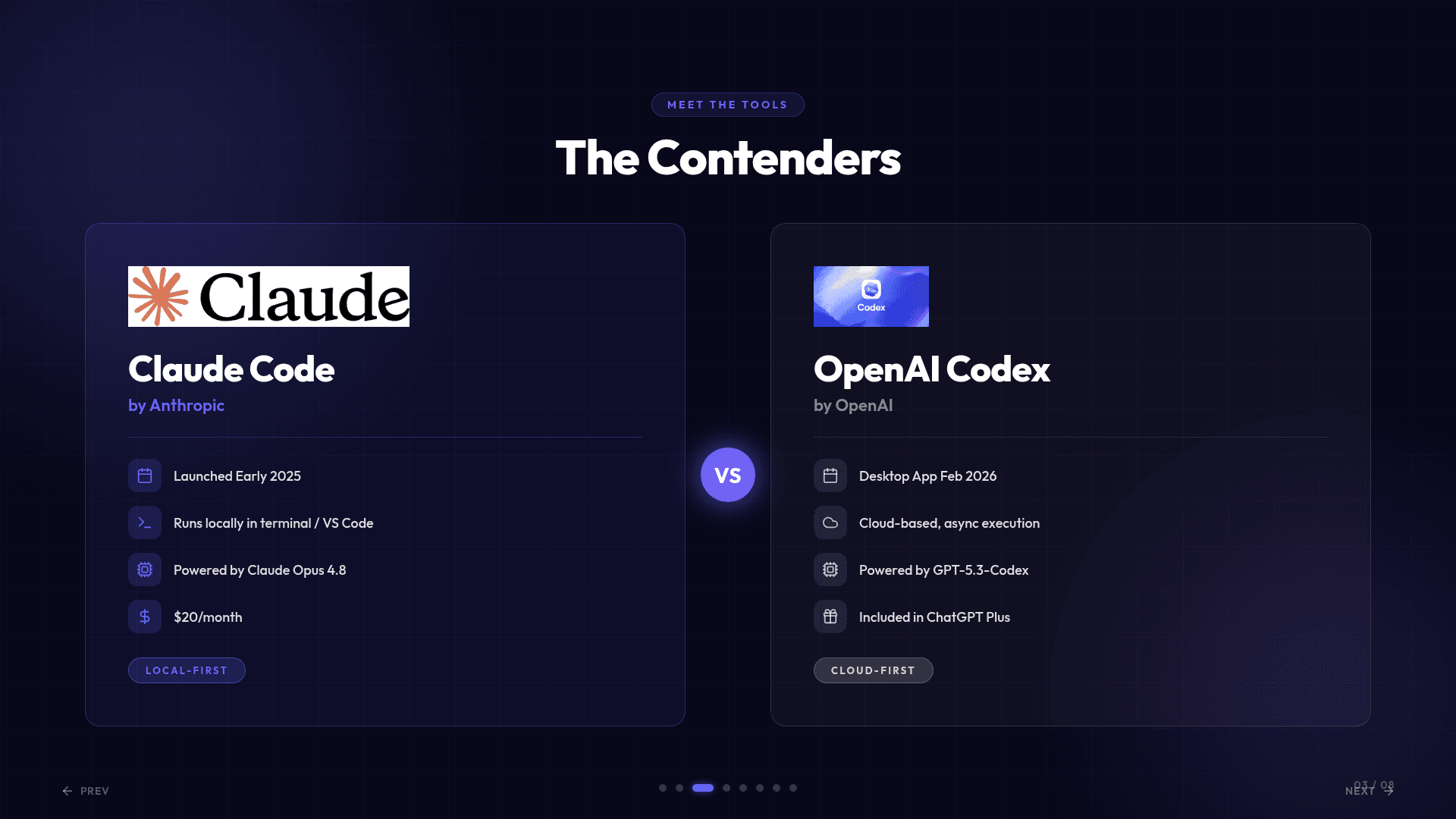

Claude Code vs Codex
HTML Studio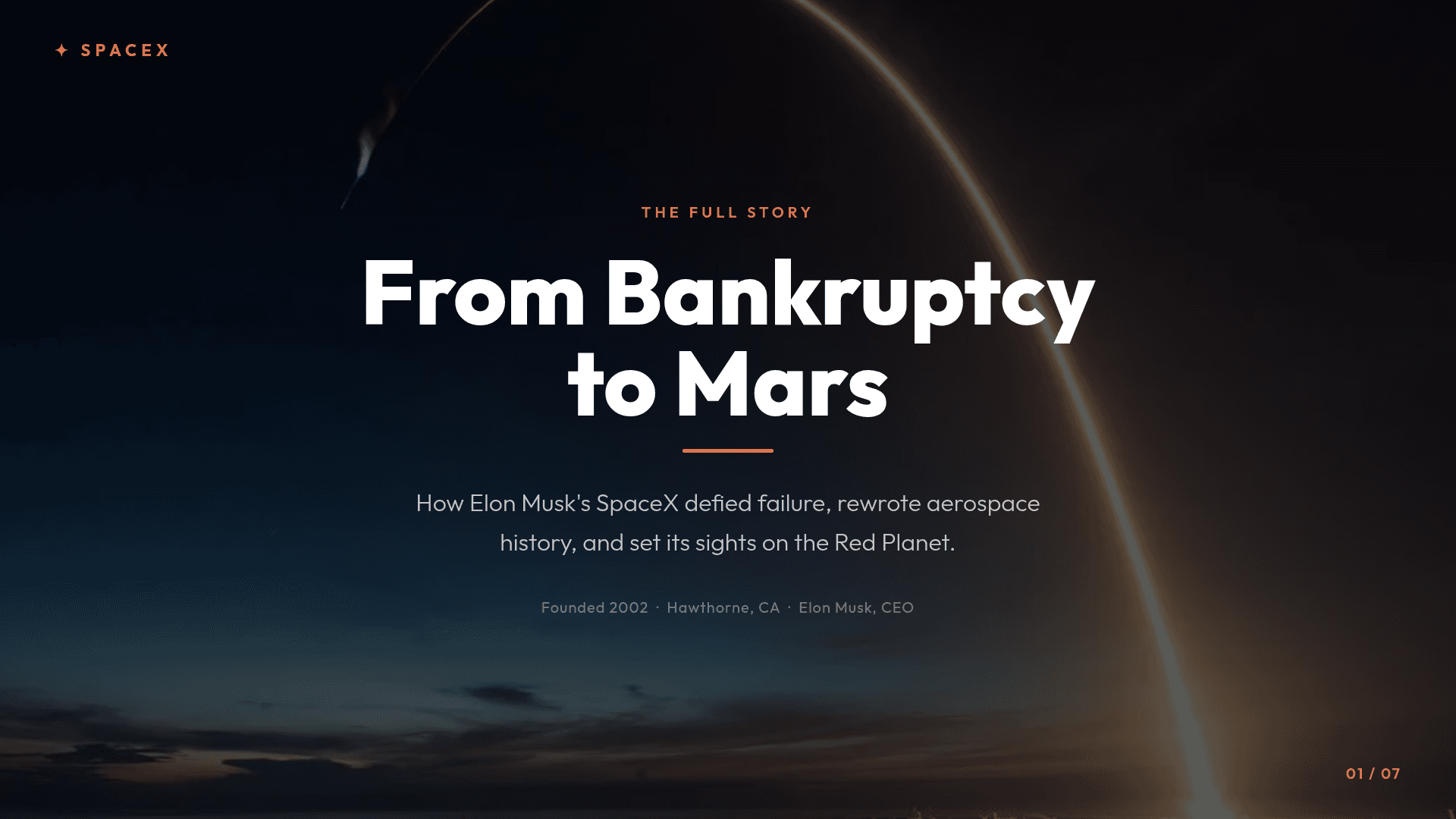

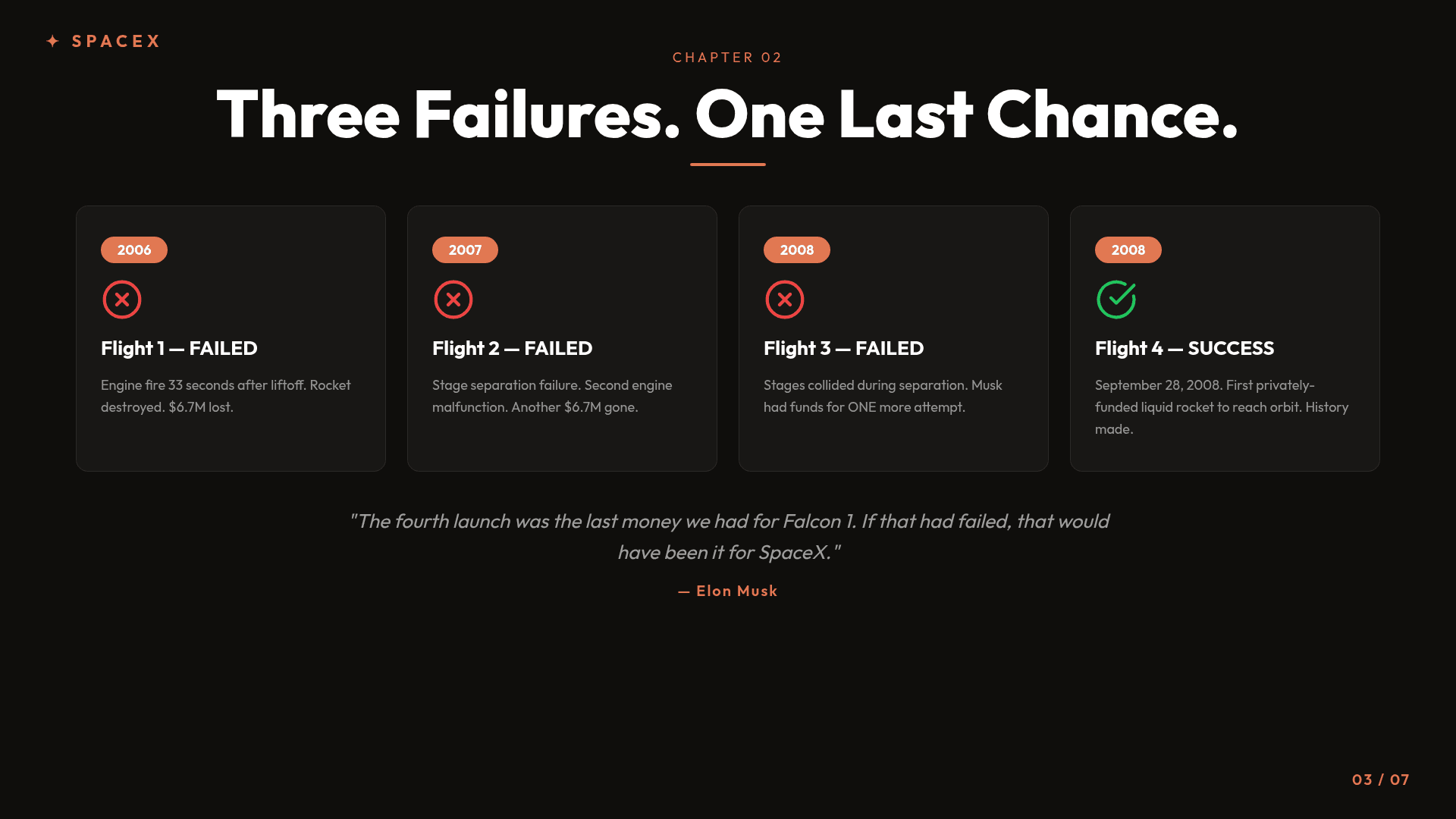

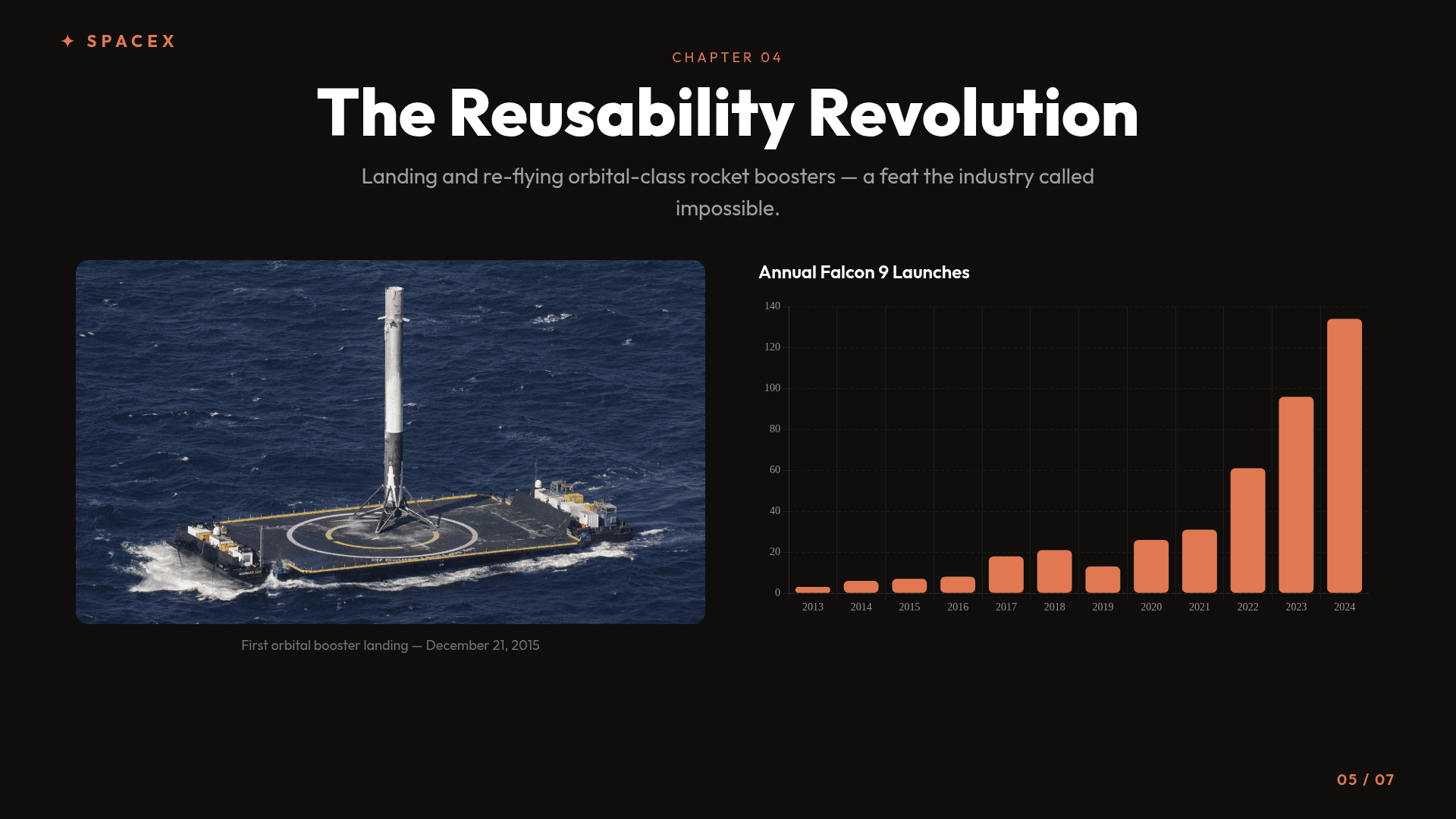
SpaceX: Bankruptcy to Mars
HTML Studio
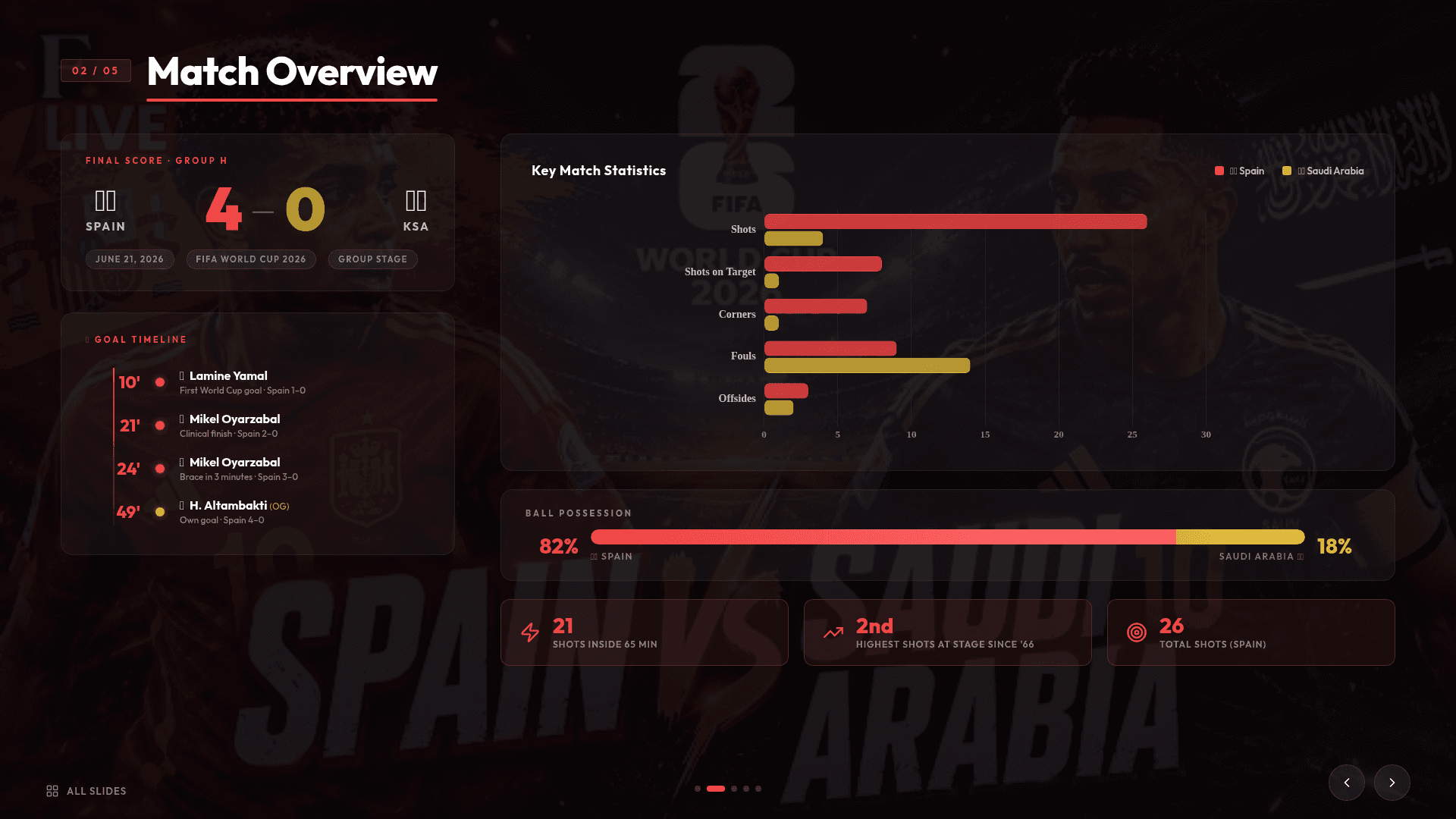

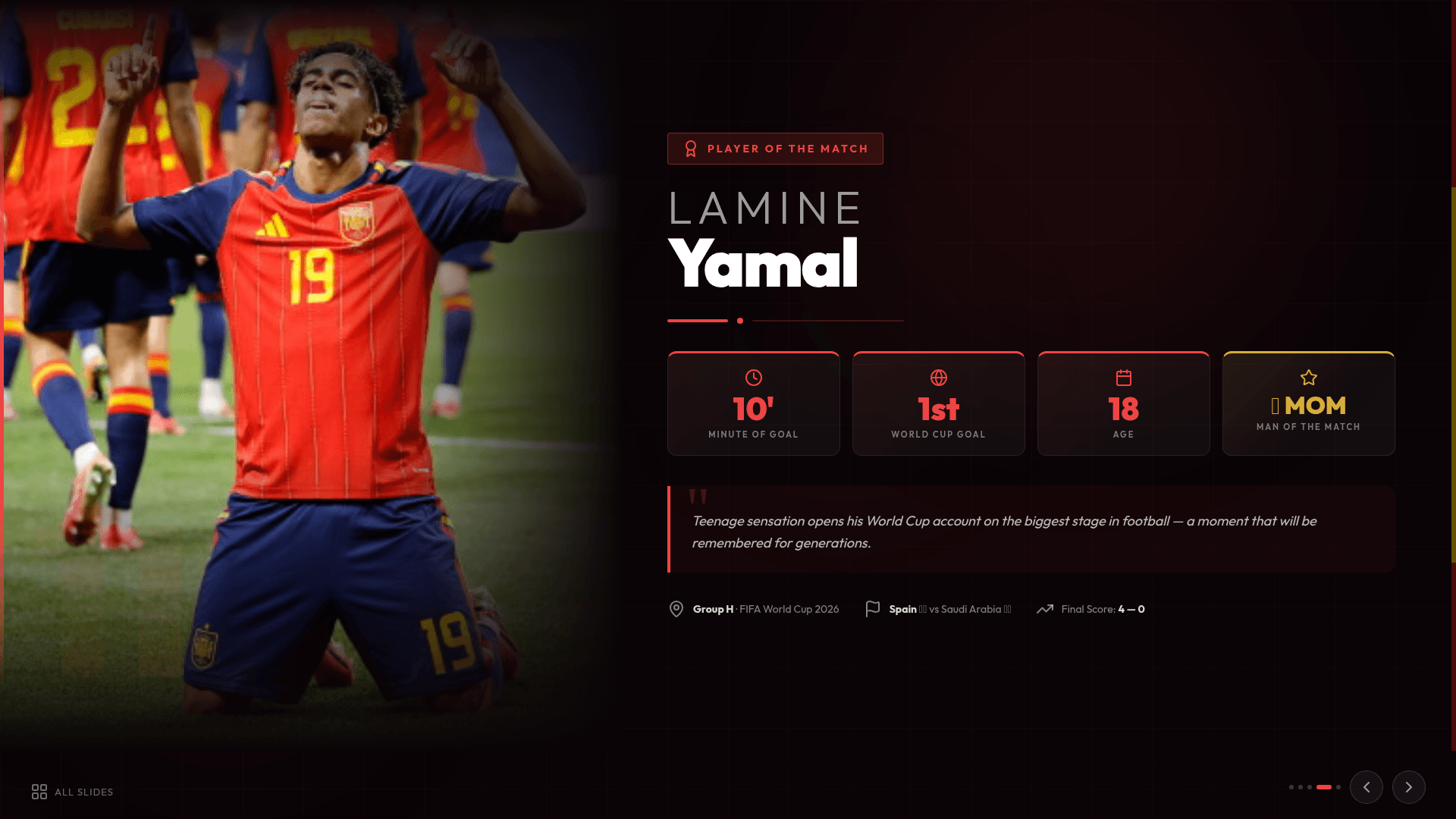
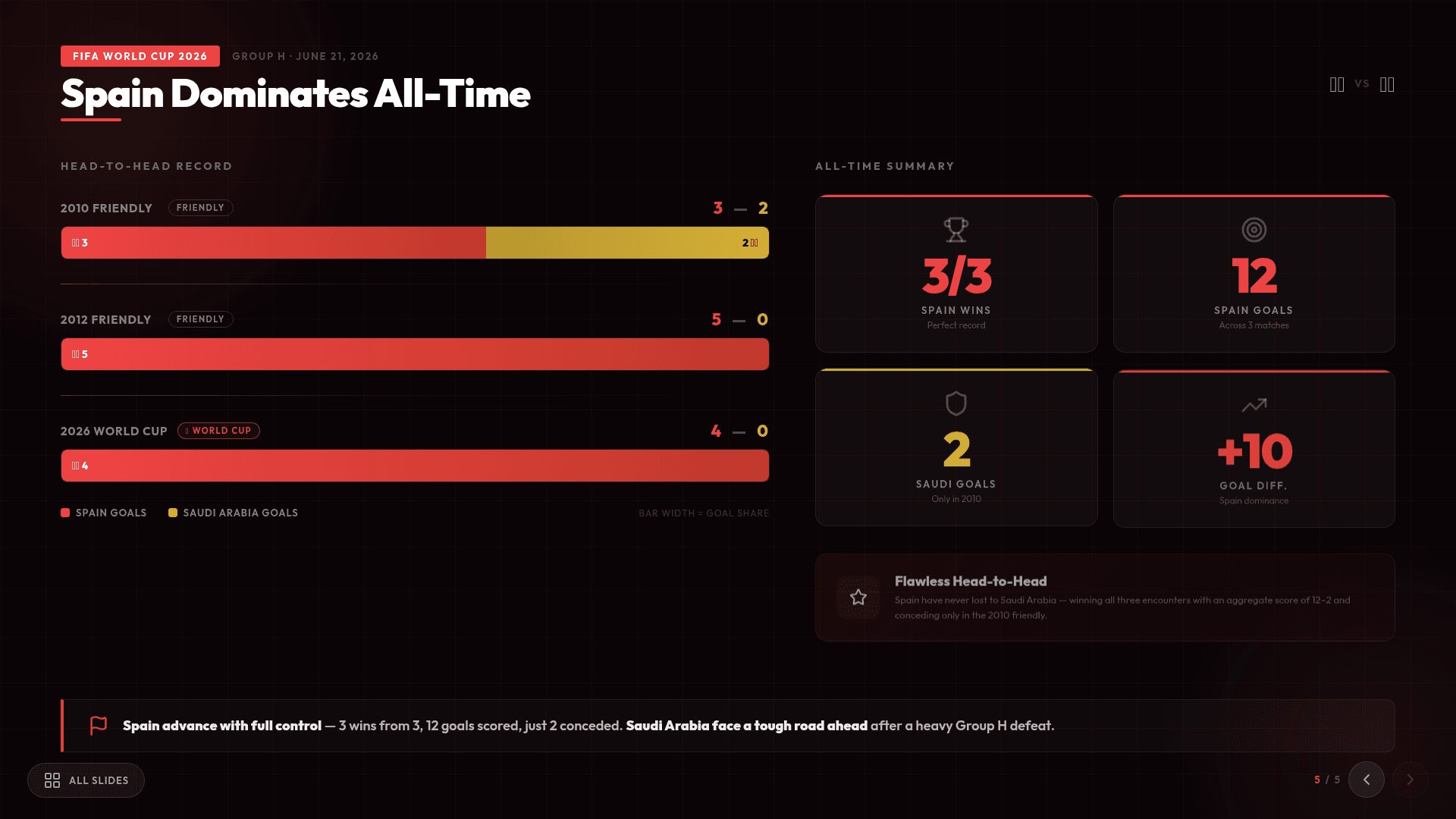
Spain vs Saudi Arabia — FIFA 2026
HTML StudioMode · 30+ professional templates
HTML Templates
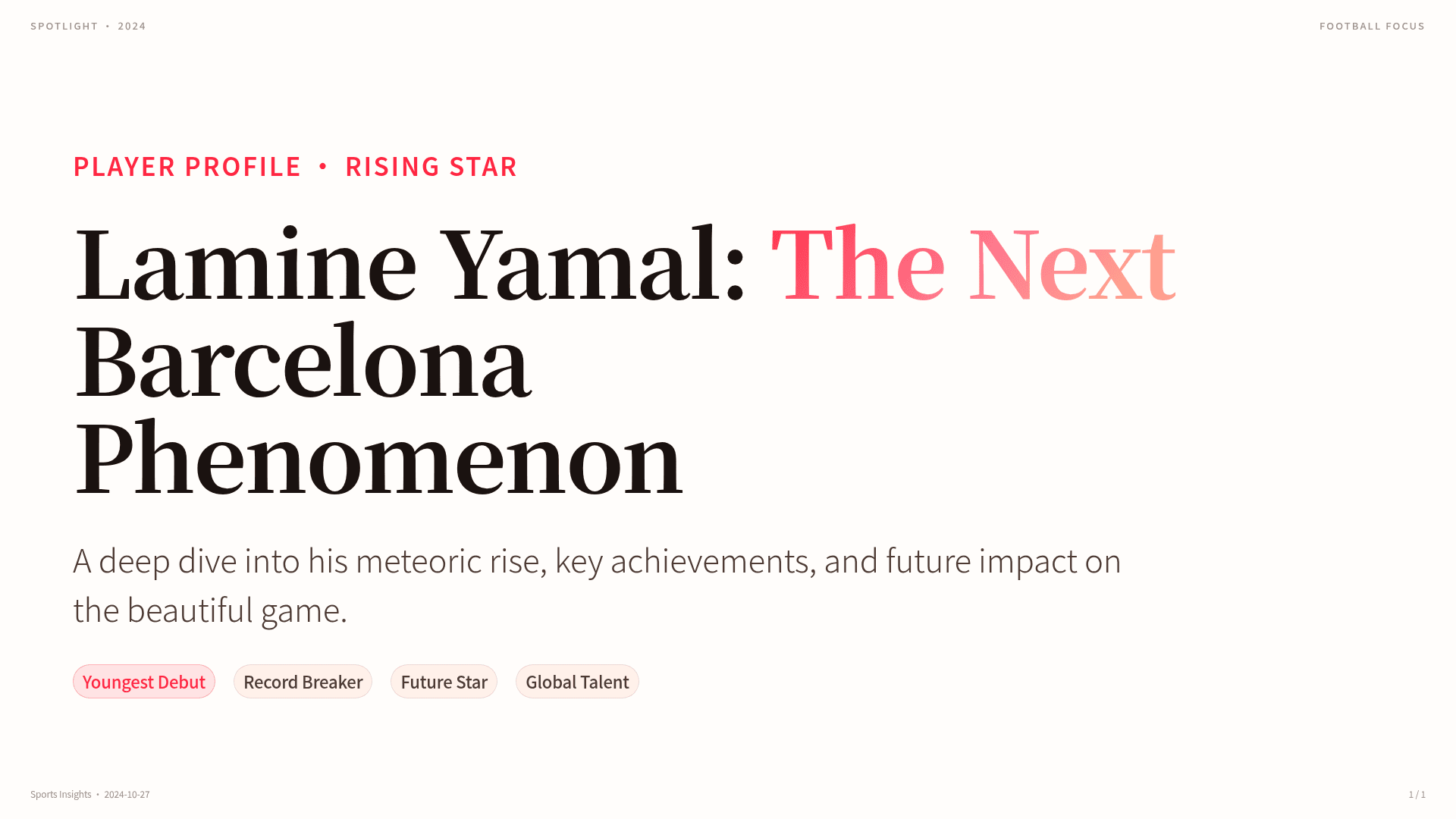
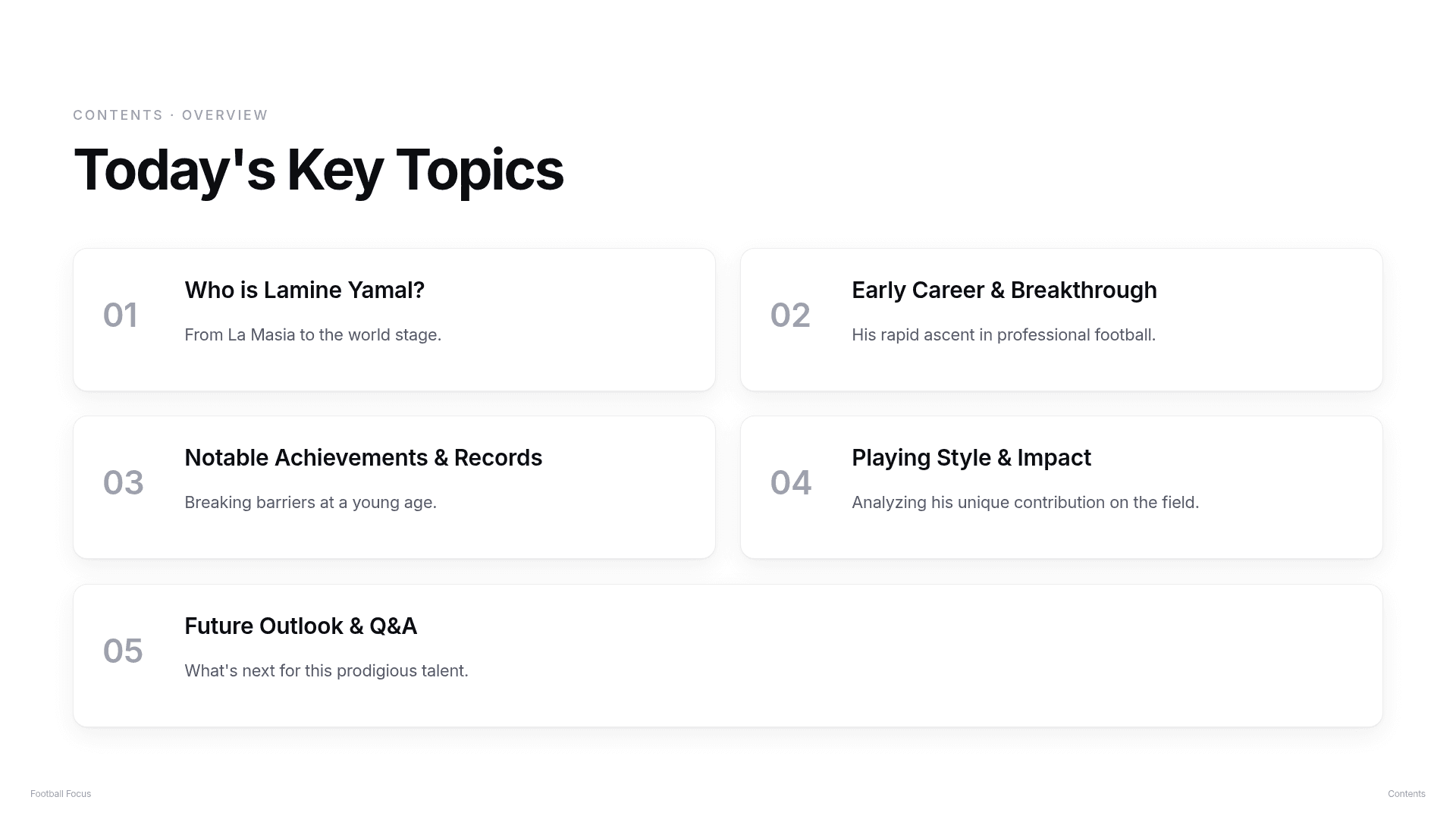
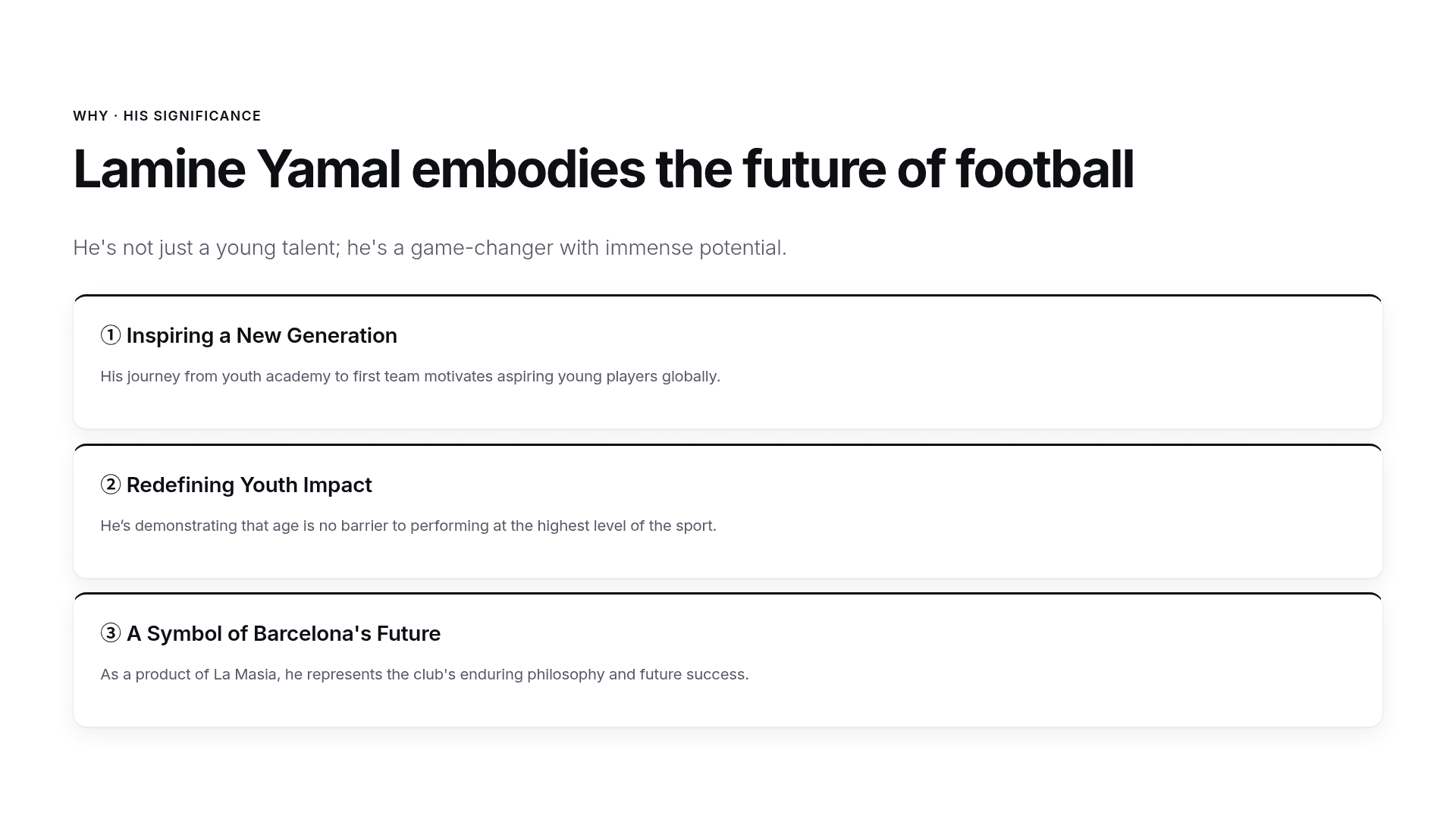


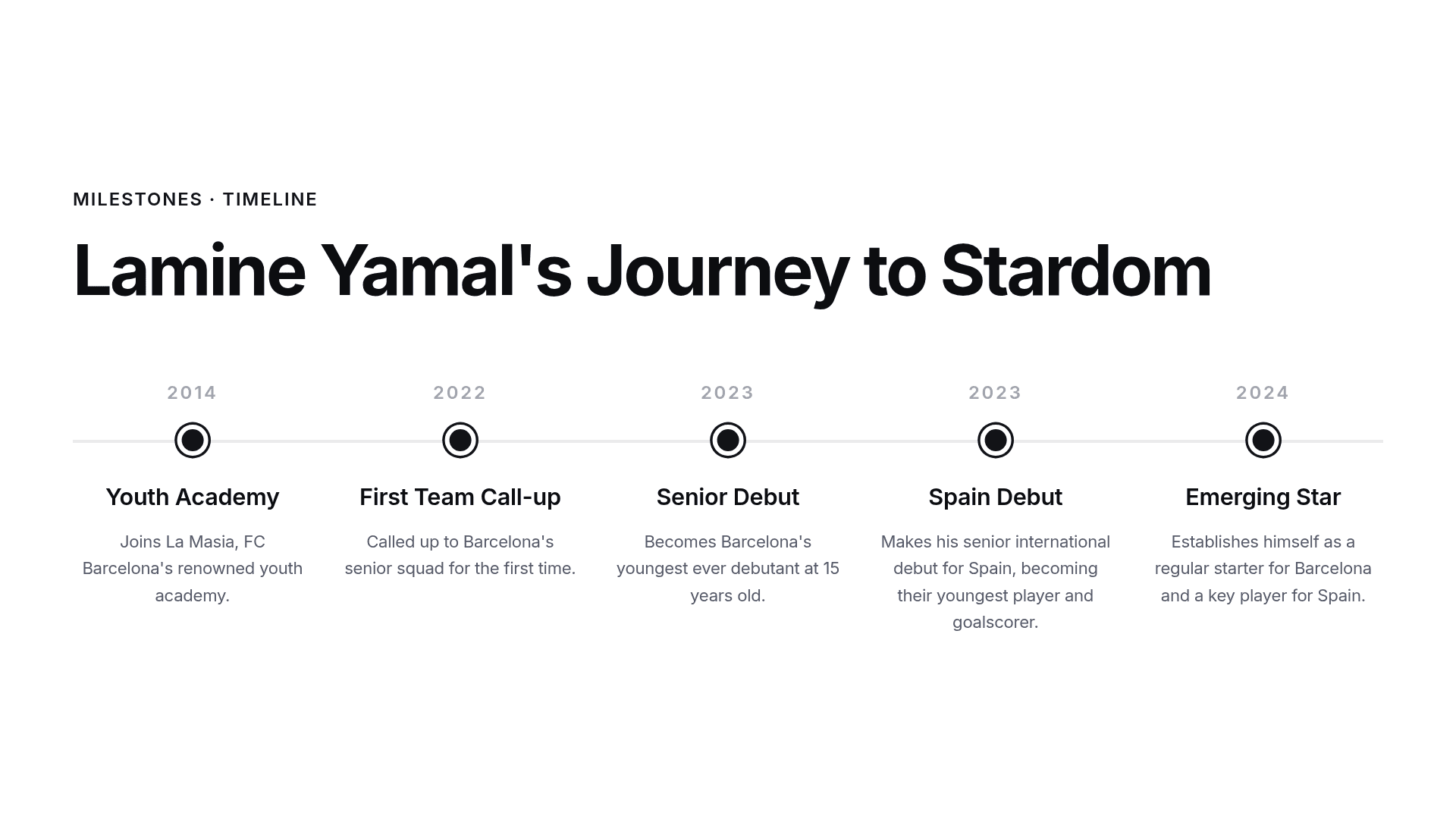
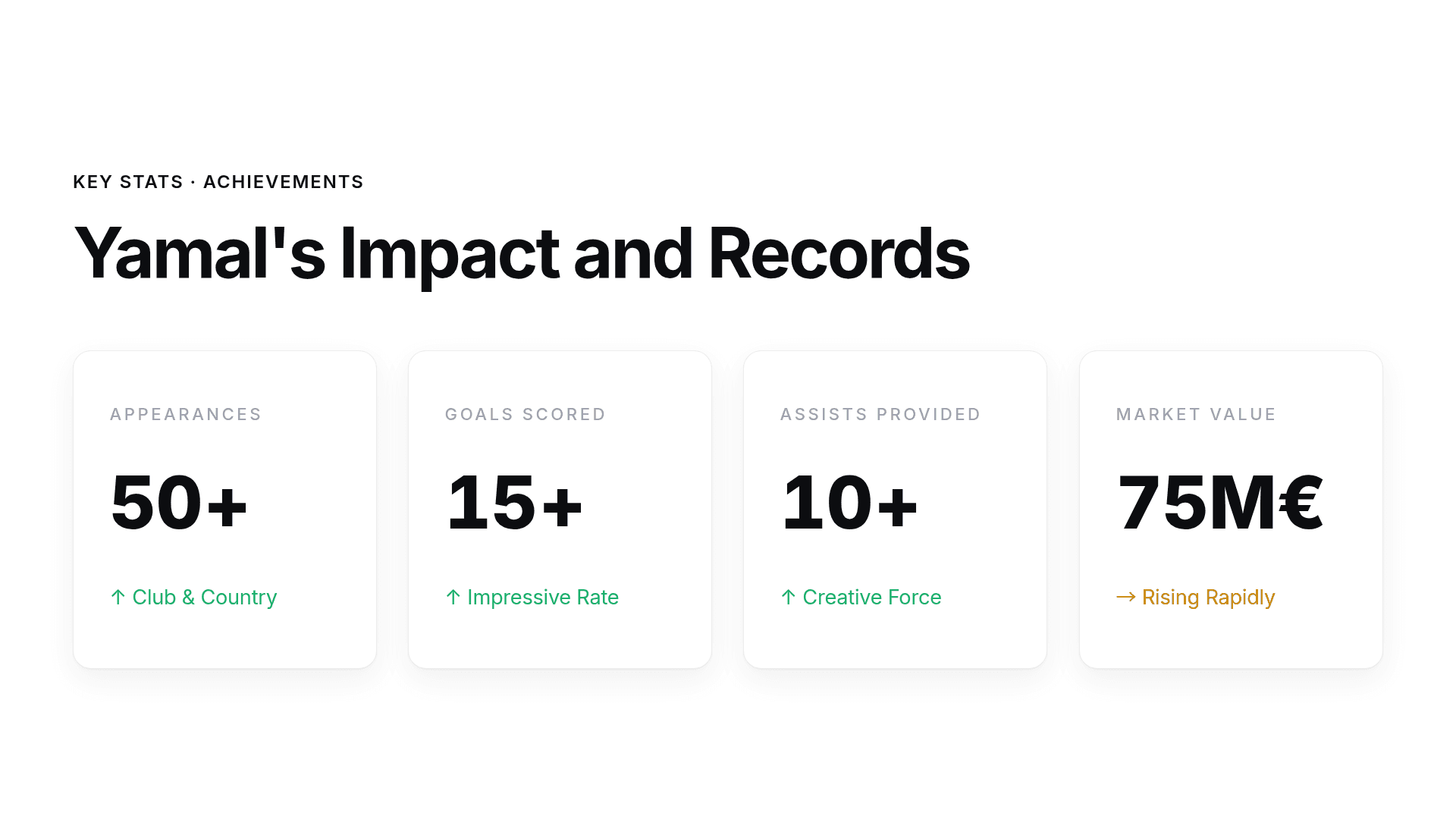

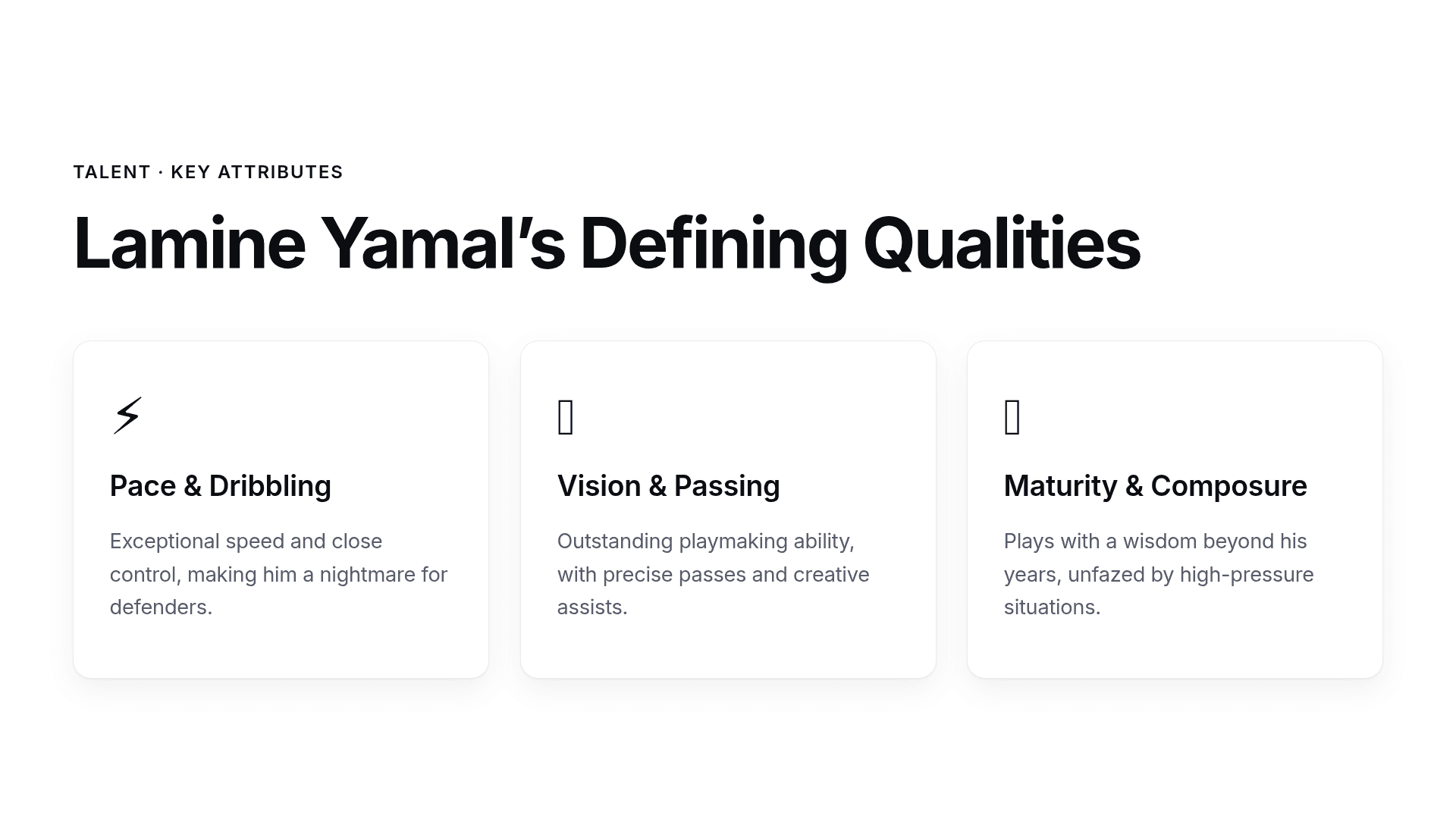
Lamine Yamal: Rising Star
HTML Template
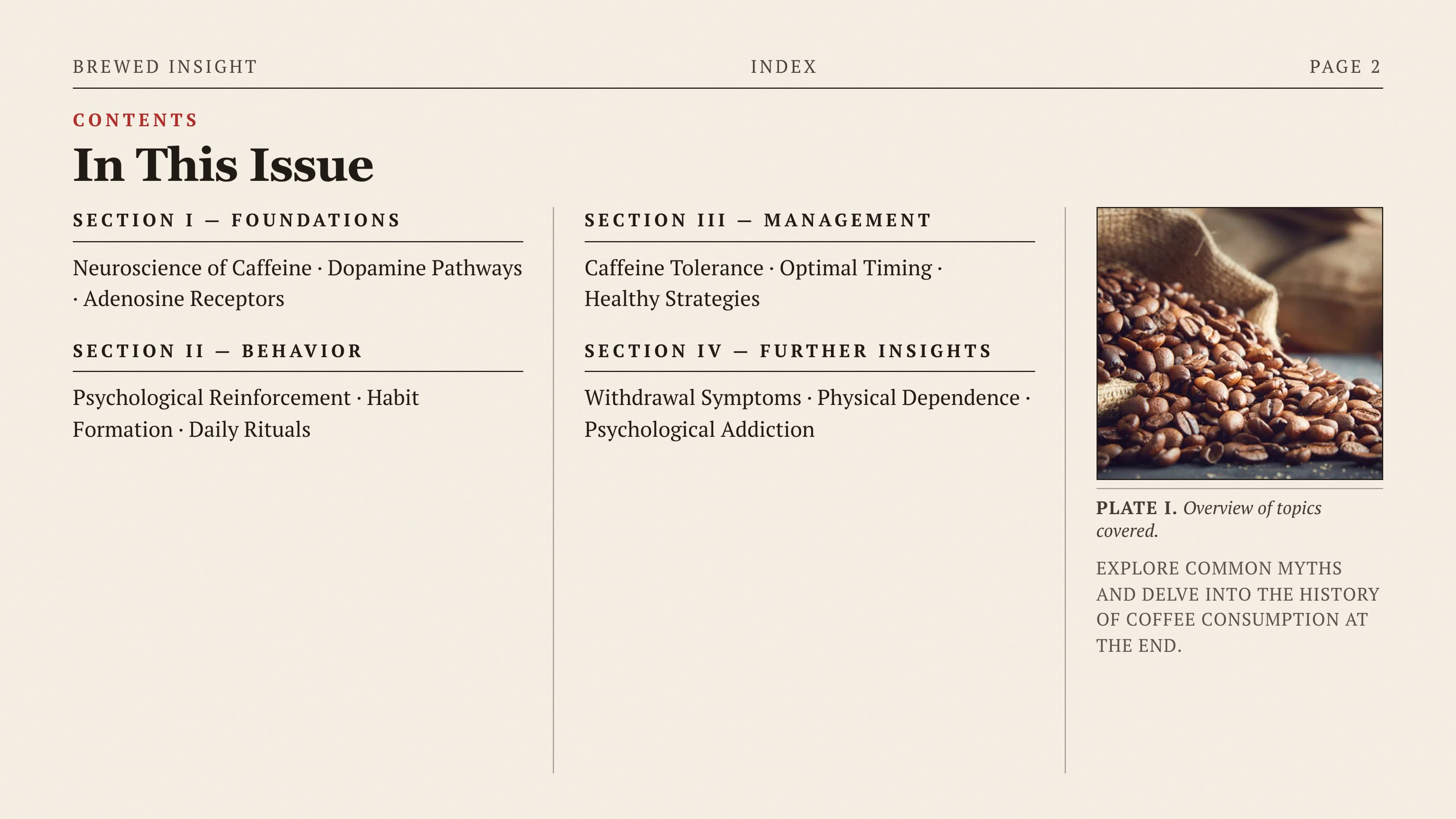
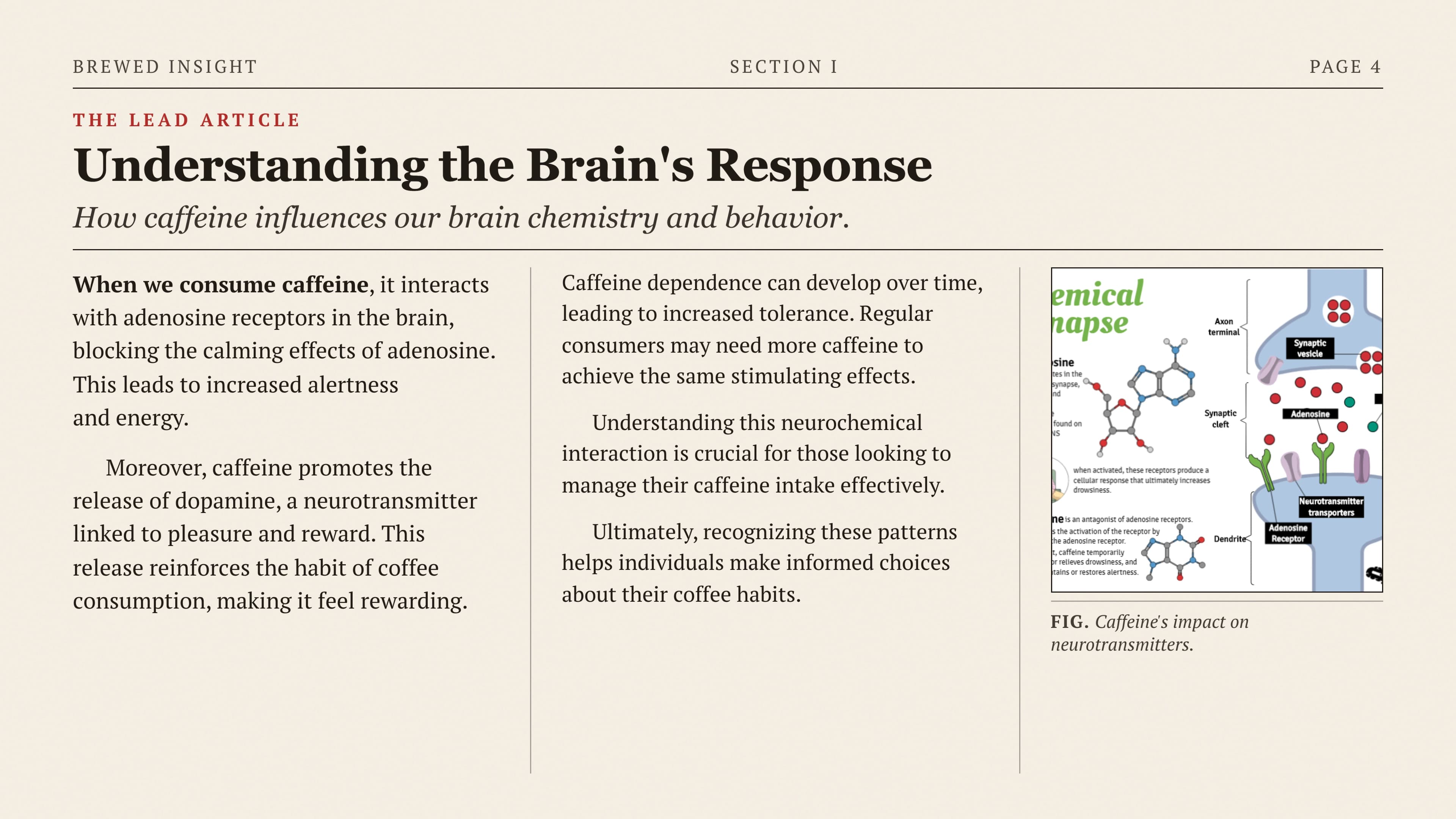
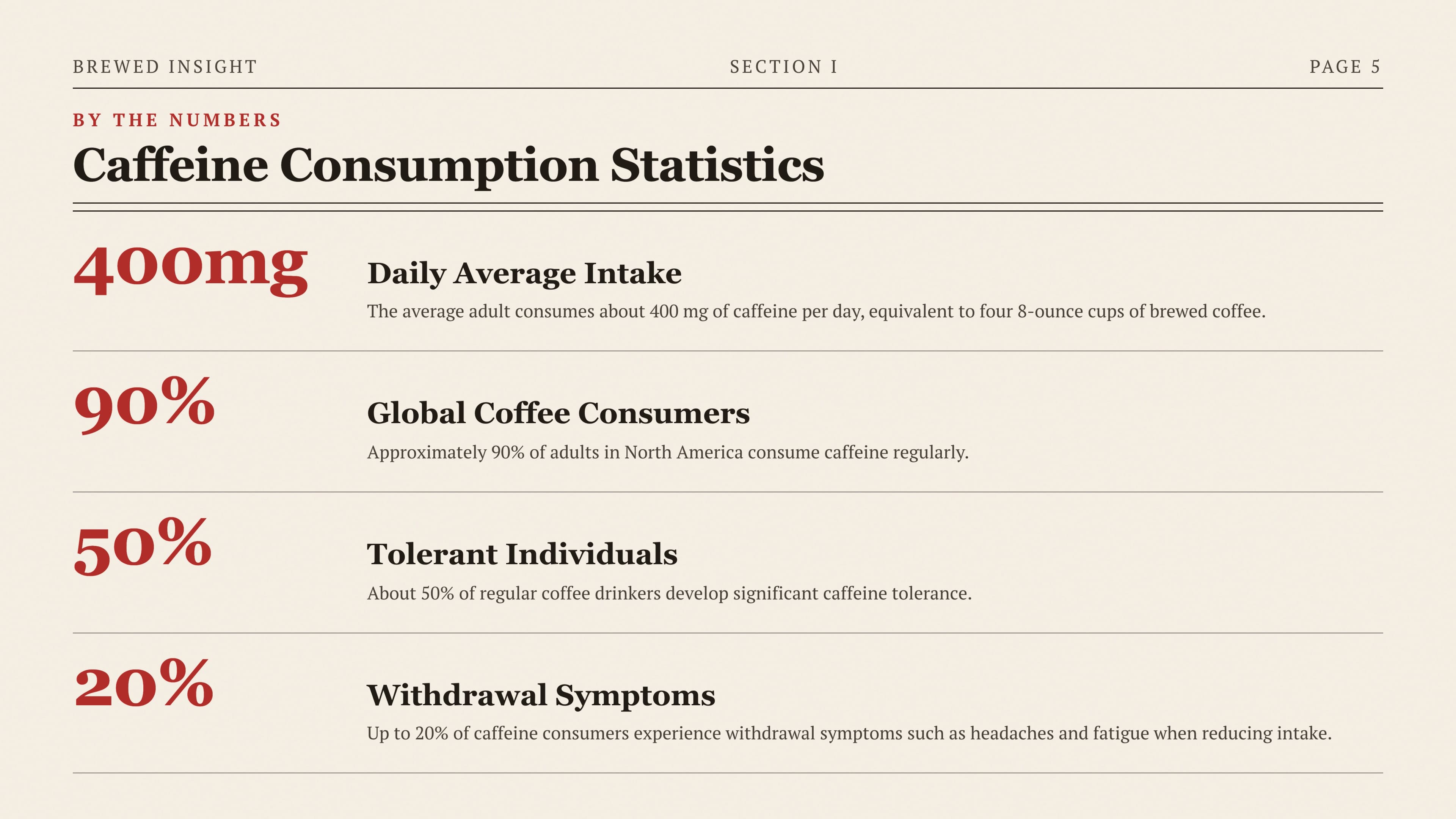
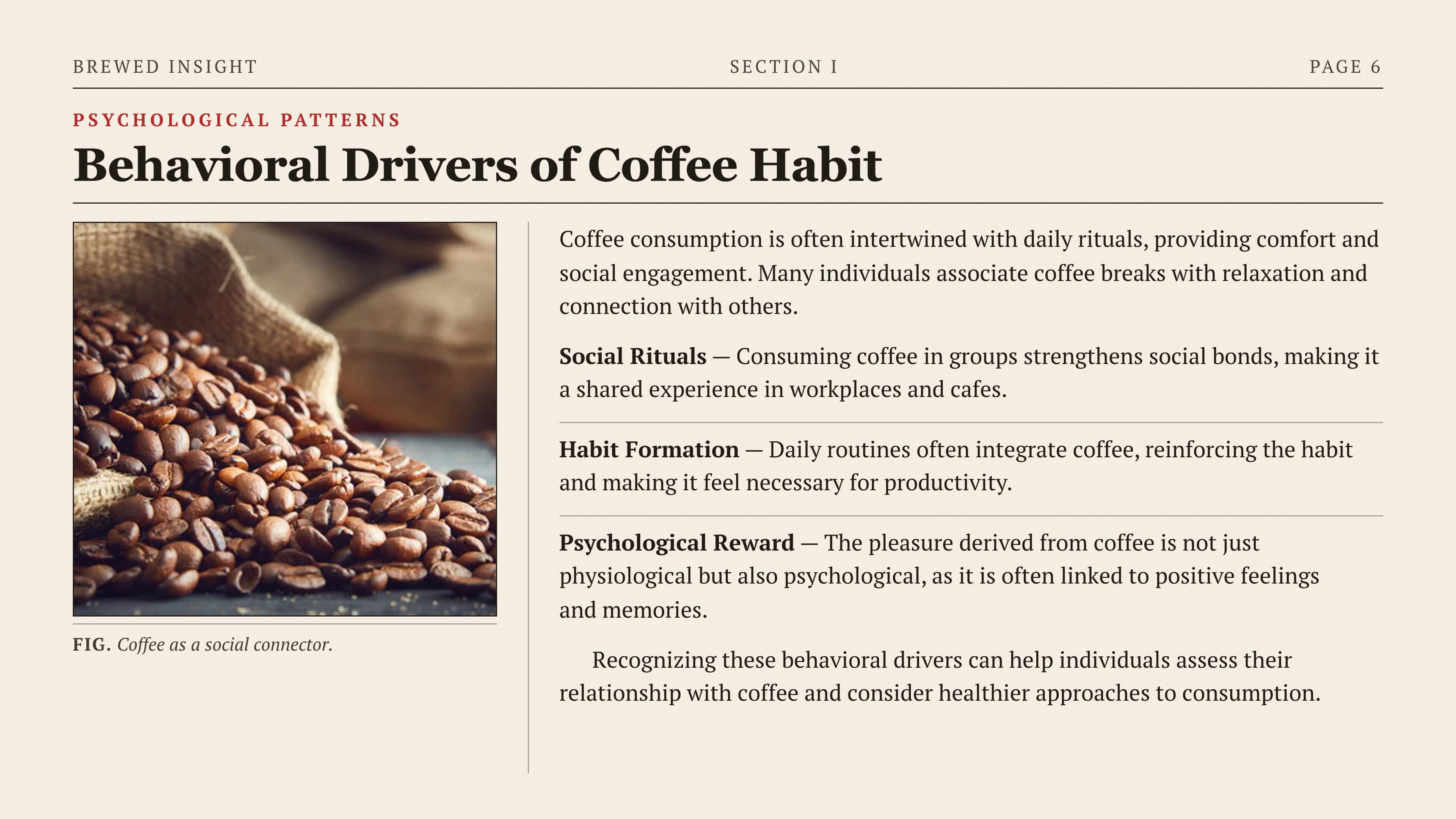
Psychology of Coffee Addiction
HTML Template
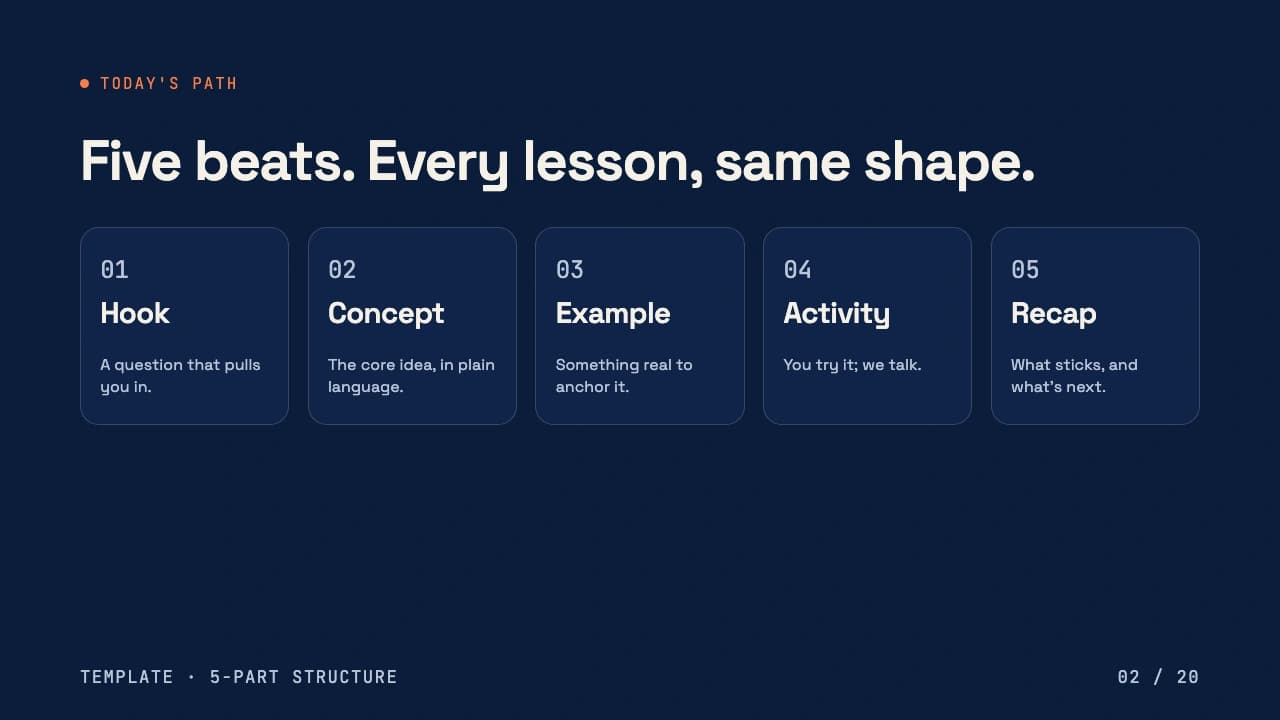

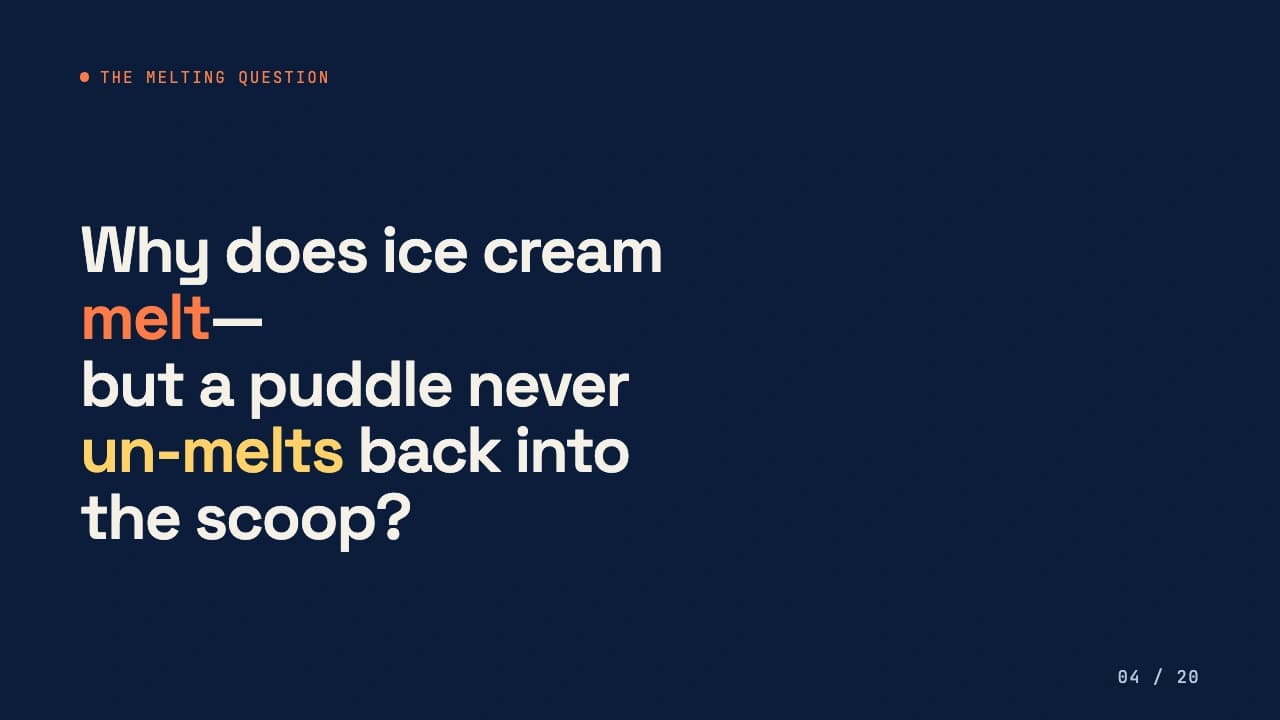

Thermodynamics 101
HTML TemplateNo post-processing · Generated in 2–5 minutes per deck
Get started
Create a PowerPoint via API in two minutes
Authenticate with your API key and send one request to our Google Slides API.
Endpoint
api.magicslides.app/public/api/ppt-from-textAuth
Pass apiKey in the JSON body. Create one in your dashboard.
Request parameters
topic / textstringPlain text, a topic, or a summary to build slides from.
youtubeURLstringGenerate a deck from a YouTube video.
websiteURLstringGenerate a deck from any web page.
pdfURLstringGenerate a deck from a PDF file URL.
docxURLstringGenerate a deck from a Word (.docx) file URL.
slideCountnumberNumber of slides to generate. Default 10.
languagestringOutput language — 100+ supported. Default "en".
templatestringLayout template. Default "bullet-point1".
aiImagesbooleanAdd AI-generated images to slides.
imageForEachSlidebooleanPlace one image on every slide.
modelstringChoose the model: "gpt-4" or "gemini".
watermarkobjectYour logo with brandURL, width, height, and position.
Hand this to your AI assistant
Paste this into Claude, Cursor, or ChatGPT and it will wire up MagicSlides in your stack.
You are integrating the MagicSlides API to generate PowerPoint (.pptx) and PDF presentations.

Endpoint: POST https://api.magicslides.app/public/api/ppt-from-text
Auth: include "apiKey" in the JSON body. Read it from the env var MAGICSLIDES_API_KEY.

Send a JSON body with ONE source field:
- topic        → a topic or plain text
- youtubeURL   → a YouTube video URL
- websiteURL   → any web page URL
- pdfURL       → a PDF file URL
- docxURL      → a Word (.docx) file URL

Optional fields: slideCount (default 10), language (default "en"),
template, aiImages (boolean), imageForEachSlide (boolean),
model ("gpt-4" | "gemini"), watermark.

The response returns: url (.pptx), pdfUrl (.pdf), pptId, and json (structured slides).

Task: write a function in my project's language/framework that calls this
endpoint to generate a deck from a given topic and returns the download url.
Handle errors and keep the apiKey in an environment variable.Enterprise
Presentation Generation API for teams that scale
Power high-volume presentation workflows with a Presentation Automation API built for reliability, governance, and enterprise growth.

Proven at scale
Built on the same Presentation Generation API powering thousands of users and high-volume presentation workflows every day.
High-volume throughput
Our Presentation Automation API and Slide Generation API support batch processing and concurrent presentation creation at scale.
Private deployment
Need complete control over your data? Private deployment options are available for enterprise teams using our Google Slides API.
Your brand, enforced
Apply approved templates, fonts, themes, and watermarks automatically with our Presentation Builder API and Presentation Creator API.
Dedicated support & SLA
Get priority support, onboarding assistance, and enterprise-grade SLAs for mission-critical presentation generation.
Flexible commercials
Volume pricing, invoicing, and custom agreements for teams building products with our PowerPoint API and PPT API.
Deploy the Presentation Software API in your own infrastructure
Keep complete control over your data, security, and compliance requirements with private deployment options designed for regulated and security-conscious teams.
Fully managed, zero ops
Use our Google Slides API and PowerPoint API without managing infrastructure. We handle hosting, scaling, and monitoring while your data remains protected in a secure cloud environment.
Start generating presentations with the Google Slides API today
Get a free API key, send your first request, and launch presentation automation in minutes.
FAQ
Google Slides API Frequently Asked Questions


