Video to Carousel: Turn Any Video into a Captioned Instagram Carousel
Pull the best frames from your video, auto-caption them from the audio, and download an Instagram-ready carousel — two stacked frames per slide. Free and runs in your browser.
Video to Carousel
Runs in your browser • Free sign-in to download
Upload Video
Drag and drop your video here, or click to browse
Supported formats: MP4, MOV, AVI, WEBM
Maximum 500MB per video
From reel to a swipeable, captioned carousel
Drop in a video and get an Instagram-ready carousel — two key frames stacked per slide, each captioned straight from what was said.
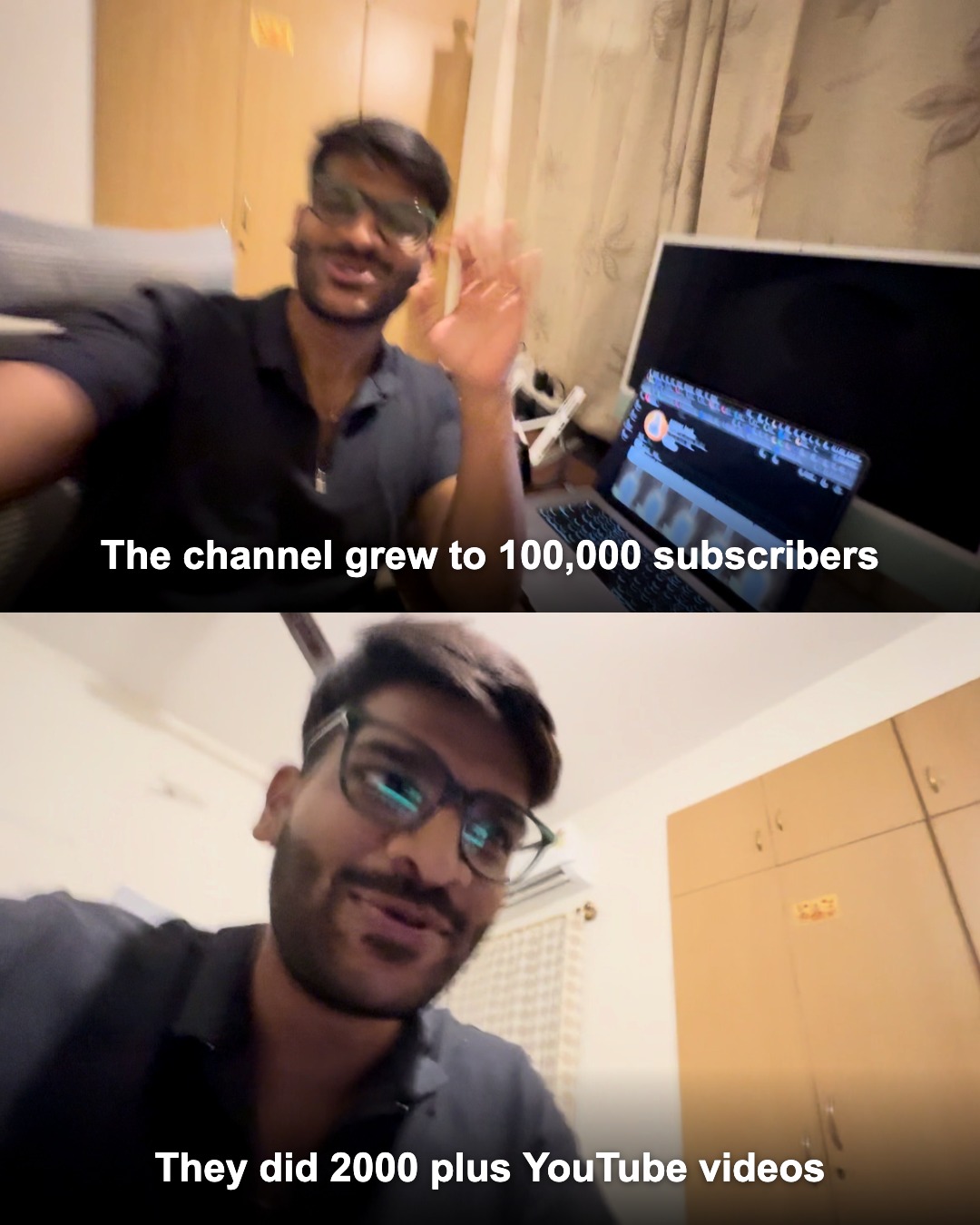
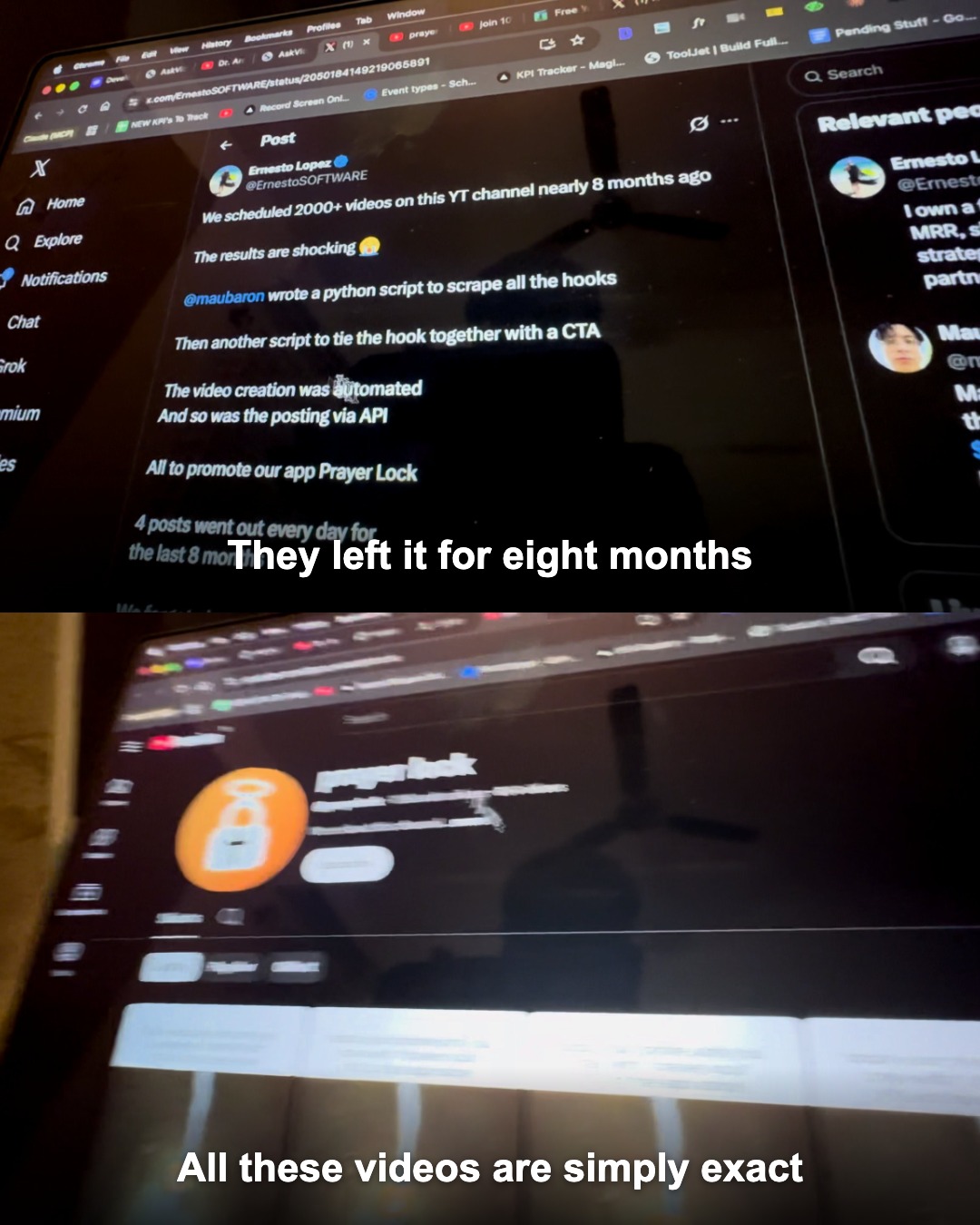
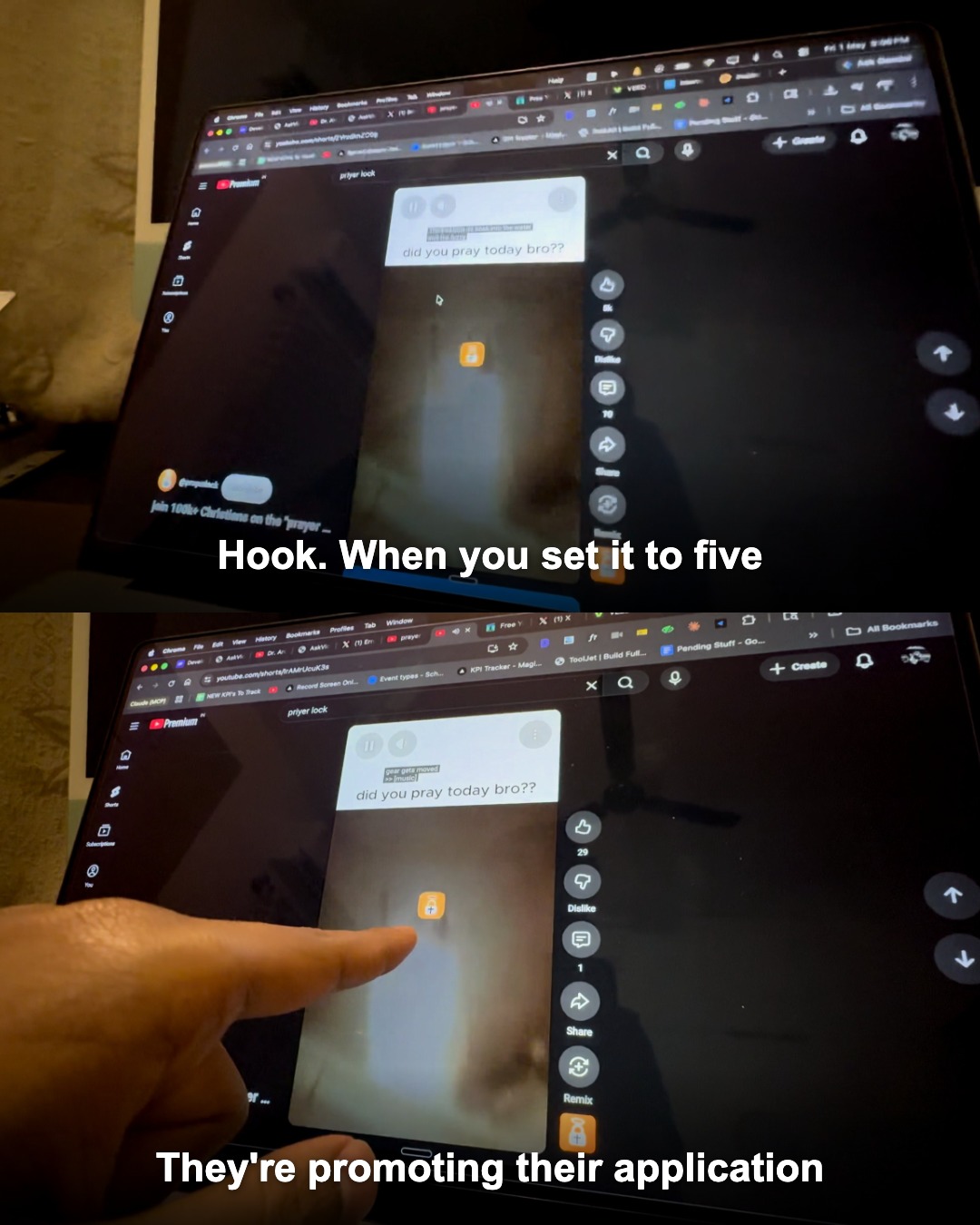
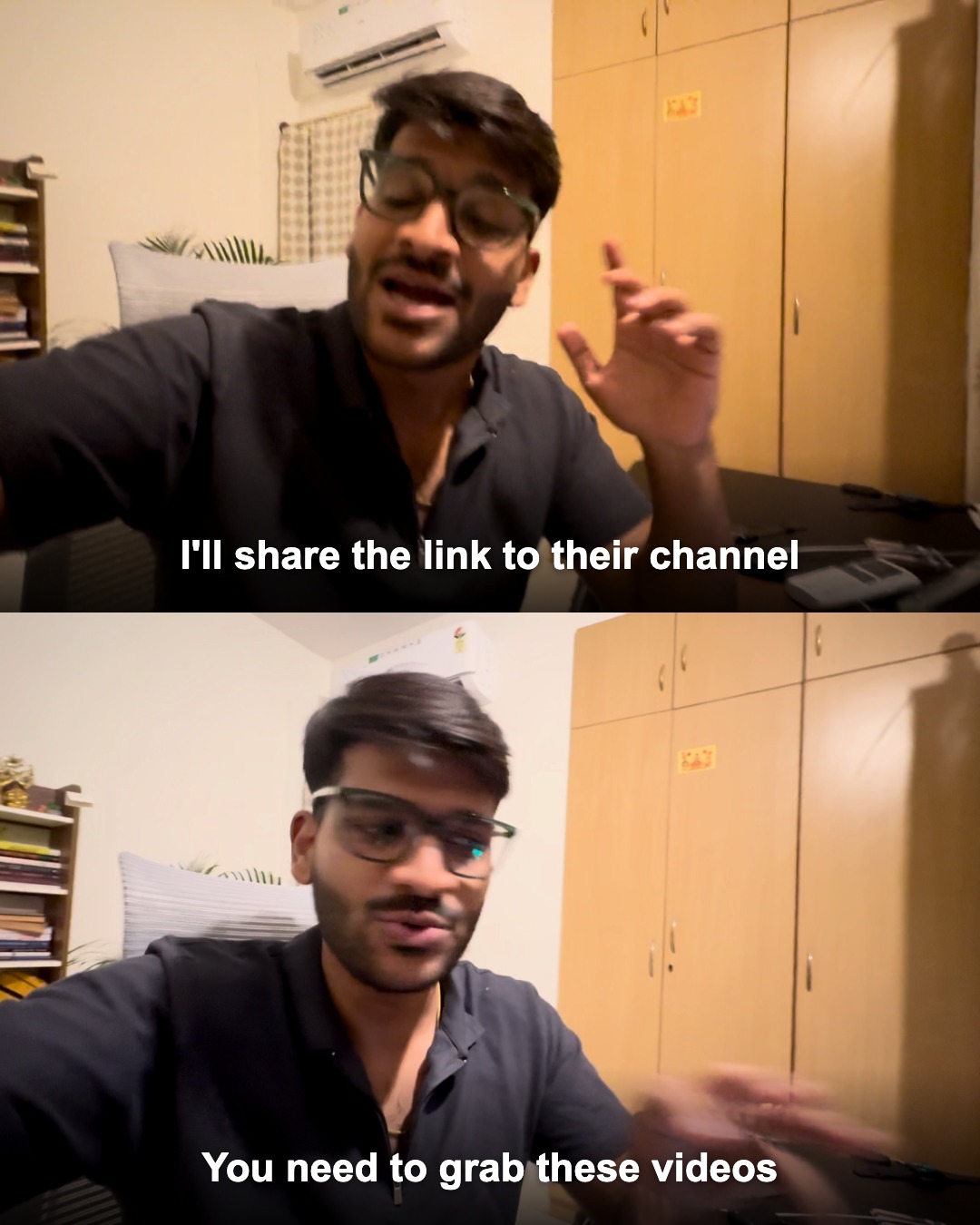
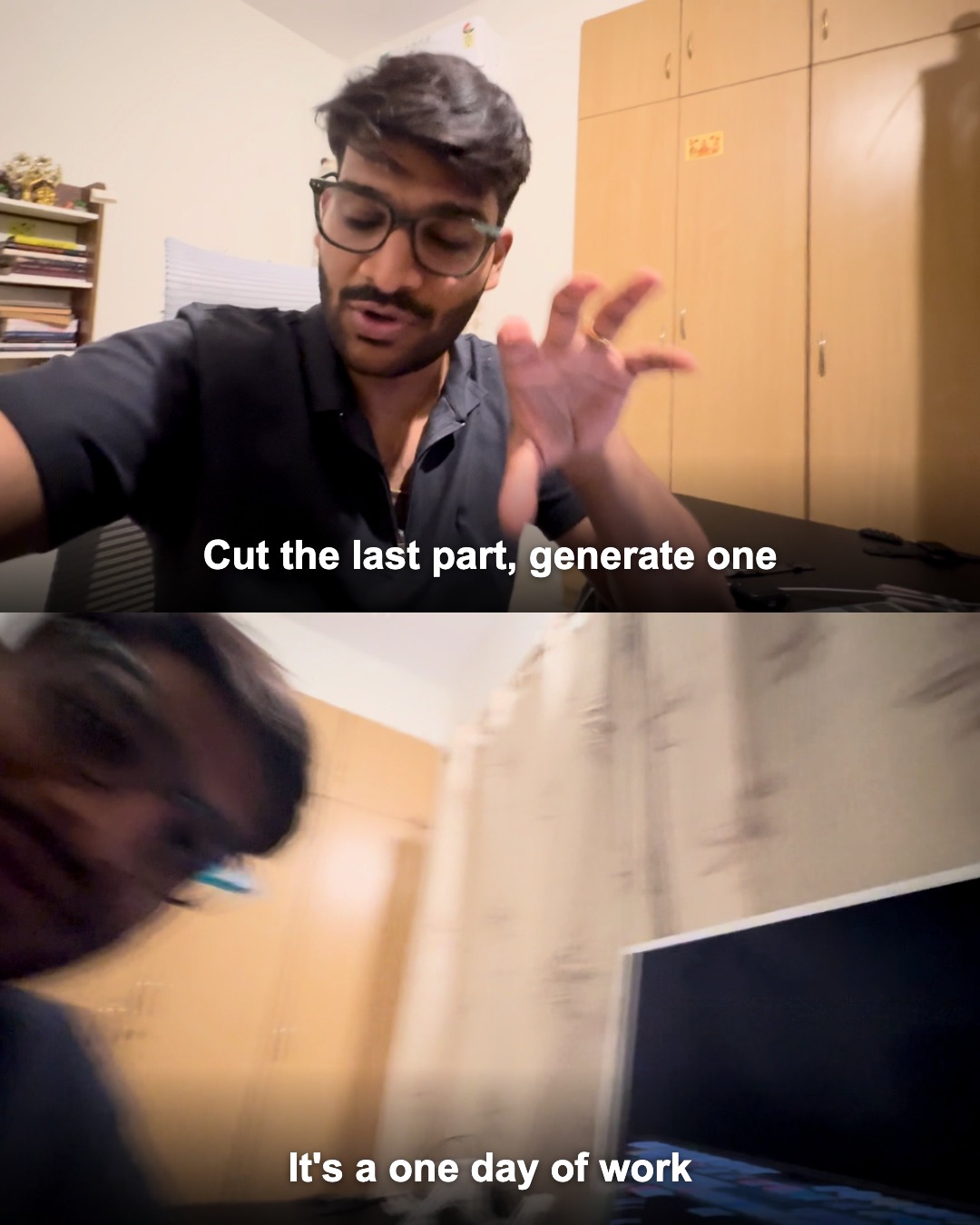
Swipe — 5 slides from this clip
Two 16:9 frames stacked into one 1080×1350 slide — every frame and caption is editable before you download.
Trusted by 1.5M+ professionals and teams worldwide
- Google
- Amazon
- Netflix
- LinkedIn
- Salesforce
- HubSpot
- Shopify
- Stripe
- ByteDance
- Cisco
- IBM
- Red Hat
- NVIDIA
- SpaceX


How to Turn a Video into a Carousel
Four simple steps from raw video to a scroll-stopping, captioned Instagram carousel.
⚡ Frames are captured right in your browser — no upload, no waiting.
Add your video
Drop in any MP4, MOV or WebM file — supported formats never leave your device.
Auto-caption from audio
We transcribe the audio and place the spoken caption on each frame automatically.
Edit & arrange
Tweak any caption, reorder frames, or remove the ones you don't want.
Download carousel
Get portrait images with two stacked, captioned frames per slide — ready to post.
Frequently Asked Questions
How do I turn a video into a carousel?+
Upload your video, pick how often a frame should be grabbed, then click Extract. Frames are captured in your browser and captioned from the audio. Edit the captions, then download an Instagram-ready carousel.
Where do the captions come from?+
We transcribe the video's audio and match the spoken words to each frame's timestamp, then place that text on the frame. Every caption is fully editable before you download.
What does each carousel image look like?+
Each image is a portrait 1080×1350 (Instagram 4:5) with two video frames stacked one above the other, each with its caption burned in — exactly like a reel-style carousel.
Is my video uploaded anywhere?+
Frame extraction happens entirely in your browser — your video never leaves your device for that step. Only short clips send audio for automatic captions; larger videos can be captioned manually.
Ready to create your presentation?
Join thousands of professionals who save hours every week with AI-powered presentations.
1,511 reviews · Trustpilot & Workspace


