Translate PowerPoint Presentations
Instantly translate your PowerPoint presentations into multiple languages while preserving design and formatting
Drop your file here
or click to browse
All uploaded files are permanently removed from our servers within 1 hour.
By uploading a document, you agree to our terms and conditions.
Supported Formats
Benefits of Our PowerPoint Translation Tool
Discover how our AI tool simplifies the process of translating your presentations.
Instant Translation
Translate entire presentations in minutes with our AI-powered system.
Format Preservation
Keep your original design, layout, and formatting intact during translation.
Multiple Languages
Support for numerous languages to reach global audiences.
Context-Aware
AI ensures translations maintain proper context and meaning.
Secure Processing
Your presentations are handled with complete privacy and security.
Easy to Use
Simple upload and translate interface for quick results.
从提示到精美的幻灯片 - 由 AI 演示文稿制作工具提供支持
MagicSlides 提供專業的簡報模板


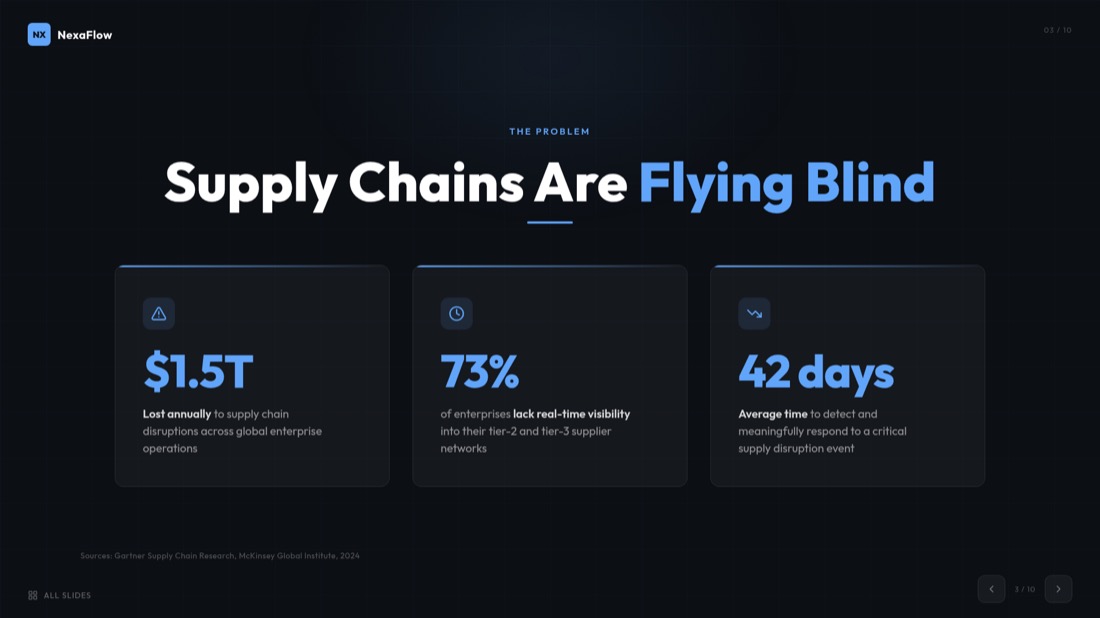

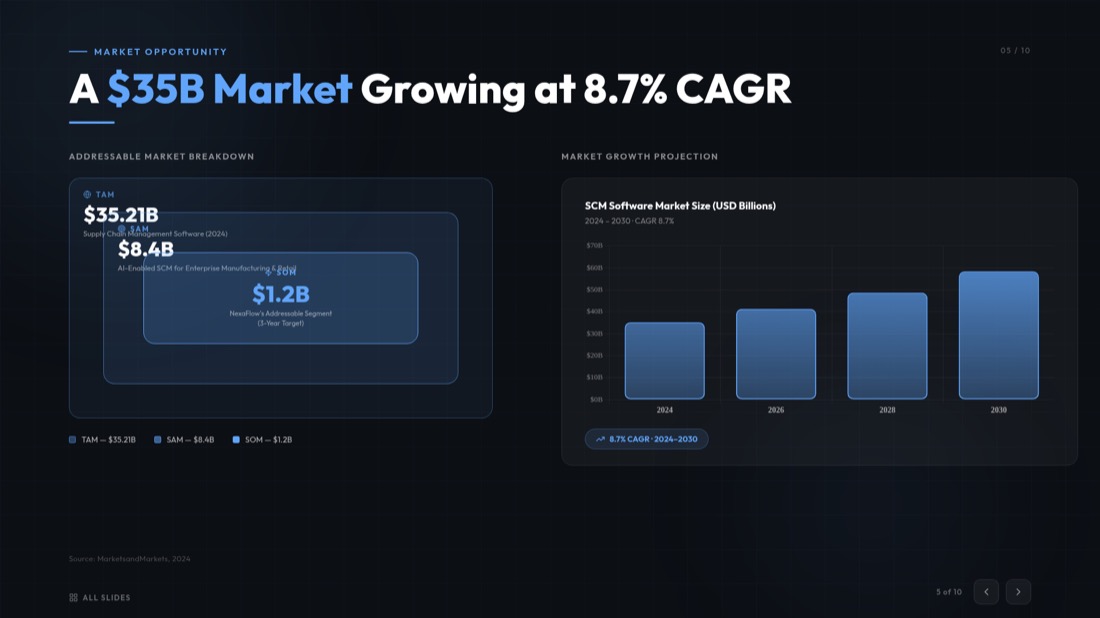
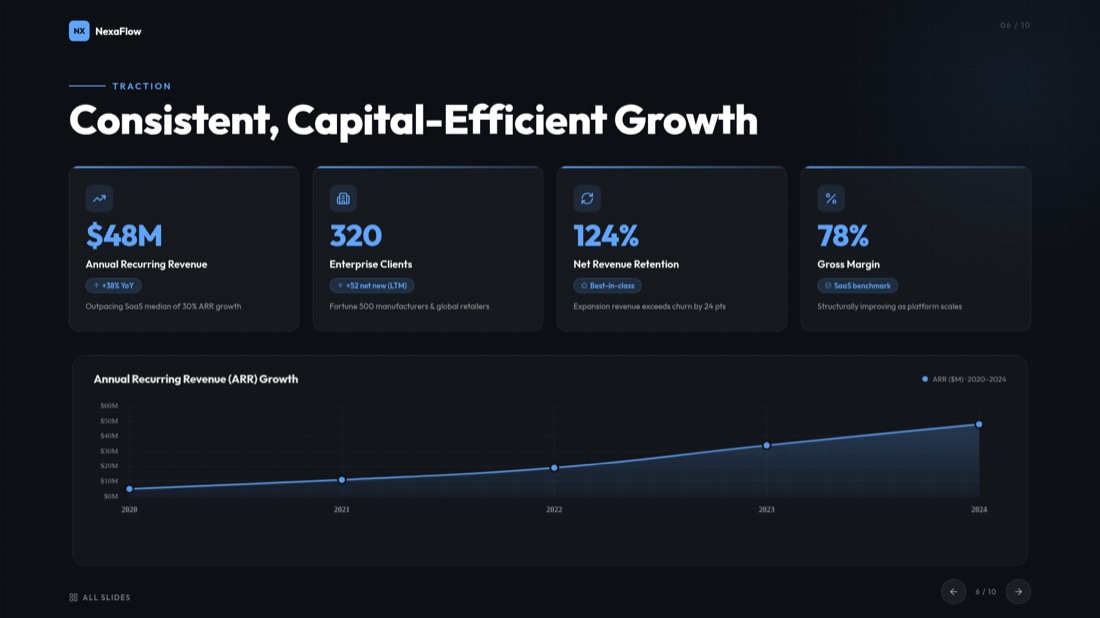
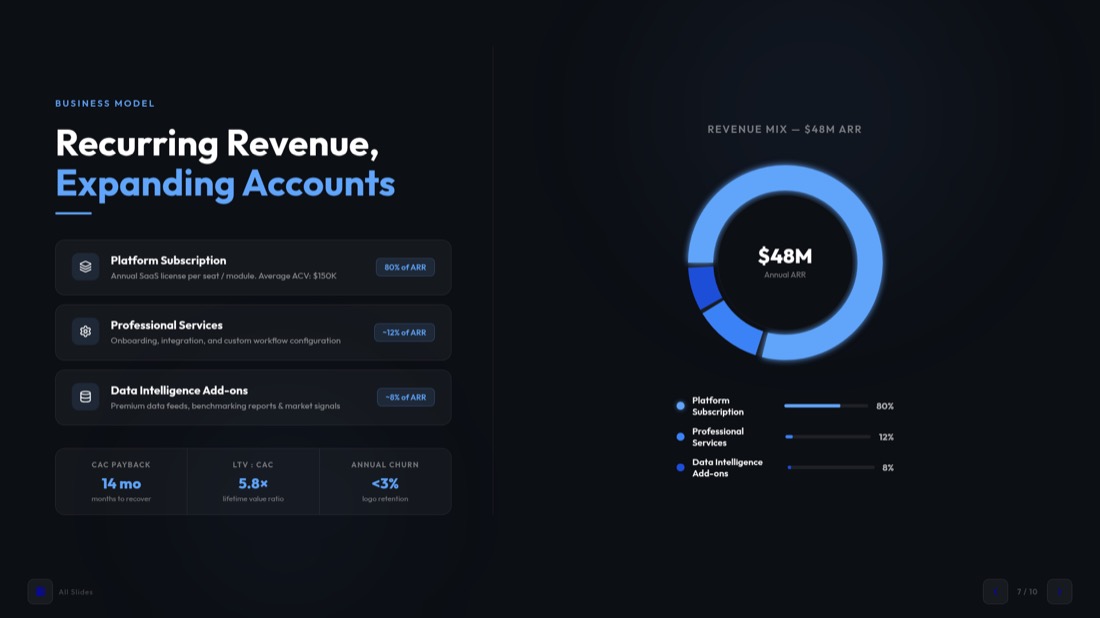

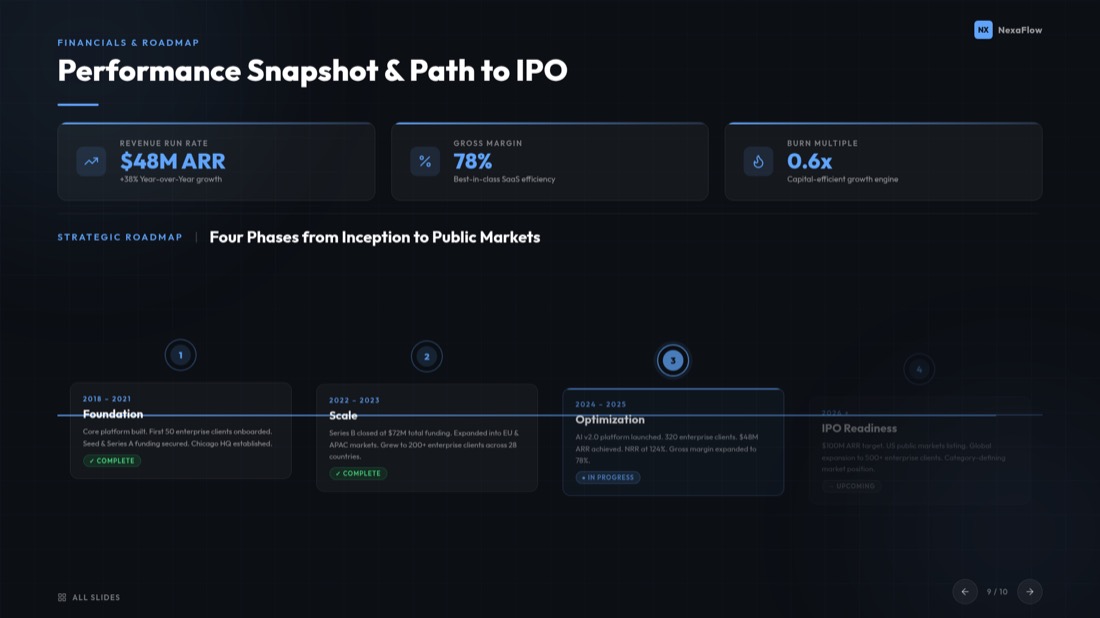

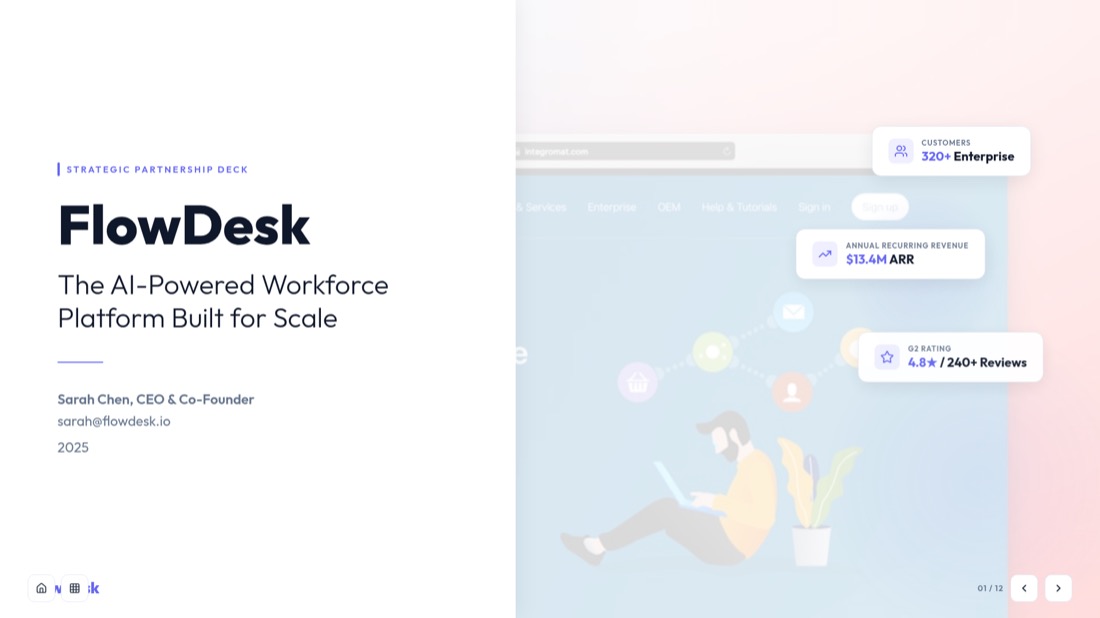
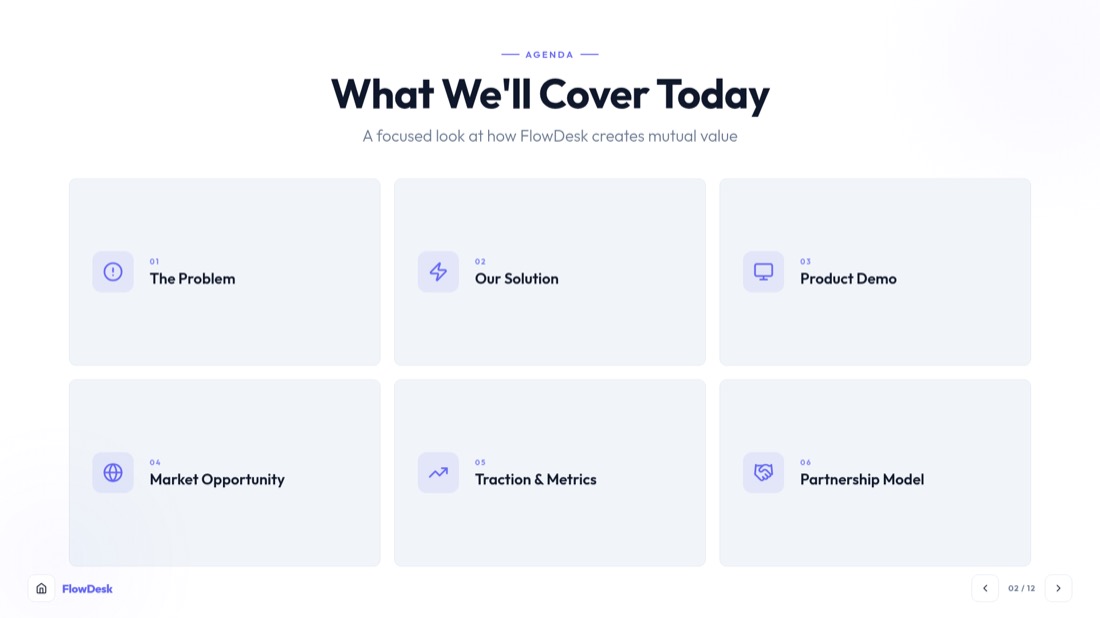
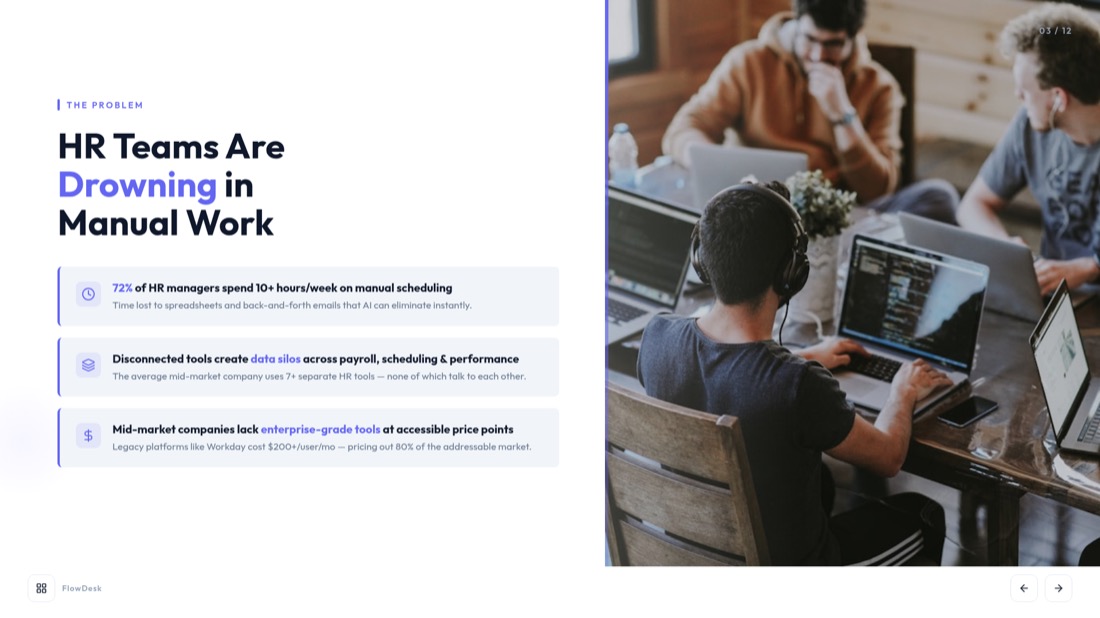
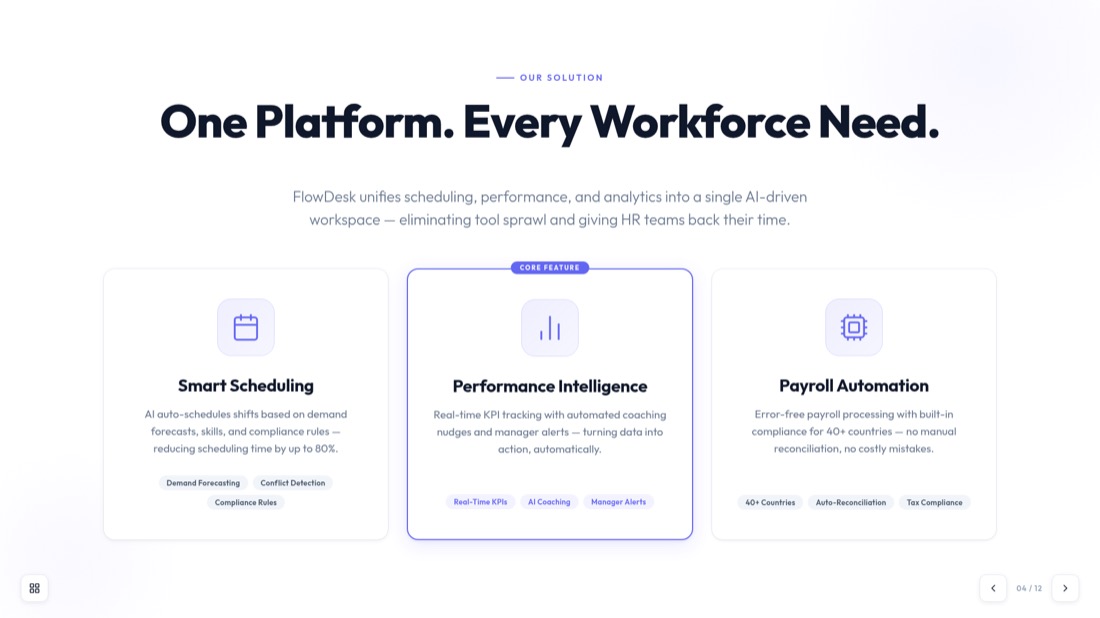
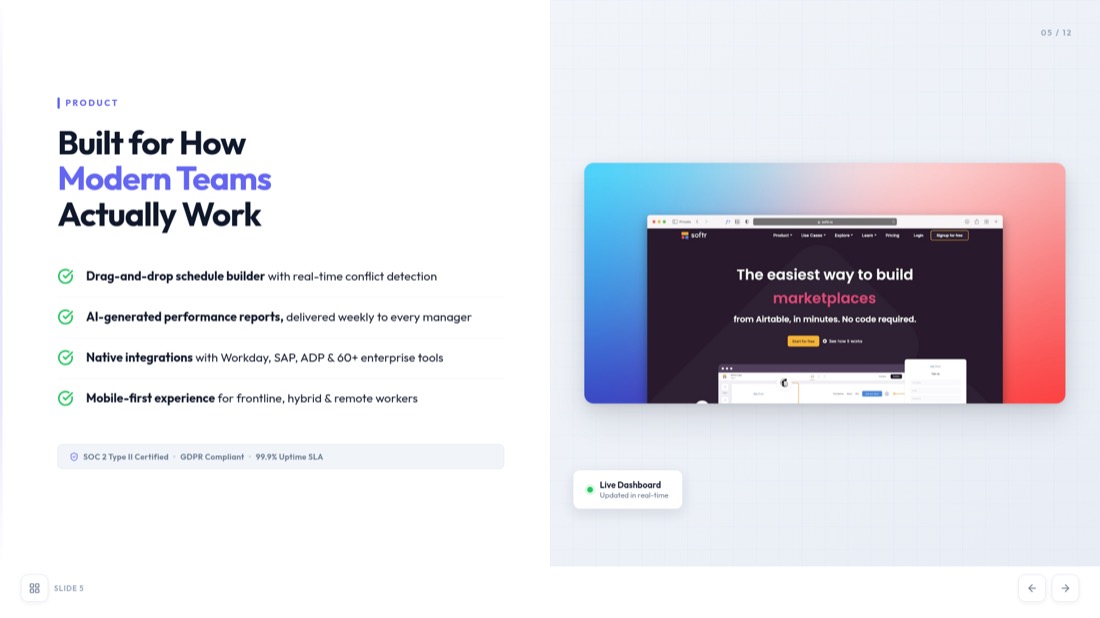
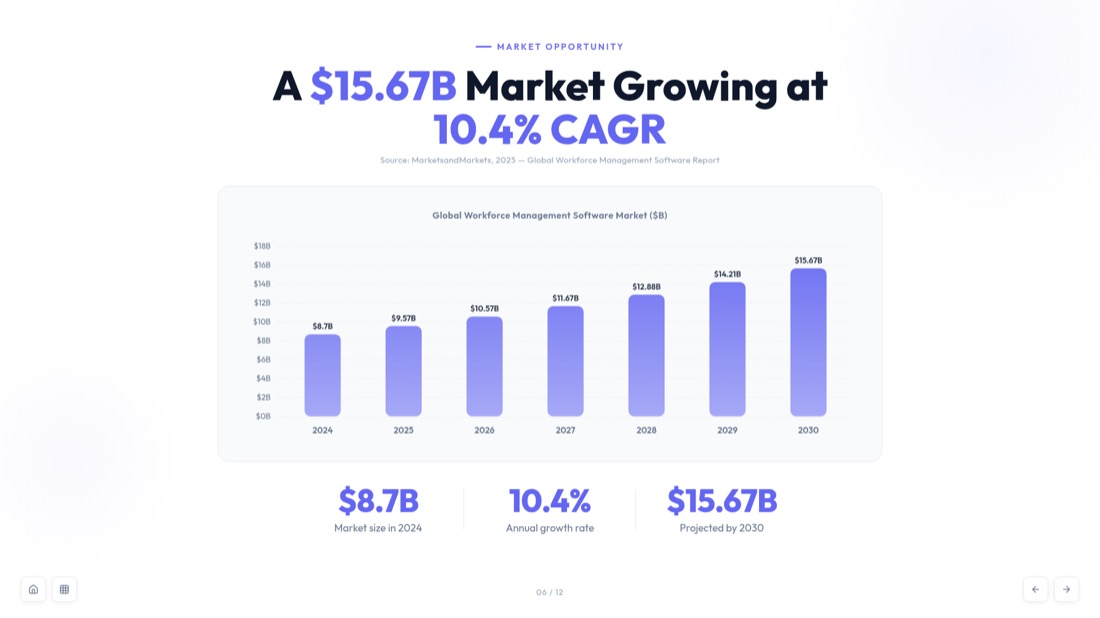
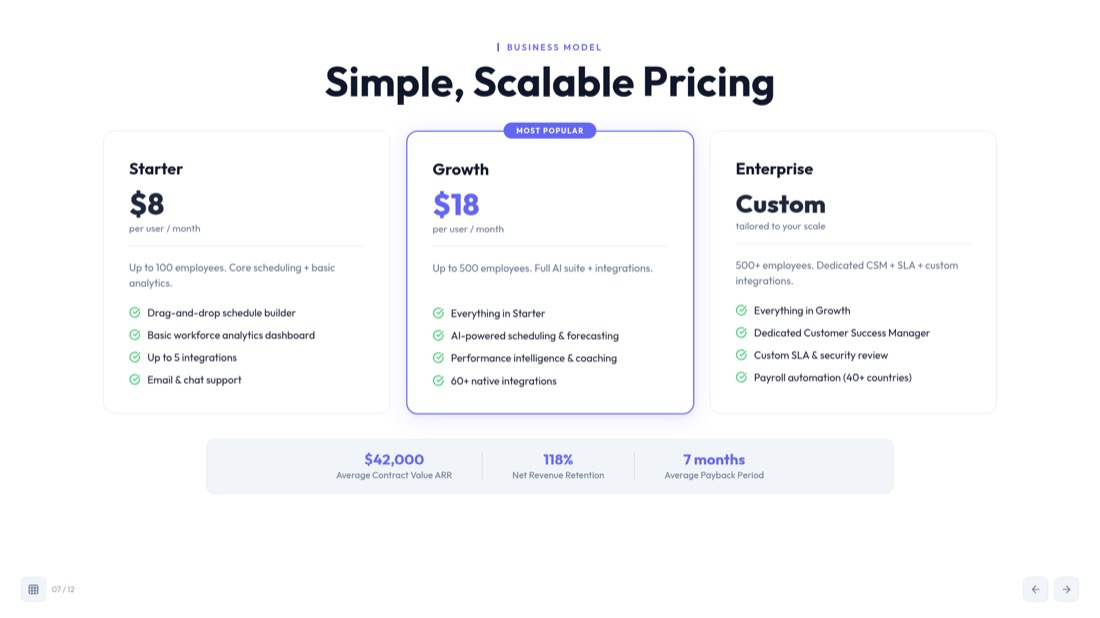
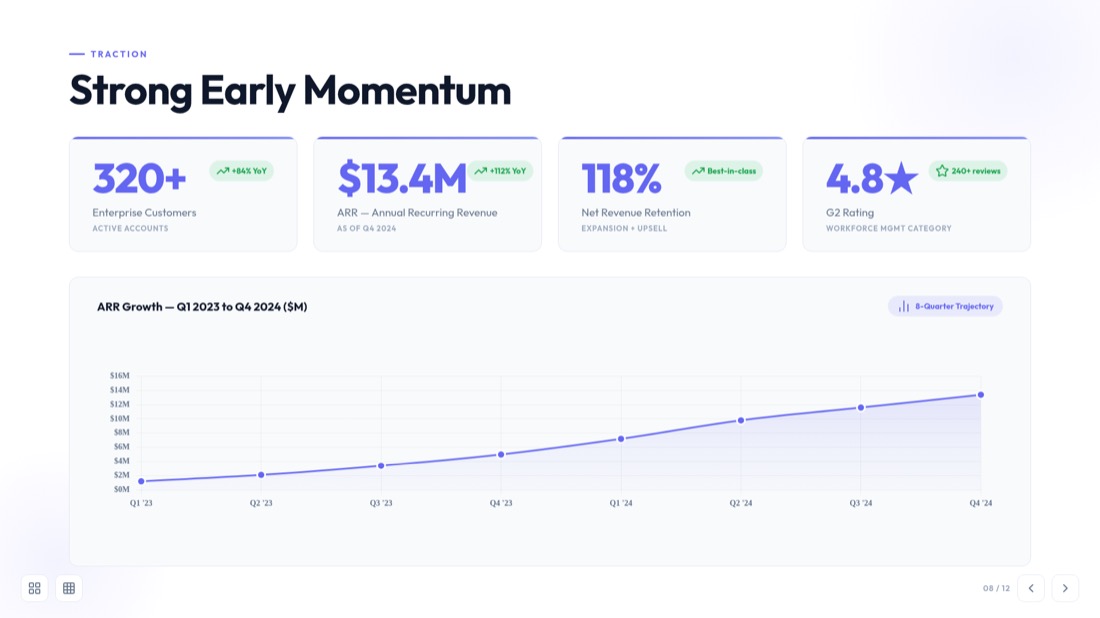
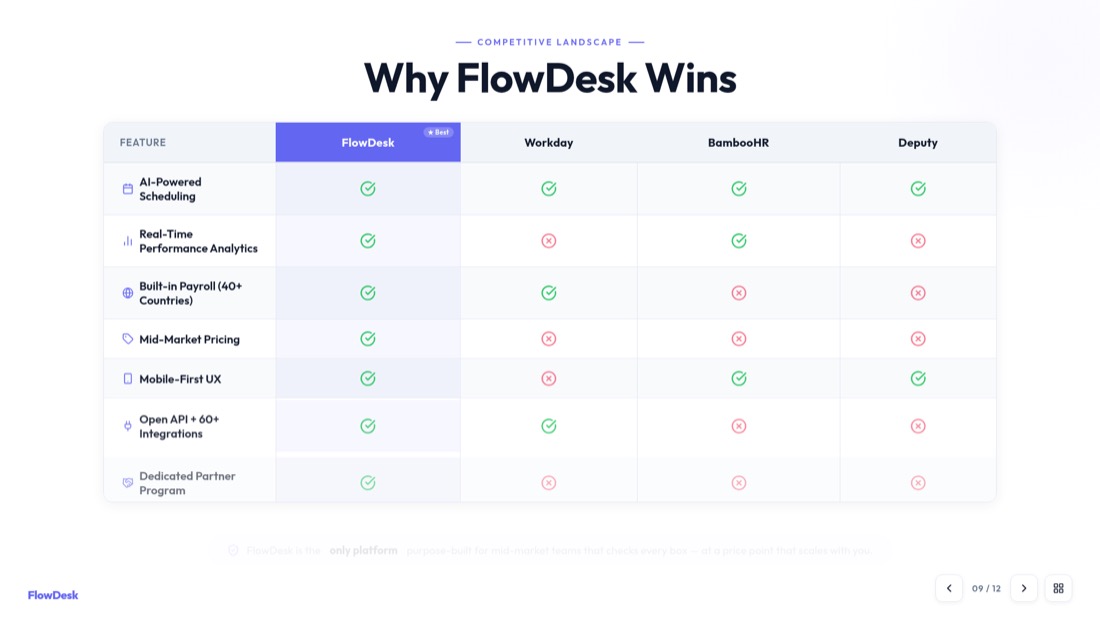

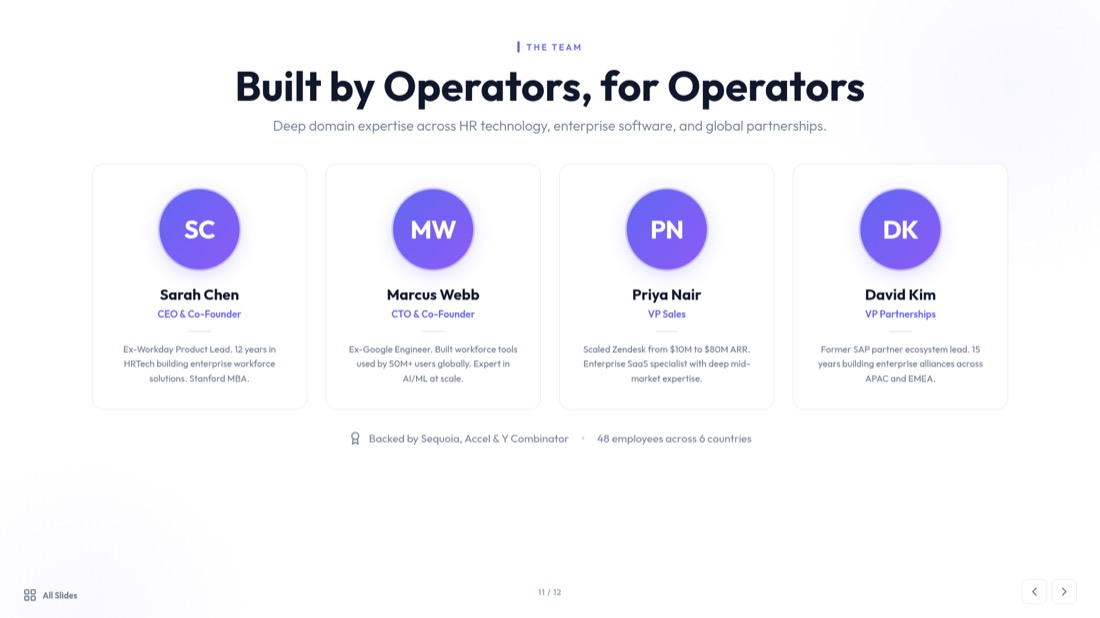
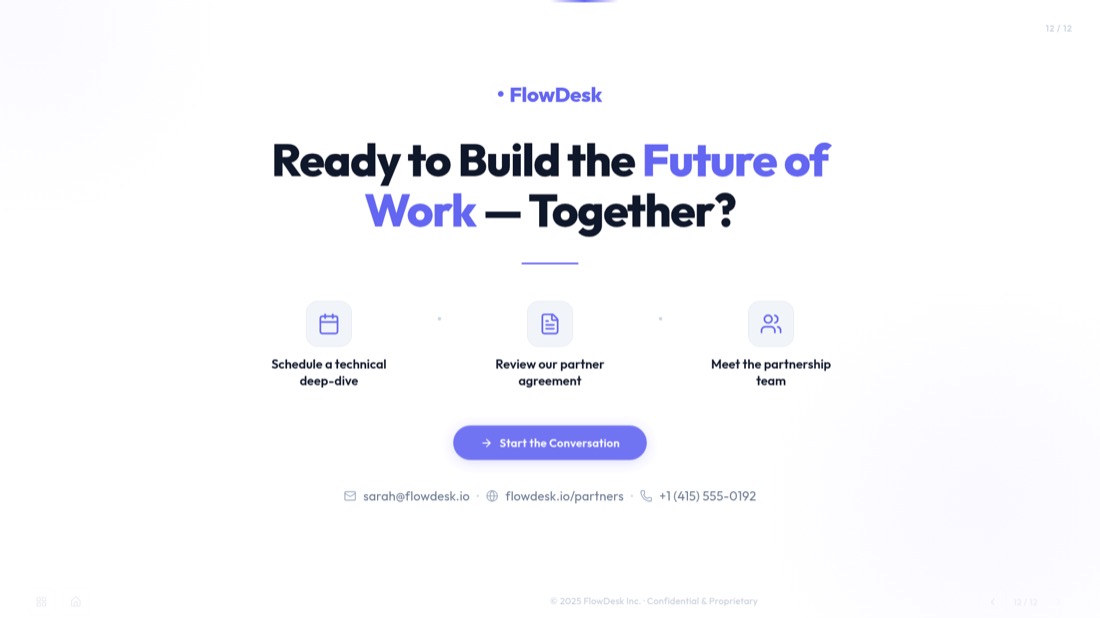

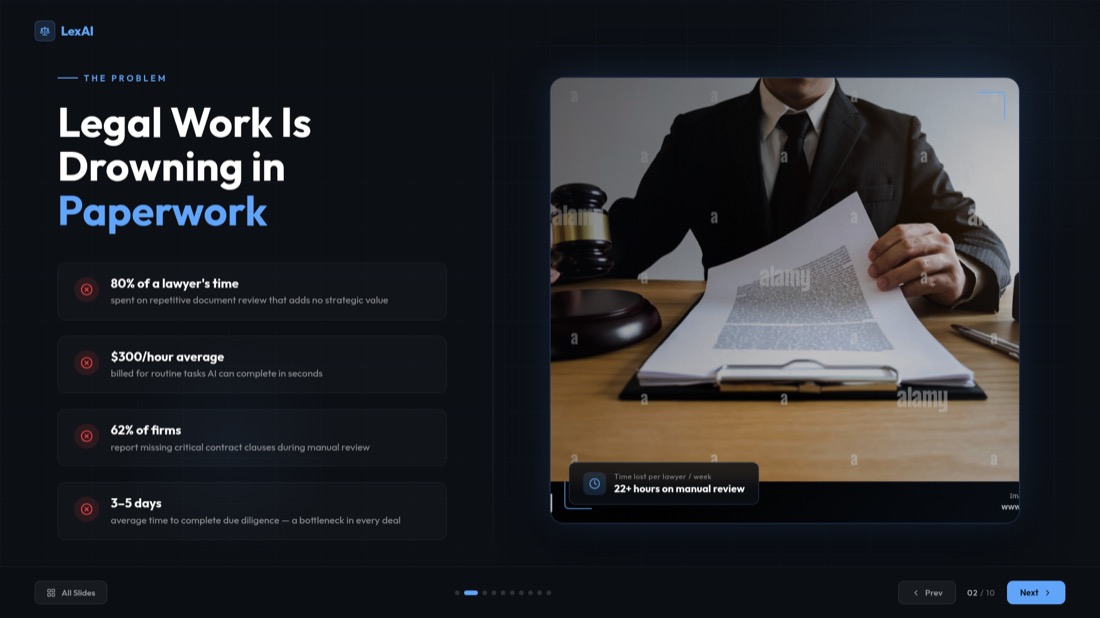
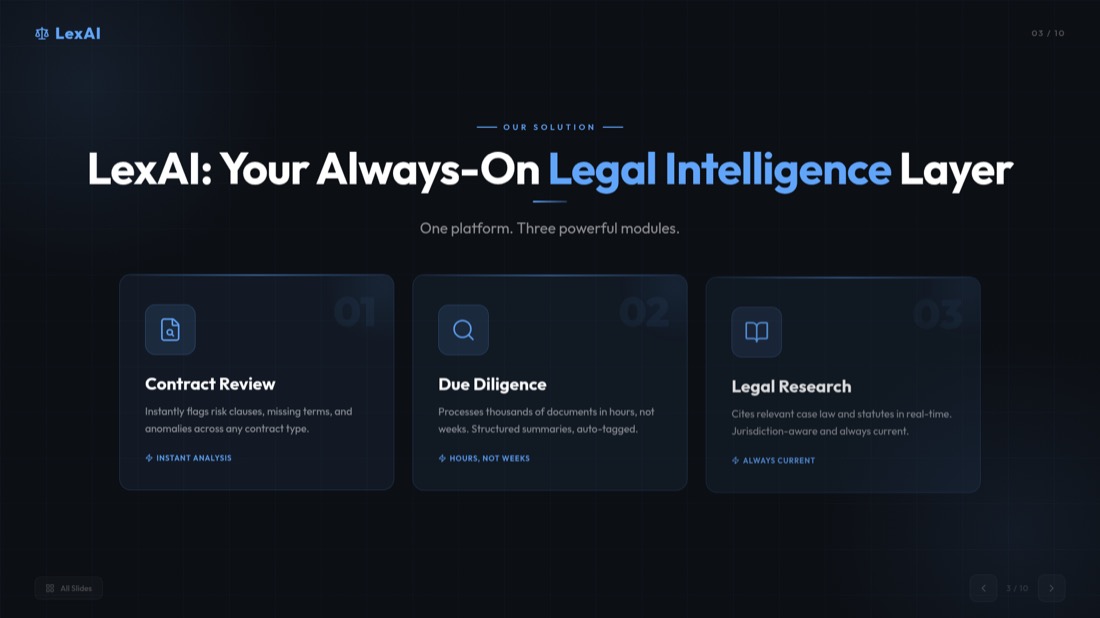
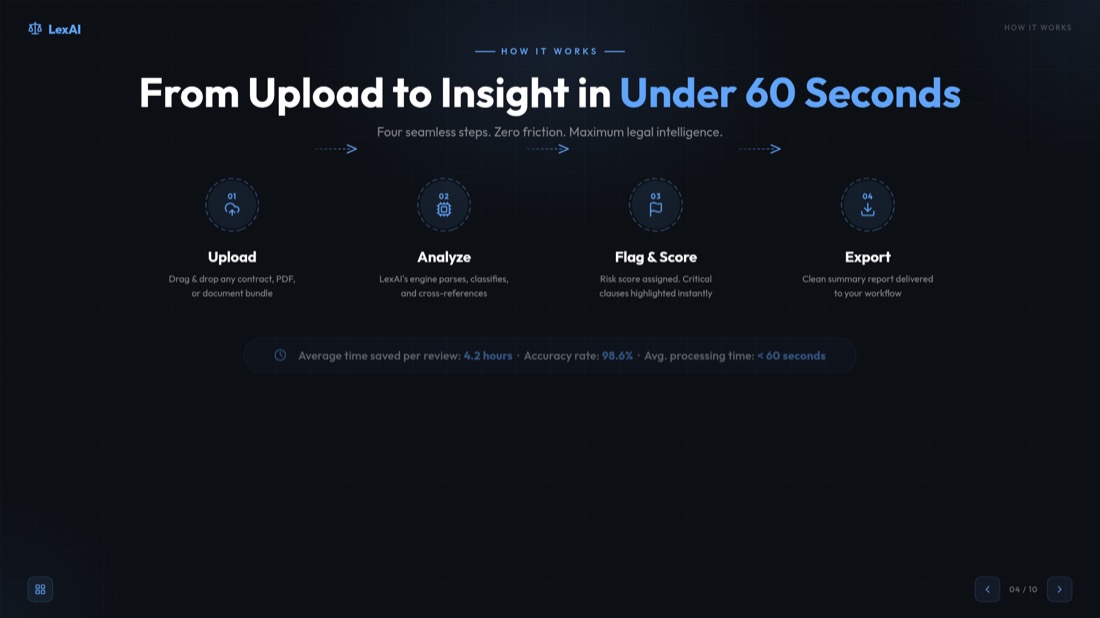
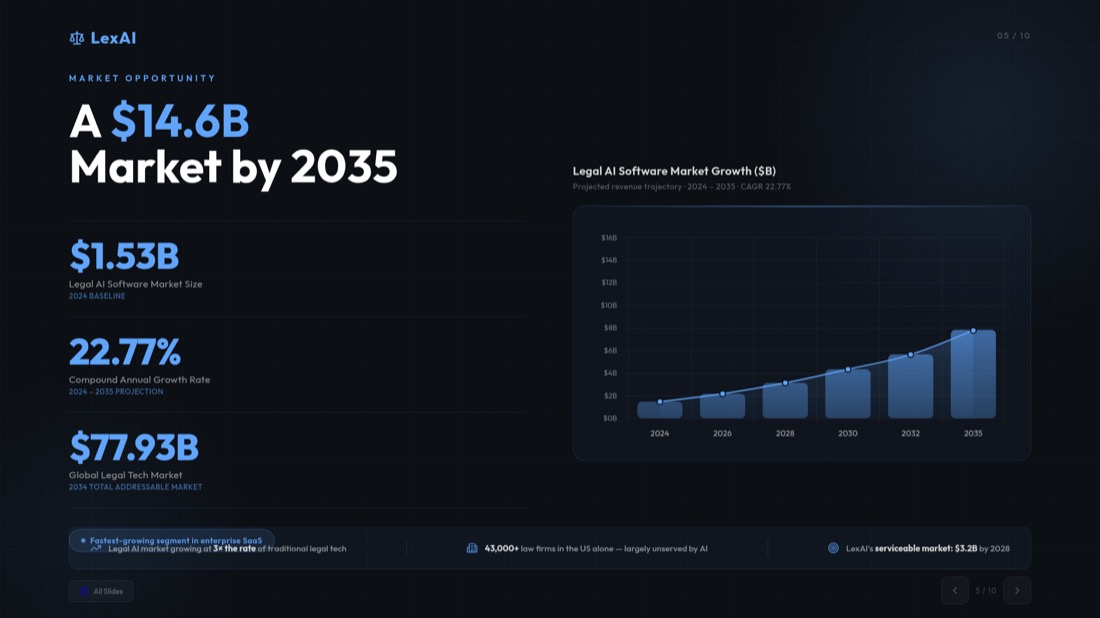
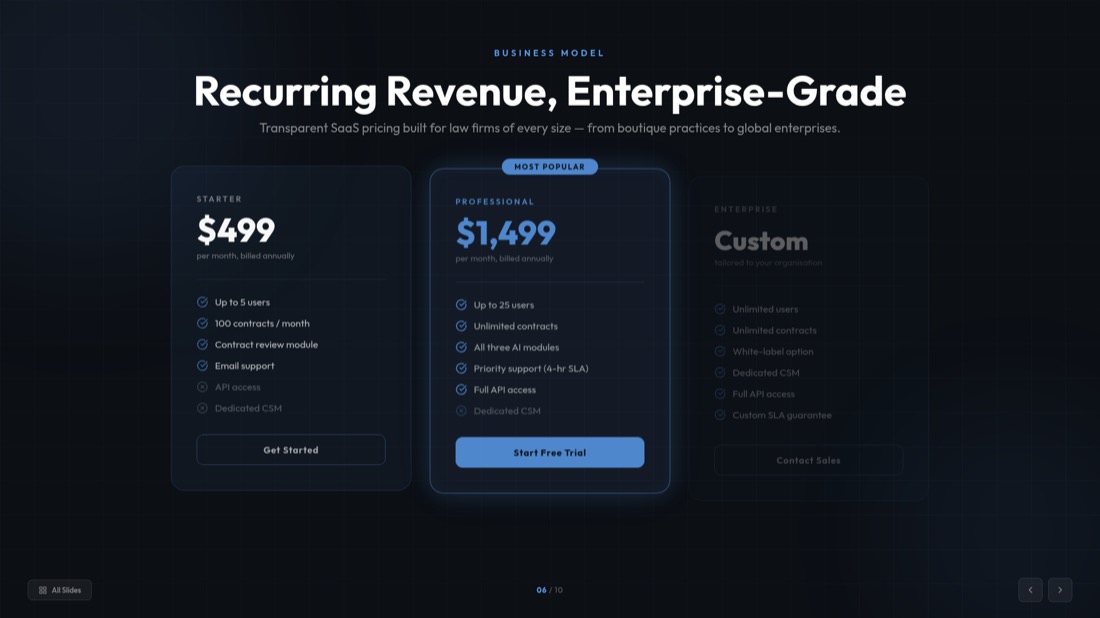
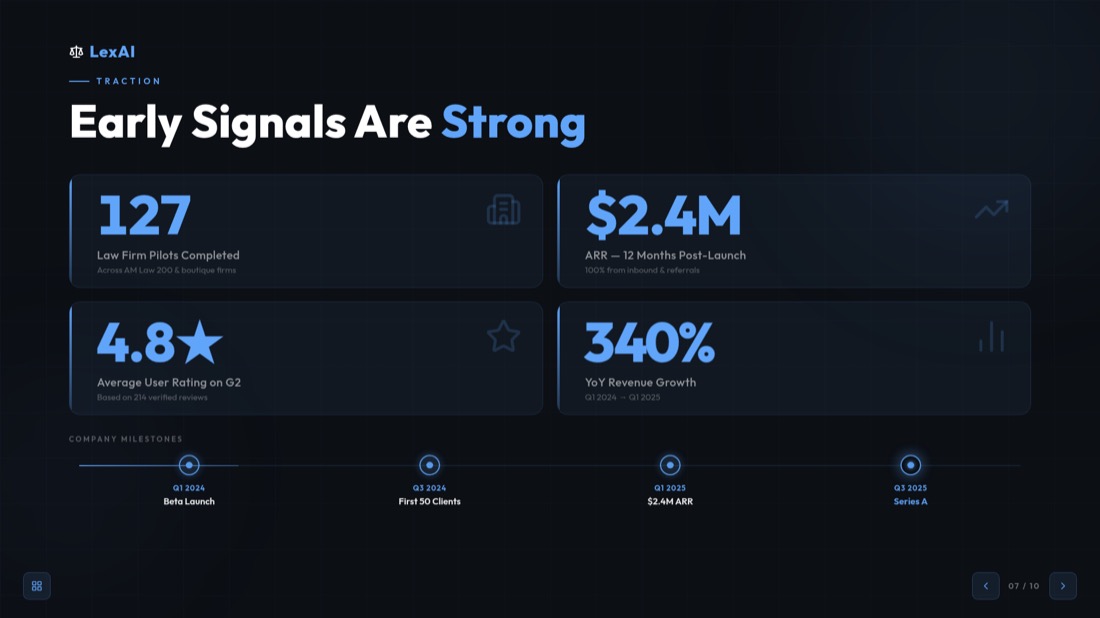

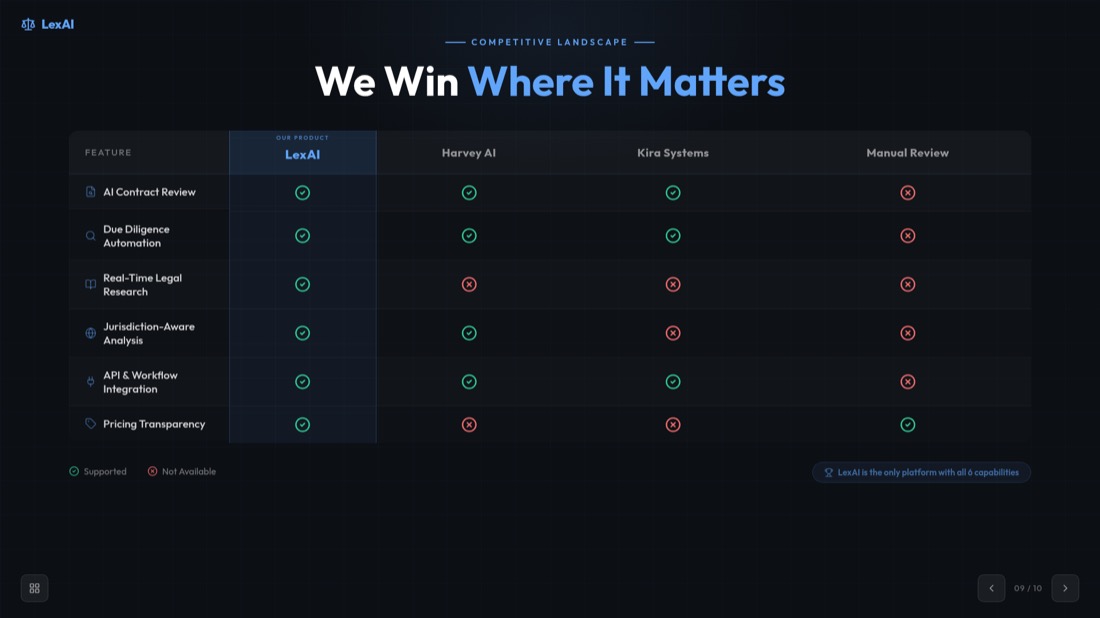

NexaFlow · Investor deck — drag or use the arrows to see all 32 slides
Other PowerPoint Tools
AI主题转PPT
只需一个关键词即可快速生成精彩的演示文稿。非常适合需要快速生成内容丰富的幻灯片的学生和教育工作者。
AI YouTube转PPT
将YouTube视频转换为内容丰富的幻灯片演示文稿。非常适合希望扩展视频内容影响力的营销人员和创作者。
AI商业计划书生成器
将商业计划书转换为内容丰富的幻灯片演示文稿。非常适合想要展示业务的企业和初创公司。
AI文本转PPT
只需一个关键词即可快速生成精彩的演示文稿。非常适合需要快速生成内容丰富的幻灯片的学生和教育工作者。
AI网址转PPT
轻松将任何网页转换为完整的演示文稿。非常适合需要展示网络数据的专业人员和研究人员。
常见问题
How does the PowerPoint translation tool work?
Upload your PowerPoint presentation, select your target language, and our AI will automatically translate all text while preserving the original formatting, design, and layout of your slides.
Which languages are supported for translation?
Our AI translation engine supports 100+ languages including all major business languages (English, Spanish, French, German, Italian, Portuguese) and Asian languages (Chinese, Japanese, Korean). Whether you need European, Asian, Middle Eastern, or other regional languages, we've got you covered with professional-quality translations.
Will the translation maintain my presentation's formatting?
Yes! Our translation tool preserves all formatting, images, charts, and design elements. Only the text content is translated while keeping the original layout intact.
How accurate are the translations?
We use advanced AI language models to ensure high-quality, context-aware translations. However, we recommend reviewing the translated content, especially for technical or specialized terminology.
Can I translate multiple presentations?
please check pricing page
查看定价What happens to my uploaded presentations?
Your presentations are processed securely and deleted after translation. We prioritize your privacy and data security.

Ready to create your presentation?
Join thousands of professionals who save hours every week with AI-powered presentations.
1,511 reviews · Trustpilot & Workspace


