Video-zu-PPT-Konverter: KI-gestützt oder direkter Upload
Laden Sie Ihr Video hoch und erstellen Sie sofort Präsentationen. Wählen Sie direkten Upload für schnelle Konvertierung oder den KI-Modus für intelligente Inhaltsgenerierung aus Ihren Videos.
Direct Video to PPT
Free • No sign-in • Instant conversion
Upload Video
Drag and drop your video here, or click to browse
Supported formats: MP4, MOV, AVI, WEBM
Maximum 500MB per video


4.6 from 1,511 reviews on Trustpilot & Workspace
Trusted by 2.6M+ professionals and teams worldwide
- Google
- Amazon
- Netflix
- LinkedIn
- Salesforce
- HubSpot
- Shopify
- Stripe
- ByteDance
- Cisco
- IBM
- Red Hat
- NVIDIA
- SpaceX


So konvertieren Sie ein Video kostenlos online in PPT
Unser Video-zu-PPT-Konverter macht es einfach, Videos in nur drei einfachen Schritten in PowerPoint zu konvertieren. Keine technischen Kenntnisse erforderlich!
⚡ Most videos are processed right in your browser — no upload, no waiting.
Add your video
Drop in any MP4, MOV or WebM file — supported formats never leave your device.
Frames are captured
A frame is grabbed at your chosen interval, extracted instantly in your browser.
Pick your slides
Preview every frame and keep only the ones you want in the deck.


Download .pptx
Get a fully editable PowerPoint, ready to present in seconds.
Bester Video-zu-PPT-Konverter online kostenlos
Unser Video-zu-PPT-Konverter ist das fortschrittlichste Tool zur Konvertierung beliebiger Videoformate in PowerPoint-Präsentationen. Ob Sie Videos von MP4-Dateien, AVI-Videos oder anderen Formaten in PPT konvertieren müssen, unser KI-gestützter Video-zu-PowerPoint-Konverter erledigt alles.
lecture.mp4
48 MB
webinar.mov
112 MB
demo.avi
76 MB
Your video never gets uploaded
For MP4, MOV and WebM files, frames are pulled straight from the file in your browser — nothing leaves your device, so it's private and starts instantly.
You pick every slide
Set how often a frame is captured, then preview the grid and keep only the frames worth presenting — no junk slides in the final deck.
Editable .pptx, not a flat export
Download a real PowerPoint file that opens in PowerPoint and Google Slides — retype text, restyle layouts and add your own slides before presenting.
Working with an online video instead? Use the YouTube to PPT converter.
Präsentationen aus beliebigen Videos sofort mit KI erstellen
Erfahren Sie, wie Sie Videos in PPT konvertieren und mit unserem fortschrittlichen KI-Tool PPT aus Videos erstellen können.
Video jetzt in PPT konvertierenReal slides, generated — not designed by hand
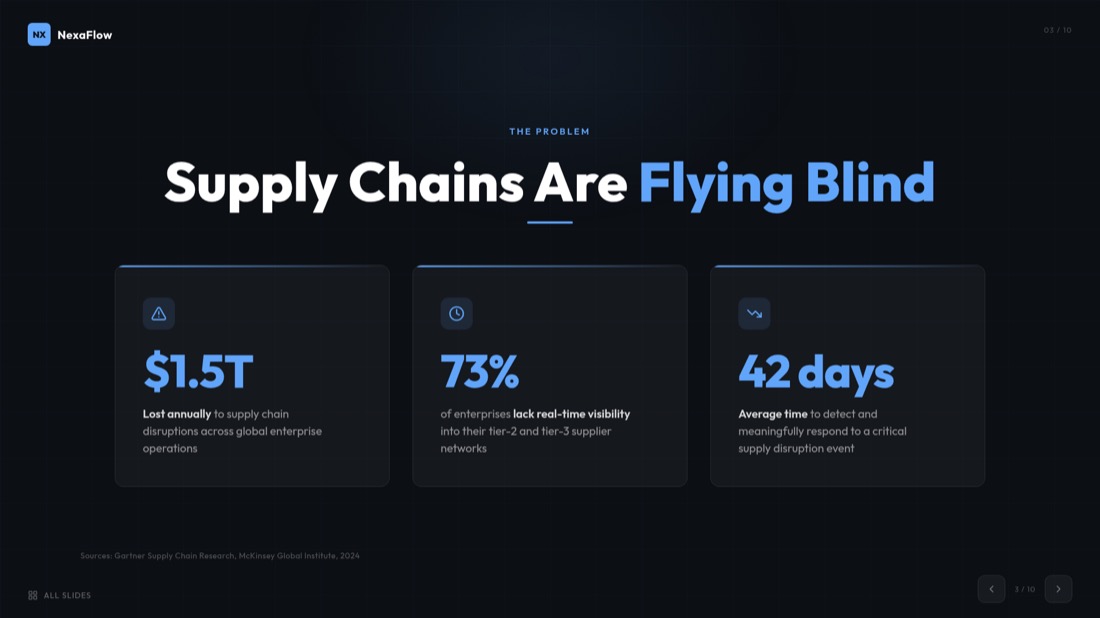
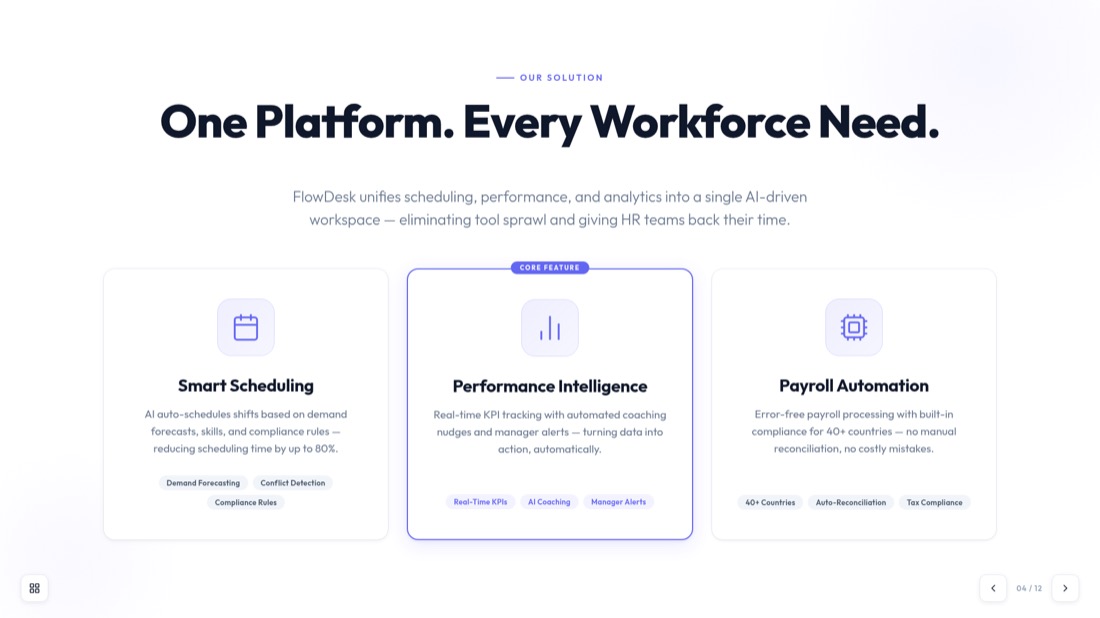
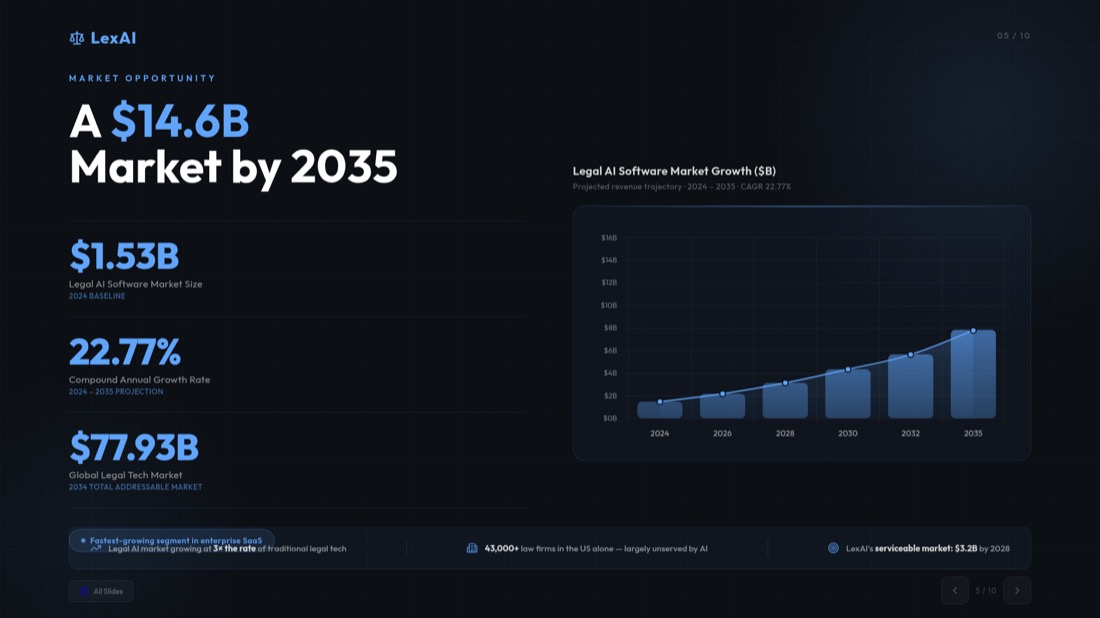
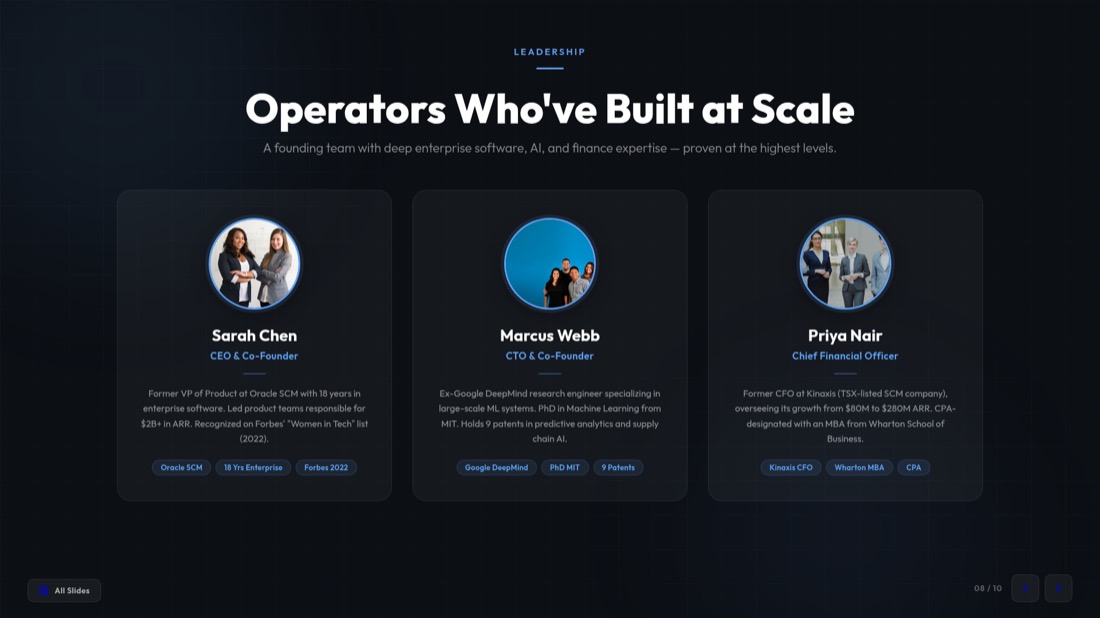
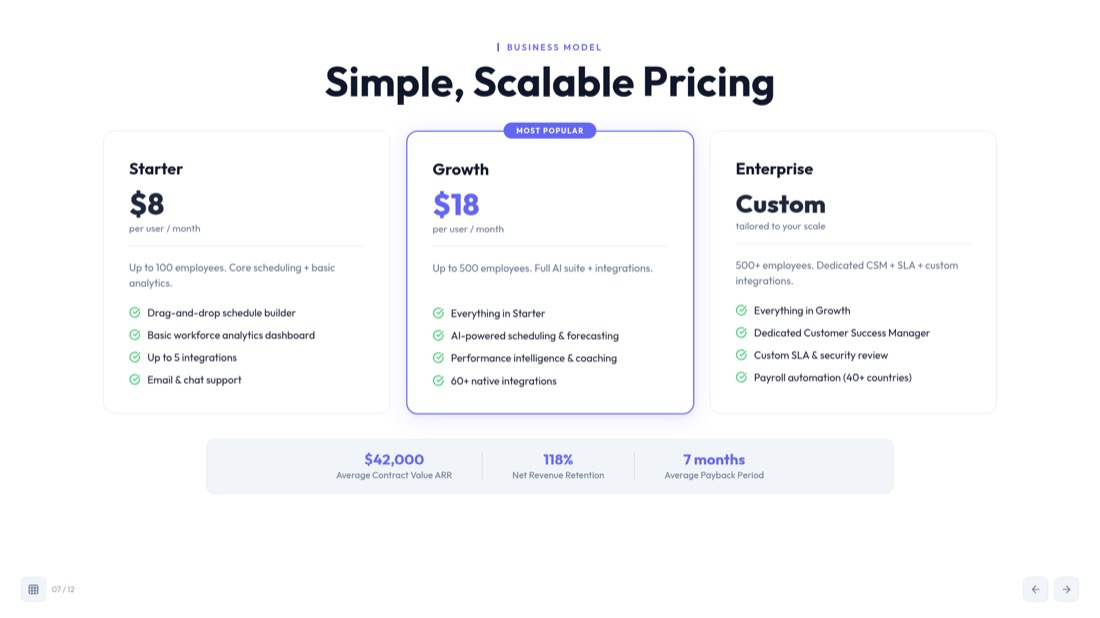
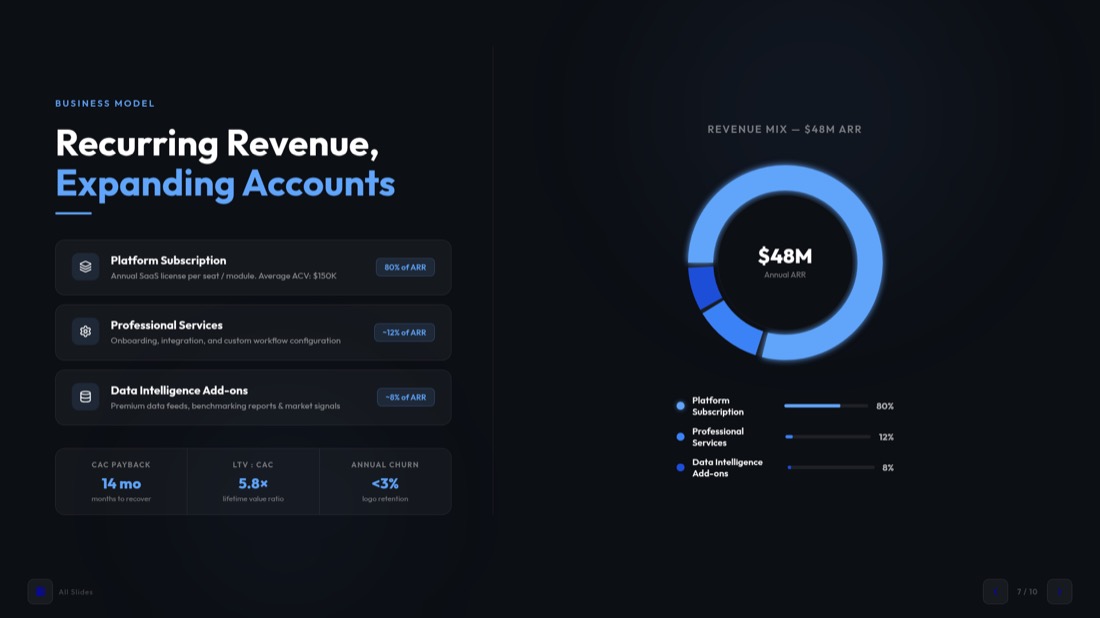
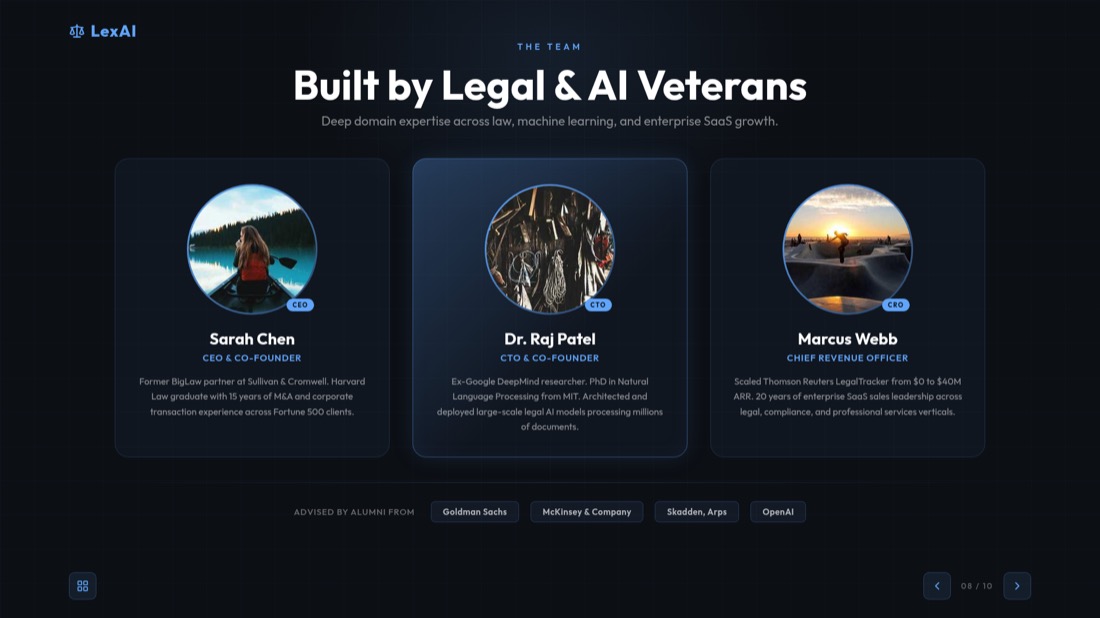
Every slide below came straight out of MagicSlides Studio. No templates were tweaked, no layouts nudged — this is what you get back from a video.


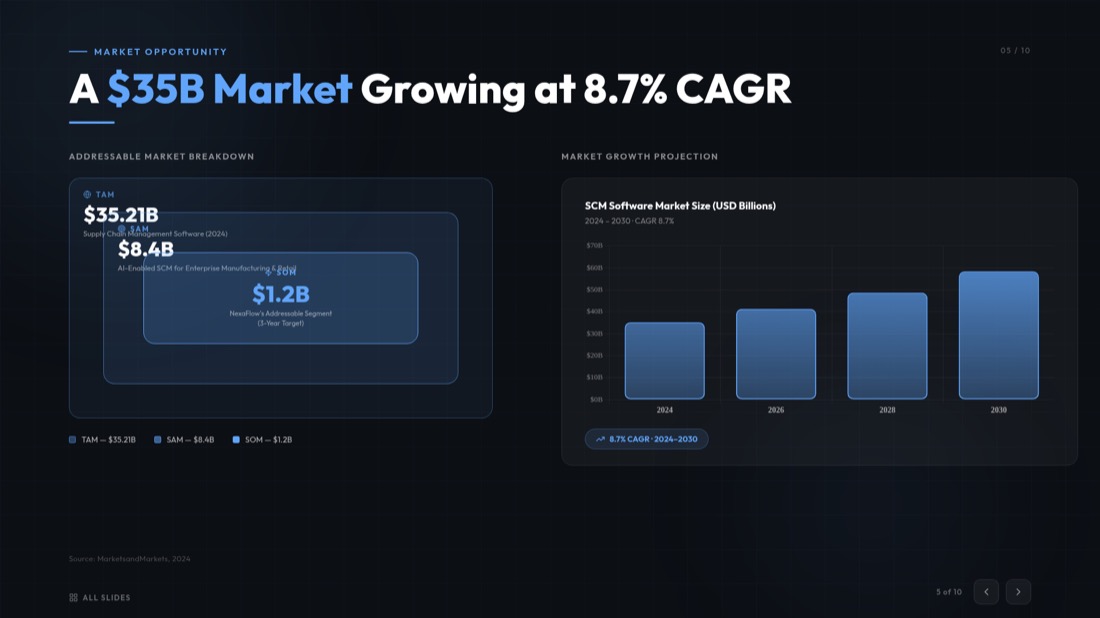
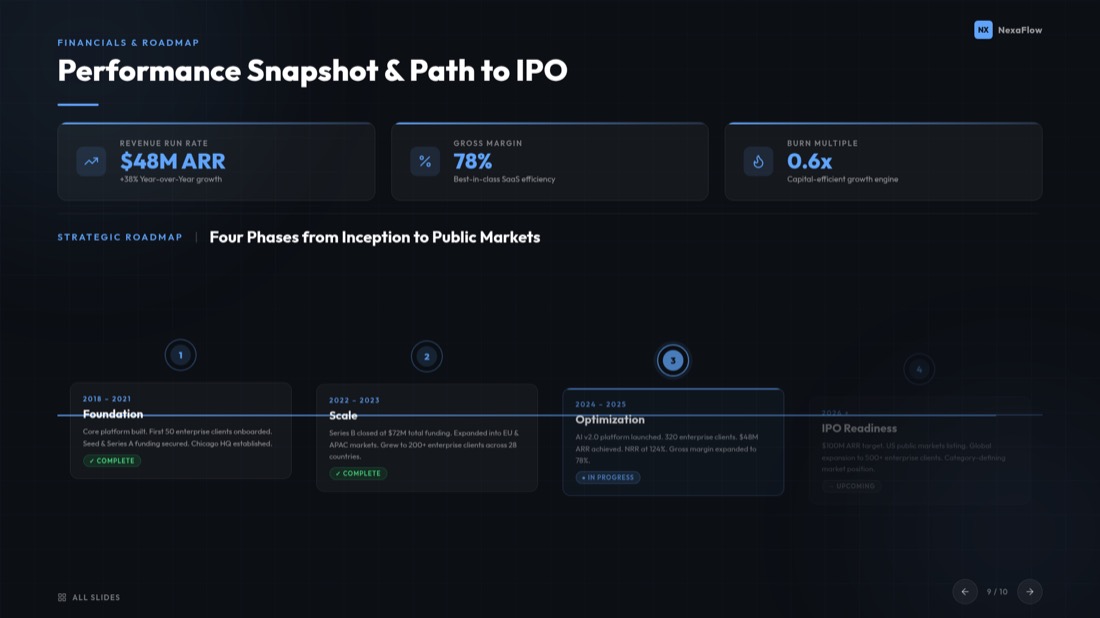

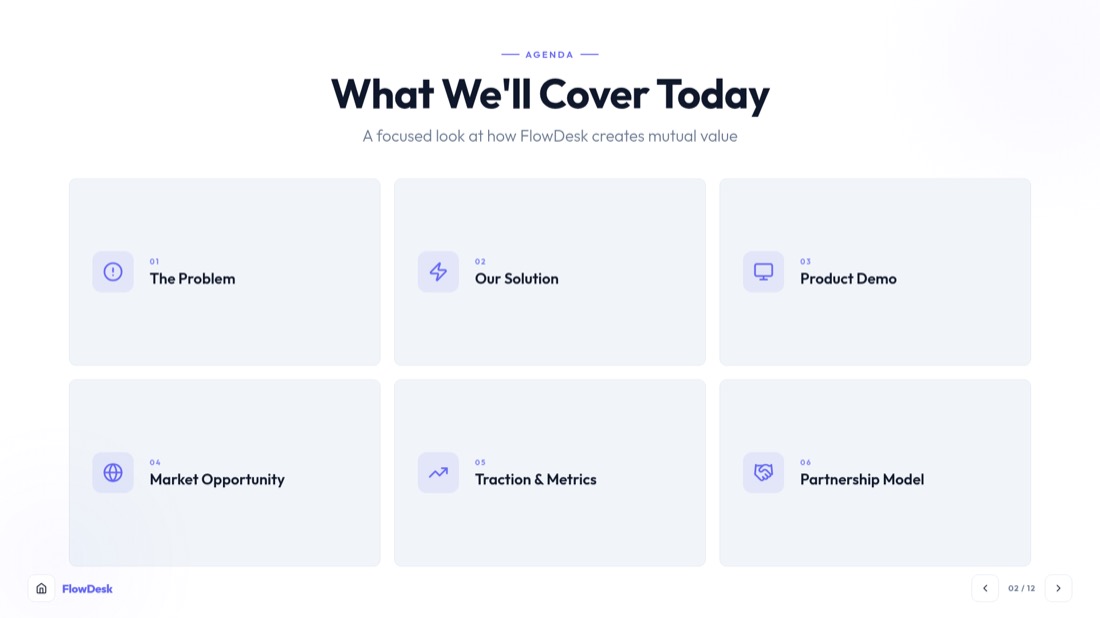
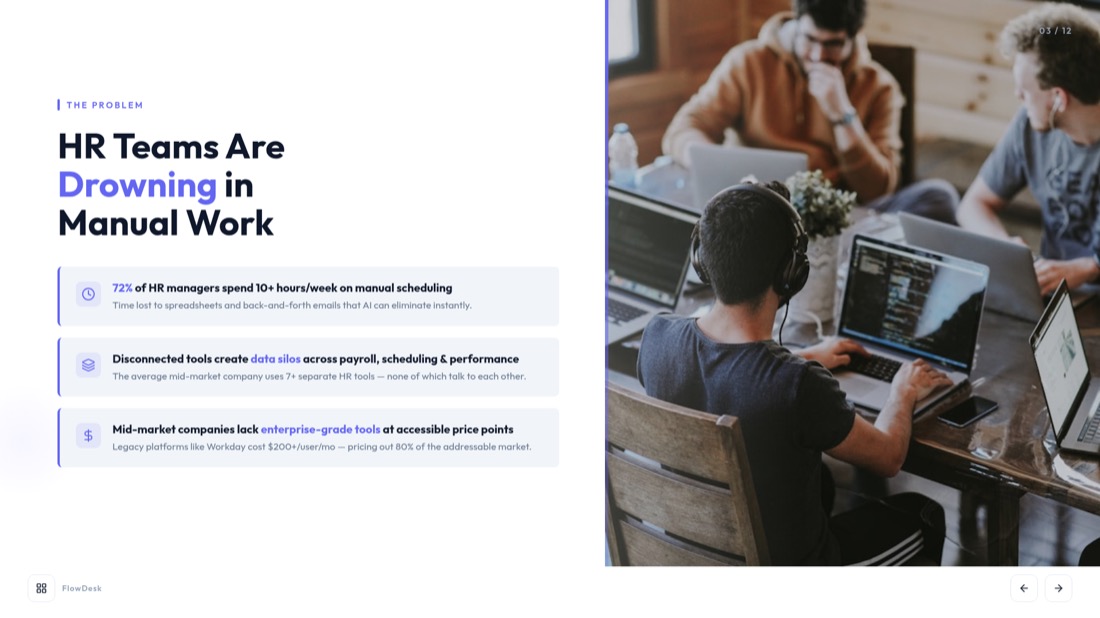
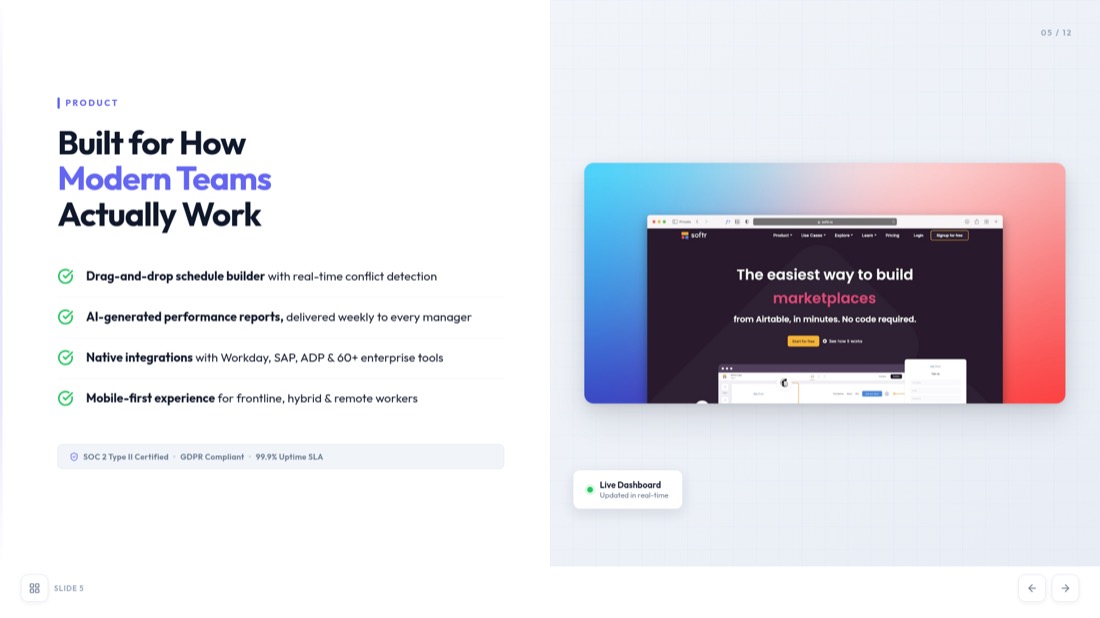
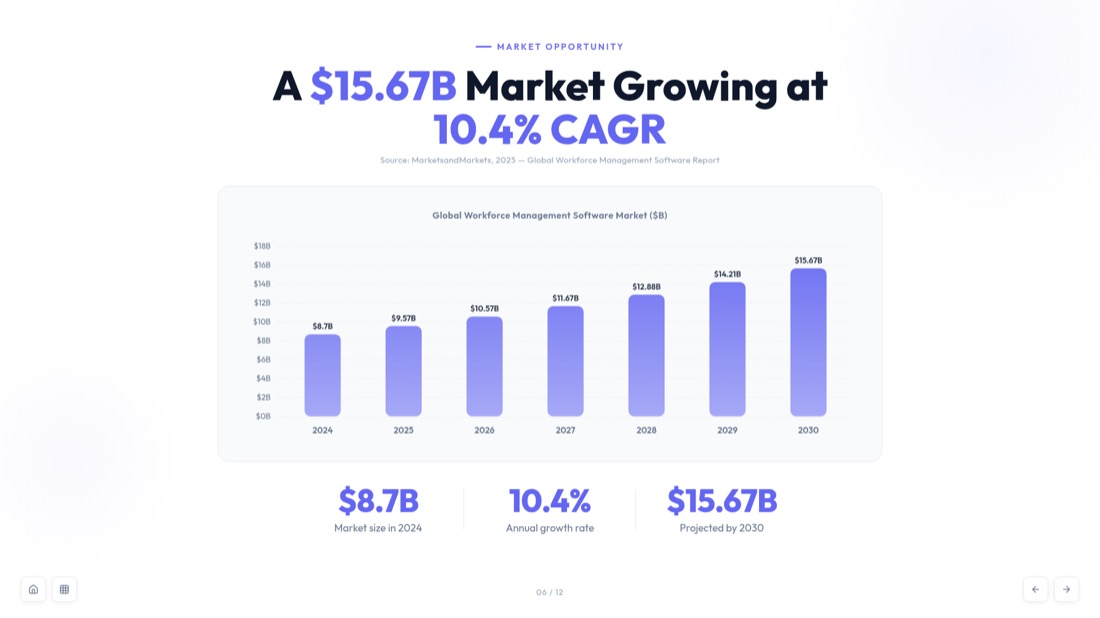
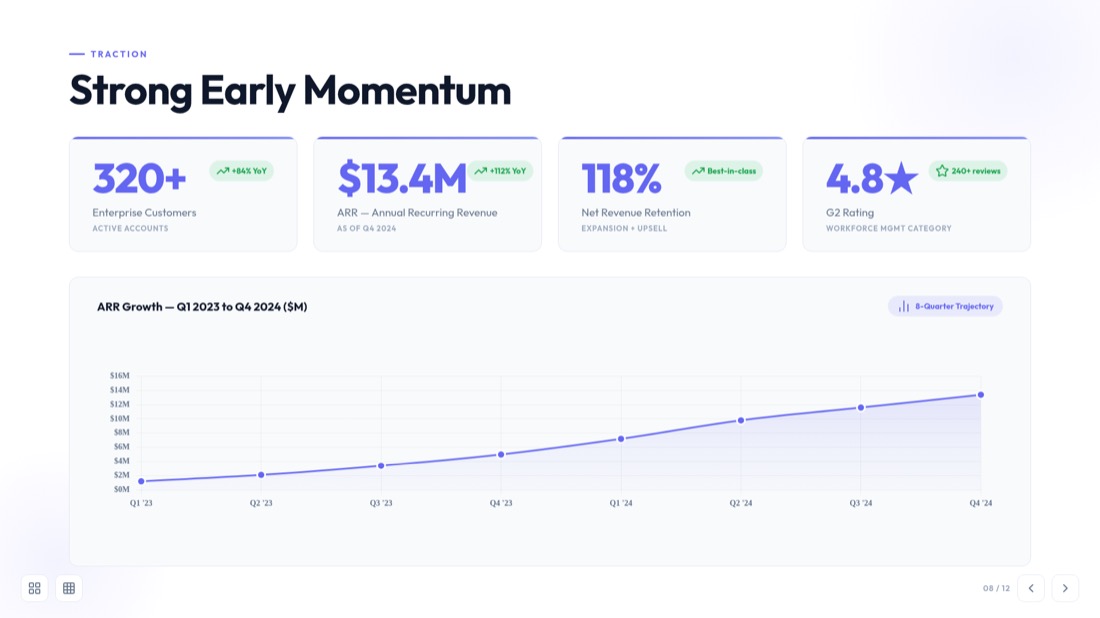
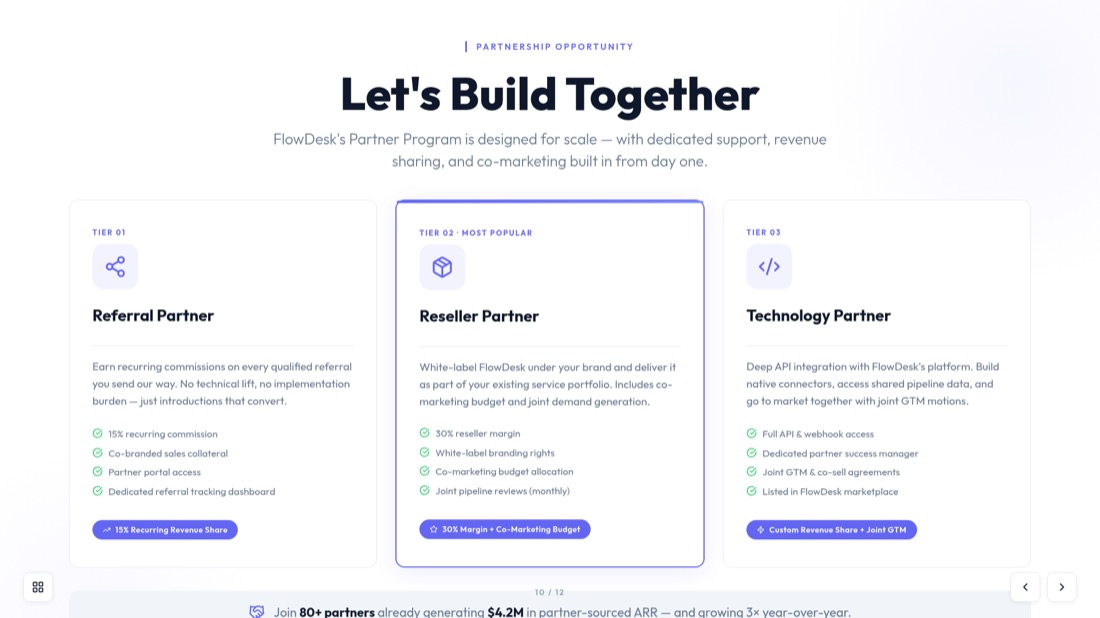
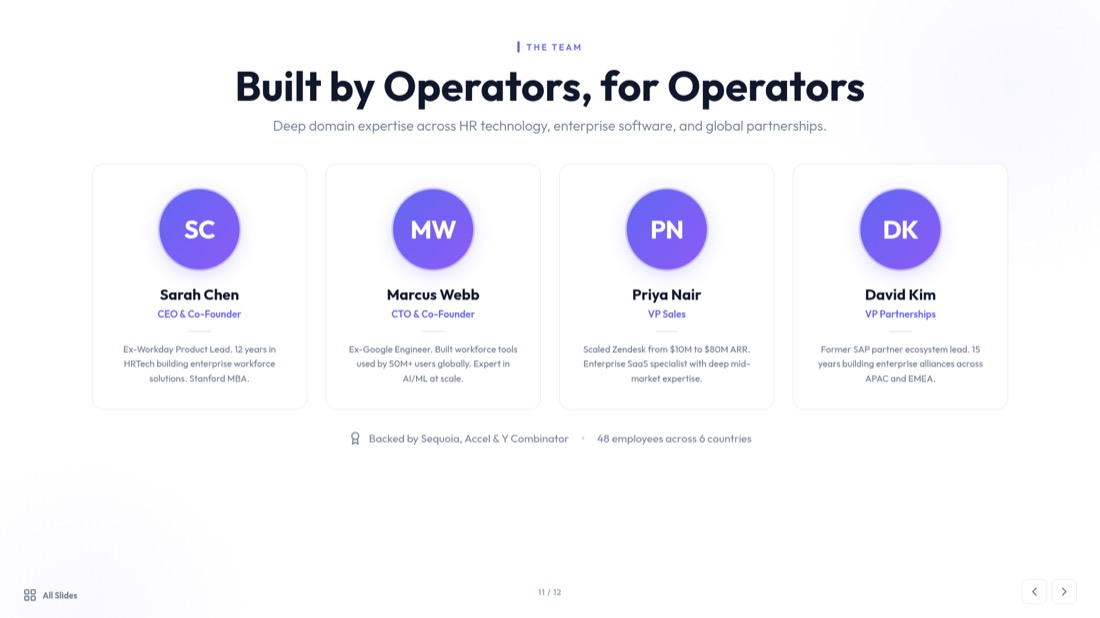
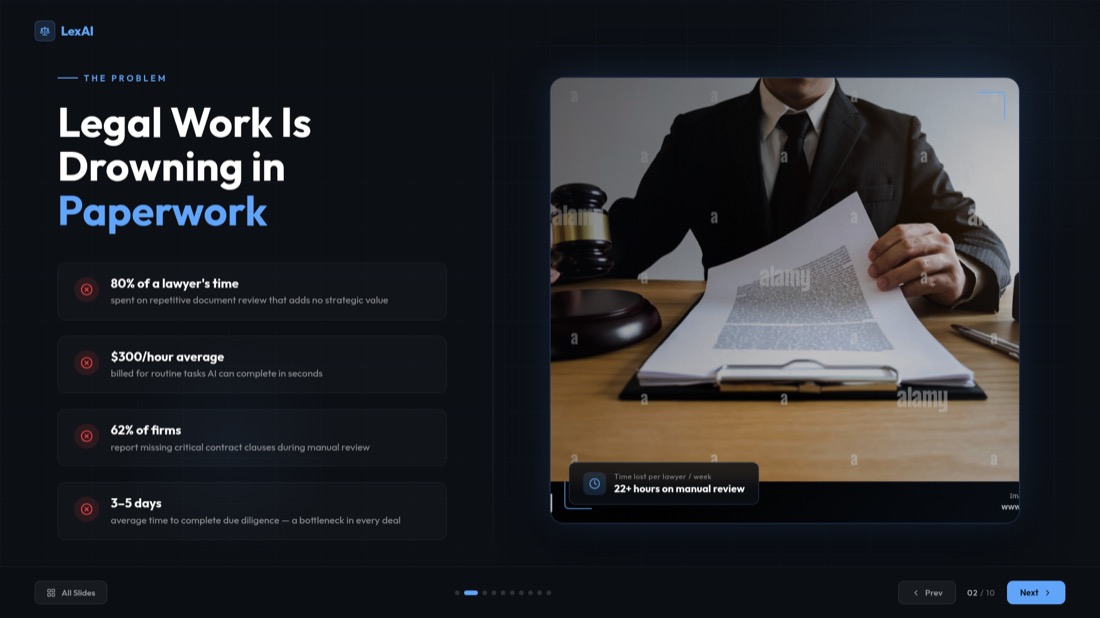
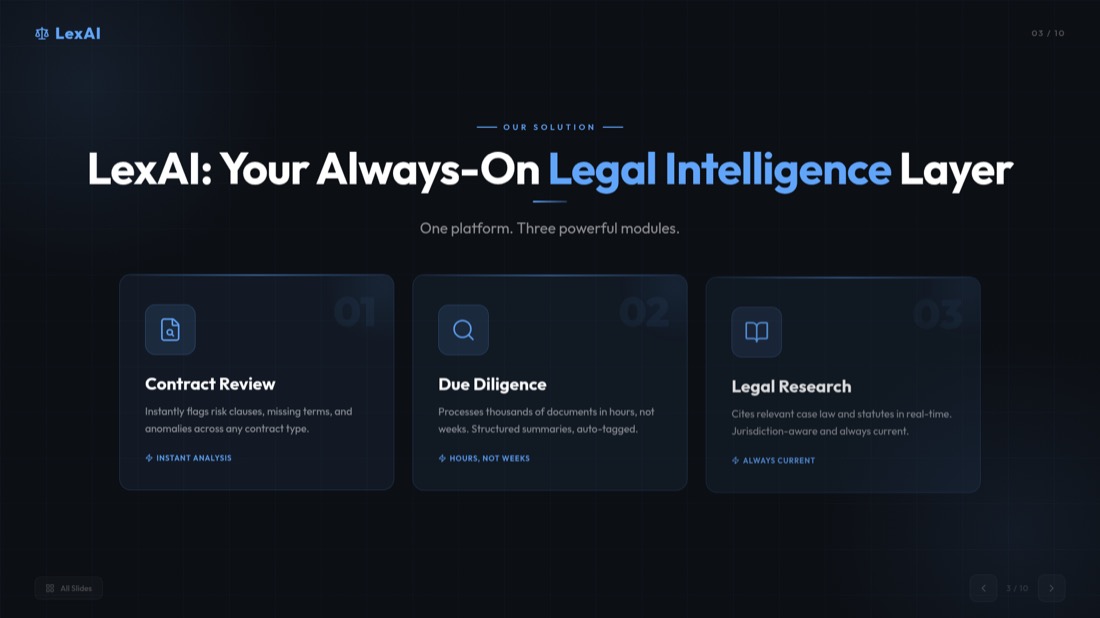
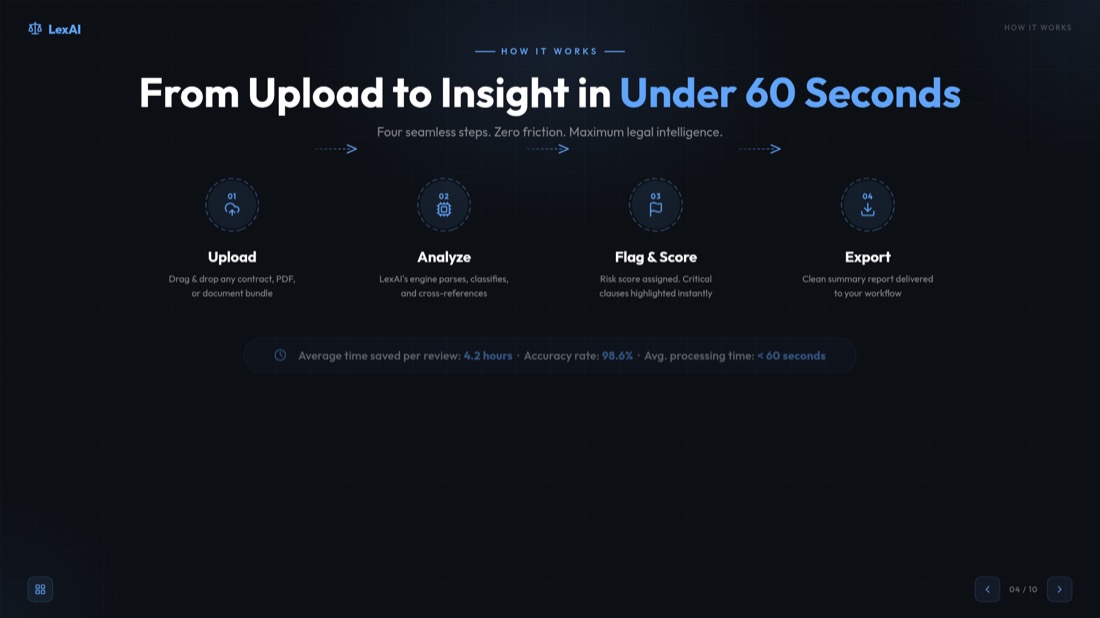
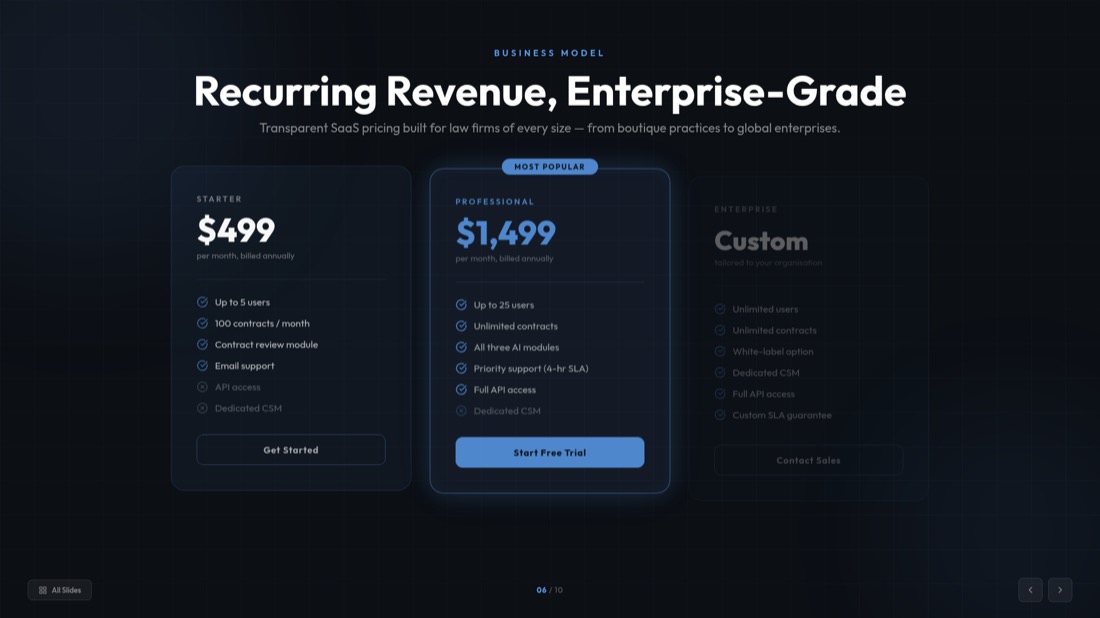
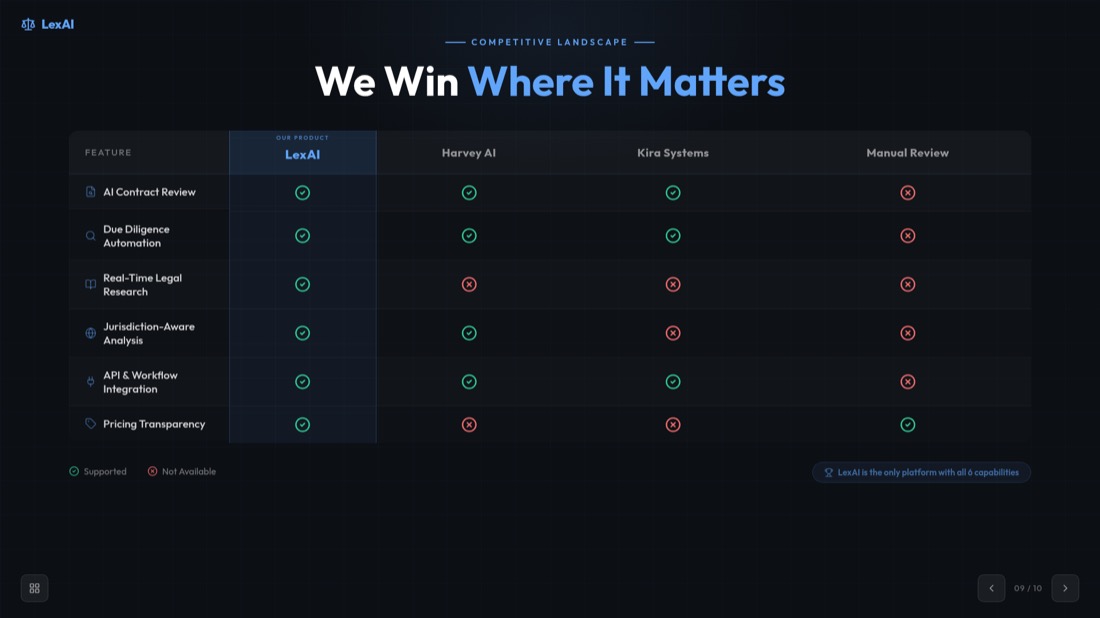
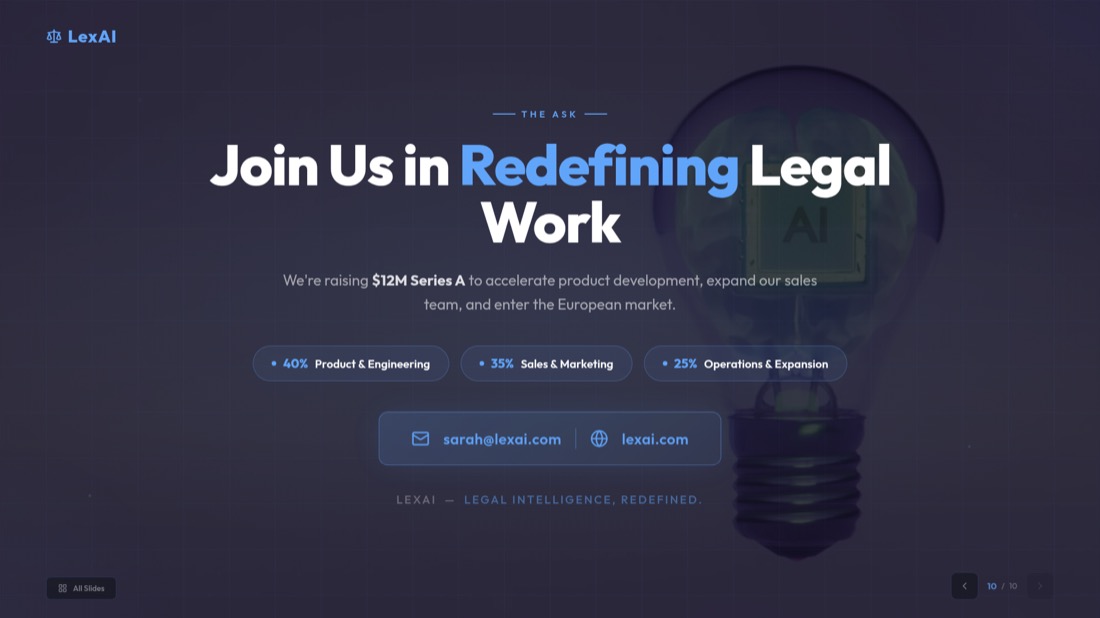
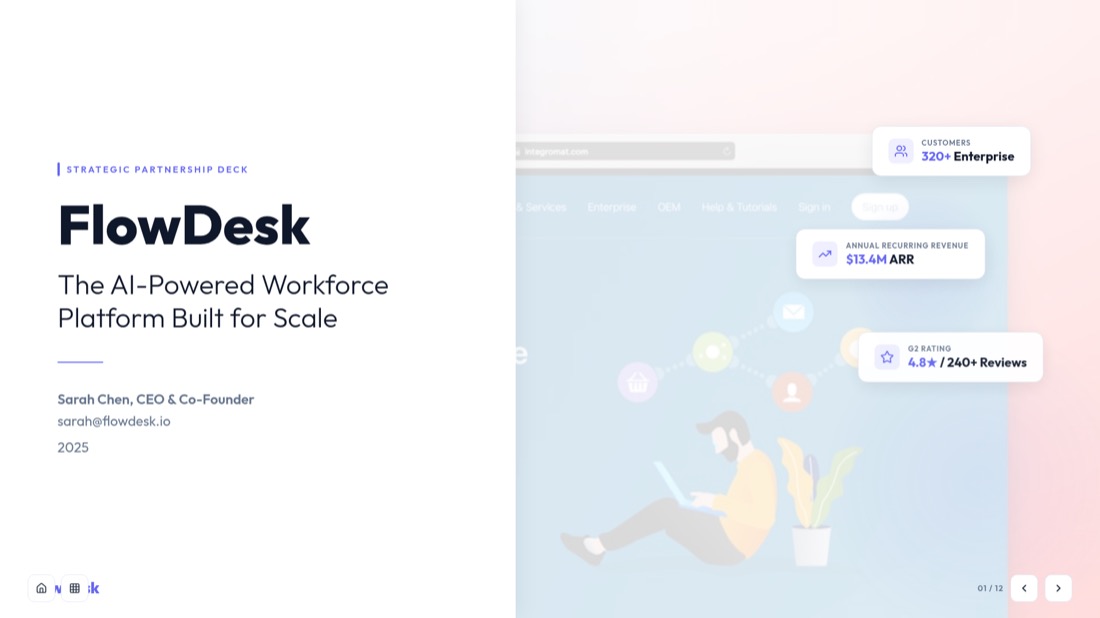
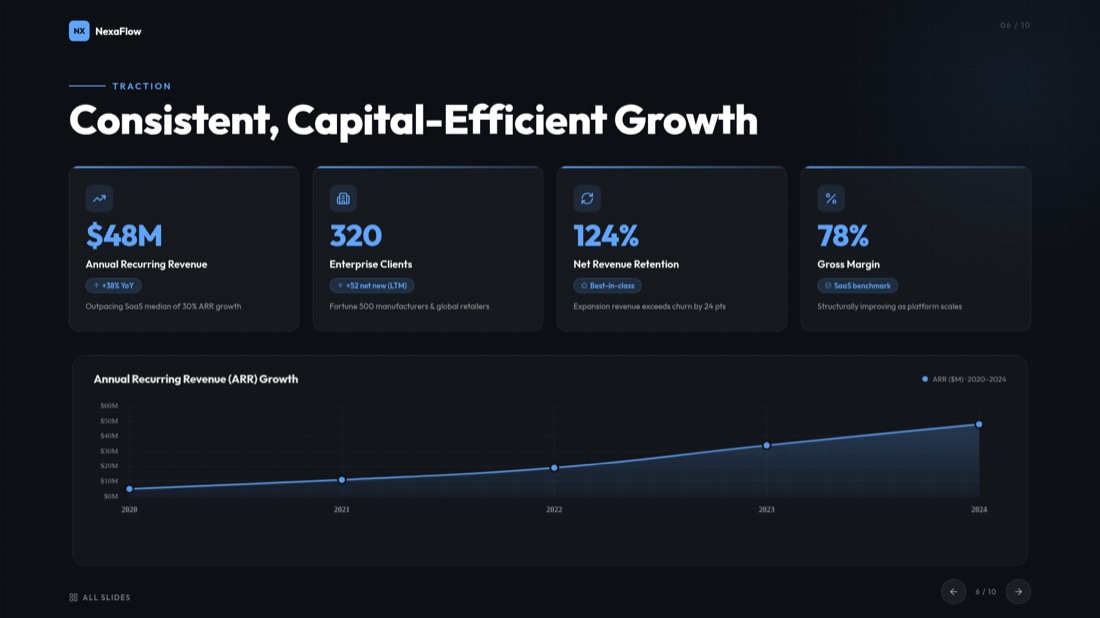
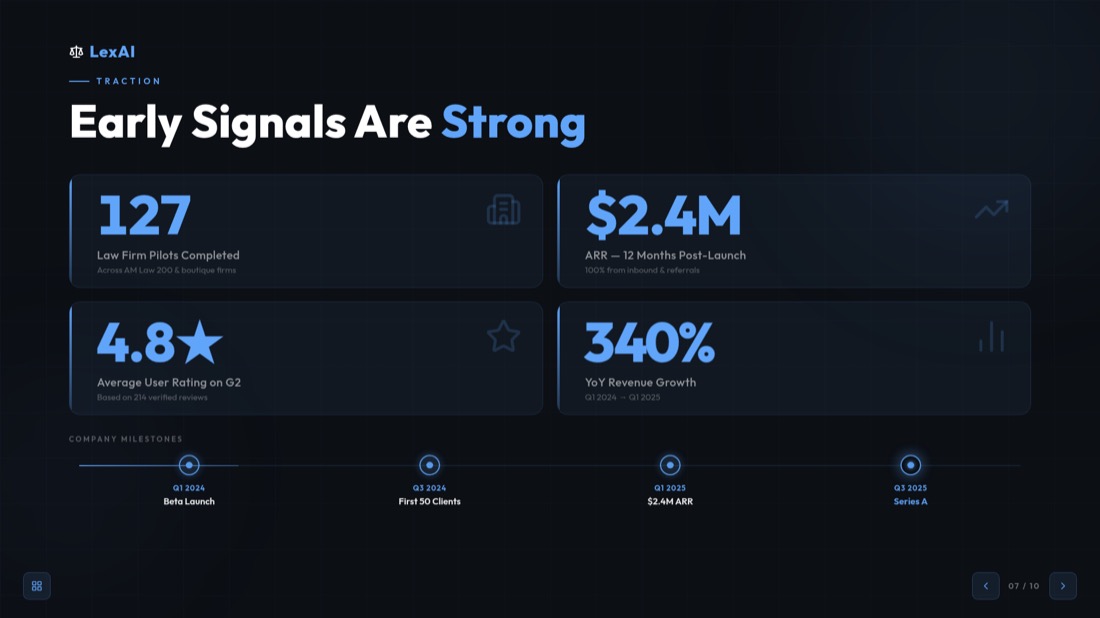
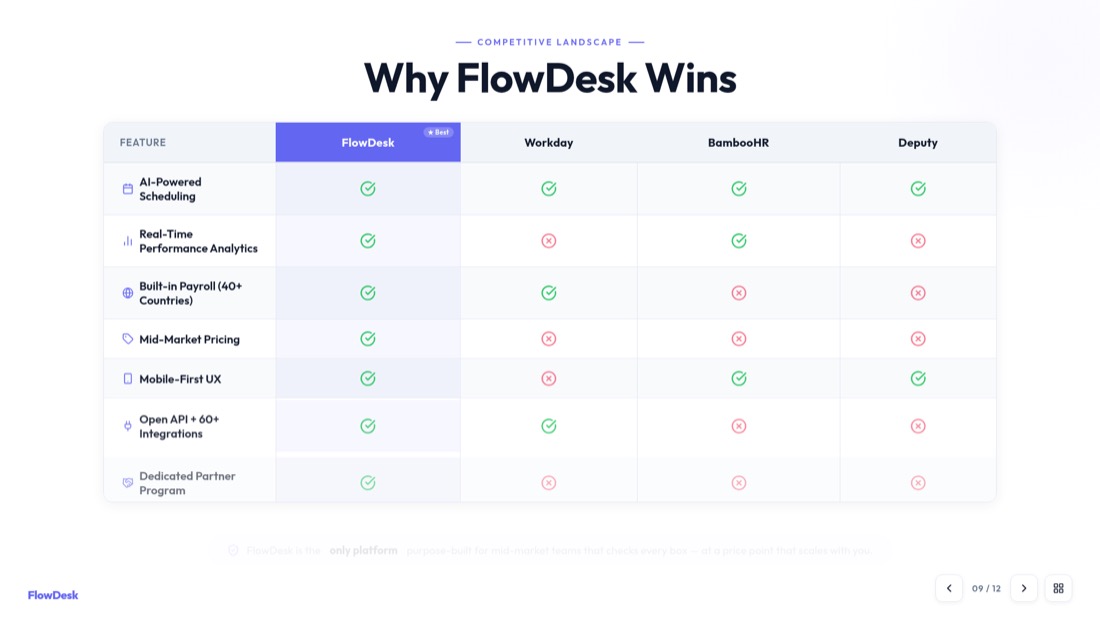
NexaFlow · Investor deck — drag or use the arrows to see all 32 slides
Intelligente Video-zu-PowerPoint-Konvertierung
Wandeln Sie Ihre Videos mit KI-gestützter Inhaltsextraktion und -organisation in professionelle Präsentationen um.
Video jetzt in PPT konvertieren0:42 — webinar.mp4
Generated slide
A spoken moment becomes a titled, structured slide — not just a caption.
Who turns videos into decks
A recording goes in, a finished deck comes out. Here's what that looks like.
Pitch rehearsal → investor deck
52-min recording → 10 polished slides
Recorded demo → client-ready deck
18-min demo → 12 slides to send
Client call → summary deck
40-min call → 10 slides, no retyping
MP4-zu-PPT-Konverter – Beliebiges Videoformat konvertieren
Unser MP4-zu-PPT-Konverter unterstützt alle wichtigen Videoformate und Plattformen. Von lokalen Dateien bis hin zu Online-Videos sind wir für Sie da.
Lokale Dateien
MP4, AVI, MOV, WMV, MKV
Online-Plattformen
YouTube, Vimeo, Dailymotion
Mobile Videos
Telefonaufnahmen, soziale Medien
Bildschirmaufnahmen
Tutorials, Demos, Präsentationen
Von Millionen von Nutzern weltweit vertraut
Schließen Sie sich Tausenden von Fachleuten an, die unserem KI-gestützten Video-zu-Präsentation-Konverter vertrauen.
Video-zu-Folien-Konverter für alle Formate
Unser Video-zu-Folien-Konverter wandelt jedes Video in professionelle Präsentationsfolien um. Ob Sie Videos für Geschäftspräsentationen, Bildungsinhalte oder Marketingmaterialien in Folien konvertieren müssen, unsere KI erledigt alles.
Intelligente Inhaltsextraktion
Unsere KI identifiziert automatisch Schlüsselmomente, extrahiert wichtige Inhalte und organisiert sie in logische Folienabfolgen.
Professionelles Design
Jede Folie wird mit professionellen Layouts, geeigneter Typografie und visueller Hierarchie für maximale Wirkung gestaltet.
Sofortige Verarbeitung
Ihre Präsentation in Minuten, nicht Stunden fertig erhalten. Unser Video-zu-Folie-Konverter arbeitet blitzschnell.
Perfekt für jeden Videotyp
Entdecken Sie, wie unser Tool verschiedene Arten von Videoinhalten in professionelle Präsentationen umwandeln kann.
Bildungsinhalte
- Online-Kurse
- Akademische Vorlesungen
- Schulungsvideos
- Bildungs-Webinare
Geschäftspräsentationen
- Produkteinführungen
- Verkaufspräsentationen
- Unternehmensmeetings
- Kundenpräsentationen
Marketing-Inhalte
- Produktdemos
- Markenvideos
- Marketingkampagnen
- Social-Media-Inhalte
Forschung & Analyse
- Forschungsinterviews
- Datenpräsentationen
- Fallstudien
- Expertendiskussionen
Video-zu-PowerPoint-Konverter-Funktionen
Unser Video-zu-PowerPoint-Konverter bietet erweiterte Funktionen, die die Konvertierung von Videos in PowerPoint einfach und effizient machen. Von automatischer Transkription bis hin zu professionellem Foliendesign haben wir alles, was Sie brauchen.
Automatische Transkription
Sprache mit unserem KI-gestützten Transkriptionsdienst automatisch in Text konvertieren.
Schlüsselbild-Extraktion
KI identifiziert und extrahiert die wichtigsten visuellen Momente aus Ihrem Video.
Inhaltsorganisation
Inhalte intelligent in logische Folienabfolgen und Abschnitte organisieren.
Professionelle Vorlagen
Aus Hunderten von professionellen PowerPoint-Vorlagen und -Designs wählen.
Schnelle Verarbeitung
Ihre Präsentation in nur 2 Minuten fertig erhalten, unabhängig von der Videolänge.
Sicher & Privat
Ihre Videos werden sicher verarbeitet und nach der Konvertierung zum Schutz Ihrer Privatsphäre gelöscht.
How to Convert Video to PPT — Frequently Asked Questions
Everything you need to know about how to convert video to ppt with our free video to ppt converter.
How do I convert a video to PPT?
Add your video, pick a frame-extraction interval, then download your slides. For MP4, MOV and WebM files the frames are captured right in your browser, so you can convert video to ppt in seconds without an upload.
Is the video to ppt converter free?
Yes. Our free video to ppt converter lets you convert video to ppt online free — no sign-in and no hidden costs for direct conversion.
What video formats are supported?
Our mp4 to ppt converter supports MP4, AVI, MOV, WMV and MKV, up to 500MB per video. For the sharpest slides we recommend 720p or higher.
Can I convert MP4 to PPT online?
Absolutely. Upload any MP4 file and our mp4 to ppt converter automatically extracts key frames and turns them into an editable PowerPoint — you can also convert mp4 to pptx the same way.
Do I have to upload my video?
For supported formats (MP4, MOV, WebM) your video never leaves your device — frames are extracted locally in your browser. Other formats are processed securely on our server and deleted after conversion.
Can I convert a YouTube video to PPT?
Yes — use our dedicated YouTube to PPT converter for YouTube, Vimeo and other online videos. It transcribes the video and builds presentation-ready slides automatically.
Is the PowerPoint file editable?
Every deck is a fully editable .pptx that opens in Microsoft PowerPoint and Google Slides, so you can customize layouts, text and images before you present.
How long does it take to convert video to slides?
Most videos are ready in about 2 minutes. Browser-based frame extraction is near-instant, and you can preview and extract slides from the video before downloading.
Need help with YouTube videos? Check out our specialized guide on how to convert YouTube video to PPT.
Ready to create your presentation?
Join thousands of professionals who save hours every week with AI-powered presentations.
1,511 reviews · Trustpilot & Workspace


