वीडियो से PPT कनवर्टर: AI-संचालित या सीधा अपलोड
अपना वीडियो अपलोड करें और तुरंत प्रस्तुतियां बनाएं। त्वरित रूपांतरण के लिए सीधा अपलोड चुनें, या अपने वीडियो से बुद्धिमान सामग्री निर्माण के लिए AI मोड का उपयोग करें।
Direct Video to PPT
Free • No sign-in • Instant conversion
Upload Video
Drag and drop your video here, or click to browse
Supported formats: MP4, MOV, AVI, WEBM
Maximum 500MB per video


4.6 from 1,511 reviews on Trustpilot & Workspace
Trusted by 2.6M+ professionals and teams worldwide
- Google
- Amazon
- Netflix
- LinkedIn
- Salesforce
- HubSpot
- Shopify
- Stripe
- ByteDance
- Cisco
- IBM
- Red Hat
- NVIDIA
- SpaceX


वीडियो को ऑनलाइन मुफ्त PPT में कैसे बदलें
हमारा वीडियो से PPT कनवर्टर केवल तीन सरल चरणों में वीडियो को PowerPoint में बदलना आसान बनाता है। किसी तकनीकी कौशल की आवश्यकता नहीं!
⚡ Most videos are processed right in your browser — no upload, no waiting.
Add your video
Drop in any MP4, MOV or WebM file — supported formats never leave your device.
Frames are captured
A frame is grabbed at your chosen interval, extracted instantly in your browser.
Pick your slides
Preview every frame and keep only the ones you want in the deck.


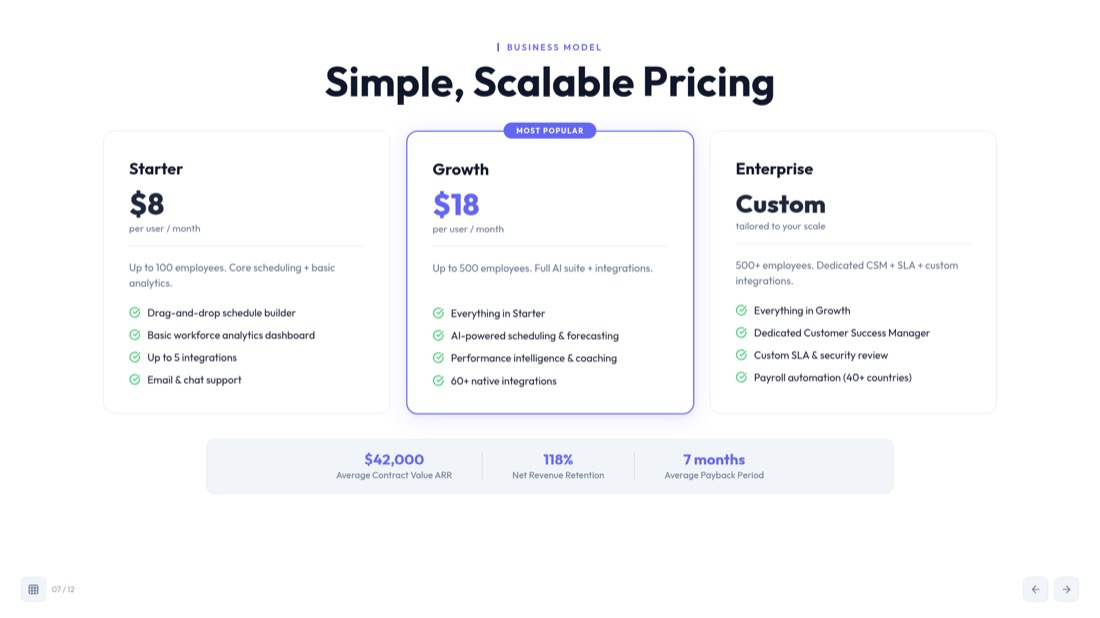
Download .pptx
Get a fully editable PowerPoint, ready to present in seconds.
सर्वश्रेष्ठ वीडियो से PPT कनवर्टर ऑनलाइन मुफ्त
हमारा वीडियो से PPT कनवर्टर किसी भी वीडियो प्रारूप को PowerPoint प्रस्तुतियों में बदलने का सबसे उन्नत टूल है। चाहे आपको MP4 फ़ाइलों, AVI वीडियो या अन्य प्रारूपों से वीडियो को PPT में बदलना हो, हमारा AI-संचालित वीडियो से PowerPoint कनवर्टर सब कुछ संभालता है।
lecture.mp4
48 MB
webinar.mov
112 MB
demo.avi
76 MB
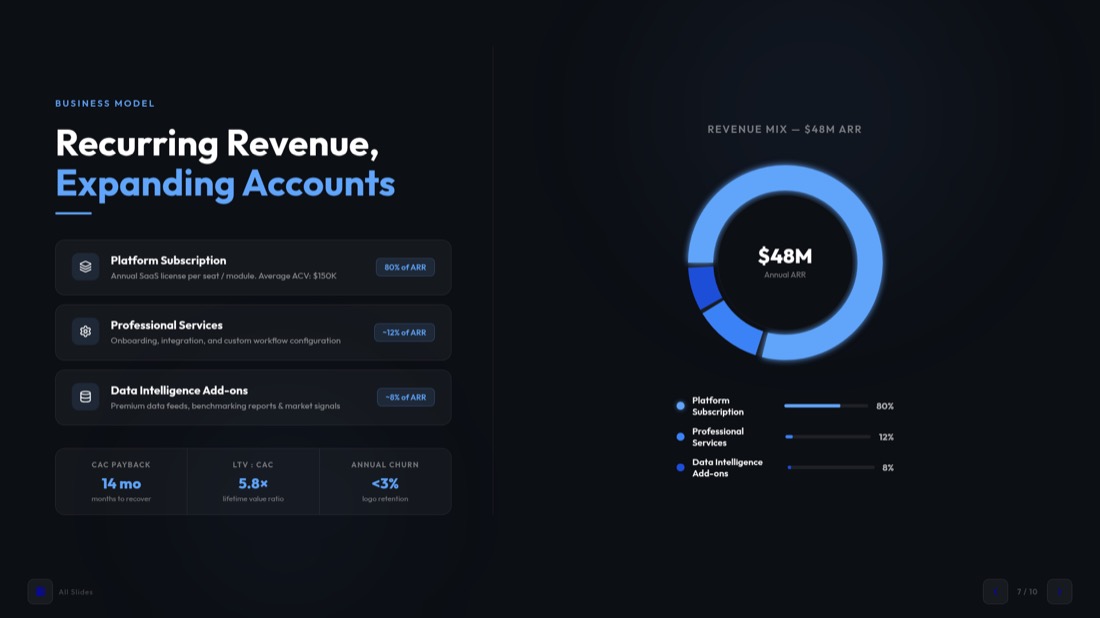
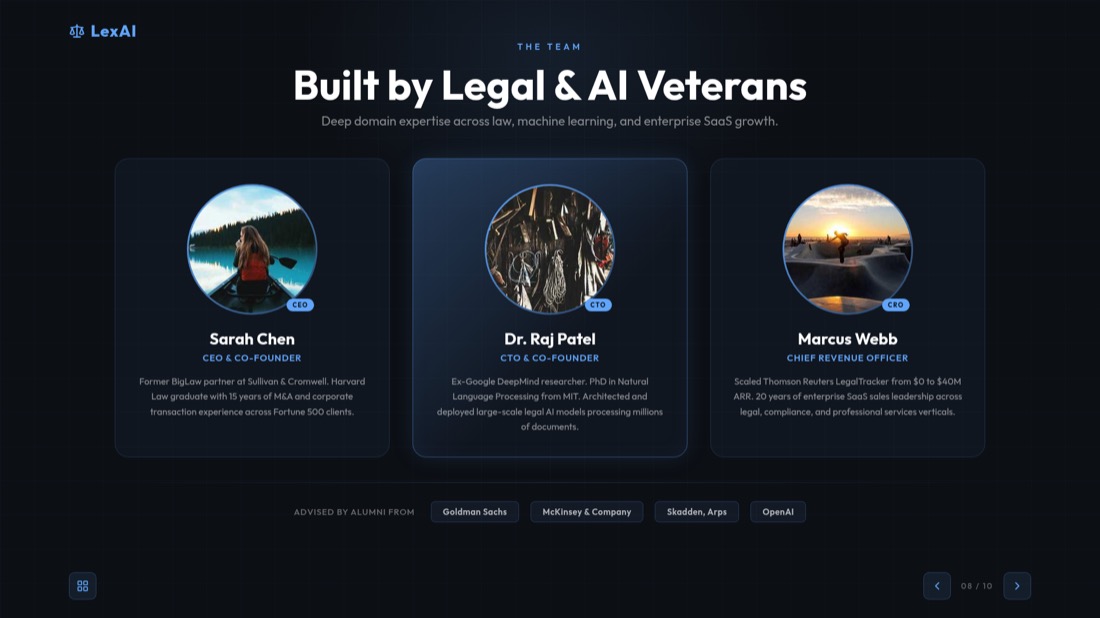
Your video never gets uploaded
For MP4, MOV and WebM files, frames are pulled straight from the file in your browser — nothing leaves your device, so it's private and starts instantly.
You pick every slide
Set how often a frame is captured, then preview the grid and keep only the frames worth presenting — no junk slides in the final deck.
Editable .pptx, not a flat export
Download a real PowerPoint file that opens in PowerPoint and Google Slides — retype text, restyle layouts and add your own slides before presenting.
Working with an online video instead? Use the YouTube to PPT converter.
AI के साथ किसी भी वीडियो से तुरंत प्रस्तुतियां बनाएं
हमारे उन्नत AI टूल का उपयोग करके वीडियो को PPT में कैसे बदलें और वीडियो से PPT कैसे बनाएं यह जानें
अभी वीडियो को PPT में बदलेंReal slides, generated — not designed by hand
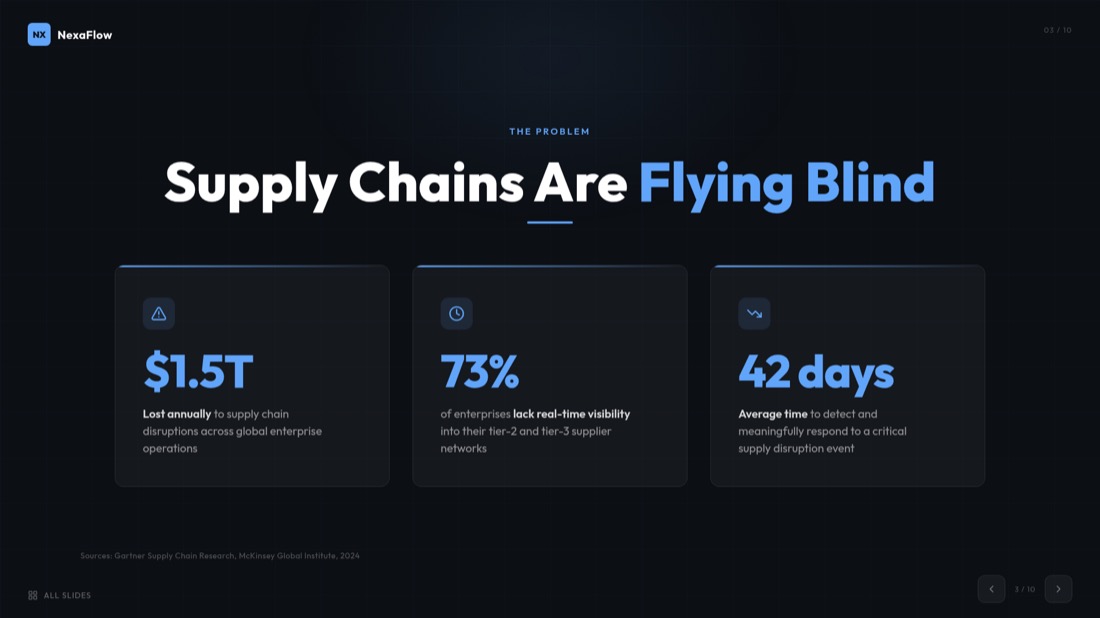
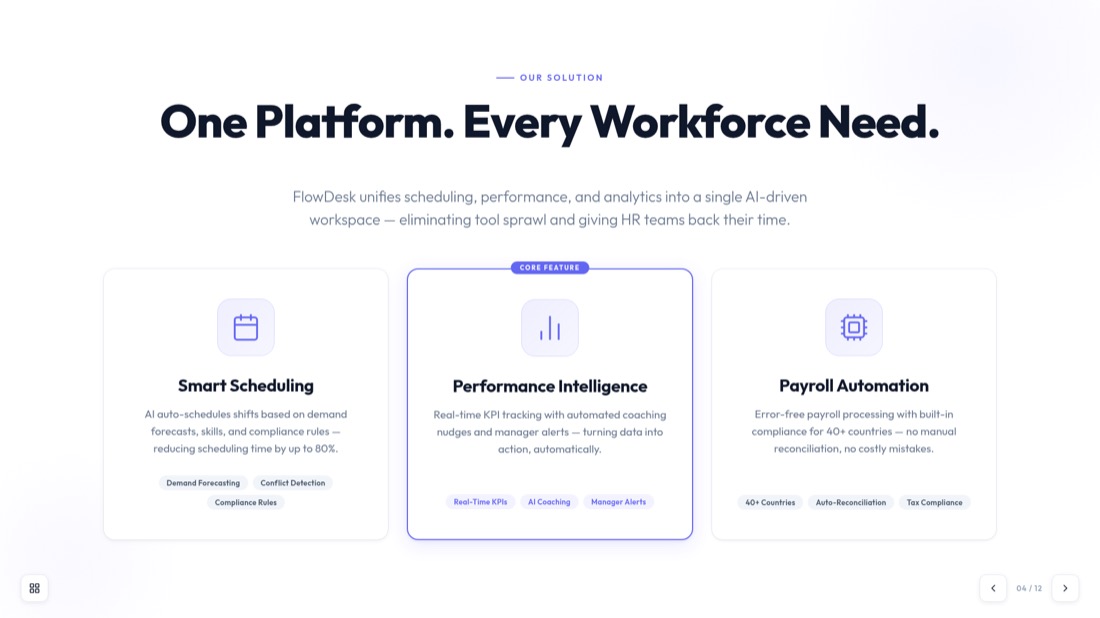
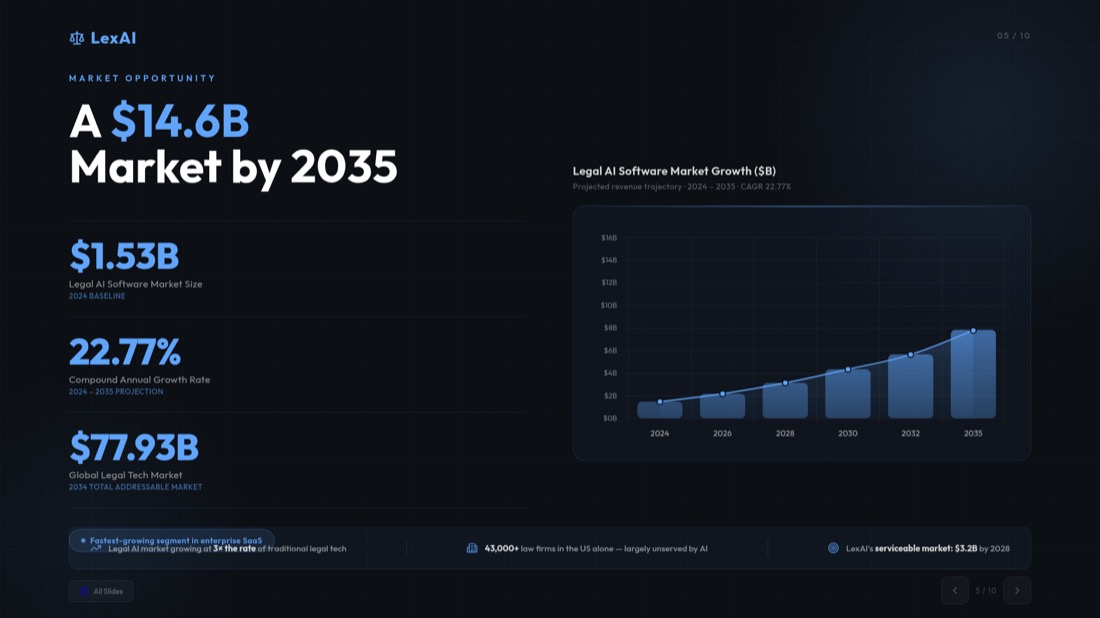
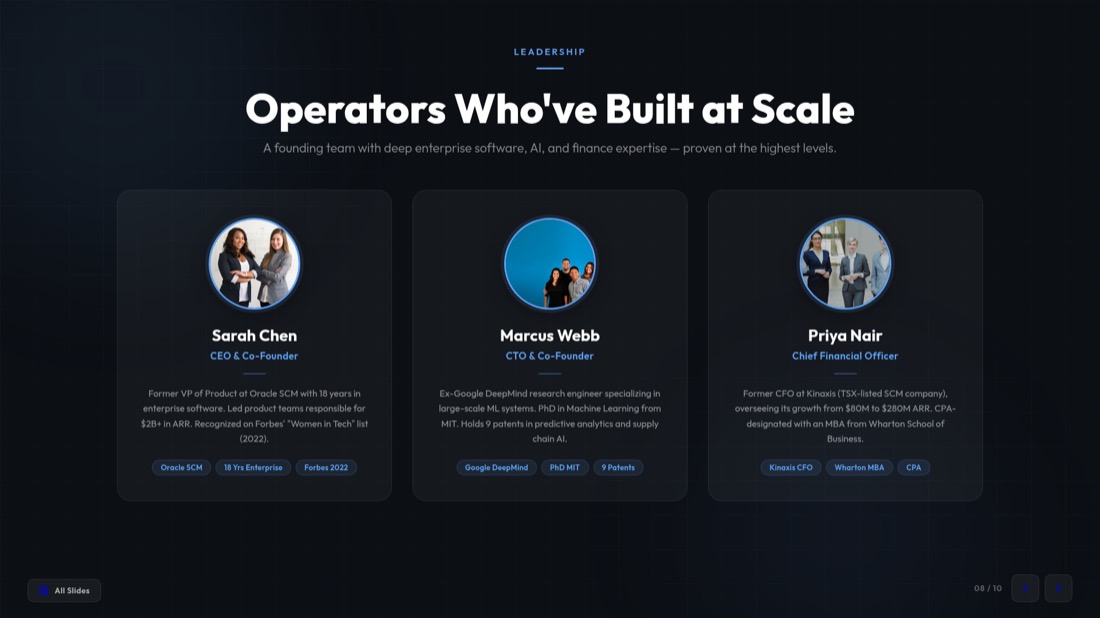
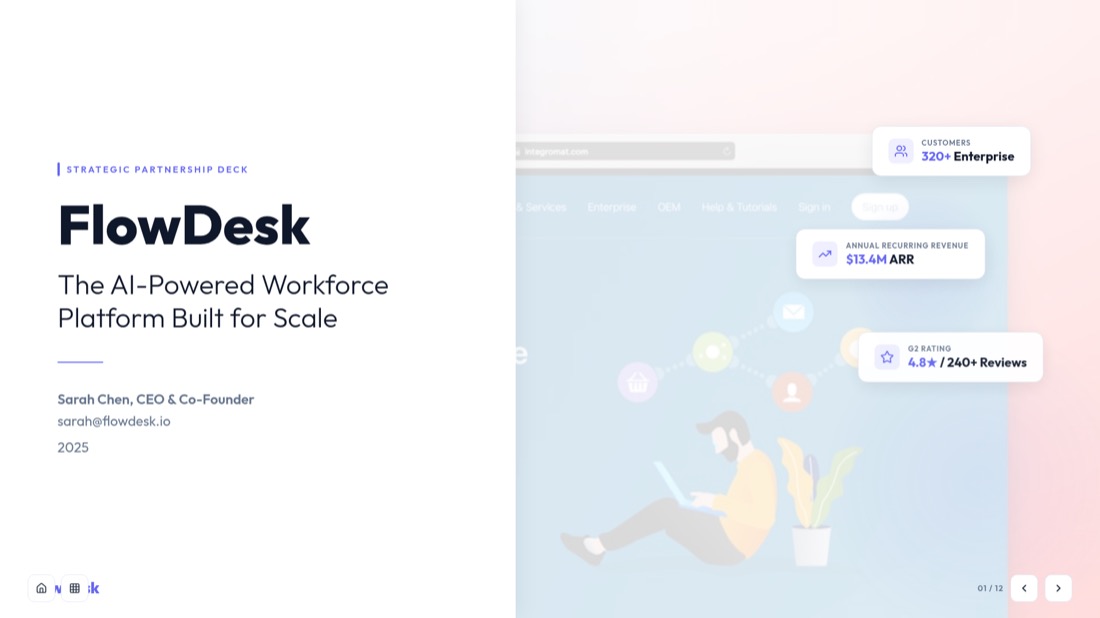
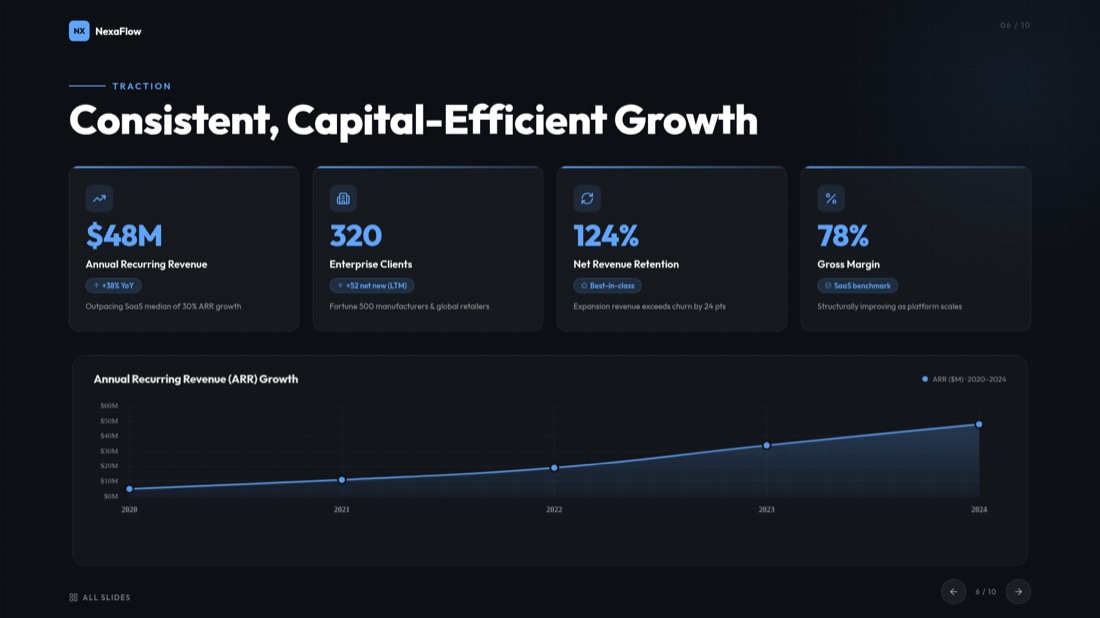
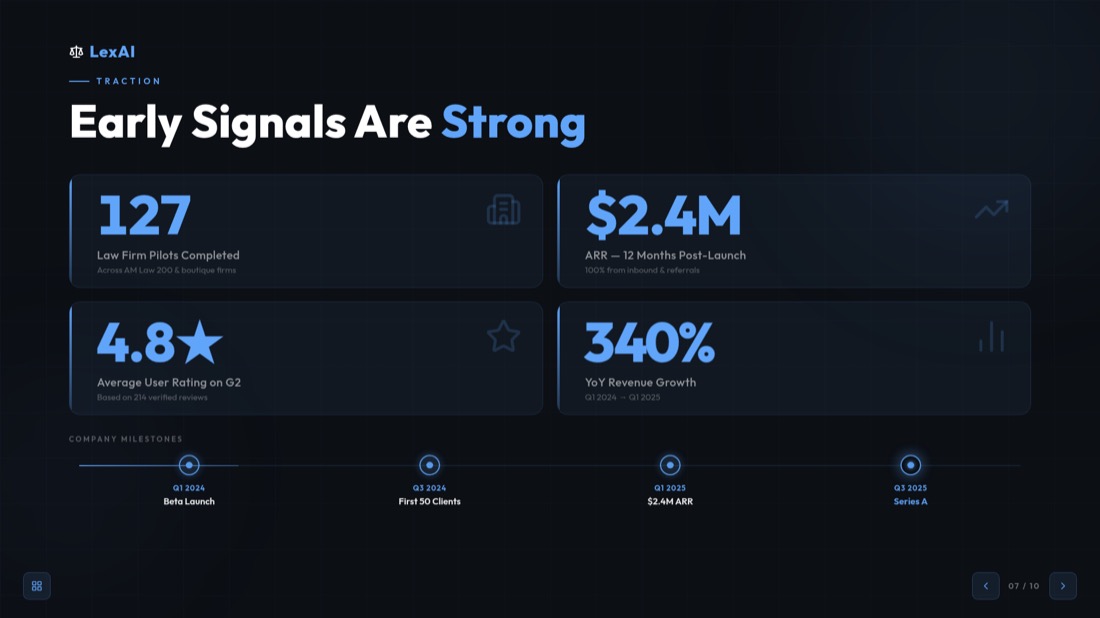
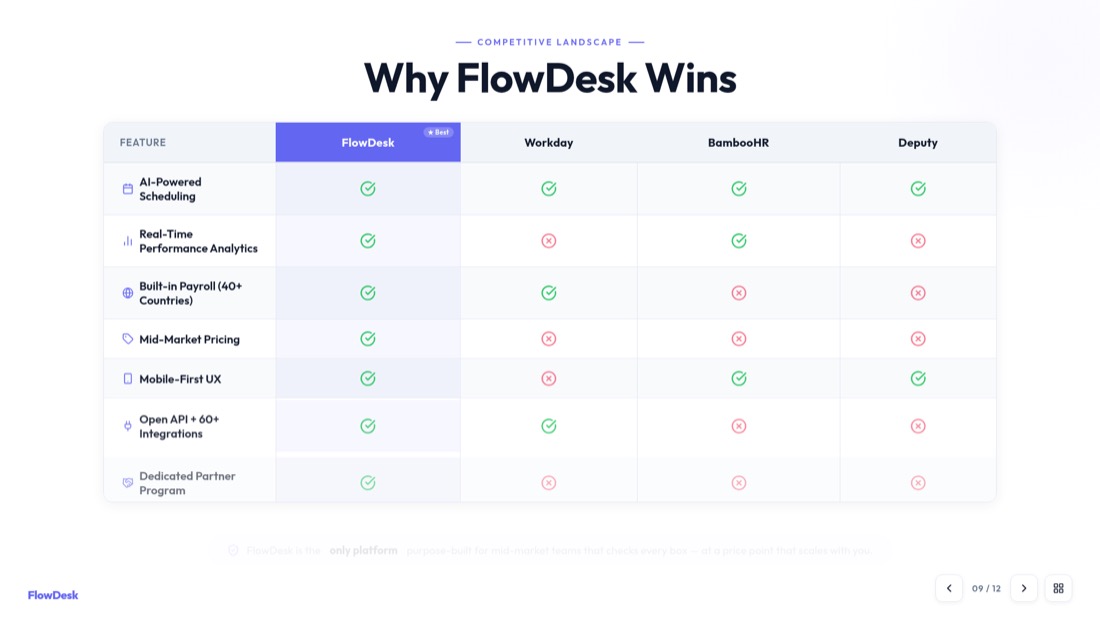
Every slide below came straight out of MagicSlides Studio. No templates were tweaked, no layouts nudged — this is what you get back from a video.
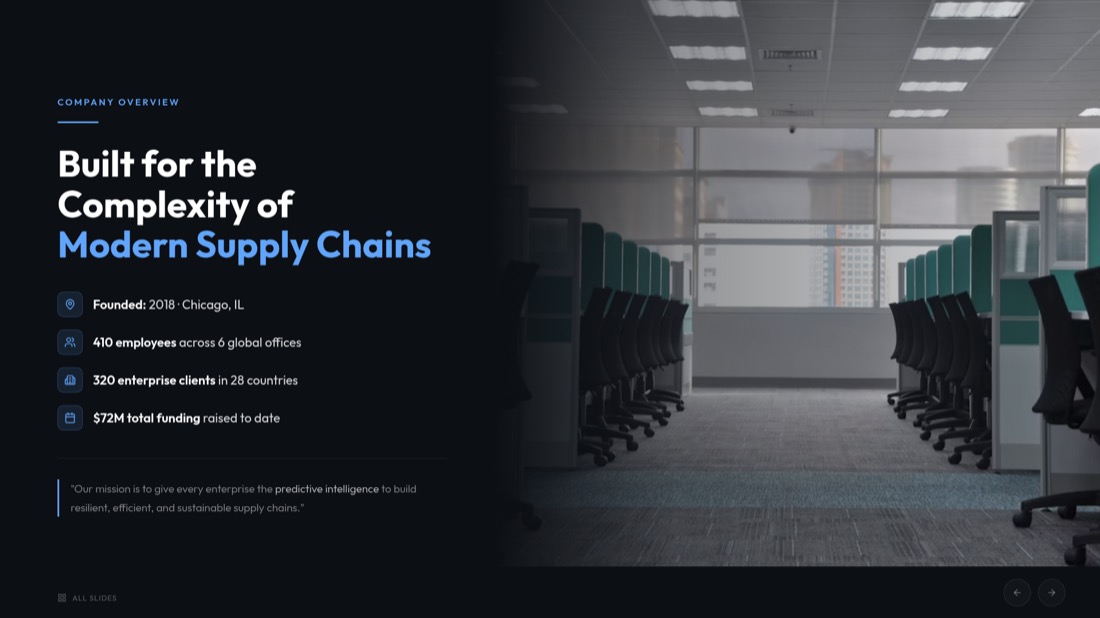

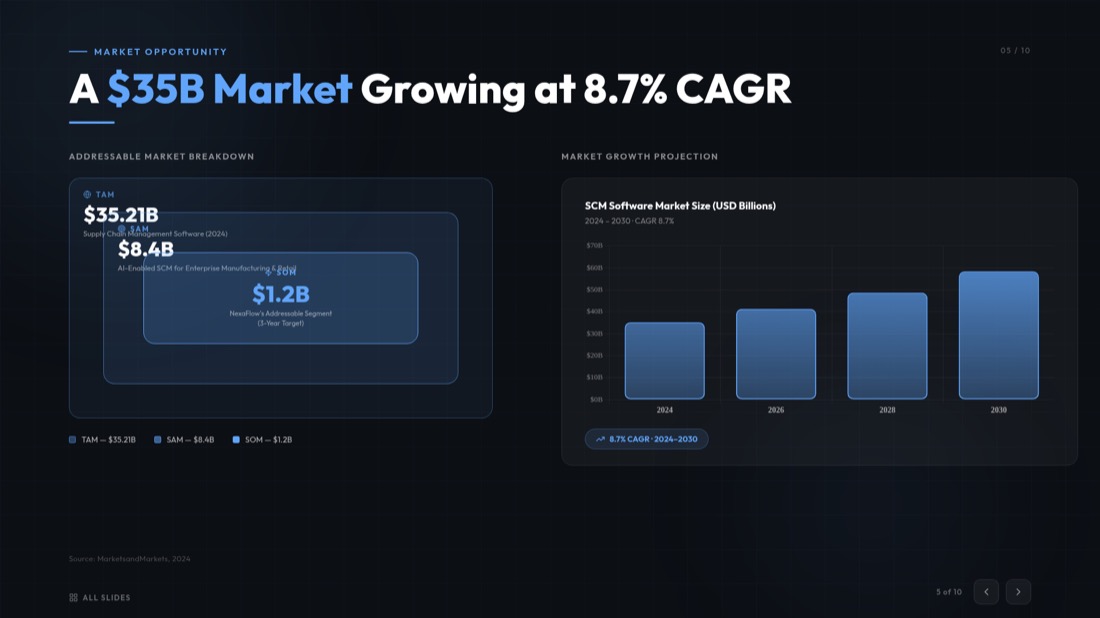
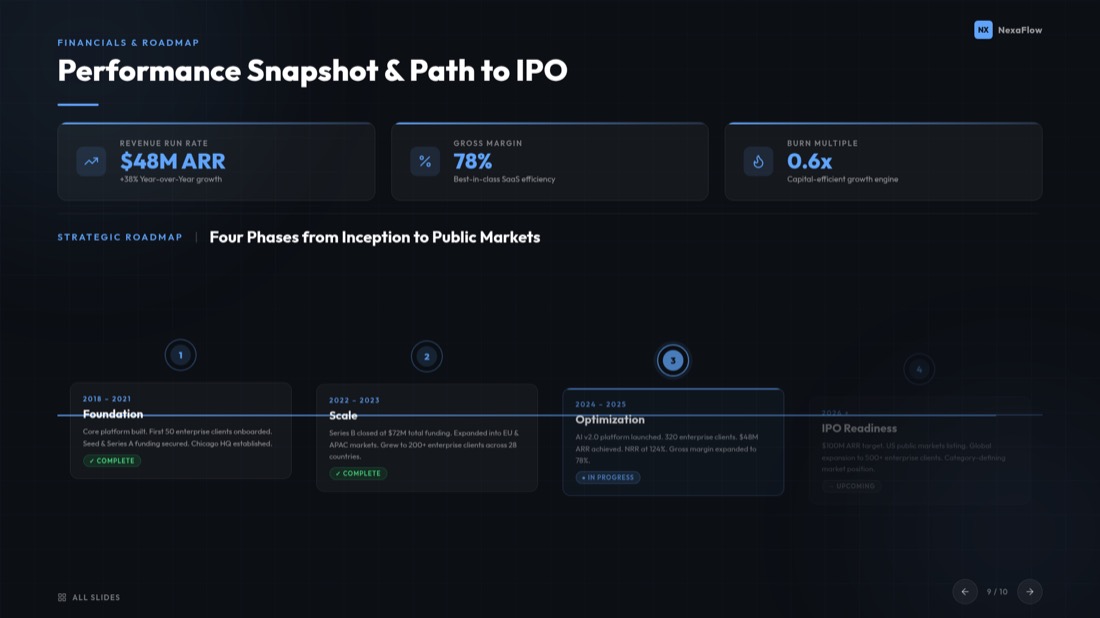

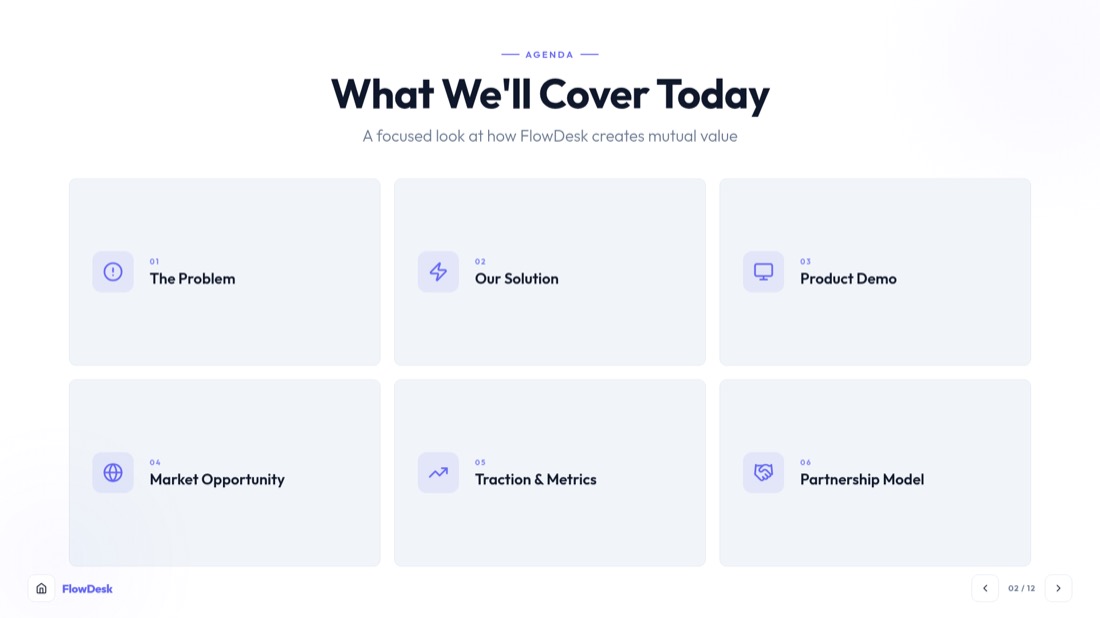
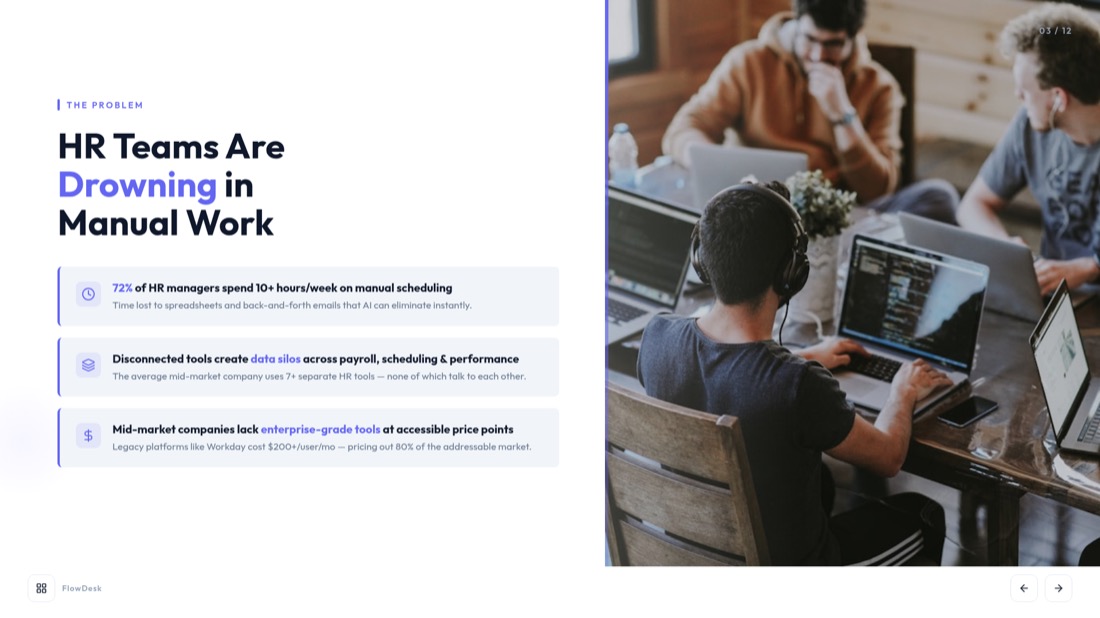
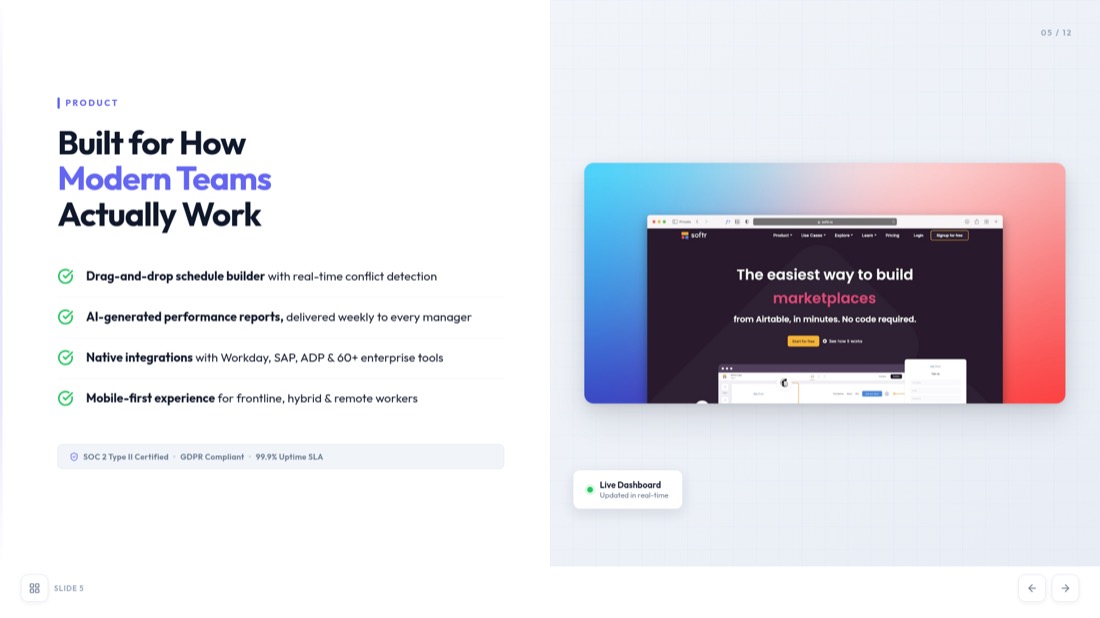
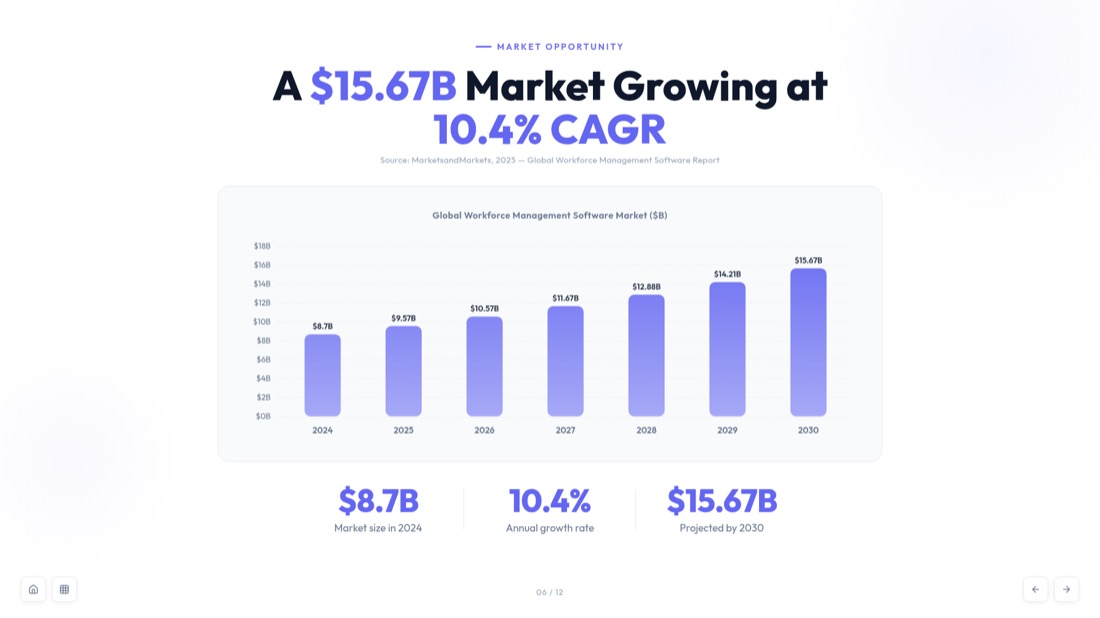
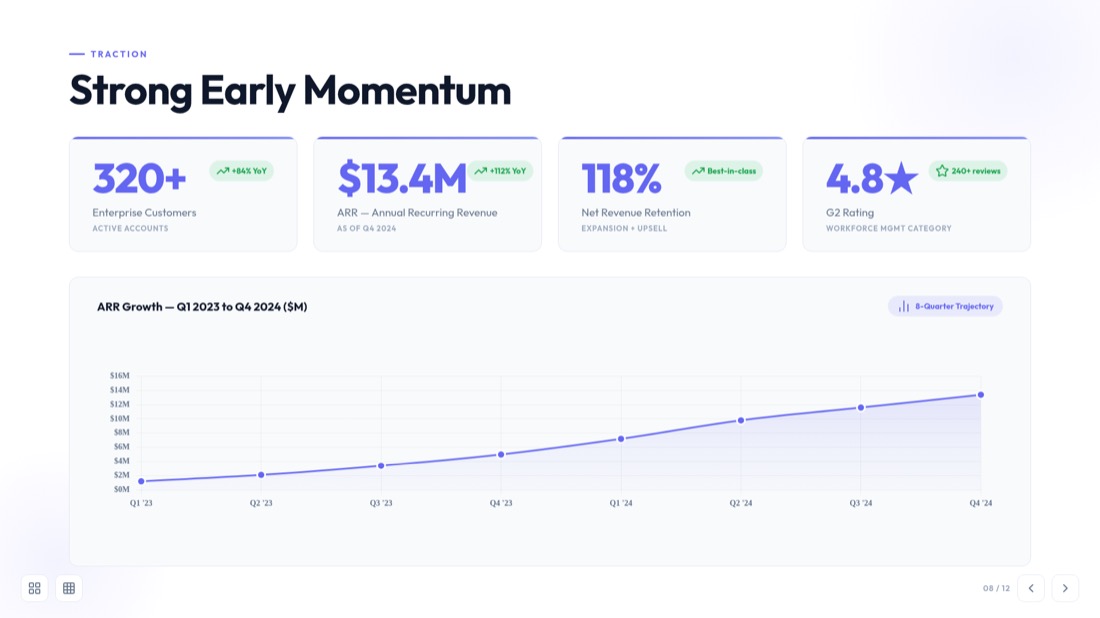
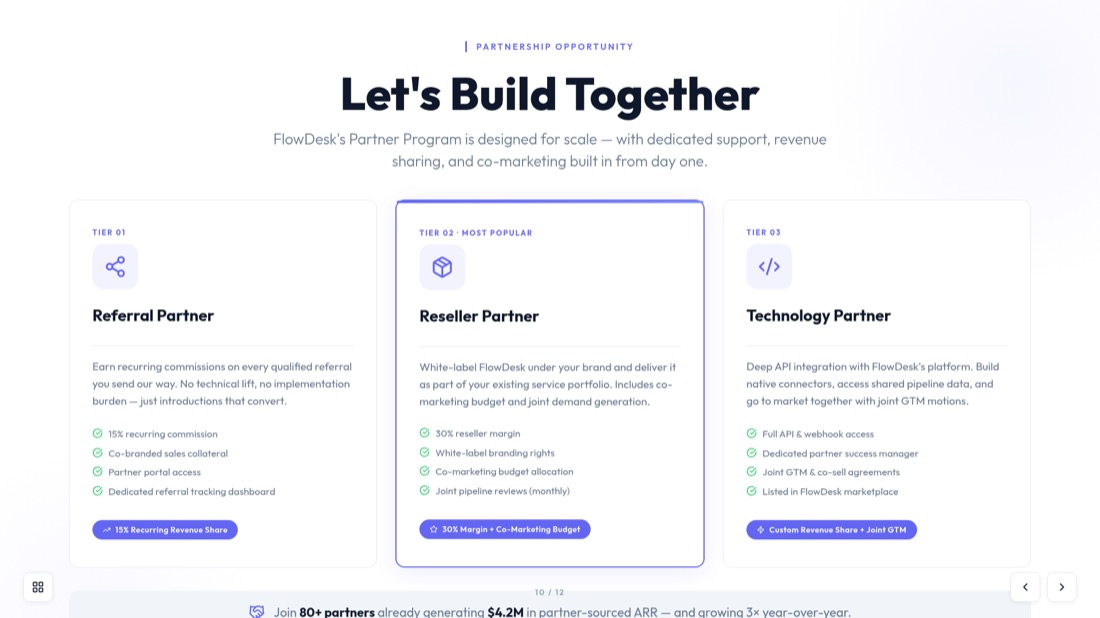
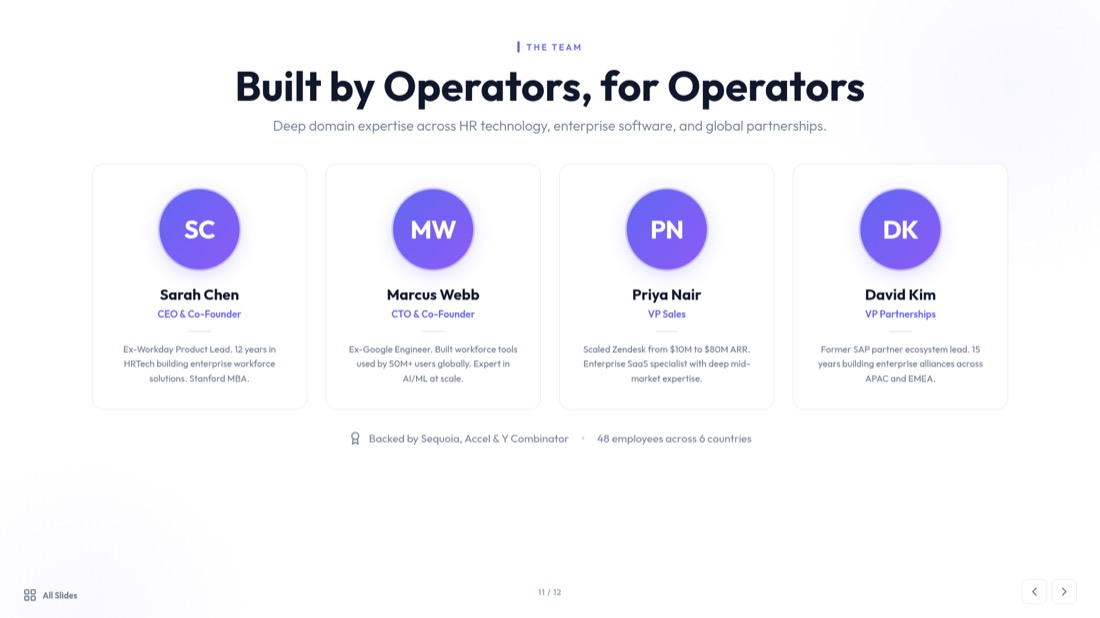
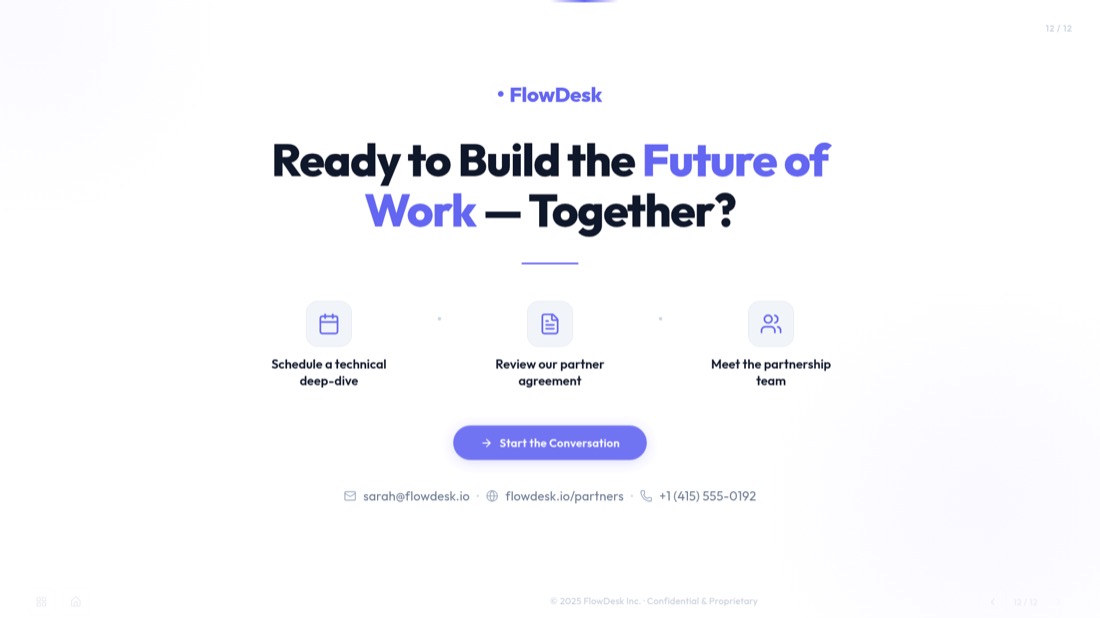
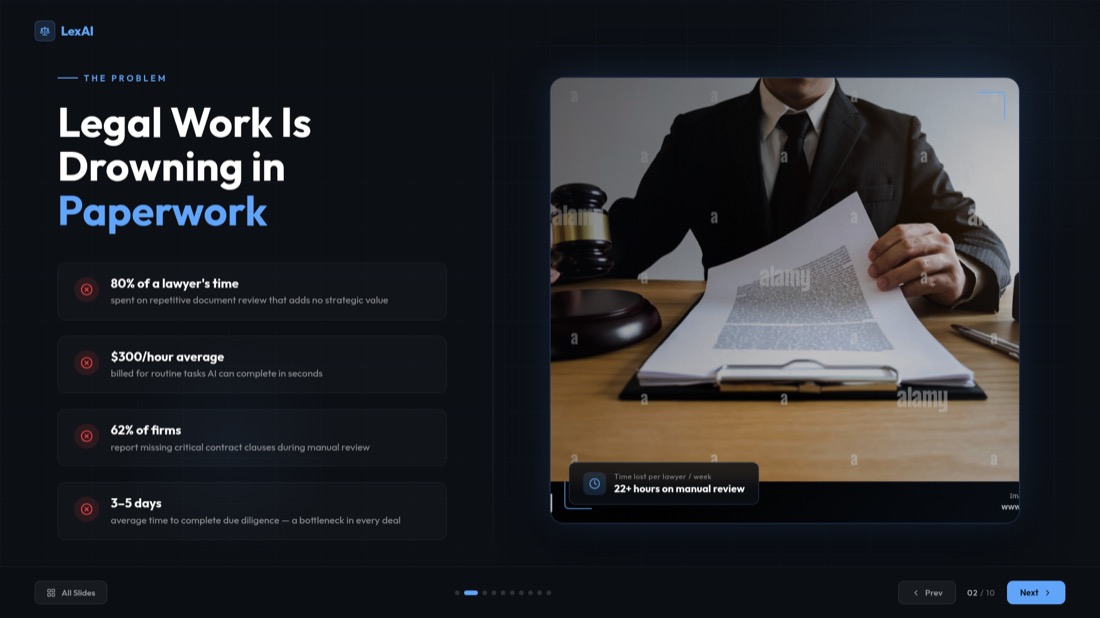
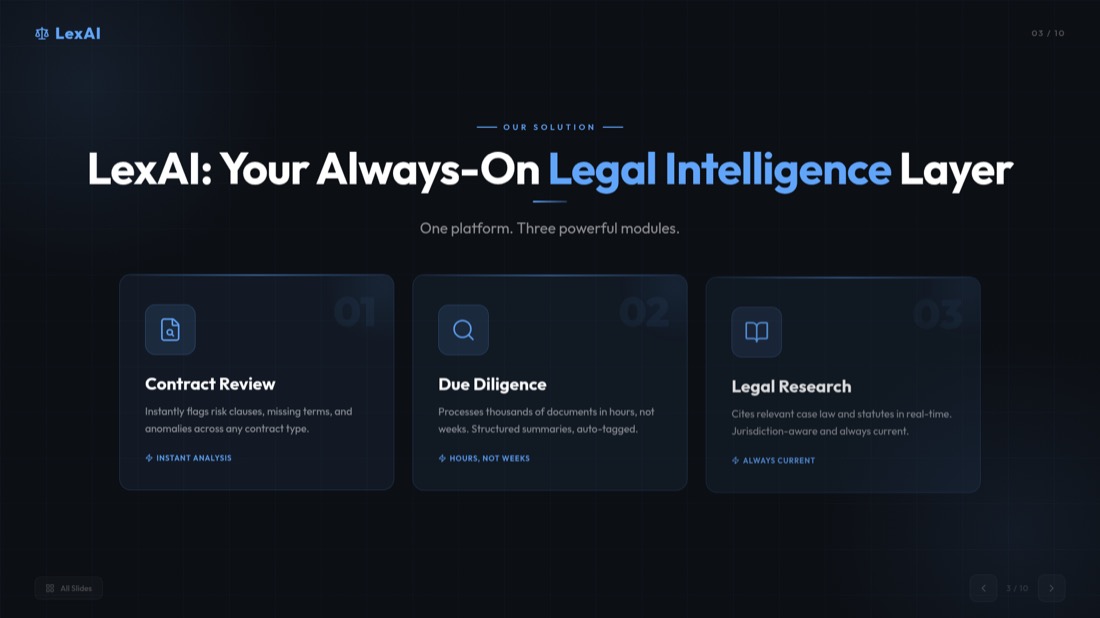
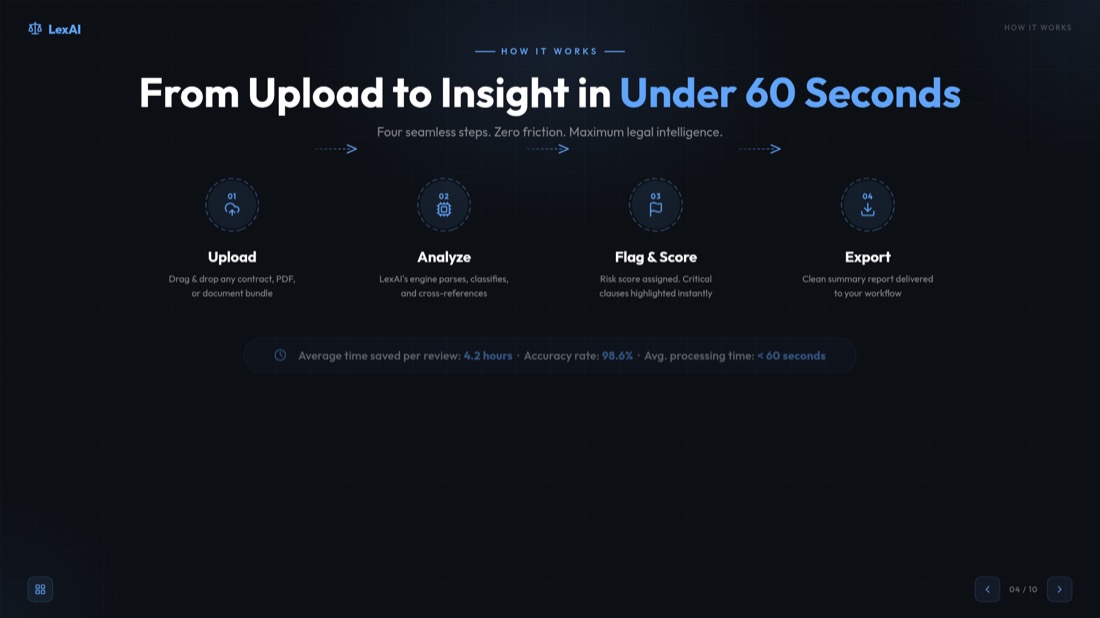
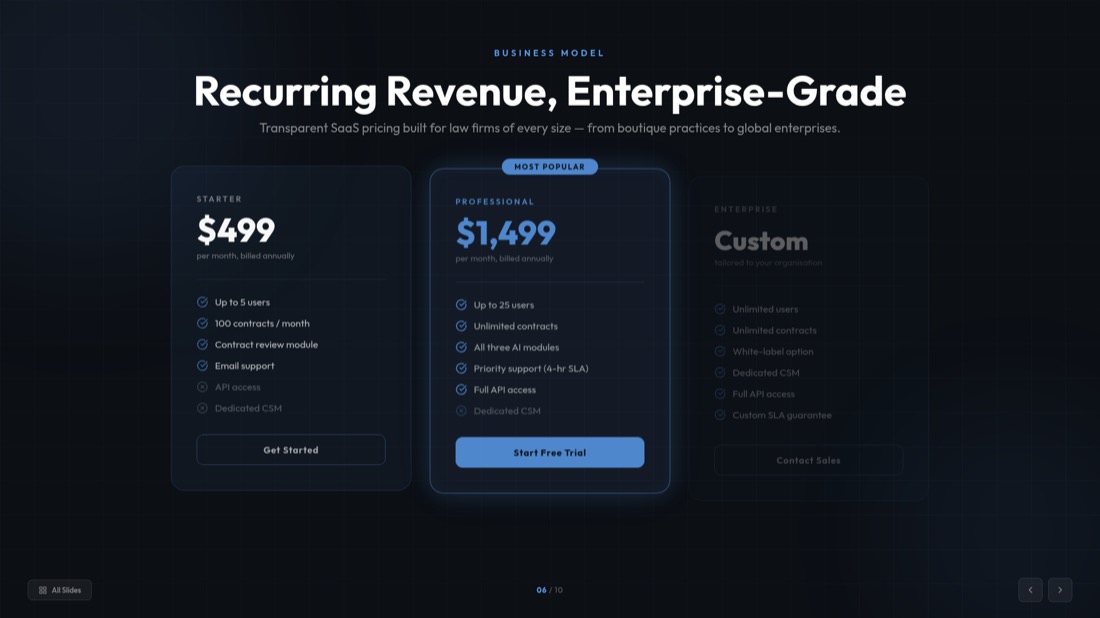
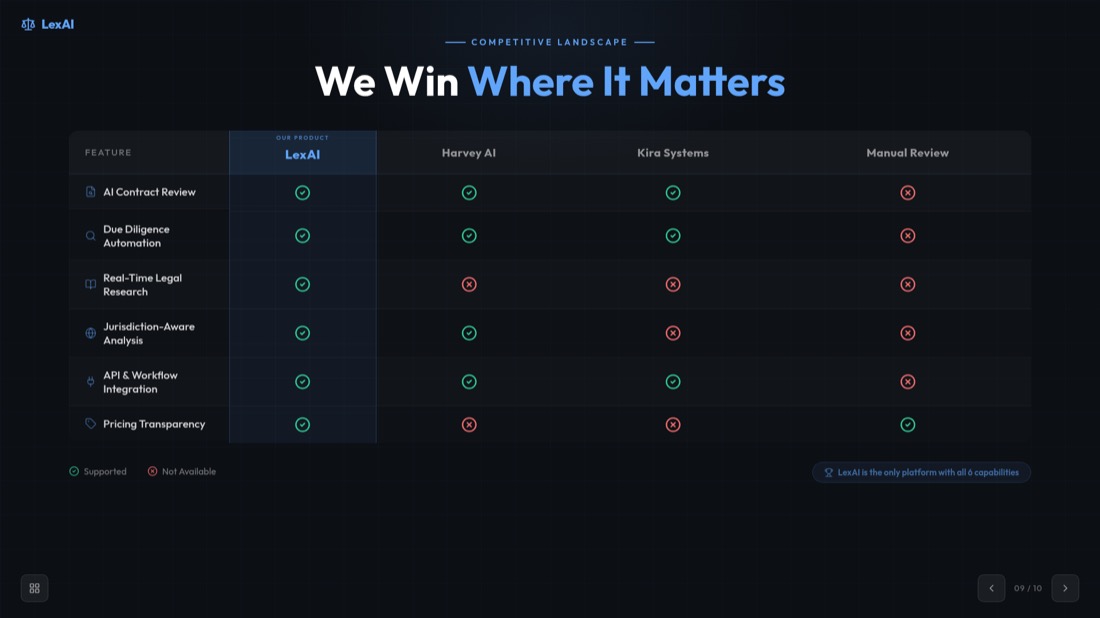

NexaFlow · Investor deck — drag or use the arrows to see all 32 slides
स्मार्ट वीडियो से PowerPoint रूपांतरण
AI-संचालित सामग्री निष्कर्षण और संगठन के साथ अपने वीडियो को पेशेवर प्रस्तुतियों में बदलें।
अभी वीडियो को PPT में बदलें0:42 — webinar.mp4
Generated slide
A spoken moment becomes a titled, structured slide — not just a caption.
Who turns videos into decks
A recording goes in, a finished deck comes out. Here's what that looks like.
Pitch rehearsal → investor deck
52-min recording → 10 polished slides
Recorded demo → client-ready deck
18-min demo → 12 slides to send
Client call → summary deck
40-min call → 10 slides, no retyping
MP4 से PPT कनवर्टर - किसी भी वीडियो प्रारूप को बदलें
हमारा MP4 से PPT कनवर्टर सभी प्रमुख वीडियो प्रारूपों और प्लेटफ़ॉर्म का समर्थन करता है। स्थानीय फ़ाइलों से ऑनलाइन वीडियो तक, हम सब कुछ कवर करते हैं।
स्थानीय फ़ाइलें
MP4, AVI, MOV, WMV, MKV
ऑनलाइन प्लेटफ़ॉर्म
YouTube, Vimeo, Dailymotion
मोबाइल वीडियो
फ़ोन रिकॉर्डिंग, सोशल मीडिया
स्क्रीन रिकॉर्डिंग
ट्यूटोरियल, डेमो, प्रस्तुतियां
दुनिया भर के लाखों उपयोगकर्ताओं द्वारा विश्वसनीय
हजारों पेशेवरों के साथ जुड़ें जो हमारे AI-संचालित वीडियो से प्रस्तुति कनवर्टर पर भरोसा करते हैं
सभी प्रारूपों के लिए वीडियो से स्लाइड कनवर्टर
हमारा वीडियो से स्लाइड कनवर्टर किसी भी वीडियो को पेशेवर प्रस्तुति स्लाइड में बदलता है। चाहे आपको व्यावसायिक प्रस्तुतियों, शैक्षिक सामग्री या विपणन सामग्री के लिए वीडियो को स्लाइड में बदलना हो, हमारी AI सब कुछ संभालती है।
स्मार्ट सामग्री निष्कर्षण
हमारी AI स्वचालित रूप से मुख्य क्षणों की पहचान करती है, महत्वपूर्ण सामग्री निकालती है और इसे तार्किक स्लाइड अनुक्रमों में व्यवस्थित करती है।
पेशेवर डिज़ाइन
प्रत्येक स्लाइड को अधिकतम प्रभाव के लिए पेशेवर लेआउट, उचित टाइपोग्राफी और दृश्य पदानुक्रम के साथ डिज़ाइन किया जाता है।
तत्काल प्रसंस्करण
घंटों नहीं, मिनटों में अपनी प्रस्तुति तैयार करें। हमारा वीडियो से स्लाइड कनवर्टर बिजली की गति से काम करता है।
हर वीडियो प्रकार के लिए उपयुक्त
जानें कि हमारा टूल विभिन्न प्रकार की वीडियो सामग्री को पेशेवर प्रस्तुतियों में कैसे बदल सकता है
शैक्षिक सामग्री
- ऑनलाइन पाठ्यक्रम
- शैक्षणिक व्याख्यान
- प्रशिक्षण वीडियो
- शैक्षिक वेबिनार
व्यावसायिक प्रस्तुतियां
- उत्पाद लॉन्च
- बिक्री प्रस्तुतियां
- कंपनी बैठकें
- क्लाइंट प्रस्तुतियां
विपणन सामग्री
- उत्पाद डेमो
- ब्रांड वीडियो
- विपणन अभियान
- सोशल मीडिया सामग्री
शोध और विश्लेषण
- शोध साक्षात्कार
- डेटा प्रस्तुतियां
- केस स्टडी
- विशेषज्ञ चर्चाएं
वीडियो से PowerPoint कनवर्टर सुविधाएं
हमारा वीडियो से PowerPoint कनवर्टर उन्नत सुविधाएं प्रदान करता है जो वीडियो को PowerPoint में बदलना सरल और कुशल बनाती हैं। स्वचालित ट्रांसक्रिप्शन से लेकर पेशेवर स्लाइड डिज़ाइन तक, हमारे पास वह सब कुछ है जो आपको चाहिए।
स्वचालित ट्रांसक्रिप्शन
हमारी AI-संचालित ट्रांसक्रिप्शन सेवा के साथ भाषण को स्वचालित रूप से पाठ में बदलें।
मुख्य फ्रेम निष्कर्षण
AI आपके वीडियो से सबसे महत्वपूर्ण दृश्य क्षणों की पहचान करती है और उन्हें निकालती है।
सामग्री संगठन
सामग्री को तार्किक स्लाइड अनुक्रमों और अनुभागों में बुद्धिमानी से व्यवस्थित करें।
पेशेवर टेम्पलेट
सैकड़ों पेशेवर PowerPoint टेम्पलेट और डिज़ाइन में से चुनें।
तेज़ प्रसंस्करण
वीडियो की लंबाई चाहे जो हो, सिर्फ 2 मिनट में अपनी प्रस्तुति तैयार करें।
सुरक्षित और निजी
आपके वीडियो को सुरक्षित रूप से संसाधित किया जाता है और आपकी गोपनीयता के लिए रूपांतरण के बाद हटा दिया जाता है।
How to Convert Video to PPT — Frequently Asked Questions
Everything you need to know about how to convert video to ppt with our free video to ppt converter.
How do I convert a video to PPT?
Add your video, pick a frame-extraction interval, then download your slides. For MP4, MOV and WebM files the frames are captured right in your browser, so you can convert video to ppt in seconds without an upload.
Is the video to ppt converter free?
Yes. Our free video to ppt converter lets you convert video to ppt online free — no sign-in and no hidden costs for direct conversion.
What video formats are supported?
Our mp4 to ppt converter supports MP4, AVI, MOV, WMV and MKV, up to 500MB per video. For the sharpest slides we recommend 720p or higher.
Can I convert MP4 to PPT online?
Absolutely. Upload any MP4 file and our mp4 to ppt converter automatically extracts key frames and turns them into an editable PowerPoint — you can also convert mp4 to pptx the same way.
Do I have to upload my video?
For supported formats (MP4, MOV, WebM) your video never leaves your device — frames are extracted locally in your browser. Other formats are processed securely on our server and deleted after conversion.
Can I convert a YouTube video to PPT?
Yes — use our dedicated YouTube to PPT converter for YouTube, Vimeo and other online videos. It transcribes the video and builds presentation-ready slides automatically.
Is the PowerPoint file editable?
Every deck is a fully editable .pptx that opens in Microsoft PowerPoint and Google Slides, so you can customize layouts, text and images before you present.
How long does it take to convert video to slides?
Most videos are ready in about 2 minutes. Browser-based frame extraction is near-instant, and you can preview and extract slides from the video before downloading.
Need help with YouTube videos? Check out our specialized guide on how to convert YouTube video to PPT.
Ready to create your presentation?
Join thousands of professionals who save hours every week with AI-powered presentations.
1,511 reviews · Trustpilot & Workspace


