Translate PowerPoint Presentations
Instantly translate your PowerPoint presentations into multiple languages while preserving design and formatting
Drop your file here
or click to browse
All uploaded files are permanently removed from our servers within 1 hour.
By uploading a document, you agree to our terms and conditions.
Supported Formats
Benefits of Our PowerPoint Translation Tool
Discover how our AI tool simplifies the process of translating your presentations.
Instant Translation
Translate entire presentations in minutes with our AI-powered system.
Format Preservation
Keep your original design, layout, and formatting intact during translation.
Multiple Languages
Support for numerous languages to reach global audiences.
Context-Aware
AI ensures translations maintain proper context and meaning.
Secure Processing
Your presentations are handled with complete privacy and security.
Easy to Use
Simple upload and translate interface for quick results.
프롬프트에서 세련된 슬라이드로 - AI 프레젠테이션 제작 도구 제공
MagicSlides는 전문가 수준의 프레젠테이션 템플릿을 제공합니다


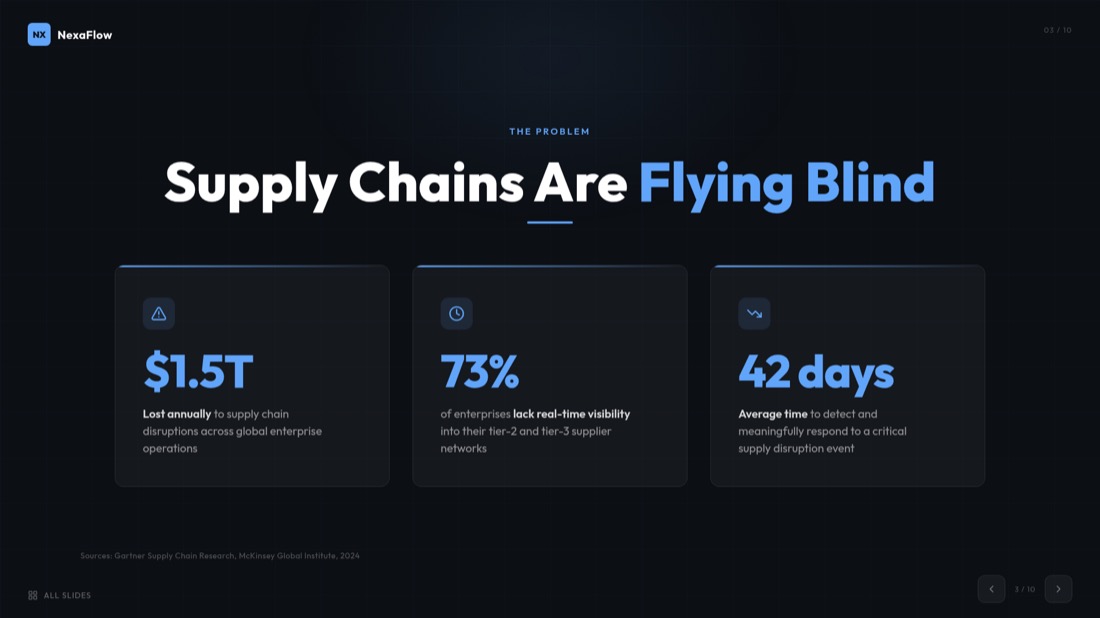

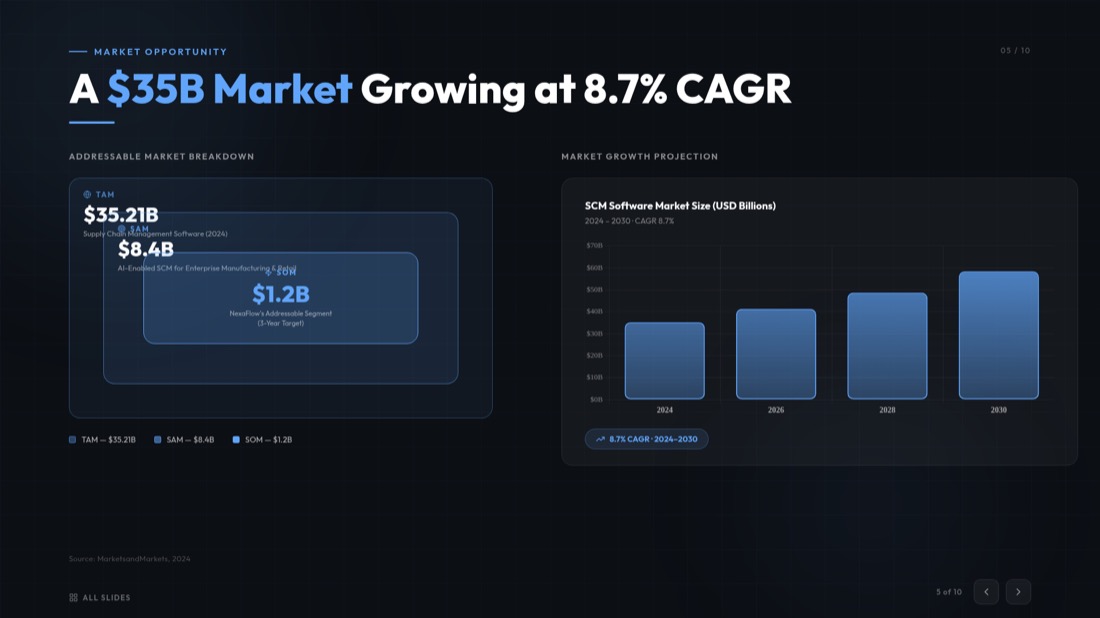
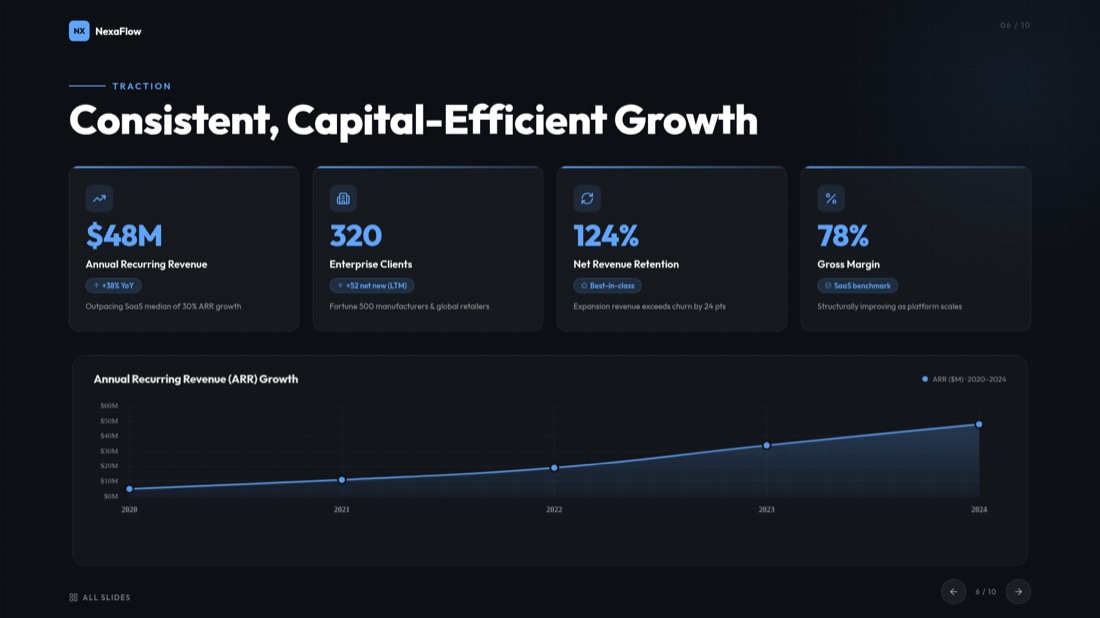
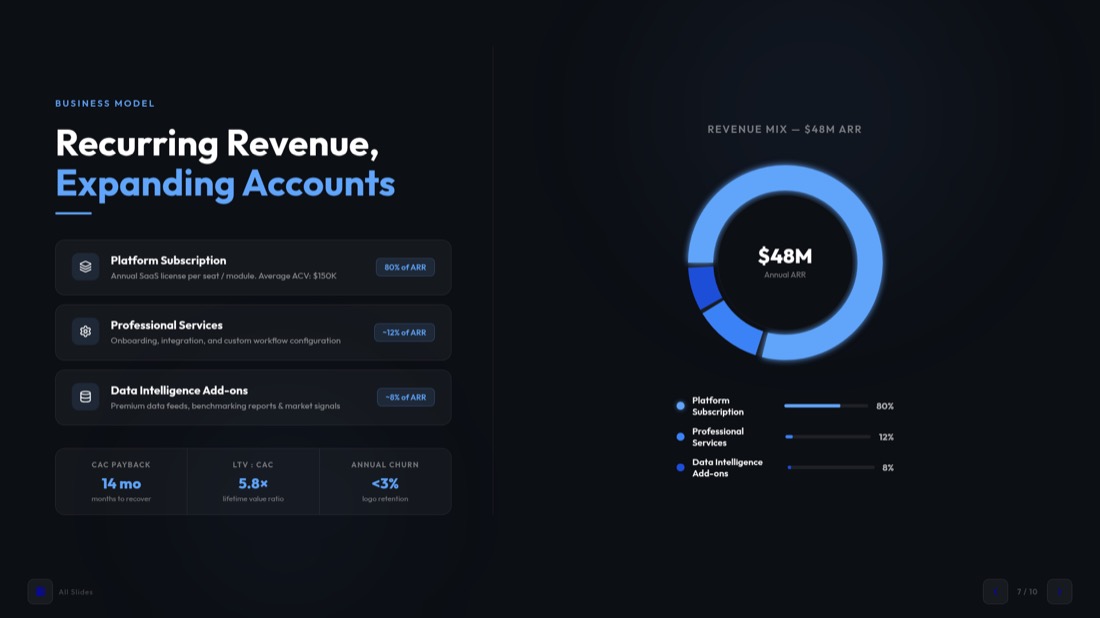

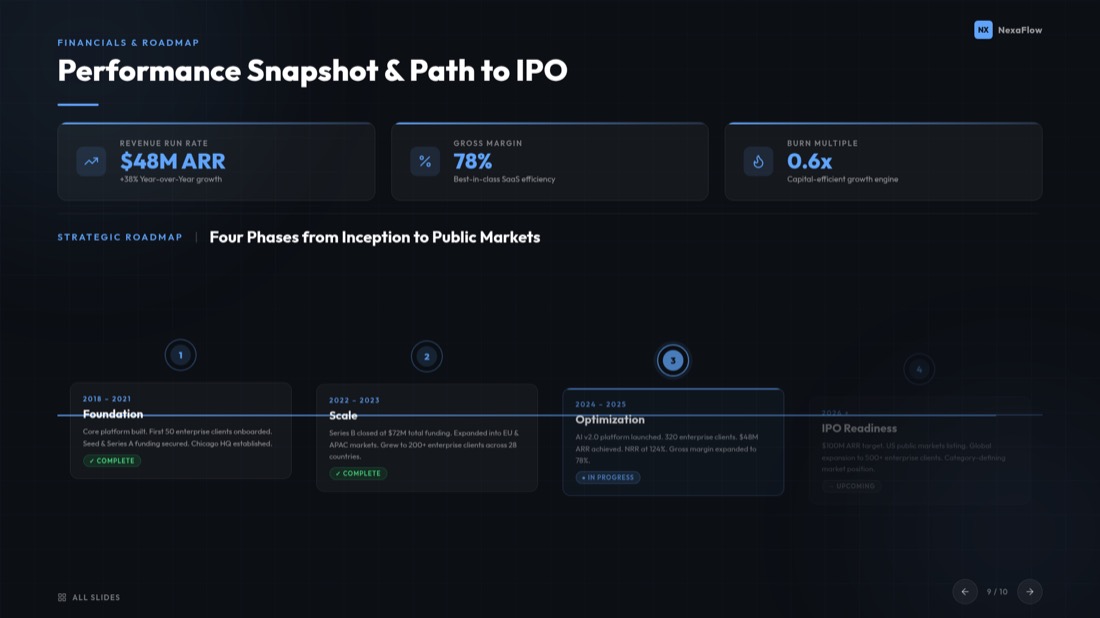

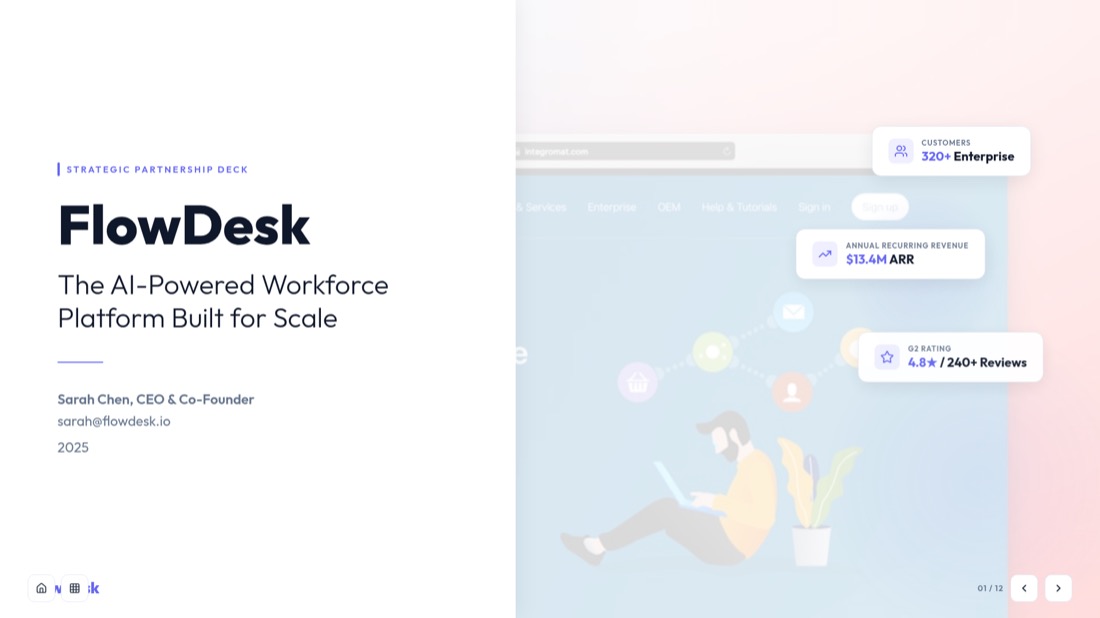
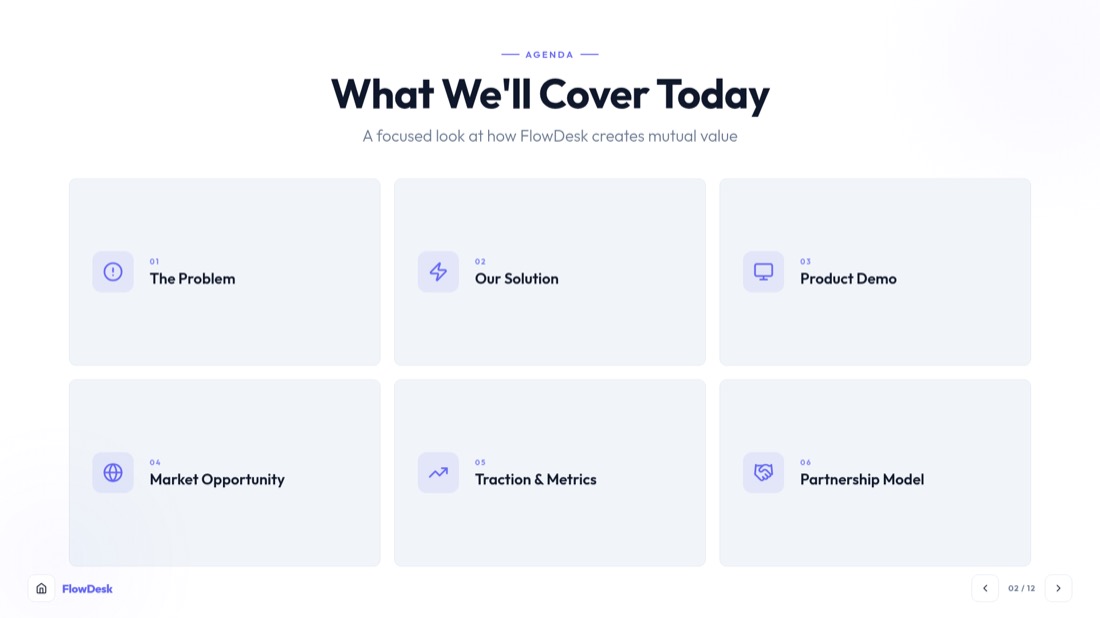
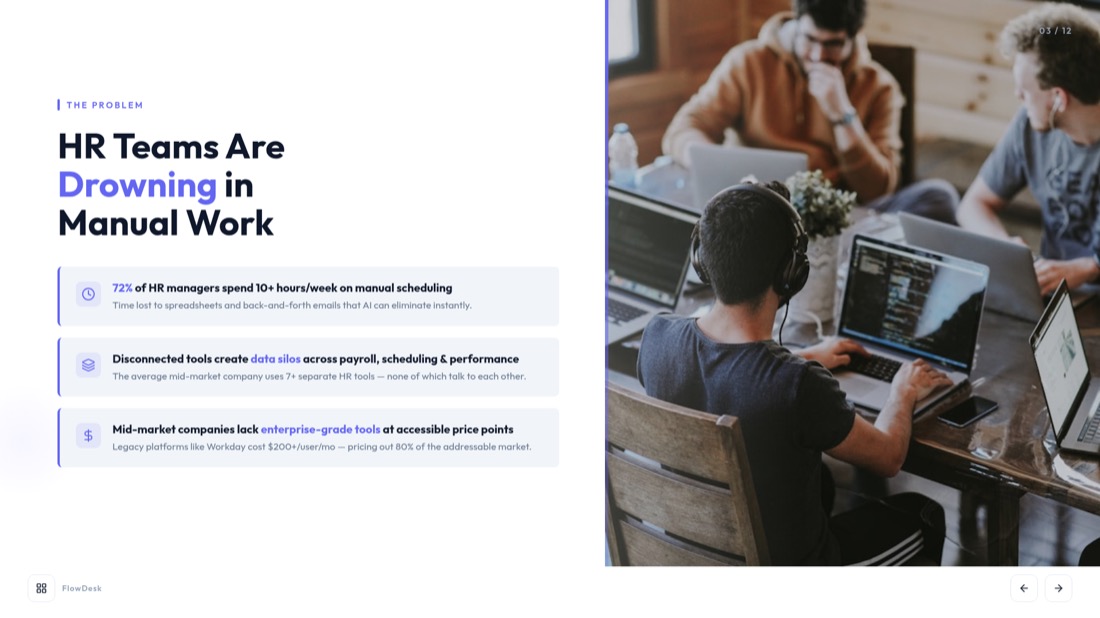
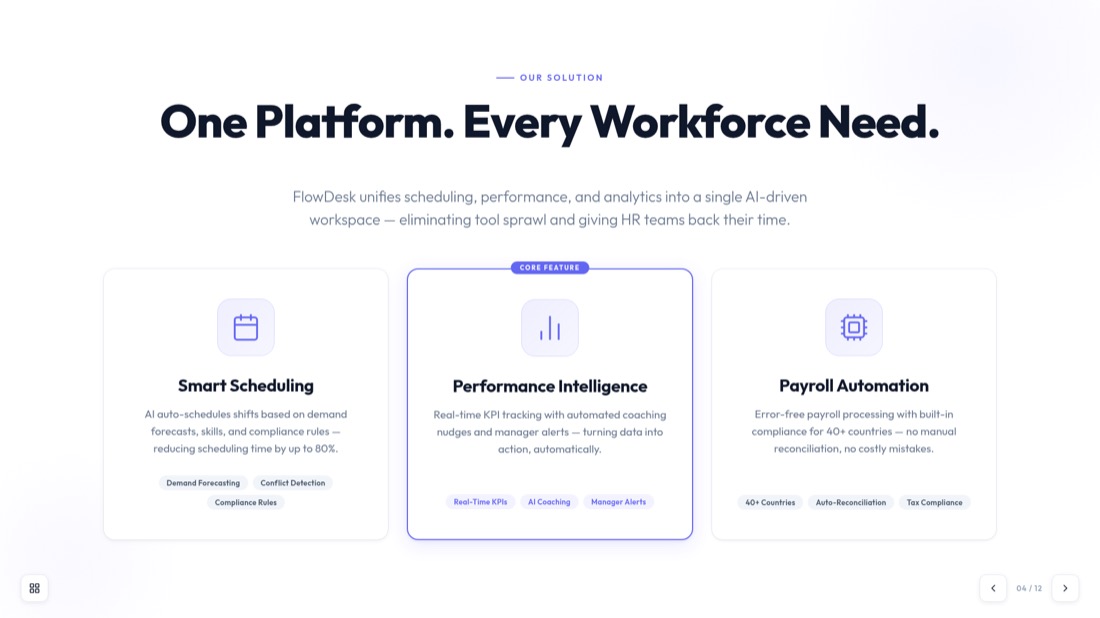
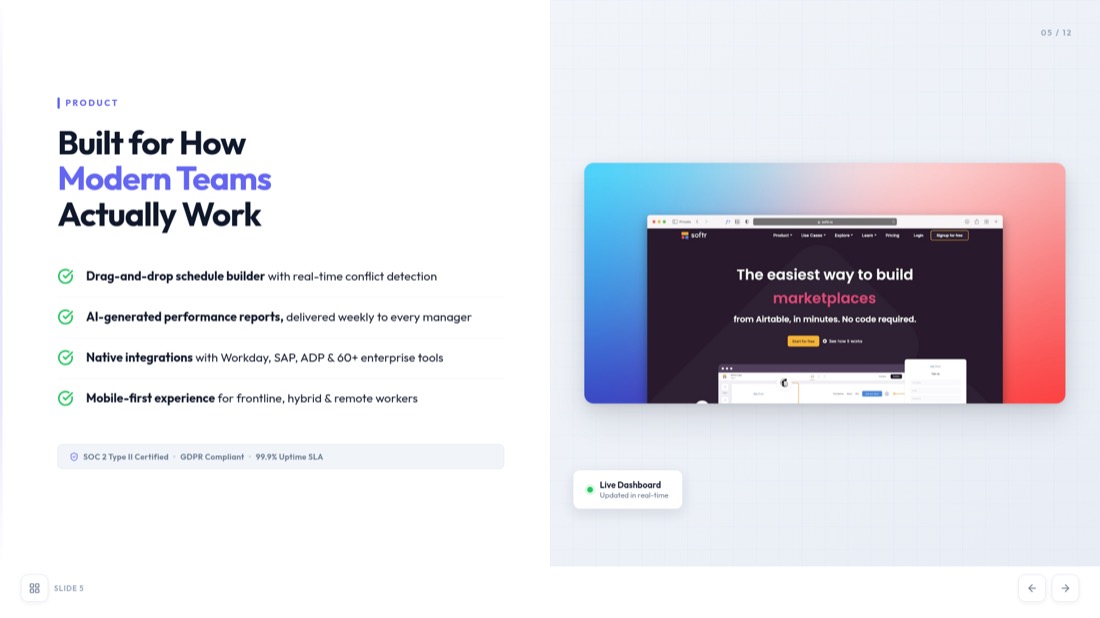
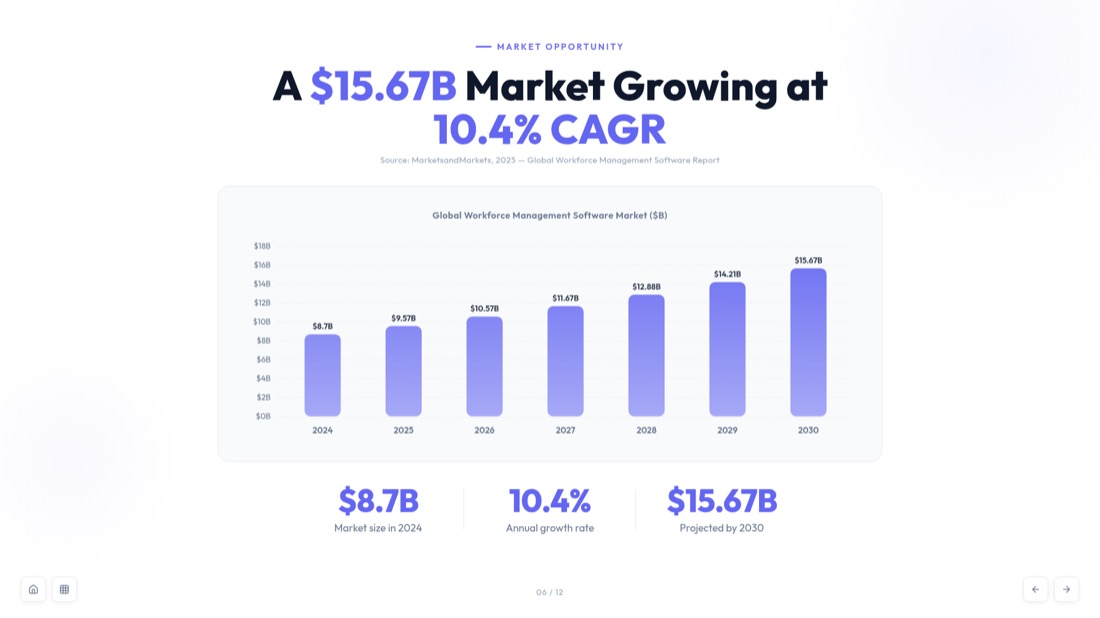
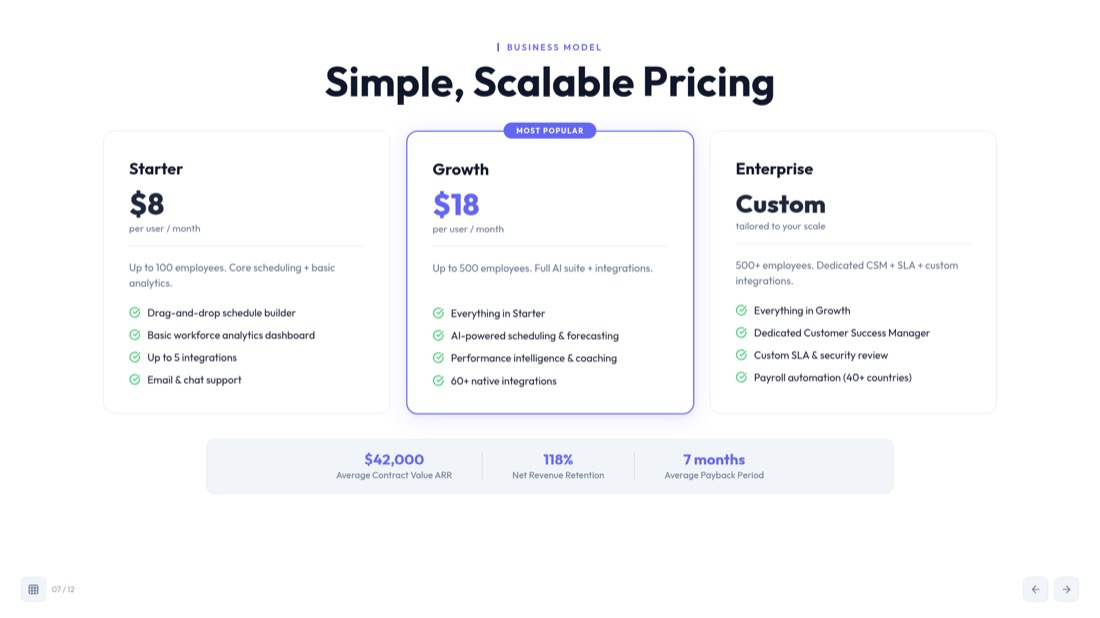
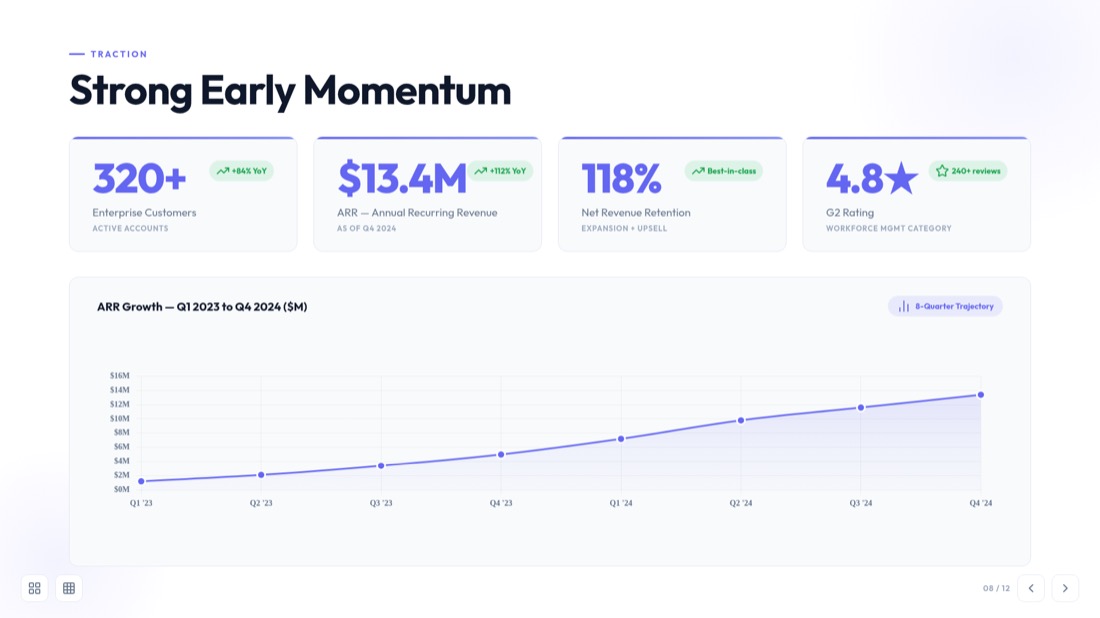
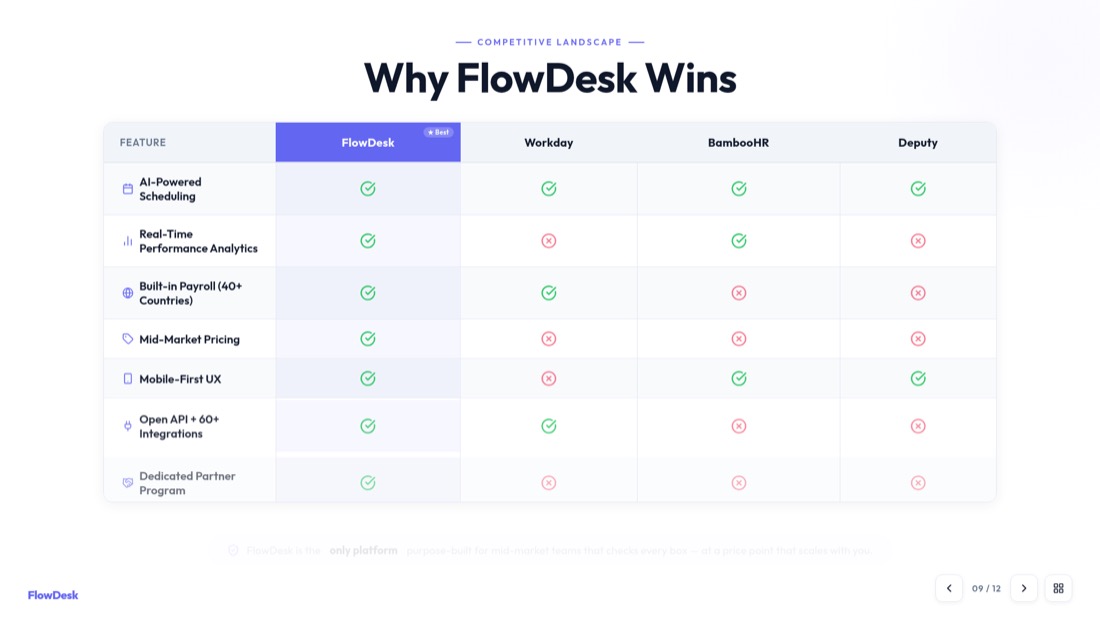

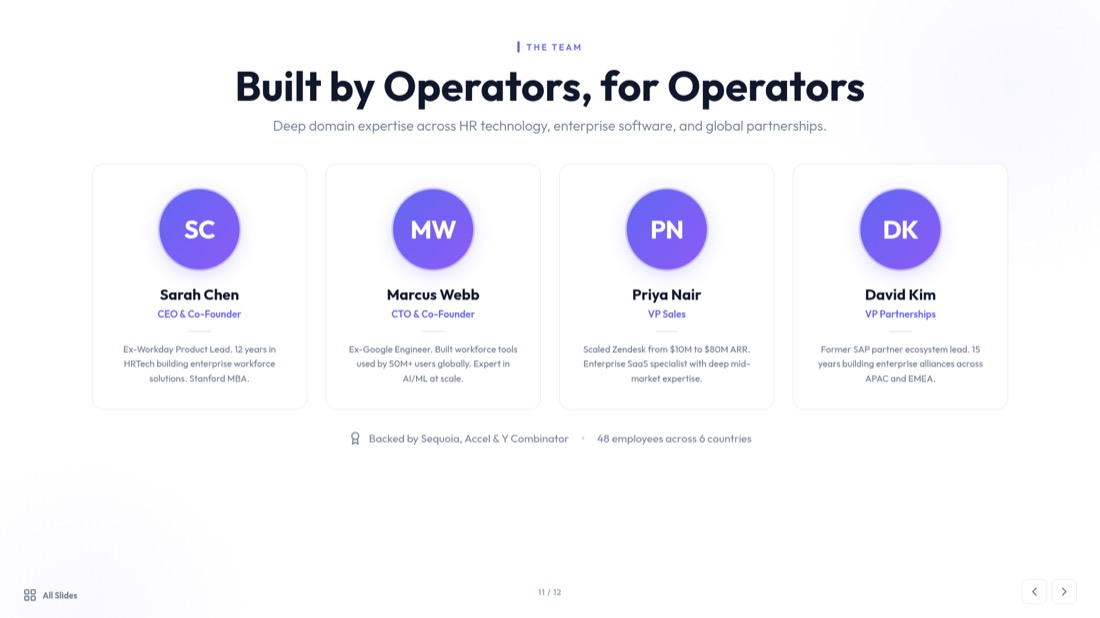
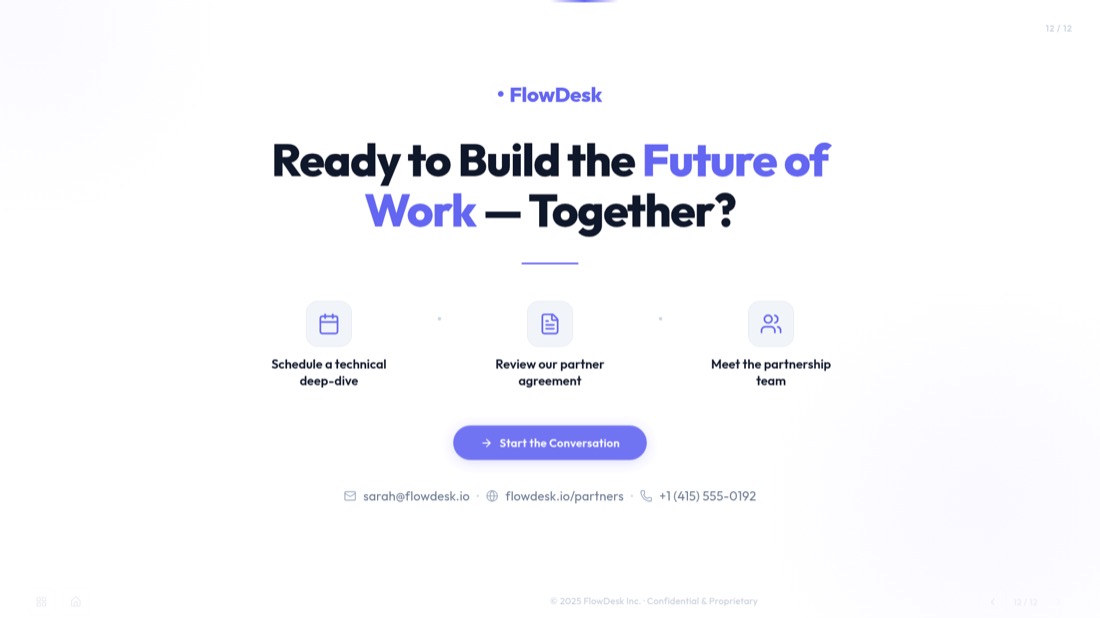


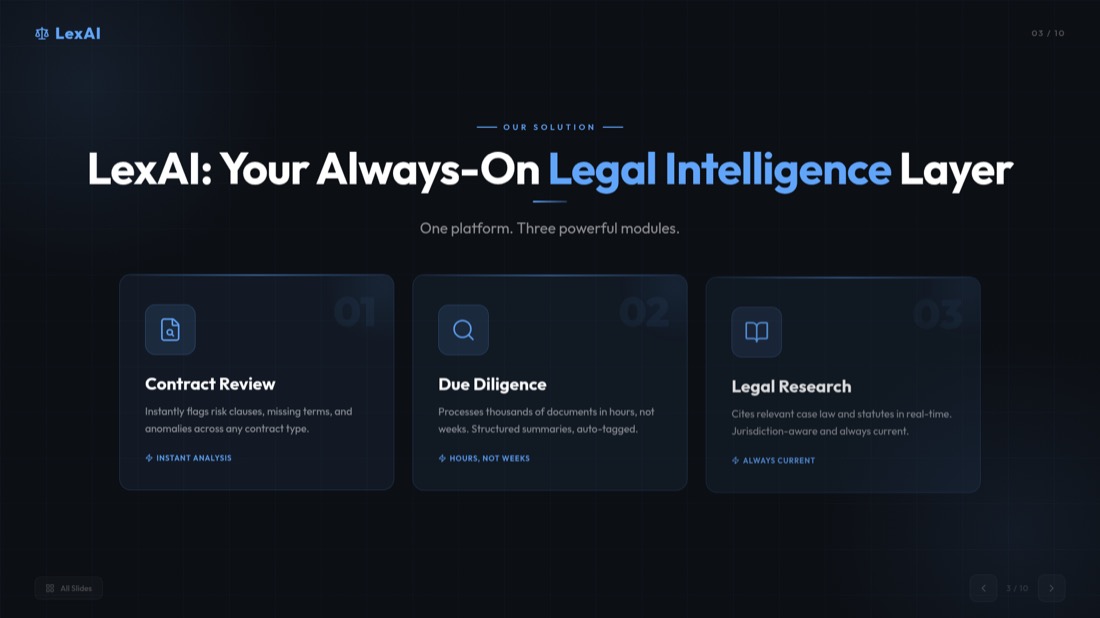
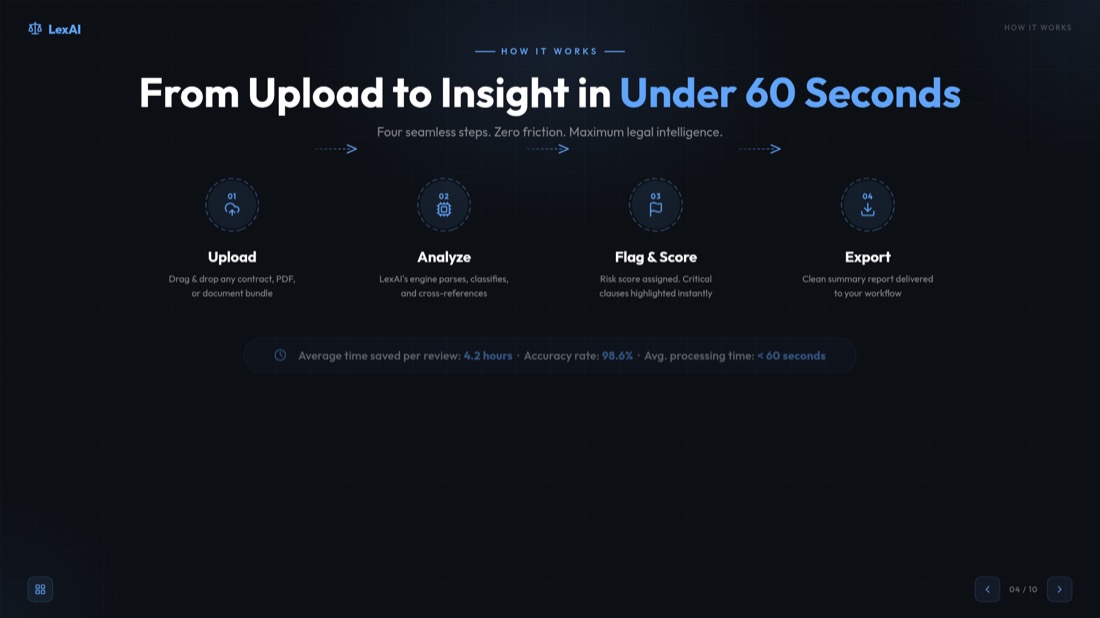
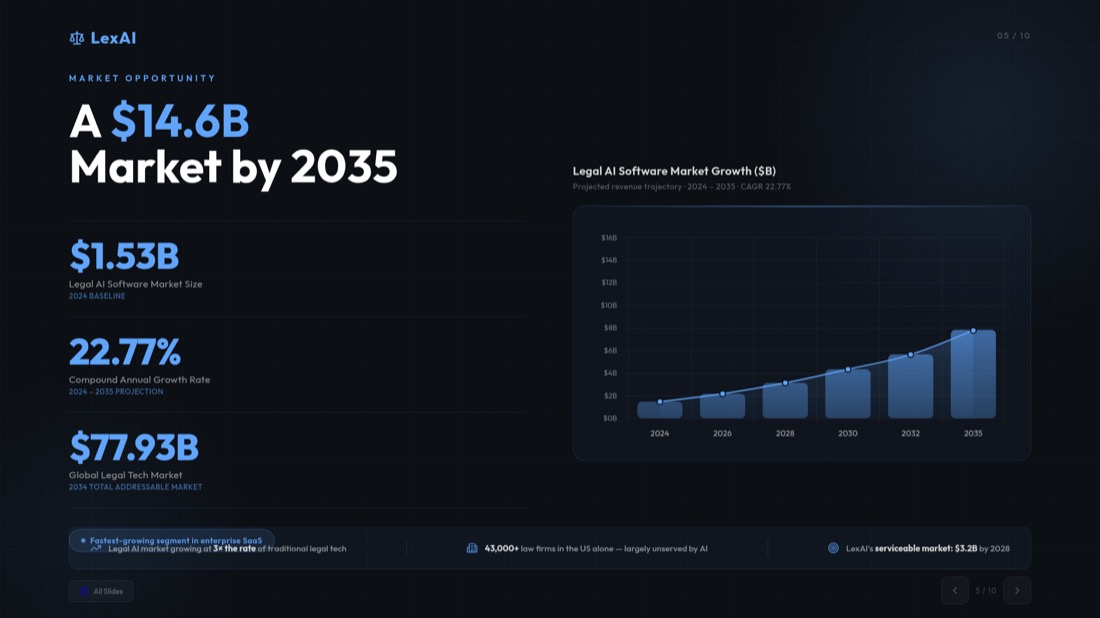
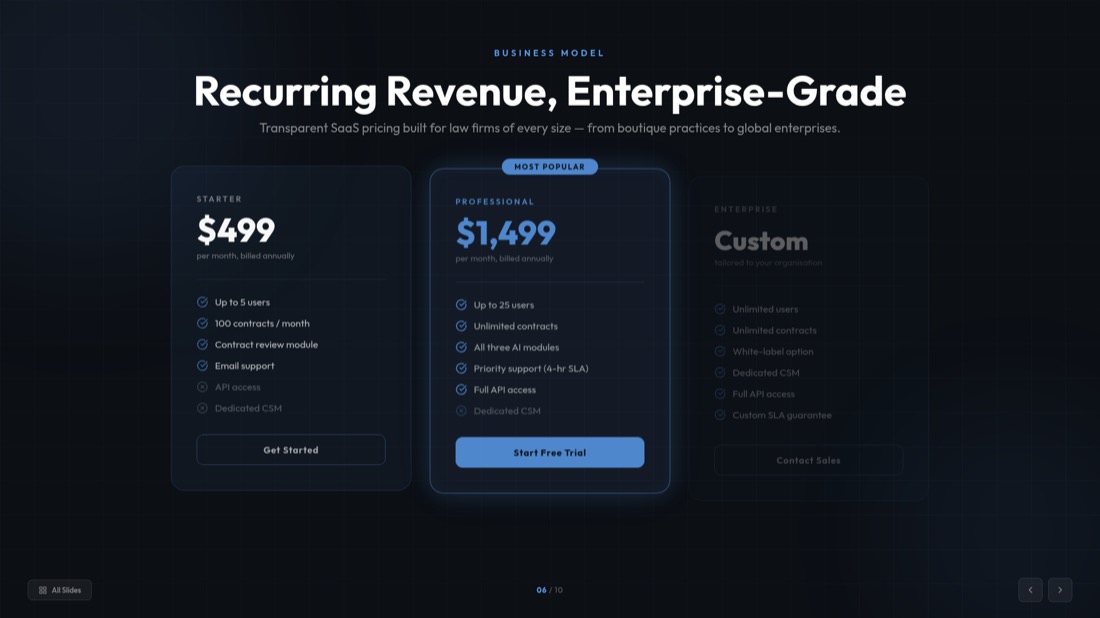
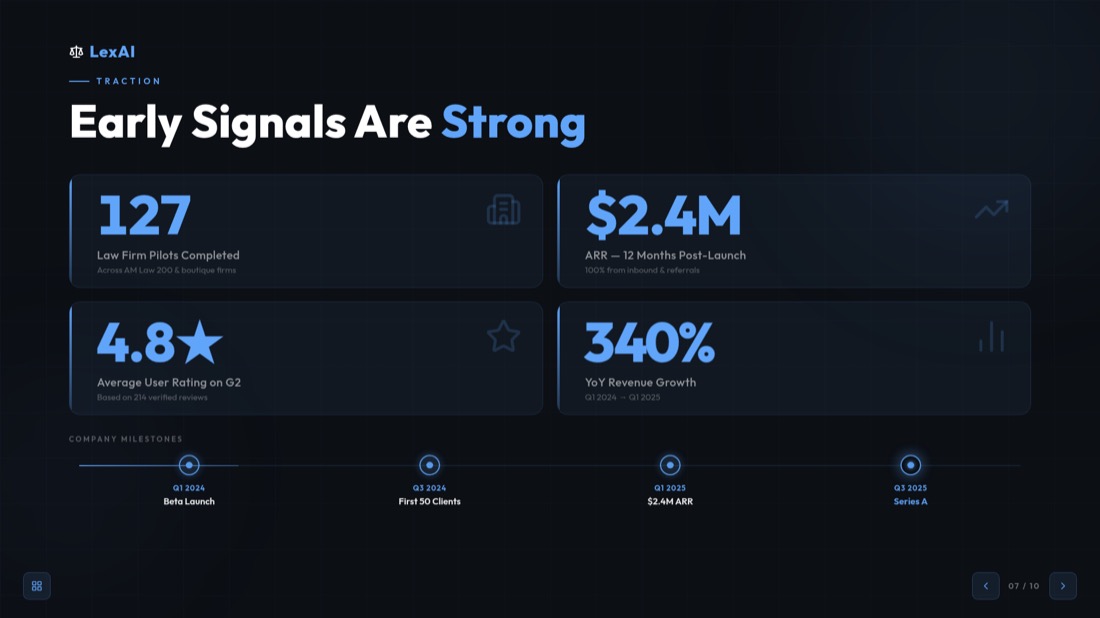
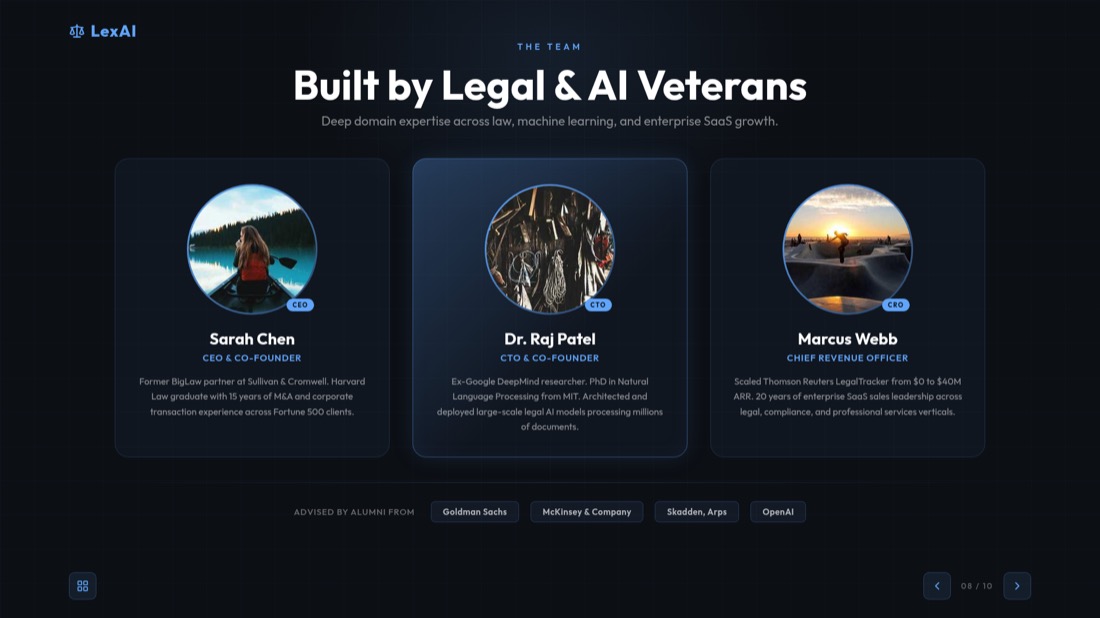
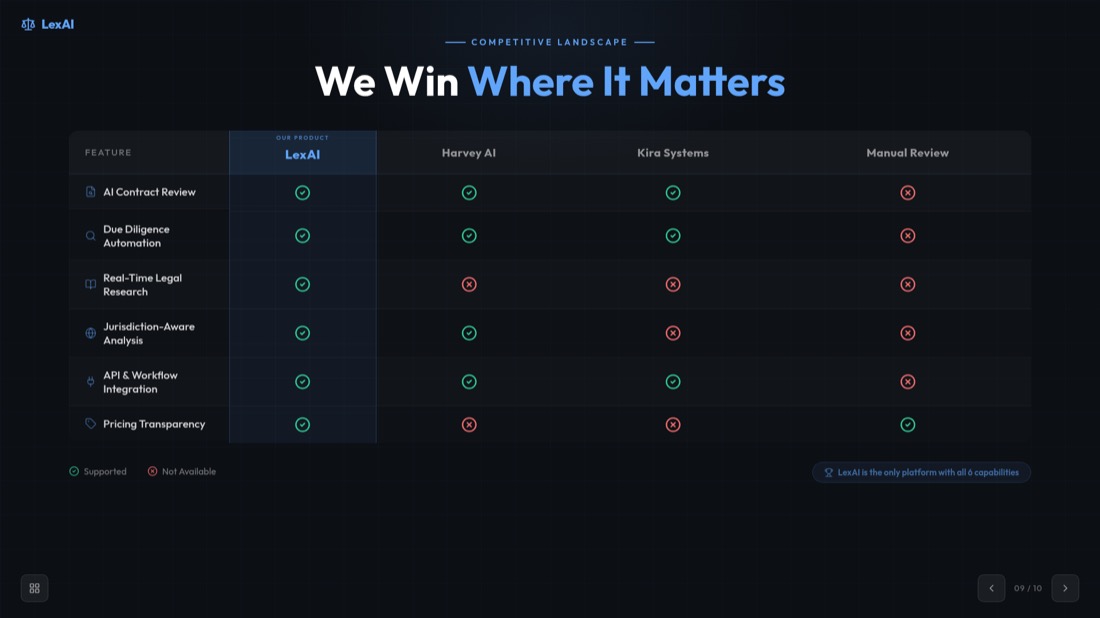

NexaFlow · Investor deck — drag or use the arrows to see all 32 slides
Other PowerPoint Tools
AI로 주제에서 PPT
키워드만으로 빠르고 매력적인 프레젠테이션을 생성합니다. 학생과 교육자가 빠르고 콘텐츠가 풍부한 슬라이드를 필요로 할 때 이상적입니다.
AI로 YouTube에서 PPT
유튜브 동영상을 정보가 풍부한 슬라이드 프레젠테이션으로 변환합니다. 마케터와 창작자가 동영상 콘텐츠의 범위를 확장하려고 할 때 적합합니다.
AI 피치덱 생성기
피치덱을 정보가 풍부한 슬라이드 프레젠테이션으로 변환합니다. 비즈니스와 스타트업이 자신의 사업을 발표하려고 할 때 유용합니다.
AI로 텍스트에서 PPT
키워드만으로 빠르고 매력적인 프레젠테이션을 생성합니다. 학생과 교육자가 빠르고 콘텐츠가 풍부한 슬라이드를 필요로 할 때 이상적입니다.
AI로 URL에서 PPT
웹 페이지를 포괄적인 프레젠테이션으로 손쉽게 변환합니다. 웹 기반 데이터를 발표하는 전문가와 연구자에게 적합합니다.
자주 묻는 질문
How does the PowerPoint translation tool work?
Upload your PowerPoint presentation, select your target language, and our AI will automatically translate all text while preserving the original formatting, design, and layout of your slides.
Which languages are supported for translation?
Our AI translation engine supports 100+ languages including all major business languages (English, Spanish, French, German, Italian, Portuguese) and Asian languages (Chinese, Japanese, Korean). Whether you need European, Asian, Middle Eastern, or other regional languages, we've got you covered with professional-quality translations.
Will the translation maintain my presentation's formatting?
Yes! Our translation tool preserves all formatting, images, charts, and design elements. Only the text content is translated while keeping the original layout intact.
How accurate are the translations?
We use advanced AI language models to ensure high-quality, context-aware translations. However, we recommend reviewing the translated content, especially for technical or specialized terminology.
Can I translate multiple presentations?
please check pricing page
가격 확인What happens to my uploaded presentations?
Your presentations are processed securely and deleted after translation. We prioritize your privacy and data security.

Ready to create your presentation?
Join thousands of professionals who save hours every week with AI-powered presentations.
1,511 reviews · Trustpilot & Workspace


