동영상 to PPT 변환기: AI 기반 또는 직접 업로드
동영상을 업로드하고 즉시 프레젠테이션을 만드세요. 빠른 변환을 위해 직접 업로드를 선택하거나, 동영상에서 지능형 콘텐츠 생성을 위해 AI 모드를 사용하세요.
Direct Video to PPT
Free • No sign-in • Instant conversion
Upload Video
Drag and drop your video here, or click to browse
Supported formats: MP4, MOV, AVI, WEBM
Maximum 500MB per video


4.6 from 1,511 reviews on Trustpilot & Workspace
Trusted by 2.6M+ professionals and teams worldwide
- Google
- Amazon
- Netflix
- LinkedIn
- Salesforce
- HubSpot
- Shopify
- Stripe
- ByteDance
- Cisco
- IBM
- Red Hat
- NVIDIA
- SpaceX


온라인 무료로 동영상을 PPT로 변환하는 방법
동영상 to PPT 변환기로 세 가지 간단한 단계로 동영상을 PowerPoint로 쉽게 변환할 수 있습니다. 기술적 기술이 필요 없습니다!
⚡ Most videos are processed right in your browser — no upload, no waiting.
Add your video
Drop in any MP4, MOV or WebM file — supported formats never leave your device.
Frames are captured
A frame is grabbed at your chosen interval, extracted instantly in your browser.
Pick your slides
Preview every frame and keep only the ones you want in the deck.


Download .pptx
Get a fully editable PowerPoint, ready to present in seconds.
최고의 온라인 무료 동영상 to PPT 변환기
동영상 to PPT 변환기는 모든 동영상 형식을 PowerPoint 프레젠테이션으로 변환하는 가장 고급 도구입니다. MP4 파일, AVI 동영상 또는 기타 형식에서 동영상을 PPT로 변환해야 할 때 AI 기반 동영상 to PowerPoint 변환기가 모든 것을 처리합니다.
lecture.mp4
48 MB
webinar.mov
112 MB
demo.avi
76 MB
Your video never gets uploaded
For MP4, MOV and WebM files, frames are pulled straight from the file in your browser — nothing leaves your device, so it's private and starts instantly.
You pick every slide
Set how often a frame is captured, then preview the grid and keep only the frames worth presenting — no junk slides in the final deck.
Editable .pptx, not a flat export
Download a real PowerPoint file that opens in PowerPoint and Google Slides — retype text, restyle layouts and add your own slides before presenting.
Working with an online video instead? Use the YouTube to PPT converter.
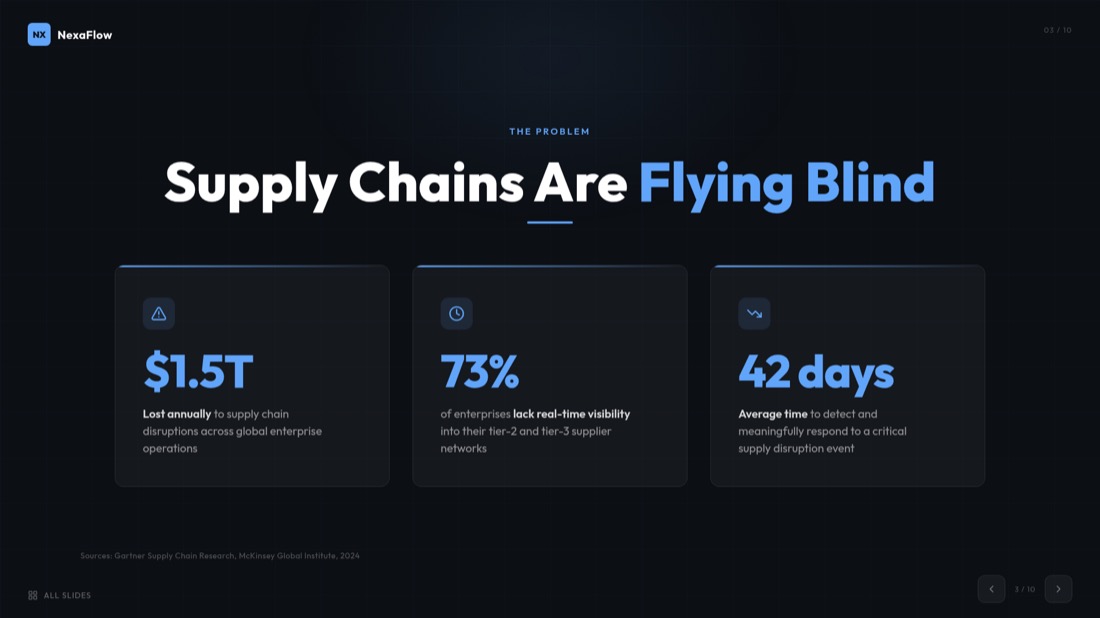
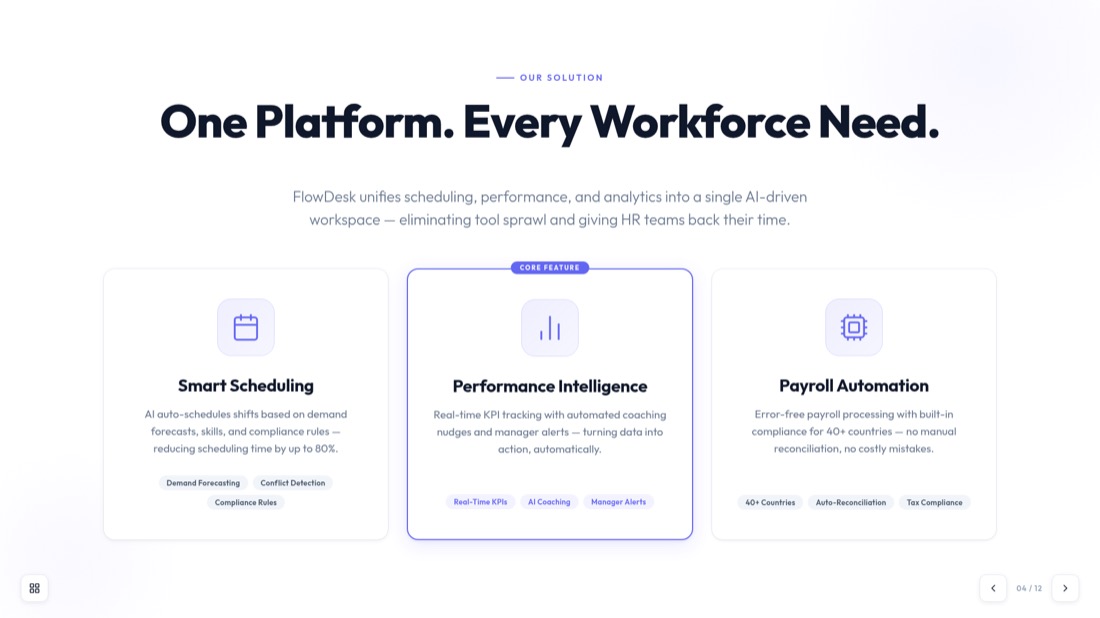
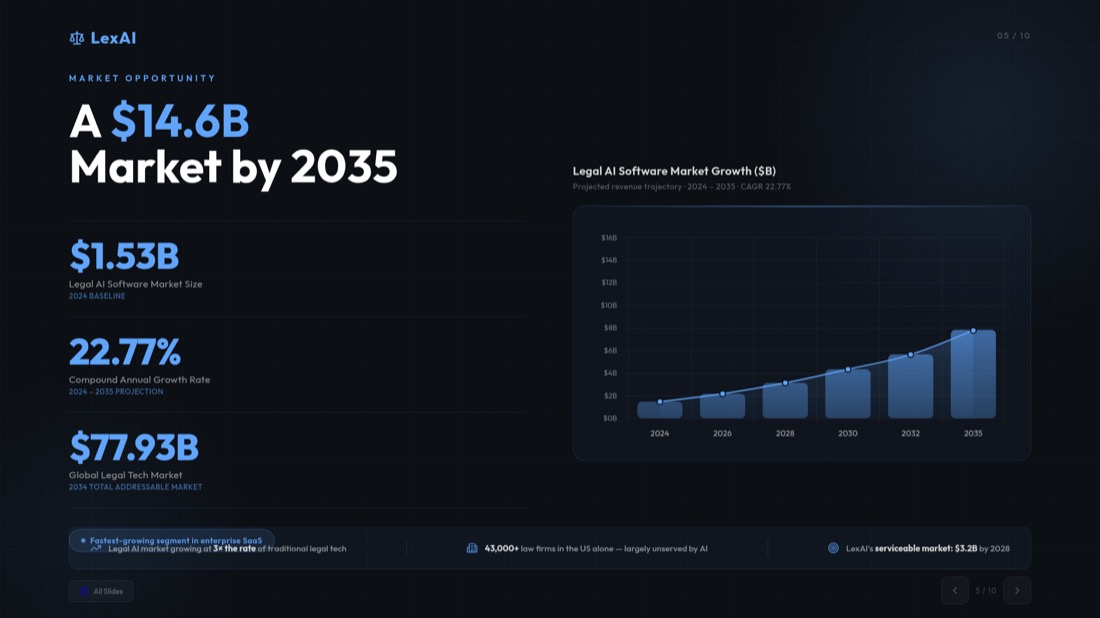
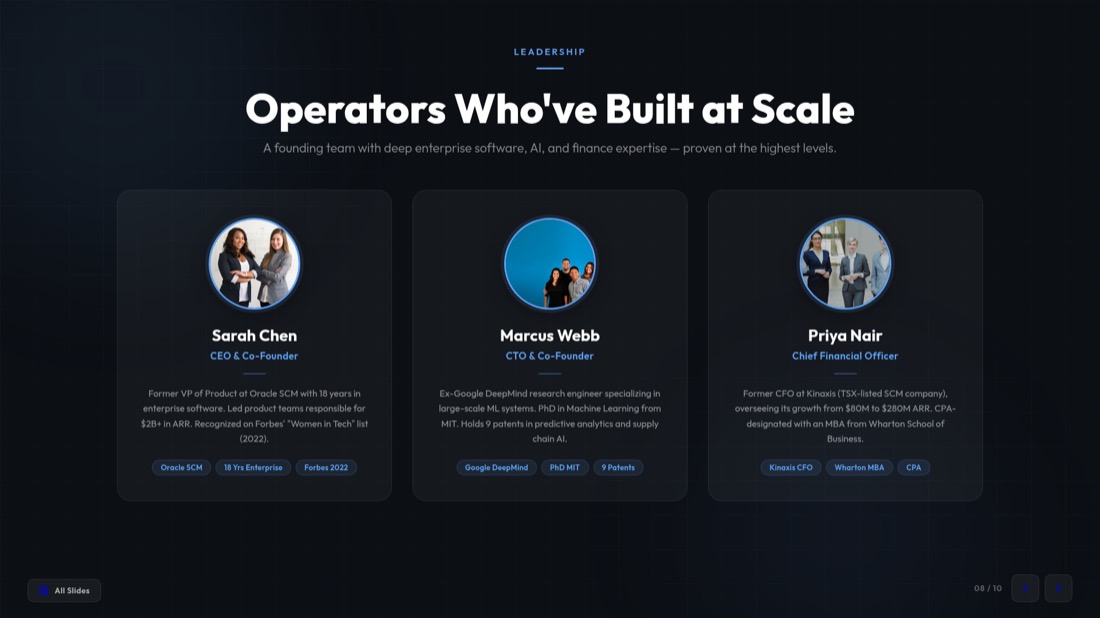
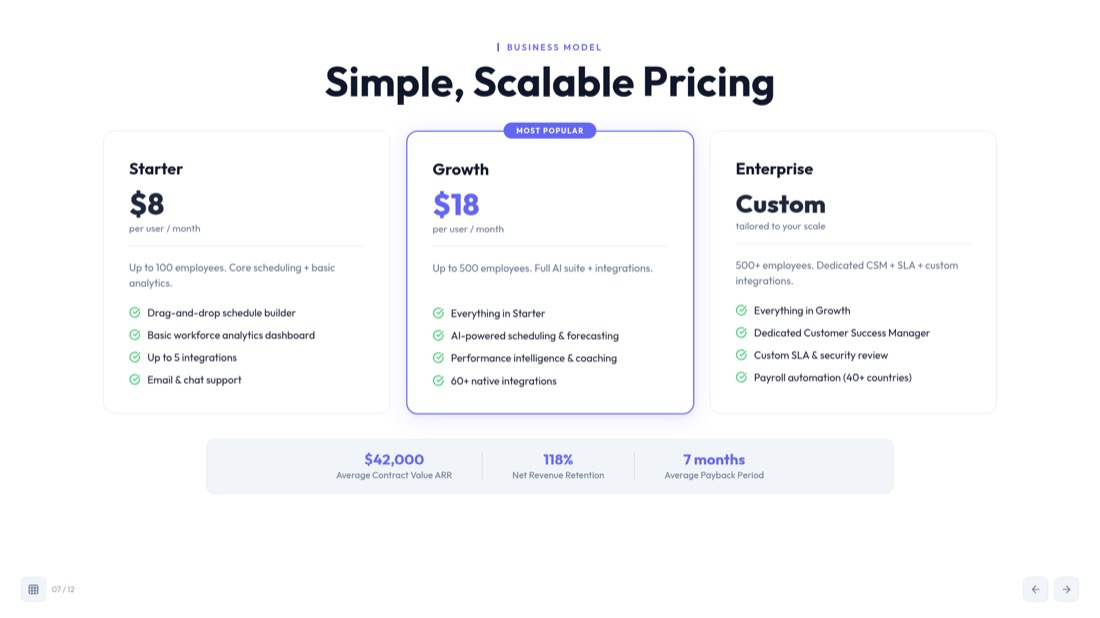
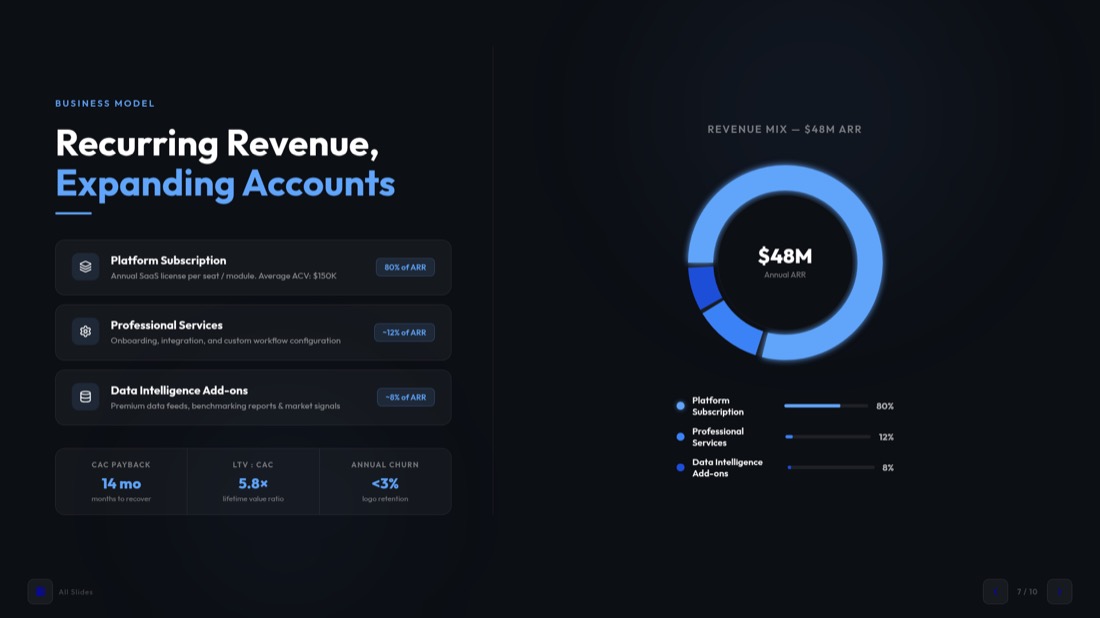
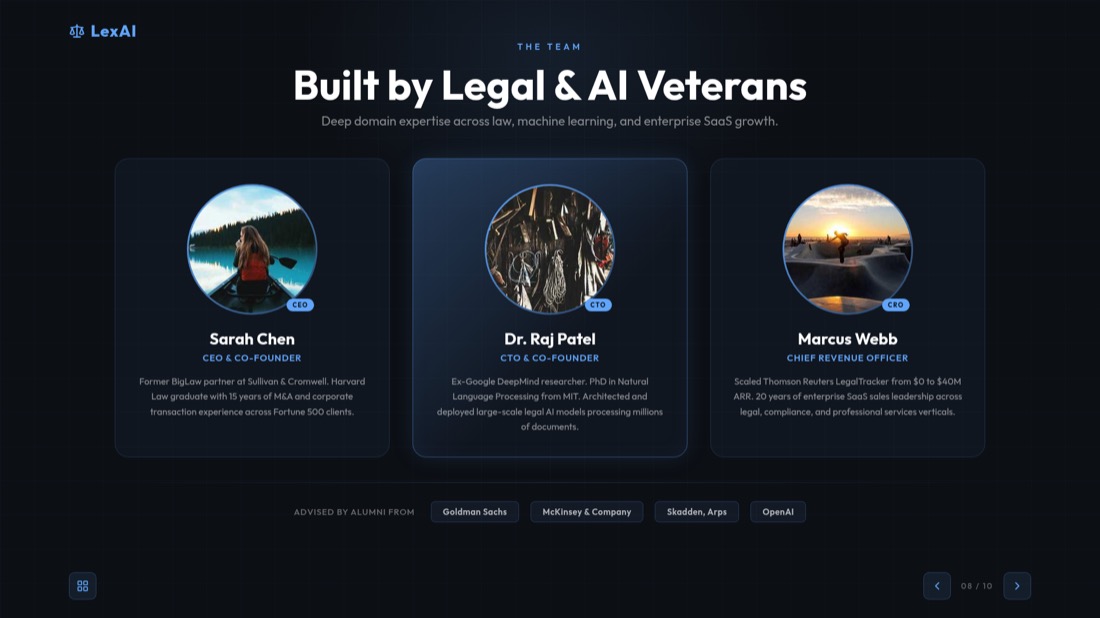
Real slides, generated — not designed by hand
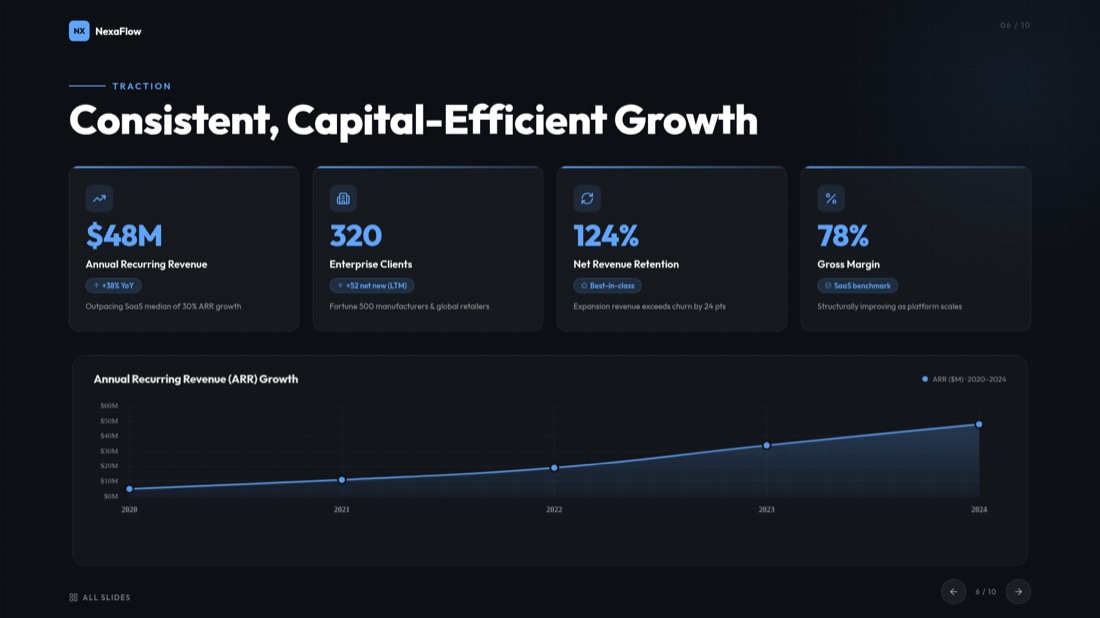
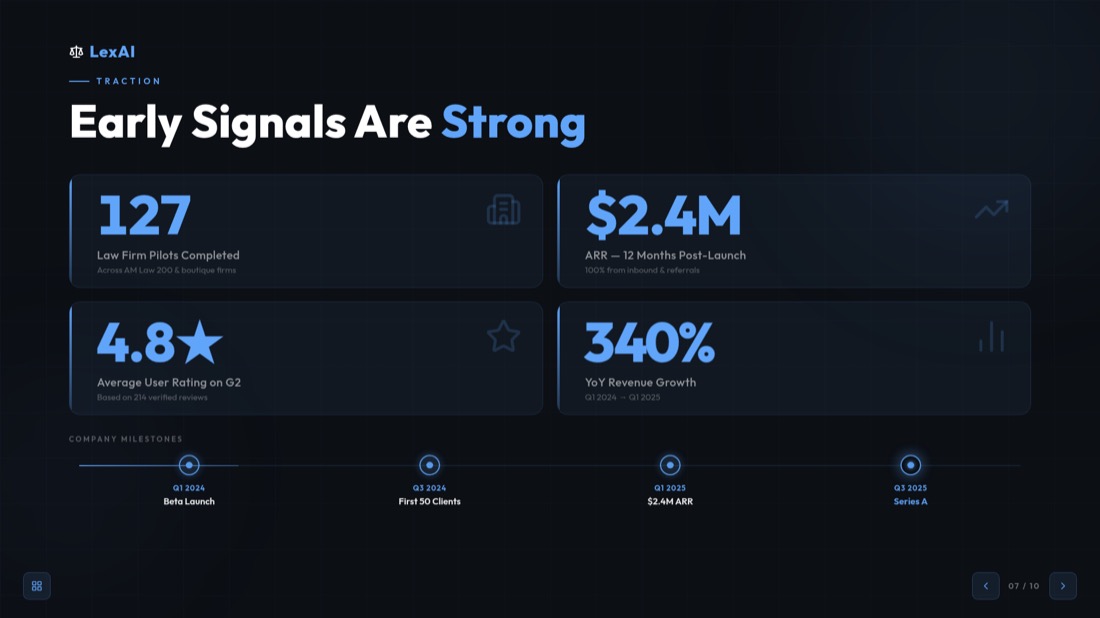
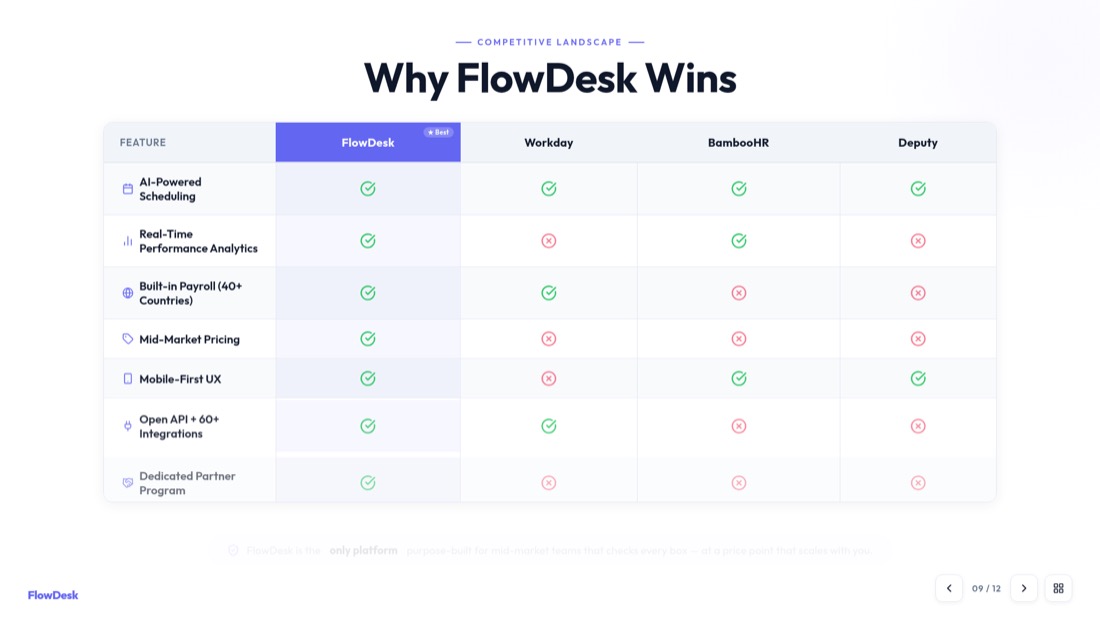
Every slide below came straight out of MagicSlides Studio. No templates were tweaked, no layouts nudged — this is what you get back from a video.


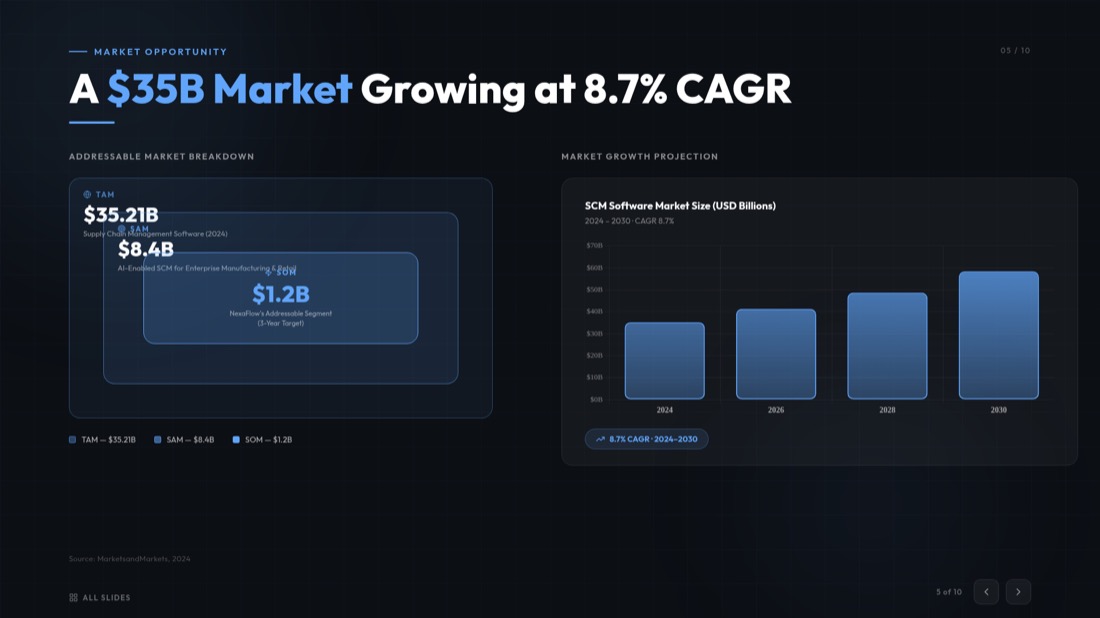
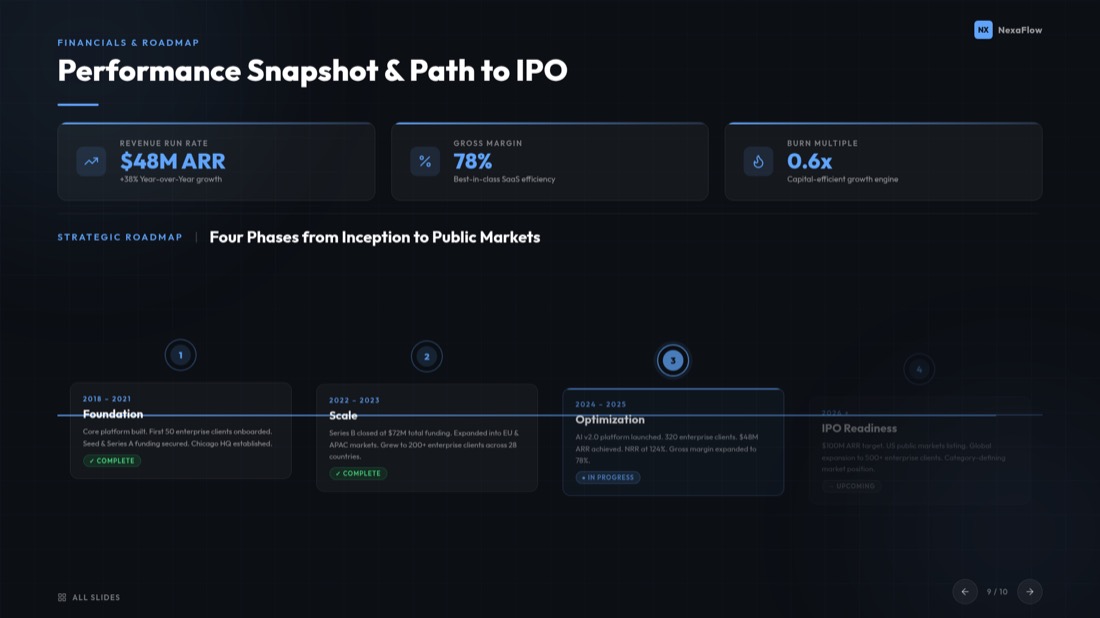

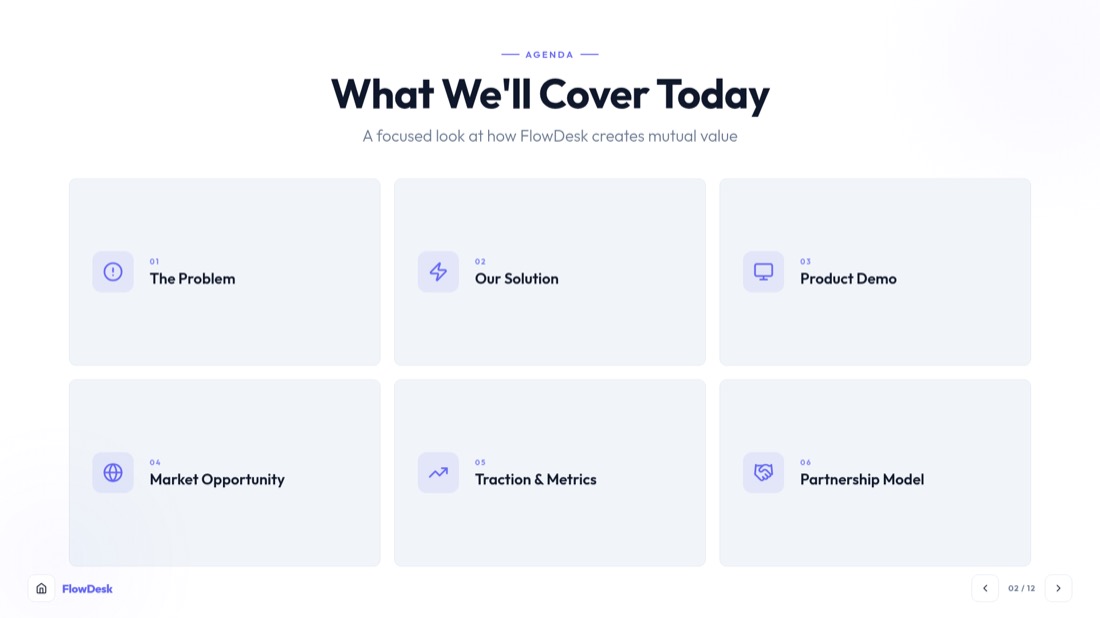
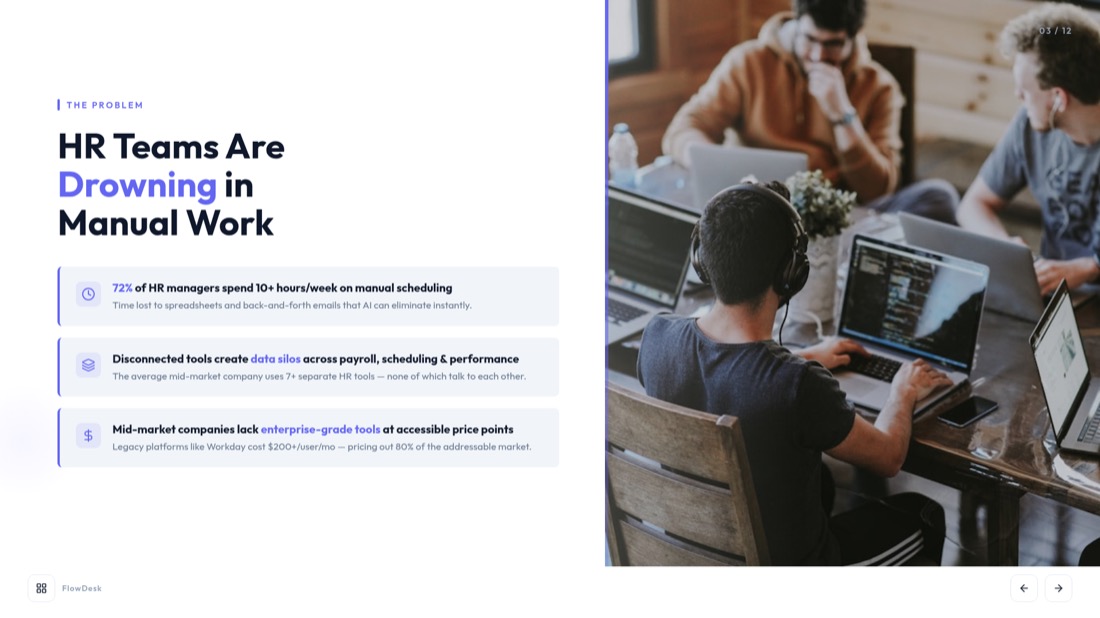
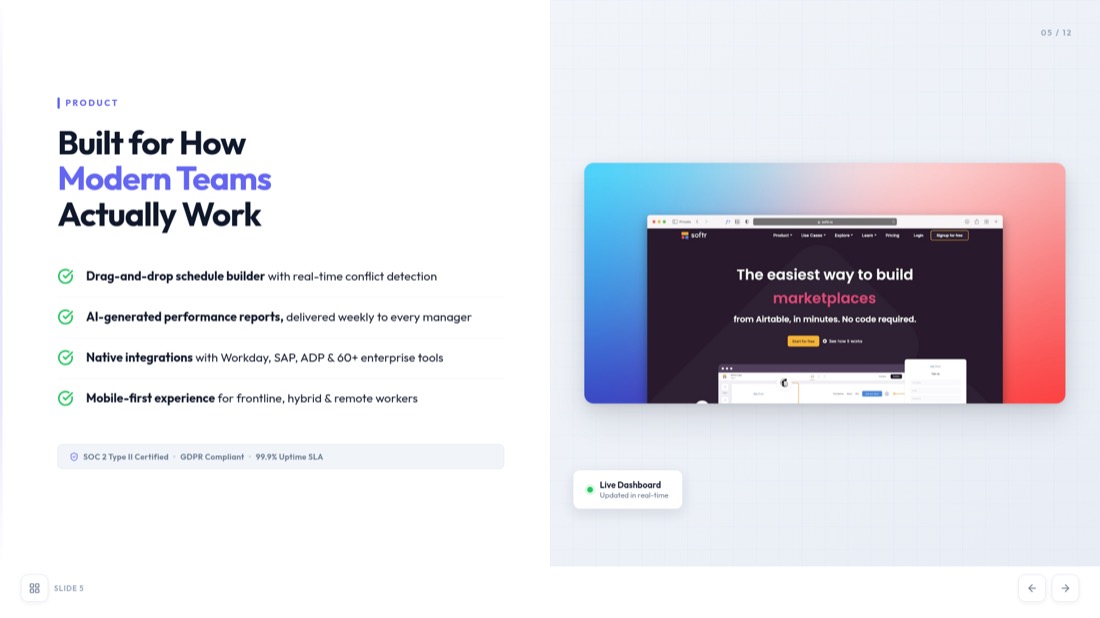
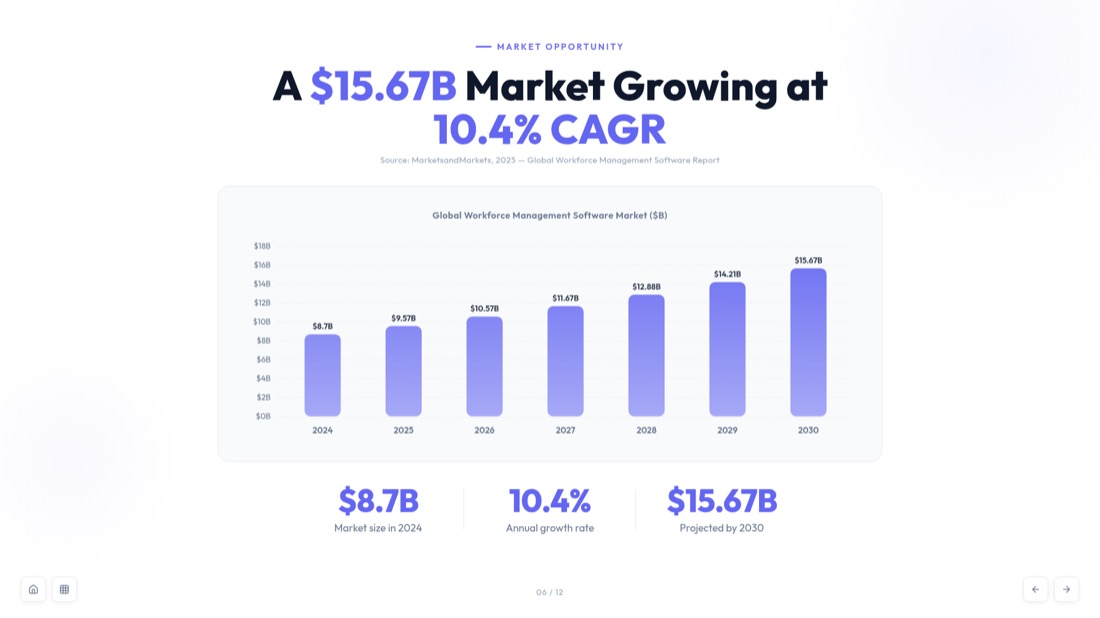
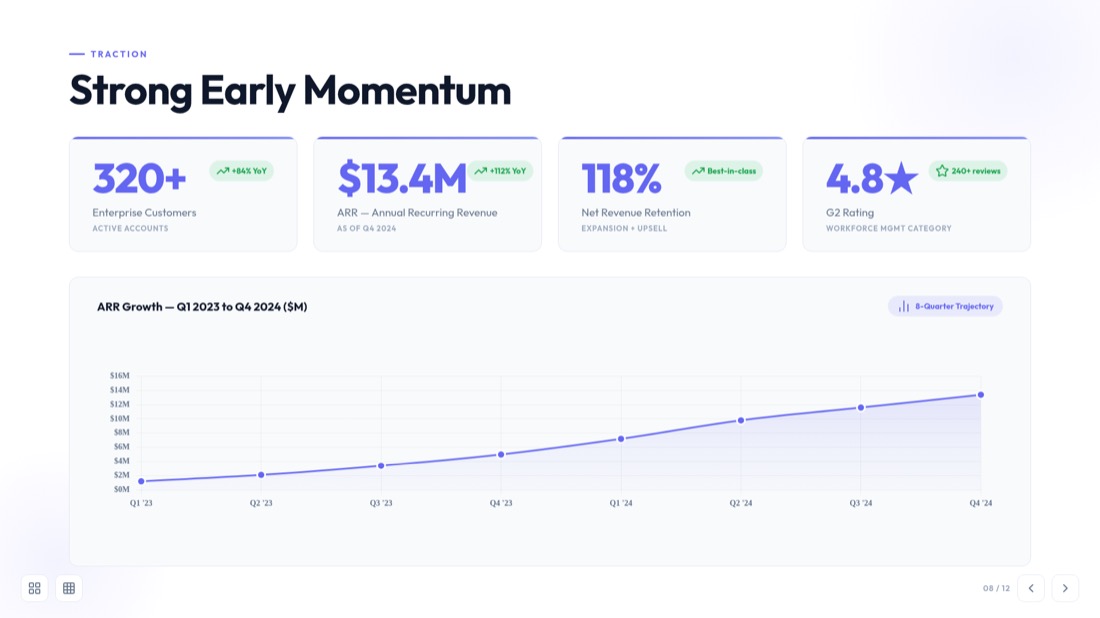
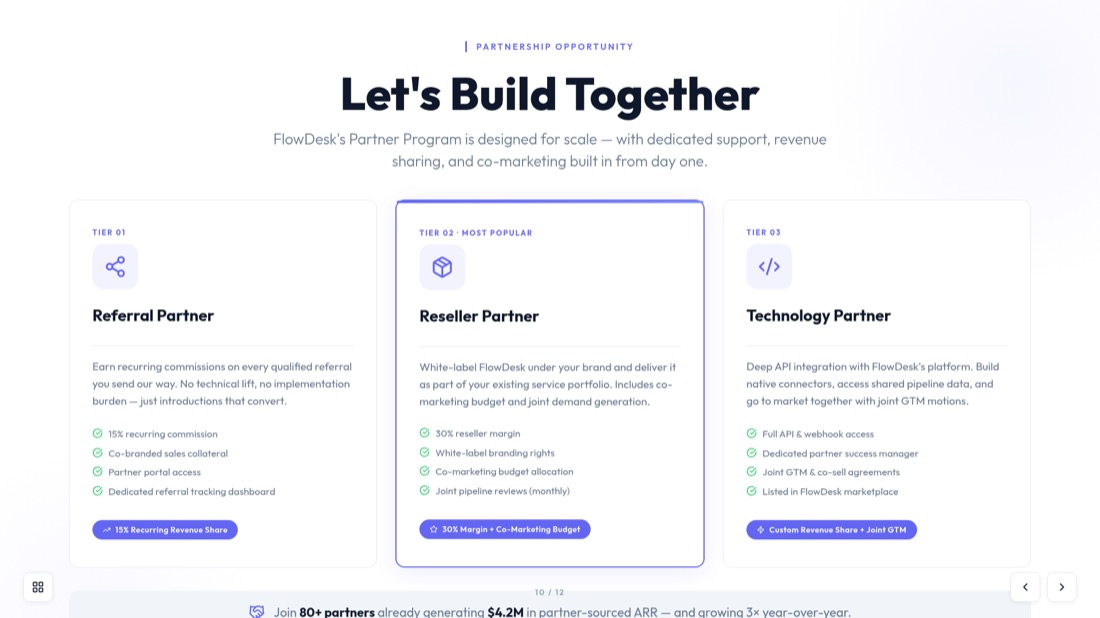
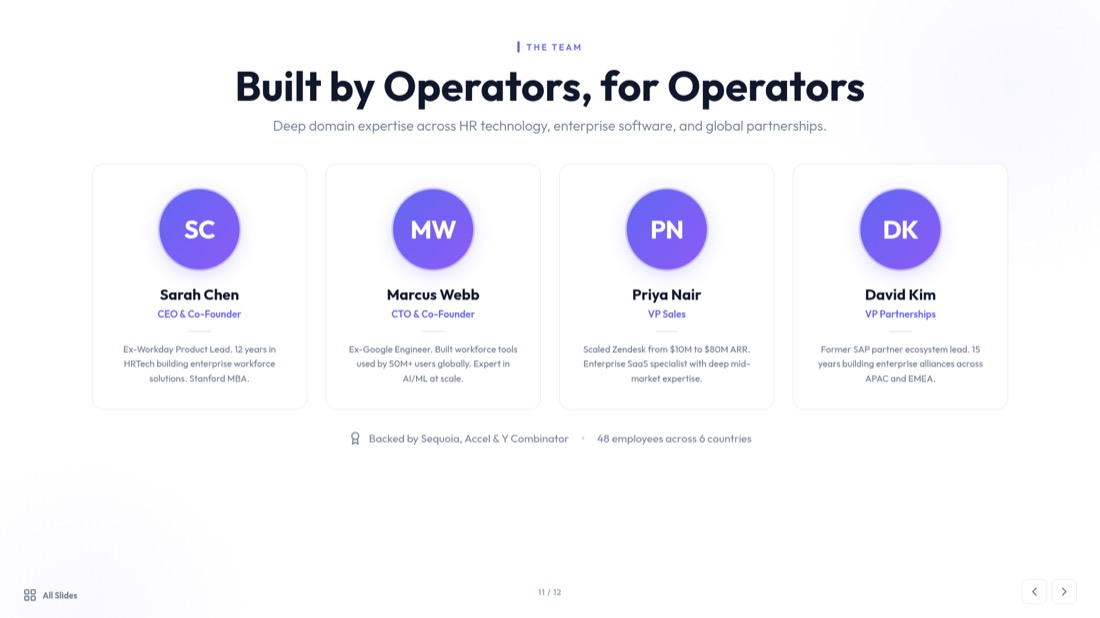
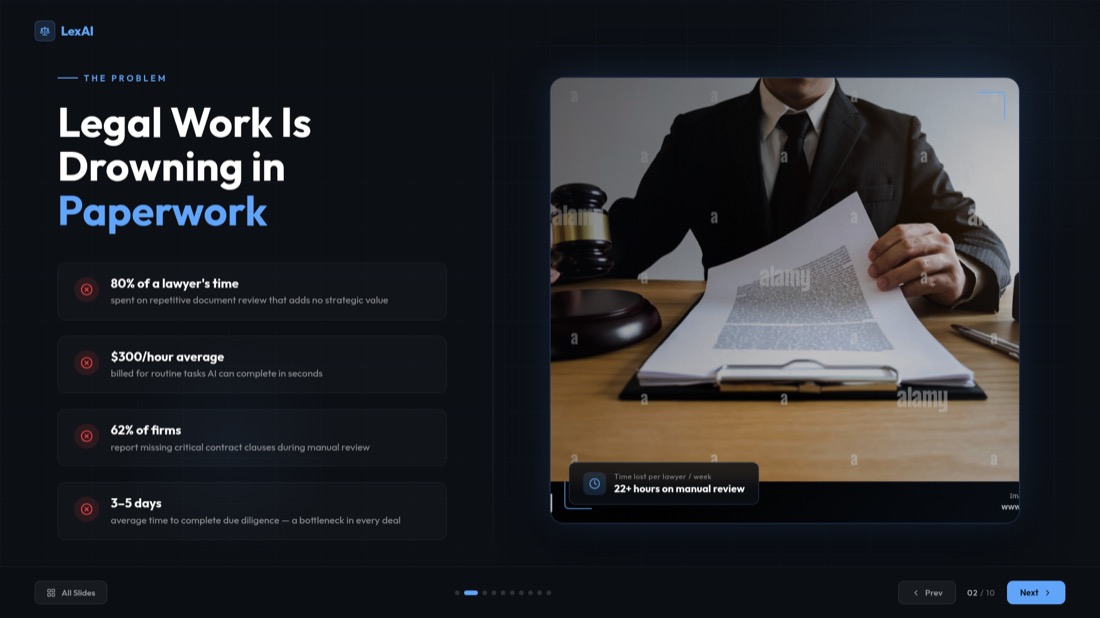
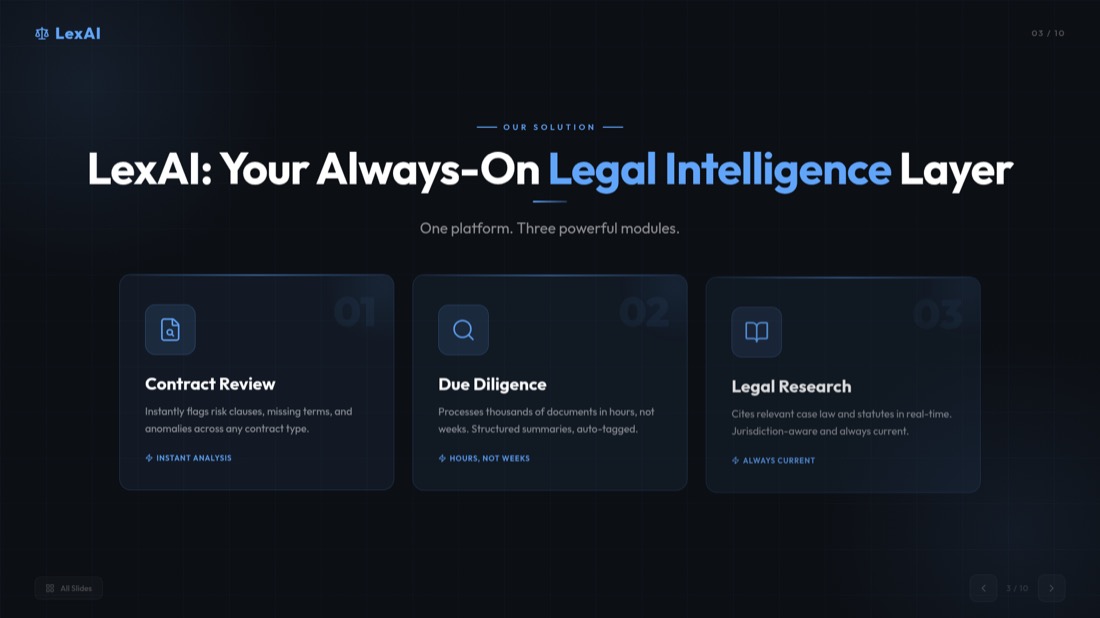
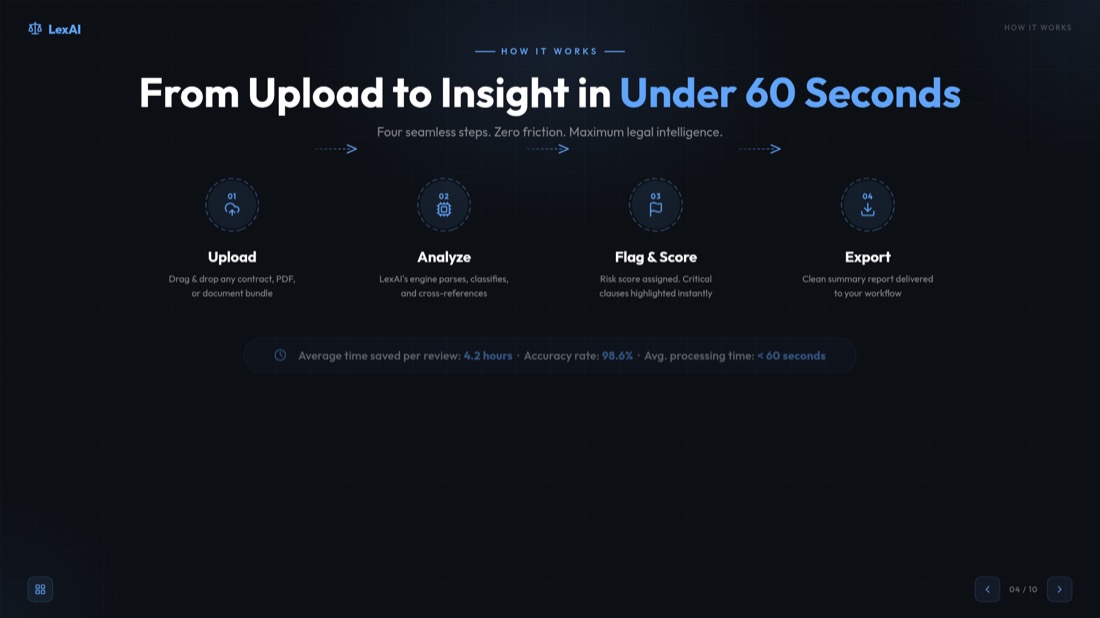
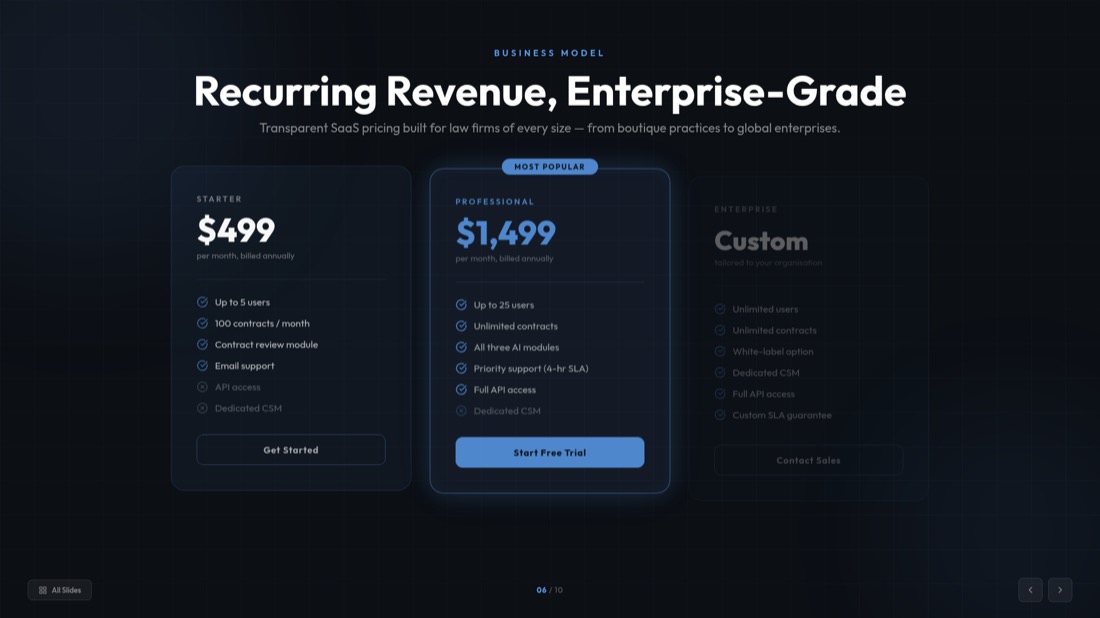
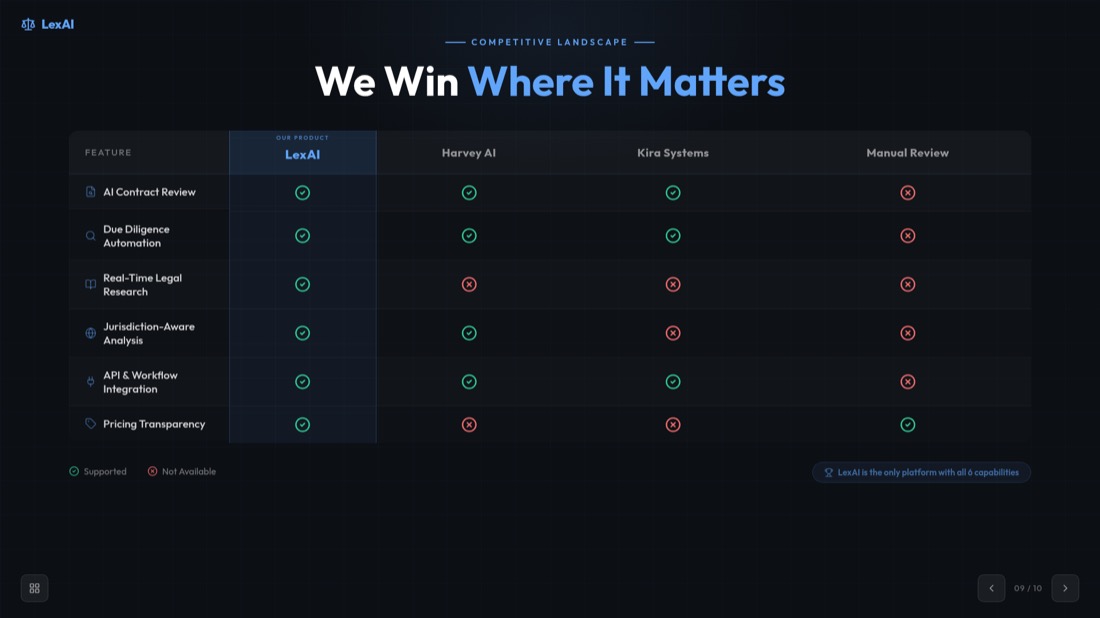

NexaFlow · Investor deck — drag or use the arrows to see all 32 slides
0:42 — webinar.mp4
Generated slide
A spoken moment becomes a titled, structured slide — not just a caption.
Who turns videos into decks
A recording goes in, a finished deck comes out. Here's what that looks like.
Pitch rehearsal → investor deck
52-min recording → 10 polished slides
Recorded demo → client-ready deck
18-min demo → 12 slides to send
Client call → summary deck
40-min call → 10 slides, no retyping
MP4 to PPT 변환기 - 모든 동영상 형식 변환
MP4 to PPT 변환기는 모든 주요 동영상 형식과 플랫폼을 지원합니다. 로컬 파일부터 온라인 동영상까지 모든 것을 지원합니다.
로컬 파일
MP4, AVI, MOV, WMV, MKV
온라인 플랫폼
YouTube, Vimeo, Dailymotion
모바일 동영상
휴대폰 녹화, 소셜 미디어
화면 녹화
튜토리얼, 데모, 프레젠테이션
전 세계 수백만 명이 신뢰하는
AI 기반 동영상 to 프레젠테이션 변환기를 신뢰하는 수천 명의 전문가와 함께하세요.
모든 형식을 위한 동영상 to 슬라이드 변환기
동영상 to 슬라이드 변환기는 모든 동영상을 전문적인 프레젠테이션 슬라이드로 변환합니다. 비즈니스 프레젠테이션, 교육 콘텐츠 또는 마케팅 자료를 위해 동영상을 슬라이드로 변환해야 할 때 AI가 모든 것을 처리합니다.
스마트 콘텐츠 추출
AI가 자동으로 핵심 순간을 식별하고, 중요한 콘텐츠를 추출하며, 논리적인 슬라이드 시퀀스로 정리합니다.
전문적인 디자인
각 슬라이드는 최대 임팩트를 위해 전문적인 레이아웃, 적절한 타이포그래피 및 시각적 계층 구조로 디자인됩니다.
즉각적인 처리
몇 시간이 아닌 몇 분 만에 프레젠테이션을 준비하세요. 동영상 to 슬라이드 변환기가 빠르게 작동합니다.
모든 동영상 유형에 완벽
도구가 다양한 유형의 동영상 콘텐츠를 전문적인 프레젠테이션으로 변환하는 방법을 확인하세요.
교육 콘텐츠
- 온라인 강좌
- 학술 강의
- 교육 동영상
- 교육 웨비나
비즈니스 프레젠테이션
- 제품 출시
- 영업 프레젠테이션
- 회사 회의
- 클라이언트 프레젠테이션
마케팅 콘텐츠
- 제품 데모
- 브랜드 동영상
- 마케팅 캠페인
- 소셜 미디어 콘텐츠
연구 및 분석
- 연구 인터뷰
- 데이터 프레젠테이션
- 사례 연구
- 전문가 토론
동영상 to PowerPoint 변환기 기능
동영상 to PowerPoint 변환기는 동영상을 PowerPoint로 변환하는 것을 간단하고 효율적으로 만드는 고급 기능을 제공합니다. 자동 전사에서 전문적인 슬라이드 디자인까지 필요한 모든 것을 갖추고 있습니다.
자동 전사
AI 기반 전사 서비스로 음성을 자동으로 텍스트로 변환합니다.
주요 프레임 추출
AI가 동영상에서 가장 중요한 시각적 순간을 식별하고 추출합니다.
콘텐츠 정리
콘텐츠를 논리적인 슬라이드 시퀀스와 섹션으로 지능적으로 정리합니다.
전문 템플릿
수백 가지 전문적인 PowerPoint 템플릿과 디자인 중에서 선택하세요.
빠른 처리
동영상 길이에 관계없이 단 2분 만에 프레젠테이션을 준비하세요.
안전 및 비공개
동영상은 안전하게 처리되고 개인 정보 보호를 위해 변환 후 삭제됩니다.
How to Convert Video to PPT — Frequently Asked Questions
Everything you need to know about how to convert video to ppt with our free video to ppt converter.
How do I convert a video to PPT?
Add your video, pick a frame-extraction interval, then download your slides. For MP4, MOV and WebM files the frames are captured right in your browser, so you can convert video to ppt in seconds without an upload.
Is the video to ppt converter free?
Yes. Our free video to ppt converter lets you convert video to ppt online free — no sign-in and no hidden costs for direct conversion.
What video formats are supported?
Our mp4 to ppt converter supports MP4, AVI, MOV, WMV and MKV, up to 500MB per video. For the sharpest slides we recommend 720p or higher.
Can I convert MP4 to PPT online?
Absolutely. Upload any MP4 file and our mp4 to ppt converter automatically extracts key frames and turns them into an editable PowerPoint — you can also convert mp4 to pptx the same way.
Do I have to upload my video?
For supported formats (MP4, MOV, WebM) your video never leaves your device — frames are extracted locally in your browser. Other formats are processed securely on our server and deleted after conversion.
Can I convert a YouTube video to PPT?
Yes — use our dedicated YouTube to PPT converter for YouTube, Vimeo and other online videos. It transcribes the video and builds presentation-ready slides automatically.
Is the PowerPoint file editable?
Every deck is a fully editable .pptx that opens in Microsoft PowerPoint and Google Slides, so you can customize layouts, text and images before you present.
How long does it take to convert video to slides?
Most videos are ready in about 2 minutes. Browser-based frame extraction is near-instant, and you can preview and extract slides from the video before downloading.
Need help with YouTube videos? Check out our specialized guide on how to convert YouTube video to PPT.
Ready to create your presentation?
Join thousands of professionals who save hours every week with AI-powered presentations.
1,511 reviews · Trustpilot & Workspace


