Video to PPT Converter: AI-Powered or Direct Upload
Upload your video and create presentations instantly. Choose direct upload for quick conversion, or use AI mode for intelligent content generation from your videos.
Direct Video to PPT
Free • No sign-in • Instant conversion
Upload Video
Drag and drop your video here, or click to browse
Supported formats: MP4, MOV, AVI, WEBM
Maximum 500MB per video


4.6 from 1,511 reviews on Trustpilot & Workspace
Trusted by 1.5M+ professionals and teams worldwide
- Google
- Amazon
- Netflix
- LinkedIn
- Salesforce
- HubSpot
- Shopify
- Stripe
- ByteDance
- Cisco
- IBM
- Red Hat
- NVIDIA
- SpaceX


How to Convert Video to PPT Online Free
Our video to ppt converter makes it easy to convert video to powerpoint in just three simple steps. No technical skills required!
⚡ Most videos are processed right in your browser — no upload, no waiting.
Add your video
Drop in any MP4, MOV or WebM file — supported formats never leave your device.

Frames are captured
A frame is grabbed at your chosen interval, extracted instantly in your browser.

Pick your slides
Preview every frame and keep only the ones you want in the deck.


Download .pptx
Get a fully editable PowerPoint, ready to present in seconds.
Best Video to PPT Converter Online Free
Drop in a video file and get an editable PowerPoint back — frames pulled, audio transcribed, slides built for you.
lecture.mp4
48 MB
webinar.mov
112 MB
demo.avi
76 MB

Your video never gets uploaded
For MP4, MOV and WebM files, frames are pulled straight from the file in your browser — nothing leaves your device, so it's private and starts instantly.
You pick every slide
Set how often a frame is captured, then preview the grid and keep only the frames worth presenting — no junk slides in the final deck.
Editable .pptx, not a flat export
Download a real PowerPoint file that opens in PowerPoint and Google Slides — retype text, restyle layouts and add your own slides before presenting.
Working with an online video instead? Use the YouTube to PPT converter.
Create Presentations from Any Video Instantly with AI
Learn how to convert video to ppt and make ppt from video using our advanced AI tool
Convert Video to PPT NowReal slides, generated — not designed by hand
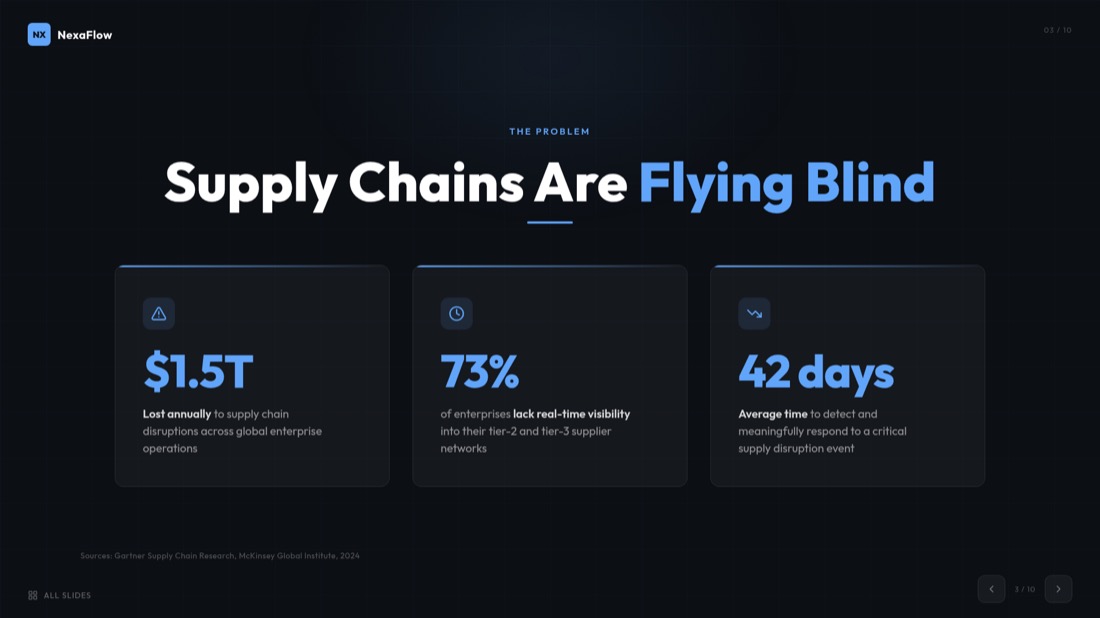
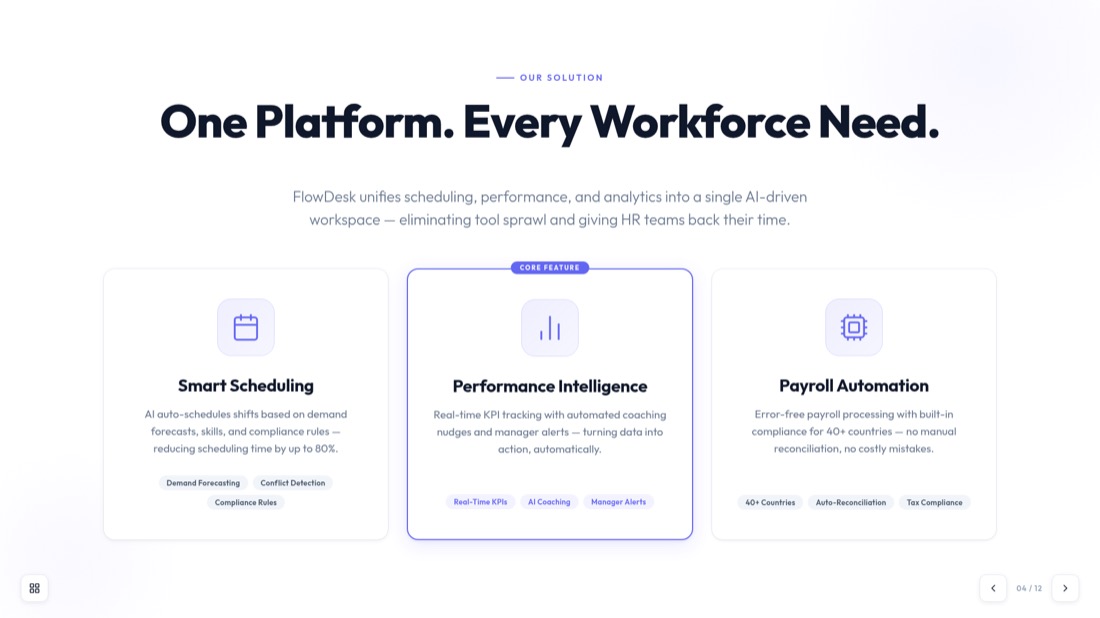
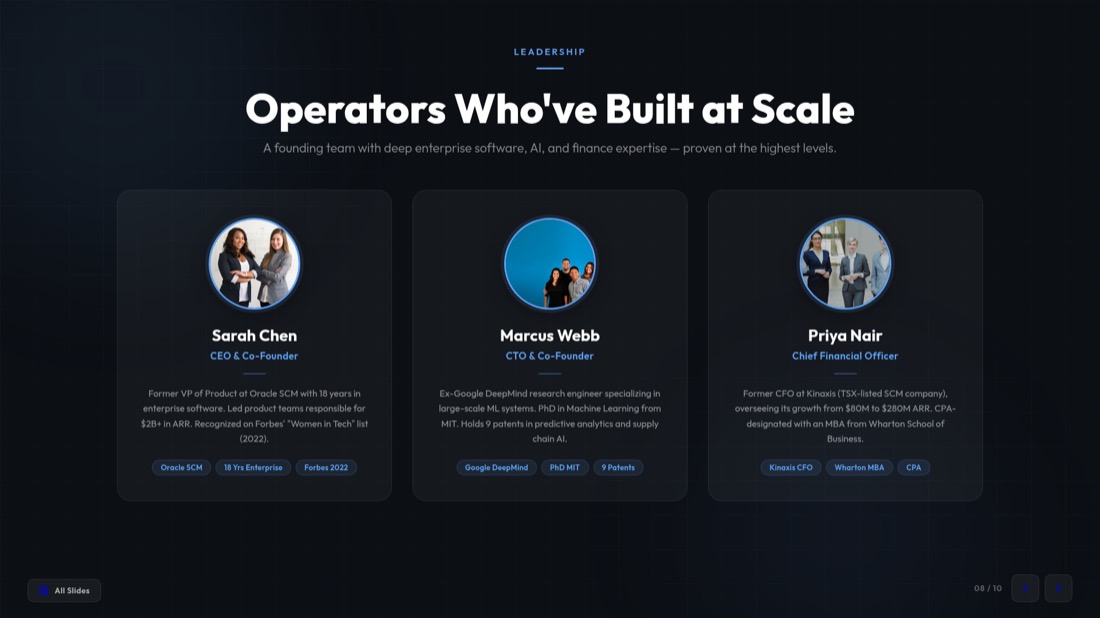
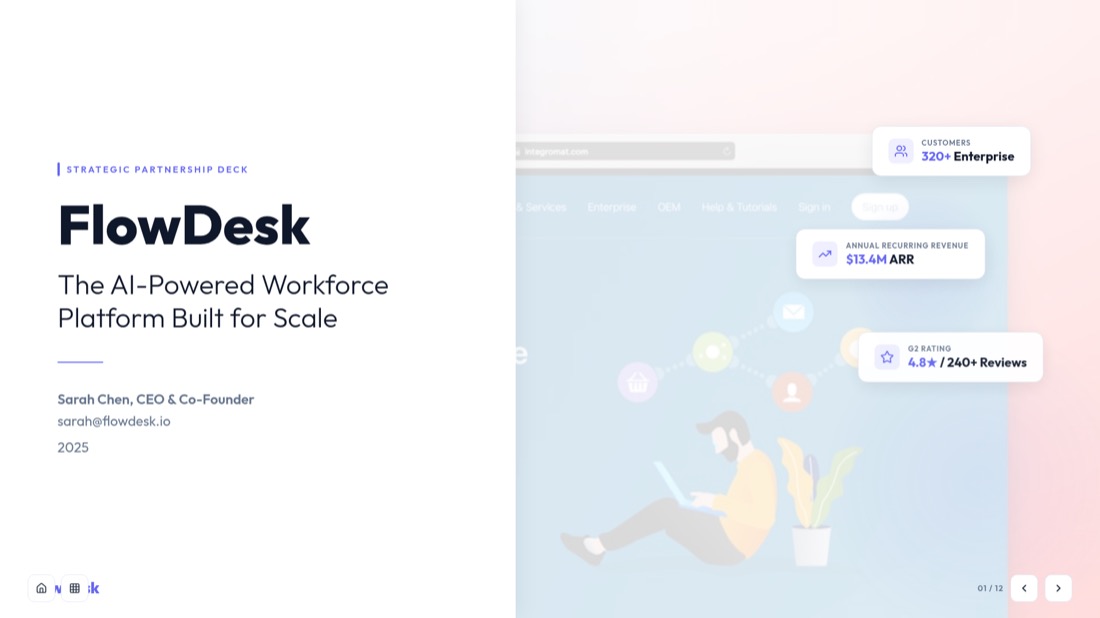
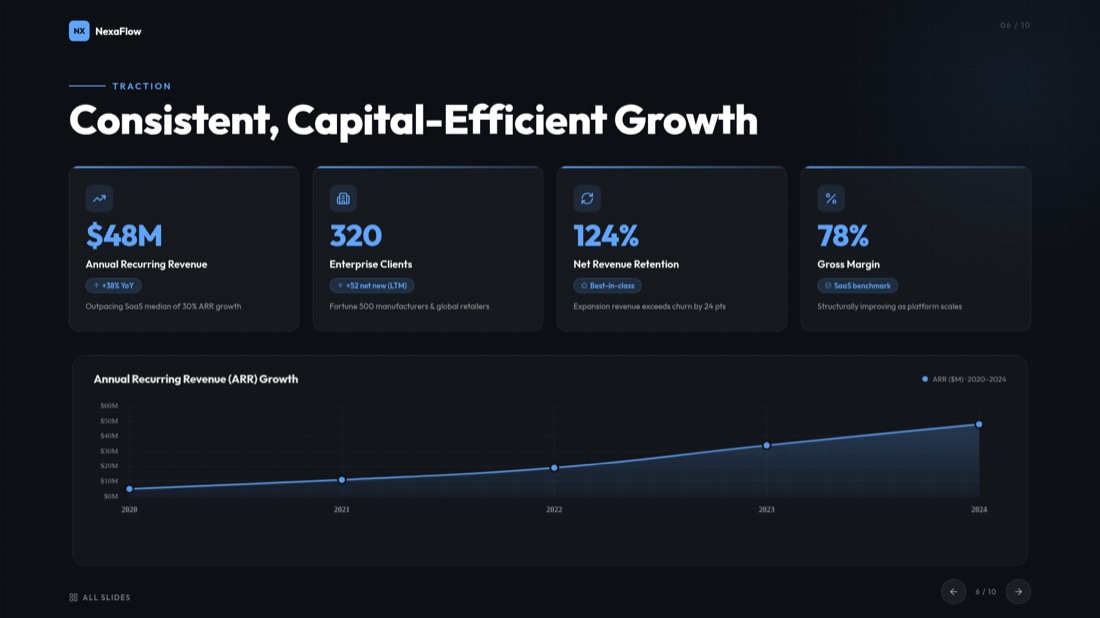
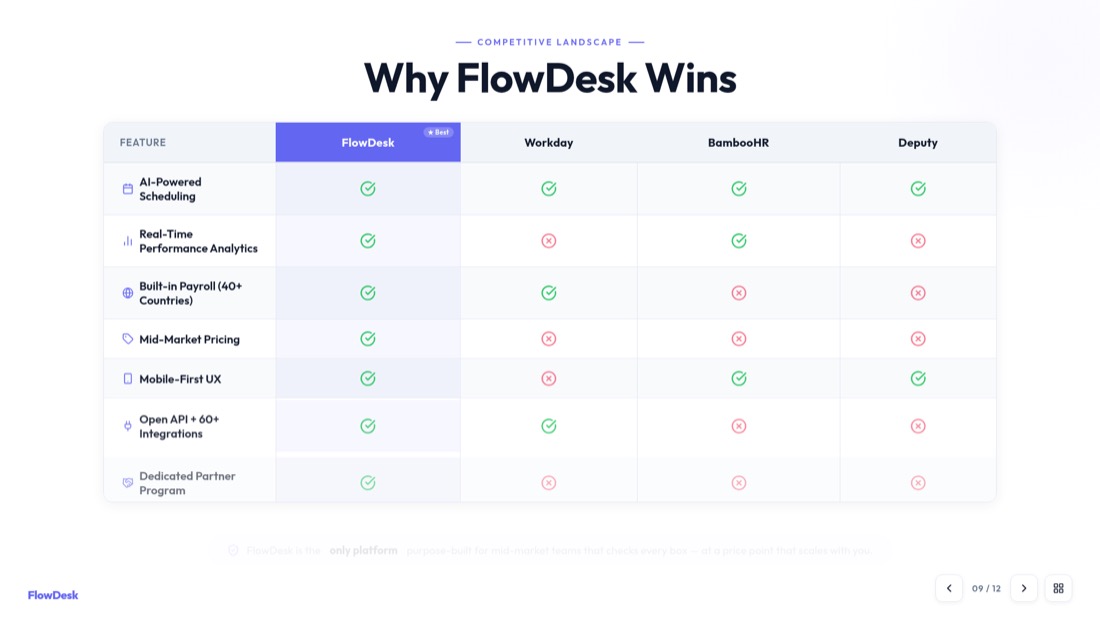
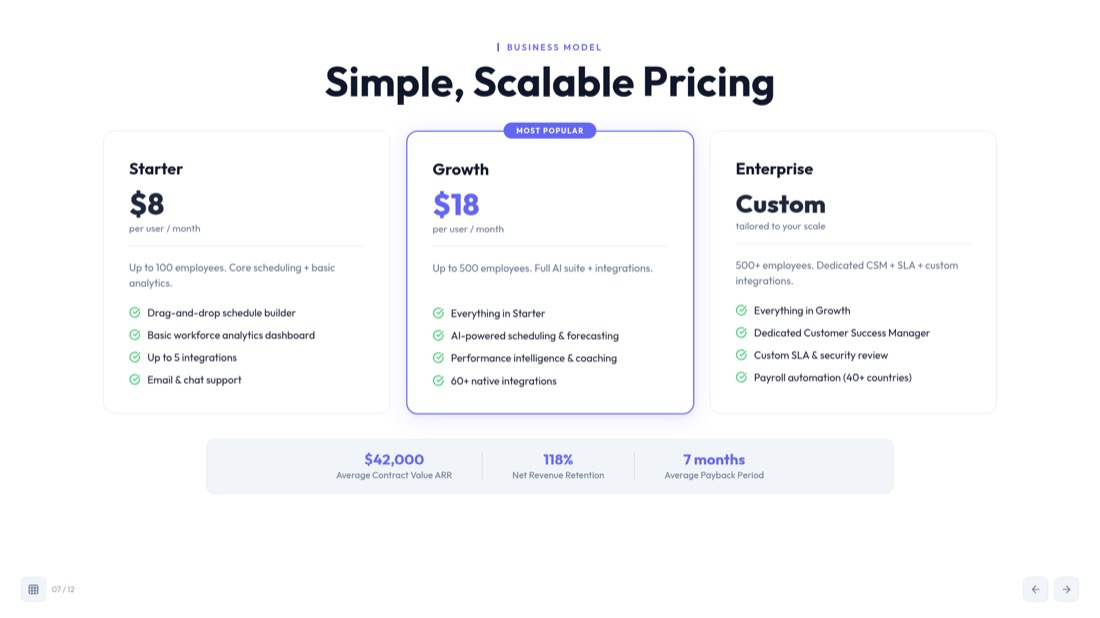
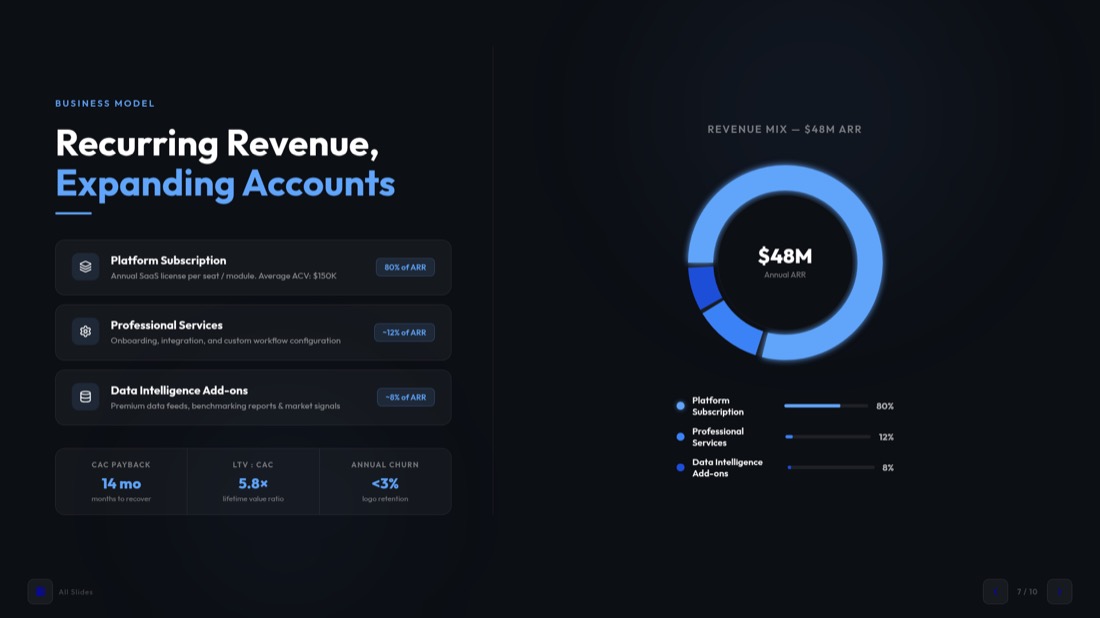
Every slide below came straight out of MagicSlides Studio. No templates were tweaked, no layouts nudged — this is what you get back from a video.


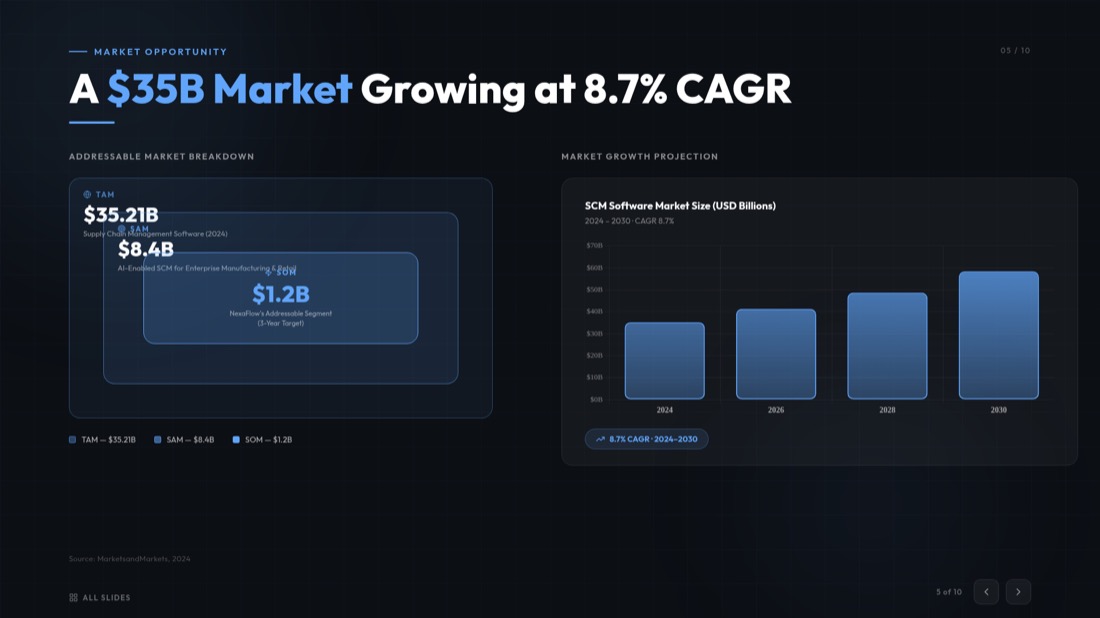
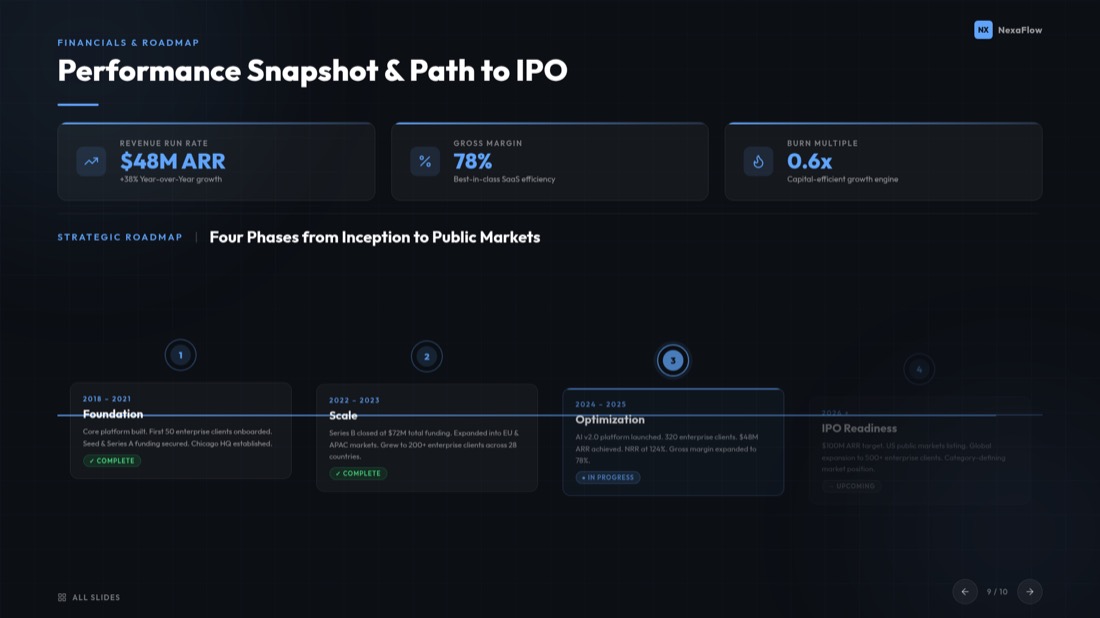

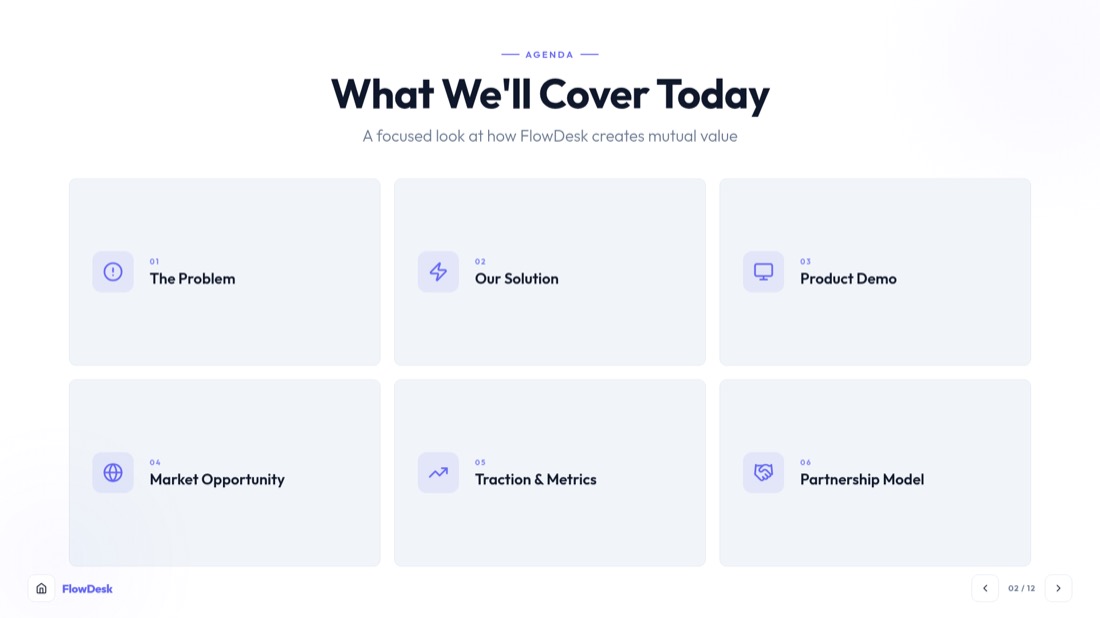
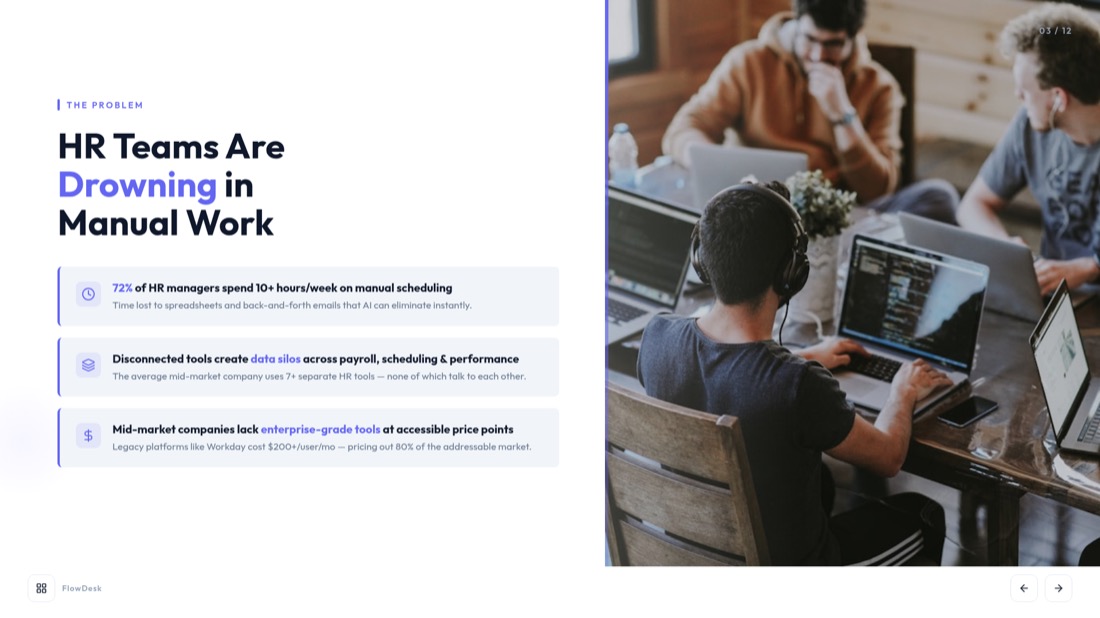
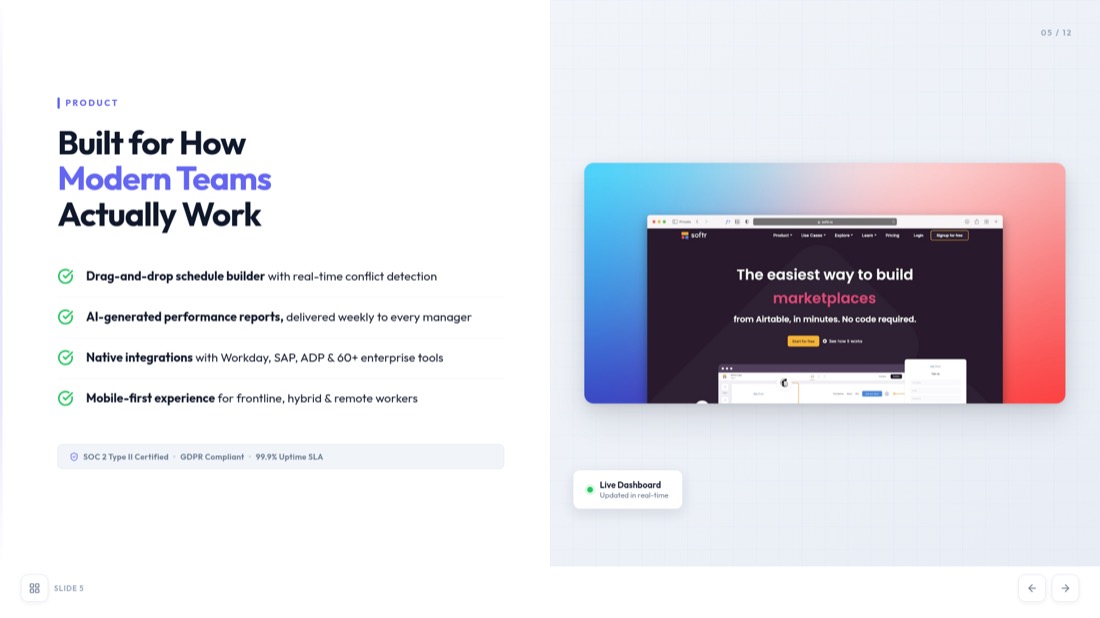
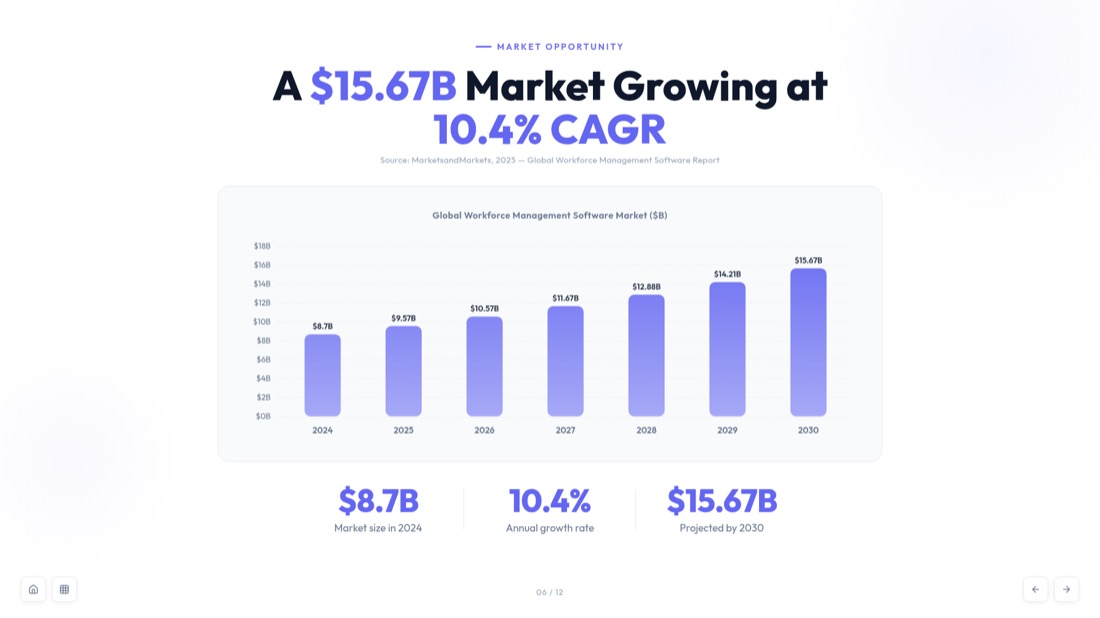
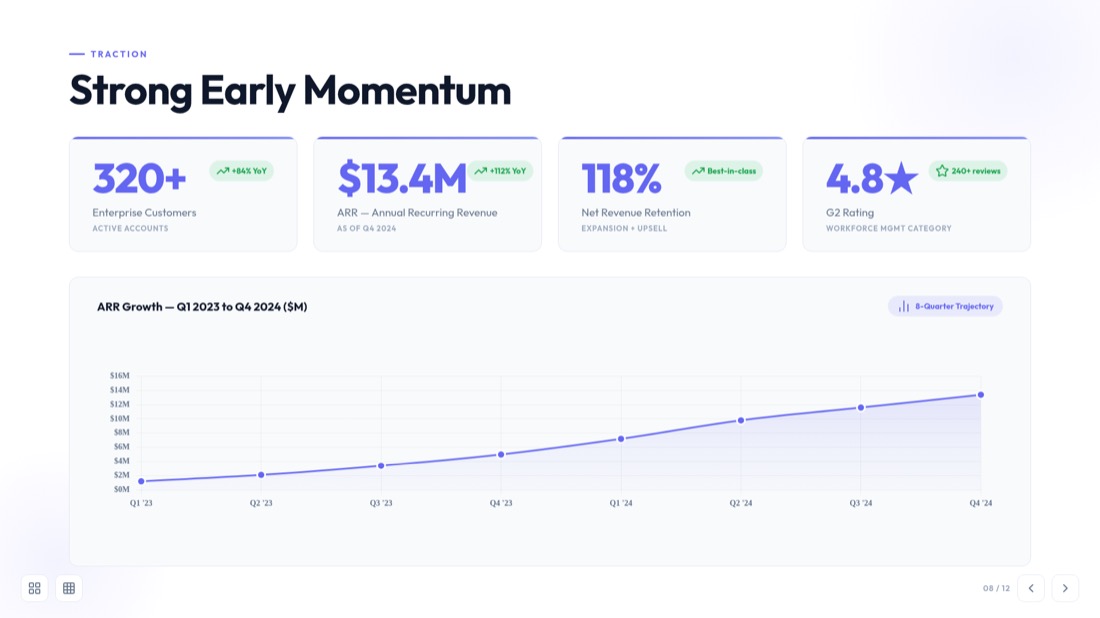
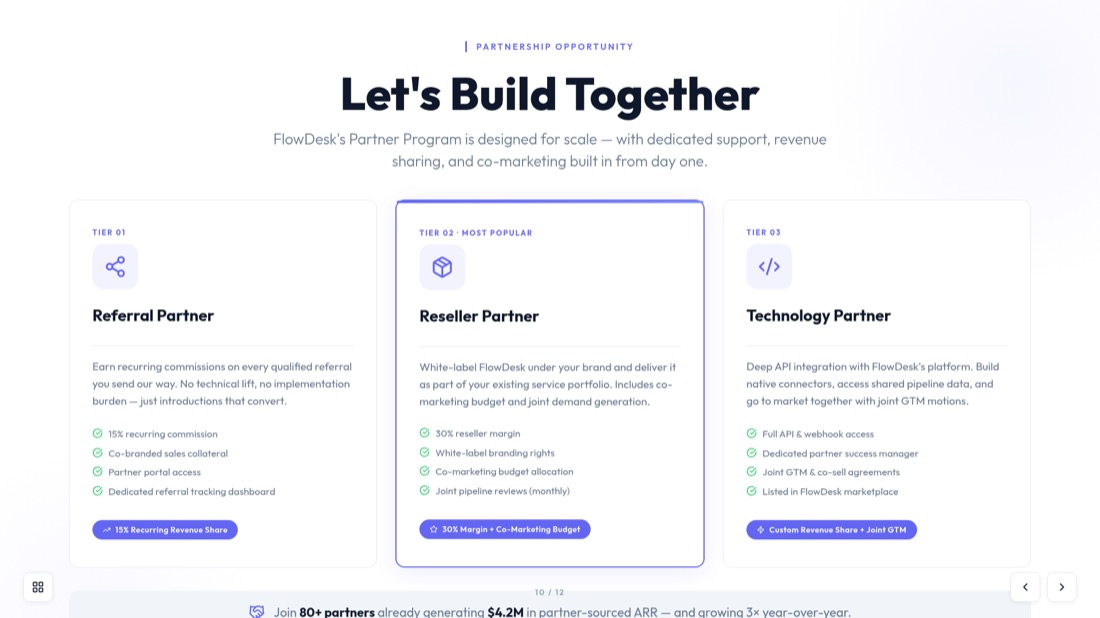
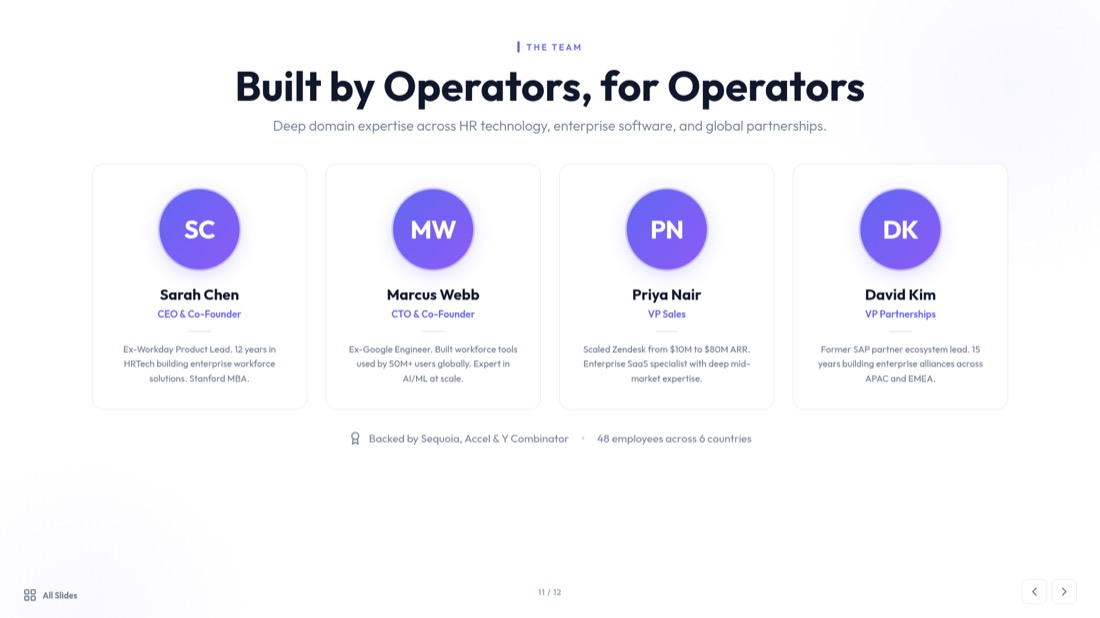
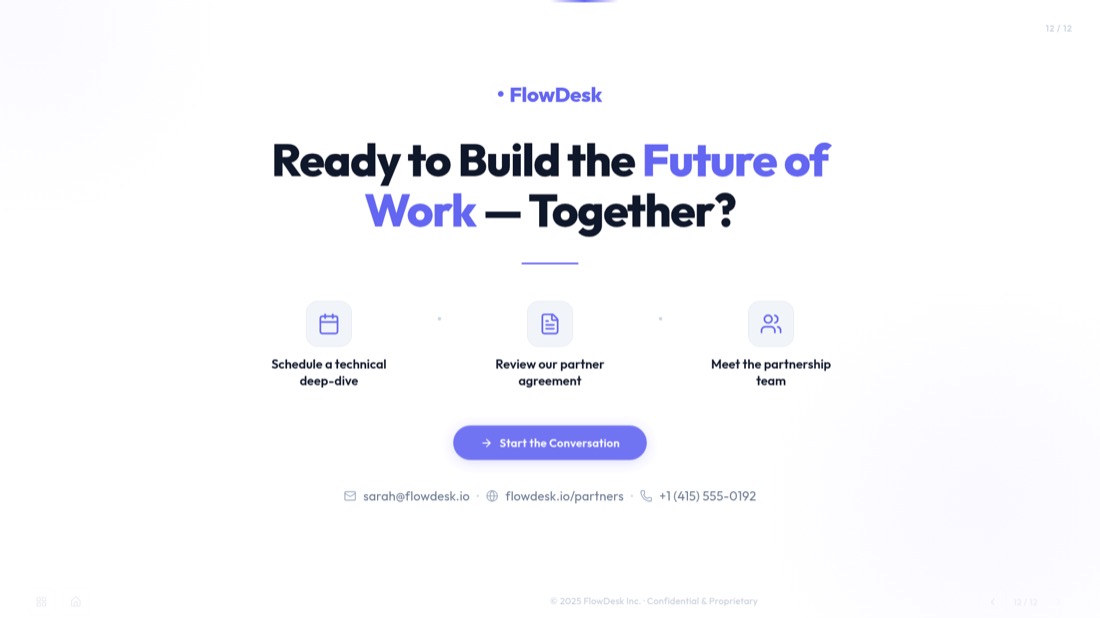
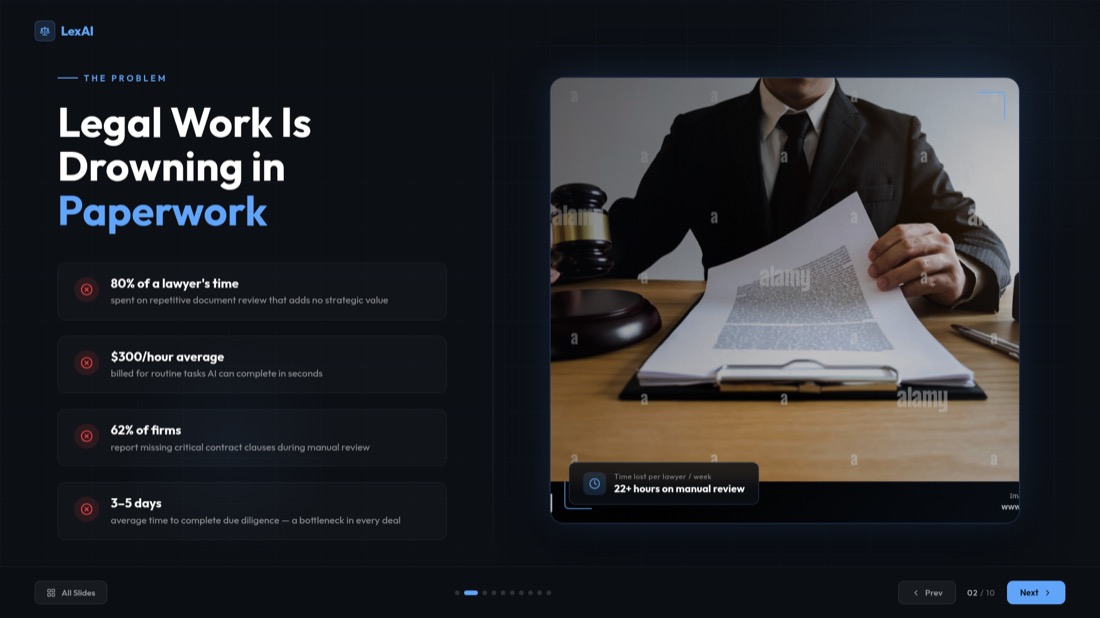
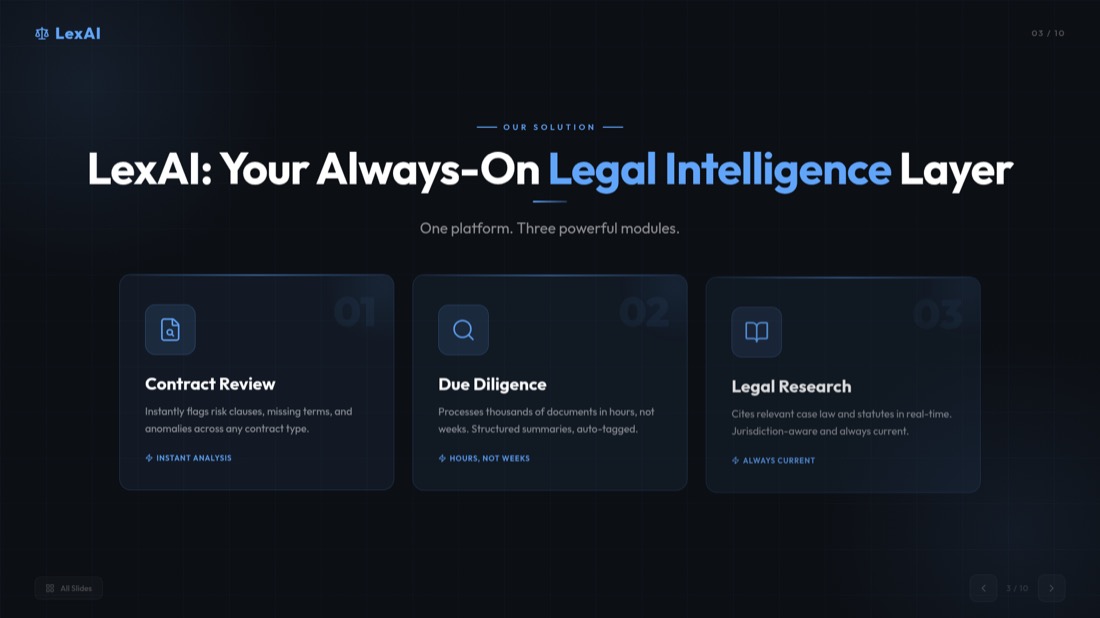
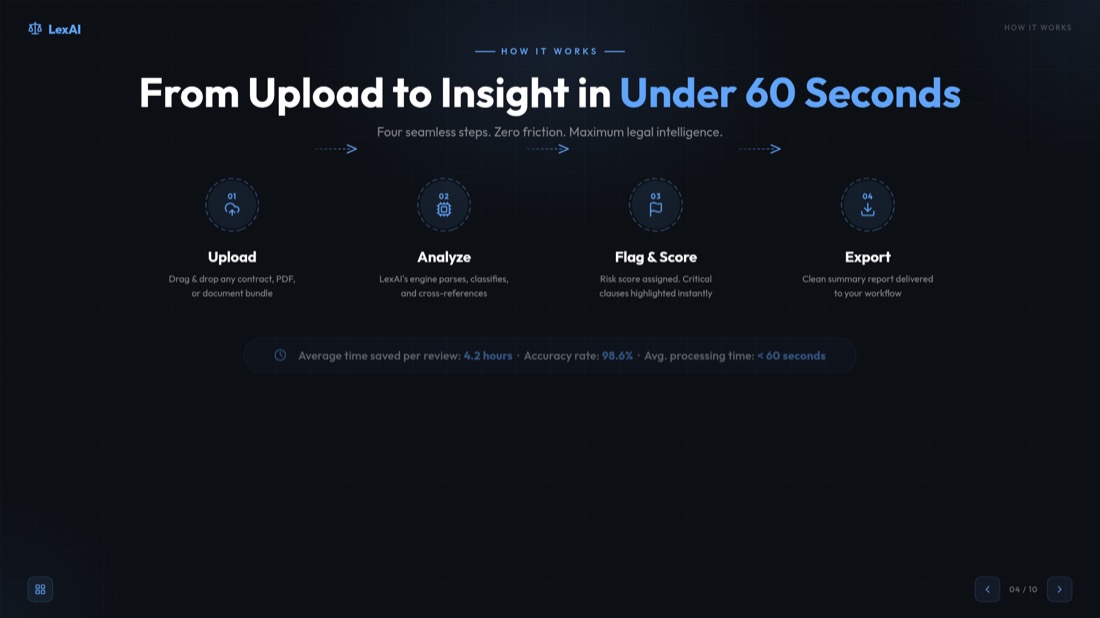
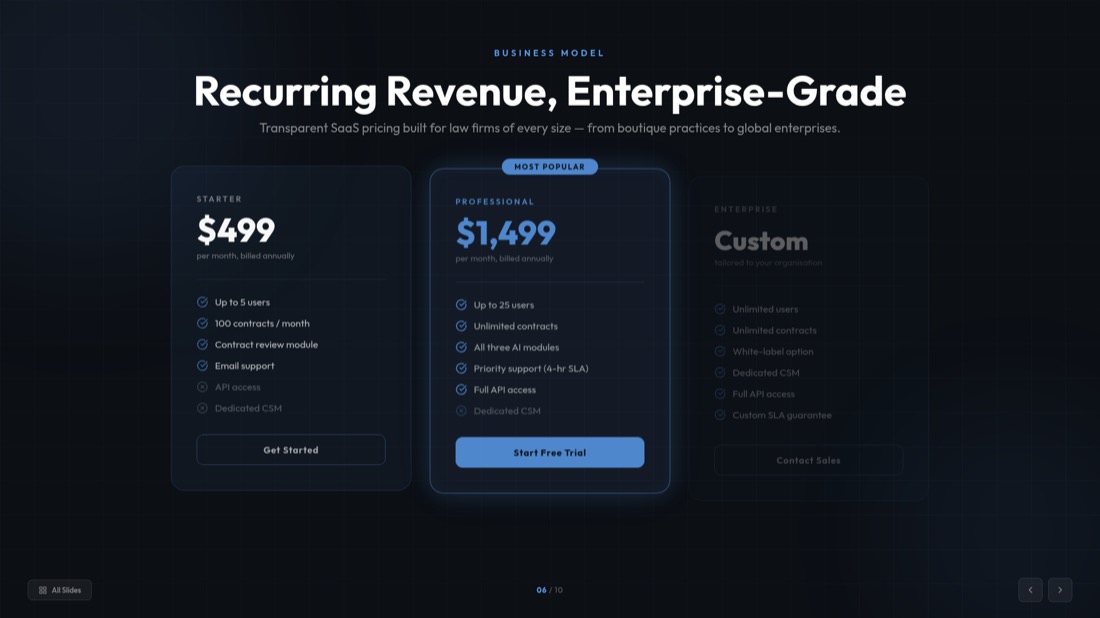
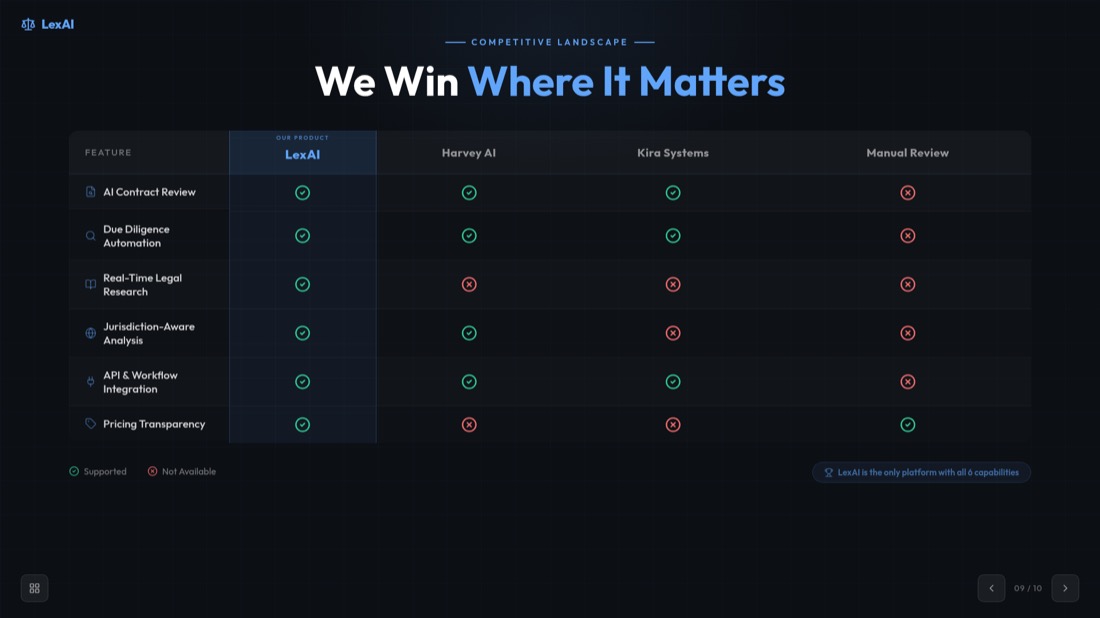

NexaFlow · Investor deck — drag or use the arrows to see all 32 slides
More than just a transcript
Most tools just dump the spoken words onto slides. MagicSlides actually understands what's on screen — it reads the visuals, captures what's written, and writes a clear description of what's happening, so each slide makes sense on its own.
Convert Video to PPT Now0:42 — webinar.mp4
Generated slide
A spoken moment becomes a titled, structured slide — not just a caption.
Who turns videos into decks
A recording goes in, a finished deck comes out. Here's what that looks like.
Pitch rehearsal → investor deck
52-min recording → 10 polished slides
Recorded demo → client-ready deck
18-min demo → 12 slides to send
Client call → summary deck
40-min call → 10 slides, no retyping
MP4 to PPT Converter - Convert Any Video Format
Our mp4 to ppt converter supports all major video formats and platforms. From local files to online videos, we've got you covered.
Local Files
MP4, AVI, MOV, WMV, MKV
Online Platforms
YouTube, Vimeo, Dailymotion
Mobile Videos
Phone recordings, social media
Screen Recordings
Tutorials, demos, presentations
Trusted by Millions of Users Worldwide
Join thousands of professionals who trust our AI-powered video to presentation converter
Video to Slides Converter for All Formats
Our video to slides converter transforms any video into professional presentation slides. Whether you need to convert video to slides for business presentations, educational content, or marketing materials, our AI handles it all.
Smart Content Extraction
Our AI automatically identifies key moments, extracts important content, and organizes it into logical slide sequences.
Professional Design
Each slide is designed with professional layouts, proper typography, and visual hierarchy for maximum impact.
Instant Processing
Get your presentation ready in minutes, not hours. Our video to slide converter works at lightning speed.
Perfect for Every Video Type
Discover how our tool can transform various types of video content into professional presentations
Educational Content
- Online courses
- Academic lectures
- Training videos
- Educational webinars
Business Presentations
- Product launches
- Sales presentations
- Company meetings
- Client presentations
Marketing Content
- Product demos
- Brand videos
- Marketing campaigns
- Social media content
Research & Analysis
- Research interviews
- Data presentations
- Case studies
- Expert discussions
Video to PowerPoint Converter Features
Our video to powerpoint converter offers advanced features that make convert video to powerpoint simple and efficient. From automatic transcription to professional slide design, we've got everything you need.
Automatic Transcription
Convert speech to text automatically with our AI-powered transcription service.
Key Frame Extraction
AI identifies and extracts the most important visual moments from your video.
Content Organization
Intelligently organize content into logical slide sequences and sections.
Professional Templates
Choose from hundreds of professional PowerPoint templates and designs.
Fast Processing
Get your presentation ready in just 2 minutes, regardless of video length.
Secure & Private
Your videos are processed securely and deleted after conversion for your privacy.
How to Convert Video to PPT — Frequently Asked Questions
Everything you need to know about how to convert video to ppt with our free video to ppt converter.
How do I convert a video to PPT?
Add your video, pick a frame-extraction interval, then download your slides. For MP4, MOV and WebM files the frames are captured right in your browser, so you can convert video to ppt in seconds without an upload.
Is the video to ppt converter free?
Yes. Our free video to ppt converter lets you convert video to ppt online free — no sign-in and no hidden costs for direct conversion.
What video formats are supported?
Our mp4 to ppt converter supports MP4, AVI, MOV, WMV and MKV, up to 500MB per video. For the sharpest slides we recommend 720p or higher.
Can I convert MP4 to PPT online?
Absolutely. Upload any MP4 file and our mp4 to ppt converter automatically extracts key frames and turns them into an editable PowerPoint — you can also convert mp4 to pptx the same way.
Do I have to upload my video?
For supported formats (MP4, MOV, WebM) your video never leaves your device — frames are extracted locally in your browser. Other formats are processed securely on our server and deleted after conversion.
Can I convert a YouTube video to PPT?
Yes — use our dedicated YouTube to PPT converter for YouTube, Vimeo and other online videos. It transcribes the video and builds presentation-ready slides automatically.
Is the PowerPoint file editable?
Every deck is a fully editable .pptx that opens in Microsoft PowerPoint and Google Slides, so you can customize layouts, text and images before you present.
How long does it take to convert video to slides?
Most videos are ready in about 2 minutes. Browser-based frame extraction is near-instant, and you can preview and extract slides from the video before downloading.
Need help with YouTube videos? Check out our specialized guide on how to convert YouTube video to PPT.
Turn videos into ready slides
Upload a video and let AI transcribe and shape it into a polished, editable presentation.
1,511 reviews · Trustpilot & Workspace


