视频转PPT转换器:AI驱动或直接上传
上传您的视频并即时创建演示文稿。选择直接上传进行快速转换,或使用AI模式从您的视频进行智能内容生成。
Direct Video to PPT
Free • No sign-in • Instant conversion
Upload Video
Drag and drop your video here, or click to browse
Supported formats: MP4, MOV, AVI, WEBM
Maximum 500MB per video


4.6 from 1,511 reviews on Trustpilot & Workspace
Trusted by 2.6M+ professionals and teams worldwide
- Google
- Amazon
- Netflix
- LinkedIn
- Salesforce
- HubSpot
- Shopify
- Stripe
- ByteDance
- Cisco
- IBM
- Red Hat
- NVIDIA
- SpaceX


如何在线免费将视频转换为PPT
我们的视频转PPT转换器让您只需三个简单步骤即可将视频转换为PowerPoint。无需技术技能!
⚡ Most videos are processed right in your browser — no upload, no waiting.
Add your video
Drop in any MP4, MOV or WebM file — supported formats never leave your device.
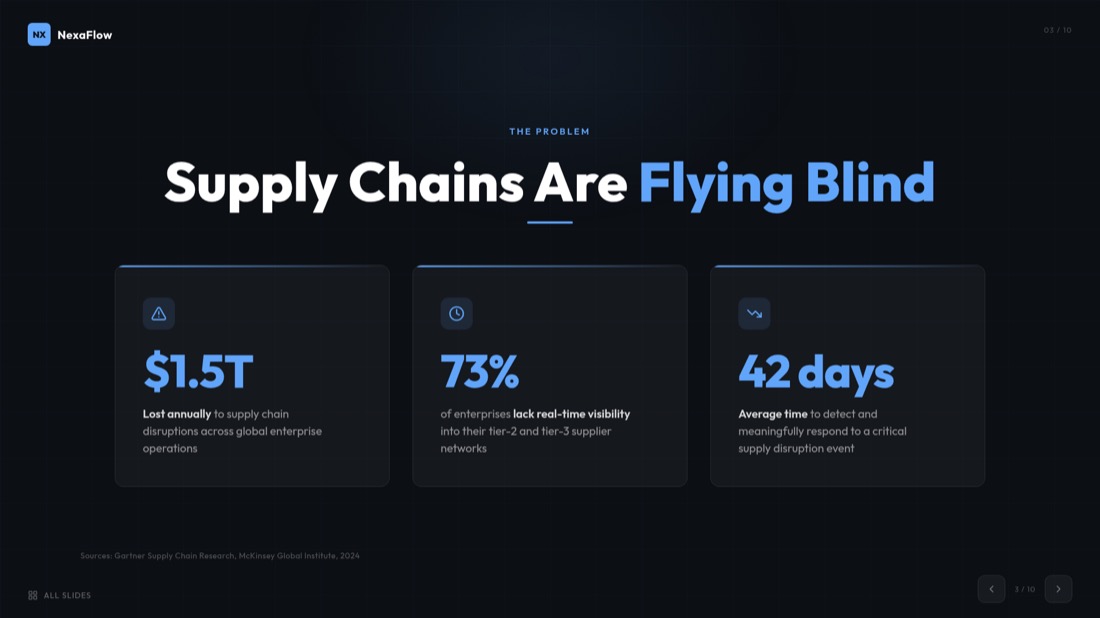
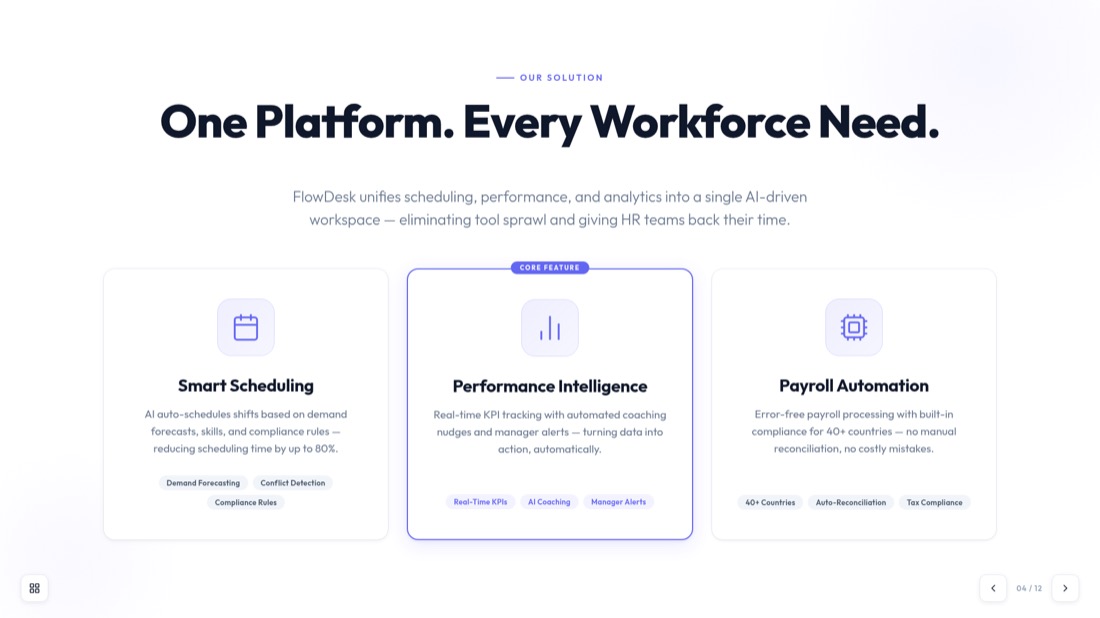
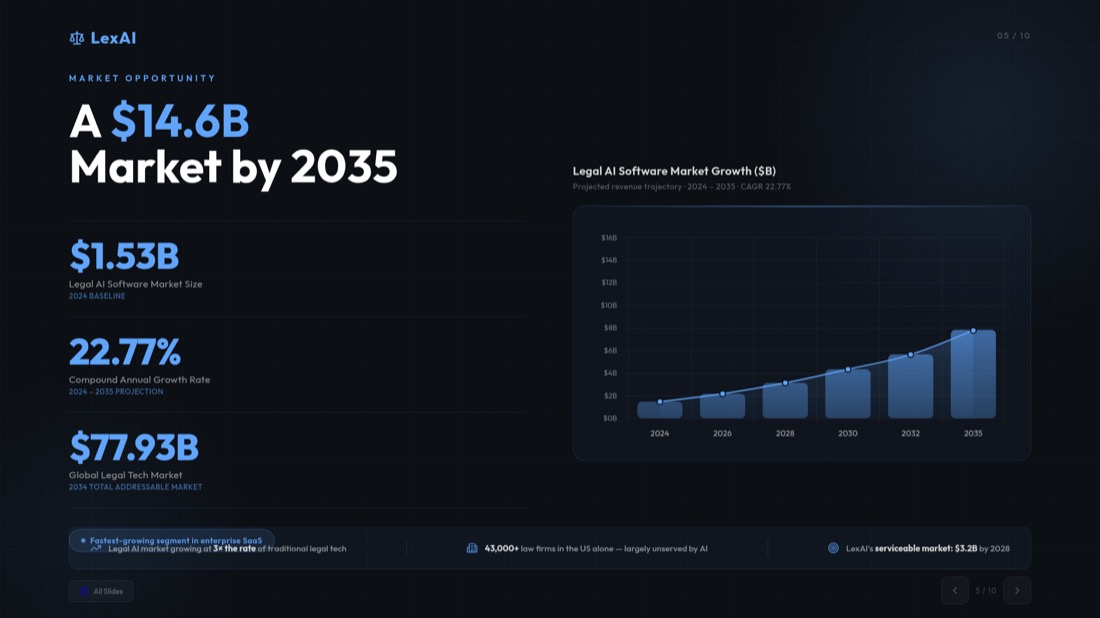
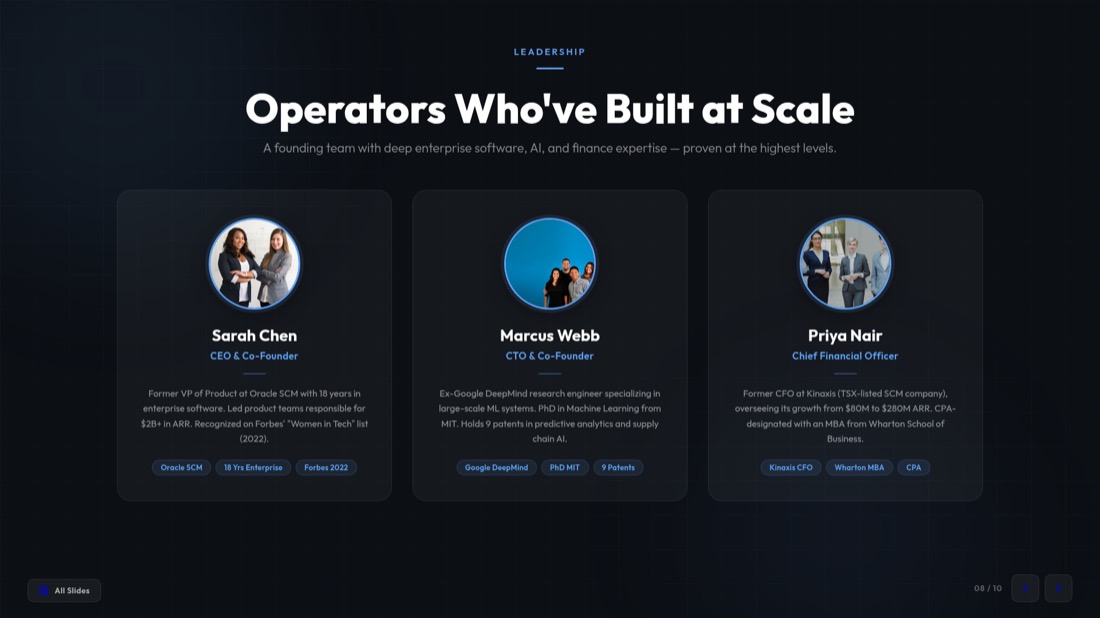
Frames are captured
A frame is grabbed at your chosen interval, extracted instantly in your browser.

Pick your slides
Preview every frame and keep only the ones you want in the deck.


Download .pptx
Get a fully editable PowerPoint, ready to present in seconds.
最佳在线免费视频转PPT转换器
我们的视频转PPT转换器是将任何视频格式转换为PowerPoint演示文稿的最先进工具。无论您是否需要从MP4文件、AVI视频或其他格式转换视频为PPT,我们的AI驱动视频转PowerPoint转换器都能处理。
lecture.mp4
48 MB
webinar.mov
112 MB
demo.avi
76 MB
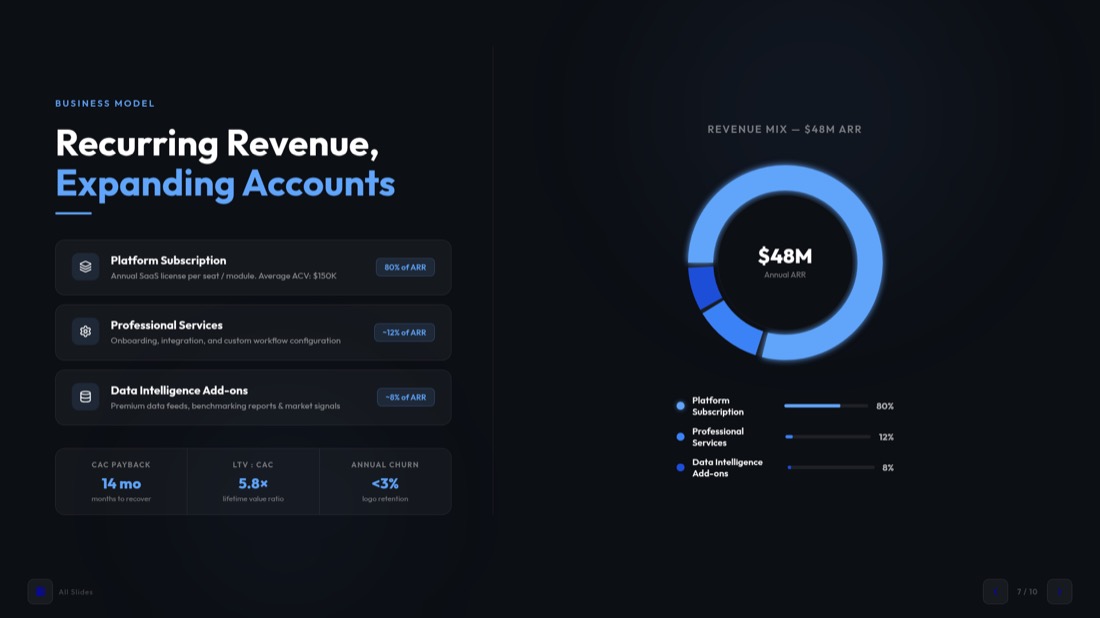

Your video never gets uploaded
For MP4, MOV and WebM files, frames are pulled straight from the file in your browser — nothing leaves your device, so it's private and starts instantly.
You pick every slide
Set how often a frame is captured, then preview the grid and keep only the frames worth presenting — no junk slides in the final deck.
Editable .pptx, not a flat export
Download a real PowerPoint file that opens in PowerPoint and Google Slides — retype text, restyle layouts and add your own slides before presenting.
Working with an online video instead? Use the YouTube to PPT converter.
Real slides, generated — not designed by hand
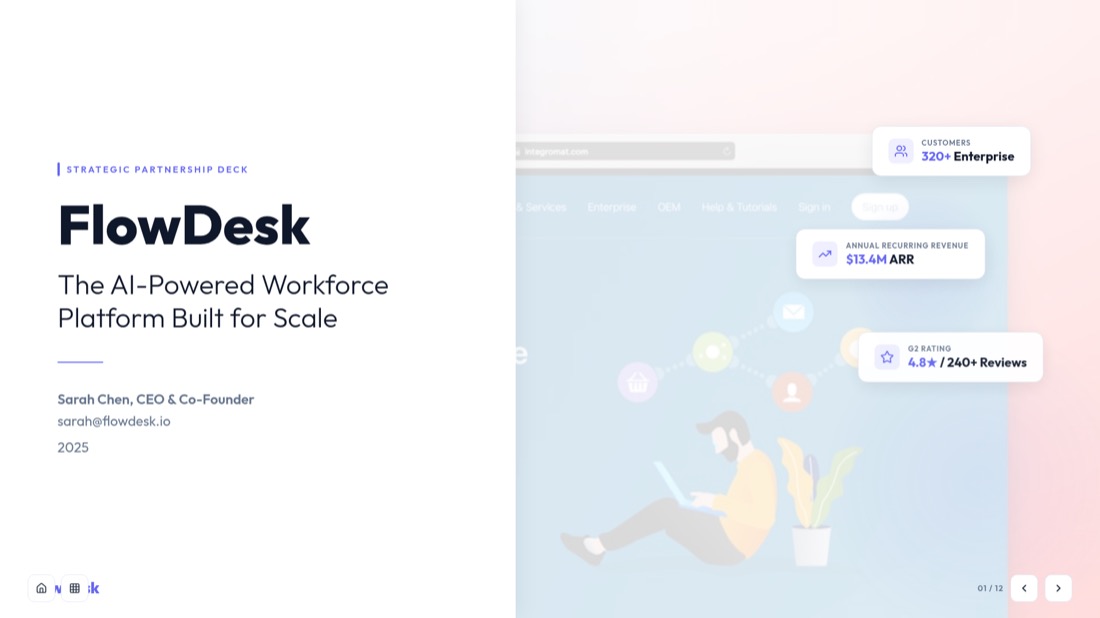
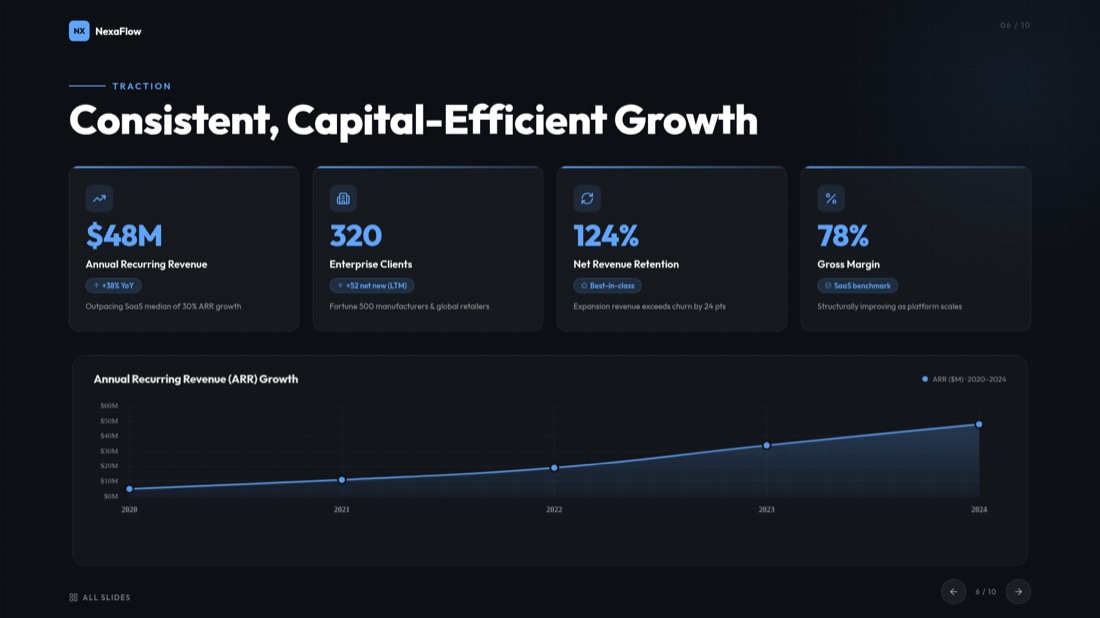
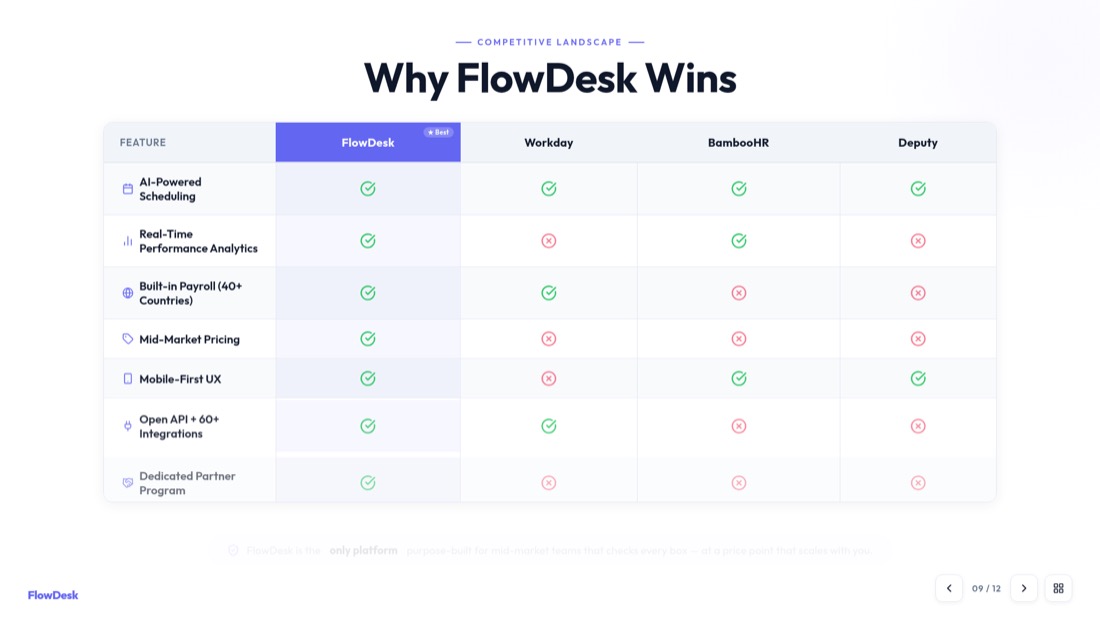
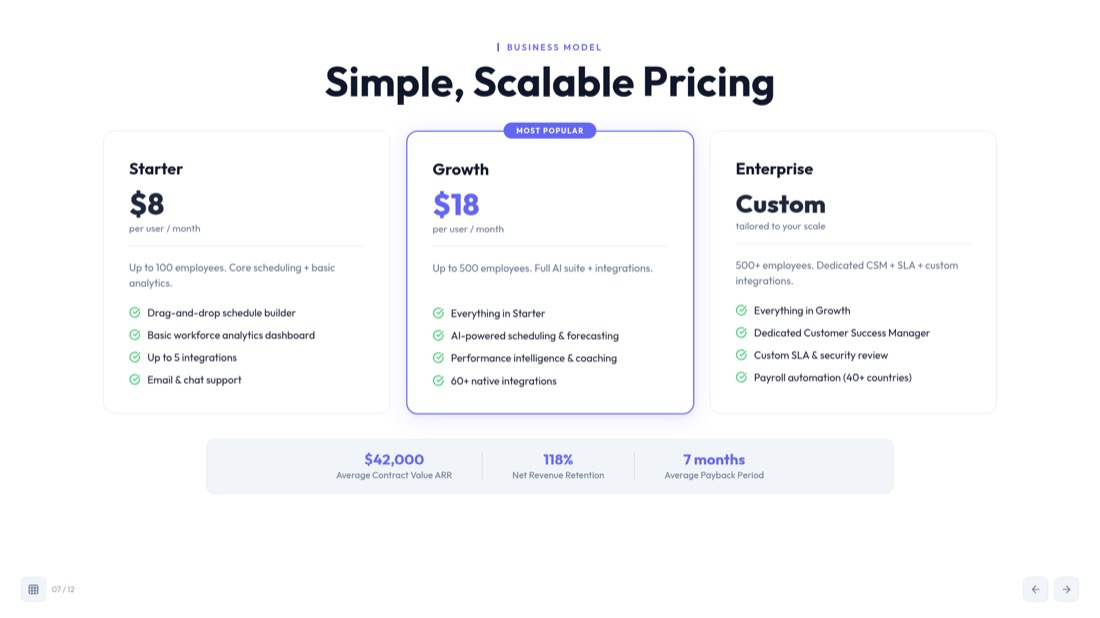
Every slide below came straight out of MagicSlides Studio. No templates were tweaked, no layouts nudged — this is what you get back from a video.


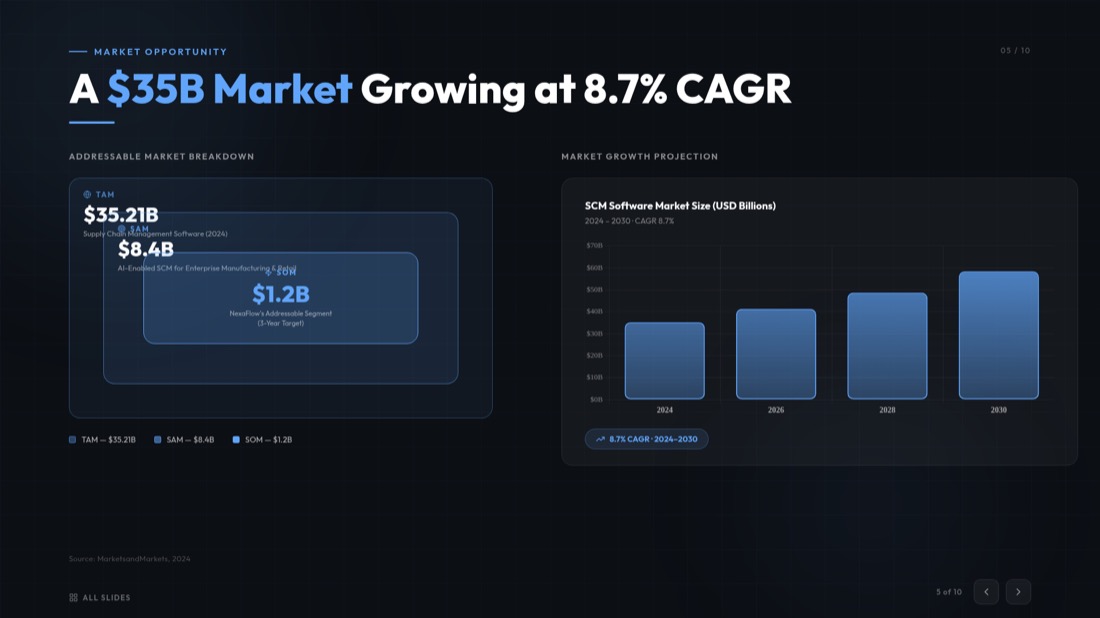
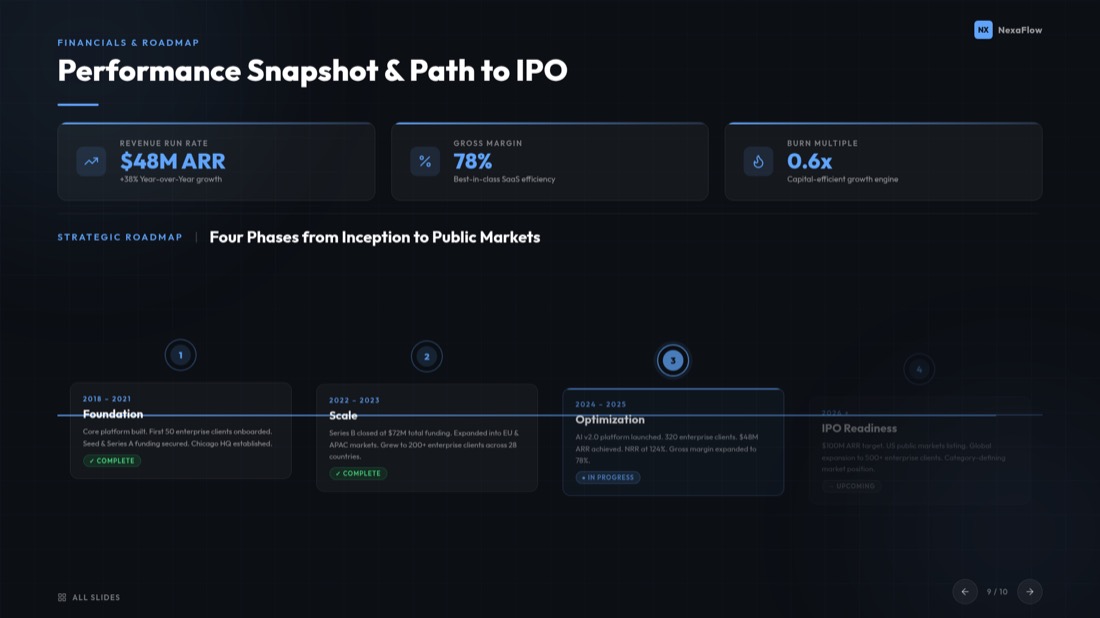

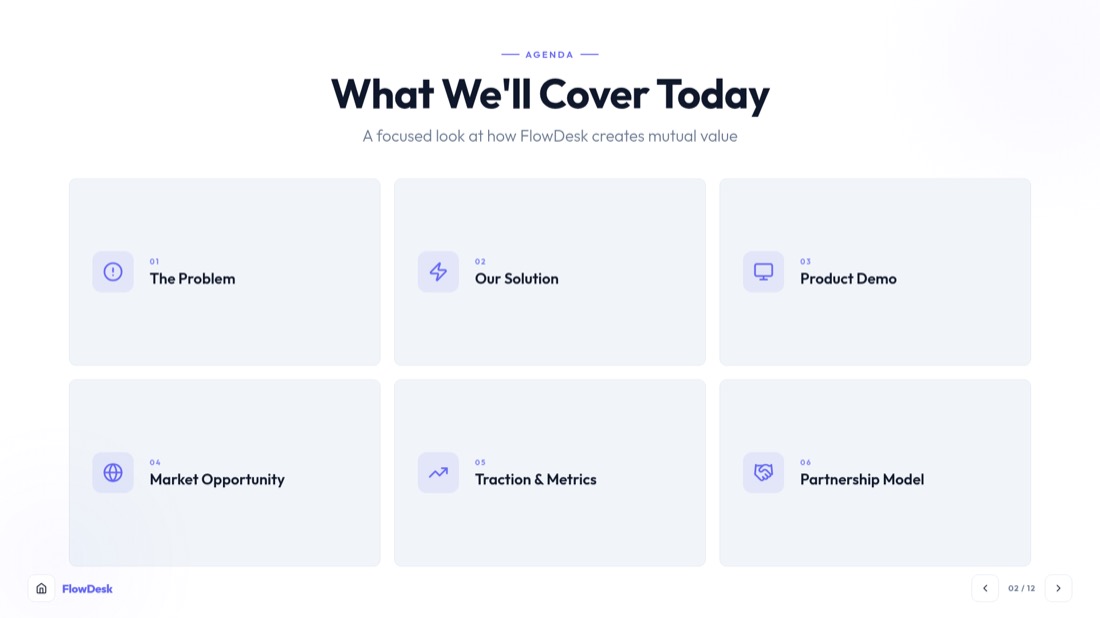
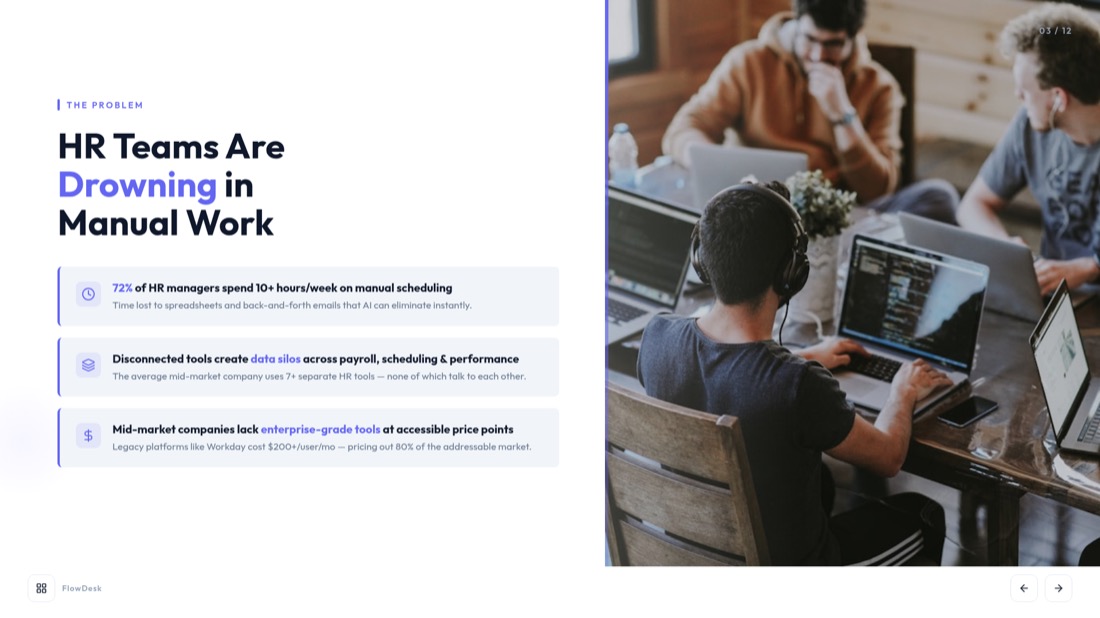
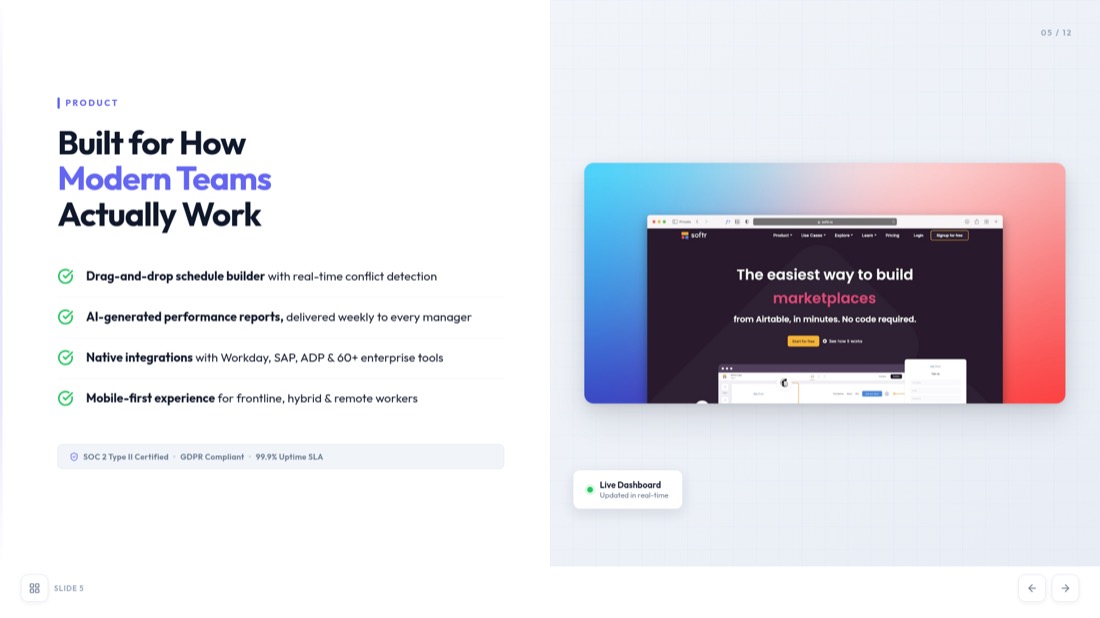
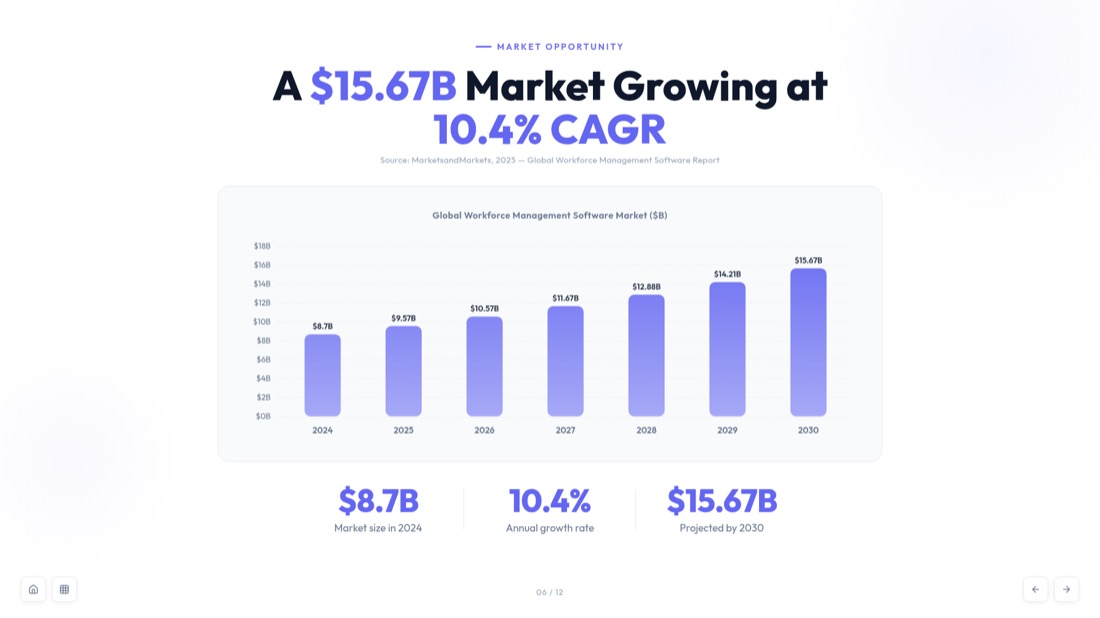
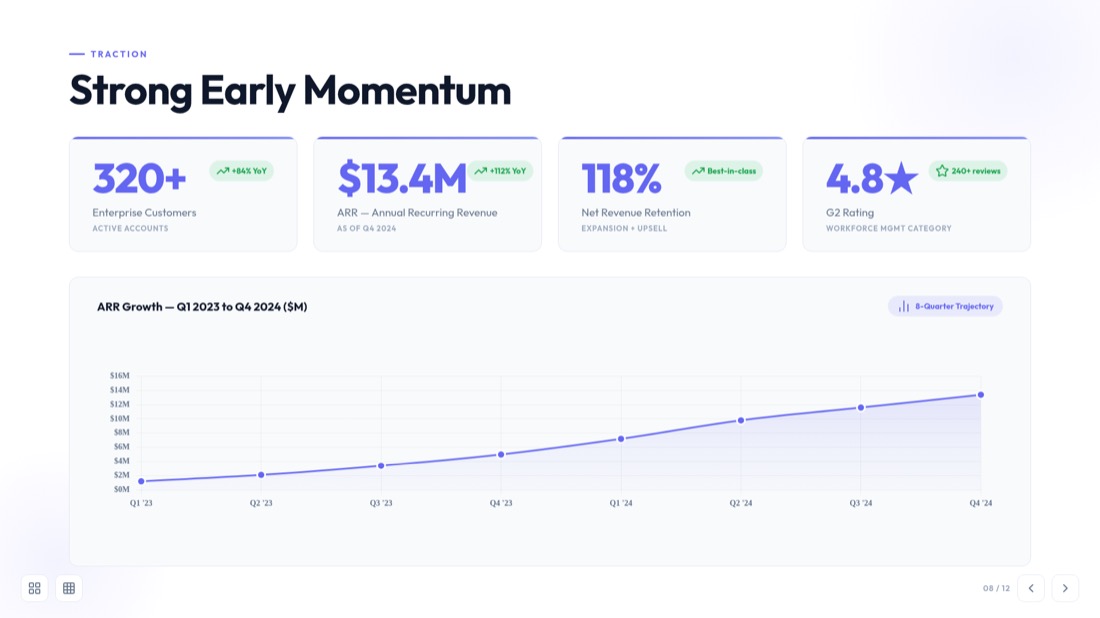
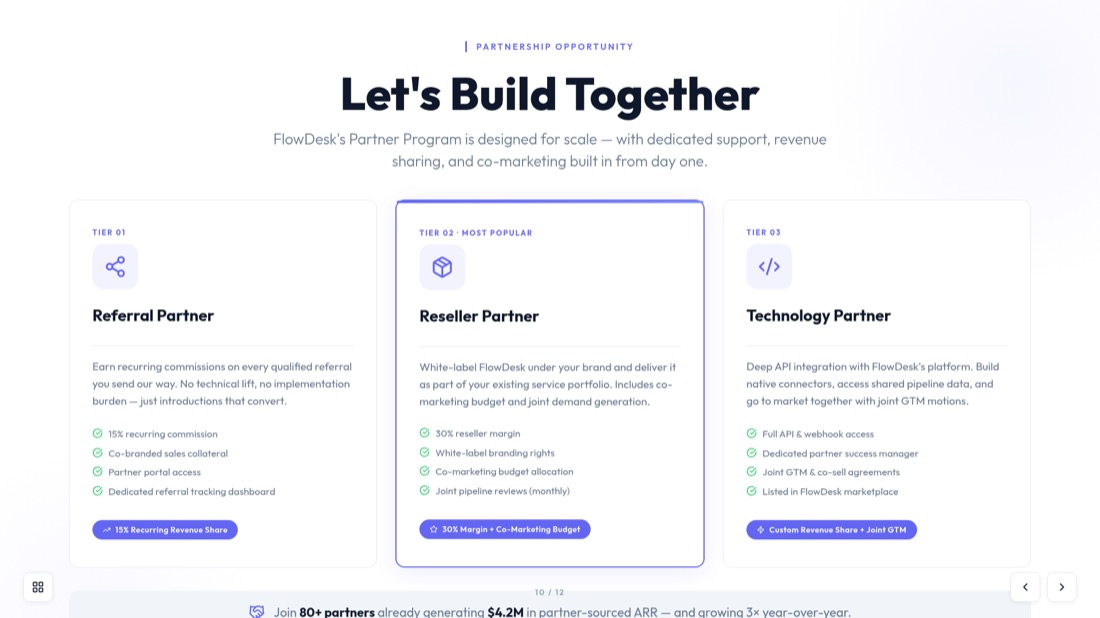
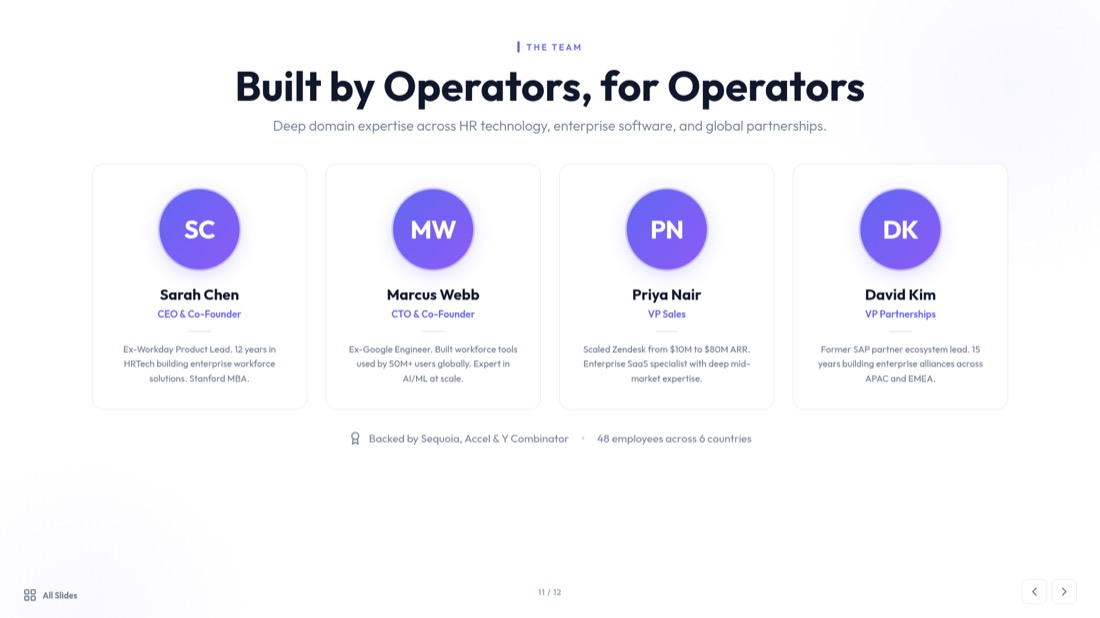
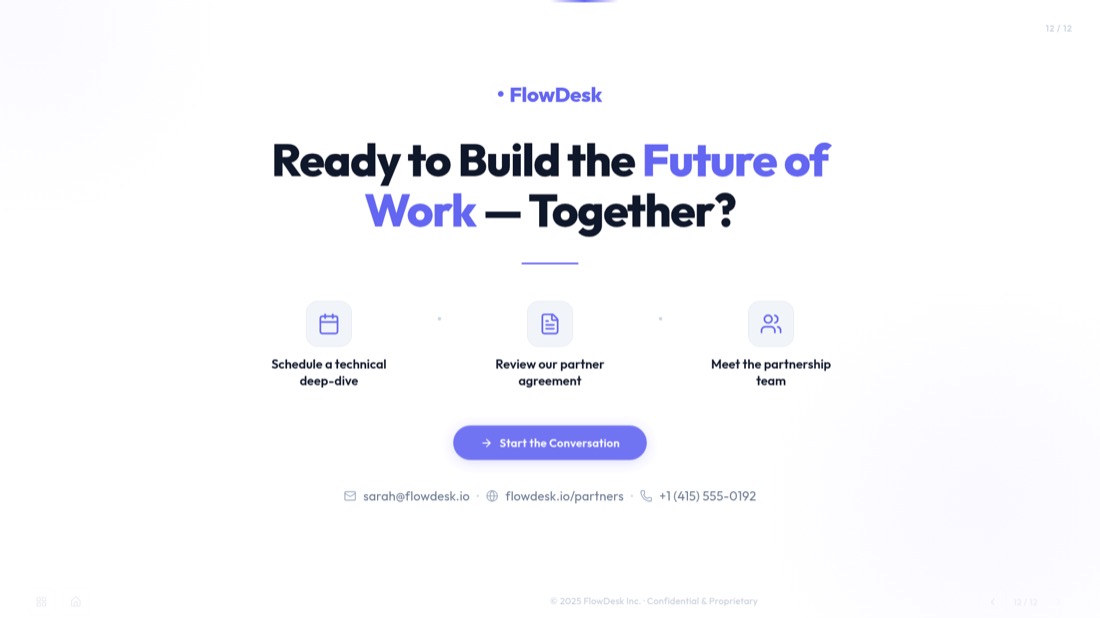
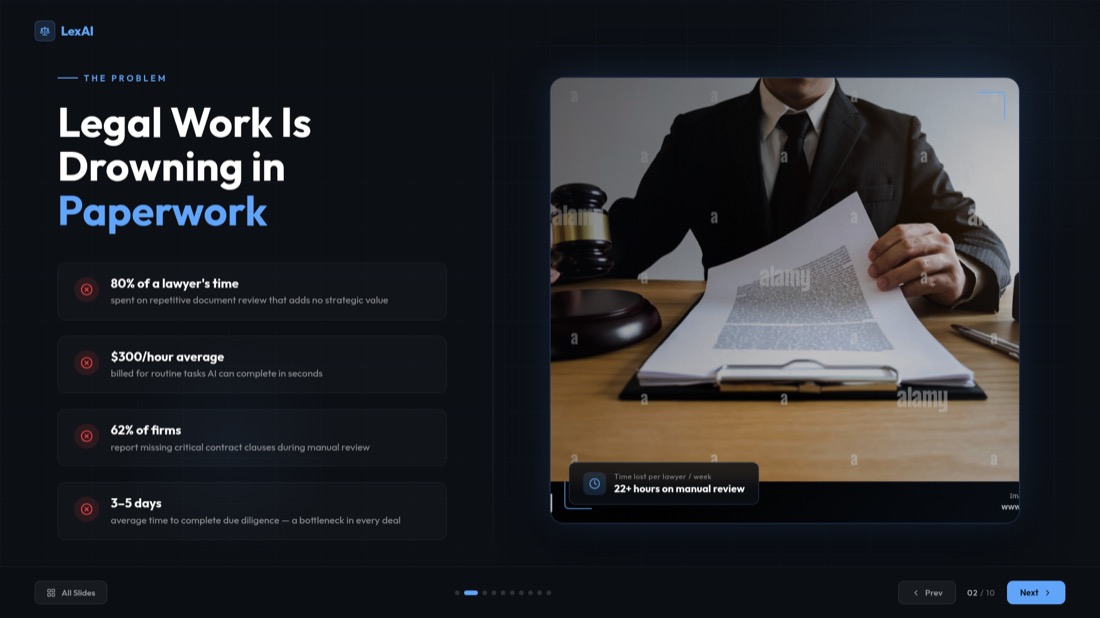
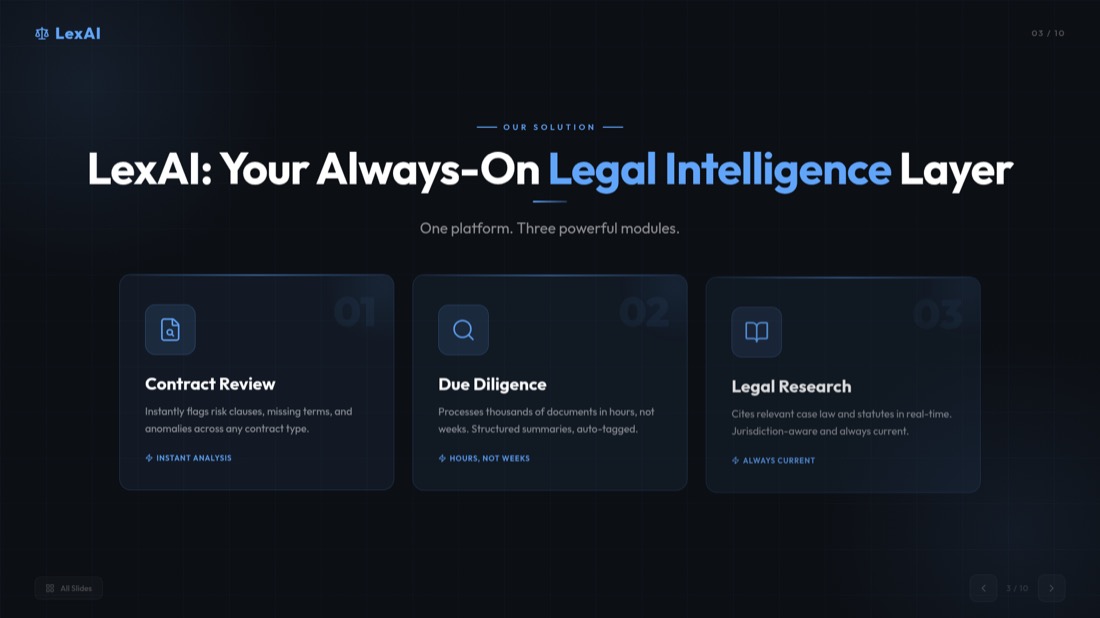
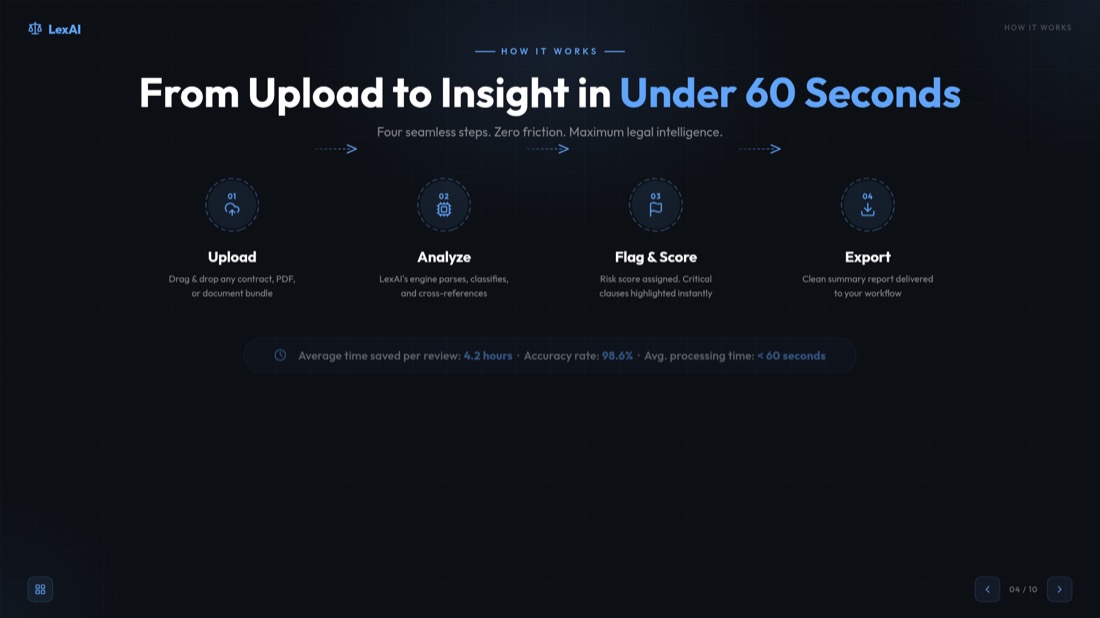
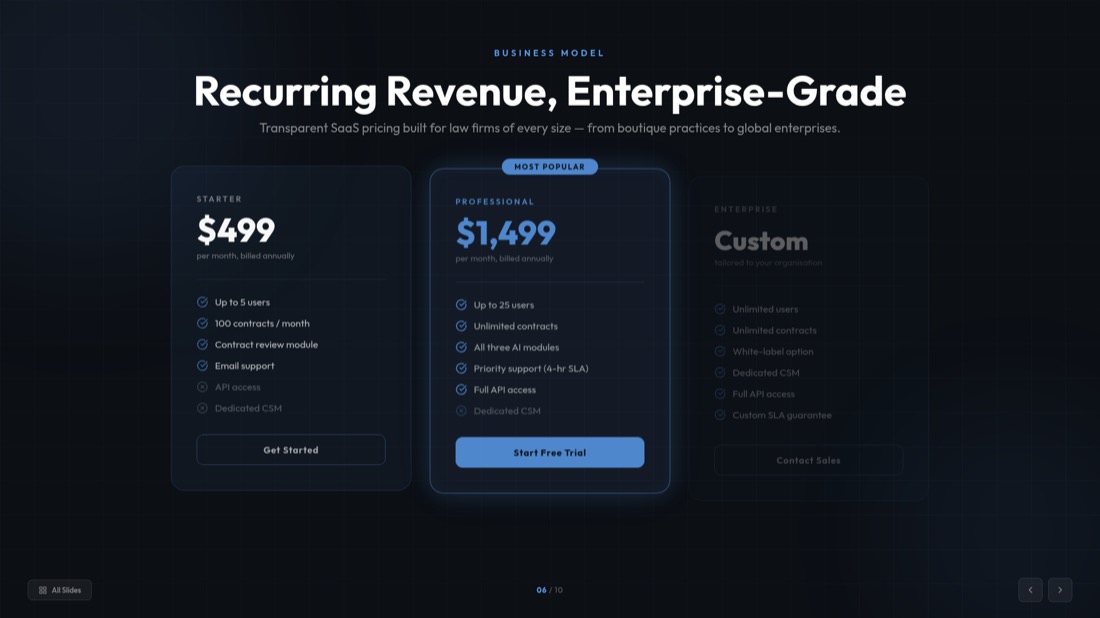
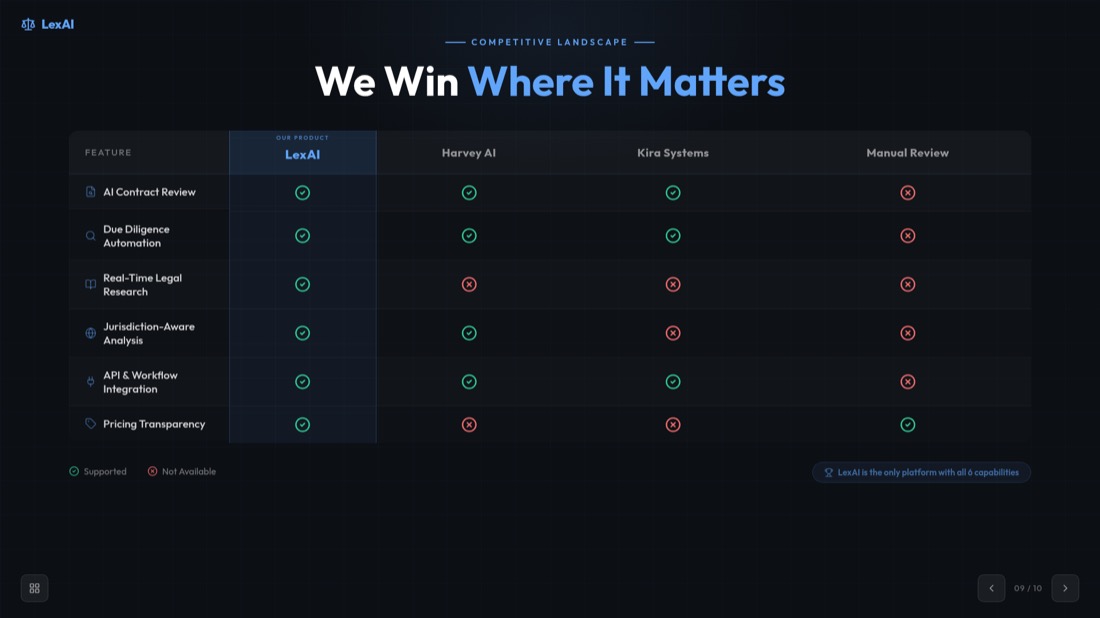

NexaFlow · Investor deck — drag or use the arrows to see all 32 slides
0:42 — webinar.mp4
Generated slide
A spoken moment becomes a titled, structured slide — not just a caption.
Who turns videos into decks
A recording goes in, a finished deck comes out. Here's what that looks like.
Pitch rehearsal → investor deck
52-min recording → 10 polished slides
Recorded demo → client-ready deck
18-min demo → 12 slides to send
Client call → summary deck
40-min call → 10 slides, no retyping
MP4转PPT转换器 - 转换任何视频格式
我们的MP4转PPT转换器支持所有主要视频格式和平台。从本地文件到在线视频,我们为您提供全面支持。
本地文件
MP4、AVI、MOV、WMV、MKV
在线平台
YouTube、Vimeo、Dailymotion
手机视频
手机录像、社交媒体
屏幕录像
教程、演示、演示文稿
全球数百万用户信赖
加入数千名信任我们的AI驱动视频转演示文稿转换器的专业人士
适用于所有格式的视频转幻灯片转换器
我们的视频转幻灯片转换器将任何视频转换为专业演示幻灯片。无论您是需要将视频转换为商业演示文稿、教育内容还是营销材料的幻灯片,我们的AI都能处理一切。
智能内容提取
我们的AI自动识别关键时刻、提取重要内容,并将其组织为逻辑幻灯片序列。
专业设计
每张幻灯片都采用专业布局、适当的排版和视觉层次设计,以获得最大影响力。
即时处理
在几分钟而非几小时内让您的演示文稿准备就绪。我们的视频转幻灯片转换器以闪电速度工作。
适合每种视频类型
了解我们的工具如何将各种类型的视频内容转换为专业演示文稿
教育内容
- 在线课程
- 学术讲座
- 培训视频
- 教育网络研讨会
商业演示文稿
- 产品发布
- 销售演示
- 公司会议
- 客户演示
营销内容
- 产品演示
- 品牌视频
- 营销活动
- 社交媒体内容
研究与分析
- 研究访谈
- 数据演示
- 案例研究
- 专家讨论
视频转PowerPoint转换器功能
我们的视频转PowerPoint转换器提供先进功能,使视频转PowerPoint的转换简单高效。从自动转录到专业幻灯片设计,我们拥有您需要的一切。
自动转录
使用我们的AI驱动转录服务自动将语音转换为文本。
关键帧提取
AI识别并提取视频中最重要的视觉时刻。
内容组织
将内容智能组织为逻辑幻灯片序列和章节。
专业模板
从数百个专业PowerPoint模板和设计中选择。
快速处理
无论视频长度如何,都能在短短2分钟内让您的演示文稿准备就绪。
安全且私密
您的视频在安全处理后在转换完成后删除,以保护您的隐私。
How to Convert Video to PPT — Frequently Asked Questions
Everything you need to know about how to convert video to ppt with our free video to ppt converter.
How do I convert a video to PPT?
Add your video, pick a frame-extraction interval, then download your slides. For MP4, MOV and WebM files the frames are captured right in your browser, so you can convert video to ppt in seconds without an upload.
Is the video to ppt converter free?
Yes. Our free video to ppt converter lets you convert video to ppt online free — no sign-in and no hidden costs for direct conversion.
What video formats are supported?
Our mp4 to ppt converter supports MP4, AVI, MOV, WMV and MKV, up to 500MB per video. For the sharpest slides we recommend 720p or higher.
Can I convert MP4 to PPT online?
Absolutely. Upload any MP4 file and our mp4 to ppt converter automatically extracts key frames and turns them into an editable PowerPoint — you can also convert mp4 to pptx the same way.
Do I have to upload my video?
For supported formats (MP4, MOV, WebM) your video never leaves your device — frames are extracted locally in your browser. Other formats are processed securely on our server and deleted after conversion.
Can I convert a YouTube video to PPT?
Yes — use our dedicated YouTube to PPT converter for YouTube, Vimeo and other online videos. It transcribes the video and builds presentation-ready slides automatically.
Is the PowerPoint file editable?
Every deck is a fully editable .pptx that opens in Microsoft PowerPoint and Google Slides, so you can customize layouts, text and images before you present.
How long does it take to convert video to slides?
Most videos are ready in about 2 minutes. Browser-based frame extraction is near-instant, and you can preview and extract slides from the video before downloading.
Need help with YouTube videos? Check out our specialized guide on how to convert YouTube video to PPT.
Ready to create your presentation?
Join thousands of professionals who save hours every week with AI-powered presentations.
1,511 reviews · Trustpilot & Workspace


