100+ FREE PPT Templates: AI, and Professional Designs


Discover the best PPT templates in 2025 — free, AI, and professional designs to create stunning presentations fast with MagicSlides.
Introduction: Why PPT Templates Are a 2025 Must-Have
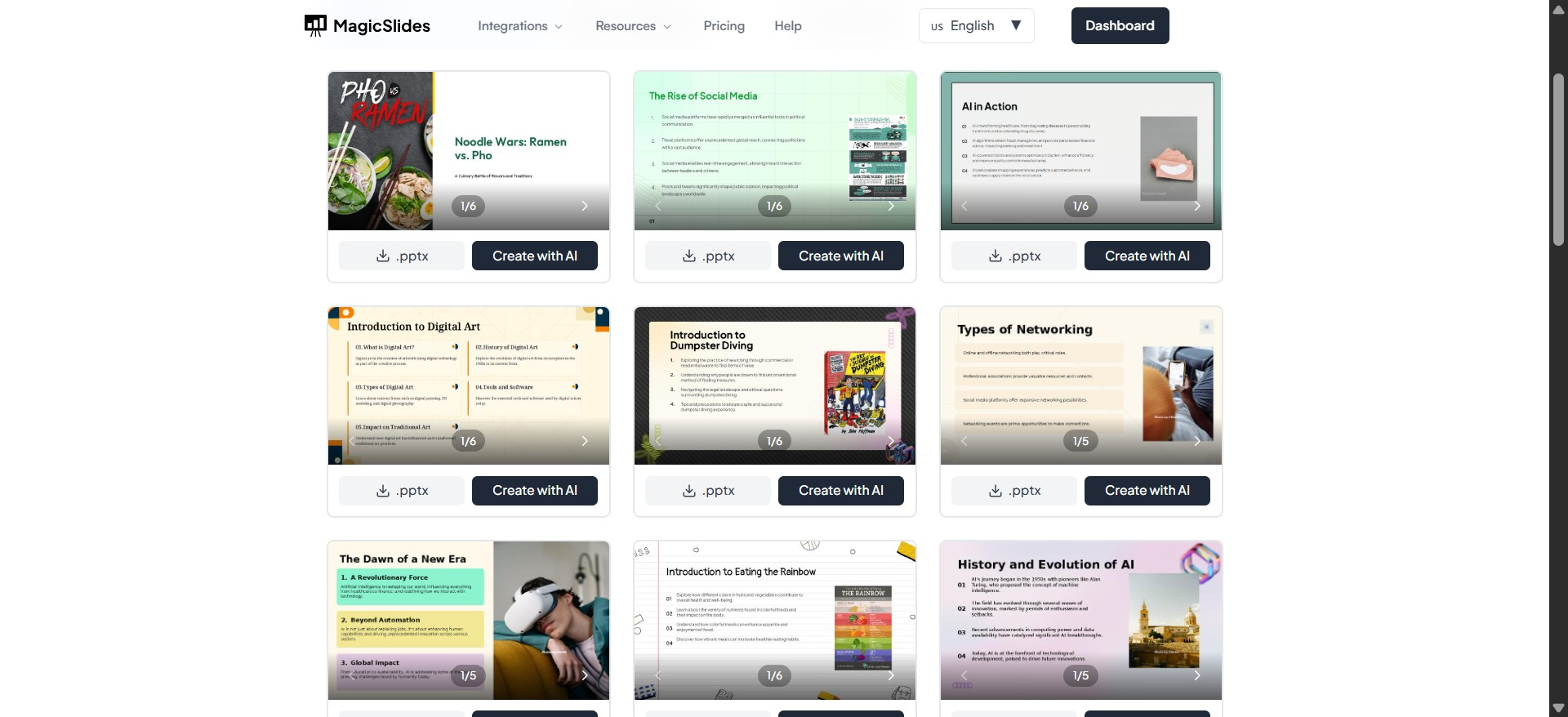
Creating a presentation from scratch can be like staring at a blank canvas — overwhelming, time-consuming, and often frustrating. Whether you’re pitching to investors, teaching a class, or presenting at a conference, your slides need to look professional, clear, and engaging.
This is where PPT templates save the day. They provide ready-made slide designs, color schemes, and layouts that instantly make your work look polished — without needing a degree in graphic design.
And in 2025, there’s a twist: AI-powered PPT templates. Platforms like MagicSlides.app now let you instantly generate an entire presentation from a single prompt, blending pre-designed templates with AI content creation. You can either:
- Download a template and edit it yourself
- Or let AI create the whole thing for you in seconds
In this guide, we’ll explore:
- What PPT templates are
- Their benefits
- The best free and premium options
- How AI is transforming them
- And tips for choosing & customizing them for your needs
What Are PPT Templates?
At its core, a PPT template is a pre-designed presentation file containing:
- Slide layouts
- Color schemes
- Fonts
- Graphic elements
- Placeholder text & images
Think of them as presentation blueprints. You simply replace the placeholder text and visuals with your own content — no design struggles required.
For example:
- A business pitch template might include slides for “Problem,” “Solution,” “Market Size,” and “Financials.”
- A school project template could have “Introduction,” “Research,” and “Conclusion” slides already laid out.
In PowerPoint, these are often saved as .pptx files, but you can use them in Google Slides, Keynote, or even AI presentation tools like MagicSlides.
Benefits of Using PPT Templates
Using templates isn’t just about saving time — they actually improve presentation quality. Here’s why:
1. Time-Saving
Instead of designing every slide from scratch, you get ready-to-use layouts.
- A 20-slide presentation might take hours manually — with a template, it’s done in minutes.
2. Professional Design
Templates are made by experienced designers. They follow visual design rules — typography, spacing, color harmony — so your slides look sharp.
3. Brand Consistency
If you’re a business, you can customize templates with your brand colors, fonts, and logo — ensuring every presentation feels on-brand.
4. AI Integration
With AI PPT templates, like those in MagicSlides, you get both the design and the content automatically generated for you. Perfect for last-minute presentations.
5. Better Engagement
Well-designed slides keep your audience’s attention longer — and make your message easier to understand.
Types of PPT Templates (With Examples)
PPT templates come in many flavors depending on purpose, tone, and audience. Here are the most common categories:
1. Business Templates
Used for:
- Pitches
- Strategy reports
- Quarterly updates
Example:
Corporate Pitch Deck Template — Clean layouts, financial charts, timeline slides, and SWOT analysis.
2. Educational Templates
Ideal for:
- Classroom lectures
- Student projects
- Workshops
Example:
Science Fair Presentation — Illustrated diagrams, step-by-step research slides, and conclusion summaries.
3. Creative Templates
For:
- Portfolios
- Design showcases
- Marketing campaigns
Example:
Creative Agency Portfolio — Bold colors, image-heavy layouts, and storytelling slides.
4. Minimalist Templates
Best for:
- Professional talks
- Keynotes
- Data-heavy presentations
Example:
Minimal White Template — Lots of white space, simple typography, and focus on content.
5. Event-Based Templates
For:
- Weddings
- Conferences
- Annual meets
Example:
Event Program Template — Agenda slides, guest bios, and photo galleries.
Best Free PPT Templates in 2025
If you’re on a budget, here are top free PPT templates you can use right now.
1. MagicSlides Free PPT Templates
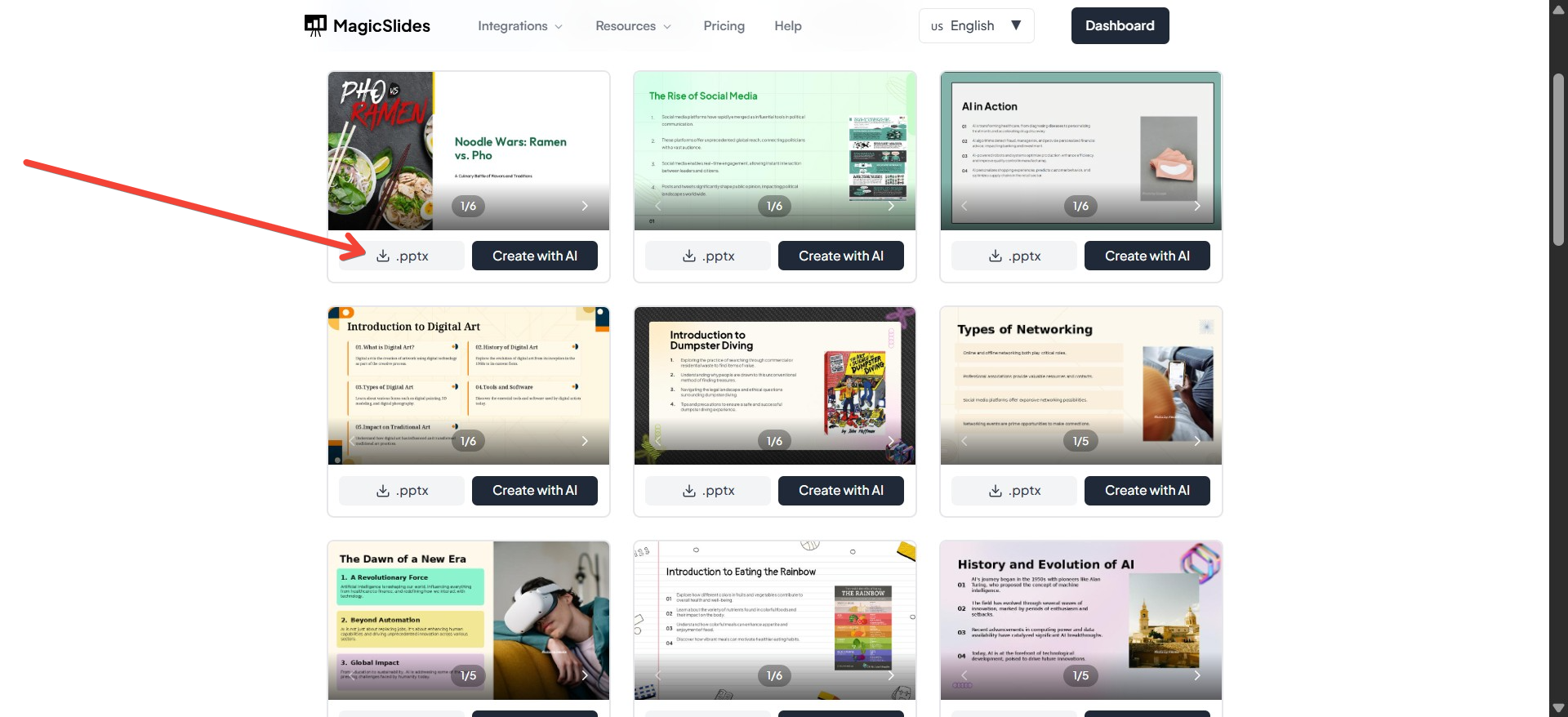
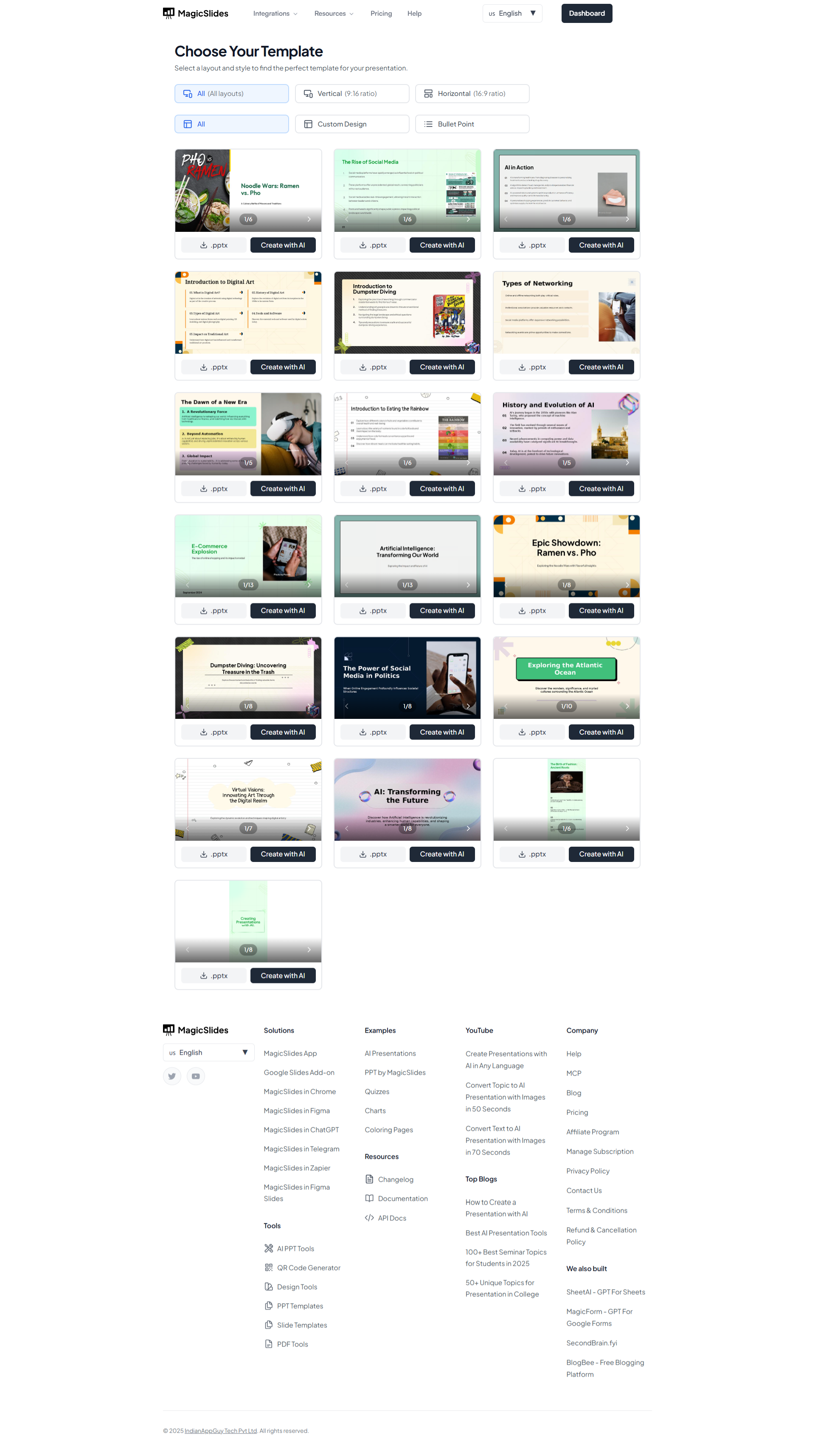
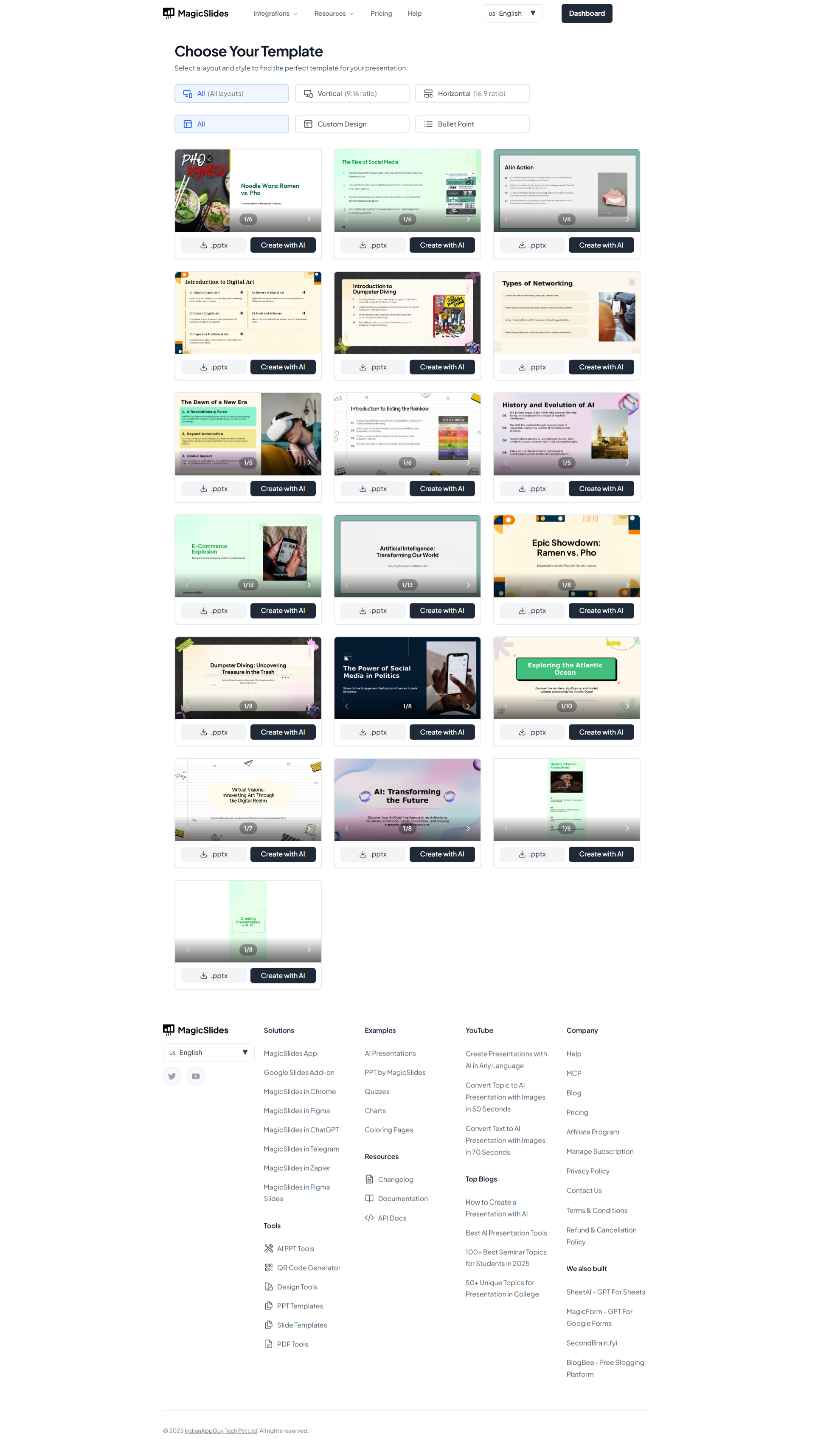
MagicSlides.app offers a library of professionally designed templates you can download for free.
- Bonus: Use the AI tool to turn any template into a complete presentation in seconds.
2. SlidesCarnival – Free Templates
Large library with modern designs for business, education, and events.
3. SlidesGo – Free & Premium
Colorful, thematic templates with both PPT and Google Slides formats.
4. Canva – Free Presentation Templates
Drag-and-drop editor with free templates (requires account).
5. 24Slides Free Templates
Professional corporate styles, perfect for reports.
6. FPPT – Free PowerPoint Templates
Classic, straightforward templates for business and education.
7. SlidesMania
Fun, creative templates — ideal for teachers.
8. GraphicMama Free Slides
Illustration-heavy designs for creative presentations.
9. Visme
Limited free tier with attractive, interactive slides.
10. Piktochart
Good for infographics and data-heavy slides.
AI-Powered PPT Templates (Game-Changer in 2025)
This is where presentation creation has truly leveled up. Instead of just downloading a template, you can let AI generate a full presentation — content, images, and design — in minutes.
How MagicSlides AI PPT Templates Work:
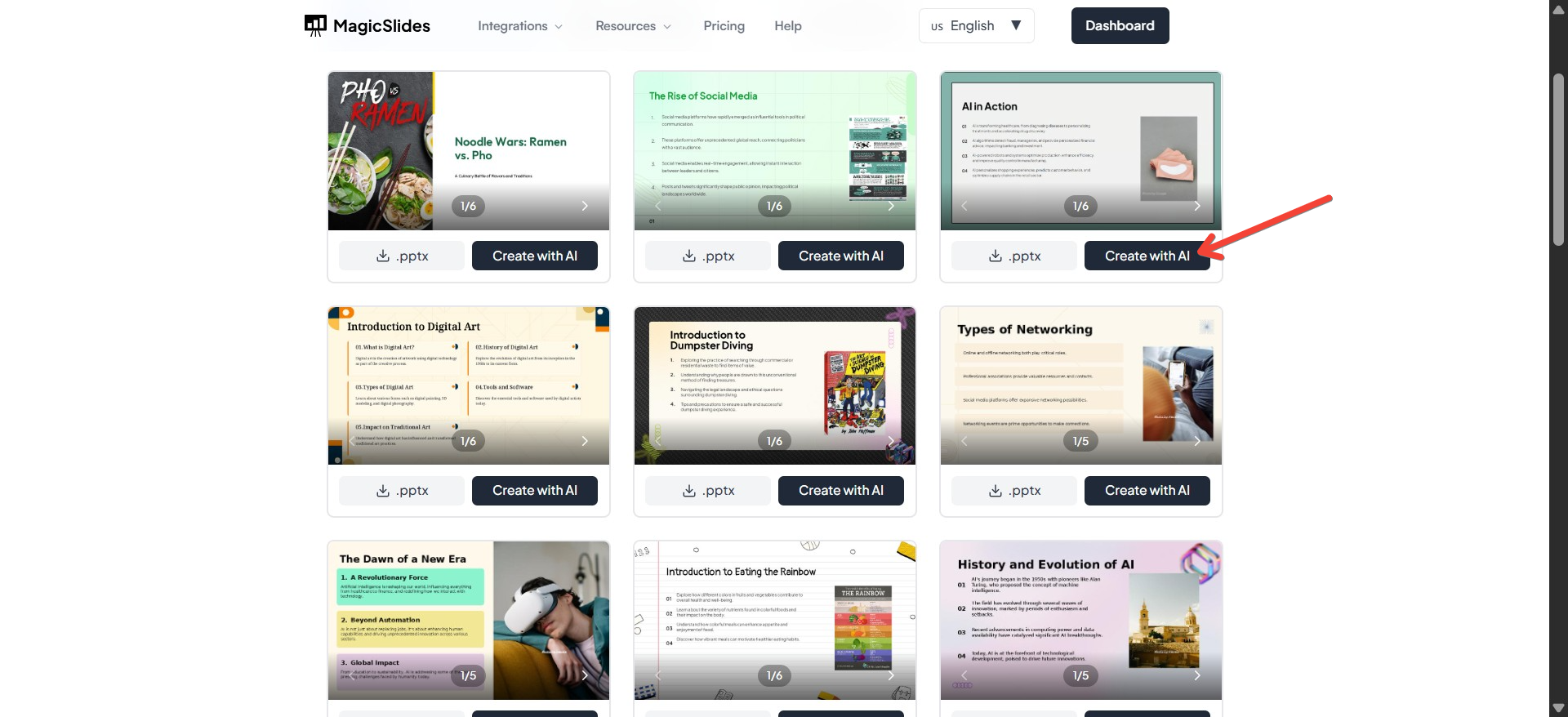
- Choose a Template from the MagicSlides library.
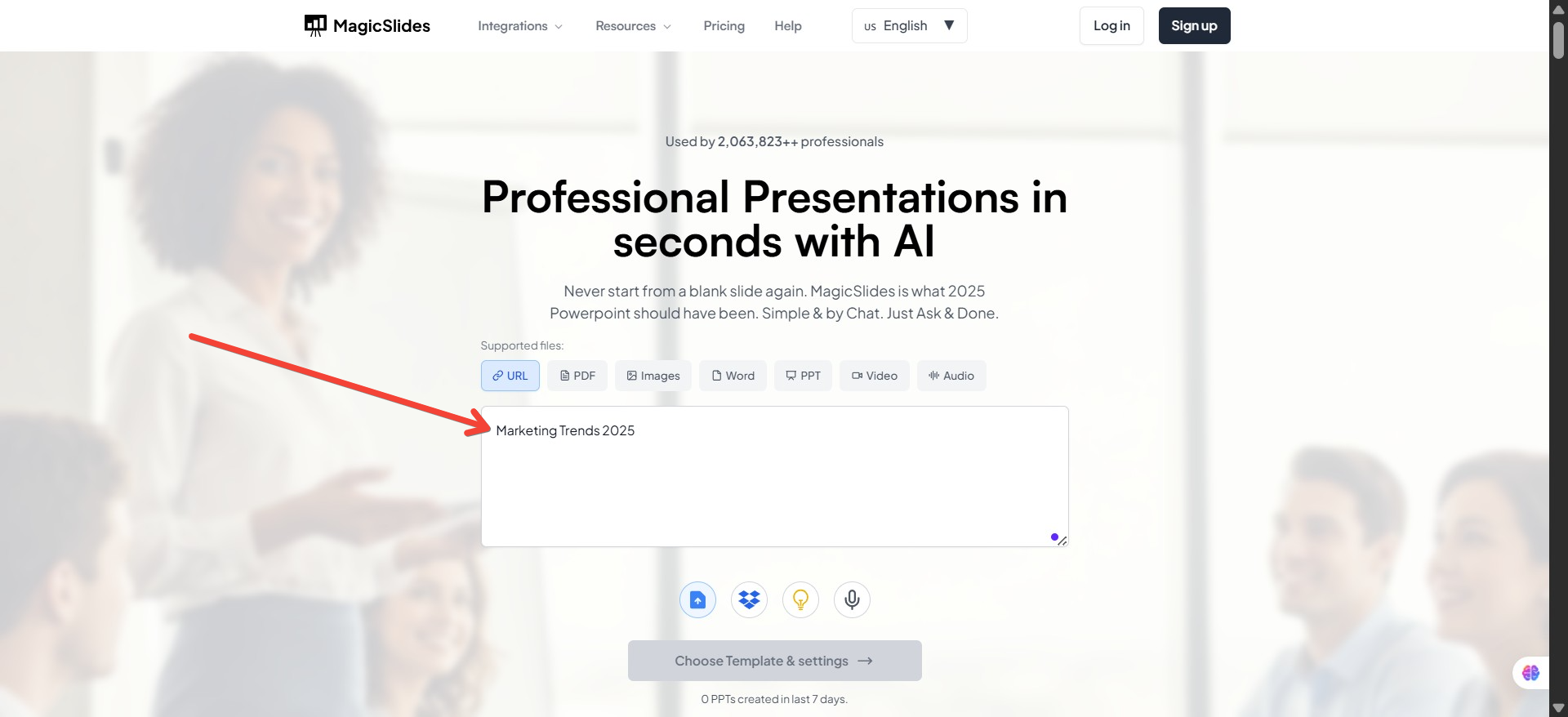
- Enter Your Topic — e.g., “Marketing Trends 2025.”
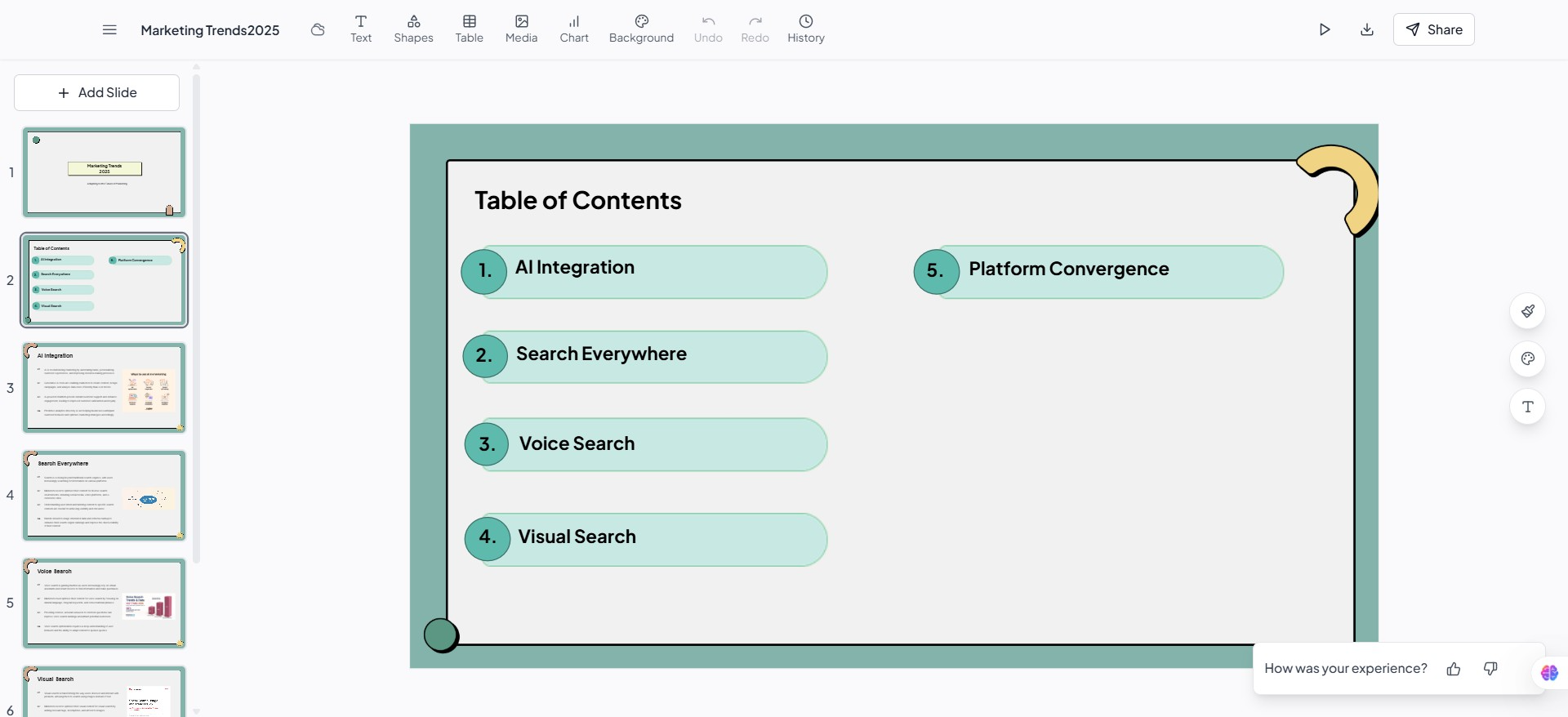
- Get a Complete Presentation — AI writes your slide text, designs layouts, and suggests visuals.
Why MagicSlides Stands Out:
- Huge template library
- Google Slides integration
- Supports multiple languages
- Free download option
Best Premium PPT Templates for Professionals
If you need top-tier designs, here are some worth investing in:
- Envato Elements — Unlimited downloads for a monthly fee.
- SlideModel — Professional corporate and business slide templates.
- GraphicRiver — Buy single templates on demand.
- SlideSalad — Detailed business slide decks.
- TemplateMonster — Creative and niche-specific designs.
How to Choose the Right PPT Template
Ask yourself:
- Who is my audience? (Executives, students, customers)
- What’s my goal? (Persuasion, education, reporting)
- What’s my tone? (Formal, creative, casual)
- Do I need AI help? (If yes, MagicSlides is your friend)
Customizing PPT Templates for Your Needs
Tips for making your template truly yours:
- Replace stock images with your own
- Use brand colors and fonts
- Keep text minimal — focus on visuals
- Maintain consistent alignment & spacing
FAQs About PPT Templates
Q1: Can I use free PPT templates for commercial purposes?
Some free templates allow it, others don’t — check the license.
Q2: How do I edit a PPT template?
Open in PowerPoint, Google Slides, or an AI tool like MagicSlides and replace content.
Q3: Are AI PPT templates better than regular ones?
They’re faster — you get design + content instantly.
Q4: Can I download MagicSlides templates without using AI?
Yes — free direct downloads are available.
Q5: Do PPT templates work in Google Slides?
Yes — most .pptx files can be imported.
Conclusion & CTA
PPT templates are a presentation essential in 2025 — saving time, boosting design quality, and ensuring brand consistency.
If you want professional results fast, try MagicSlides PPT Templates.
- Option 1: Download a free template and customize it.
- Option 2: Let AI build your entire presentation in minutes.
Your audience deserves more than boring slides — give them a presentation they’ll remember.


