9 Presentation Templates You Can Use Now


Create stunning presentations effortlessly with these 9 professional templates from Magicslides. Perfect for business, education, and creative pitches. Simplify your storytelling!
Creating an engaging presentation can feel like an uphill task, especially when starting with a blank slide. Whether you're pitching an idea, teaching a concept, or presenting a business strategy, the right template can help your audience stay engaged and make your message shine.
Magicslides.app simplifies this process with a variety of beautifully designed, ready-to-use presentation templates tailored for different needs. These templates not only look stunning but are also thoughtfully structured to help you organize your content effortlessly. Let’s explore 9 templates you can use right now to take your presentations to the next level.
1. Modern Digital Strategy Template
This template combines sleek visuals with contemporary design. With a modern layout and a clean mix of graphics and text, it’s ideal for presenting business strategies, online marketing plans, and digital campaigns. The slides incorporate high-quality imagery, clear typography, and intuitive sections for headings, bullet points, and statistics.
Best For: Marketing, startups, and digital strategies.

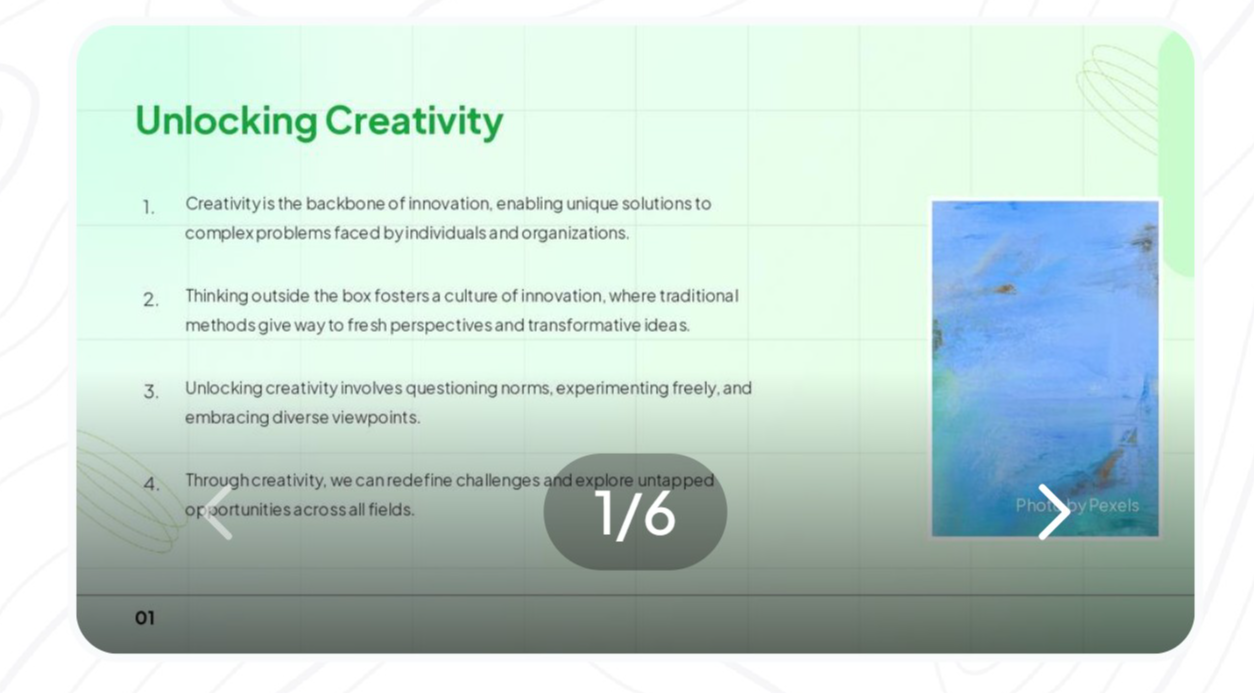
2. Creative Template
This green-themed template is perfect for innovative projects or brainstorming sessions. The slides feature minimalist grids, calming colors, and visuals that exude creativity. A subtle use of gradients and creative section separators helps maintain flow while giving your content room to breathe.
Best For: Workshops, creative brainstorming, and team innovation meetings.
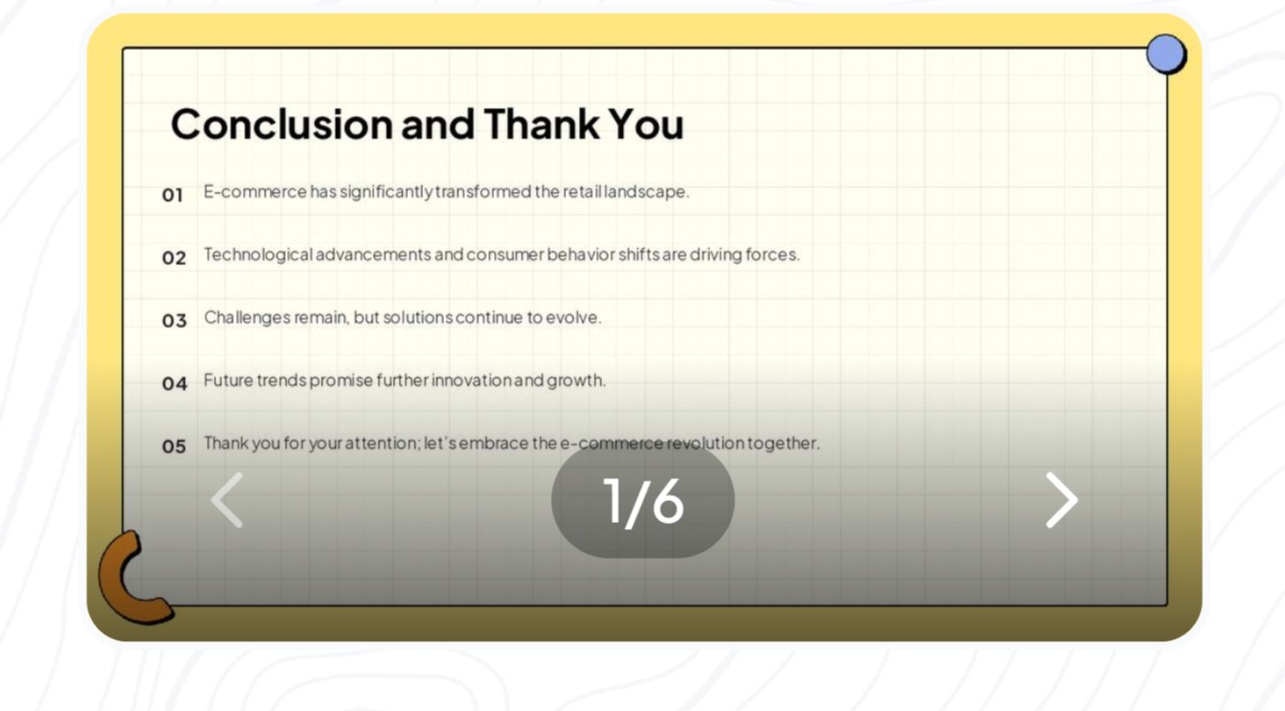
3. Elegant Slide
Sometimes, the conclusion can leave the most lasting impression. This template focuses on wrapping up your ideas with elegance. With a classy color scheme and subtle, curved design elements, this template works well for closing pitches, presenting final takeaways, and summarizing discussions.
Best For: Professional pitches, educational wrap-ups, and strategy meetings.
4. Industrial Template
Designed for AI, tech, and industry-based presentations, this template boasts a structured layout with distinct sections. The light gradient background and icons make technical information easy to digest. The slides feature sections for numbered lists, key takeaways, and visual highlights that simplify complex data.
Best For: Technology, automation insights, and AI-related topics.

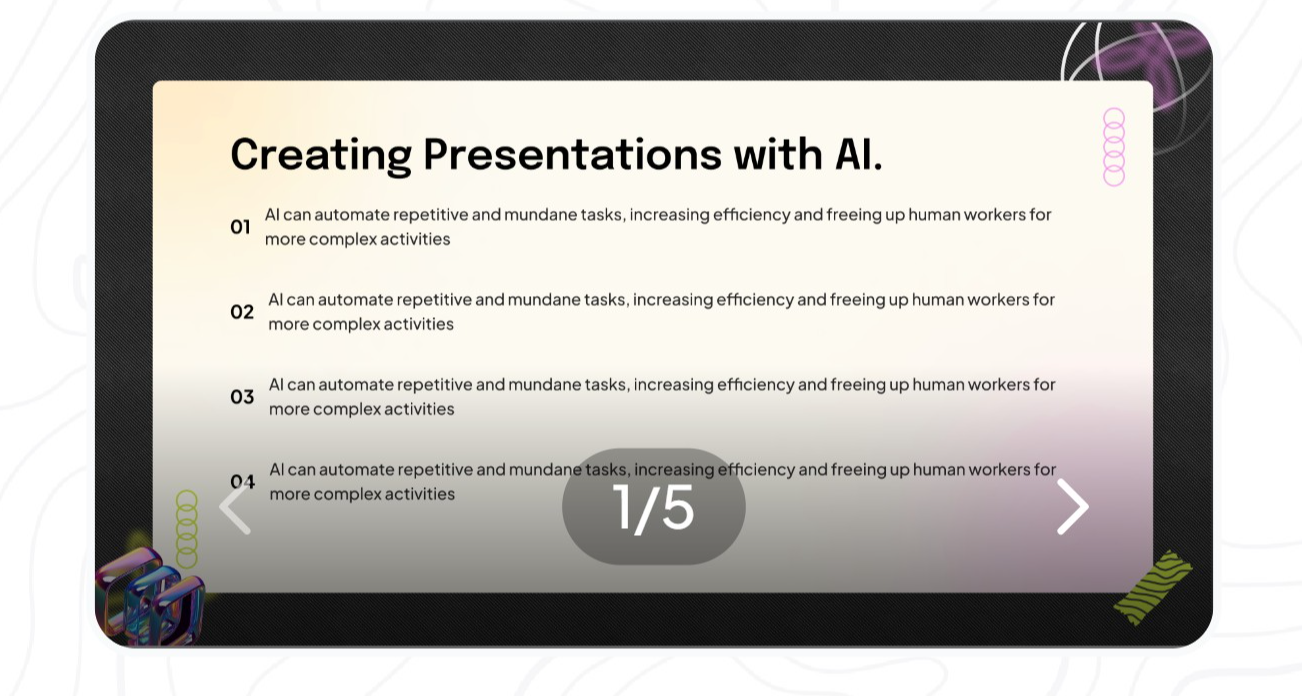
5. Black & Bold AI Presentation Template
For a sleek and futuristic vibe, this template offers a dark background with bold white and colored text. The use of smart visual aids and clean graphics ensures that your presentation remains professional and impactful. The contrast between the dark tones and accents draws the audience’s attention to the most important points.
Best For: AI technologies, futuristic concepts, and creative proposals.
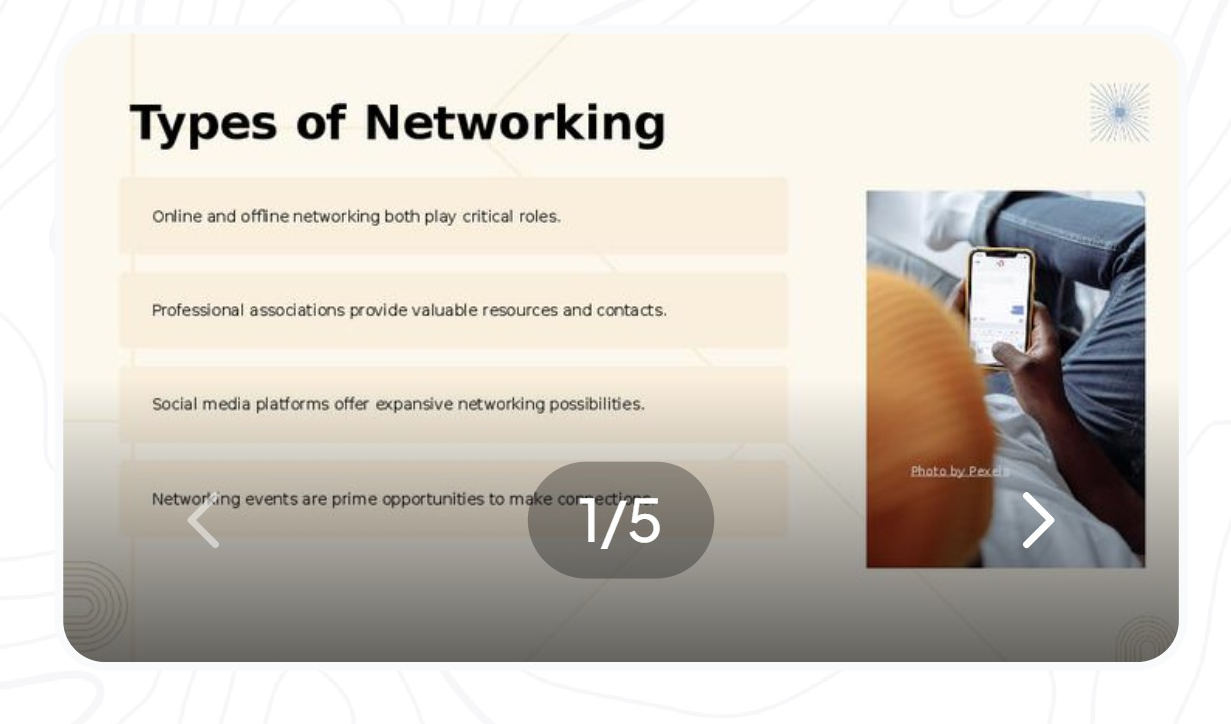
6. Networking & Collaboration Template
Ideal for presentations on networking, communication strategies, and professional connections, this template uses modern, minimalist visuals. Each slide combines a combination of imagery, text blocks, and highlighted sections to create a balanced layout.
Best For: Corporate networking, workshops, and team-building presentations.
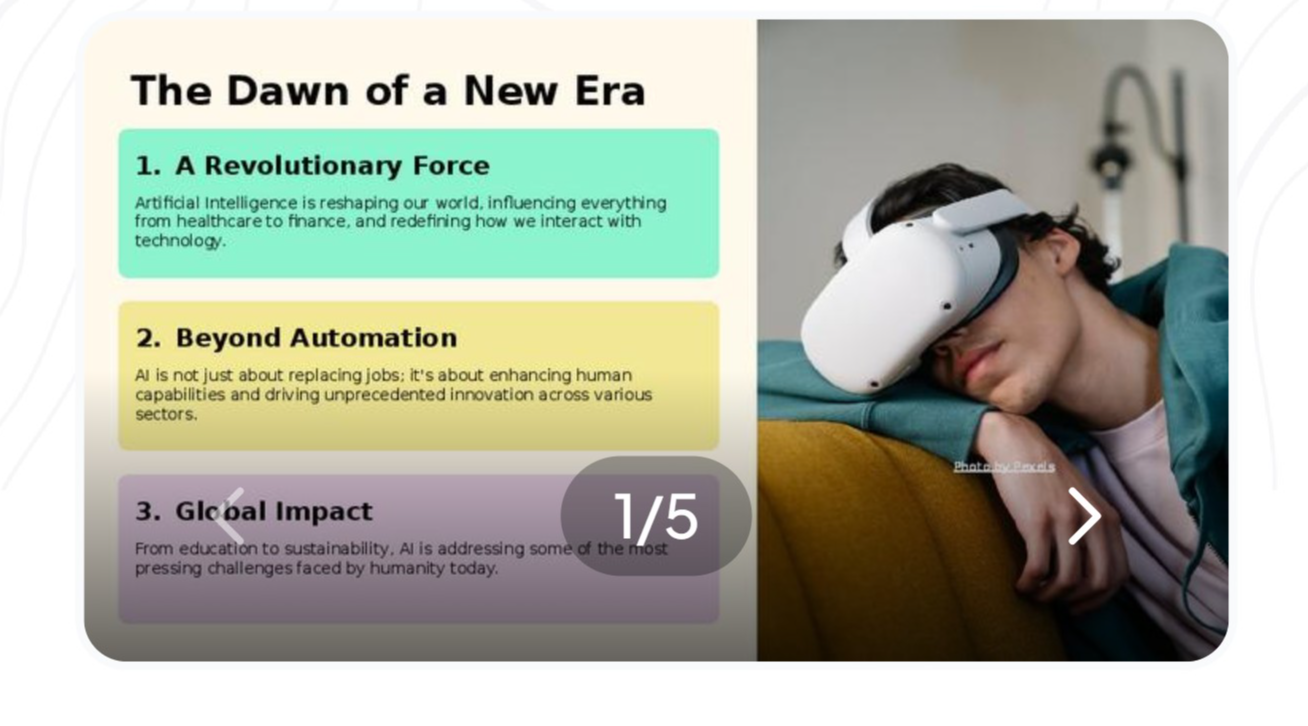
7. The Dawn of a New Era Template
This clean and vibrant template is a great fit for innovative topics. The layout features high-resolution images paired with bold headings and well-organized sections. Light backgrounds and a focus on imagery ensure that the template feels fresh and modern.
Best For: New product launches, business initiatives, and creative presentations.
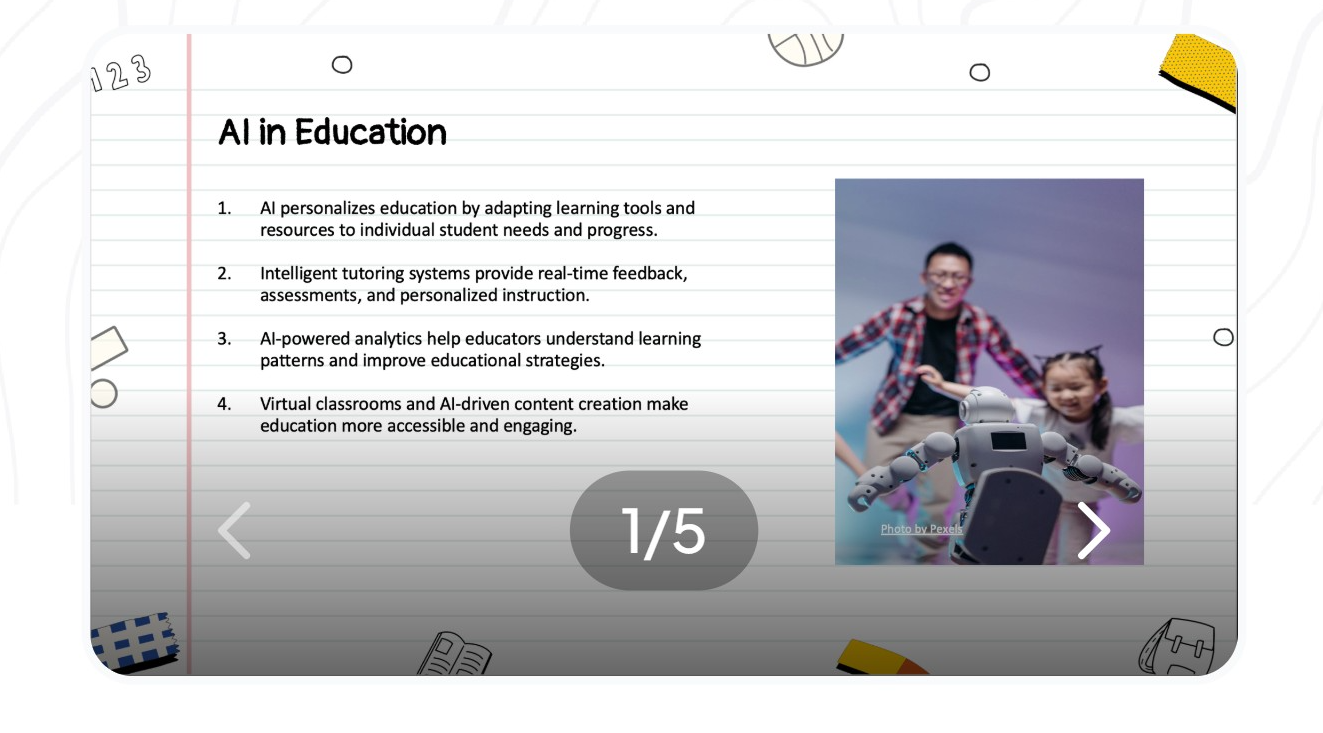
8. AI in Education Template
With its clear layout and professional design, this template caters to educational and learning-based presentations. Each slide includes sections for bullet points, visuals, and case studies, allowing you to communicate complex educational insights effectively.
Best For: Training sessions, online education platforms, and teaching strategies.
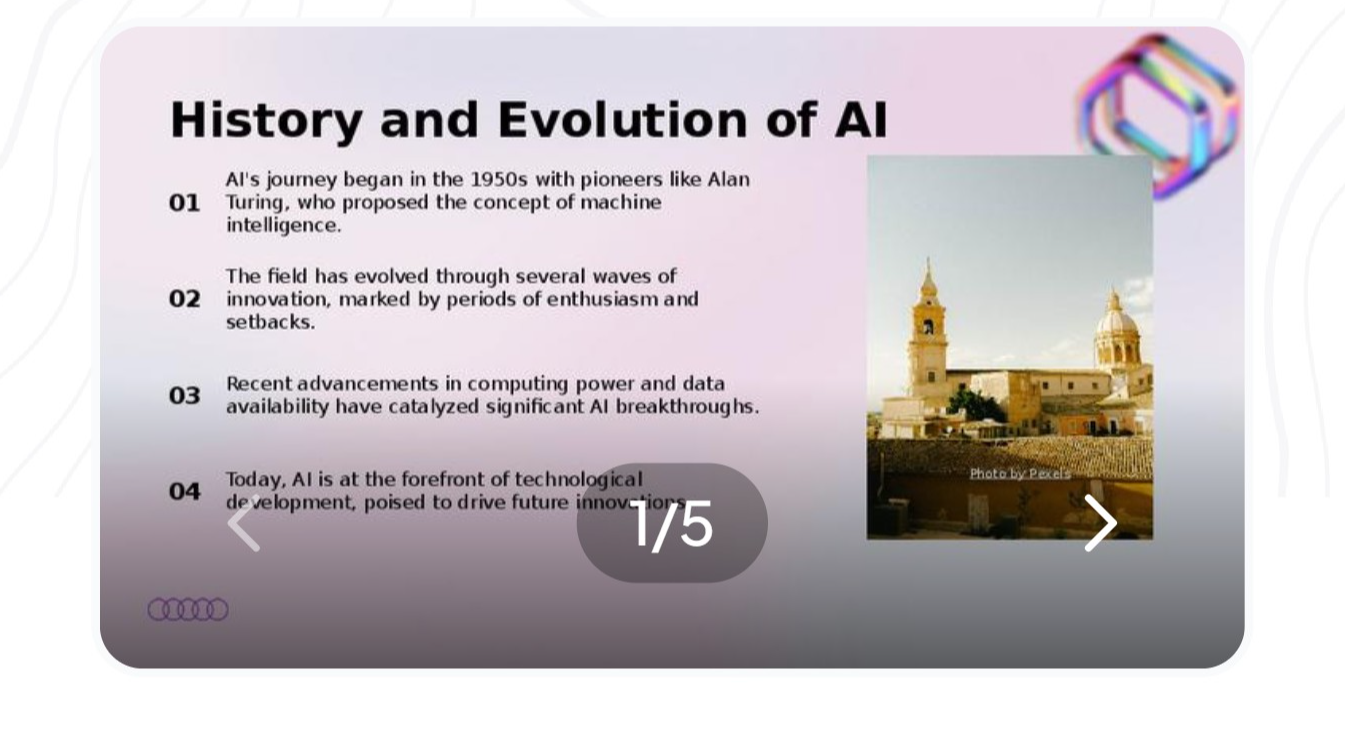
9. History and Evolution Template
Perfect for topics that span across timelines, this template has an elegant, pastel-themed design with clear divisions for different sections. Each slide allows you to visually map out history, evolution, and trends while keeping the audience engaged with its modern aesthetic.
Best For: Historical topics, data storytelling, and trend analysis.
Why Use These Templates?
Magicslides.app's presentation templates not only save time but also elevate the quality of your content. Each template offers:
- Professional Designs: Well-thought-out layouts tailored to specific topics.
- Easy Customization: Add your own text, images, and data in seconds.
- Visually Appealing: Templates feature clean fonts, high-quality visuals, and organized sections for a polished look.
With these 9 presentation templates, you can create slides that resonate with your audience, whether you're presenting to your team, clients, or students. Start using Magicslides.app to transform your ideas into professional, impactful presentations effortlessly.
Ready to get started? Choose the template that fits your story, add your content, and watch your presentation shine.


