A 2025 Guide to Google Docs Templates


Discover Google Docs templates for resumes, brochures, reports, CVs, sales quotes, and more. Simplify document creation with customizable, professional designs.
Google Docs has revolutionized how we create and share documents, providing users with an array of templates to simplify their work. From professional CVs to creative brochures, Google Docs templates cater to various personal and professional needs. Best of all, these templates are free, easy to use, and highly customizable.
This guide explores the different templates available on Google Docs, detailing their features and how they can be used effectively.
Why Use Google Docs Templates?
Using a template saves time and ensures consistency, making it ideal for individuals, students, and businesses. Key benefits include:
- Pre-Formatted Designs: Templates come with pre-set layouts, fonts, and styles.
- Customizable Content: Edit text, images, and formatting to fit your requirements.
- Accessibility: Work from anywhere with internet access and collaborate in real time.
- Professional Results: Templates are designed with aesthetics and functionality in mind.
How to Access Google Docs Templates
- Open Google Docs.
- Log in with your Google account.
- On the home page, click on the Template Gallery at the top.
- Browse through the categories to find the template that suits your needs.
- Click on a template to open it in a new document.
Popular Templates Available on Google Docs
1. Resumes
Google Docs offers several resume templates to suit different styles:
- Modern Resume: Clean and stylish with a focus on design.
- Simple Resume: Minimalist and easy to read, ideal for traditional industries.
- Pet Resume: A creative option for pet owners to present their pet’s details, often used for pet-friendly rental applications.
Use Case: Ideal for job applications, internships, or even showcasing a pet’s qualifications for adoption or housing purposes.
2. CVs (Curriculum Vitae)
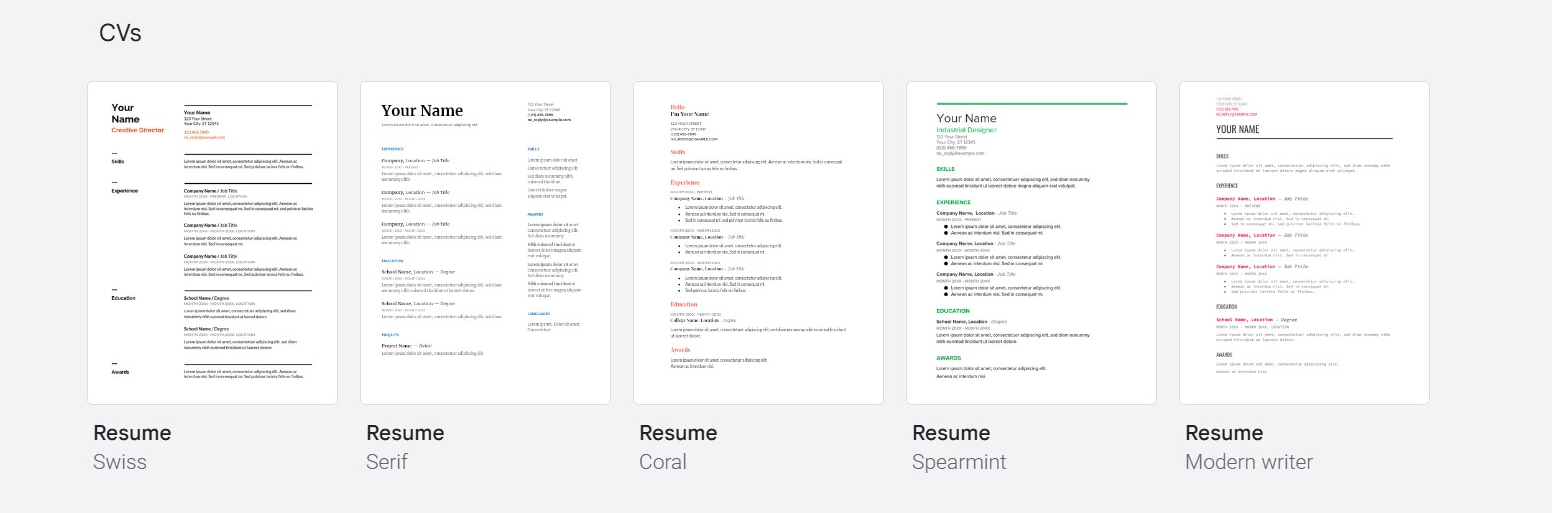
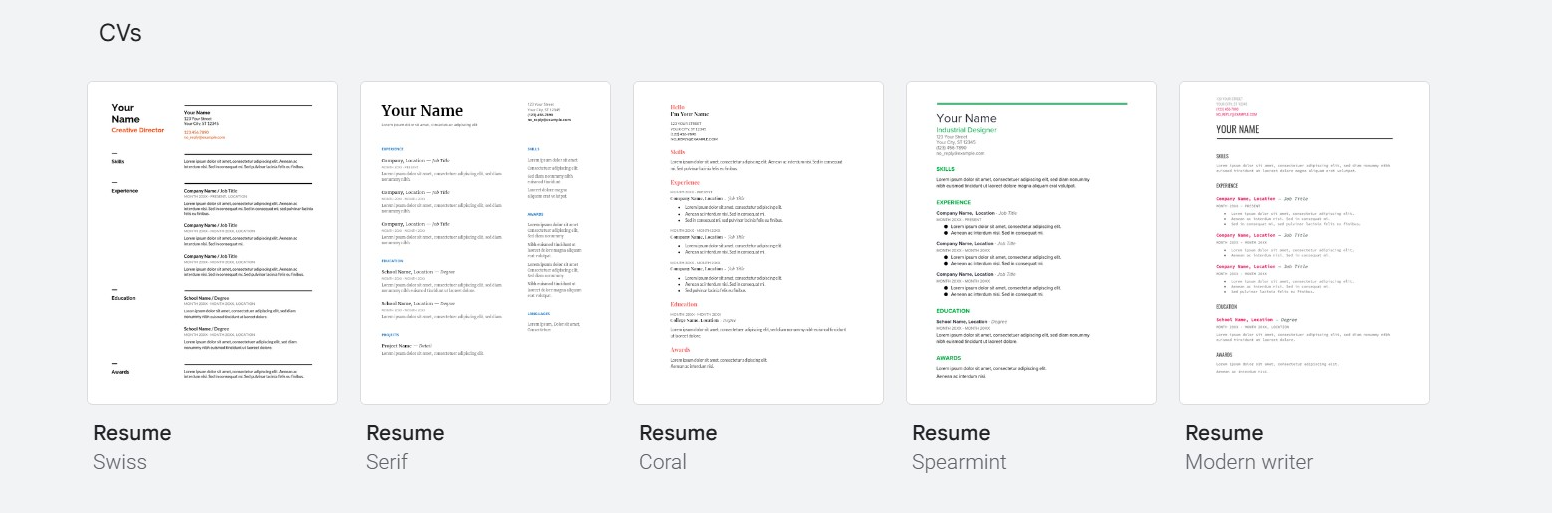
CV templates are more detailed than resumes and are commonly used in academia, research, and specialized professions:
- Professional CV: Includes sections for publications, awards, and projects.
- Minimalist CV: Clean layout focusing on qualifications and skills.
Use Case: Great for academic positions, researchers, and professionals applying for grants or fellowships.
3. Reports
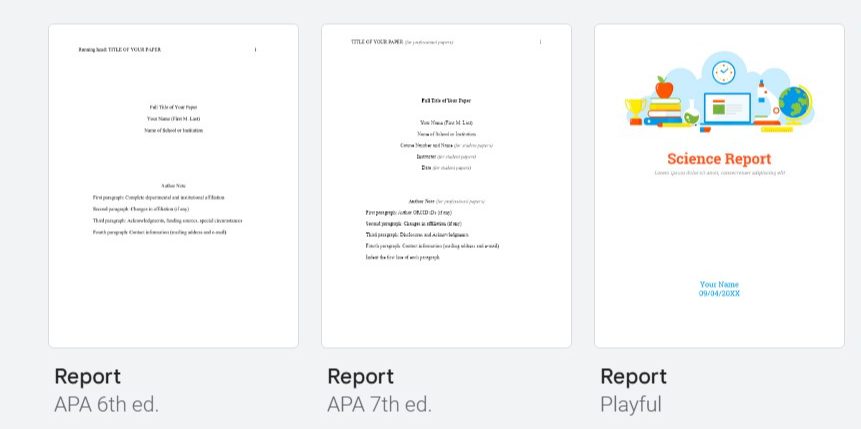
Report templates are versatile and can be used for business, school, or project documentation:
- Project Report: Detailed template for project milestones and deliverables.
- Annual Report: Designed for businesses to summarize yearly performance.
- Research Report: Perfect for scientific or academic research with sections for methodology and findings.
Use Case: Suitable for business presentations, school assignments, or technical documentation.
4. Brochures
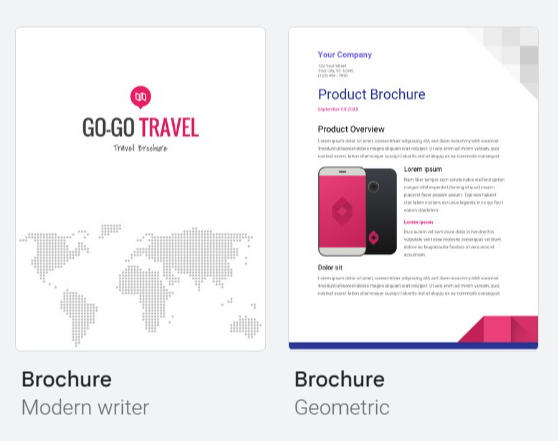
Google Docs provides easy-to-use brochure templates with customizable layouts:
- Tri-Fold Brochure: Traditional design with three panels.
- Informational Brochure: Two-column layout for detailed content.
Use Case: Ideal for marketing, events, or sharing information about products and services.
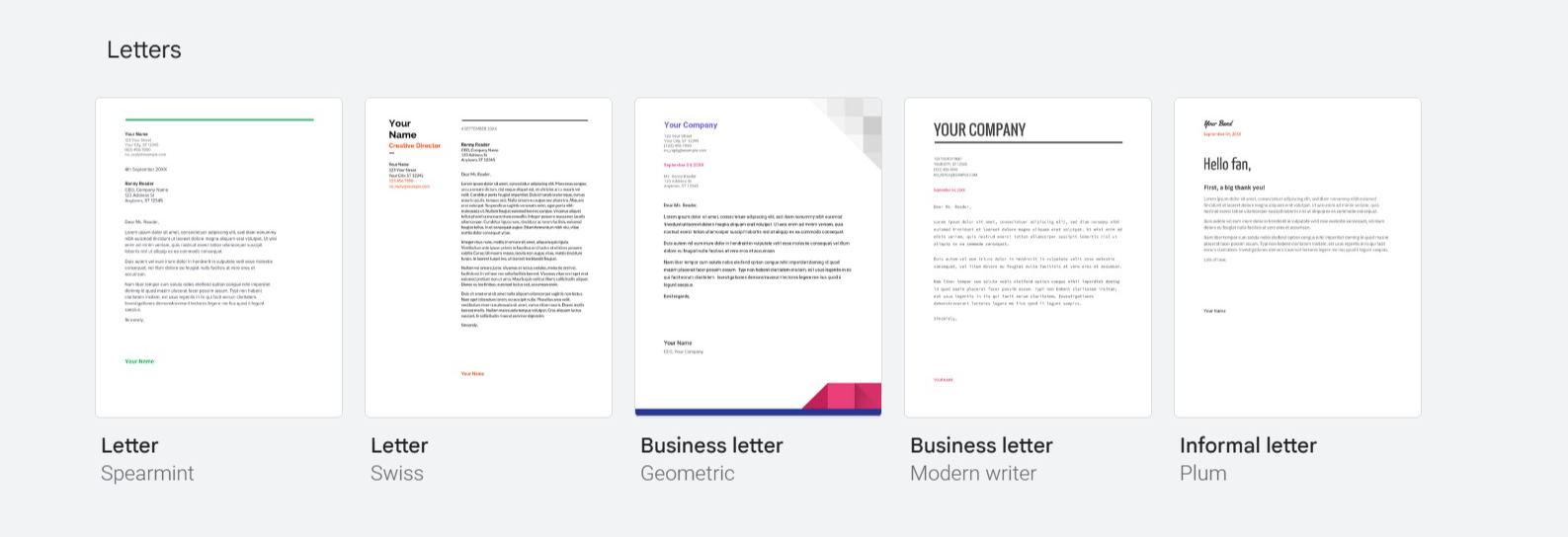
5. Letters
Letter templates help you craft professional and personal correspondence quickly:
- Business Letter: Formal layout with sections for sender and recipient details.
- Cover Letter: Designed to accompany resumes during job applications.
- Personal Letter: More casual style for personal or semi-formal communication.
Use Case: For professional applications, client communications, or personal notes.
6. Sales and Quotes
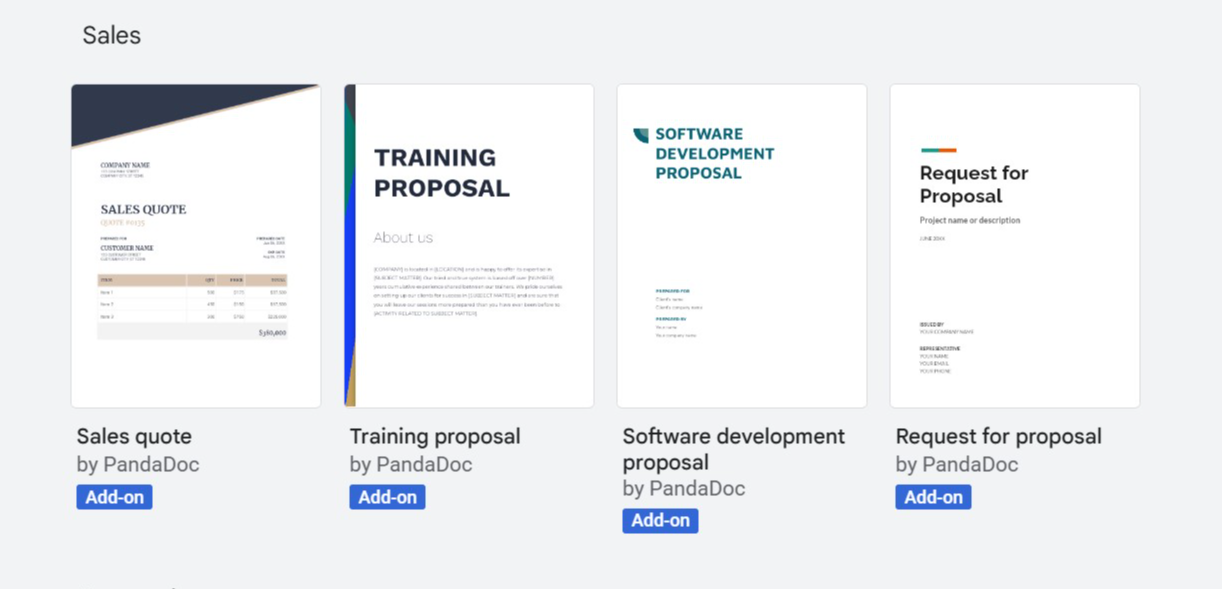
These templates are excellent for businesses dealing with clients:
- Sales Quote: Includes sections for itemized services/products and pricing.
- Invoice: A professional-looking template for billing clients.
Use Case: Streamlines client interactions for freelancers, small businesses, or service providers.
7. Meeting Notes
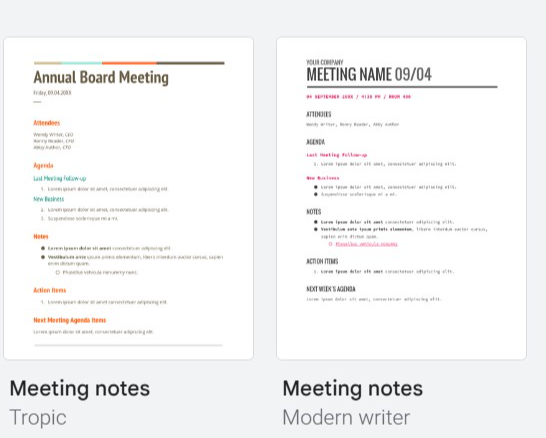
Stay organized with meeting-focused templates:
- Agenda Template: Helps outline meeting objectives and topics.
- Minutes Template: Records key points, attendees, and action items from meetings.
Use Case: For team meetings, project discussions, or organizational planning.
8. Essays and Papers
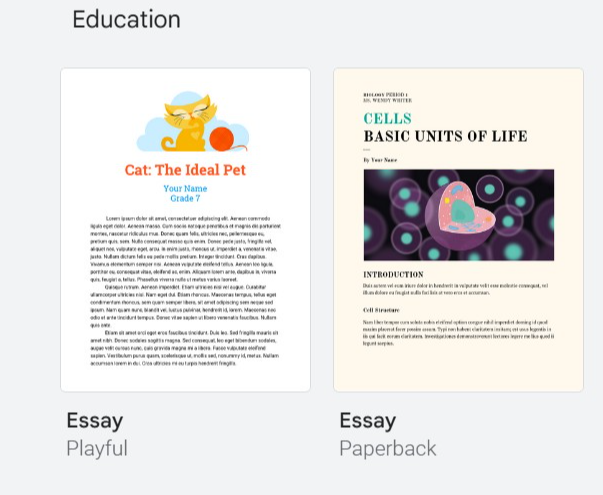
Templates for students and academics include:
- Essay Format: Pre-designed with proper margins, spacing, and heading styles.
- Research Paper: Includes sections for abstract, introduction, and references.
Use Case: Simplifies formatting for school essays, college papers, or research submissions.
9. Flyers
Perfect for event promotions and announcements:
- Event Flyer: Eye-catching designs with space for key details.
- Business Flyer: Highlight your business offerings with a professional layout.
Use Case: For promoting events, sales, or community activities.
10. Newsletters
Newsletters are great for regular updates:
- School Newsletter: Designed for school announcements and updates.
- Business Newsletter: Professional format to share company news and insights.
Use Case: Engages audiences, from students to corporate clients.
11. Work Plans
These templates keep projects on track:
- Project Plan: Breaks down tasks, deadlines, and responsibilities.
- Weekly Planner: Organizes weekly tasks and schedules.
Use Case: Useful for personal productivity or team project management.
12. Certificates
Celebrate achievements with these customizable templates:
- Award Certificate: Recognizes accomplishments in school, work, or events.
- Participation Certificate: Acknowledges attendance or involvement in activities.
Use Case: Ideal for schools, training sessions, or events.
Customizing Templates in Google Docs
Once you select a template, it’s easy to tailor it to your needs:
- Edit Text: Replace placeholder text with your own content.
- Change Fonts and Colors: Use the toolbar to adjust the design.
- Add Images or Logos: Insert relevant visuals to personalize the template.
- Adjust Layout: Modify spacing, alignment, and sections for a unique look.
Tips for Using Google Docs Templates Effectively
- Choose the Right Template: Select a template that aligns with your purpose to minimize customization.
- Proofread Content: Ensure all details are accurate and error-free.
- Keep It Professional: Stick to clean designs and avoid clutter for formal documents.
- Save in Multiple Formats: Download your file as a PDF or Word document for versatility.
Conclusion
Google Docs templates simplify the process of creating professional, polished documents for a wide range of purposes. With options for resumes, brochures, reports, and more, these templates are invaluable for personal, academic, and business needs. Take advantage of Google Docs’ free tools to save time and create impressive results.
Explore the Template Gallery in Google Docs today and find the perfect starting point for your next project!


