AI vs Manual Presentation Design: Which One Should You Choose?


AI vs manual presentation design: Which is better? Compare speed, customization, and efficiency to choose the best method for your presentations.
Creating a presentation is a crucial task, whether you’re a student, business professional, or educator. The way your slides are designed can impact how well your audience understands and engages with your content.
For years, people have relied on manual presentation design, using tools like PowerPoint, Canva, and Google Slides to build slides from scratch. But with the rise of AI-powered tools like MagicSlides, presentations can now be generated instantly with minimal effort.
So, which one is better—AI-generated presentations or manually designed ones? Let’s break it down so you can make an informed choice.
What is AI Presentation Design?
AI presentation design uses artificial intelligence to generate slides based on a topic, text, video, PDF, or URL. AI tools like MagicSlides automate content creation, layout selection, and even image placement, eliminating the need for manual design work.
Instead of spending hours formatting slides, AI does it in seconds. The result? A clean, structured, and professional-looking presentation without any design experience required.
What is Manual Presentation Design?
Manual presentation design is the traditional way of creating slides using software like PowerPoint, Google Slides, or Canva. The user is responsible for:
- Choosing a template
- Structuring content
- Adding images and media
- Formatting slides for consistency
- Animating and customizing elements
While manual design offers more control and creativity, it’s also time-consuming and requires design skills to make a presentation look professional.
AI vs Manual Presentation Design: A Feature-by-Feature Comparison
| Feature | AI Presentation Design (MagicSlides) | Manual Presentation Design |
|---|---|---|
| Speed | Generates presentations in seconds | Takes hours or days |
| Customization | Uses predefined templates, limited editing | Full creative freedom |
| Ease of Use | Beginner-friendly, no design skills needed | Requires manual effort and knowledge |
| Content Generation | AI writes content & selects images | User must manually create content |
| Consistency & Formatting | AI applies automatic formatting | Requires manual alignment |
| Data Integration | Can pull information from Wikipedia, Google, and YouTube | User must manually research and add data |
| Collaboration | Can be shared instantly online | Requires manual sharing & edits |
| Creativity & Uniqueness | AI-generated, so it might look similar to other AI slides | Fully unique, depends on user effort |
When Should You Use AI Presentation Design?
AI-generated presentations are best for:
- Quick presentations when you need slides instantly
- Business professionals who need structured slides for meetings
- Students who want to save time on assignments
- Educators looking to quickly turn lecture content into slides
- Marketers who need sales or pitch decks without much effort
If speed, automation, and efficiency are your priorities, AI-powered presentation tools are the better choice.
When Should You Use Manual Presentation Design?
Manual design is the right option if:
- You need complete creative control over your slides
- Your presentation requires complex animations or interactivity
- You want a unique, customized design that AI cannot generate
- Your content is highly specific and needs a tailored approach
If you have the time and skills to design slides manually, this method offers greater flexibility and uniqueness.
How to Use MagicSlides to Create AI-Powered Presentations
Using AI for presentation design is easy with MagicSlides.app. Follow these steps:
- Visit MagicSlides.app
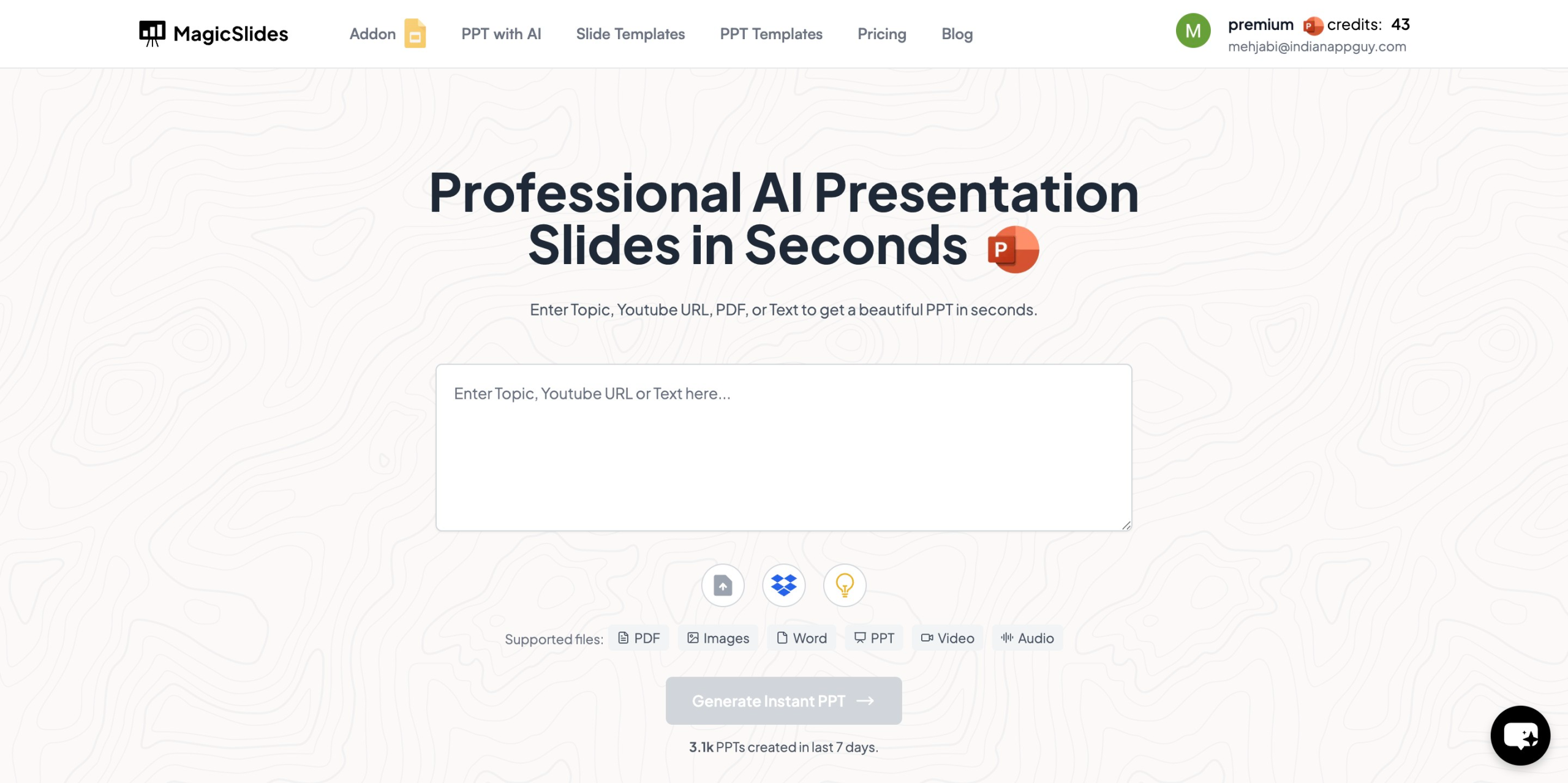
- Enter your topic in the given space
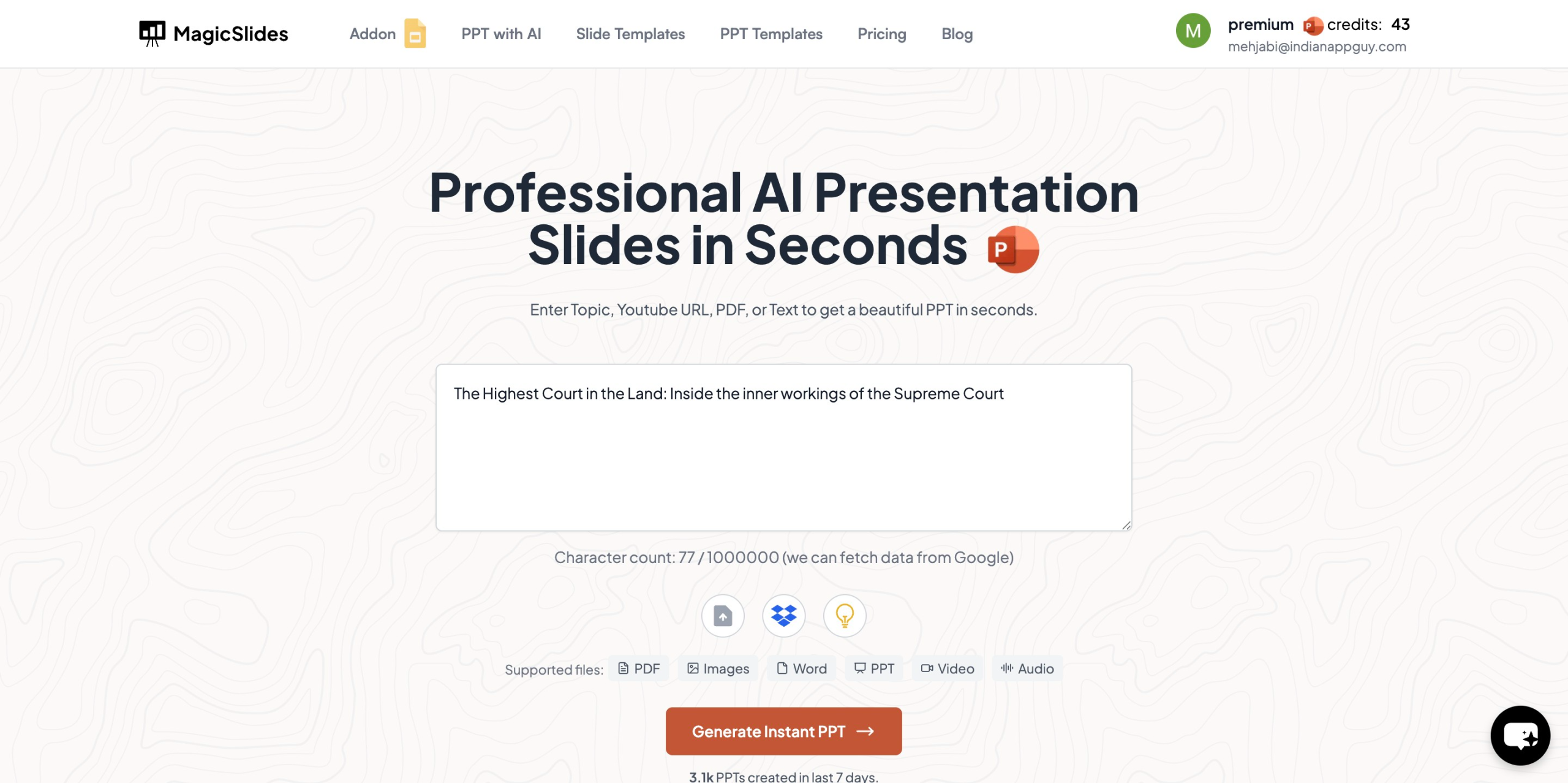
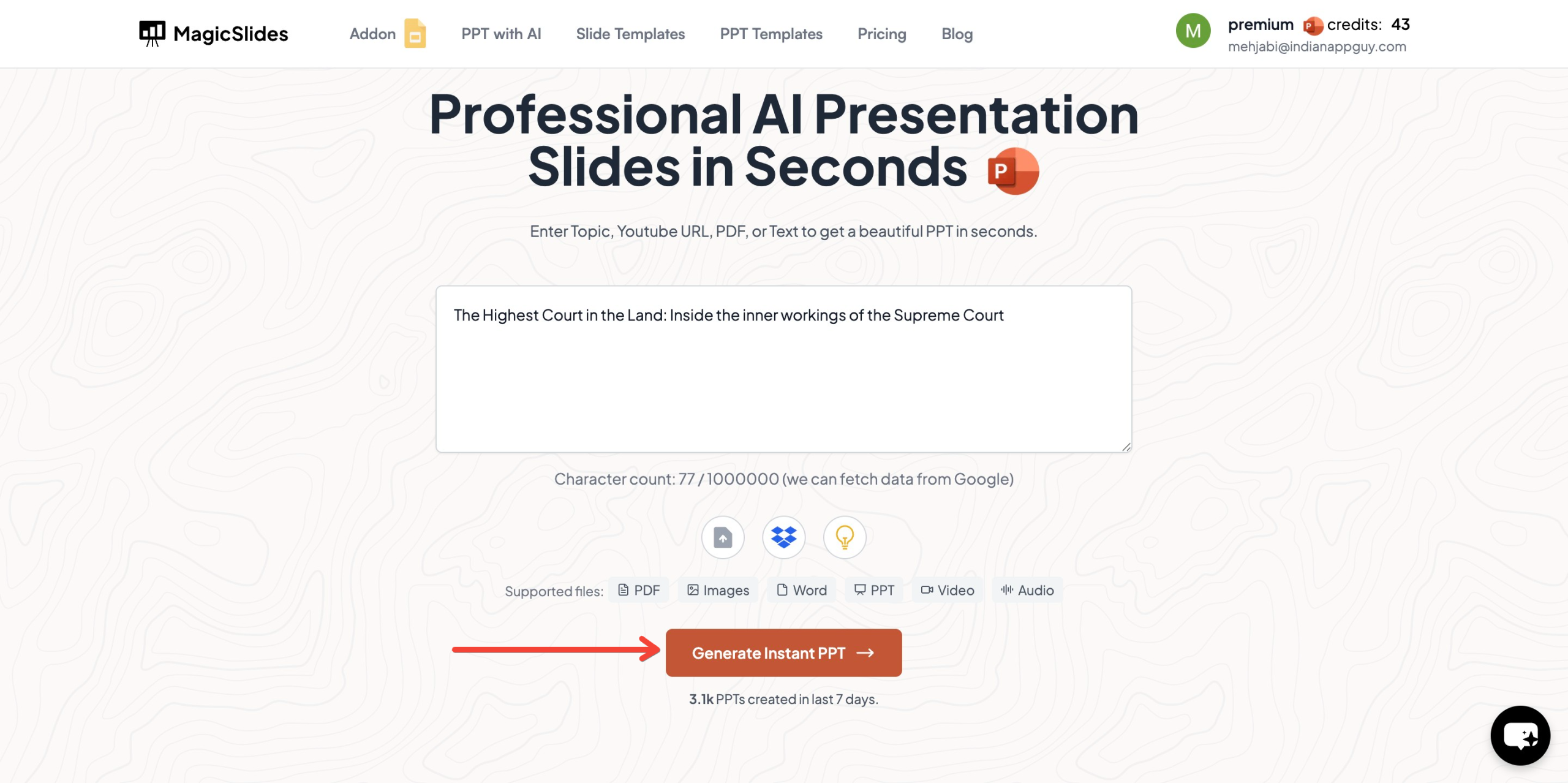
- Click "Generate Instant PPT"
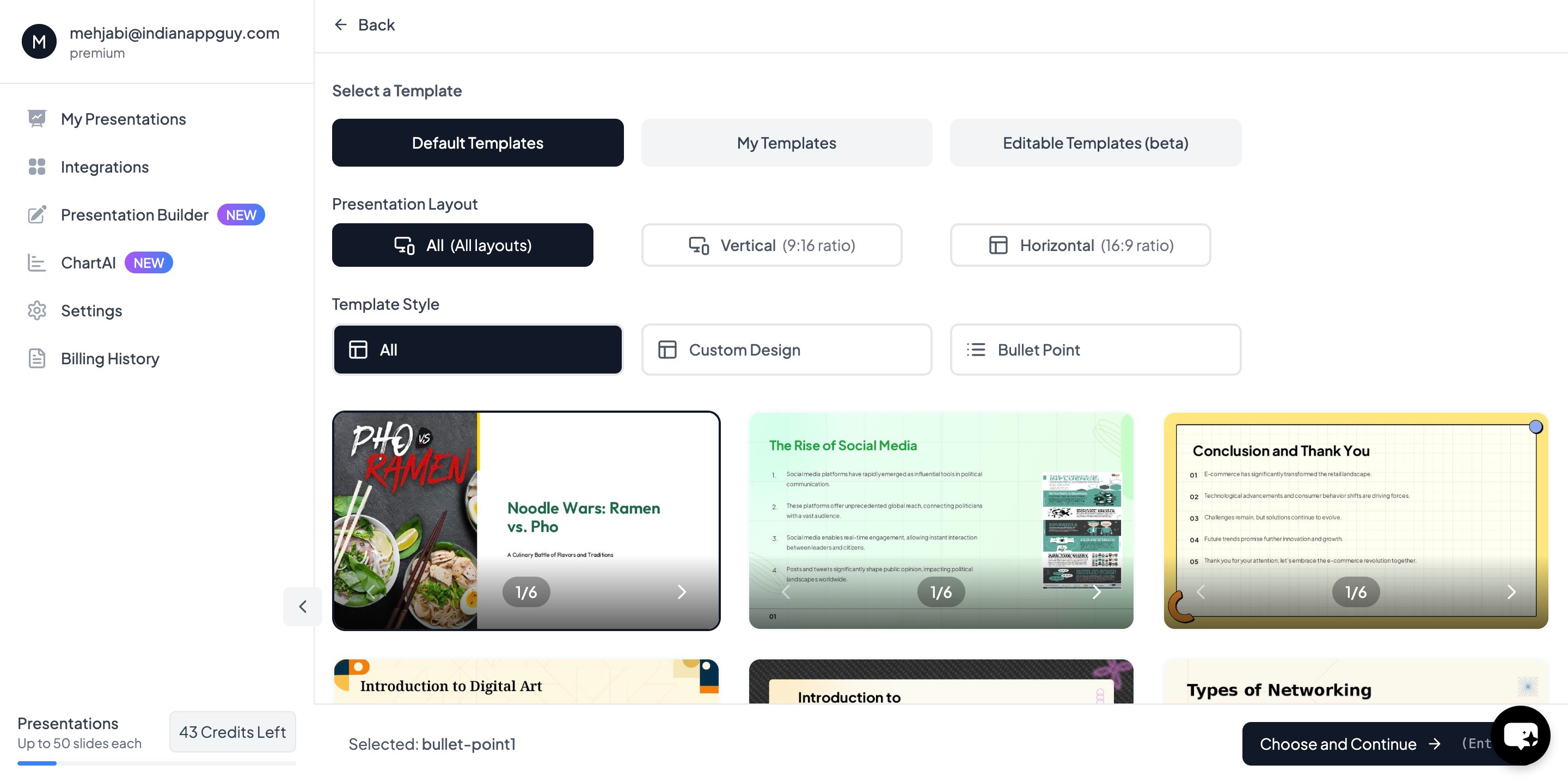
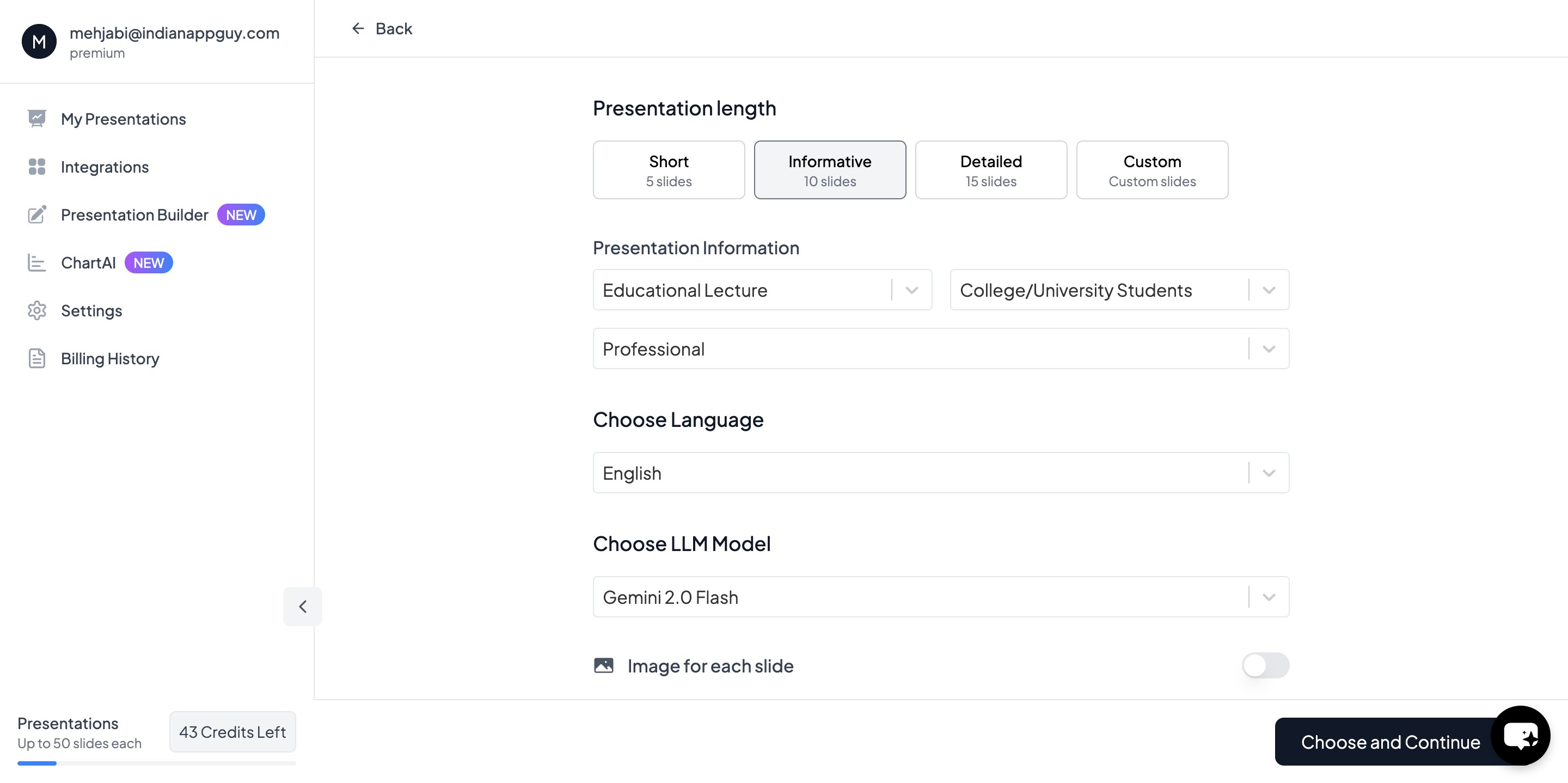
- Choose your template and number of slides as prompted
- Fill in the Required Details – Adjust slide content as needed.
- Click "Start Generation" – Your PowerPoint presentation is ready.
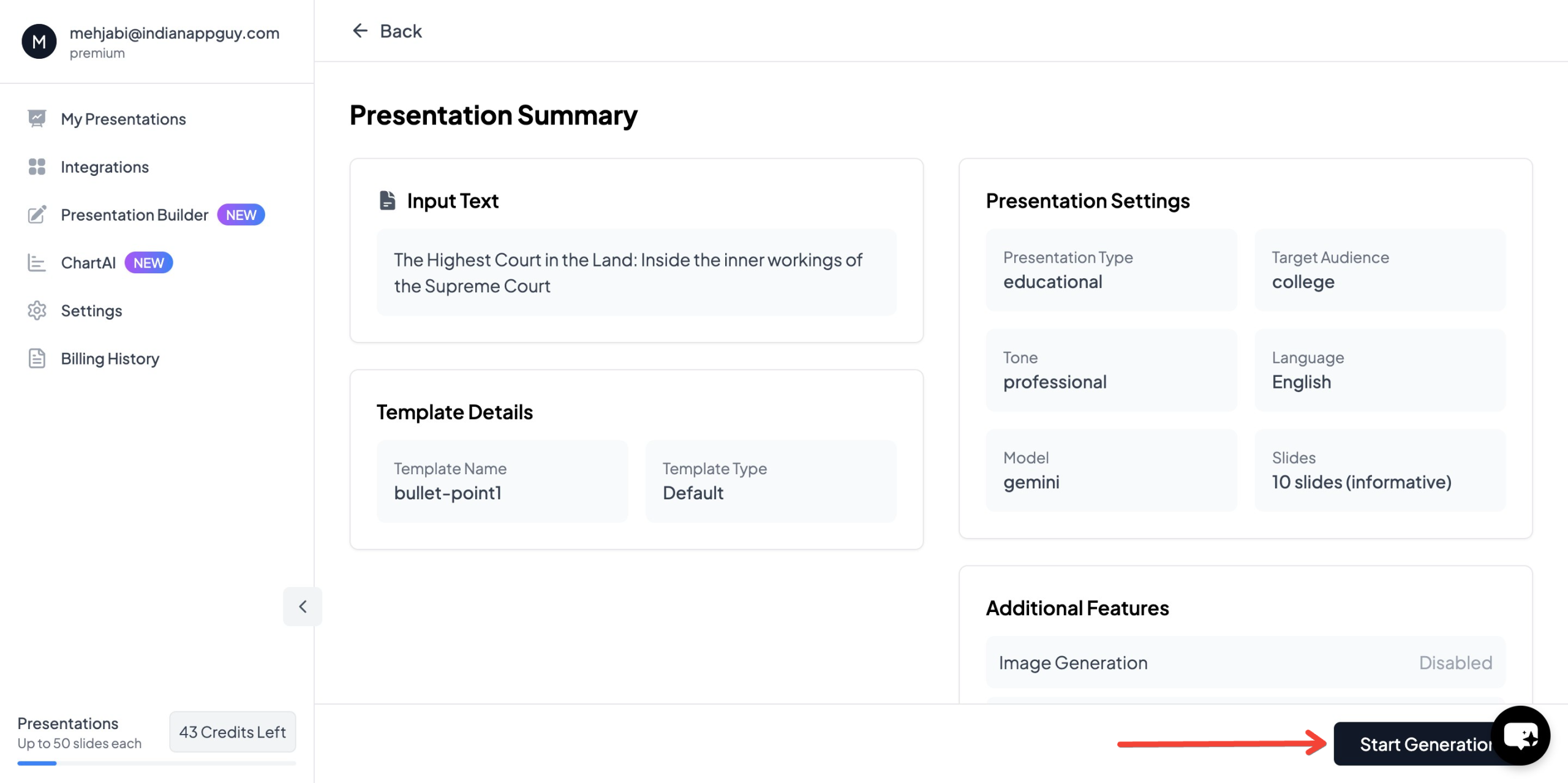
With MagicSlides, you no longer need to manually design templates or format slides, saving you hours of work.
MagicSlides Pricing Plans
MagicSlides offers flexible pricing to fit different needs:
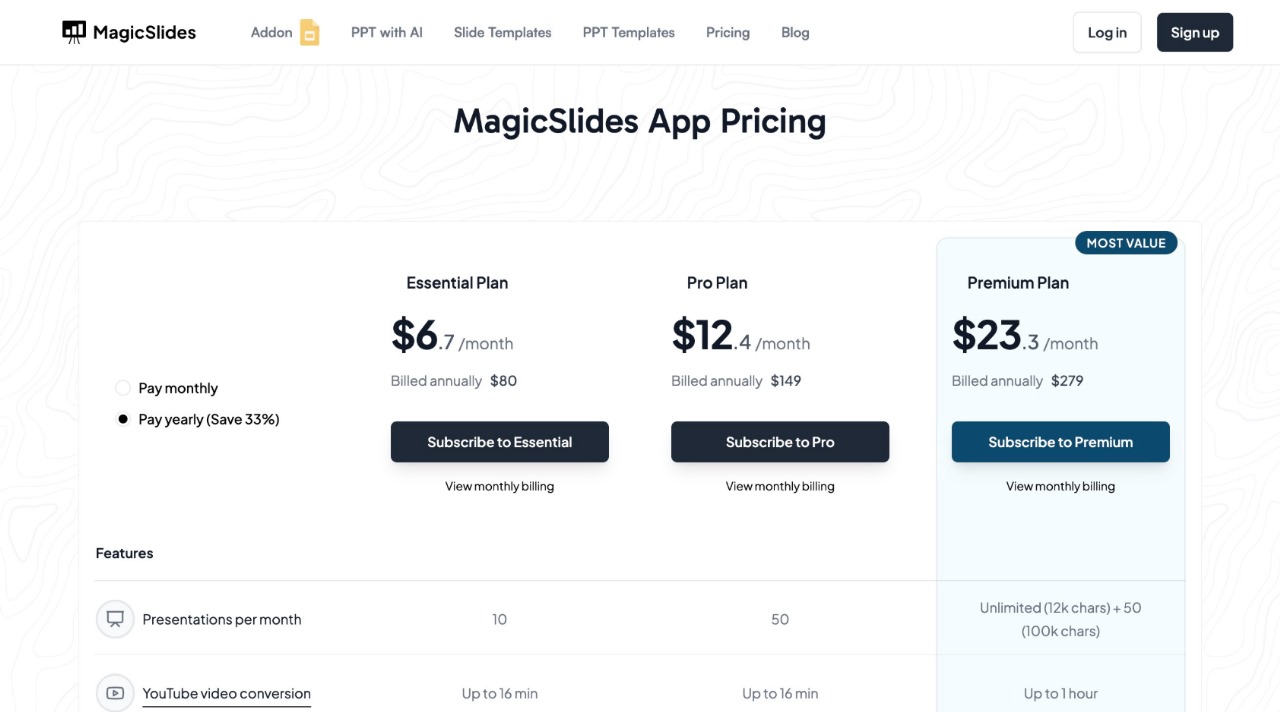
Essential Plan – $6.7/month (Billed Annually – $80)
- 10 presentations per month
- YouTube video conversion (up to 16 min)
- PDF conversion (5 pages)
- Up to 10 slides per presentation
- Basic AI features
Pro Plan – $12.4/month (Billed Annually – $149)
- 50 presentations per month
- YouTube video conversion (up to 16 min)
- PDF conversion (5 pages)
- Up to 15 slides per presentation
- AI-generated images
- Google Slides add-on and Figma plugin
Premium Plan – Contact for Pricing
- Unlimited presentations (100,000 characters)
- YouTube video conversion (up to 1 hour)
- PDF conversion (20 pages)
- Up to 50 slides per presentation
- Advanced AI features, including AskPPT and Zapier integration
Each plan offers access to AI-powered slides, templates, and automation to help users create professional presentations quickly and efficiently.
Final Verdict: Which One is Right for You?
- If speed and automation are important, AI presentation tools like MagicSlides are a game-changer.
- If you prefer complete creative control and don’t mind spending extra time, manual design is the better option.
For most professionals, students, and businesses, AI-powered slides offer the best balance between quality and efficiency.
If you want to try AI for presentations, visit MagicSlides.app and generate your first AI-powered PPT in seconds.


