Are There Apps Like Canva? The Best Alternatives


Discover the best apps like Canva, including MagicSlides.app, to create stunning presentations, designs, and visuals effortlessly with AI-powered tools.
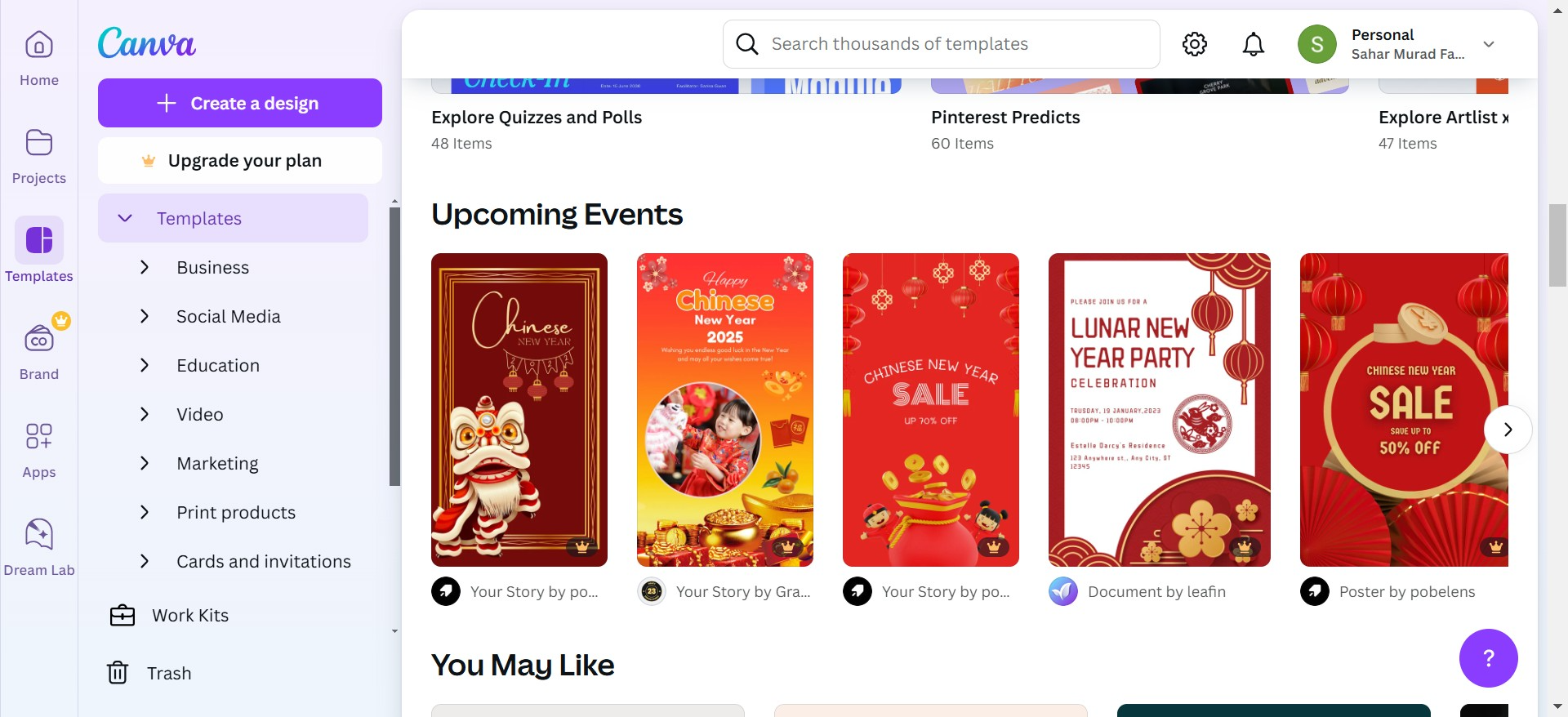
If you’re a designer, marketer, teacher, or someone who frequently creates presentations and visual content, you've probably used or heard of Canva. It's a popular design tool known for its simplicity and versatility. But what if you’re looking for apps like Canva to explore more options or find tools that better suit your specific needs?
This blog post explores various alternatives to Canva, with a special spotlight on a fantastic tool called MagicSlides.app. We’ll also guide you through the steps to use MagicSlides.app to create stunning presentations effortlessly.
Why Look for Canva Alternatives?
While Canva is incredibly popular, there are a few reasons why you might consider alternatives:
- Specialized Needs: Some tools are tailored for specific purposes, such as presentations, infographics, or videos.
- Pricing: Canva’s free version is great, but its premium features come with a cost.
- Ease of Use: Depending on the task, simpler or more intuitive tools might save time.
If you're on the hunt for an app that matches or exceeds Canva’s capabilities, you’re in luck. Let’s explore some top alternatives.
Top Apps Like Canva
1. MagicSlides.app (Best for Creating Presentations Fast)
If you’ve ever found yourself scrambling to create a presentation at the last minute, MagicSlides.app is the perfect solution. This app is designed specifically for generating professional-looking PowerPoint slides in just a few clicks.
MagicSlides.app uses AI to make the process effortless. Instead of spending hours designing slides, you can create them in minutes with just a few inputs.
Here’s a quick step-by-step guide to using MagicSlides.app:
How to Use MagicSlides.app
- Visit MagicSlides.app
Open the website on your browser. No need to download any software.
- Enter Your Topic
Think about the topic you want your presentation to cover. For example: “The Future of AI in Education.”
- Click on ‘Generate Instant Presentation’
This starts the slide-generation process.
- Select Your Slide Theme and Number of Slides
Choose from a variety of professional themes and decide how detailed you want your presentation to be.
- Click ‘Generate’
Let the AI do its magic.
- Download or Edit Your PPT
Within seconds, your fully designed PowerPoint presentation is ready! You can download it or tweak it further if needed.
Pro Tip: MagicSlides.app ensures that all your slides are formatted perfectly, so you don’t have to worry about design details.
2. Adobe Express (Formerly Adobe Spark)
For those already familiar with Adobe’s ecosystem, Adobe Express is a strong alternative. It offers templates for social media, flyers, and presentations. It’s a bit more advanced than Canva, so it’s great for users who have some design experience.
3. Crello (Now VistaCreate)
Similar to Canva, VistaCreate is a design platform with a wide array of templates. It’s beginner-friendly and perfect for creating social media content.
4. Piktochart (Great for Infographics)
If your focus is on infographics and data visualization, Piktochart is an excellent choice. It offers professional templates to help you present data effectively.
5. Snappa (Ideal for Social Media Graphics)
Snappa is a simple yet powerful tool for creating social media posts, ads, and banners. Its intuitive interface is great for non-designers.
Why Choose MagicSlides.app?
While the other apps are great for specific purposes, MagicSlides.app stands out for its ability to save time and effort in creating presentations.
Unlike Canva, which requires manual input for each slide, MagicSlides.app automates the entire process, making it perfect for busy professionals, educators, and students.
Conclusion
Whether you’re designing for social media, creating infographics, or crafting a professional presentation, there are plenty of apps like Canva to explore. If your focus is on presentations, MagicSlides.app is an unbeatable choice. Its AI-powered approach ensures you spend less time designing and more time focusing on your content.
So, the next time you’re in need of a quick and professional presentation, give MagicSlides.app a try. It might just become your new favorite tool.


