Best PowerPoint Templates for Startup Pitch Decks


Discover the best PowerPoint templates for startup pitch decks. Create investor-ready presentations quickly with AI-powered tools like MagicSlides. Save time and impress investors.
A well-designed startup pitch deck can make all the difference when attracting investors, partners, or customers. A strong pitch deck needs to be visually engaging, well-structured, and impactful—helping to tell your startup’s story, highlight its potential, and convince investors why they should believe in your vision.
PowerPoint templates play a crucial role in creating professional pitch decks, saving time, and ensuring a polished and persuasive presentation. Whether you’re crafting a pitch for seed funding, Series A, or investor meetings, using the best PowerPoint templates for startup pitch decks can enhance clarity and professionalism.
In this guide, we will explore the best PowerPoint templates for startup pitch decks and how AI-powered tools like MagicSlides can help you create compelling presentations in minutes.
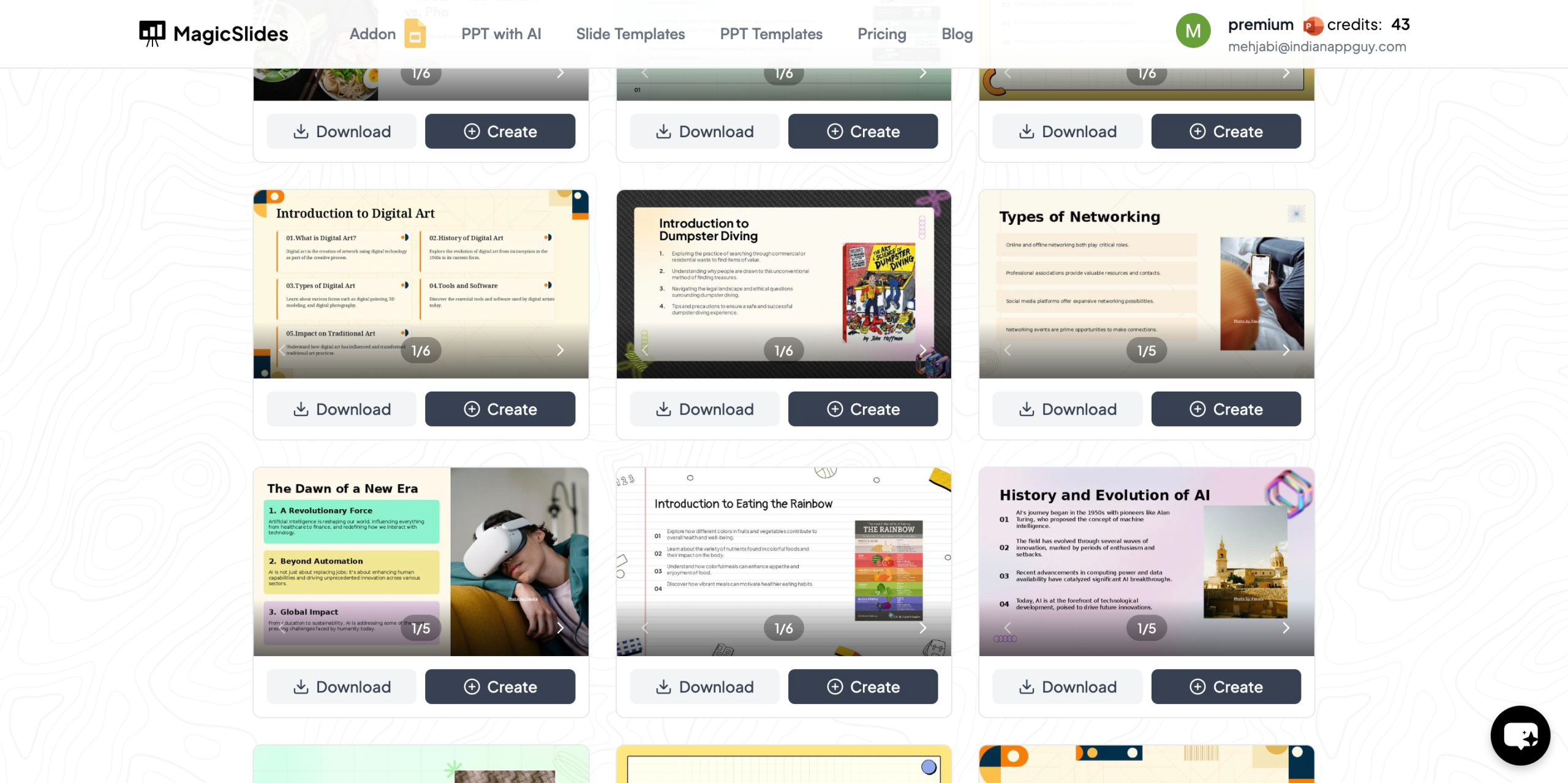
Why Use PowerPoint Templates for Startup Pitch Decks?
Using a high-quality template instead of starting from scratch offers multiple benefits:
- Saves Time – Pre-designed slides reduce the time spent on formatting and structuring content.
- Professional Design – Ensures a polished, modern, and visually appealing presentation.
- Consistency – Maintains uniformity across all slides, making the presentation look more cohesive.
- Focus on Content – Allows you to concentrate on your message rather than design elements.
- Investor-Friendly – Includes sections optimized for funding presentations, such as problem statements, solutions, market size, and financial projections.
Choosing the right template can significantly impact how investors perceive your startup, so selecting a well-structured template is crucial.
Best PowerPoint Templates for Startup Pitch Decks
1. Investor Pitch Deck Template
This template is designed specifically for startups seeking funding. It includes:
- Executive summary slides
- Problem and solution breakdown
- Market analysis and growth potential
- Business model and revenue projections
- Team and traction slides
2. Minimalist Startup Pitch Deck
A clean, modern design with minimal distractions that allows your content to stand out. Features include:
- Simple typography
- Bold headlines
- Clear data visualizations
3. Tech Startup Pitch Deck
If you're a SaaS or tech-based startup, this template includes:
- Product demo slides
- Market validation sections
- Competitor analysis
- Roadmap and milestones
4. Business Model Canvas Template
This template visualizes your startup’s business model in a structured manner, covering:
- Key partners, activities, and resources
- Value proposition
- Customer relationships and channels
- Revenue streams and cost structures
5. AI & Innovation Startup Deck
For AI-driven or deep-tech startups, this template includes:
- AI-powered product demonstration slides
- Data-driven insights and projections
- Go-to-market strategy
6. Corporate Startup Pitch Deck
This professional-style deck is great for B2B startups and enterprise-focused solutions. It includes:
- Industry trends and insights
- Customer case studies
- Partnership opportunities
7. Animated Pitch Deck Template
For startups looking to stand out, this template features subtle animations to create a more engaging experience. It includes:
- Smooth transitions
- Motion graphics
- Story-driven slides
8. Financial Projection Pitch Deck
If your investors are focused on numbers, this template includes:
- Revenue forecasts
- Break-even analysis
- Funding allocation slides
These templates help startups structure their pitch effectively and present information in a way that appeals to investors and stakeholders.
How to Instantly Create a Pitch Deck with AI Using MagicSlides
Instead of manually designing your pitch deck, MagicSlides lets you create professional-quality PowerPoint presentations in minutes using AI. Here’s how you can use it:
Step-by-Step Guide to Using MagicSlides
- Visit MagicSlides.app
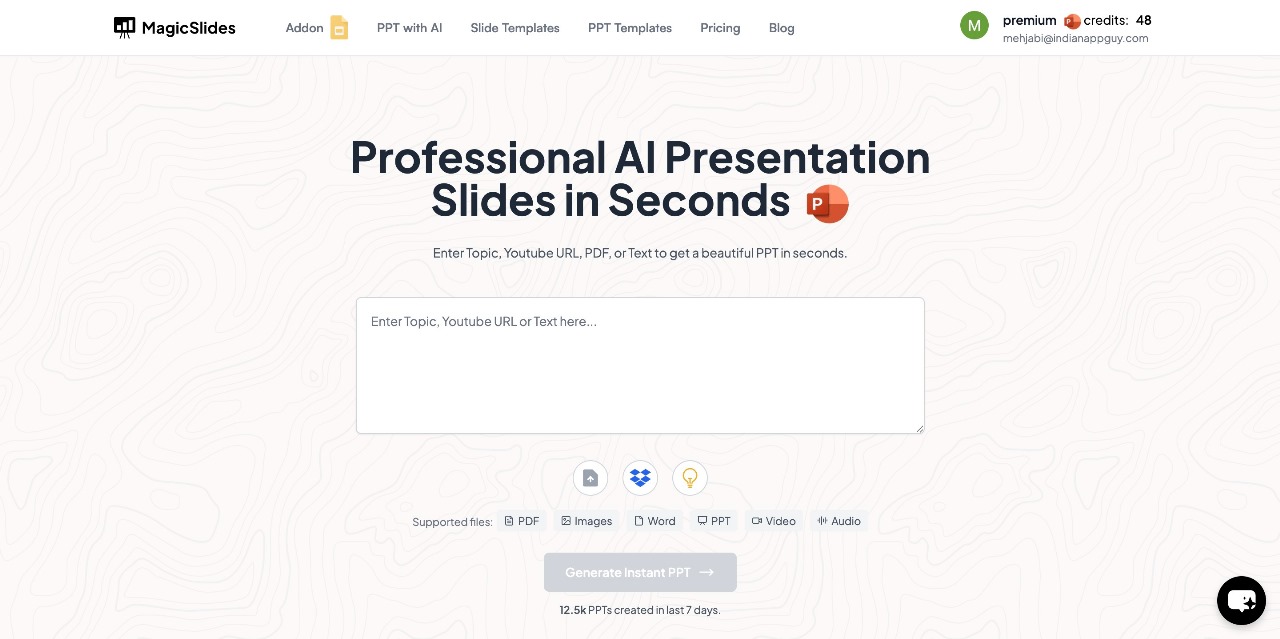
- Enter Your Topic – Type in the subject or title of your presentation in the provided space.
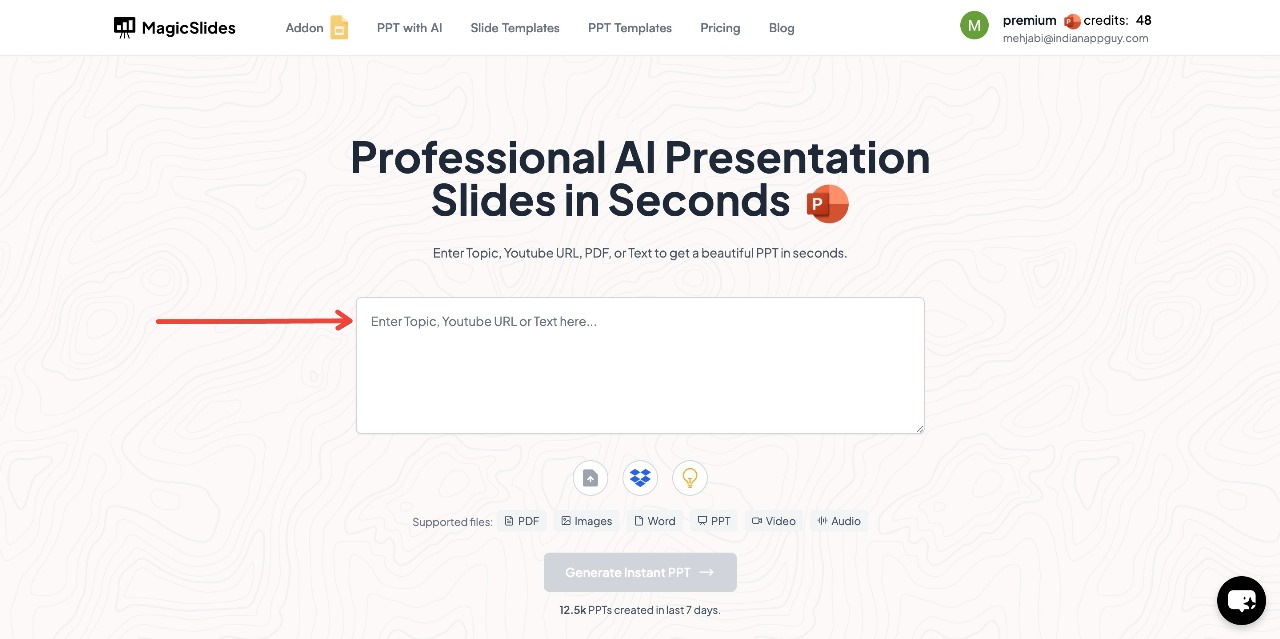
- Click "Generate Instant PPT" – The AI will start creating slides based on your topic.
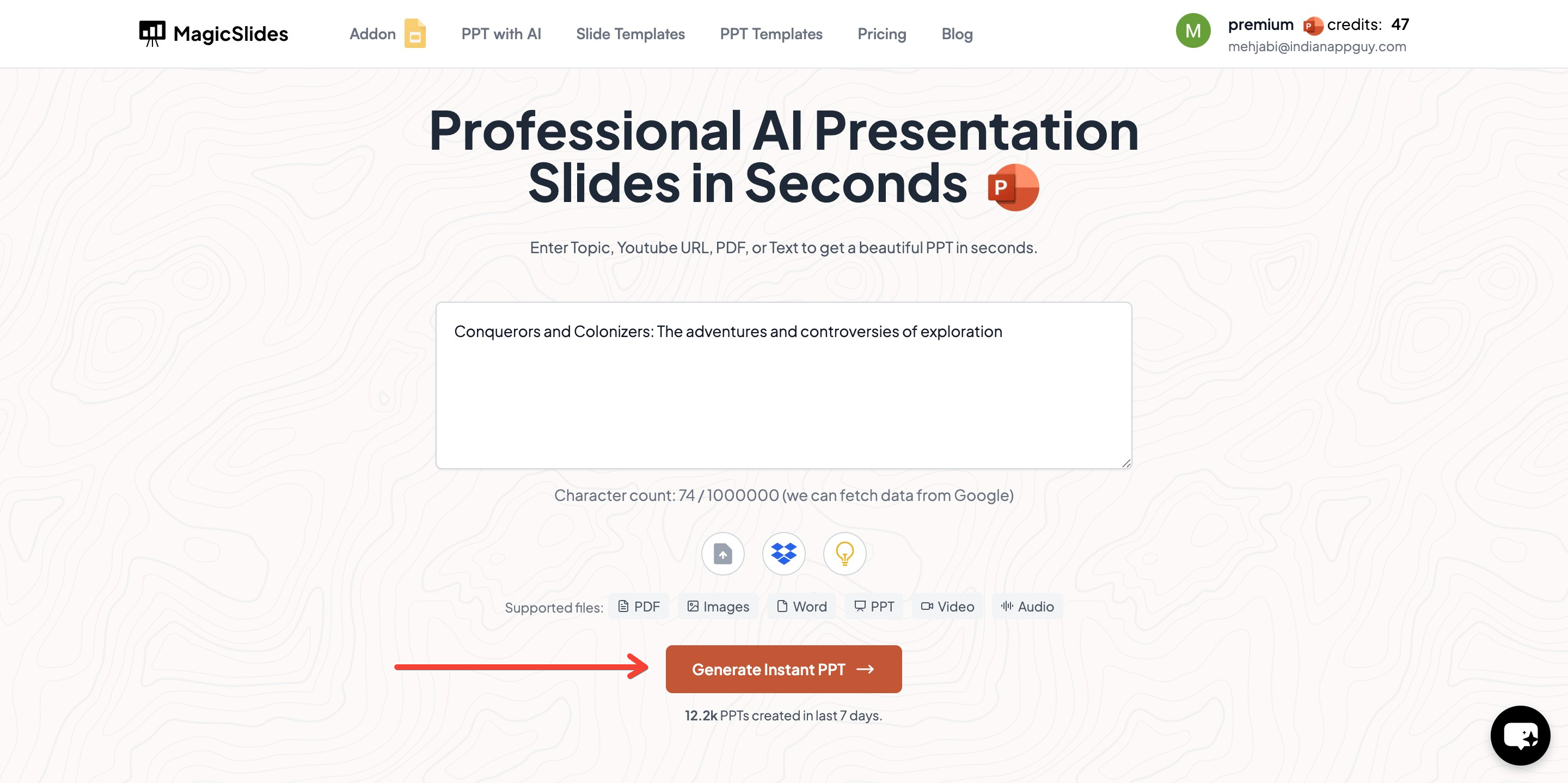
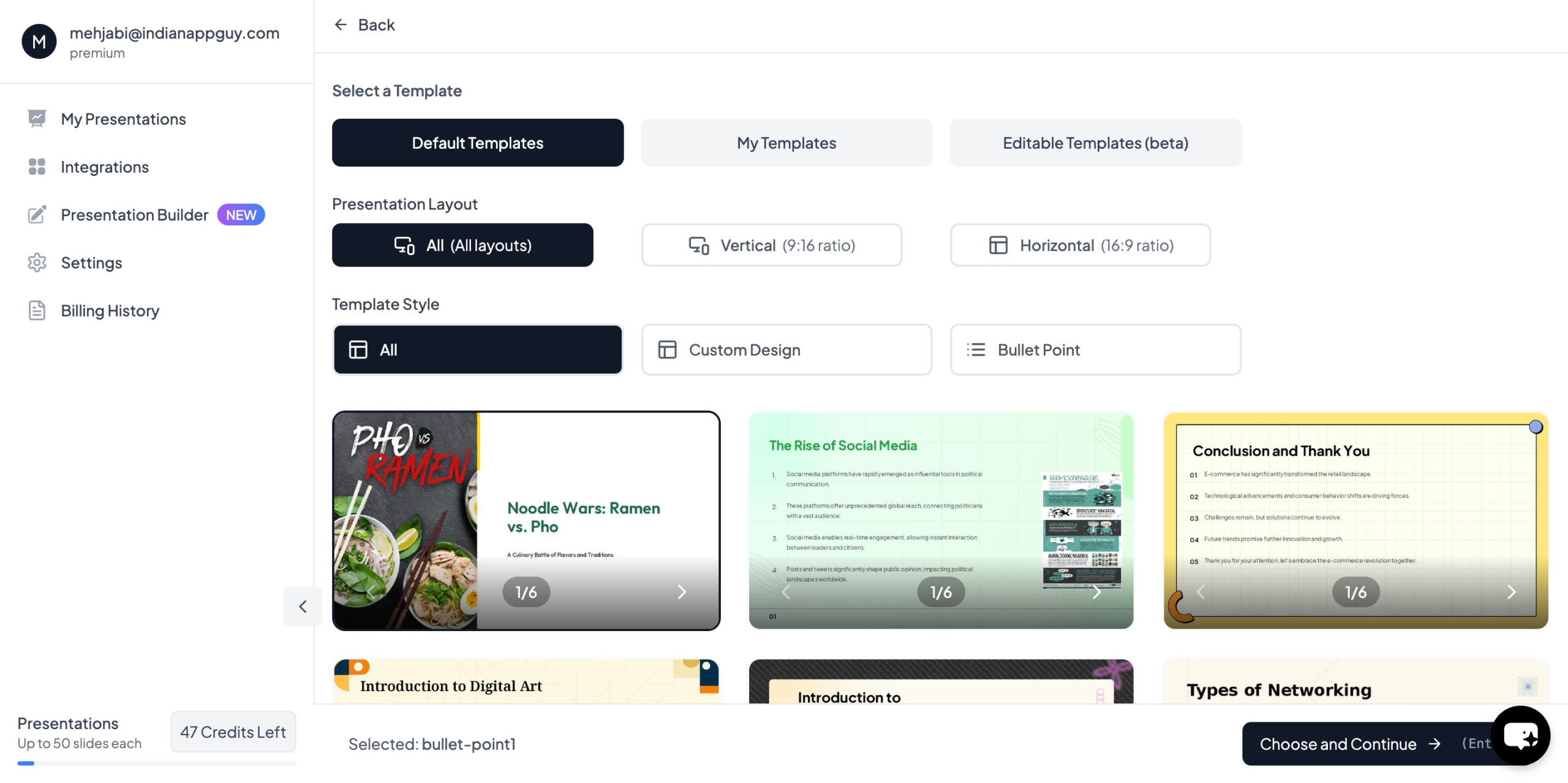
- Choose your template and select the number of slides as prompted
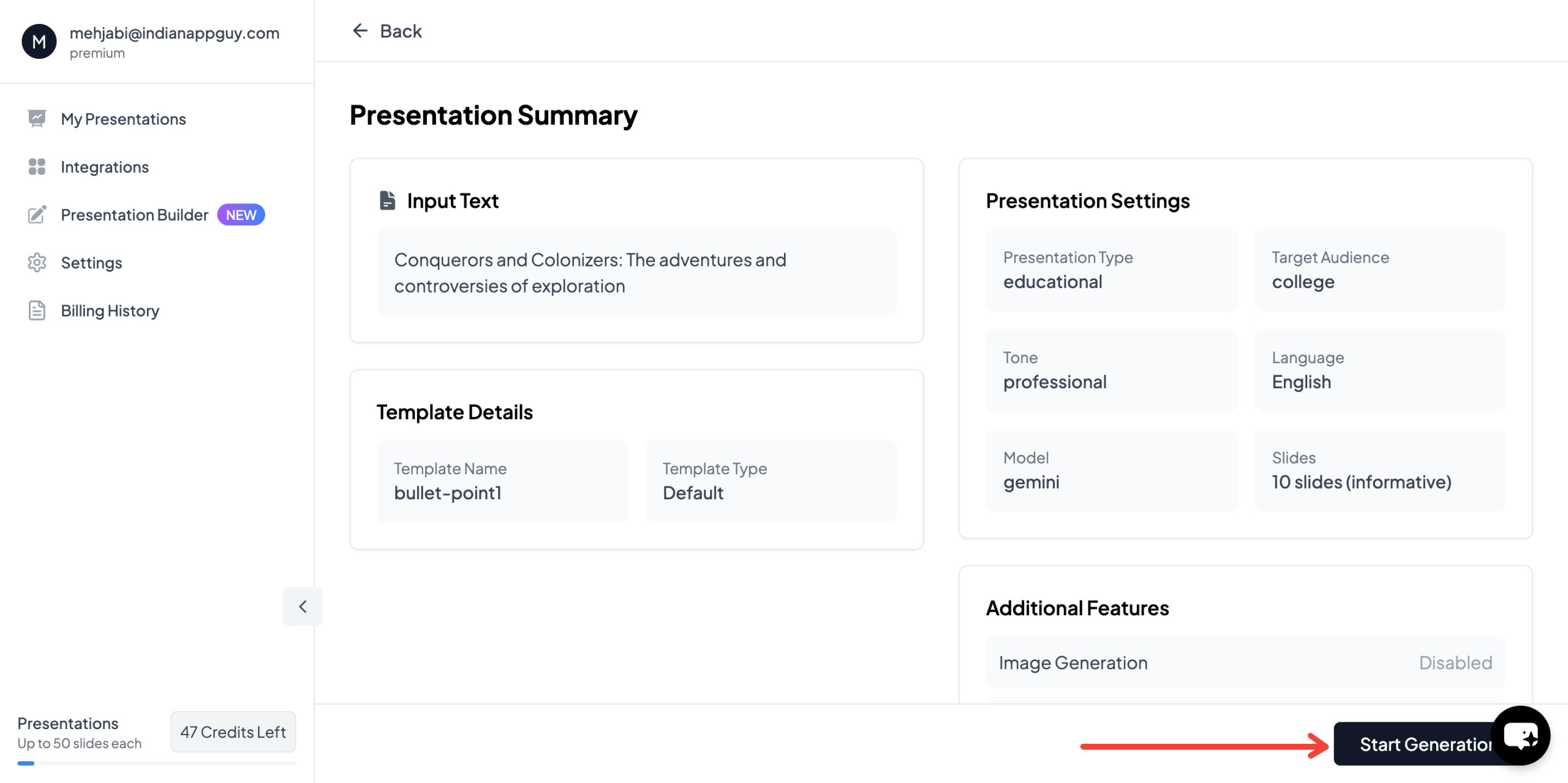
- Click "Start Generation" and wait for your slides to be created
- Your presentation will be ready in seconds, complete with AI-generated content and images
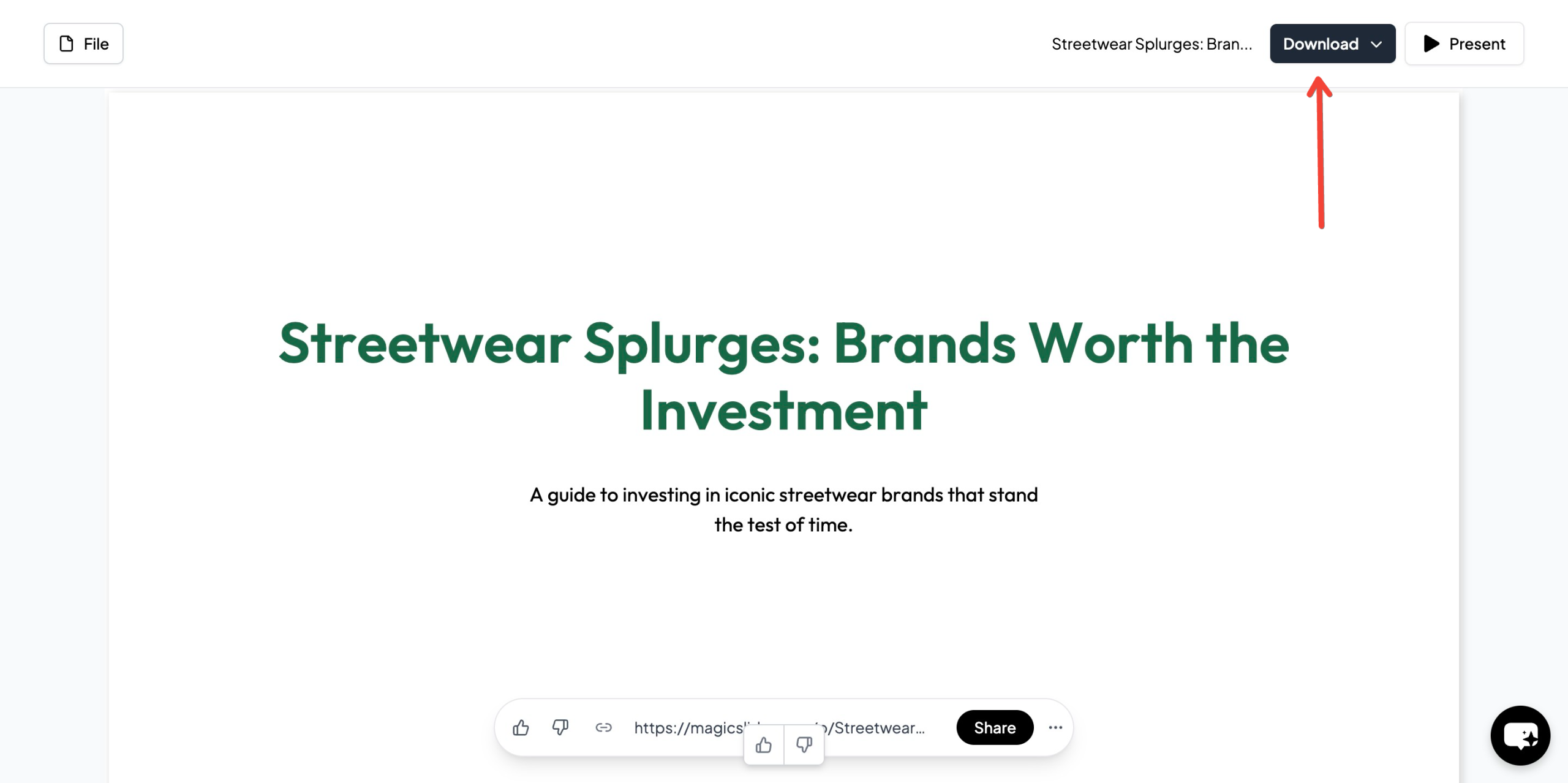
With MagicSlides, you don’t need design experience—AI handles the formatting, slide structuring, and image selection for you.
Why Use MagicSlides for Startup Pitch Decks?
MagicSlides provides a large variety of templates designed for different industries, funding stages, and business models. Some key benefits include:
- AI-powered automation to create full presentations instantly
- 100+ language support for global startup founders
- Data integration from Wikipedia and Google for quick research
- Customizable templates for different startup categories
- Integration with Google Slides, Figma, and Zapier for seamless collaboration
This AI-powered tool saves hours of work while ensuring your pitch deck looks professional and investor-ready.
MagicSlides Pricing Plans
MagicSlides offers flexible pricing to fit different needs:
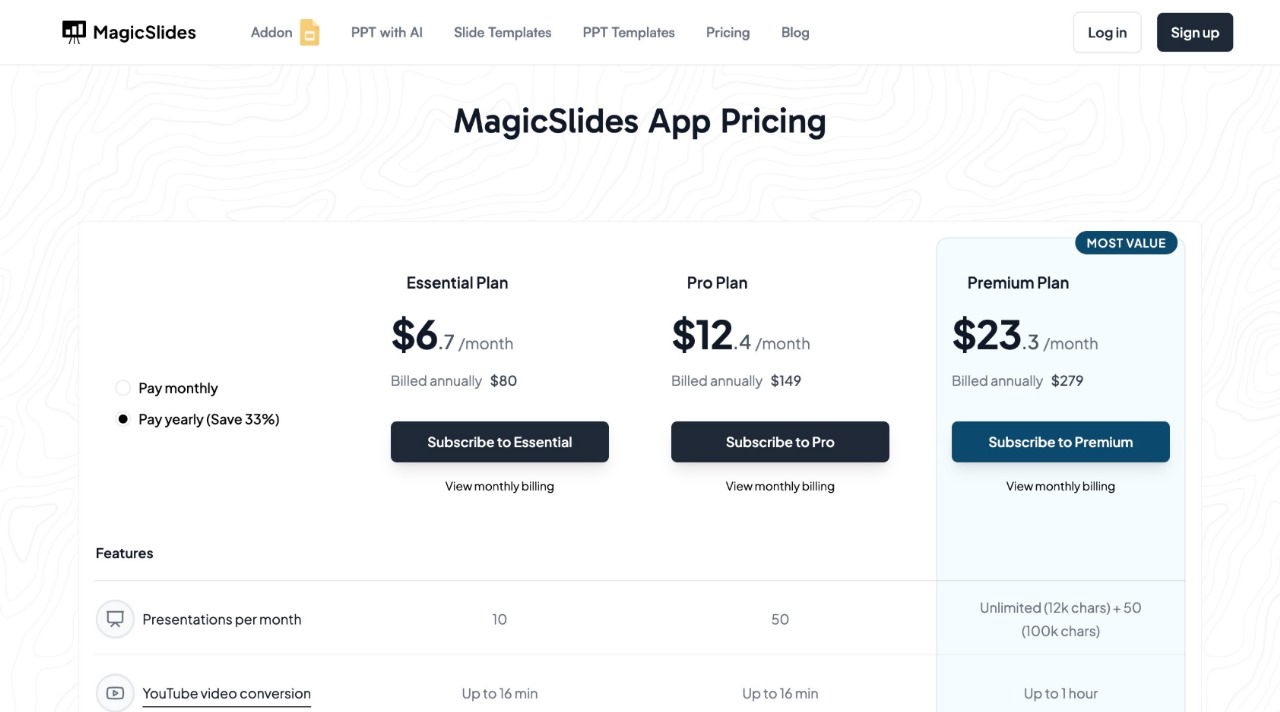
Essential Plan – $6.7/month (Billed Annually – $80)
- 10 presentations per month
- YouTube video conversion (up to 16 min)
- PDF conversion (5 pages)
- Up to 10 slides per presentation
- Basic AI features
Pro Plan – $12.4/month (Billed Annually – $149)
- 50 presentations per month
- YouTube video conversion (up to 16 min)
- PDF conversion (5 pages)
- Up to 15 slides per presentation
- AI-generated images
- Google Slides add-on and Figma plugin
Premium Plan – Contact for Pricing
- Unlimited presentations (100,000 characters)
- YouTube video conversion (up to 1 hour)
- PDF conversion (20 pages)
- Up to 50 slides per presentation
- Advanced AI features, including AskPPT and Zapier integration
Each plan offers access to AI-powered slide creation, premium templates, and automation features to help startups build effective pitch decks quickly and efficiently.
Final Thoughts: Choosing the Best Startup Pitch Deck Template
A well-designed startup pitch deck can make or break your funding opportunity. By using the right PowerPoint template, you can effectively communicate your startup’s vision, market opportunity, and potential for success.
If you need a fast, AI-powered solution to create a professional pitch deck, MagicSlides offers a wide selection of startup-friendly templates.
To create your pitch deck instantly, visit MagicSlides.app and let AI handle the design while you focus on your business strategy.


