Presentation Tools for Students


Discover top 2025 presentation tools for students and how MagicSlides boosts creativity and productivity
In the ever-evolving landscape of presentation tools, students have a plethora of options to choose from. Each platform offers unique features tailored to different needs.
However, integrating an AI assistant like MagicSlides can significantly enhance the functionality and efficiency of these tools. Let's delve into some of the top presentation platforms, highlighting their distinctive features, advantages, disadvantages, pricing, and how MagicSlides seamlessly complements each to boost productivity.
#1. MagicSlides App
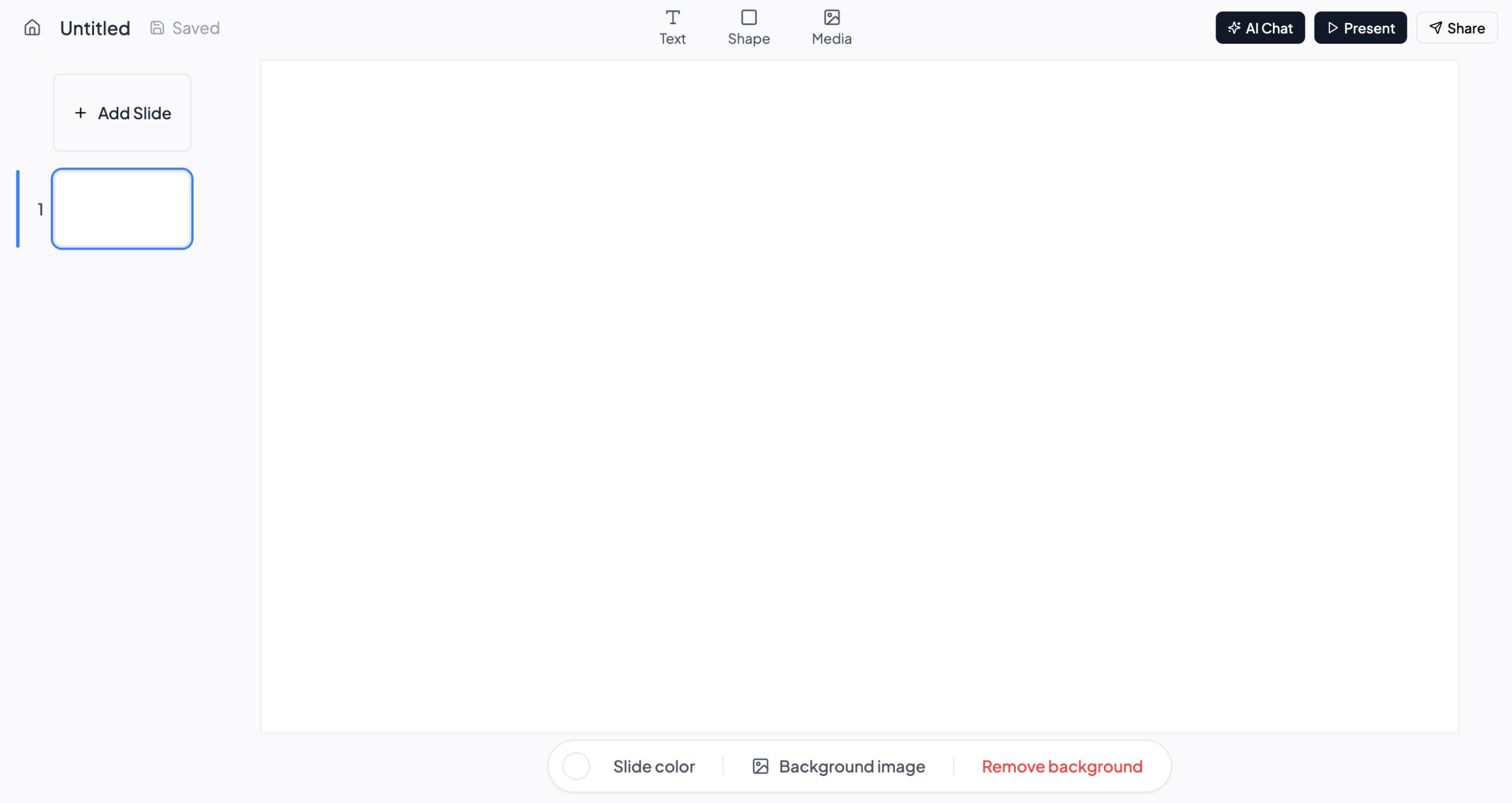
Unique Features:
- Creates Presentations from AI under 60 seconds
- Can create PPT from any source
- Use Documents from Dropbox
Advantages:
- Accessibility: Accessible from any device with an internet connection.
- Cost-Effective: Free to use with a Google account.
Disadvantages:
- Mobile App (this is going live soon so signup)
Pricing:
- Free: Available at no cost with a Google account.
#2. Google Slides
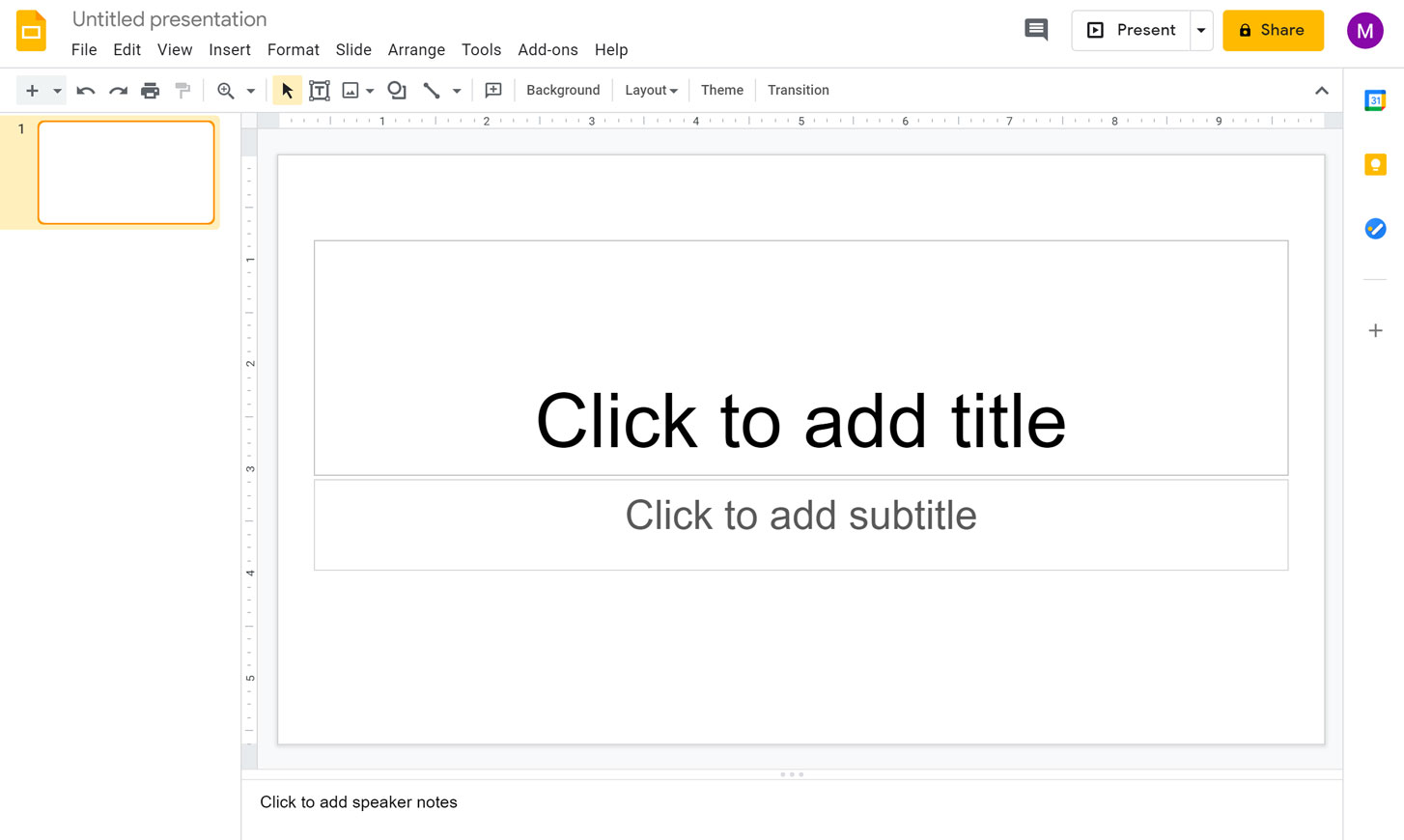
Unique Features:
- Cloud-Based Collaboration: Enables multiple users to work simultaneously on a presentation from any location.
- Integration with Google Workspace: Seamlessly connects with Google Docs, Sheets, and Drive for a unified experience.
- Version History: Tracks changes and allows users to revert to previous versions if needed.
Advantages:
- Accessibility: Accessible from any device with an internet connection.
- Cost-Effective: Free to use with a Google account.
- User-Friendly Interface: Intuitive design suitable for users of all skill levels.
Disadvantages:
- Limited Advanced Features: Lacks some of the sophisticated functionalities found in other presentation software.
- Formatting Issues: Occasional inconsistencies when exporting to other formats like PowerPoint or PDF.
- Mobile App (this is going live soon so signup)
Pricing:
- Free: Available at no cost with a Google account.
Website: Google Slides
Integration with MagicSlides:
By incorporating MagicSlides as an AI assistant, Google Slides users can automate the creation of presentations. MagicSlides can generate structured slides based on user input, streamlining the content development process and allowing students to focus more on refining their delivery.
#3. Microsoft PowerPoint
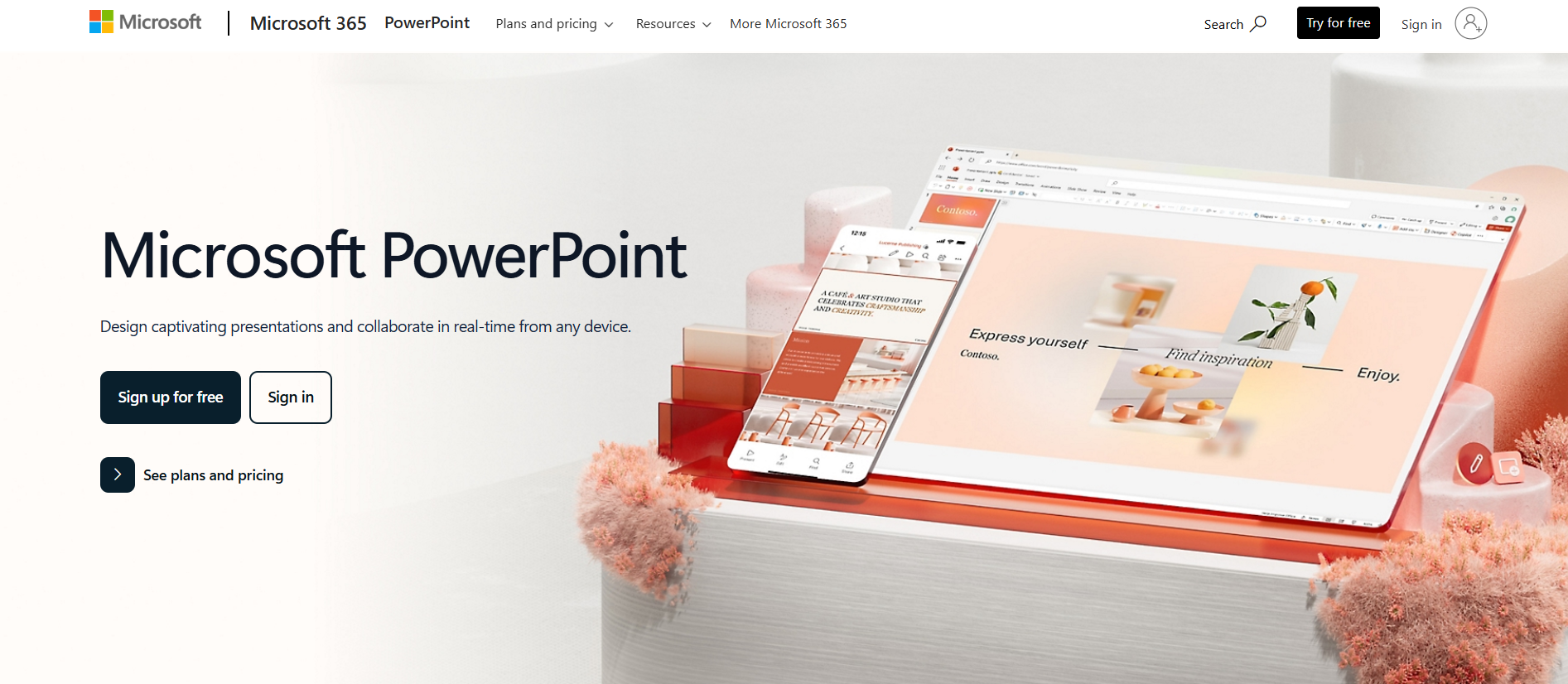
Unique Features:
- Versatile Media Support: Accommodates various media formats, including images, videos, and audio clips.
- Advanced Animation and Transition Effects: Offers a wide range of animations and transitions to enhance presentations.
- Extensive Template Library: Provides numerous templates for diverse presentation needs.
Advantages:
- Familiar Interface: Widely recognized and used, making it a standard in many educational and professional settings.
- Robust Feature Set: Equipped with comprehensive tools for detailed customization.
- Offline Access: Can be used without an internet connection.
Disadvantages:
- Cost: Requires a subscription, which may be a barrier for some students.
- Complexity: The vast array of features can be overwhelming for beginners.
Pricing:
- Microsoft 365 Personal: Starting at $6.99/month.
- Microsoft 365 Family: Starting at $9.99/month.
Website: Microsoft PowerPoint
Integration with MagicSlides:
MagicSlides can be utilized to draft initial presentations, which can then be imported into PowerPoint for further enhancement. This synergy allows students to leverage PowerPoint's advanced features while benefiting from the time-saving capabilities of AI-generated content.
How MagicSlides Helps You Make Better Presentations
Whether you're a student, educator, or professional, creating a solid, engaging presentation can take hours. That's where MagicSlides shines an AI-powered tool designed to save time, reduce creative blocks, and improve productivity. Here’s how it helps:
Use MagicSlides Web App to Create a Presentation Instantly
The MagicSlides web app is a complete AI-powered presentation generator. You can create a presentation in minutes no design or content skills required.
- Visit the Web App: Go to www.magicslides.app.
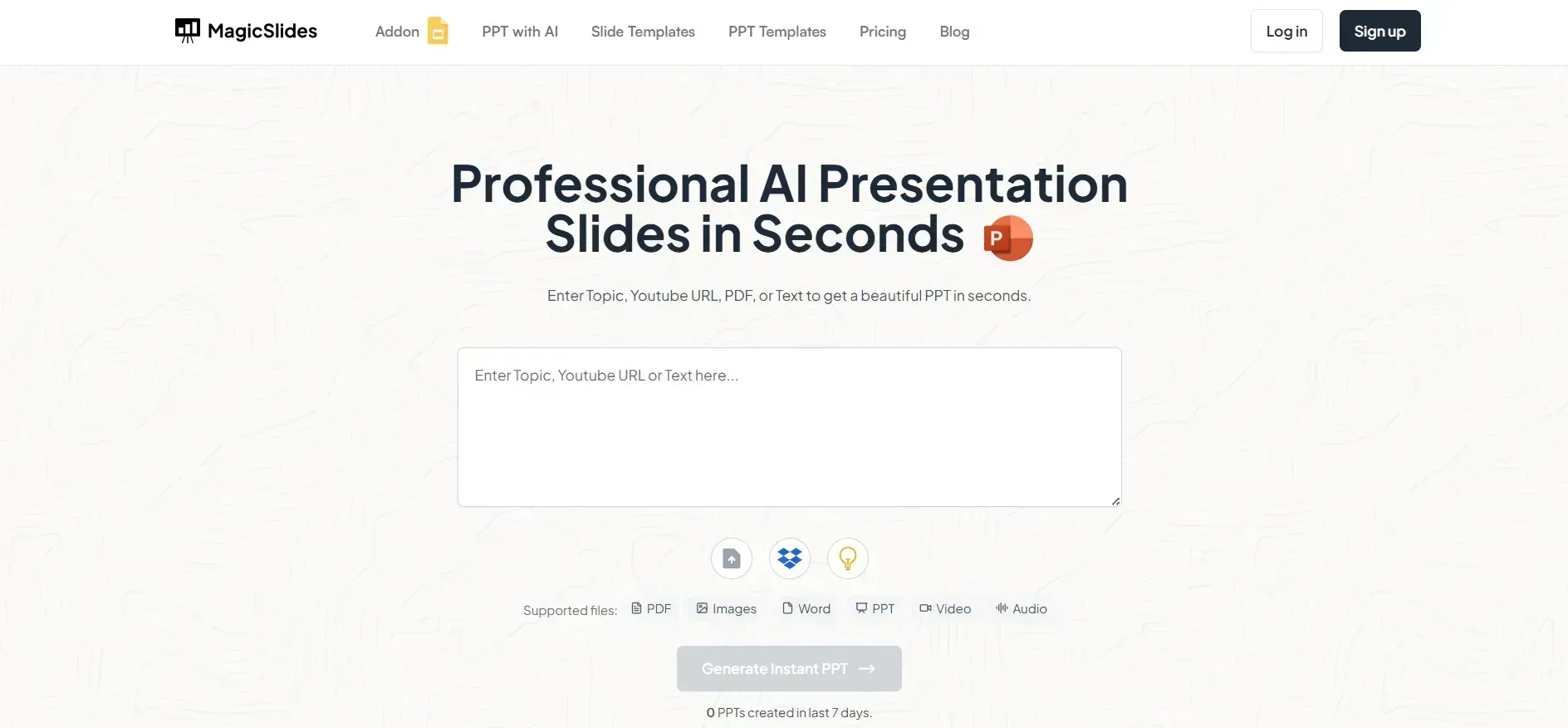
- Sign In: Log in with your Google account.
- Enter Your Topic: Type a topic like “How Solar Panels Work” or “The Future of AI in Education.”
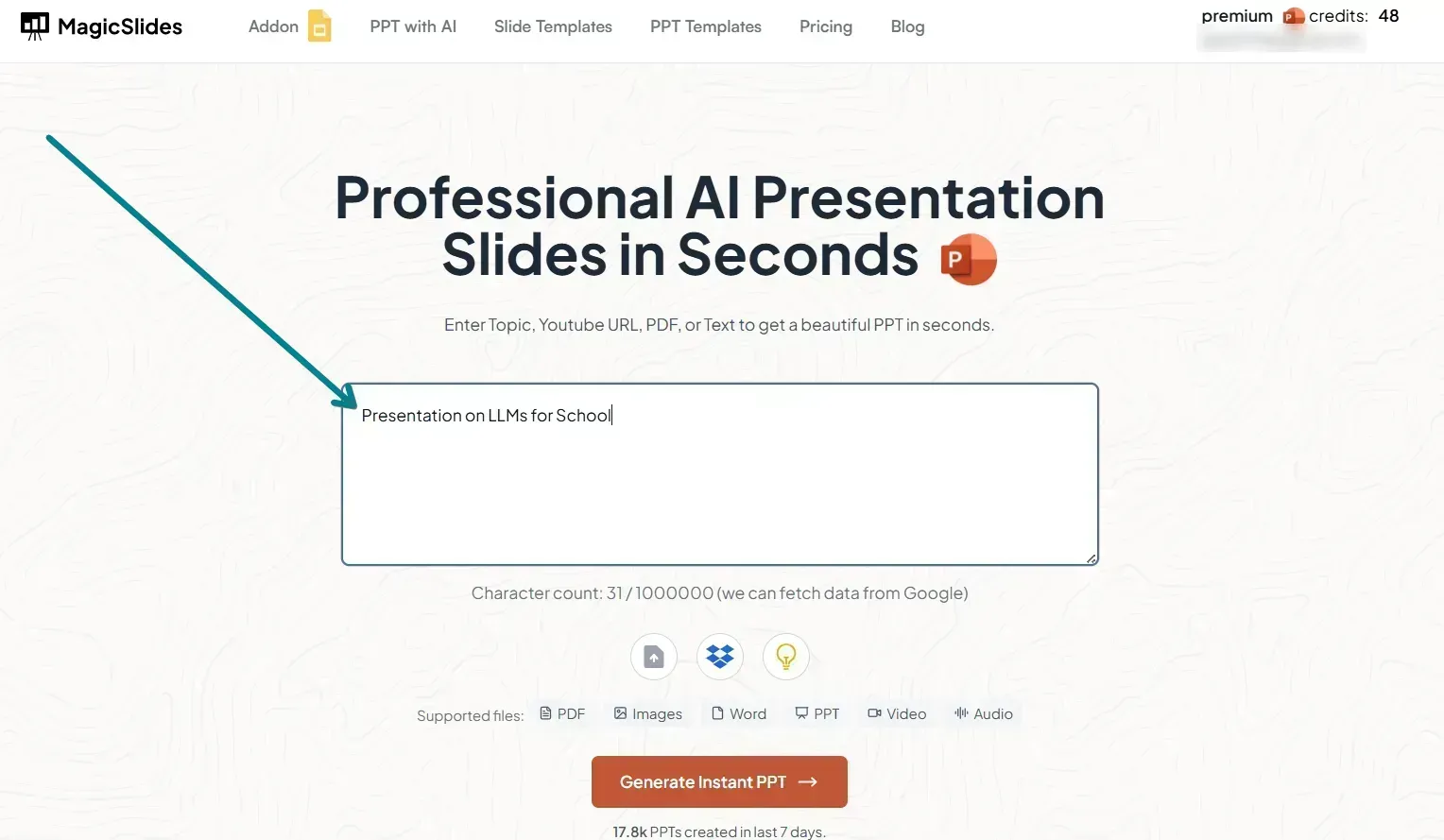
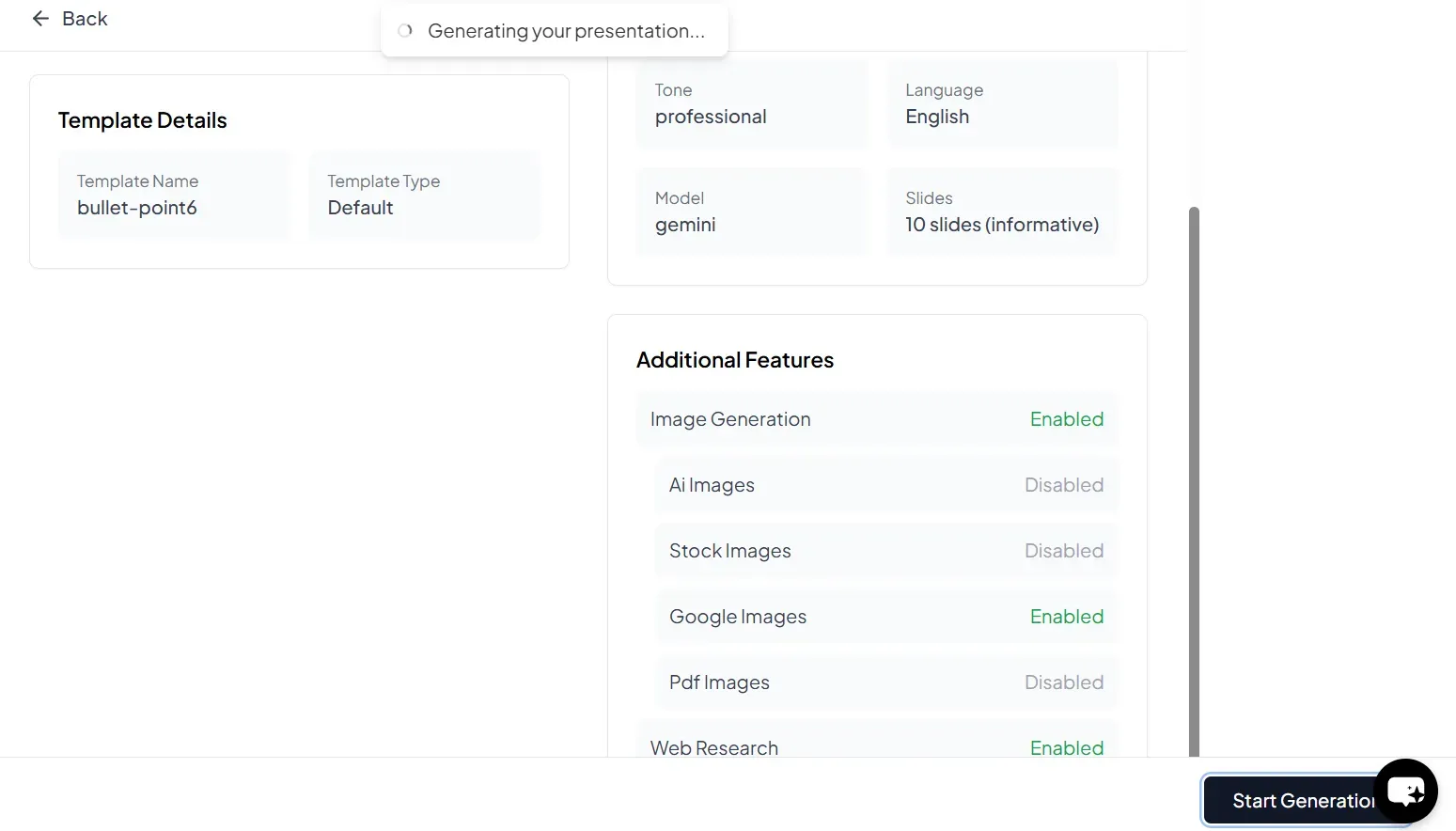
- Click Generate: MagicSlides will use AI to generate the full slide deck title, content, visuals, and flow.
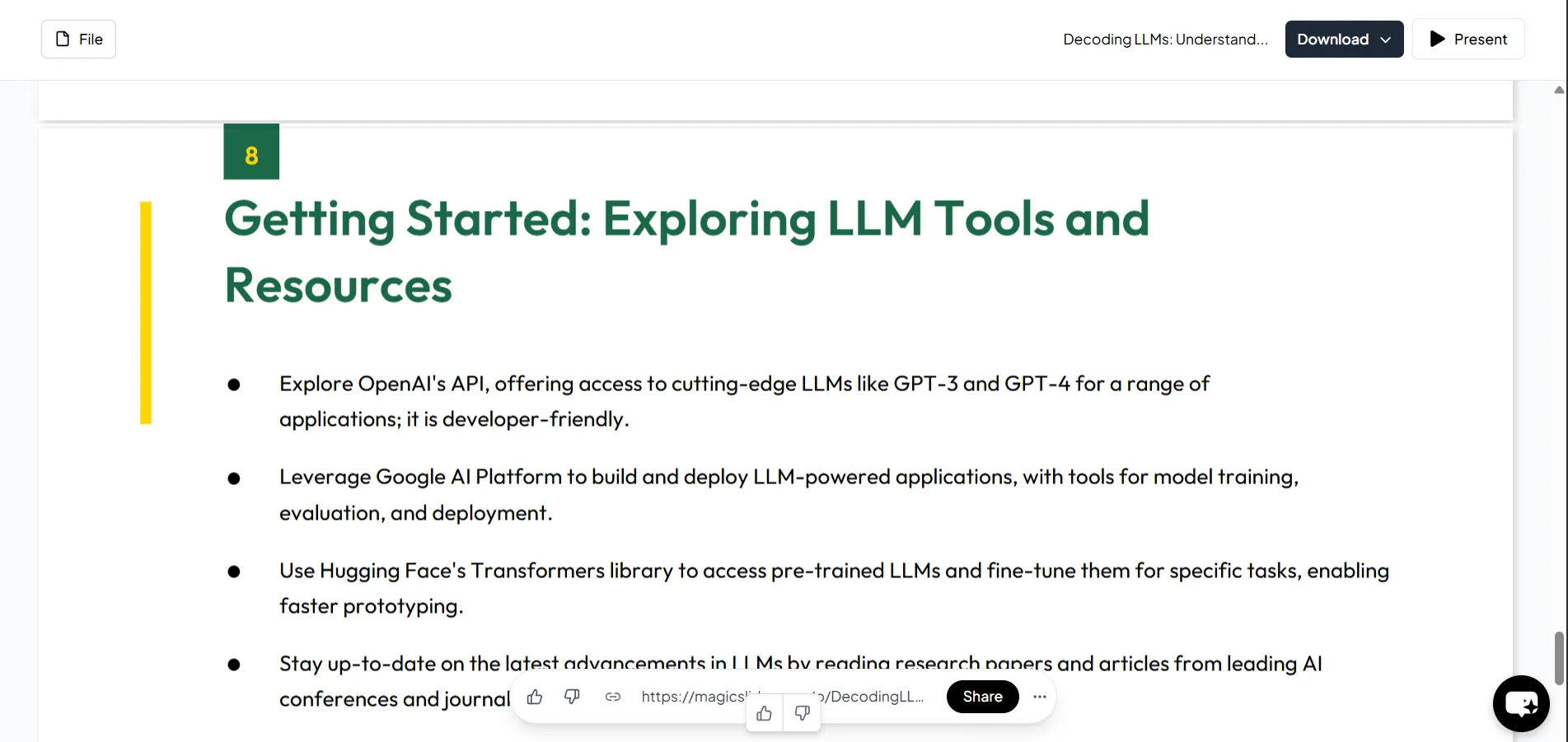
- Download: Export the presentation as a .PPTX file and open it in PowerPoint, Google Slides, or any tool of your choice.
Features That Make MagicSlides Stand Out
- Topic-to-PPT in Seconds: Just enter your topic MagicSlides takes care of the rest.
- Editable Slides: Review and tweak your slides before exporting.
- URL/YouTube-to-PPT: Paste a video or webpage link, and it will generate a relevant presentation.
- Student-Friendly: Create study decks, seminar presentations, or project reports without stress.
- Use Anywhere: Works perfectly with PowerPoint, Google Slides, and Canva after exporting.
#4. Canva
Unique Features:
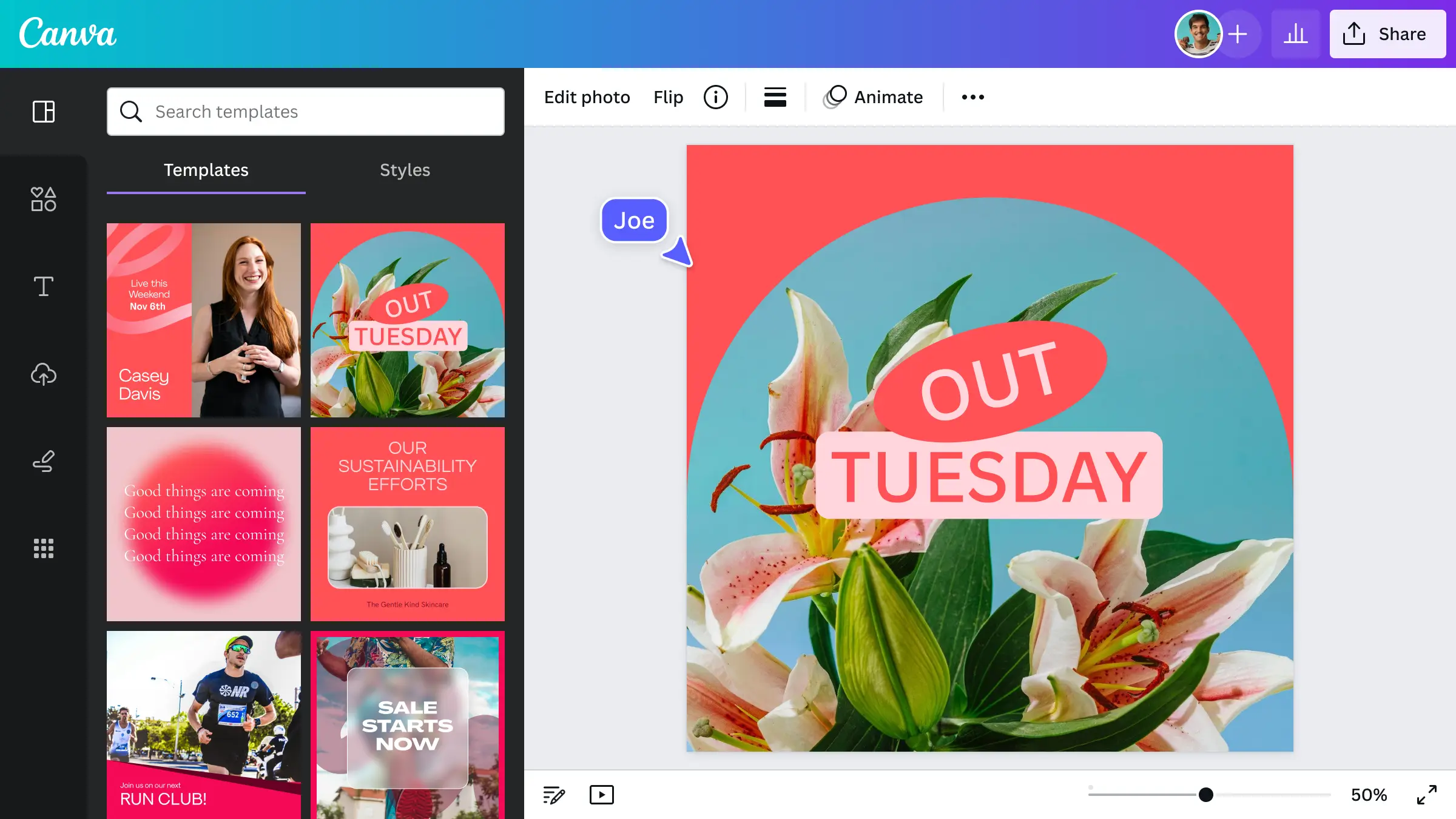
- Drag-and-Drop Interface: Simplifies the design process, making it accessible to users without graphic design experience.
- Extensive Asset Library: Offers a vast collection of images, icons, and fonts.
- Template Variety: Provides templates for presentations, social media graphics, posters, and more.
Advantages:
- Ease of Use: Intuitive platform suitable for quick design tasks.
- Cost-Effective: Robust free version with optional premium features.
- Collaborative Features: Allows team members to work together in real-time.
Disadvantages:
- Limited Customization: Less flexibility compared to professional design software.
- Internet Dependency: Primarily web-based, requiring an internet connection for full functionality.
Pricing:
- Free Version: Basic features at no cost.
- Canva Pro: $12.99/month or $119.99/year for additional features.
- Canva for Teams: Starting at $14.99/month for the first five users.
Website: Canva
Integration with MagicSlides:
Students can use MagicSlides to generate the foundational content of their presentations and then import these slides into Canva. This approach combines AI-driven content creation with Canva's design capabilities, resulting in visually appealing and well-structured presentations.
#5. Prezi
Unique Features:
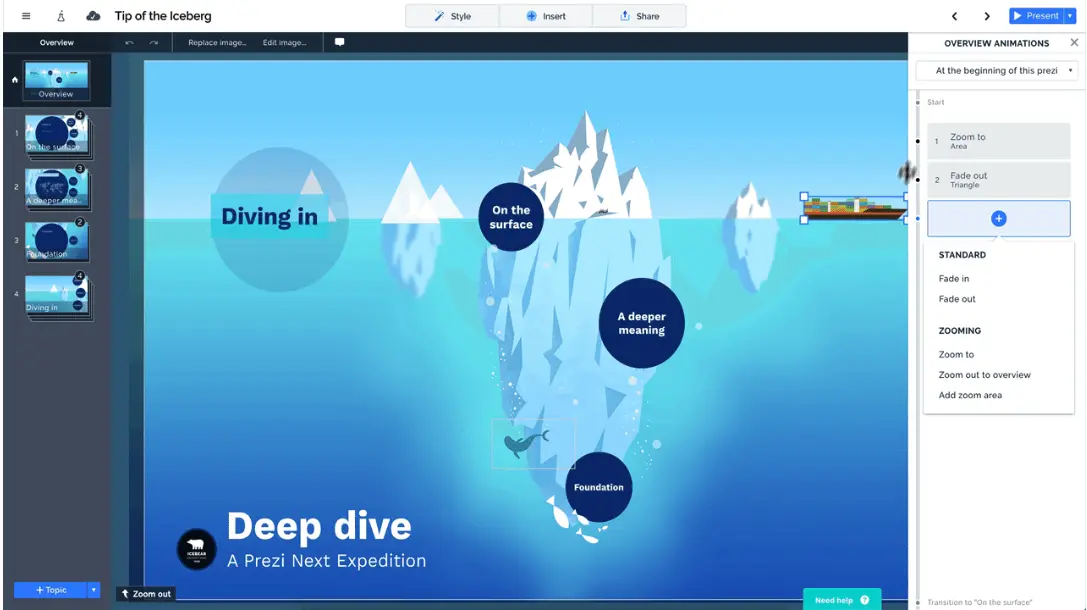
- Non-Linear Presentations: Utilizes a zoomable canvas for a dynamic presentation style.
- Interactive Templates: Engages audiences with movement and spatial relationships between topics.
- Integration with Video Conferencing Tools: Enhances virtual presentations by integrating with platforms like Zoom.
Advantages:
- Engaging Visuals: Breaks away from traditional slide formats, offering a fresh approach to presentations.
- Cloud-Based: Accessible from any device with internet connectivity.
- Collaborative: Supports real-time collaboration among users.
Disadvantages:
- Learning Curve: Requires time to master its unique presentation style.
- Subscription-Based: Full feature access necessitates a paid plan.
Pricing:
- Basic: Free with limited features.
- Plus:
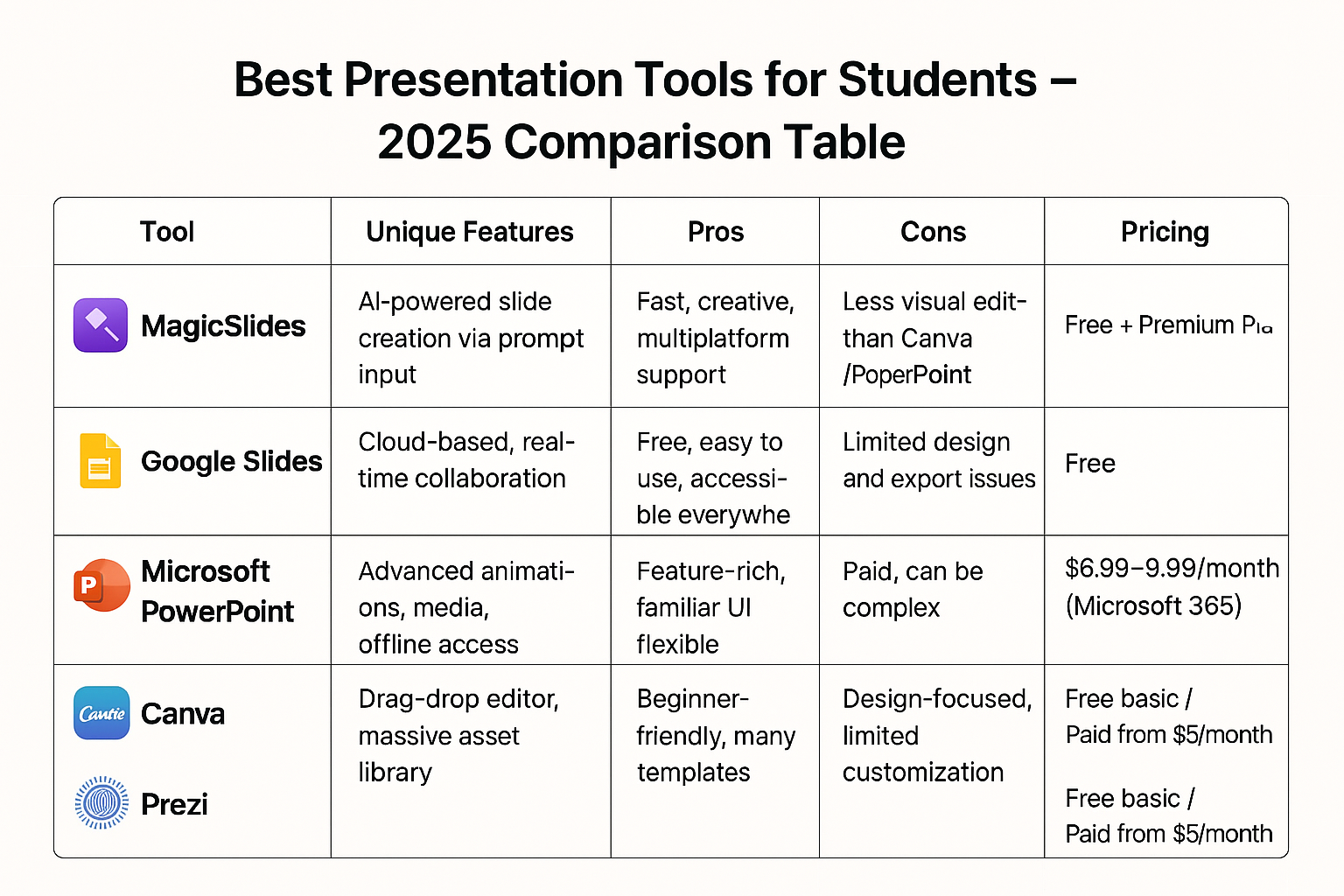
Here's the comparison table summarizing all the tools discussed, including how MagicSlides enhances each:
Best Presentation Tools for Students – 2025 Comparison Table
| Tool | Unique Features | Pros | Cons | Pricing |
| Google Slides | Cloud-based, real-time collaboration | Free, easy to use, accessible everywhere | Limited design and export issues | Free |
| PowerPoint | Advanced animations, media, offline access | Feature-rich, familiar UI, flexible | Paid, can be complex | $6.99–$9.99/month (Microsoft 365) |
| Canva | Drag-drop editor, massive asset library | Beginner-friendly, many templates | Design-focused, limited customization | Free / Pro starts $12.99/month |
| Prezi | Non-linear, zoom-based dynamic presentations | Visually engaging, different from slides | Learning curve, requires internet | Free basic / Paid from $5/month |
| MagicSlides | AI-powered slide creation via prompt input | Fast, creative, multiplatform support | Less visual editing than Canva/PowerPoint | Free + Premium Plans |
Conclusion
In 2025, students have access to a wide variety of powerful tools to make impactful presentations from Google Slides and Canva to more dynamic platforms like Prezi and PowerPoint. But no matter which tool you choose, the process becomes faster, smarter, and far more creative with the help of MagicSlides.
Whether you're using the MagicSlides web app or the Google Slides extension, the AI assistant handles the structure, generates content, and allows you to customize with ease. It's the perfect productivity booster for students juggling multiple tasks.
So, pick your favorite tool, pair it with MagicSlides, and create presentations that don’t just inform they impress.
FAQs are here to help!
Which is the best free presentation tool for students?
Google Slides is an excellent free tool due to its collaboration features and ease of use. However, when paired with MagicSlides, it becomes even more powerful by allowing students to generate entire decks automatically.
Is MagicSlides free for students?
MagicSlides offers a free version with basic features. For more advanced options like YouTube-to-PPT or custom styling, students can explore their affordable Pro and Premium plans listed on MagicSlides Pricing.
Can I use MagicSlides with Canva or PowerPoint?
Yes! You can generate a presentation using MagicSlides (web app) and export the slides as a .PPTX file. This file can be easily opened and edited in both Canva and PowerPoint.


