Can a Growveg plan be Exported or copied to PowerPoint


Easily integrate GrowVeg plans into PowerPoint presentations by saving, converting, and customizing your designs
GrowVeg offers powerful tools for planning and managing gardens. If you want to present your garden plan in a PowerPoint presentation, you may wonder whether it can be directly exported or copied.
While GrowVeg doesn’t offer direct PowerPoint export functionality, there are effective workarounds to incorporate your GrowVeg plans into PowerPoint.
Follow this step-by-step guide to make it happen.
Can a GrowVeg Plan Be Exported or Copied to PowerPoint? | Steps to Export or Copy a GrowVeg Plan to PowerPoint
Step 1: Save the GrowVeg Plan as an Image or PDF
Log in to your GrowVeg account and open the garden plan you want to use. Look for the export or save options within the application.
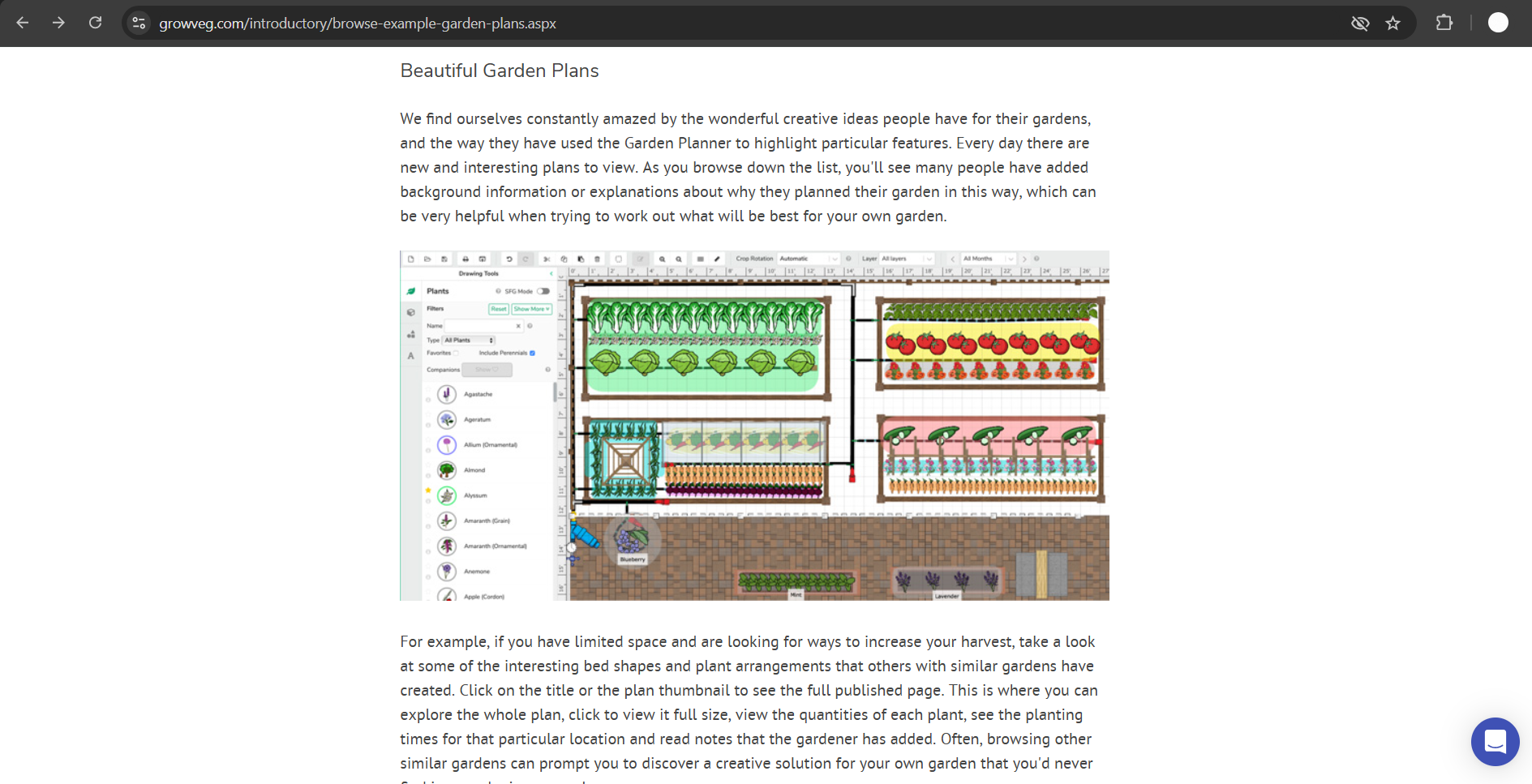
Choose to save the plan as an image or PDF, depending on the options available.
Step 2: Convert the Plan to an Image (If Necessary)
If the file is saved as a PDF, use an online PDF-to-image converter or a tool like Adobe Acrobat to convert it into a high-quality image (JPEG or PNG).
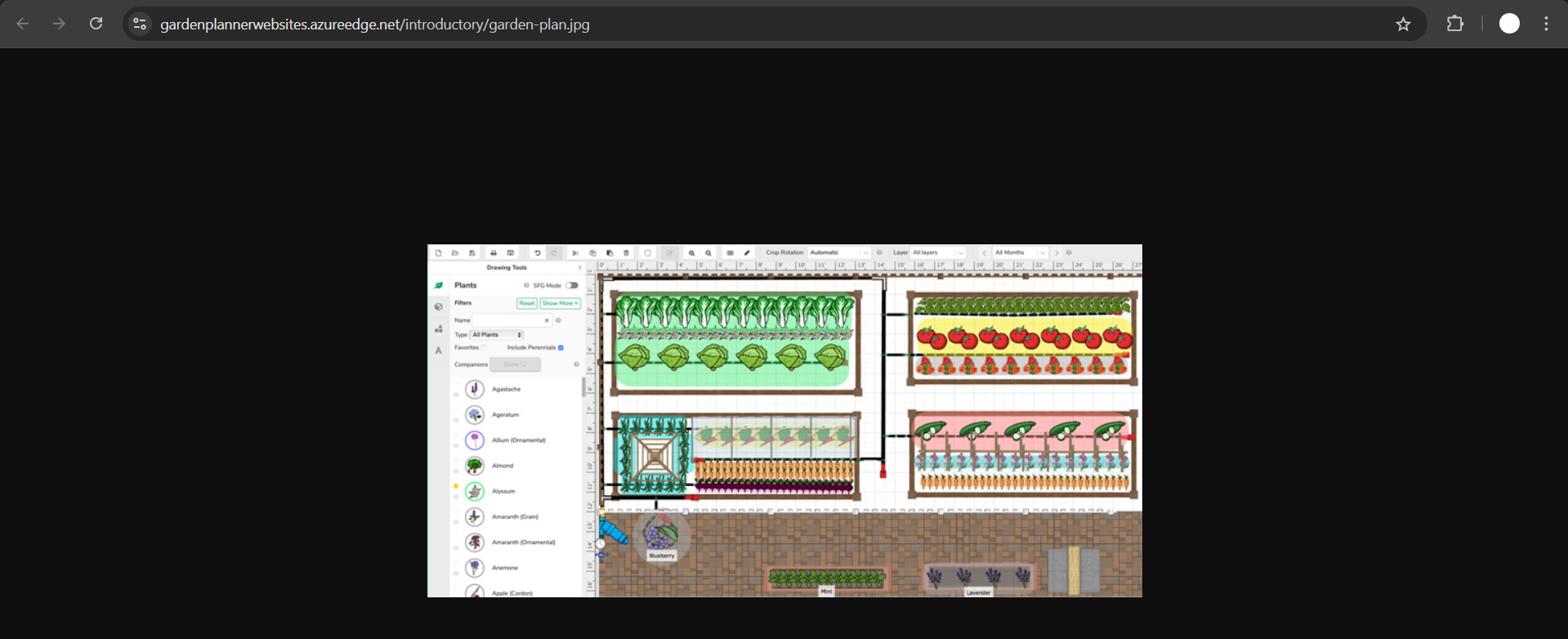
Ensure the image resolution is suitable for your presentation needs to maintain clarity.
Step 3: Open Your PowerPoint Presentation
Launch Microsoft PowerPoint and open the presentation where you want to insert the GrowVeg plan.
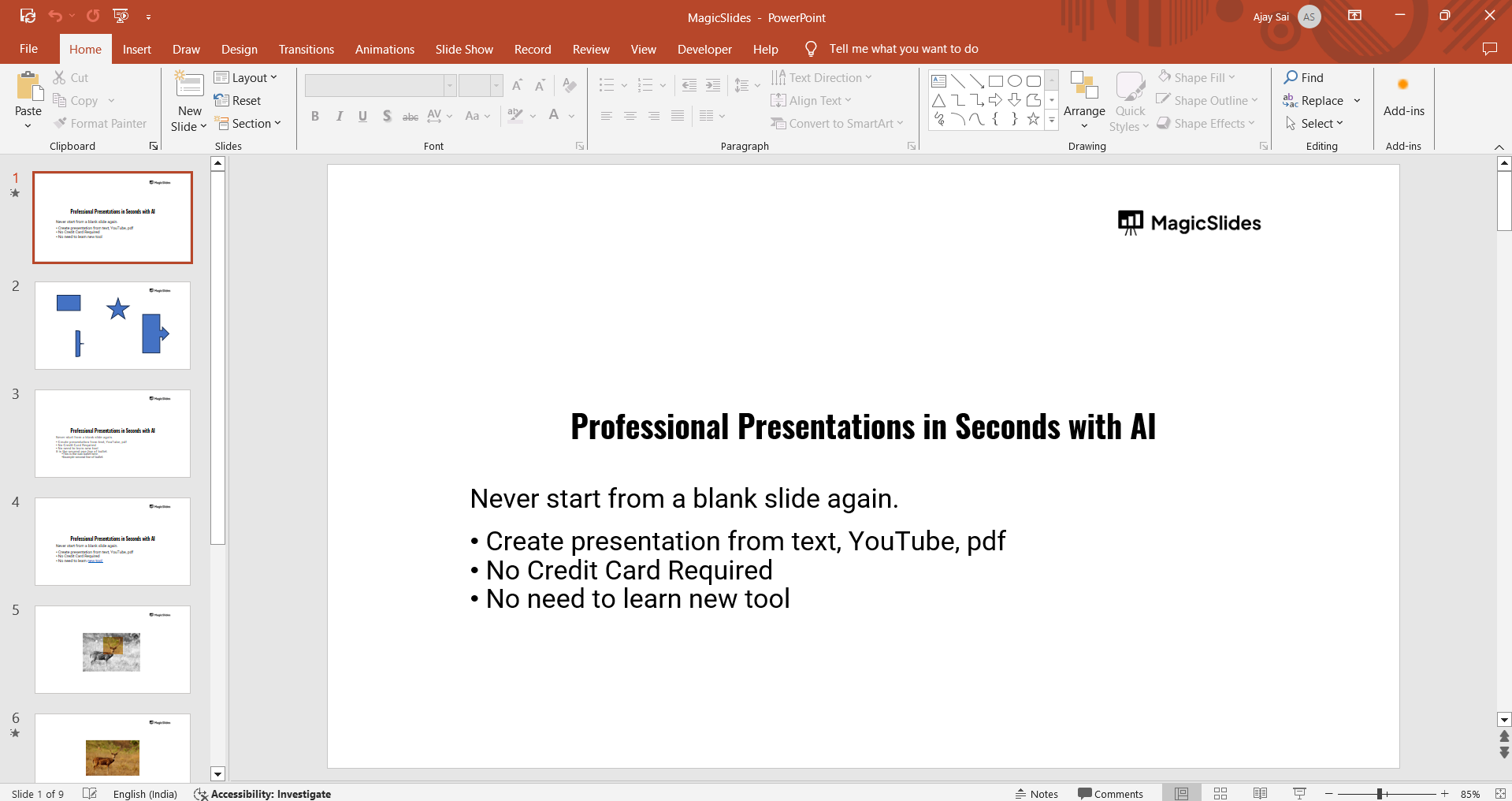
Navigate to the slide where the plan will be added.
Step 4: Insert the GrowVeg Plan
Go to the Insert tab on the PowerPoint ribbon. Choose Pictures and locate the saved image of your GrowVeg plan.
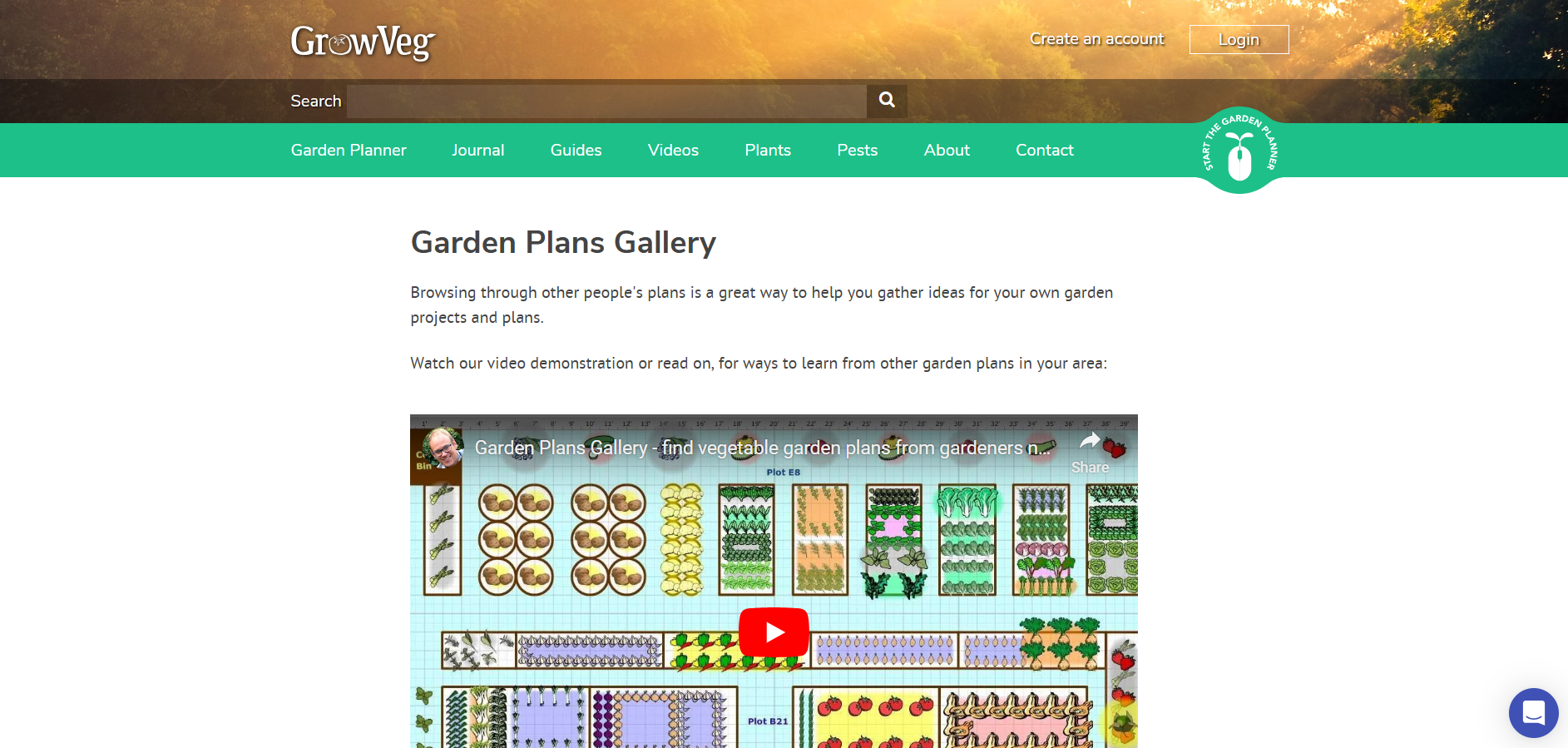
Select the file and click Insert to add it to your slide.
Step 5: Adjust and Customize the Plan in PowerPoint
Resize and position the image as needed to fit the slide layout.
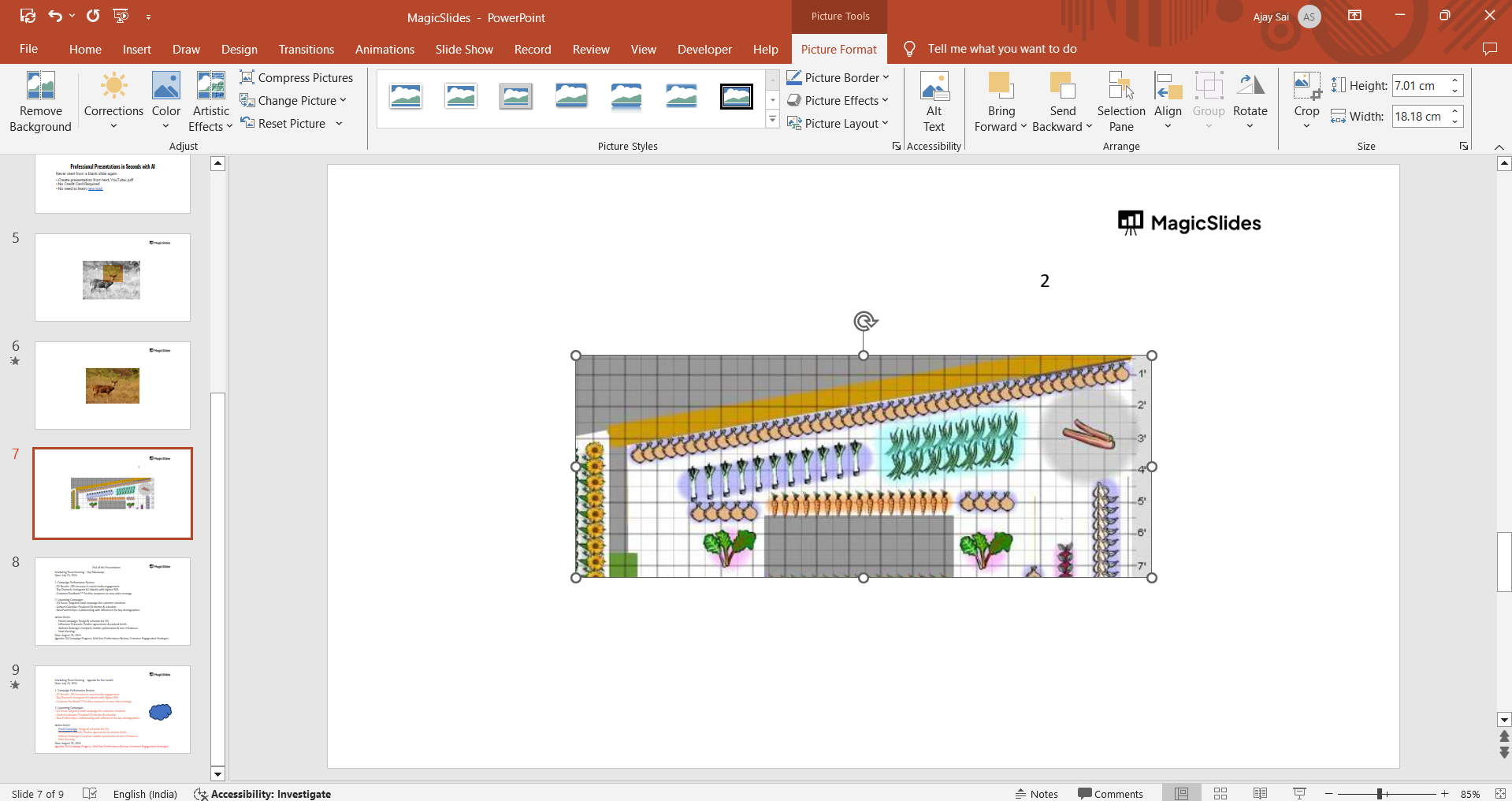
Add text boxes, annotations, or other design elements to explain or highlight parts of the plan.
Step 6: Save and Share the Presentation
Save the PowerPoint presentation after inserting the plan.
Export the presentation as a PDF or slideshow if required for sharing or presenting.
Conclusion
Although GrowVeg doesn’t support direct export to PowerPoint, saving your plan as an image or PDF and manually inserting it into PowerPoint allows you to showcase your garden plan effectively.
By following these steps, you can seamlessly integrate GrowVeg plans into your presentations, enhancing your ability to share your gardening ideas.
FAQs on Exporting GrowVeg Plans to PowerPoint
Can GrowVeg plans be directly exported to PowerPoint?
No, GrowVeg doesn’t offer direct PowerPoint export functionality, but you can save and insert plans as images.
What’s the best format for inserting a GrowVeg plan into PowerPoint?
High-resolution image files like JPEG or PNG work best for clarity in PowerPoint presentations.
Can annotations be added to the GrowVeg plan in PowerPoint?
Yes, you can use PowerPoint’s text boxes, shapes, and drawing tools to annotate your plan.
With these methods, you can effectively incorporate GrowVeg plans into your PowerPoint slides, ensuring clear and impactful presentations.


