Can I do Reminders and Tasks on Canva


Organize tasks creatively with Canva by designing personalized reminders, to-do lists, and collaborative task planners
While Canva is primarily a design platform, it can be creatively used to organize reminders and tasks.
By leveraging Canva’s templates, design tools, and collaborative features, you can create custom task lists, reminders, and schedules tailored to your needs.
This guide will help you set up and manage reminders and tasks using Canva effectively.
Can I Do Reminders and Tasks on Canva? | Steps to Create Reminders and Tasks on Canva
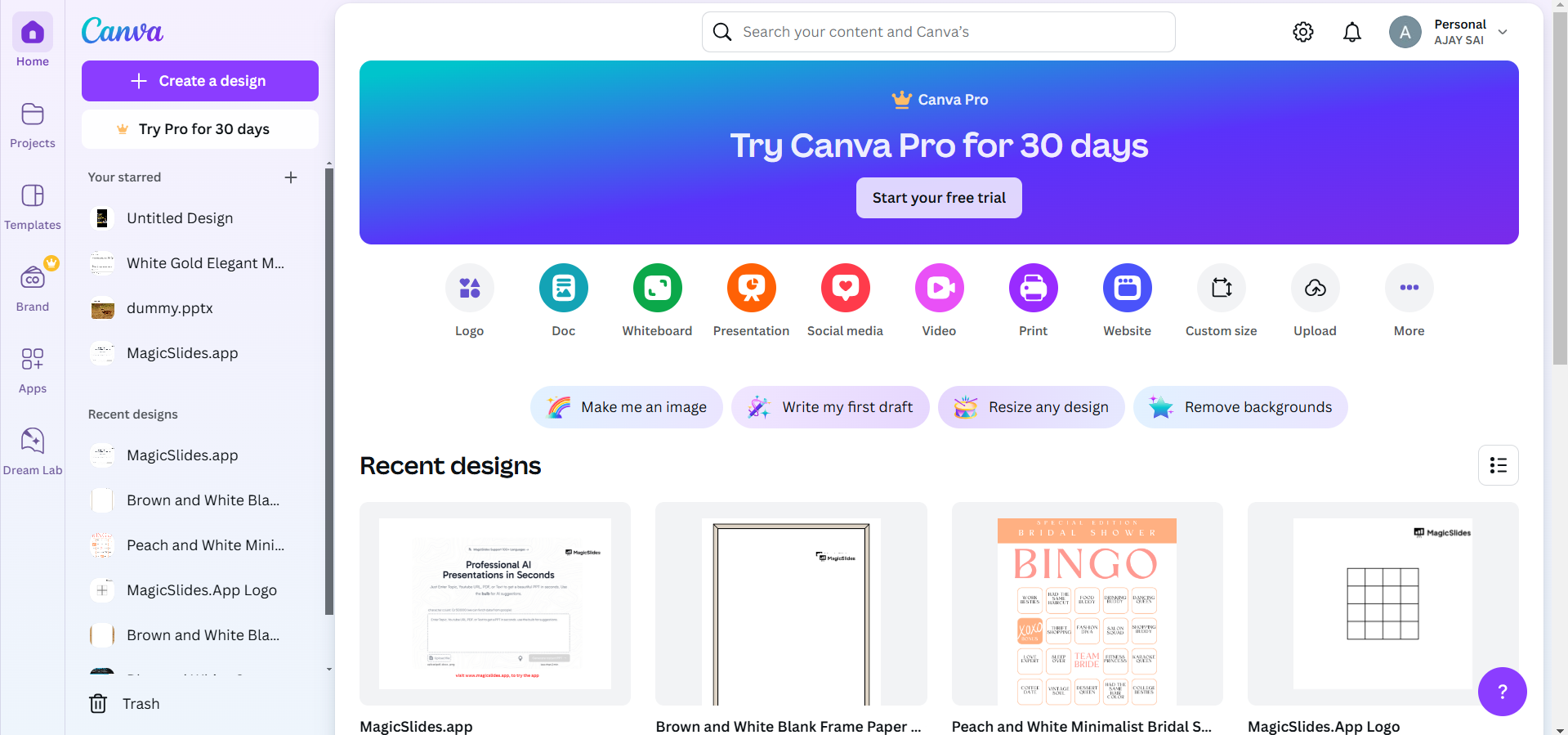
Step 1: Open Canva and Log In
Visit Canva and log in to your account. If you don’t have an account, sign up for free or explore premium features with a trial.
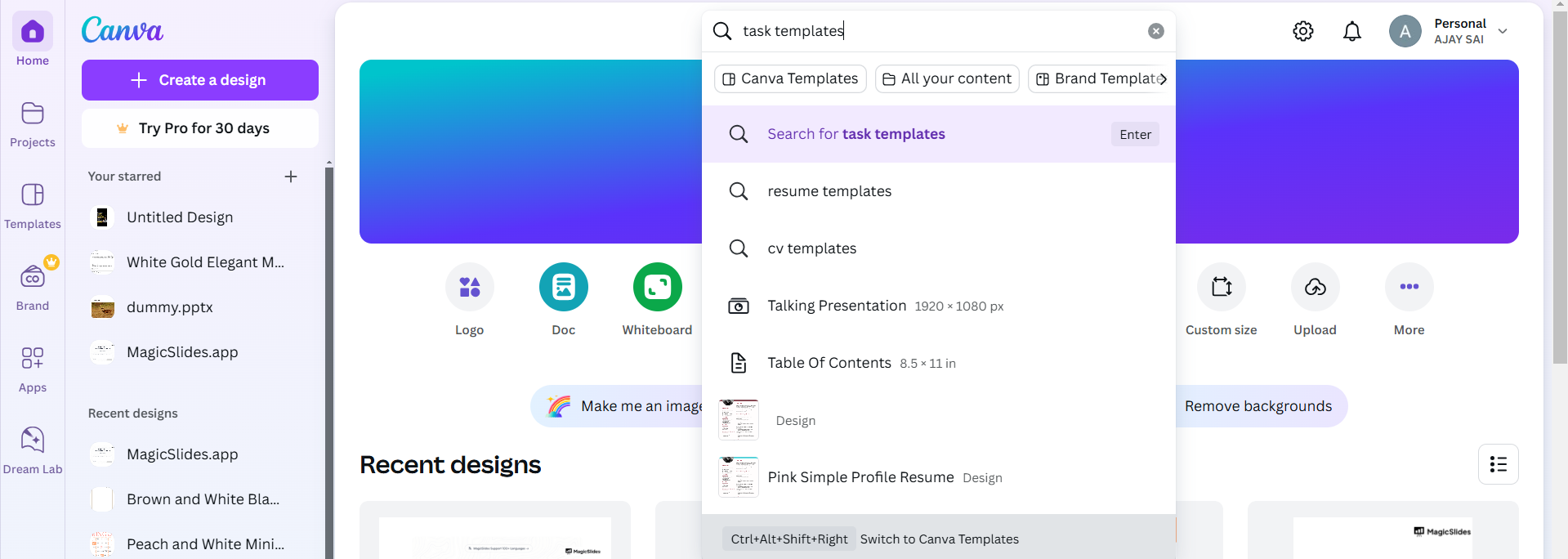
Step 2: Search for Task Templates
In the search bar on the Canva homepage, type “task list,” “reminders,” or “planner.”
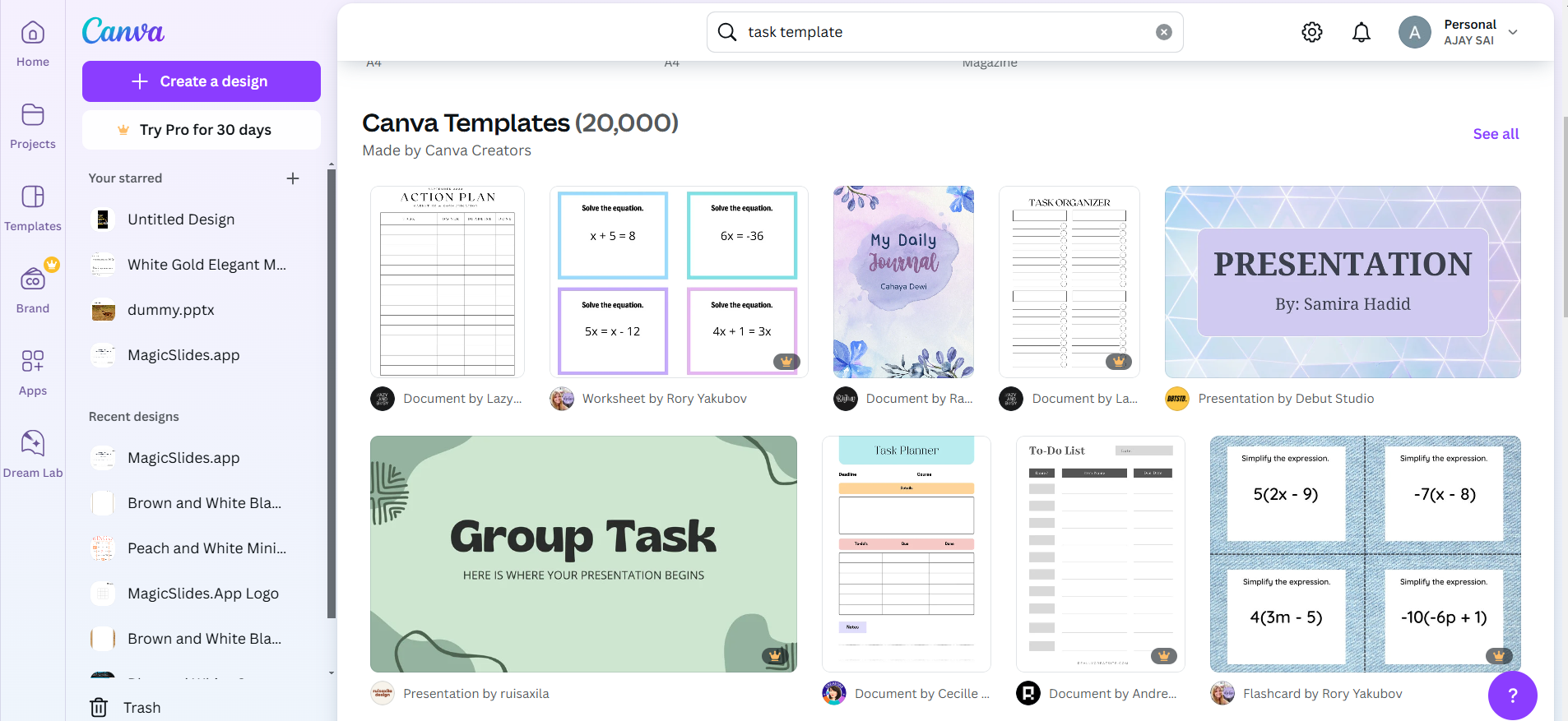
Browse through the available templates and select one that fits your style and purpose.
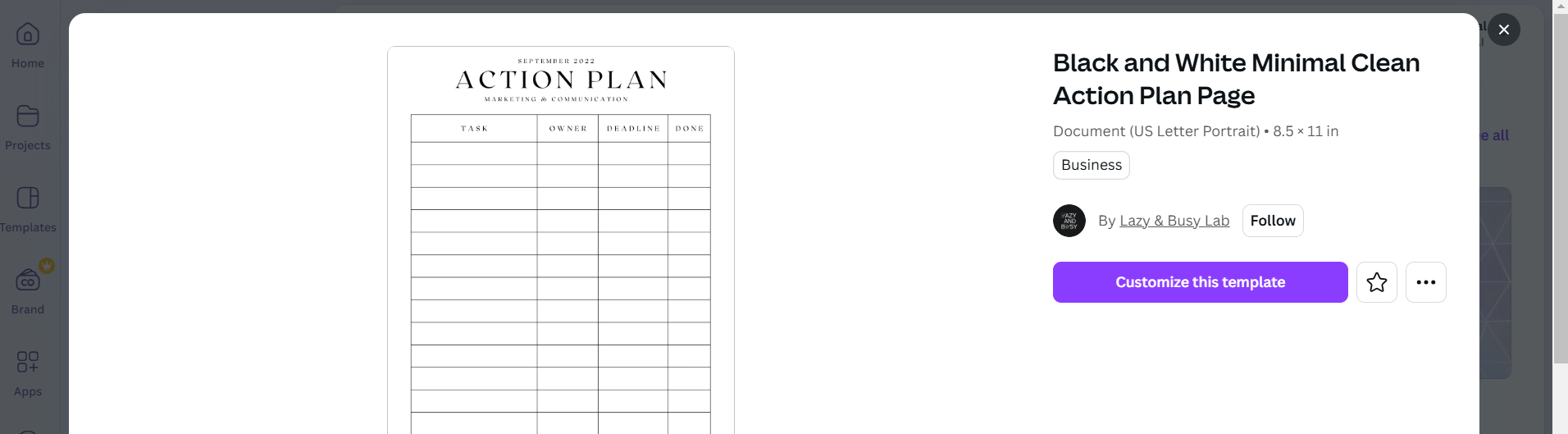
Step 3: Customize the Template
Once the template opens, click on any text box to edit the placeholder text.
Add your tasks, deadlines, or reminders in the provided fields. Personalize the design by changing colors, fonts, or adding images and icons.
Step 4: Add Interactive Features (Optional)
Use Canva’s “Elements” tool to add checkboxes or progress bars next to your tasks.
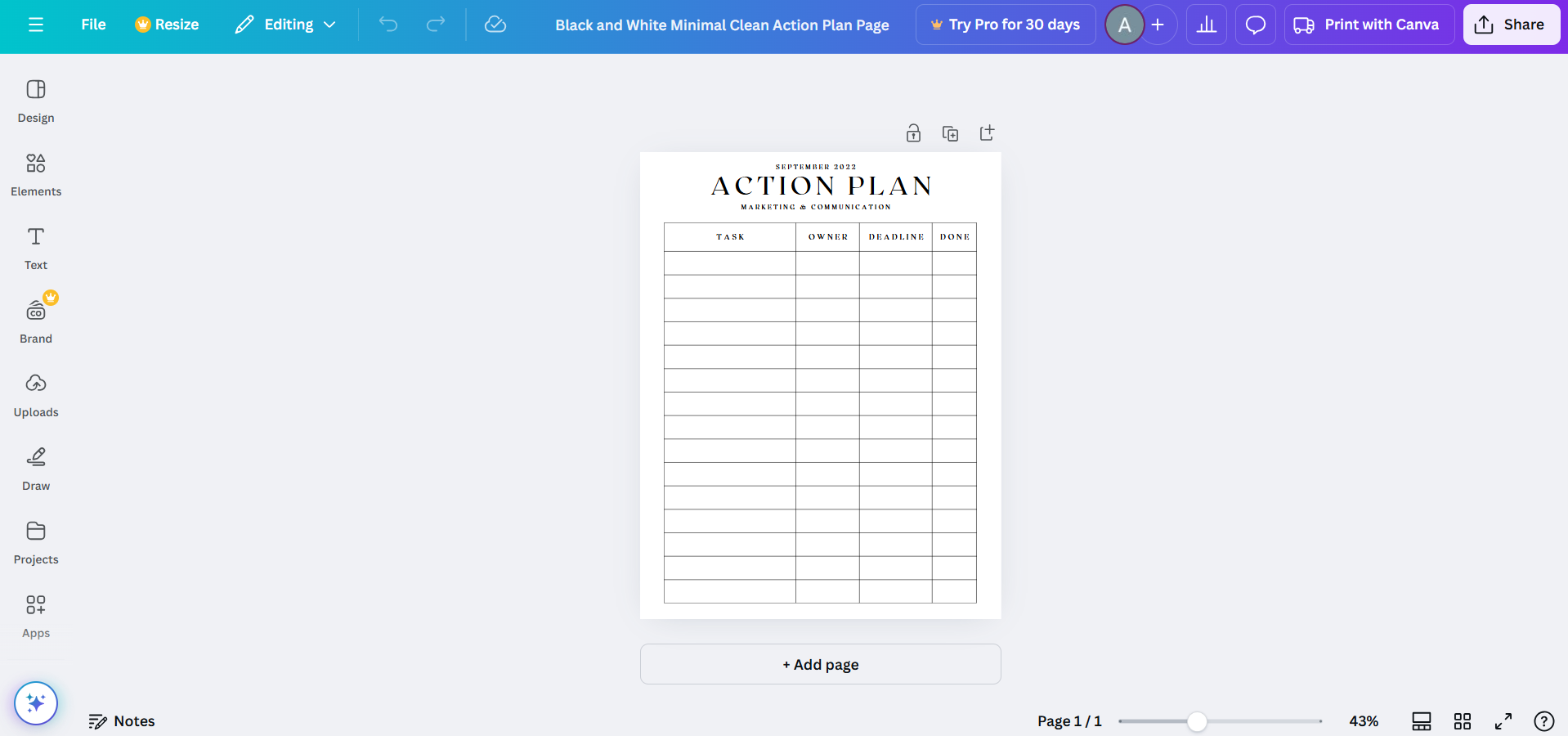
Include icons or symbols to differentiate priority tasks or categories.
Step 5: Save and Share
Click on “Share” if you want to collaborate with others or set shared reminders.
Download your task list as a PDF or image for offline use by clicking on “Download.”
Conclusion
While Canva isn’t a dedicated task management tool, its versatile features allow you to create beautiful and functional task lists, reminders, and planners.
With a bit of creativity, Canva can help you stay organized and manage your responsibilities effectively.
FAQs on Using Canva for Reminders and Tasks
Can Canva send notifications for reminders?
No, Canva doesn’t have a notification system. However, you can use Canva designs alongside apps like Google Calendar for reminders.
Are there templates for specific types of tasks in Canva?
Yes, Canva offers templates for to-do lists, weekly planners, project trackers, and more.
Can I use Canva for team task management?
Yes, Canva’s collaboration features allow teams to work on shared task lists or schedules in real time.
By following these steps, you can transform Canva into a creative tool for organizing your tasks and reminders!


