Can I make frames blank in Canva


Learn how to make frames blank in Canva for flexible and customizable design edits
Frames in Canva are versatile tools used to crop and contain images, but sometimes you may want to reset or clear a frame to make it blank.
This step-by-step guide will walk you through the process of making frames blank in Canva while ensuring your design remains seamless and customizable.
Steps to Make Frames Blank in Canva
Step 1: Log In to Canva and Open Your Design
Visit Canva and log in to your account.
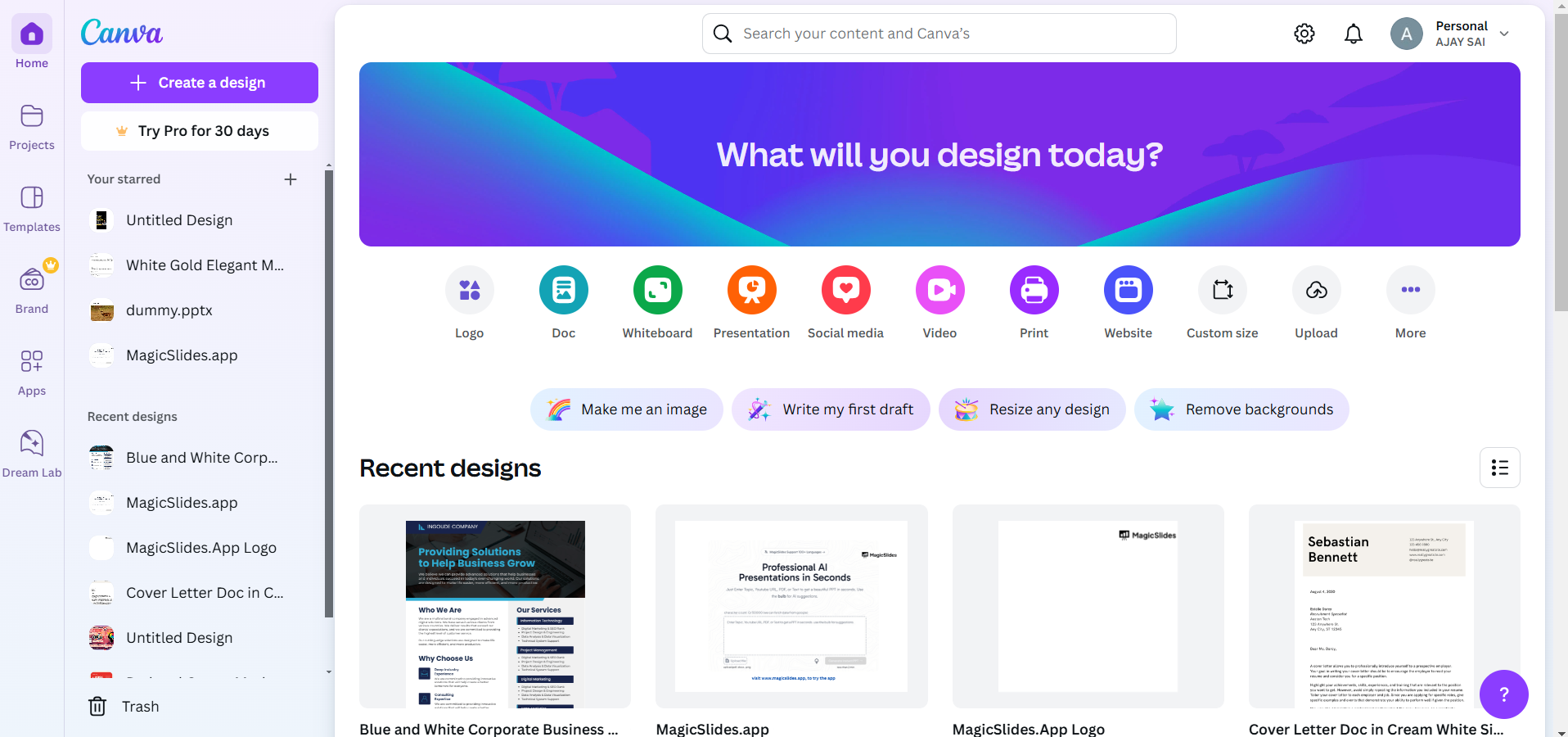
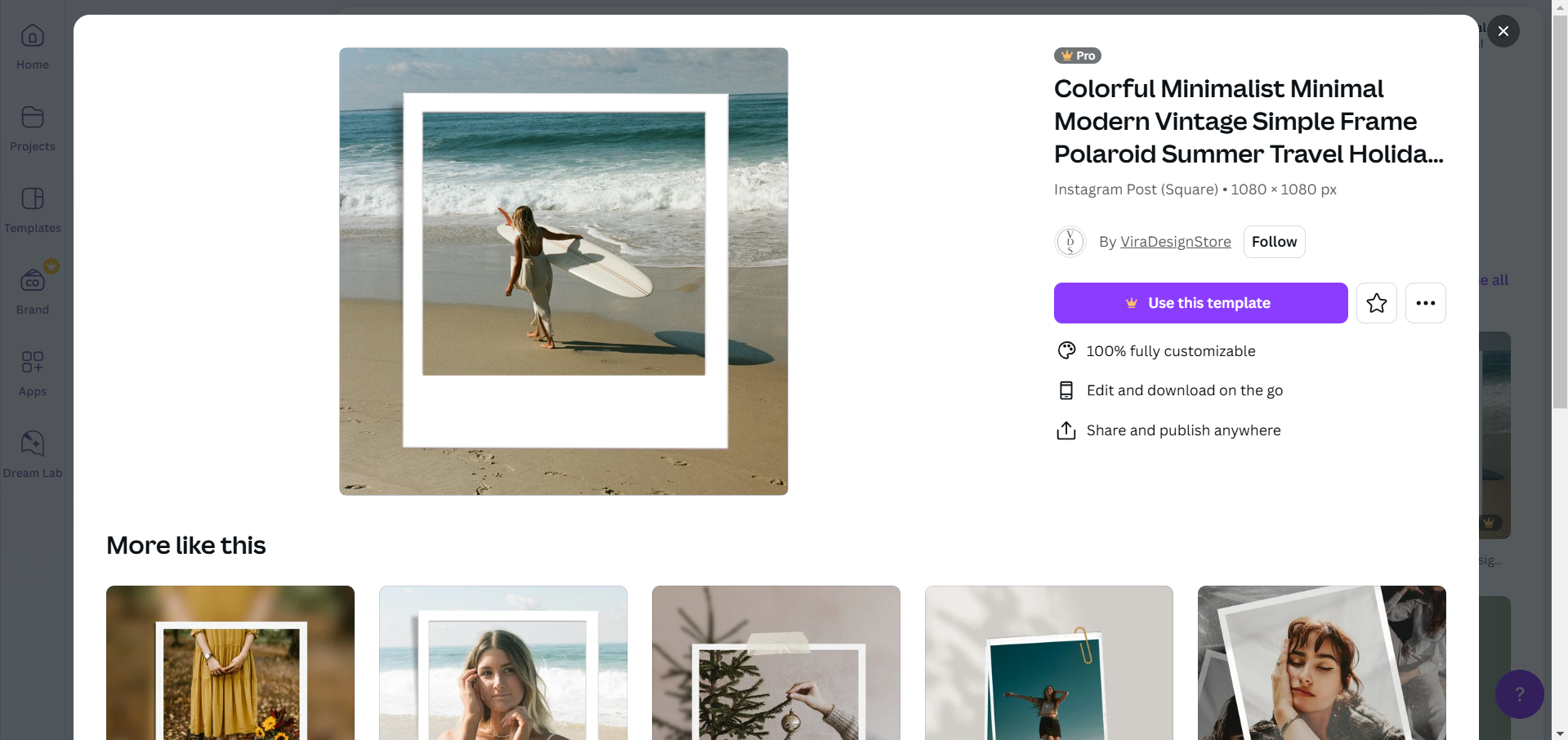
Open the design that contains the frame you want to make blank.
Step 2: Identify the Frame to Clear
Locate the frame within your design. Frames typically display images, graphics, or placeholders.
Click on the frame to select it.
Step 3: Remove the Content from the Frame
If there is an image or graphic in the frame, click on it.
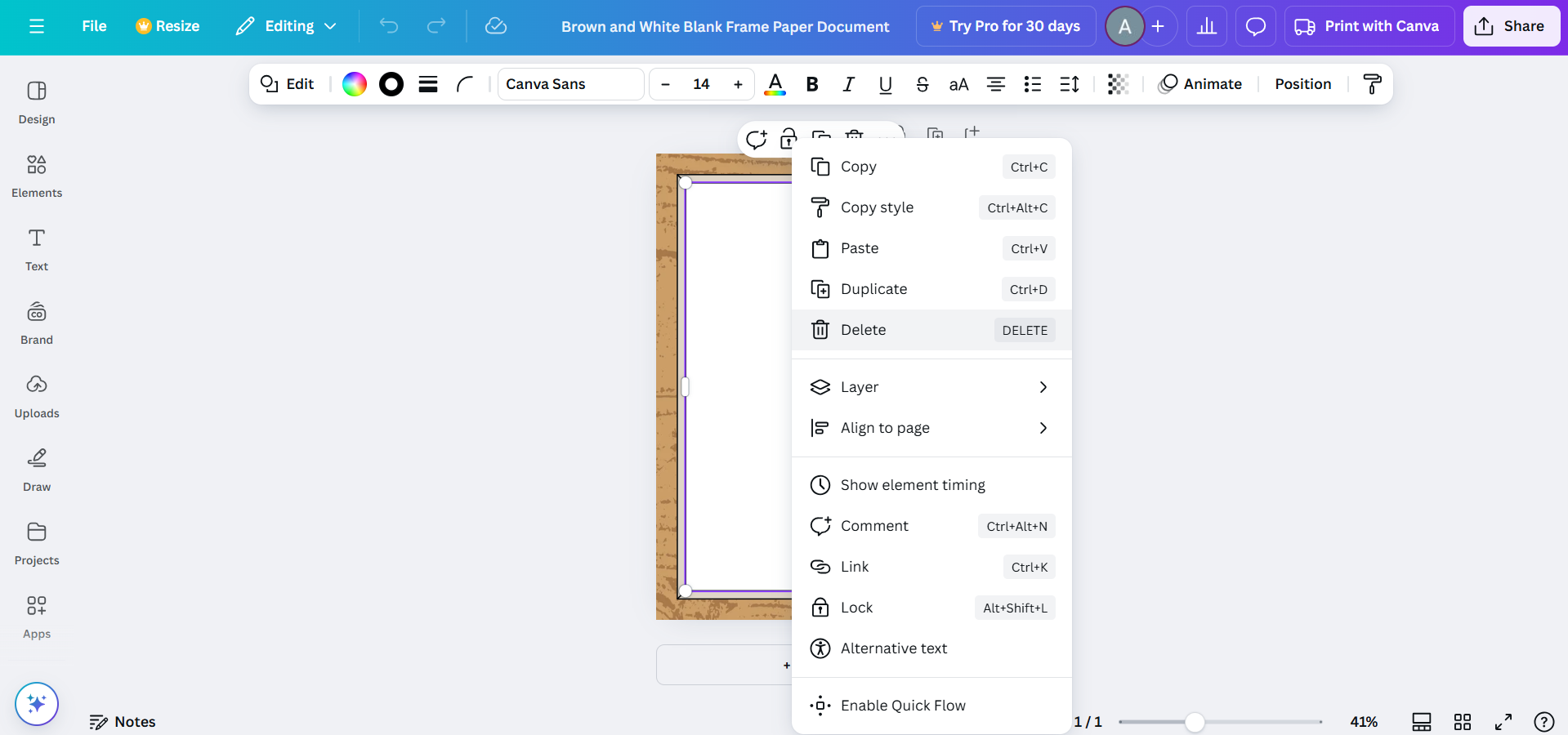
Press the Delete key on your keyboard or use the trash icon in the toolbar to remove the content from the frame.
The frame will now appear blank but retain its placeholder functionality.
Step 4: Customize or Leave the Frame Blank
You can leave the frame blank if you want it as a placeholder.
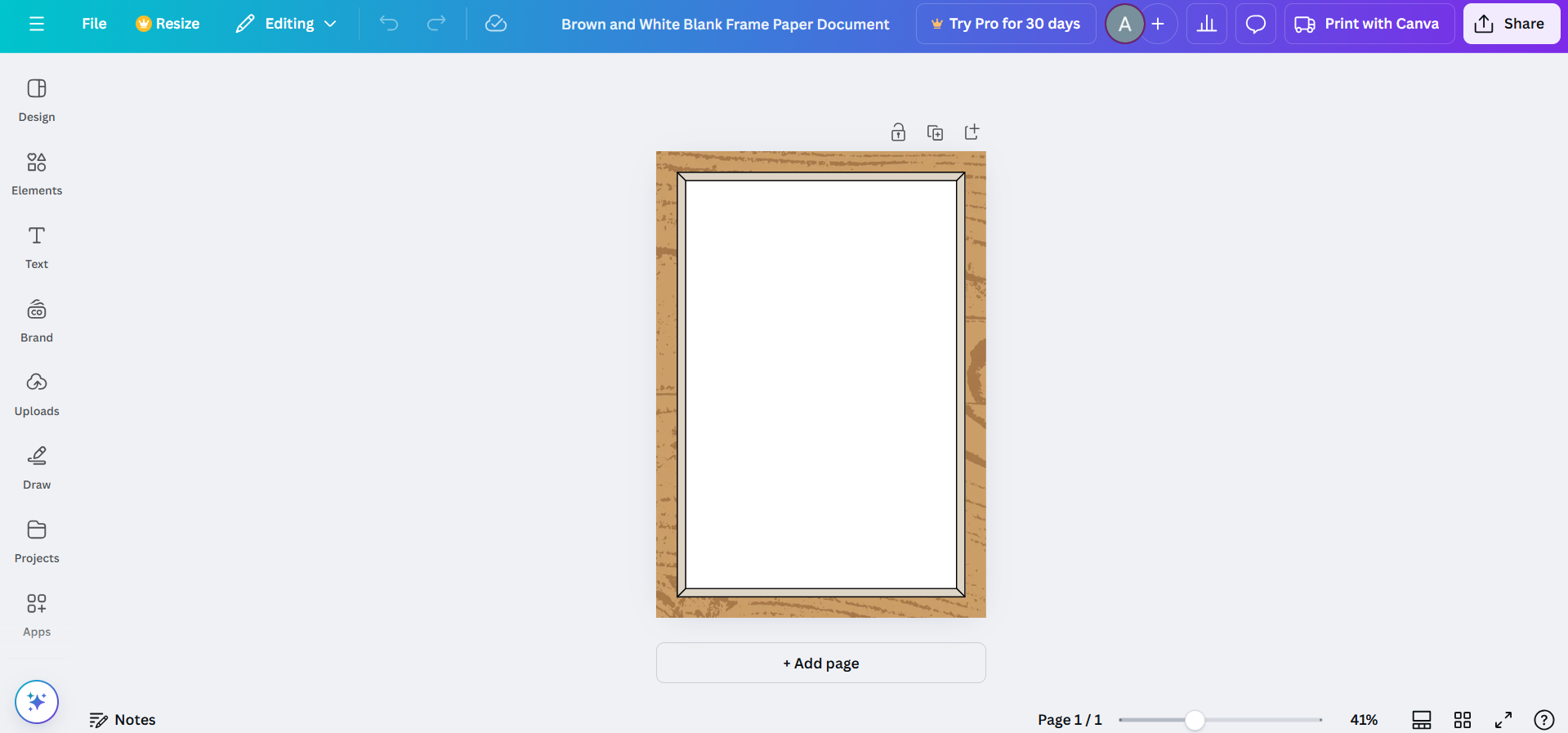
Optionally, add a new image, text, or color to the frame by dragging elements into it or editing its background.
Step 5: Adjust Frame Properties (Optional)
Resize or reposition the blank frame if needed.
Modify the frame’s border, shadow, or other properties to suit your design.
Conclusion
Making frames blank in Canva is a simple way to reset or repurpose elements within your design.
Whether you're starting fresh or preparing placeholders for future edits, this functionality adds flexibility and control to your creative process.
Use these steps to easily manage frames and enhance your Canva projects.
FAQs on Making Frames Blank in Canva
Can I completely delete a frame in Canva?
Yes, select the frame and press the Delete key or use the trash icon to remove it entirely.
How do I add new content to a blank frame?
Drag and drop an image, text, or graphic into the frame, and Canva will automatically place it within the frame.
Can I change the size of a blank frame?
Yes, click on the frame and drag its corners to resize it, or use the toolbar options for precise adjustments.
With these tips, you can confidently make frames blank in Canva and customize your designs effortlessly!


