Can you filter free templates on canva


Discover how to easily filter and find free templates on Canva for your creative projects
Canva is a powerful design tool that offers a wide variety of templates for all kinds of creative projects.
While Canva has both free and premium templates, finding free ones can save time and costs, especially for personal or small-scale projects.
This step-by-step guide will show you how to filter and use free templates on Canva effectively.
How to Filter Free Templates on Canva | Steps to Filter Free Templates on Canva
Step 1: Log In to Canva
Visit Canva and log in to your account.
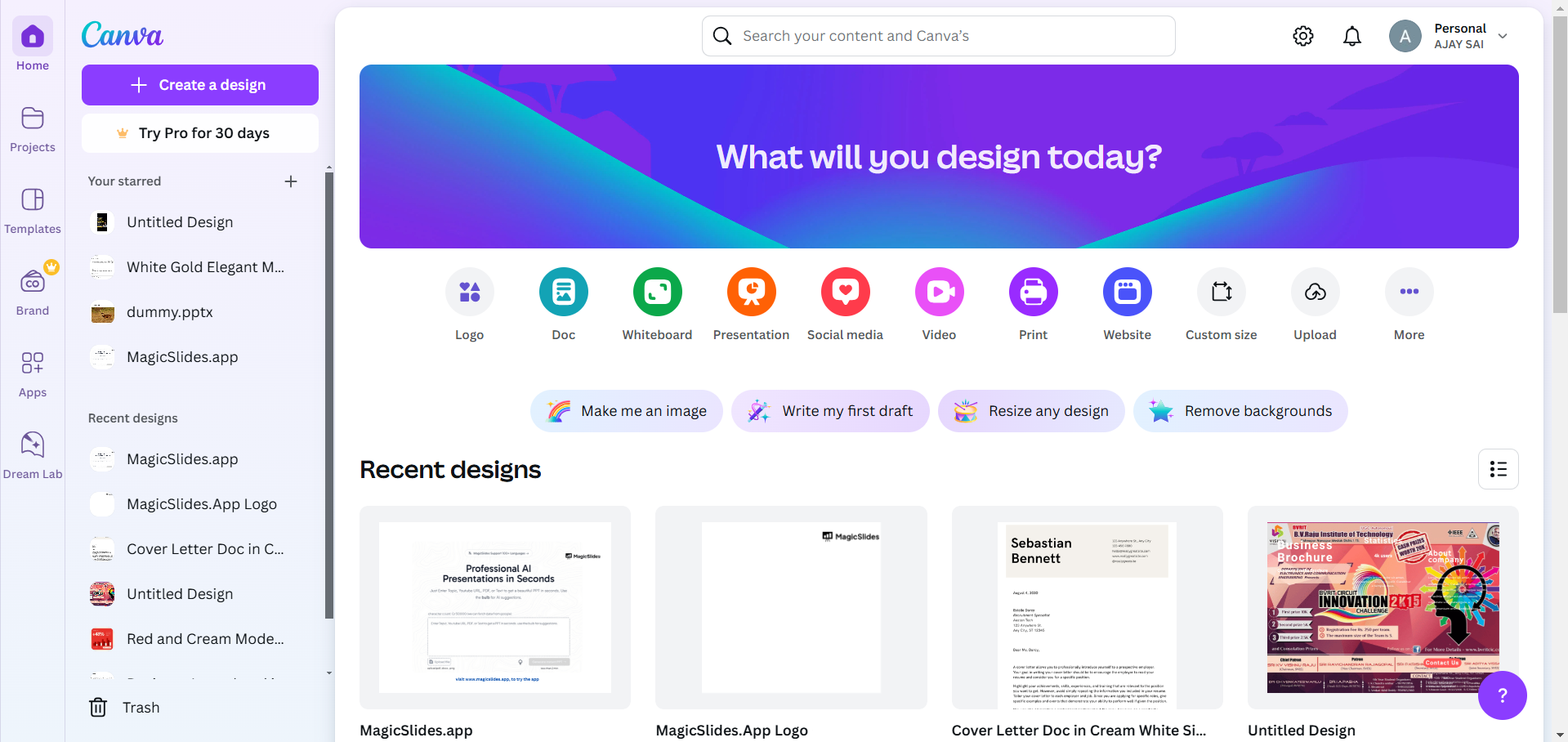
If you don’t have an account, you can sign up for free using your email, Google, or Facebook account.
Step 2: Search for Templates
In the Canva homepage search bar, type in the type of template you’re looking for (e.g., “Resume,” “Social Media Post,” or “Flyer”).
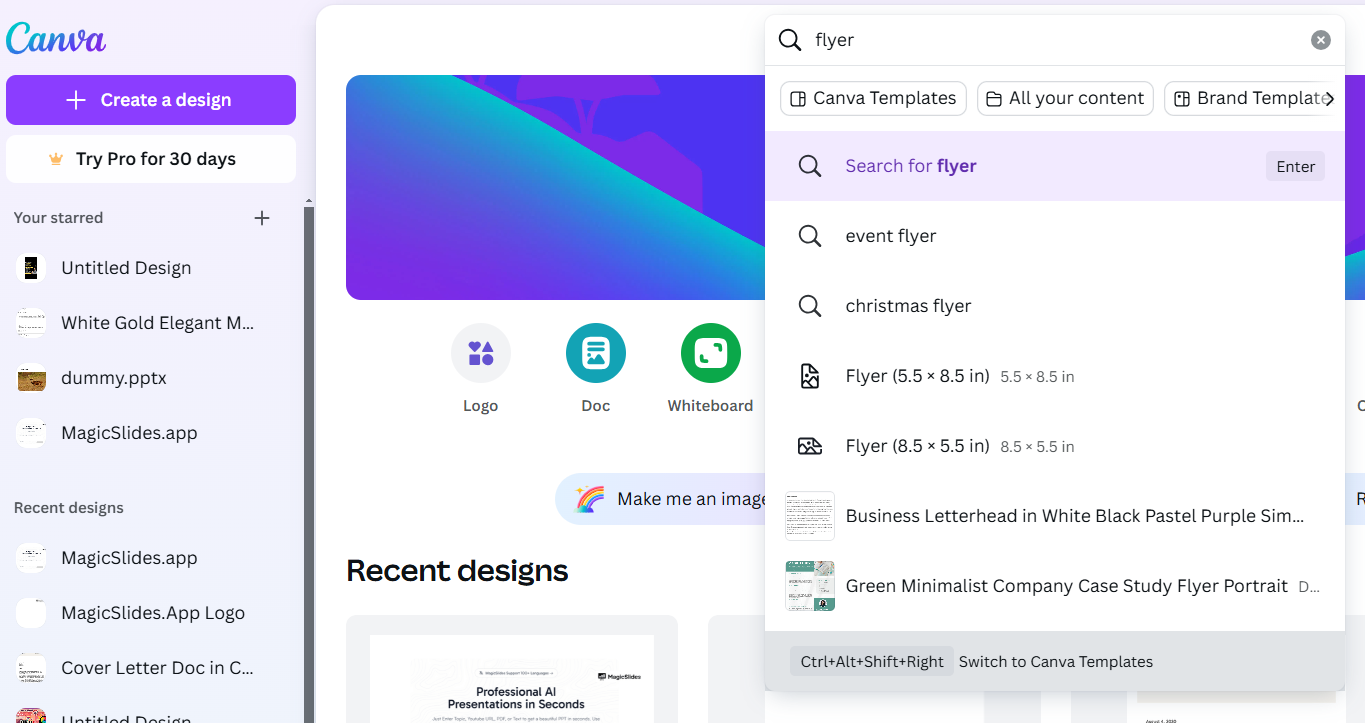
Press Enter to see the list of available templates related to your search.
Step 3: Apply the Free Filter
Once the search results appear, locate the “Filters” button near the top or side of the page (depending on your device).
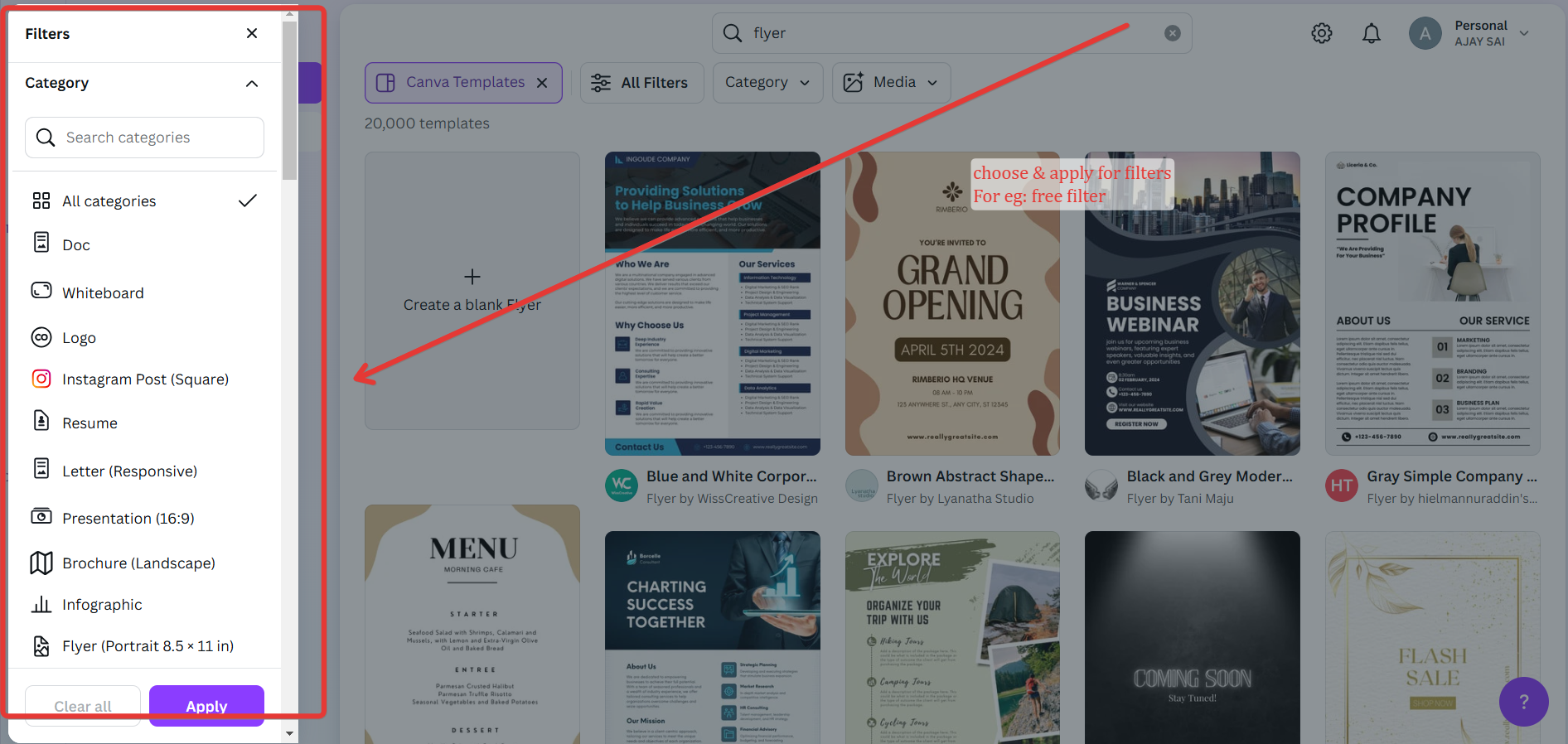
Click on “Filters” to open the filter options. Under the “Price” section, check the box for “Free.”
Canva will now display only the free templates that match your search query.
Step 4: Browse and Select a Template
Scroll through the filtered results to find a template that suits your needs.
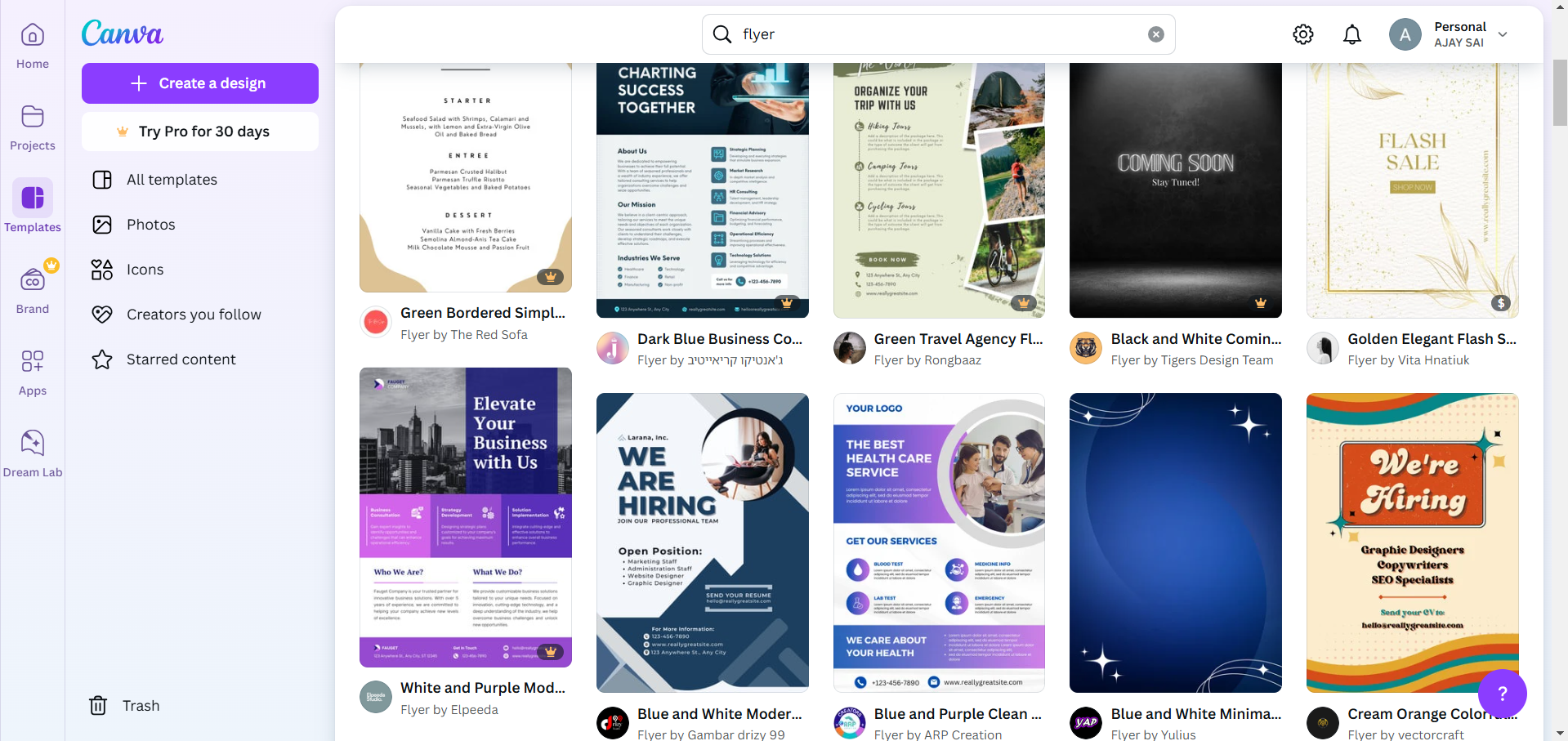
Hover over a template to preview it or click on it to open the editor.
Step 5: Customize Your Template
After selecting a template, you can modify it to fit your preferences.
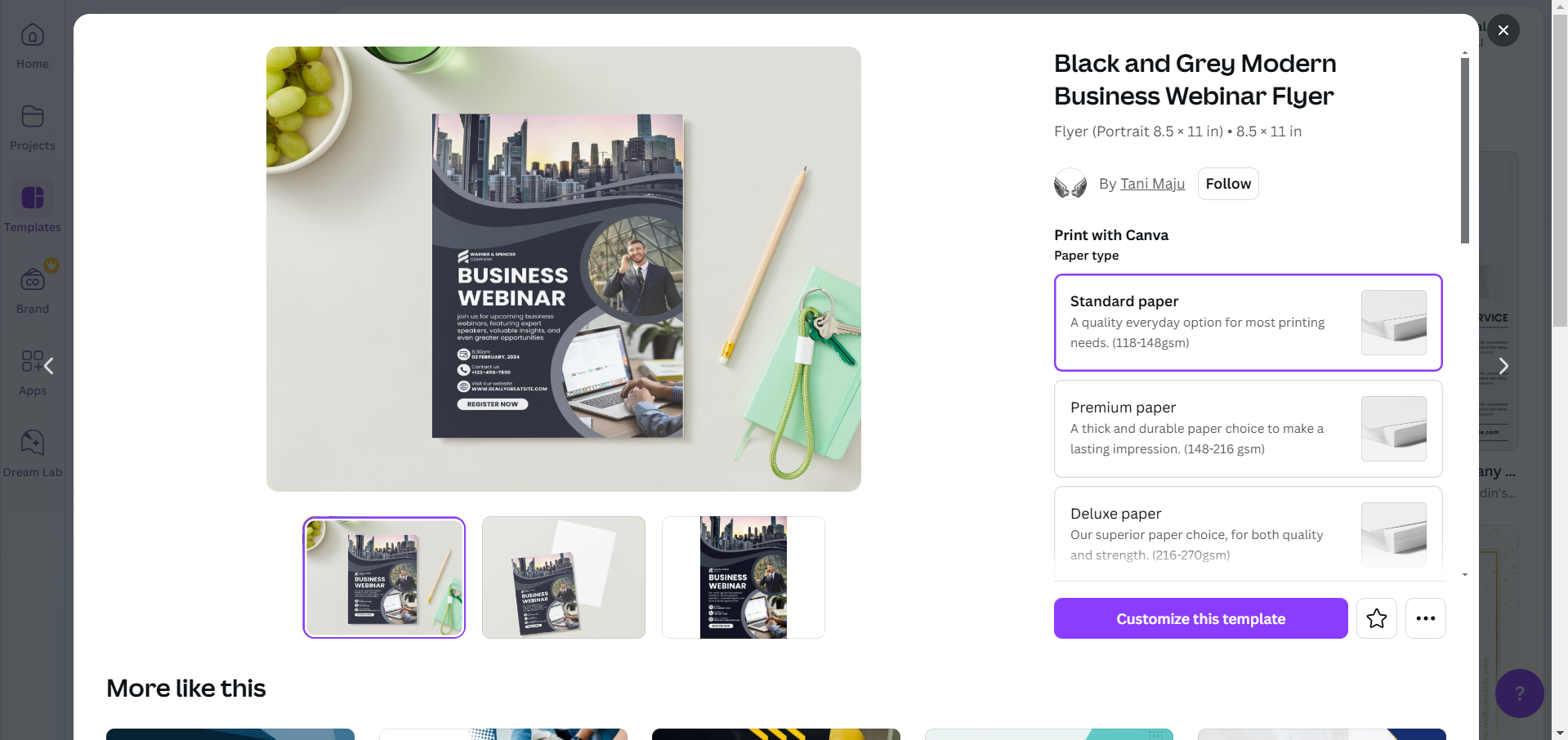
Add or edit text, images, colors, and other elements to personalize the design.
Once done, download or share your customized design.
Conclusion
Filtering free templates on Canva is an easy way to access high-quality designs without incurring costs.
By following these steps, you can find and use free templates to create professional-looking projects, all while saving time and money.
Whether for personal or professional use, Canva’s free resources make design accessible to everyone.
FAQs on Filtering Free Templates on Canva
Are all free templates in Canva completely free to use?
Yes, free templates on Canva are entirely free, but some elements (e.g., premium photos or icons) within them may require payment. You can replace them with free alternatives.
Can I use free Canva templates for commercial purposes?
Most free templates are available for personal and commercial use, but it’s best to check Canva’s licensing terms for specific use cases.
How do I find free templates in the Canva mobile app?
The process is similar. Use the search bar, open the filter options, and select the “Free” filter to display free templates.
With these steps, you can efficiently access Canva’s free resources and bring your creative ideas to life!


