Effective Use of Color Psychology in Slides


Learn the effective use of color psychology in slides to create engaging presentations. Discover AI-powered MagicSlides.app for instant, professional slide generation.
The colors you choose for your presentation can shape how your audience perceives and retains information. Color psychology plays a key role in setting the tone, influencing emotions, and making content more engaging. Whether you're delivering a corporate pitch, a marketing proposal, or an educational lecture, the right color choices can significantly enhance your slides.
This guide will break down the effective use of color psychology in slides, offering practical tips and introducing MagicSlides.app, an AI-powered tool that helps you create visually optimized presentations effortlessly.
What is Color Psychology and Why Does it Matter?
Color psychology is the study of how different colors affect human emotions and behavior. In presentations, colors can:
- Improve readability by ensuring text and visuals are clear and easy to understand.
- Enhance engagement by capturing attention and keeping your audience interested.
- Influence decision-making by evoking emotions that align with your message.
Different colors trigger different psychological responses, so it's important to choose wisely based on the tone and objective of your presentation.
Understanding the Psychological Effects of Colors
| Color | What It Represents | Best Used For |
|---|---|---|
| 🔴 Red | Urgency, excitement, passion | Call-to-actions, bold statements, warnings |
| 🔵 Blue | Trust, calmness, professionalism | Corporate slides, technology, finance |
| 🟢 Green | Growth, harmony, health | Sustainability, environment, wellness |
| 🟡 Yellow | Optimism, creativity, energy | Highlighting key points, friendly presentations |
| 🟠 Orange | Enthusiasm, motivation, warmth | Sales pitches, branding, marketing |
| 🟣 Purple | Luxury, creativity, wisdom | Premium branding, education, spirituality |
| ⚫ Black | Power, elegance, authority | High-impact statements, luxury brands |
| ⚪ White | Simplicity, clarity, minimalism | Clean and professional layouts, readability |
Choosing the right combination of these colors can reinforce your message and improve audience retention.
How to Apply Color Psychology in Your Slides
1. Choose Colors That Match Your Presentation’s Purpose
- Blue for corporate, business, and finance topics.
- Green for environment, sustainability, and wellness.
- Red or orange for sales, urgency, and excitement.
2. Ensure High Contrast for Readability
- Use dark text on a light background (or vice versa).
- Avoid hard-to-read color combinations like red on green or yellow on white.
3. Use a Limited Color Palette
- Stick to three main colors:
- Primary color – Dominant theme color.
- Secondary color – Highlights and contrast.
- Accent color – For emphasis and call-to-action elements.
4. Use Bold Colors to Highlight Key Information
- Yellow, orange, and red work well for drawing attention to important data or messages.
5. Keep Cultural Associations in Mind
- White means purity in Western cultures but represents mourning in some Asian cultures.
- Red symbolizes passion in Western countries but luck in China.
- Adapt your color choices based on your audience.
6. Maintain Consistency
- A consistent color scheme helps create visual harmony and strengthens your brand identity if you're using company colors.
Effortlessly Create Color-Optimized Slides with MagicSlides.app
Applying color psychology effectively in slides requires careful design. But what if you could get AI to do it for you?
MagicSlides.app is an AI-powered tool that automatically generates professional PowerPoint presentations in seconds—without needing to manually select colors, layouts, or content.
How to Use MagicSlides.app for Instant Slide Creation
- Visit MagicSlides.app.
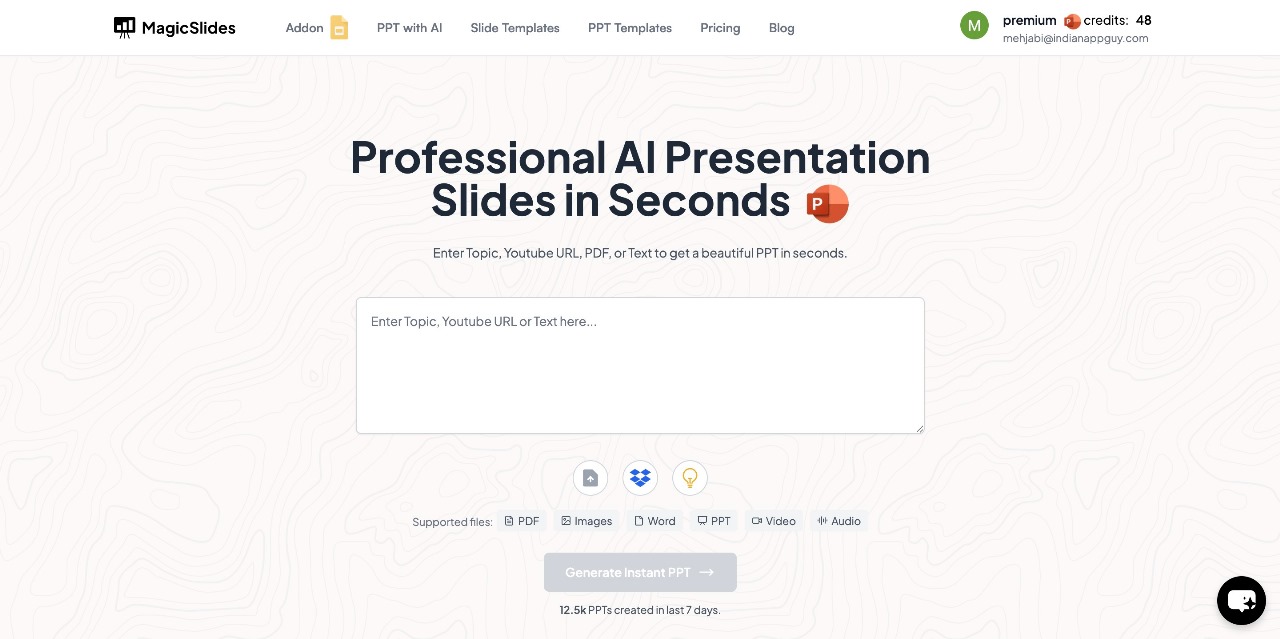
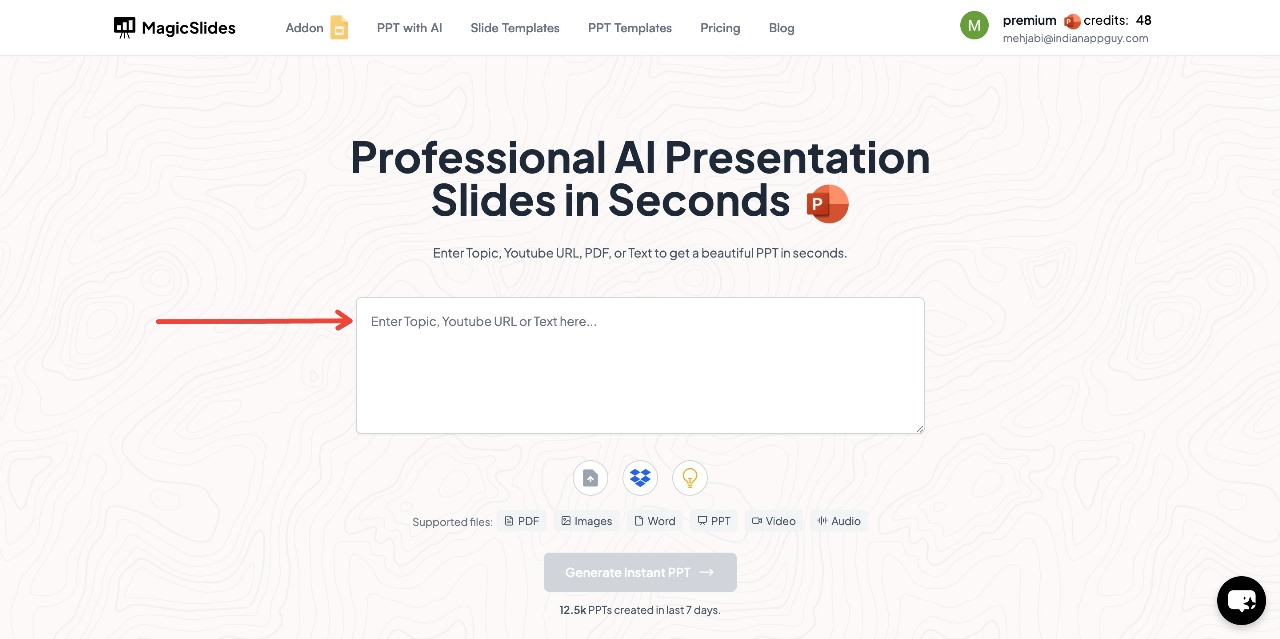
- Enter your topic in the given space.
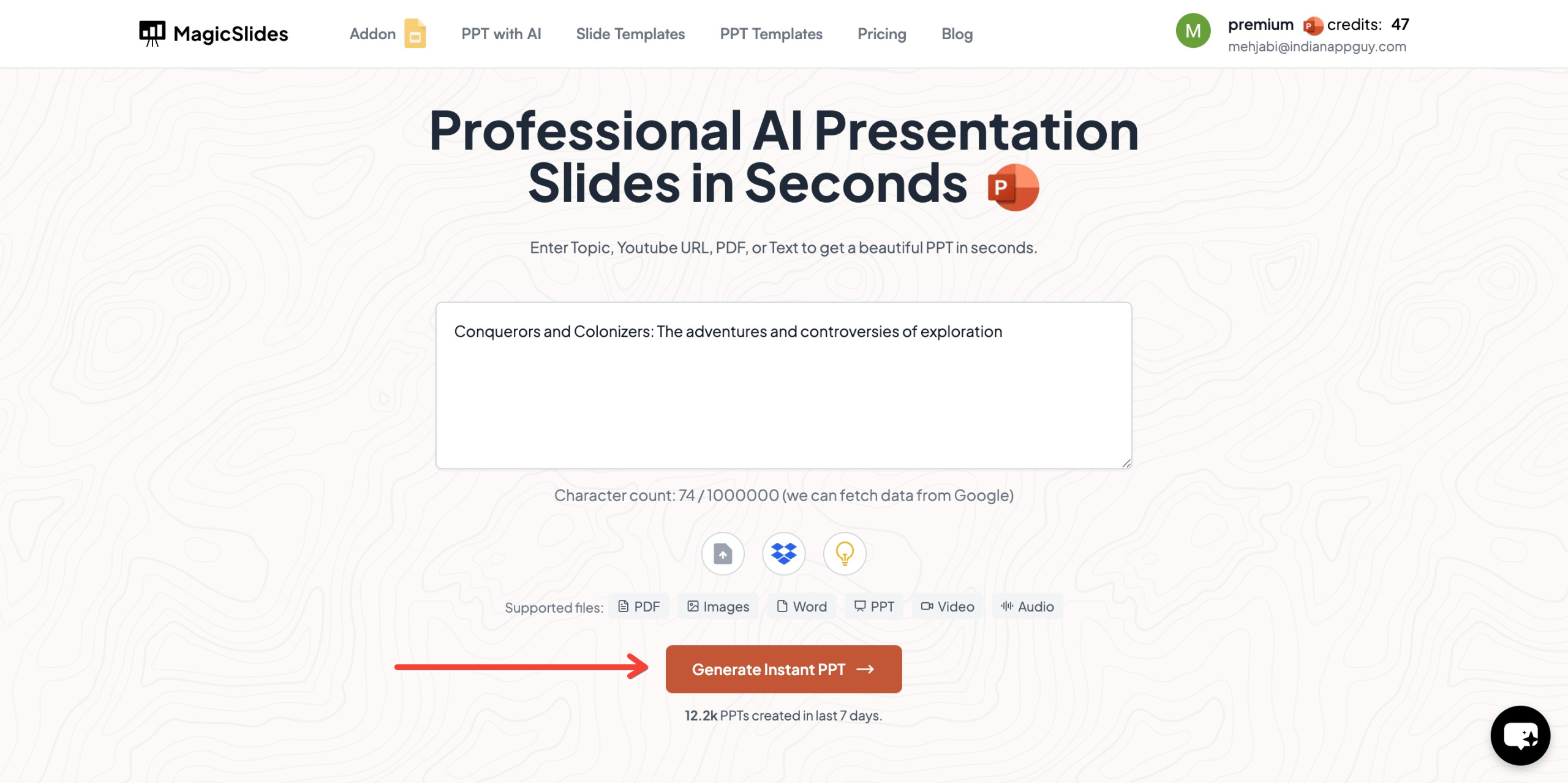
- Click "Generate Instant PPT" to let the AI craft your slides.
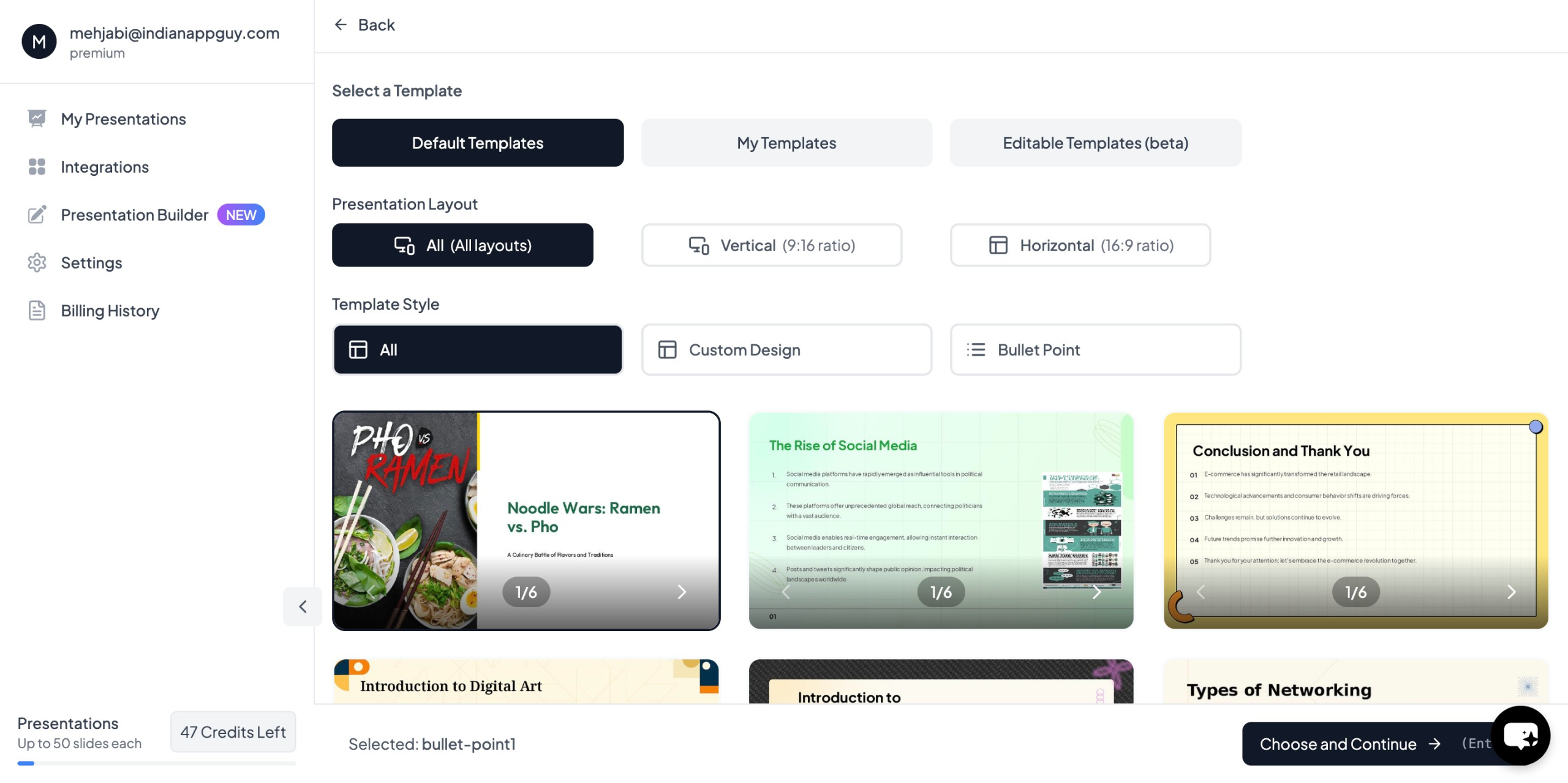
- Choose your template and number of slides to match your needs.
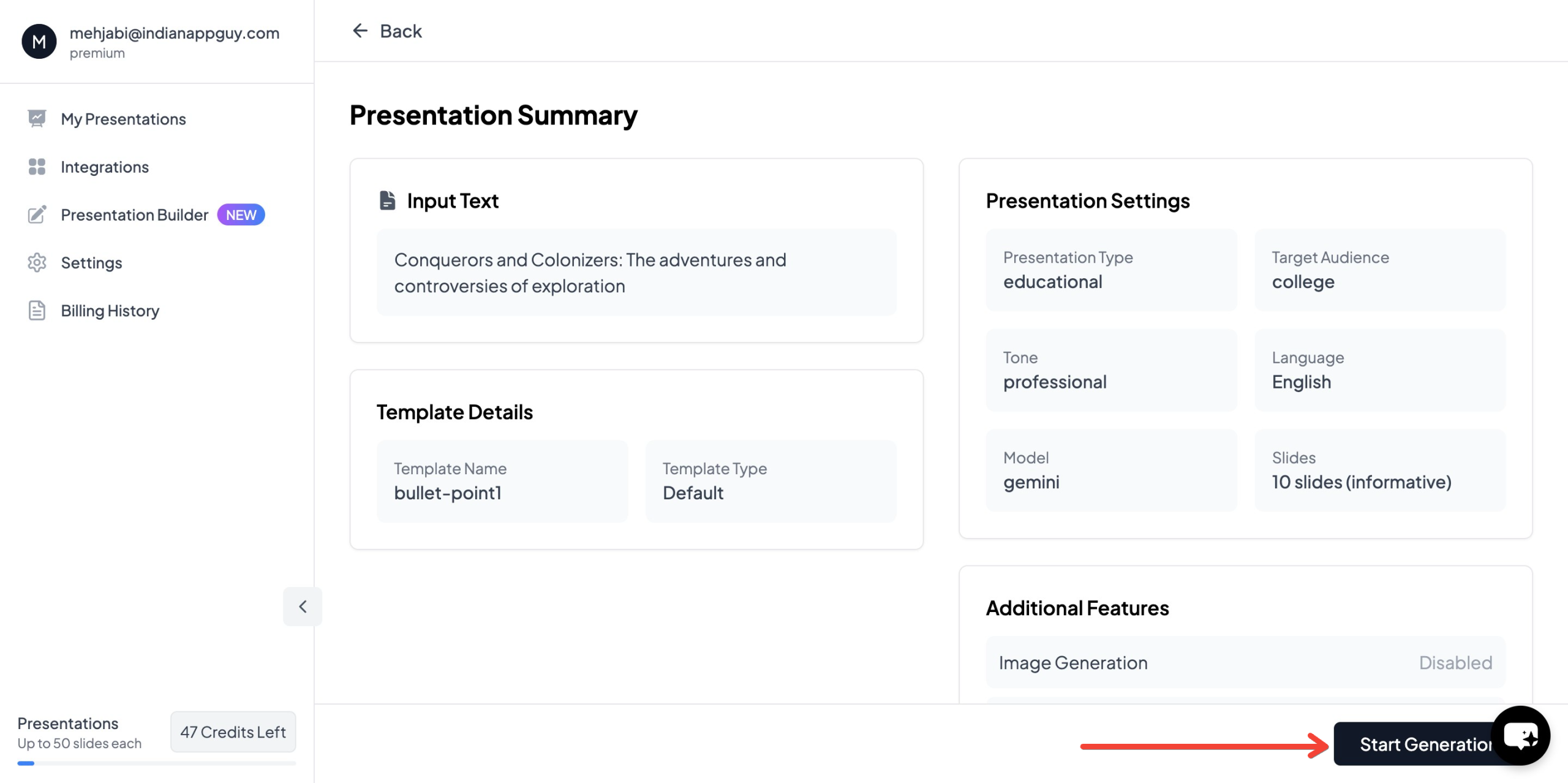
- Click "Start Generation" – The AI will process your input and begin creating slides.
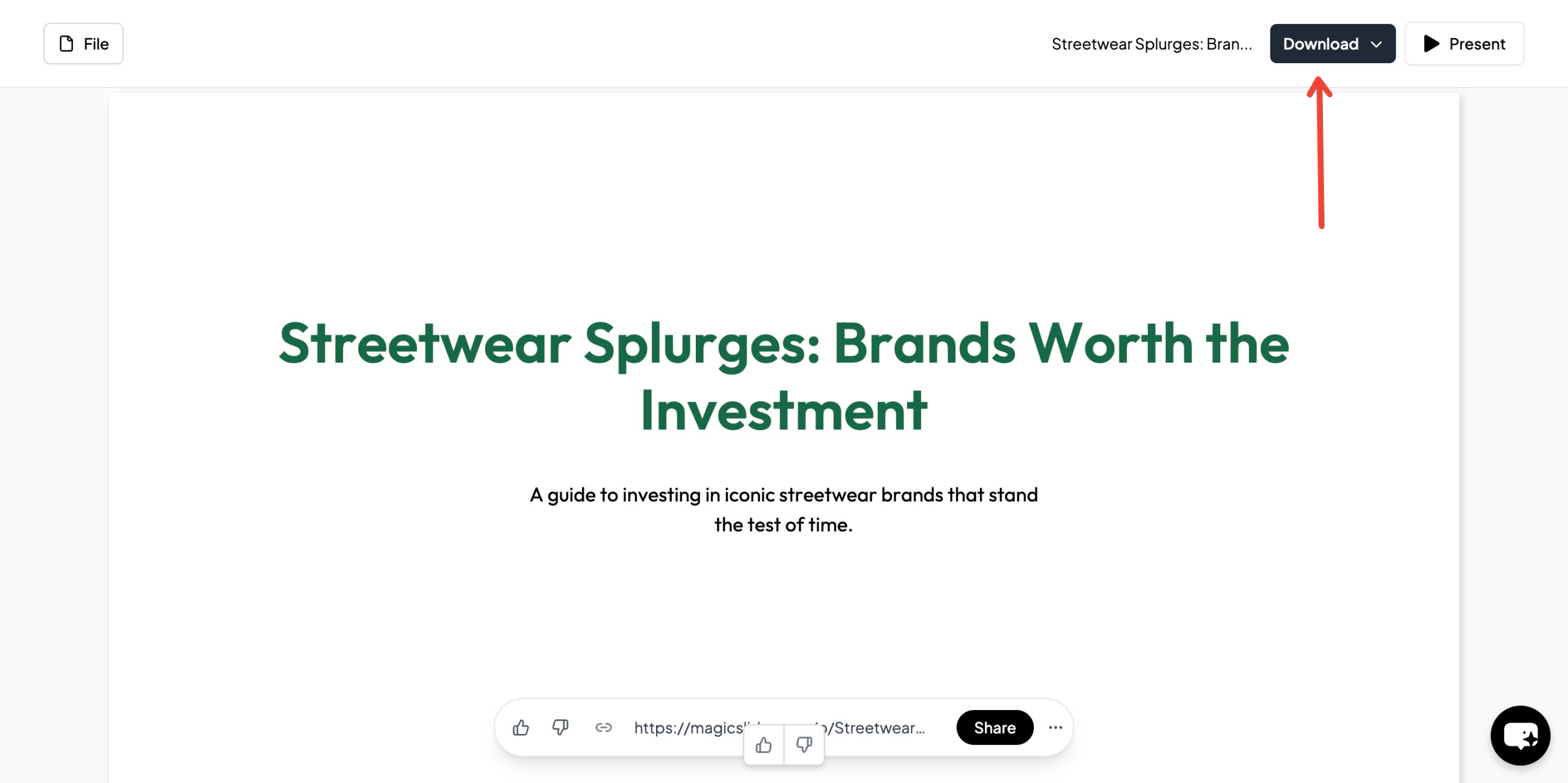
- Your presentation is ready – Within seconds, you’ll have a complete PowerPoint with structured content and relevant images.
With MagicSlides.app, you can save time, ensure color balance, and create professional-looking presentations effortlessly.
MagicSlides.app Pricing and Features
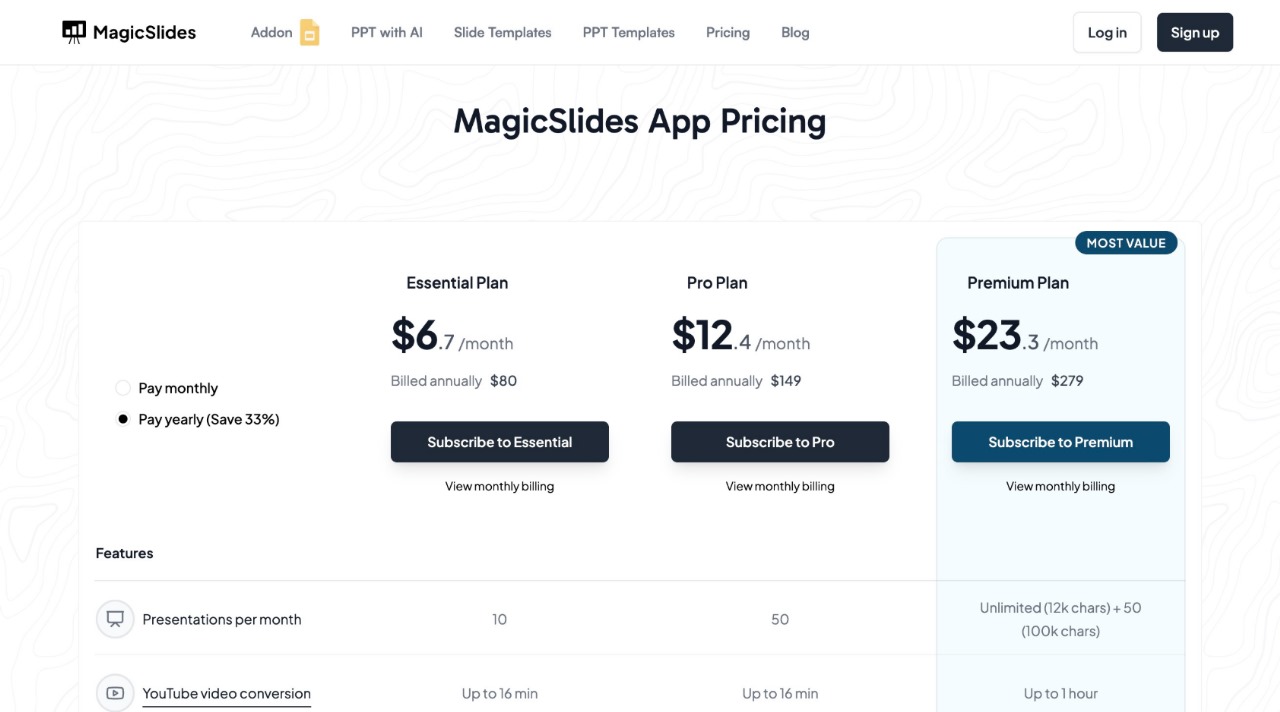
MagicSlides.app offers affordable plans for students, professionals, and businesses:
Key Features of MagicSlides.app
- AI-generated presentations in seconds.
- YouTube to PPT conversion (up to 1 hour for Premium users).
- PDF to PowerPoint conversion (5–20 pages depending on the plan).
- Google Slides, Figma, and Zapier integration.
- Supports 100+ languages (Premium plan).
Whether you're preparing a business pitch, lecture, or sales presentation, MagicSlides.app eliminates the hassle of slide creation—allowing you to focus on delivering a compelling message.
Final Thoughts
The effective use of color psychology in slides can significantly impact how your message is received. By applying the right colors strategically, you can enhance engagement, reinforce key points, and make your presentation more persuasive.
If you're looking for a faster, AI-powered way to create color-optimized presentations, MagicSlides.app is the perfect tool. Try it today and generate high-quality slides in seconds.
Visit MagicSlides.app and create your next presentation effortlessly.


