Comparing Free vs Paid AI Presentation Tools: What’s the Best Value?


Explore the differences between free vs paid AI presentation tools and discover the best value for your needs. Learn about MagicSlides’ features, pricing, and how to create presentations effortlessly.
Creating professional, visually engaging, and impactful presentations is an essential skill in today's fast-paced world, whether you’re a student, a business professional, or a creative. AI-powered presentation tools have revolutionized the way we design slides, making it quicker and easier to generate polished presentations. But when choosing between free vs paid presentation tools, there are many factors to consider. In this blog post, we’ll break down the key differences between free and paid tools, their features, and help you decide which one provides the best value. Additionally, we'll explore MagicSlides, an AI presentation tool that's gained popularity for its ease of use and flexibility.
Free vs Paid Presentation Tools: Key Differences
Before diving into the details of MagicSlides, let’s compare the typical features and limitations of free versus paid AI-powered presentation tools.
Features and Functionality
| Feature | Free AI Presentation Tools | Paid AI Presentation Tools |
|---|---|---|
| Template Options | Basic templates available | Premium, customizable templates |
| Slide Limit per Presentation | Usually limited (10-15 slides) | Unlimited or higher limit (50+ slides) |
| Customization | Limited editing options | Full customization (fonts, colors, images) |
| AI Content Generation | Basic content generation | Advanced content generation (graphs, data, multimedia) |
| Collaboration | Not typically available | Team collaboration options |
| Customer Support | Limited or no support | 24/7 support with dedicated teams |
| Advanced Integrations | Minimal integrations | Google Slides, Zapier, Figma, etc. |
Usage Limits
Free AI presentation tools often come with usage restrictions that can limit the scope of your presentations. These limits may include the number of presentations you can create, the number of slides per presentation, or the type of data integrations you can access.
On the other hand, paid presentation tools typically remove these limits, offering unlimited presentations, more slides, and advanced integrations to make your workflow even smoother.
| Usage Metric | Free Plan (Common Limitations) | Paid Plan (Features) |
|---|---|---|
| Number of Presentations/month | Limited (1-5 presentations) | Unlimited |
| Number of Slides per Presentation | Limited (10-15 slides) | Up to 50 or more slides |
| Data Integration | Limited or none | Full access to Google, Wikipedia, and custom data sources |
| AI-powered Features | Basic content generation only | Advanced AI tools like video-to-PPT, AI images, and more |
| Multimedia Support | Limited integration with video/images | Full integration (videos, images, GIFs) |
Customer Support
Free tools often offer no support or just basic FAQ access, meaning if you run into issues, you might be stuck trying to figure things out on your own. In contrast, paid AI presentation tools come with dedicated customer service, typically available 24/7 through live chat or email support.
Pricing Overview
| Tool | Pricing Structure | Features (Summary) |
|---|---|---|
| Free AI Presentation Tool | Free | Basic templates, limited slides, limited customization |
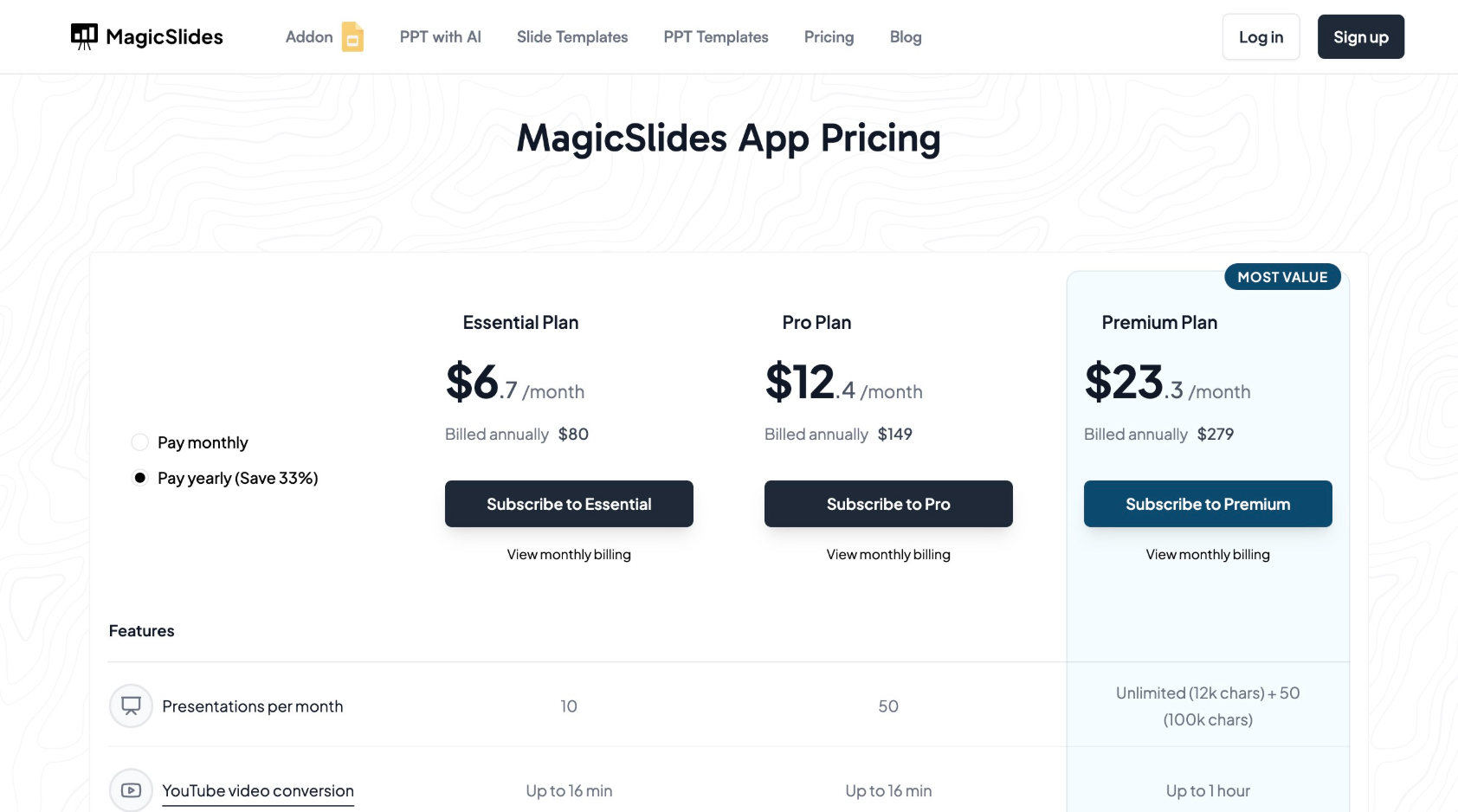
| MagicSlides – Essential | $6.7/month (billed annually at $80) | 10 presentations, 10 slides per presentation, YouTube conversion, Google data, basic AI features |
| MagicSlides – Pro | $12.4/month (billed annually at $149) | 50 presentations, 15 slides per presentation, AI images, video-to-PPT, Google/Wikipedia data |
| MagicSlides – Premium | $20/month (billed annually at $239) | Unlimited presentations, 50 slides per presentation, full AI integrations, 100+ languages |
MagicSlides: A Closer Look
MagicSlides is a robust AI-powered tool that helps users create professional presentations in minutes. Whether you're a student needing to create a presentation for a class or a business professional trying to impress clients, MagicSlides offers the flexibility and advanced features that make presentation creation faster, easier, and more efficient.
MagicSlides Pricing Plans
MagicSlides provides three different pricing tiers to cater to different users' needs:
Features Comparison
| Feature | Essential Plan | Pro Plan | Premium Plan |
|---|---|---|---|
| Presentations per Month | 10 | 50 | Unlimited |
| Slides per Presentation | Up to 10 | Up to 15 | Up to 50 |
| Video-to-PPT Conversion | 10 videos (up to 16 minutes) | 20 videos (up to 16 minutes) | 40 videos (up to 1 hour) |
| AI Images | Not included | Included | Included |
| Google/Wikipedia Data | Included | Included | Included |
| Zapier Integration | Not included | Included | Included |
| Languages Supported | Not included | 100+ Languages | 100+ Languages |
| Customizable Templates | Limited | Customizable | Full customization available |
Steps to Use MagicSlides
Here’s a quick guide on how to use MagicSlides:
- Visit the Website: Go to www.magicslides.app.
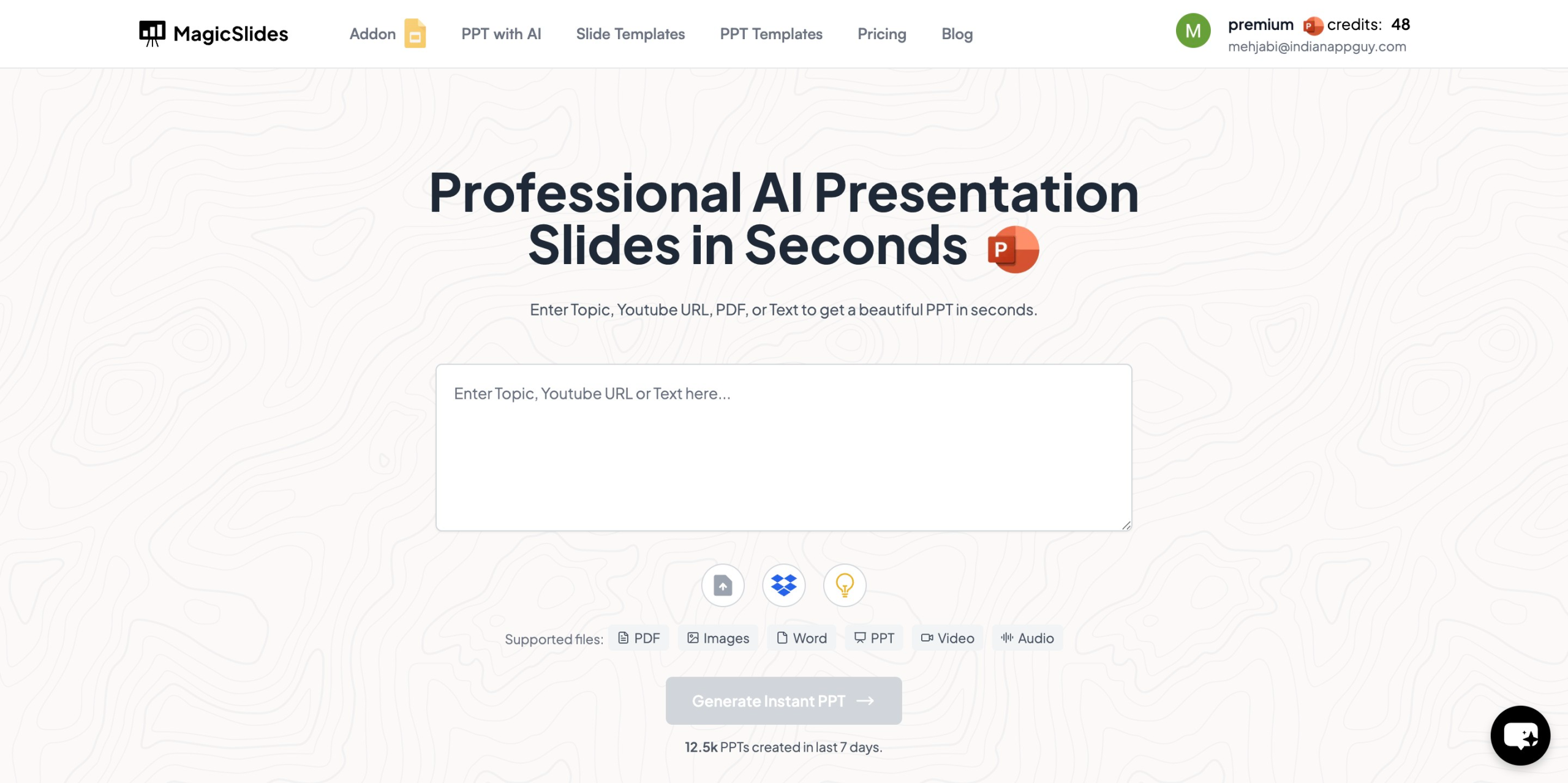
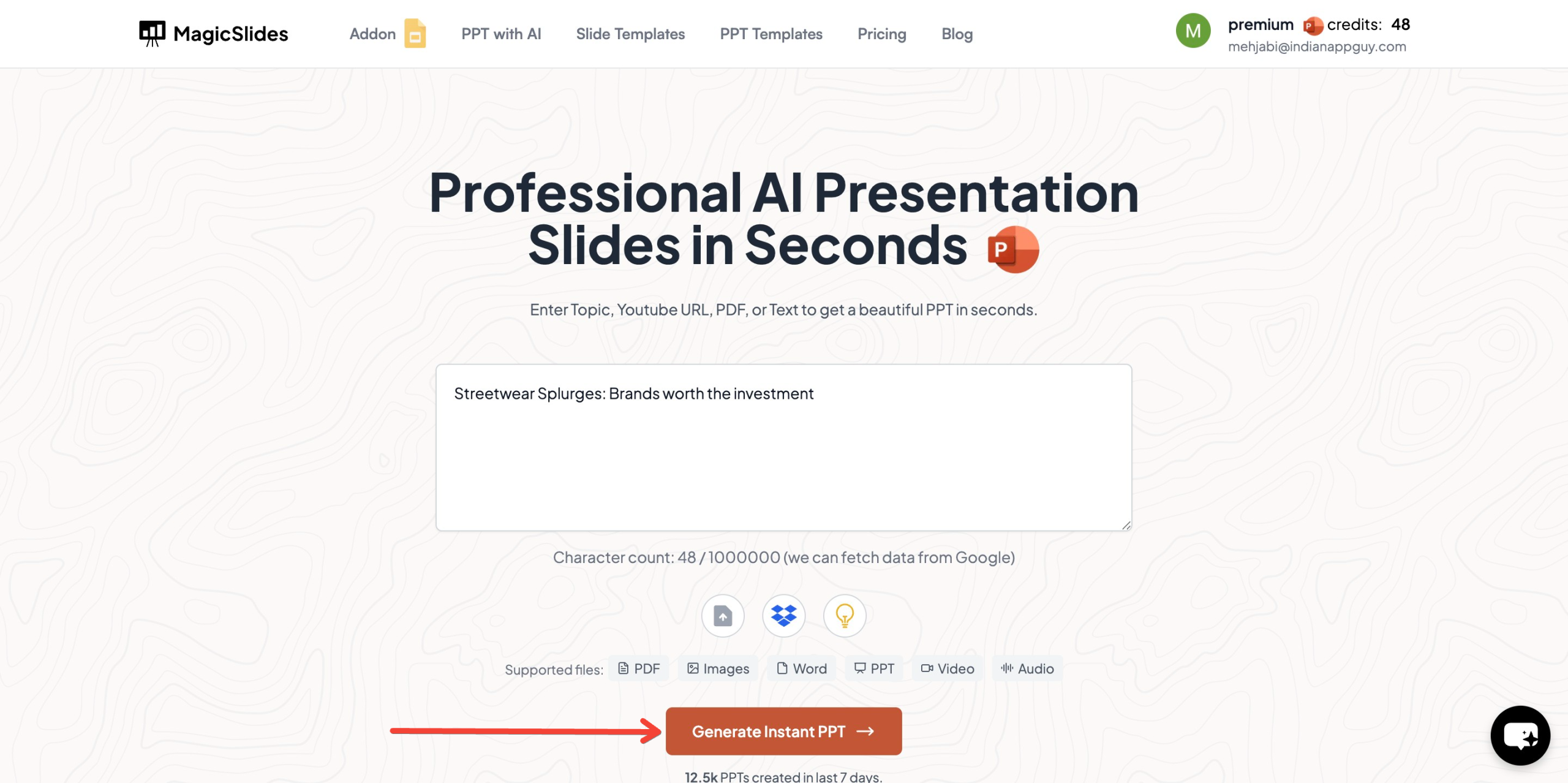
- Enter Your Topic: On the homepage, you'll see a space to enter the topic of your presentation.
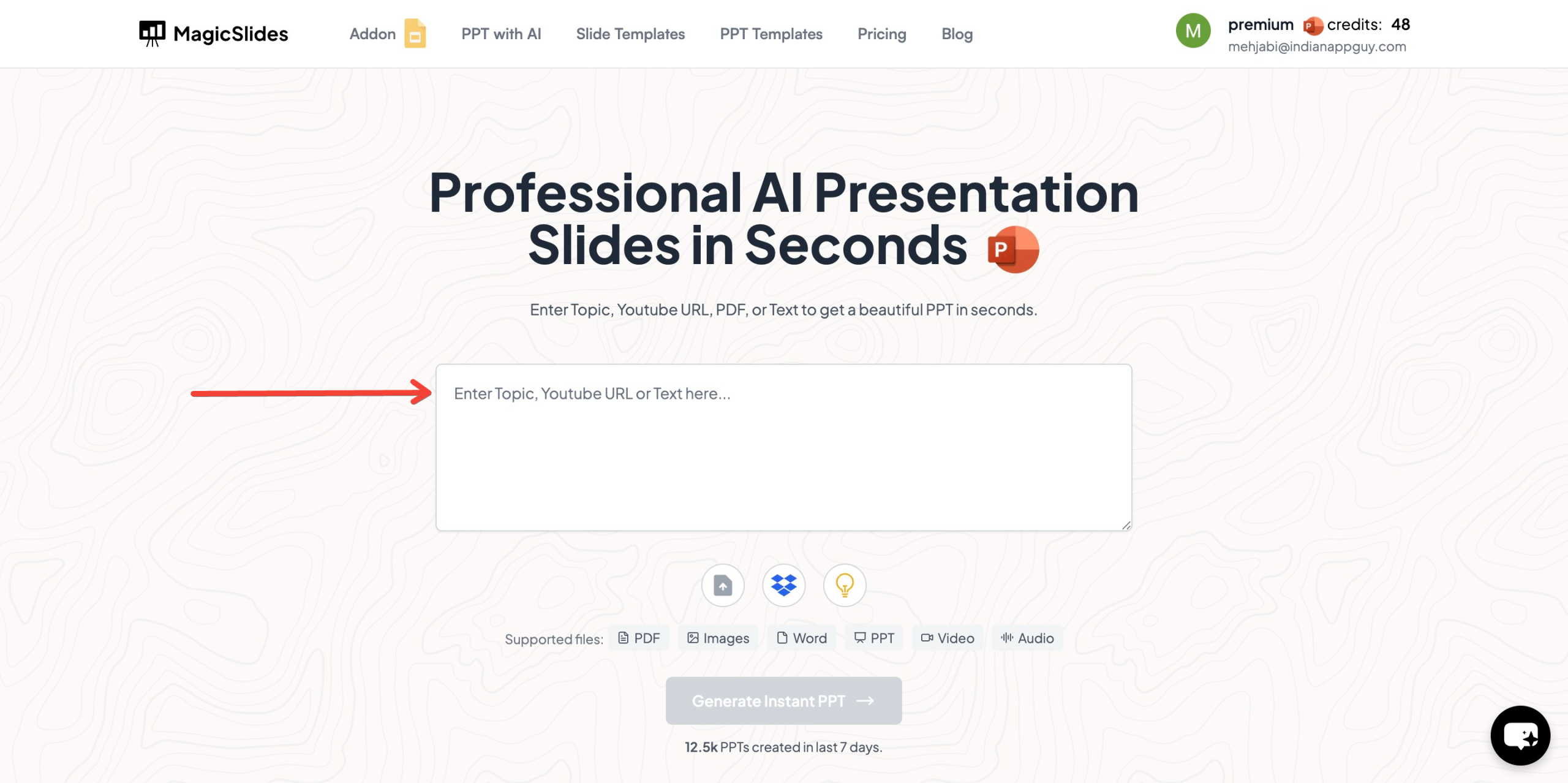
- Generate Instant PPT: After typing in your topic, click the "Generate Instant PPT" button.
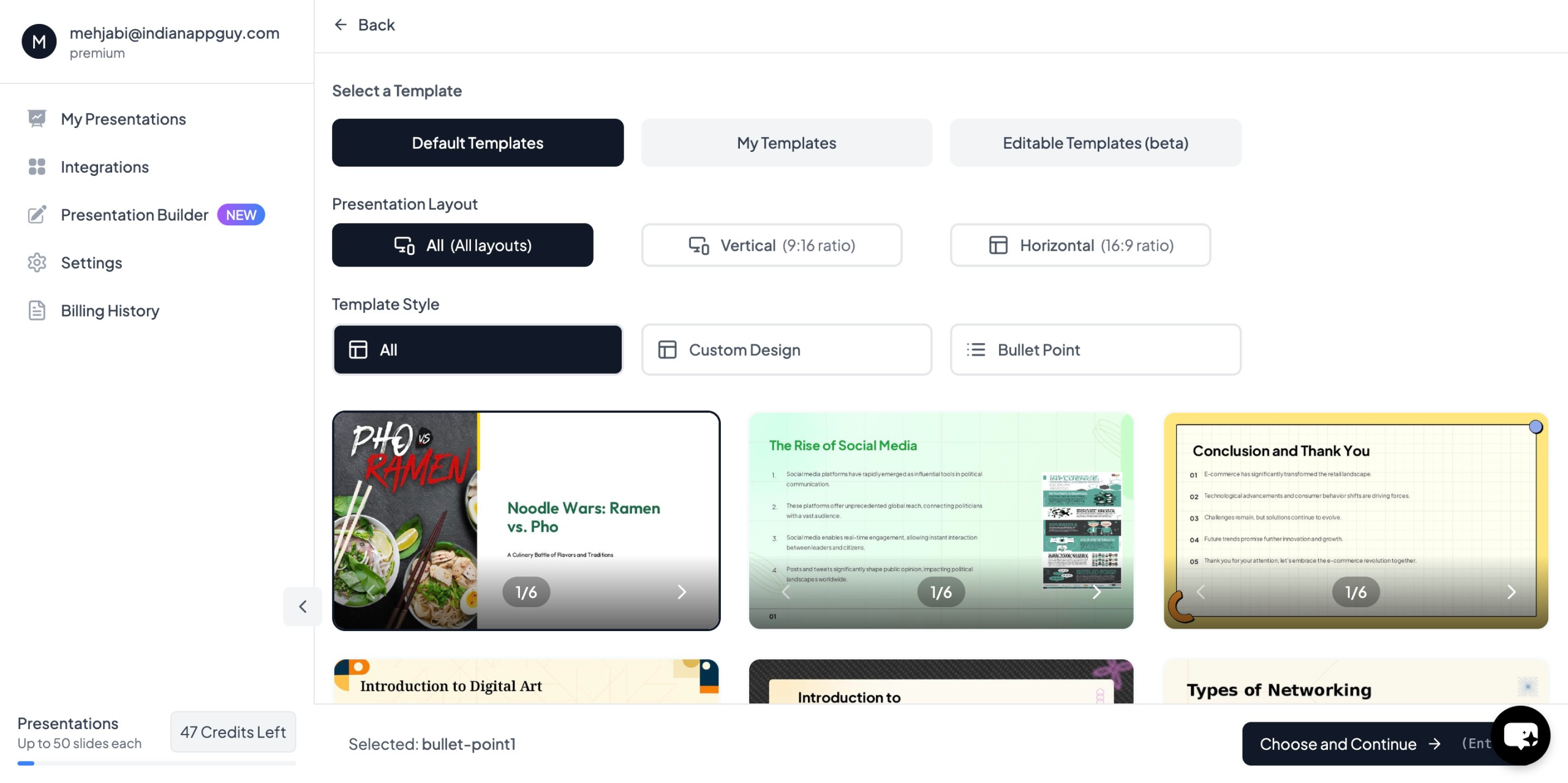
- Choose Template and Number of Slides: Select a template from a variety of professional designs and specify how many slides you need.
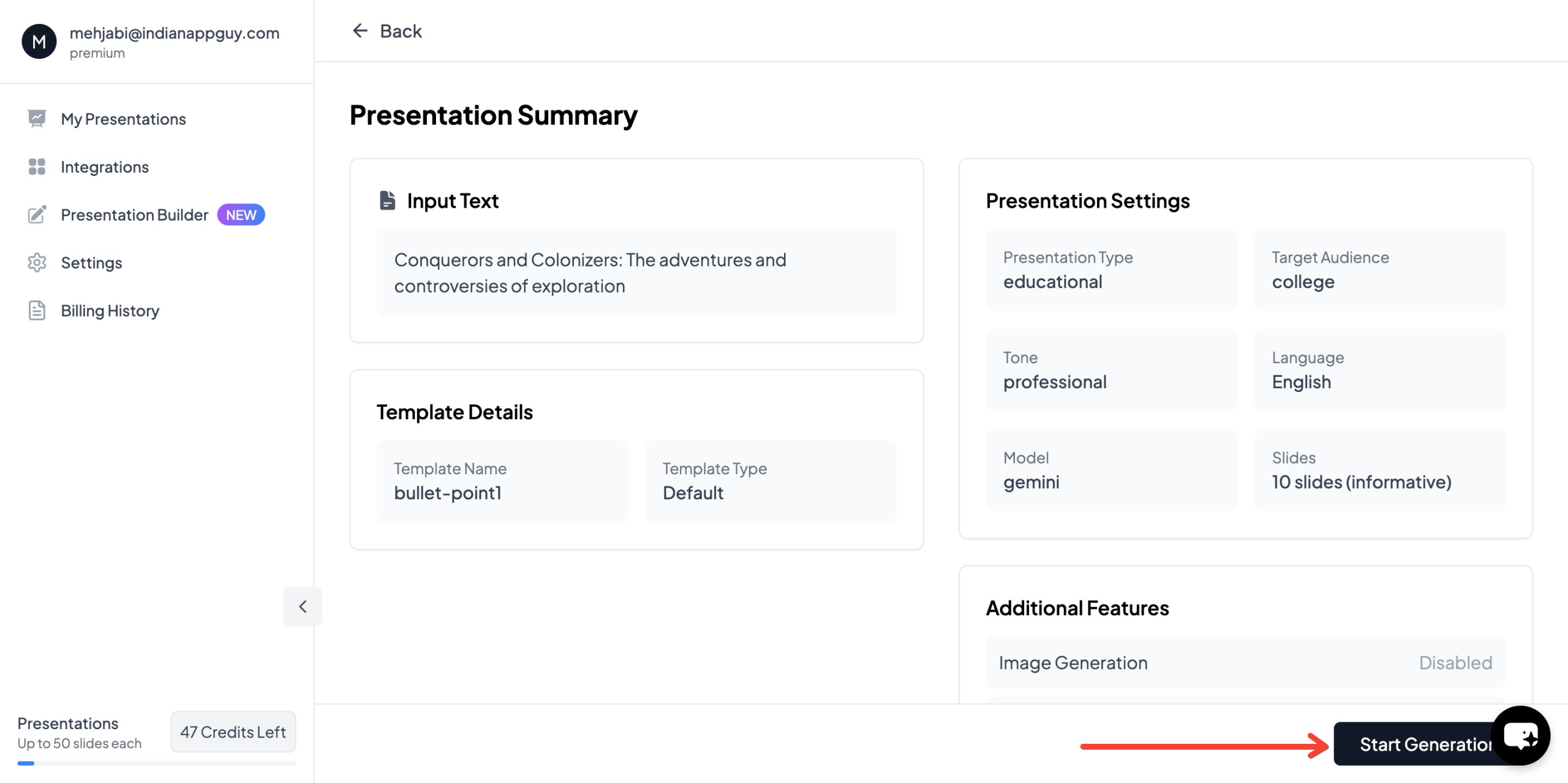
- Fill in Additional Information: Provide any further details like key points, data, or specific needs for your presentation.
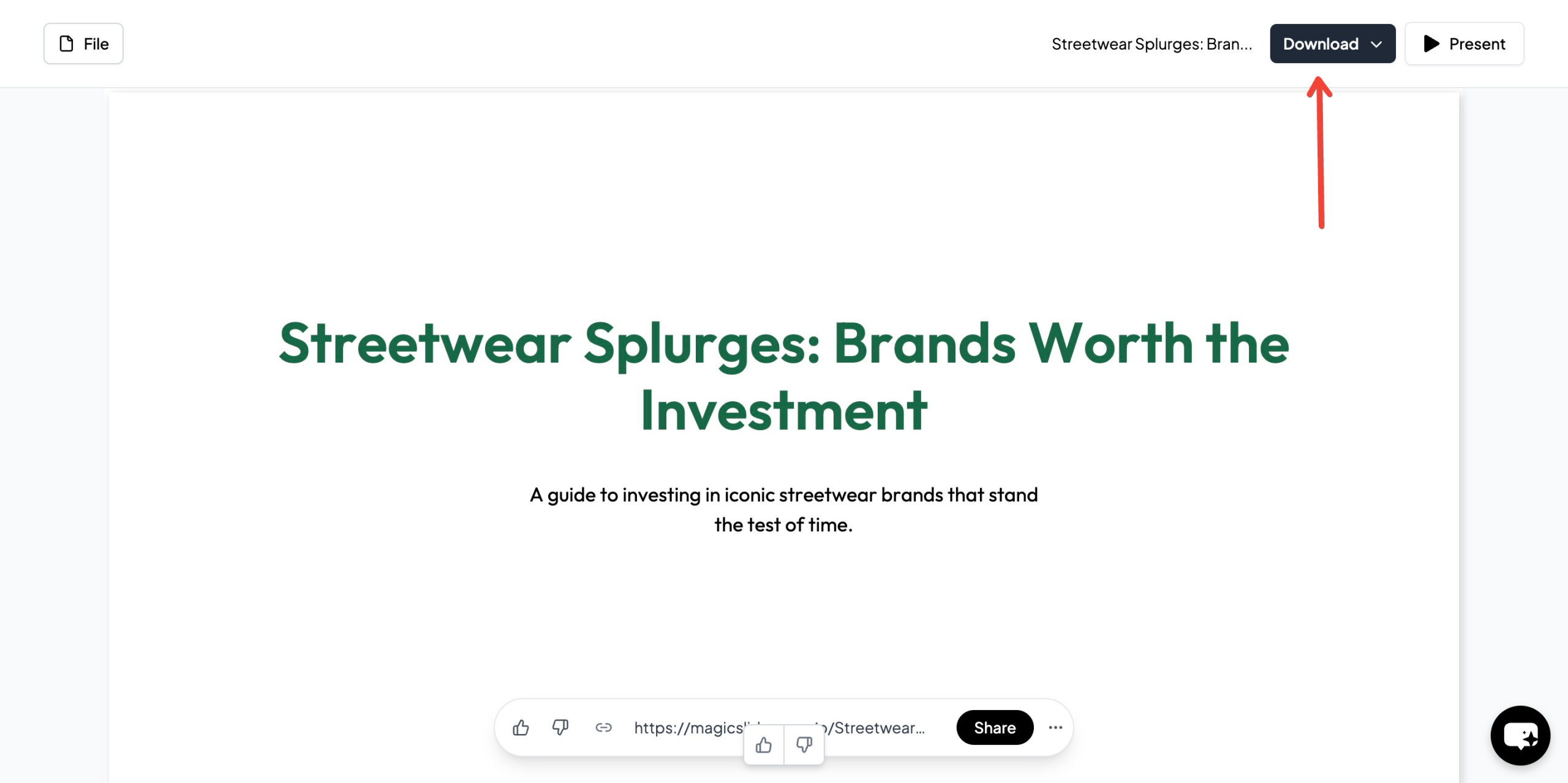
- Generate and Download: Once your details are filled out, click "Generate Instant PPT" again. Your AI-powered presentation will be created, and you can download it in PPT format.
Final Verdict: Free vs Paid Presentation Tools
When deciding between free vs paid presentation tools, the best choice depends on your specific needs:
- Free tools may suffice for basic, occasional presentations. If you just need to create a simple presentation without many bells and whistles, these tools can get the job done.
- Paid tools, like MagicSlides, offer a wide range of advanced features that can significantly enhance the quality of your presentations. From unlimited slides to more sophisticated content generation, paid plans are ideal for users who need more flexibility, customization, and support.
For users who want the ability to quickly generate presentations with the help of AI, MagicSlides offers great value, especially with its Essential plan starting at $6.7/month.
Choosing the right tool depends on how often you need presentations, the level of detail you require, and whether you need to collaborate with others. With the added benefit of AI-powered content generation and flexible pricing plans, MagicSlides is a great option for both casual users and professionals looking for an efficient and user-friendly presentation tool.


