How Does AI Choose the Perfect Images for Presentation?


Discover how AI chooses perfect images for your slides. Enhance presentations with relevant, high-quality visuals using tools like MagicSlides.app seamlessly.
Visuals play a crucial role in making a presentation engaging and memorable. A well-chosen image can clarify complex ideas, evoke emotions, and grab your audience's attention.
But finding the perfect image to complement your content is often time-consuming and tricky. This is where AI steps in to streamline the process, ensuring your presentation is visually compelling while saving you valuable time.
Let’s explore how AI selects the best images for your presentation and how tools like MagicSlides.app subtly integrate this feature to enhance your slide design.
Why Images Are Essential in Presentations
Before diving into the AI aspect, it’s important to understand why images are vital:
- Improved Understanding: Images simplify complex concepts and make information easier to digest.
- Better Engagement: Visuals capture attention more effectively than text alone.
- Memorability: People tend to remember visuals better than words, helping your message stick with your audience.
- Professional Appeal: Thoughtfully chosen images can make your presentation look polished and cohesive.
But picking the right images can be challenging—finding visuals that are relevant, high-quality, and fit your design style isn’t always straightforward.
How AI Selects Images for Your Presentation
AI uses advanced algorithms and techniques to choose images that perfectly align with your content. Here’s how it works:
- Content Analysis
- AI starts by understanding your presentation content. By analyzing slide titles, bullet points, and keywords, it identifies the themes and topics you’re covering.
- Context Matching
- Based on the content, the AI matches it with images that align with the message. For example, if your slide discusses "teamwork," the AI might suggest visuals of collaborative meetings or team-building activities.
- Relevance and Tone
- The AI considers the tone of your presentation—whether it’s formal, creative, or casual—and picks images that fit the mood. For a corporate deck, it might suggest clean, professional visuals, while a creative pitch could feature vibrant, dynamic images.
- Quality and Resolution
- Only high-quality images are selected, ensuring they look crisp and professional on your slides. The AI avoids low-resolution visuals that could detract from your presentation.
- Customizability
- Many AI tools, including platforms like MagicSlides.app, allow you to refine the selection. You can choose from a library of stock images, pull from sources like Google Images, or even generate AI-created visuals tailored to your theme.
How MagicSlides.app Makes Image Selection Easy
MagicSlides.app is an excellent example of how AI simplifies image selection while giving you control. Here’s how it works:
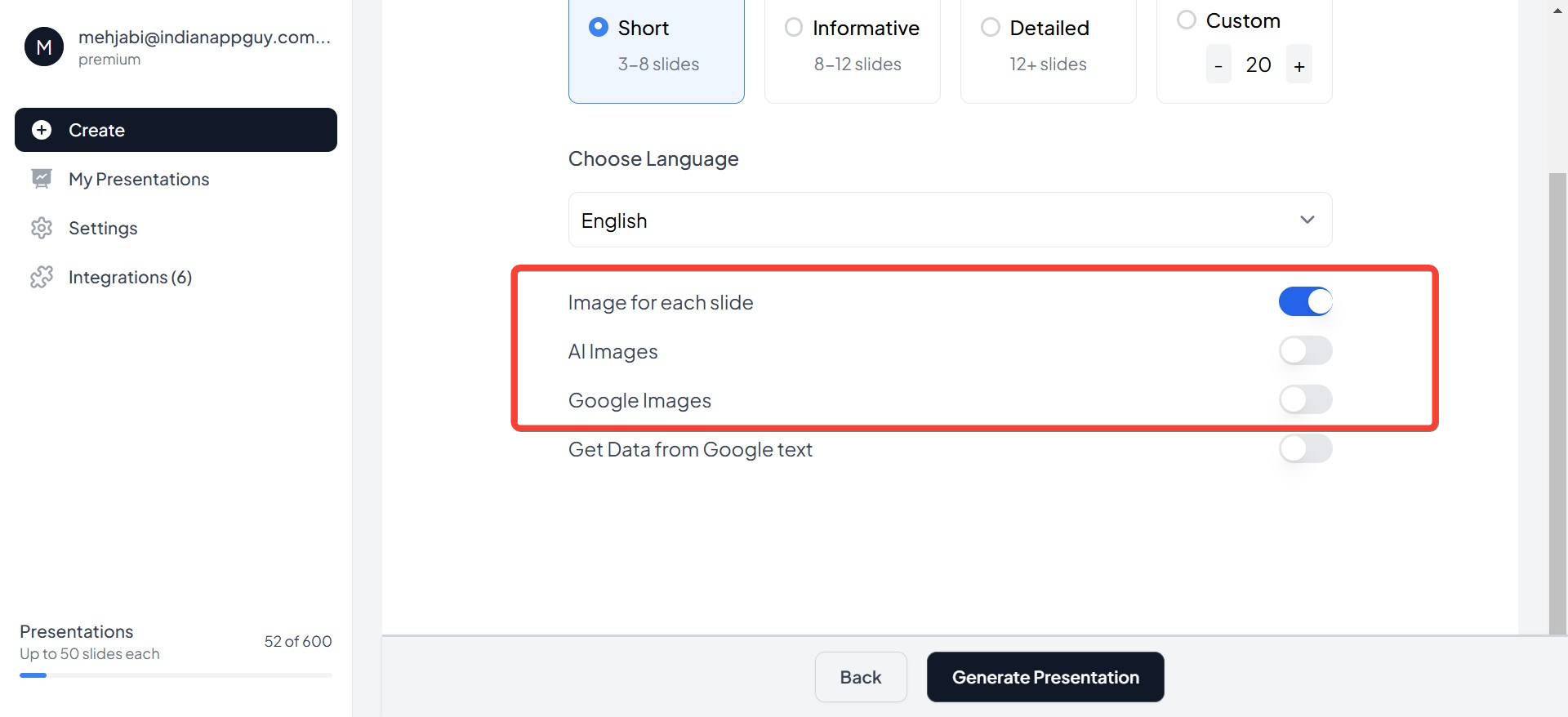
- Smart Suggestions: When generating slides, MagicSlides.app analyzes your content and suggests relevant images that enhance your message. For instance, if your slide is about sustainability, the AI might propose visuals of greenery or eco-friendly icons.
- Flexible Options: You’re not limited to just one approach. MagicSlides.app offers two main image sources:
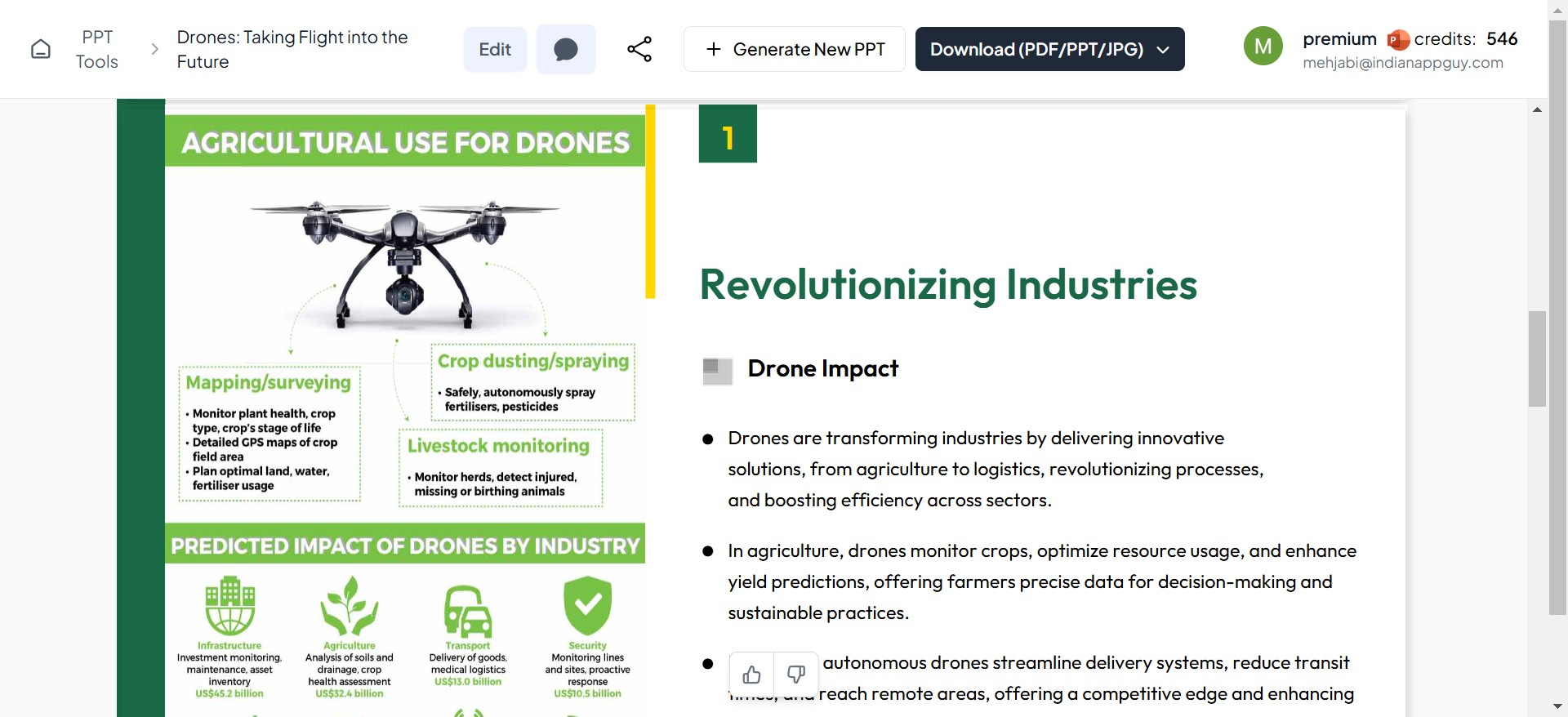
- Google Images Integration: Search for relevant visuals directly within the platform.
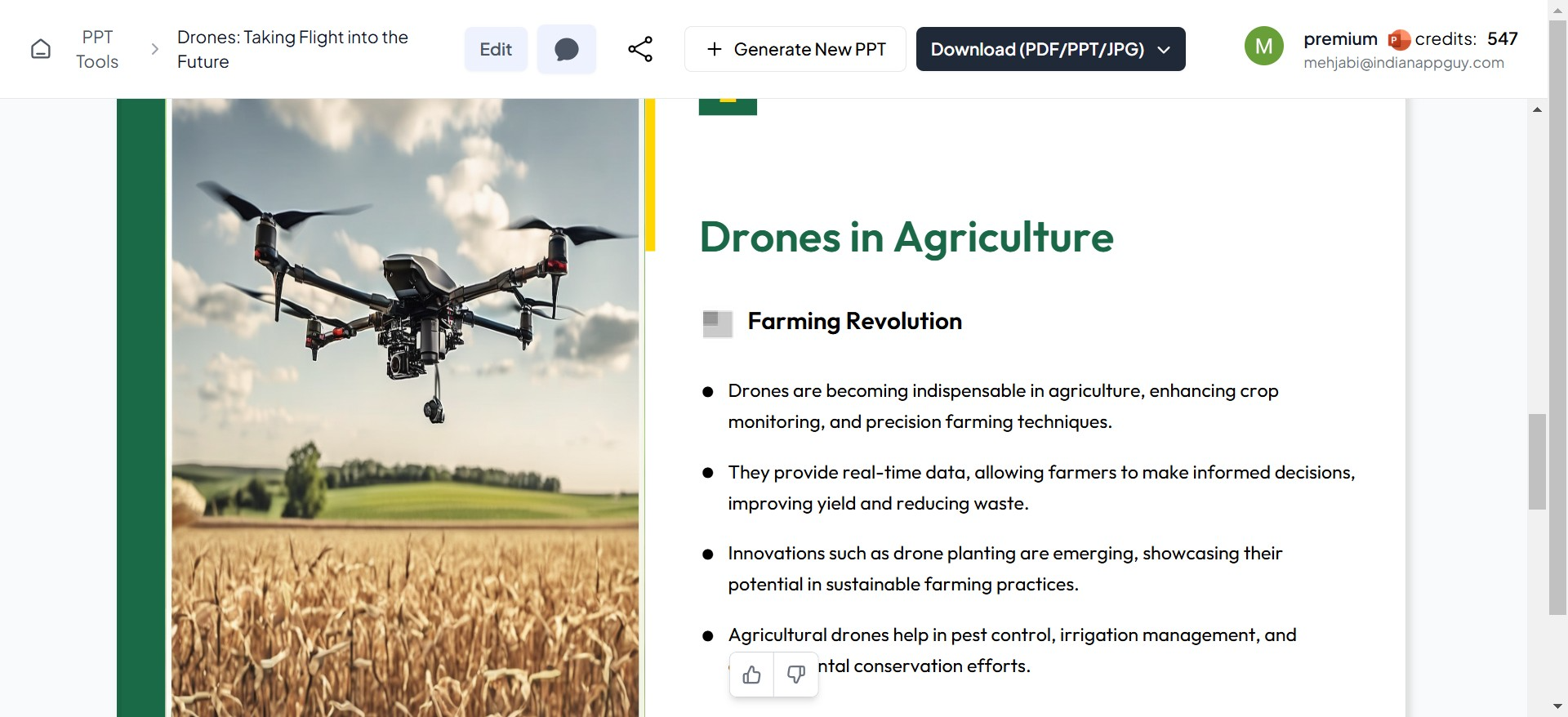
- AI-Generated Images: If you prefer unique, custom visuals, the AI can create images that perfectly match your topic.
- Quick Customization: After choosing an image, you can resize, reposition, or replace it, ensuring it looks exactly how you want on your slide.
By blending automation with flexibility, MagicSlides.app ensures you get the best of both worlds—speed and personalization.
Benefits of AI-Driven Image Selection
- Saves Time
- AI eliminates the need to manually search through countless websites for the right image, allowing you to focus on fine-tuning your content.
- Ensures Relevance
- The AI understands the context of your slides, ensuring every image it suggests is relevant to your topic and message.
- Maintains Professional Quality
- High-resolution, aesthetically pleasing images are prioritized, so your presentation always looks polished.
- Encourages Creativity
- AI-generated visuals open up creative possibilities that standard stock libraries can’t always provide.
Tips for Using AI-Picked Images Effectively
- Match Visuals to Your Message: Ensure the selected image enhances your slide content without overpowering it.
- Stick to a Theme: Use similar styles or colors across your presentation to maintain consistency.
- Keep It Simple: Avoid overcrowding your slides with too many visuals—one impactful image per slide is usually enough.
- Review AI Suggestions: While AI is highly accurate, reviewing and refining image choices ensures they align perfectly with your vision.
Final Thoughts
AI is transforming how we create presentations, making it easier to find the perfect images for your slides. With tools like MagicSlides.app, you can enjoy a seamless experience where AI suggests or generates relevant, high-quality visuals for your content. Whether you’re pulling from a library of stock images, searching Google, or using AI-created artwork, you’ll have everything you need to make your slides visually striking.
Ready to see the magic in action? Explore how AI can simplify your image selection process while crafting a professional presentation at MagicSlides.app.


