How to Add a YouTube Playlist to Google Slides


Easily add a YouTube playlist to Google Slides using links or embedded individual videos for engagement
How to Add a YouTube Playlist to Google Slides
Adding a YouTube playlist to your Google Slides presentation can enhance engagement by providing a continuous flow of relevant videos.
While Google Slides doesn’t allow direct playlist embedding, there are workarounds to include a playlist link or individual videos.
This guide will walk you through the process step by step.
Step-by-Step Guide to Adding a YouTube Playlist to Google Slides
Step 1: Open Google Slides
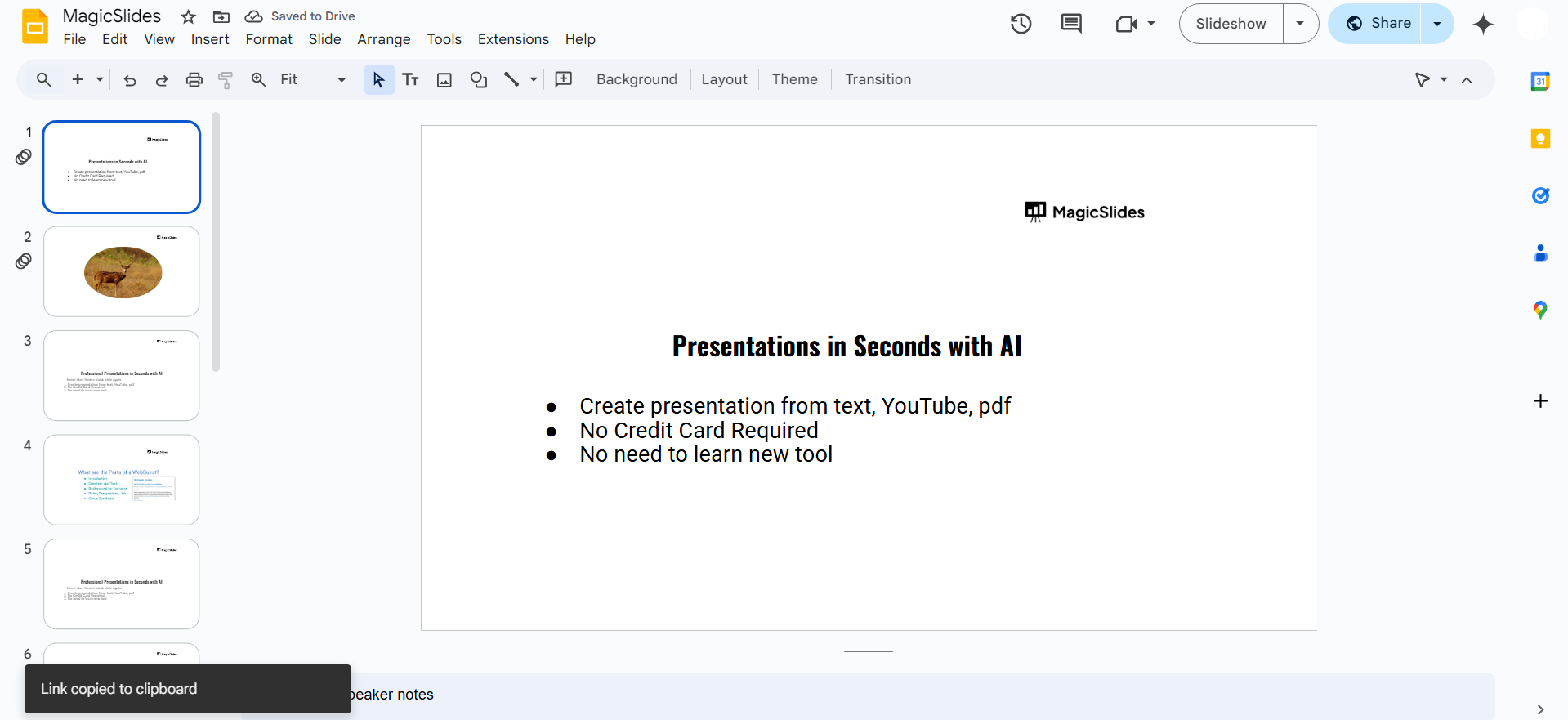
Visit slides.google.com and open your presentation. Select the slide where you want to add the YouTube playlist.
Step 2: Copy the YouTube Playlist Link
Go to YouTube and find the playlist you want to add. Click the Share button below the playlist title.
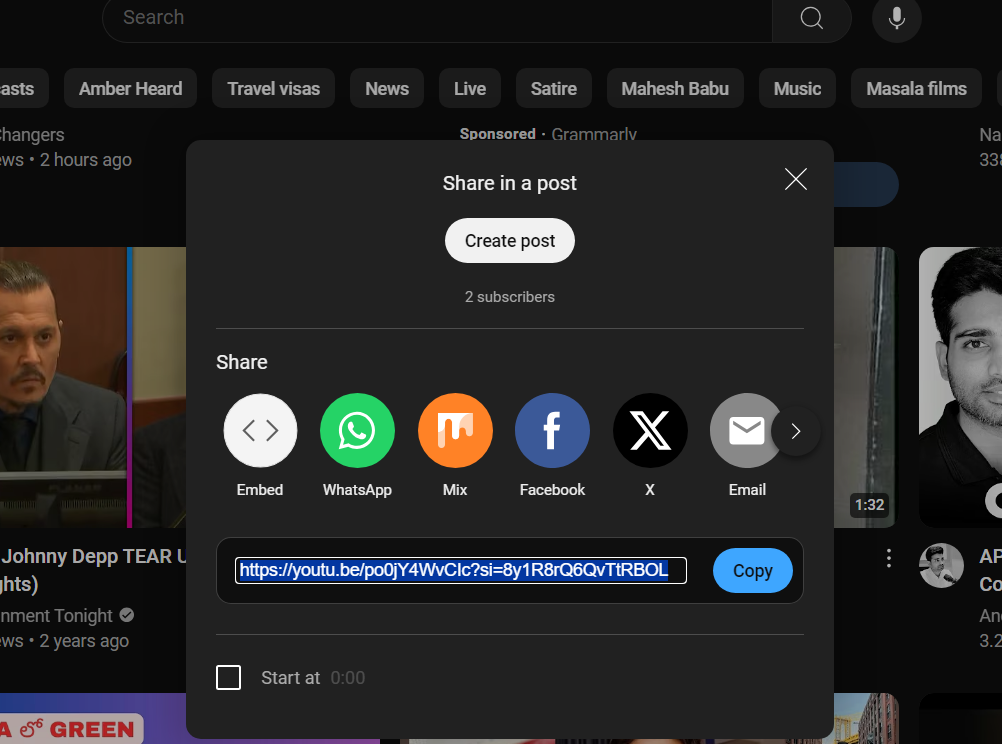
Copy the playlist URL provided.
Step 3: Add a Link to the Playlist in Google Slides
Go back to Google Slides. Select a text box, shape, or image where you want the playlist link to appear.
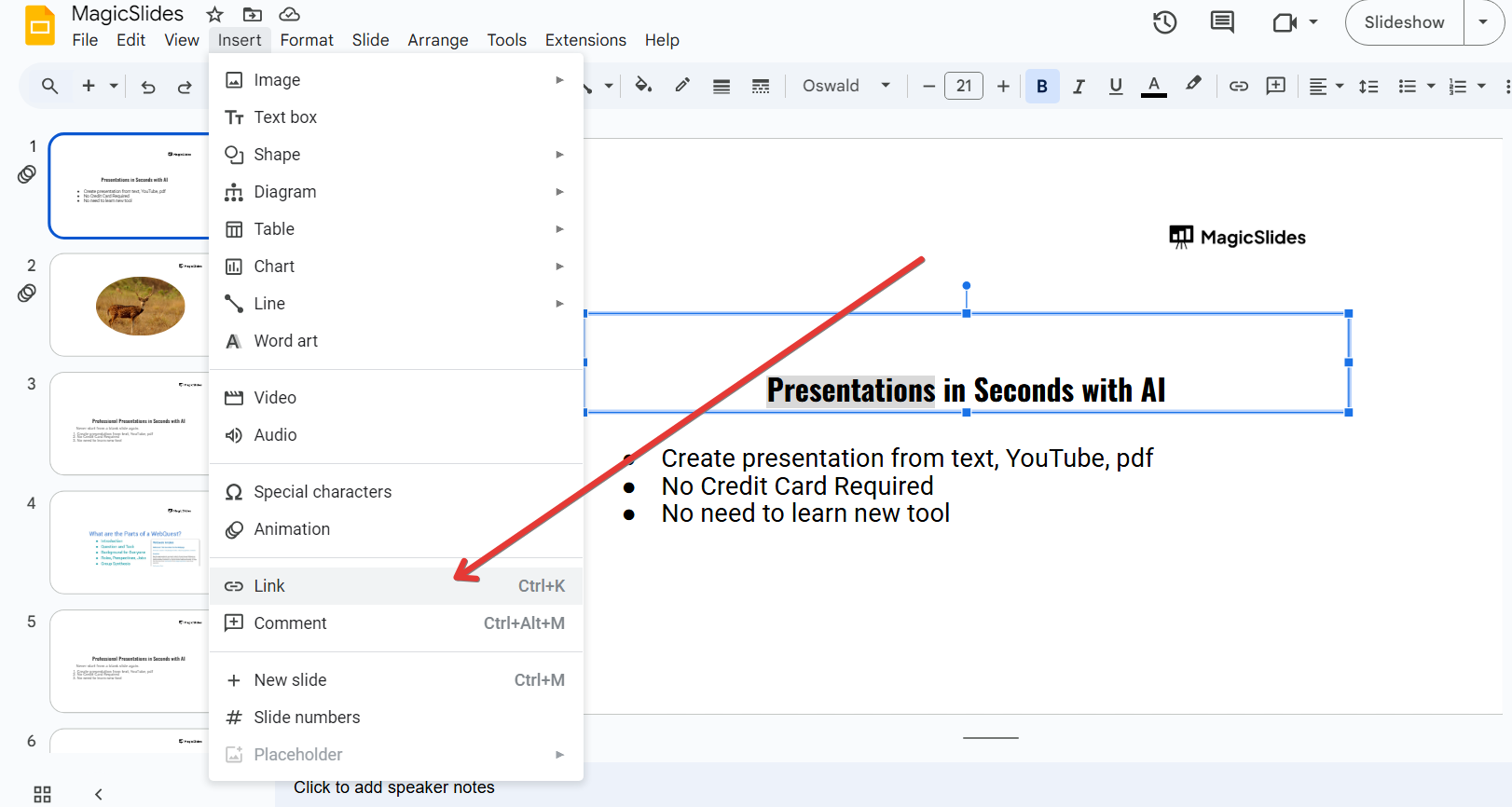
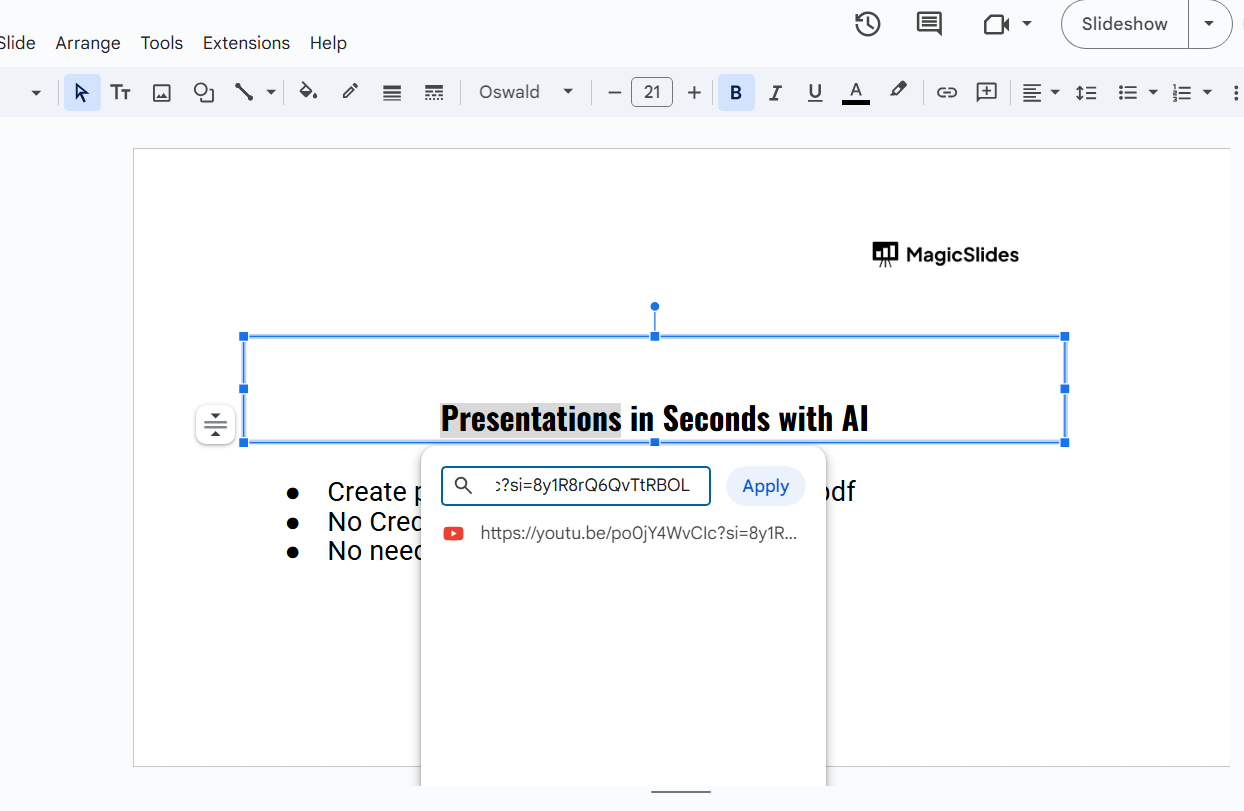
Click Insert > Link, or press Ctrl + K (Cmd + K on Mac). Paste the YouTube playlist URL into the link box and click Apply.
Step 4: Insert Individual Videos from the Playlist (Optional)
If you prefer embedding specific videos instead of a playlist link:
Click Insert > Video in Google Slides. Choose YouTube and search for a video from the playlist.
Select the video and click Insert. Resize and position the video as needed.
Repeat the steps for other videos from the playlist.
Step 5: Test the Playlist Link or Embedded Videos
Click on Present mode in Google Slides.
Click on the linked text or image to ensure it redirects to the YouTube playlist.
If you embedded individual videos, play them to verify they work correctly.
Embedding a YouTube playlist in Google Slides makes your presentations more engaging. If you want to take it a step further, try MagicSlides.app, which can even generate slides from YouTube videos using AI in just a few clicks!
Conclusion
Although Google Slides doesn’t support direct playlist embedding, you can easily add a YouTube playlist by linking it or embedding individual videos.
This method allows viewers to access the entire playlist or watch specific videos without leaving your presentation.
FAQs About Adding a YouTube Playlist to Google Slides
Can I autoplay a YouTube playlist in Google Slides?
No, Google Slides doesn’t support autoplaying a full playlist. You must link to it manually.
Can I resize and move embedded YouTube videos?
Yes! After inserting a video, drag the corners to resize it and move it anywhere on the slide.
What if my YouTube link doesn’t work in Google Slides?
Ensure the playlist is public or unlisted and that you’ve copied the correct shareable link.
Now you can enhance your presentations by adding YouTube playlists to Google Slides effortlessly! 🎬🚀


