How to Add an Outline to Letters in Google Slides


Enhance your Google Slides text by adding an outline using the Word Art feature easily
How to Add an Outline to Letters in Google Slides
Adding an outline to text in Google Slides helps make your text stand out and enhances readability.
While Google Slides does not have a built-in text outline feature, you can achieve this effect using the Word Art tool.
Follow this step-by-step guide to outline letters in Google Slides effectively.
Steps to Add an Outline to Letters in Google Slides
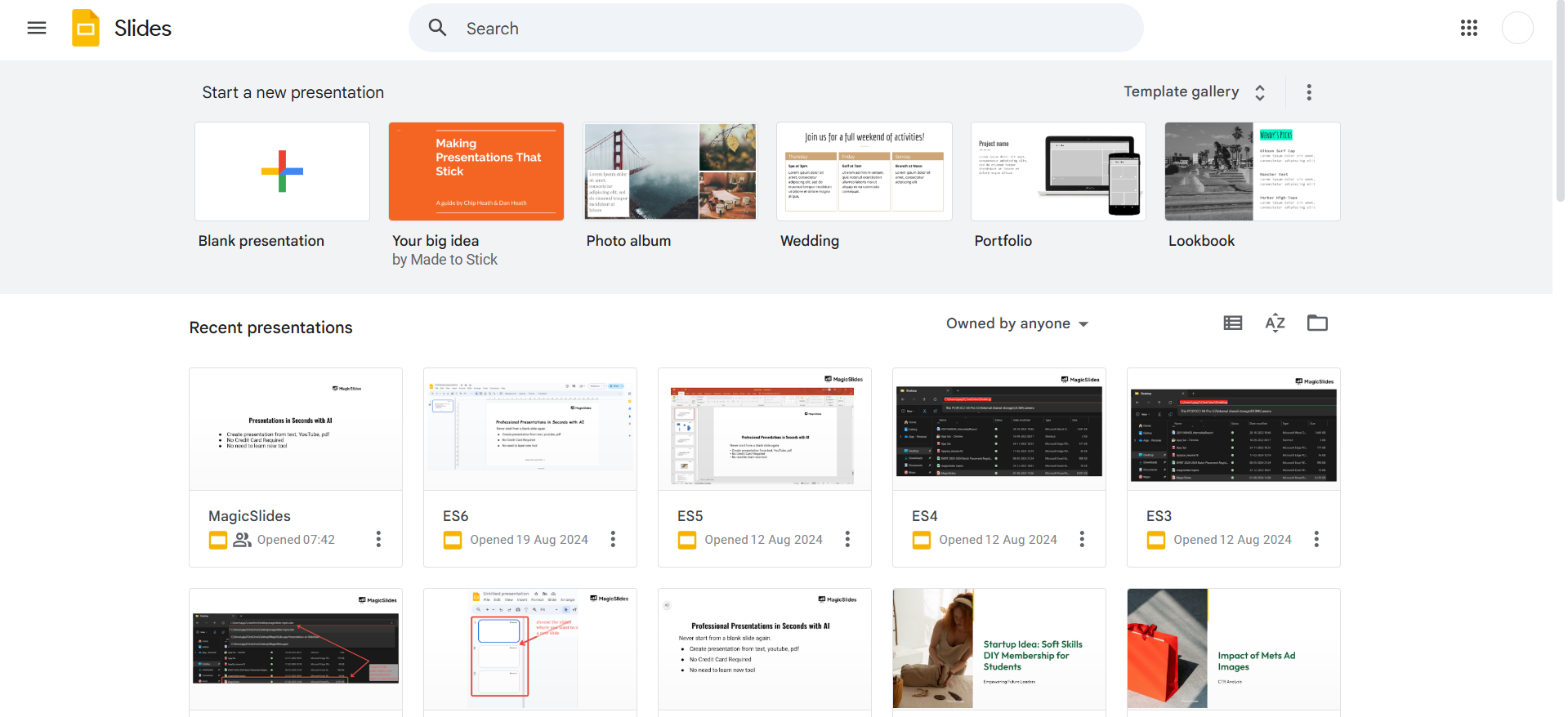
Step 1: Open Google Slides and Select a Slide
Go to Google Slides and open your presentation. Click on the slide where you want to add outlined text.
Step 2: Insert Word Art
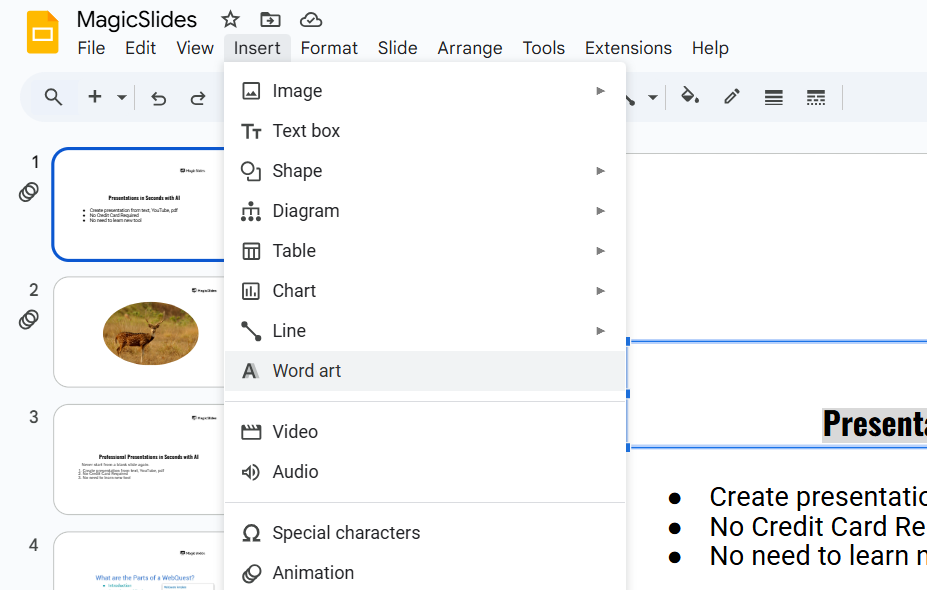
Click on Insert in the top menu. Select Word Art from the dropdown menu.
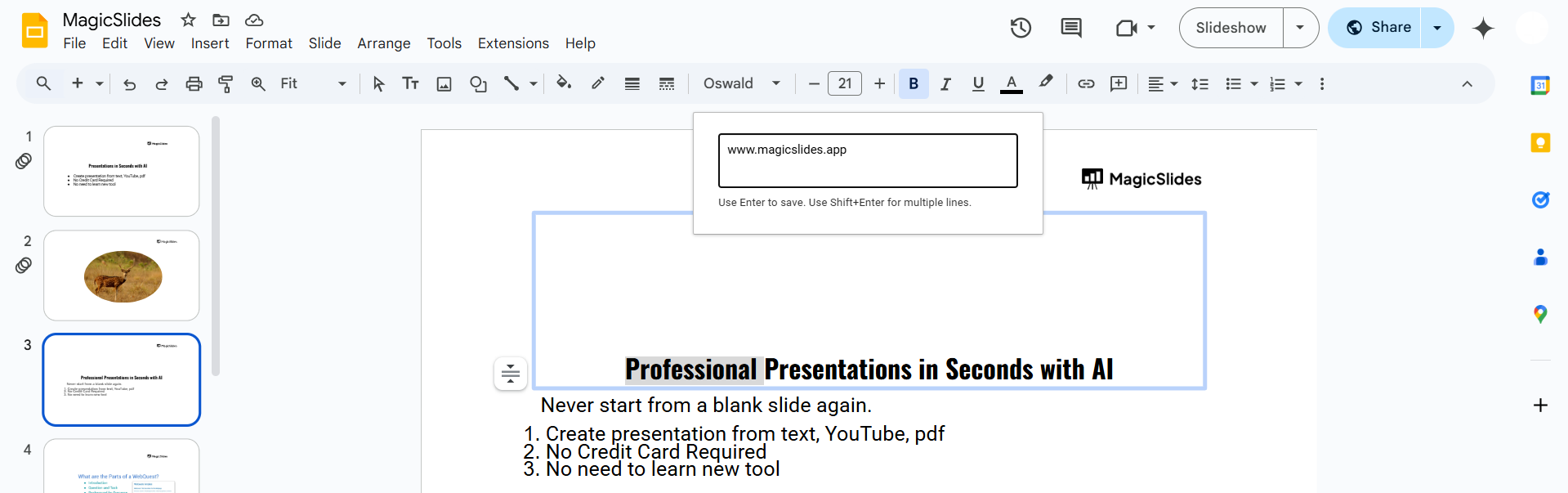
A text box will appear; type your desired text and press Enter.
Step 3: Customize the Outline
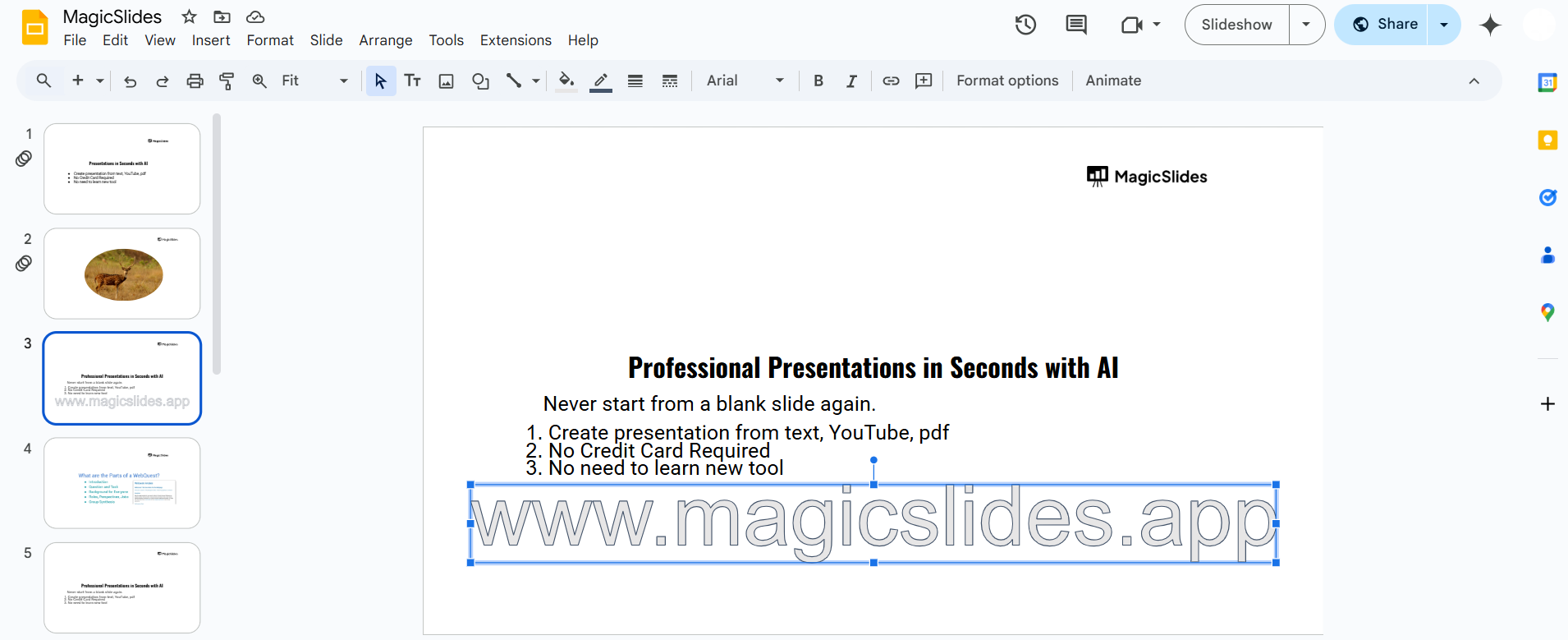
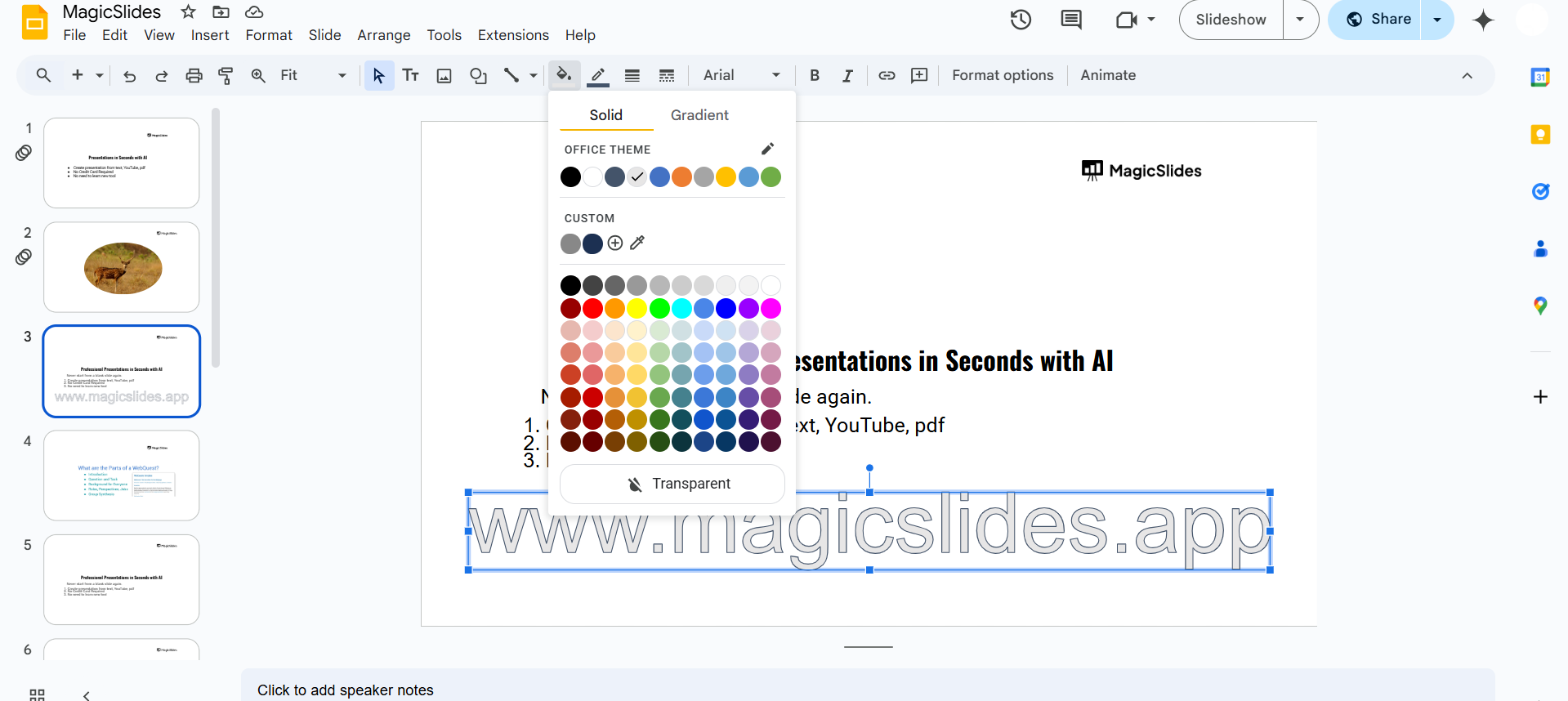
Select the Word Art text you just created. Click on the Border color (pencil icon) in the toolbar.
Choose a color for the outline that contrasts with the text fill.
Step 4: Adjust the Border Weight
Click on the Border weight (three-line icon) in the toolbar. Increase the thickness to make the outline more visible.
Experiment with different weights to achieve the desired look.
Step 5: Change the Text Fill (Optional)
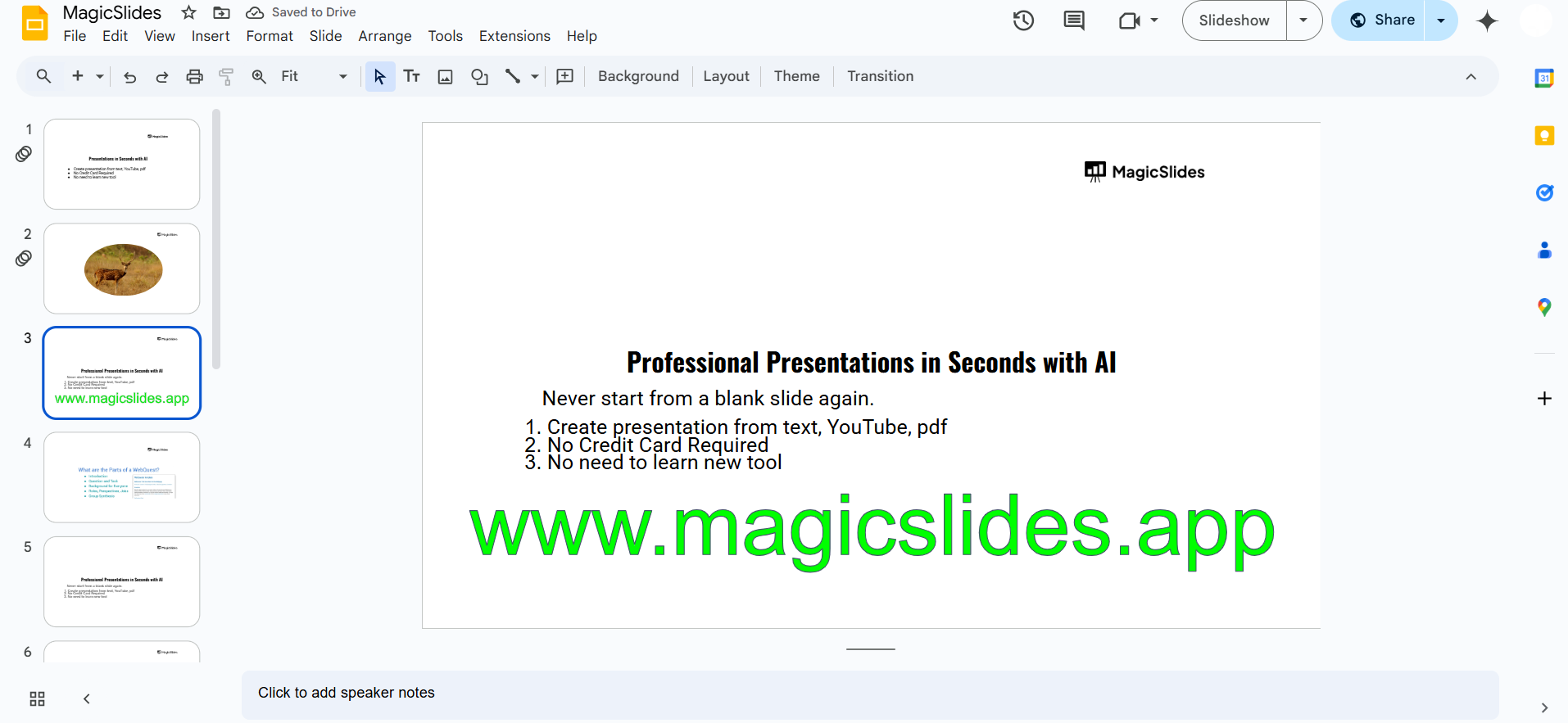
Click on the Fill color (paint bucket icon) to select a different text color. Choose a color that complements your outline for better visibility.
Step 6: Resize and Position the Outlined Text
Drag the text box to the desired location on your slide. Resize the text if needed to fit your design.
Conclusion
By using Word Art and adjusting the border settings, you can easily add an outline to letters in Google Slides.
This technique improves text readability and adds a professional touch to your presentation.
Outlining text in Google Slides can make your content stand out, but why stop there? With MagicSlides.app, you can create visually stunning, AI-powered presentations effortlessly, complete with well-formatted text and design!
FAQs on Adding Outlined Text in Google Slides
Can I outline normal text without using Word Art?
No, Google Slides does not have a built-in text outline option, but Word Art provides an effective workaround.
How do I make the outline thicker?
You can adjust the outline thickness by increasing the Border weight under the toolbar options.
Can I add a shadow effect along with the outline?
Yes! Click on Format Options > Drop Shadow to add more depth to your outlined text.
Now, you can create eye-catching text with outlines in Google Slides effortlessly! 🚀


