How to Add Citations in Google Slides


Learn how to properly add citations in Google Slides to keep your presentations professional and plagiarism-free
Step-by-Step Guide to Adding Citations in Google Slides
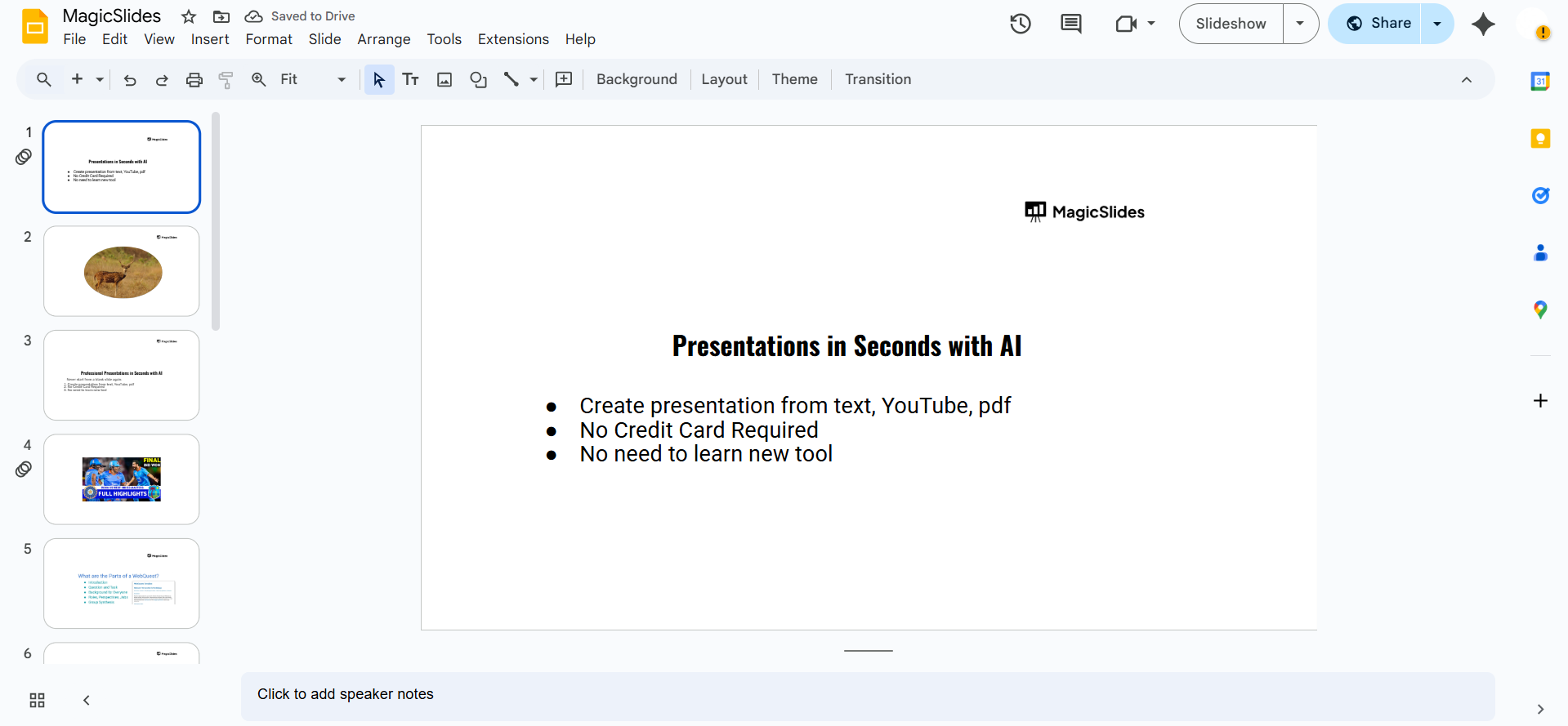
Step 1: Open Your Google Slides Presentation
Go to Google Slides, and open the presentation you want to add citations to. You can also start a new one by typing slide.new in your browser.
Step 2: Choose Where to Place the Citation
Decide where the citation will appear:
- Below a quote or image on a slide, or
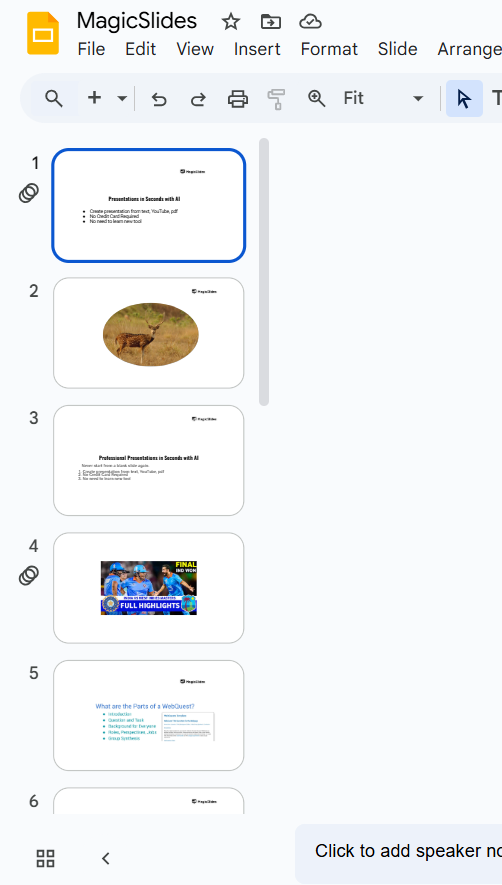
- On a dedicated slide at the end labeled “References” or “Works Cited.”
Step 3: Add a Text Box for the Citation
- Click on Insert > Text box.
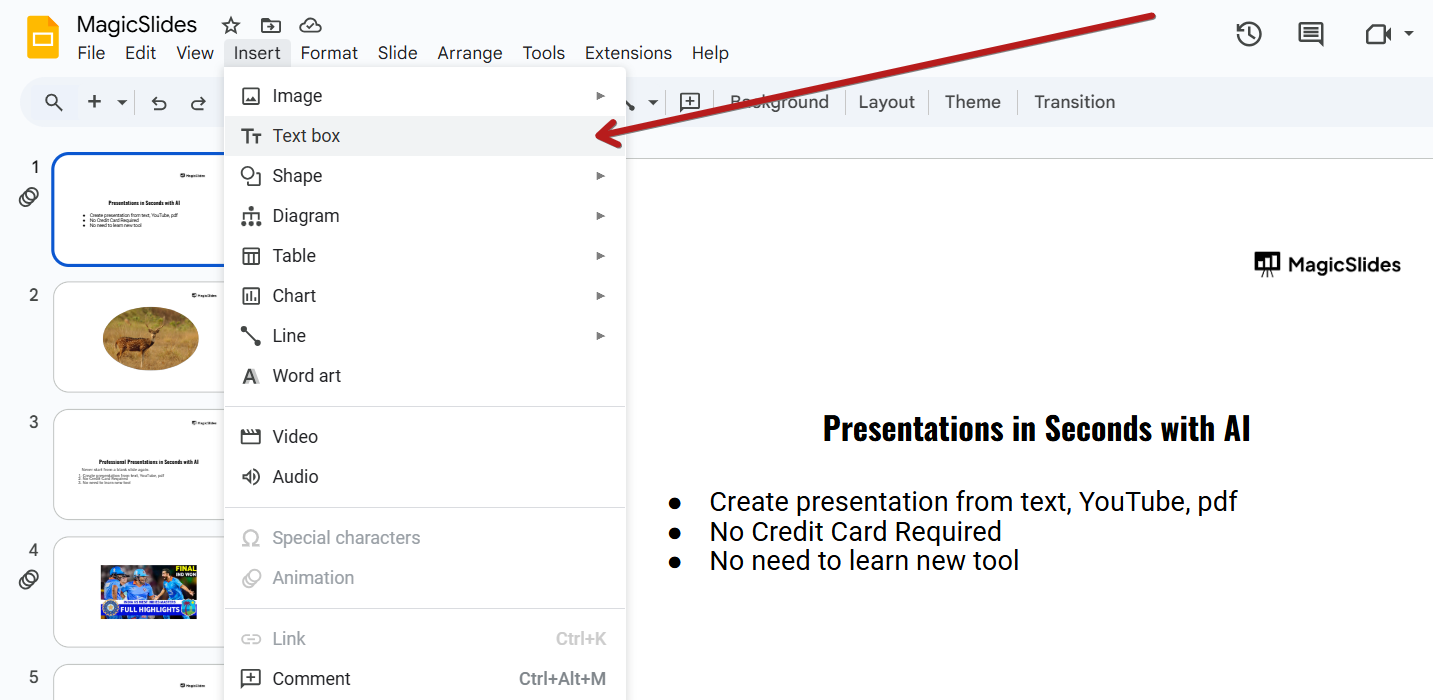
- Click and drag on the slide to create a text box.
Step 4: Type Your Citation in the Correct Format
- Type the citation manually in APA, MLA, or any required format.
- Example (APA style):
Smith, J. (2020). *The Future of Technology*. Tech Publishing.

You can also use Google Scholar to copy citations in various formats:
- Go to scholar.google.com.
- Search for the source, click the quote symbol below the title, and copy the preferred citation format.
Step 5: Format the Citation Text
- Make the font smaller (e.g., 10 or 11 pt) to fit neatly.
- Italicize titles if required.
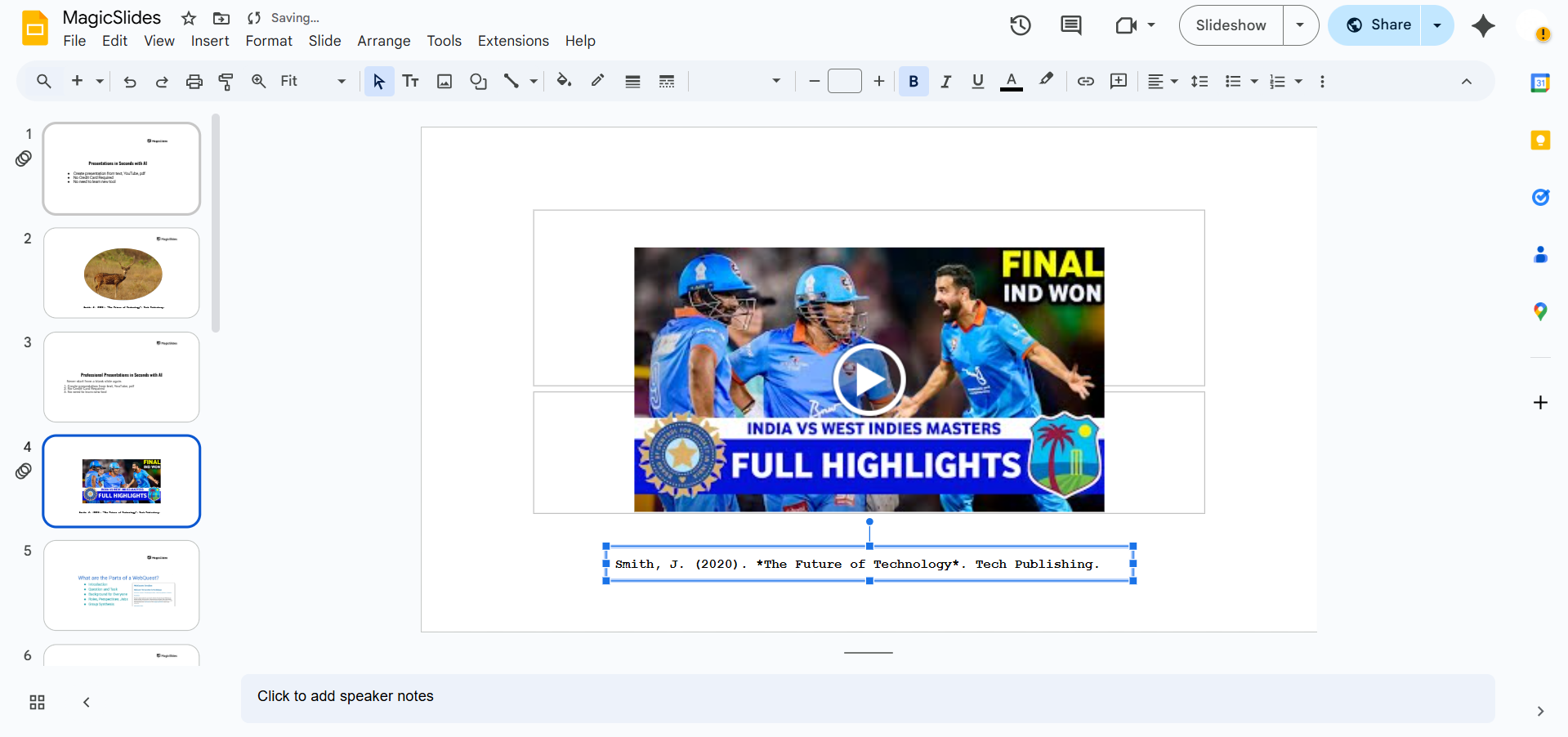
- Align the citation properly (usually left-aligned or centered for a references slide).
Step 6: Add Hyperlinks if Citing a Website
- Highlight the URL or text, then click the Insert link icon (🔗) or press Ctrl+K (Cmd+K).
- Paste the source URL and click Apply.
Conclusion
Adding citations in Google Slides is essential to acknowledge your sources and enhance your presentation's credibility.
Whether it's a quote, image, or research data, proper citations show professionalism and integrity.
Use the above steps to easily insert citations in your slides with correct formatting.
FAQs can take you forward!
Is there a built-in citation tool in Google Slides?
No, Google Slides does not have a built-in citation tool. You need to add citations manually using text boxes.
Can I copy citations from Google Docs to Google Slides?
Yes! If you've used the citation tool in Google Docs, you can copy and paste the formatted citation into a text box in Google Slides.
Do I need to cite images in Google Slides?
Yes. If you're using images from the web or external sources, you must provide proper attribution or citation under the image or in a references slide.


